Keyviz is a free and open-source tool to visualize your keystrokes ⌨️ and 🖱️ mouse actions in real-time.
See the code




Keyviz is a free and open-source tool that visualizes your keypresses and mouse actions in real-time. Let your audience know what handy shortcuts you're pressing during tutorials, presentations, collaborations, or whenever you need.
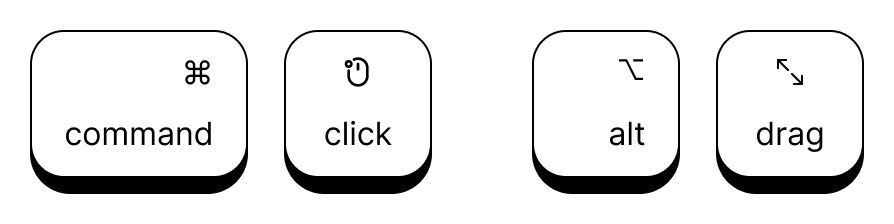
Along with normal keys, you can also visualize mouse actions like Cmd + Click, Alt + Drag, etc.
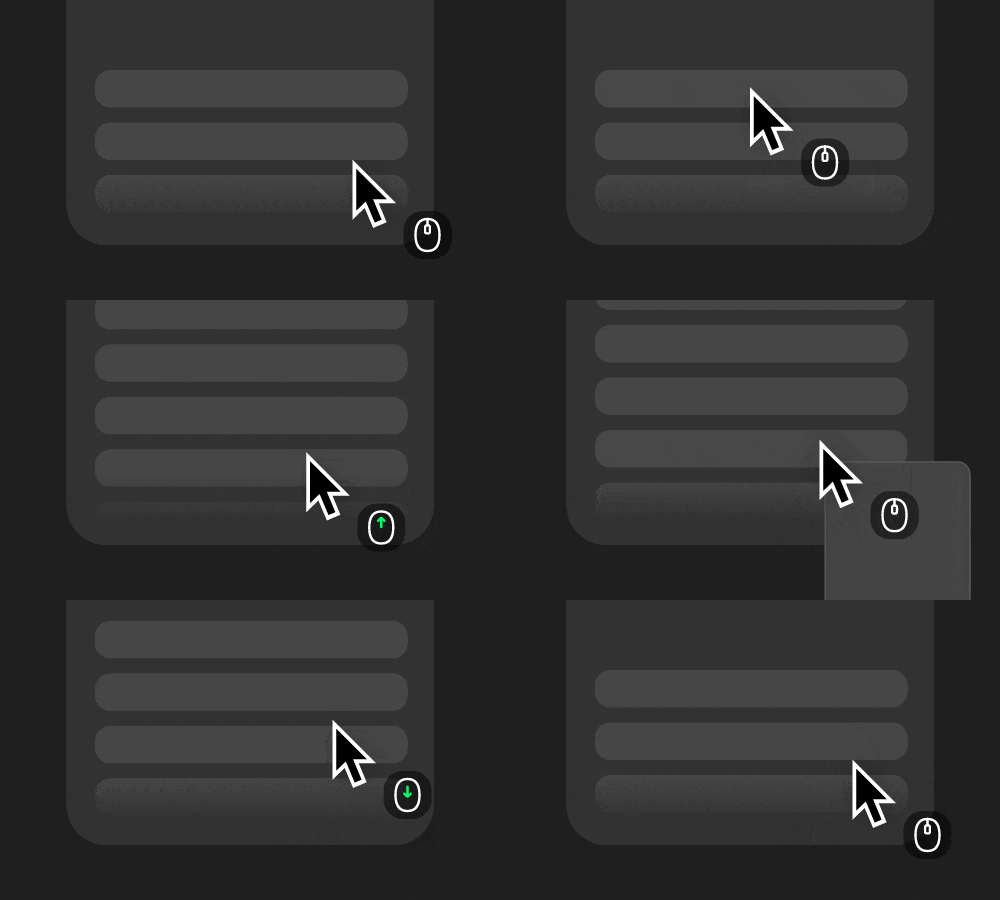
Display mouse clicks and scroll wheel movements alongside your cursor.
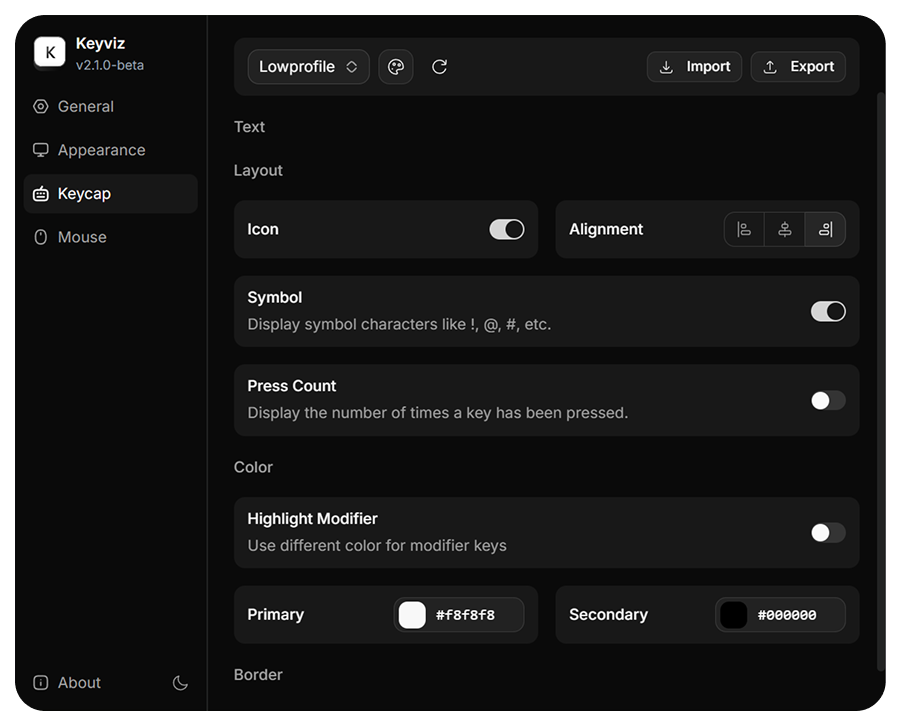
Don't settle for defaults. Every aspect of the visualization is under your control:
You can download the latest version of Keyviz from the GitHub Releases page.
.msi installer, run it, and follow the steps..dmg.
Note: Keyviz requires Input Monitoring and Accessibility permissions. Enable them here:
Settings > Privacy & Security > Input Monitoring & AccessibilityKeyviz is compatible with Linux using the X11 protocol. Currently, you can try it out by following the build instructions below.
If you want to contribute or build the latest features from the source, ensure you have Node.js and Tauri set up on your system.
Clone the repository:
git clone https://github.com/mulaRahul/keyviz.git
cd keyviz
Install dependencies:
npm install
Build the executable:
npx tauri build
👉 Upgrade to Pro at keyviz.org/pro
Built with 🦀 and ❤️ using Tauri.
(top 24 of 49)
177 followers · starred Dec 2022
622 followers · starred Jan 2026
1,700 followers · starred Jan 2025
1,087 followers · starred Apr 2024
Keyviz is a free and open-source tool to visualize your keystrokes ⌨️ and 🖱️ mouse actions in real-time.
See the code
Keyviz is a free and open-source tool that visualizes your keypresses and mouse actions in real-time. Let your audience know what handy shortcuts you're pressing during tutorials, presentations, collaborations, or whenever you need.
Along with normal keys, you can also visualize mouse actions like Cmd + Click, Alt + Drag, etc.
Display mouse clicks and scroll wheel movements alongside your cursor.
Don't settle for defaults. Every aspect of the visualization is under your control:
You can download the latest version of Keyviz from the GitHub Releases page.
.msi installer, run it, and follow the steps..dmg.
Note: Keyviz requires Input Monitoring and Accessibility permissions. Enable them here:
Settings > Privacy & Security > Input Monitoring & AccessibilityKeyviz is compatible with Linux using the X11 protocol. Currently, you can try it out by following the build instructions below.
If you want to contribute or build the latest features from the source, ensure you have Node.js and Tauri set up on your system.
Clone the repository:
git clone https://github.com/mulaRahul/keyviz.git
cd keyviz
Install dependencies:
npm install
Build the executable:
npx tauri build
👉 Upgrade to Pro at keyviz.org/pro
Built with 🦀 and ❤️ using Tauri.
(top 24 of 49)
177 followers · starred Dec 2022
622 followers · starred Jan 2026
1,700 followers · starred Jan 2025
1,087 followers · starred Apr 2024