Cover your tracks during Linux Exploitation by leaving zero traces on system logs and filesystem timestamps.
Rust
1,489
19 commits
updated Oct 8, 2022
moonwalkCover your tracks during Linux Exploitation / Penetration Testing by leaving zero traces on system logs and filesystem timestamps.

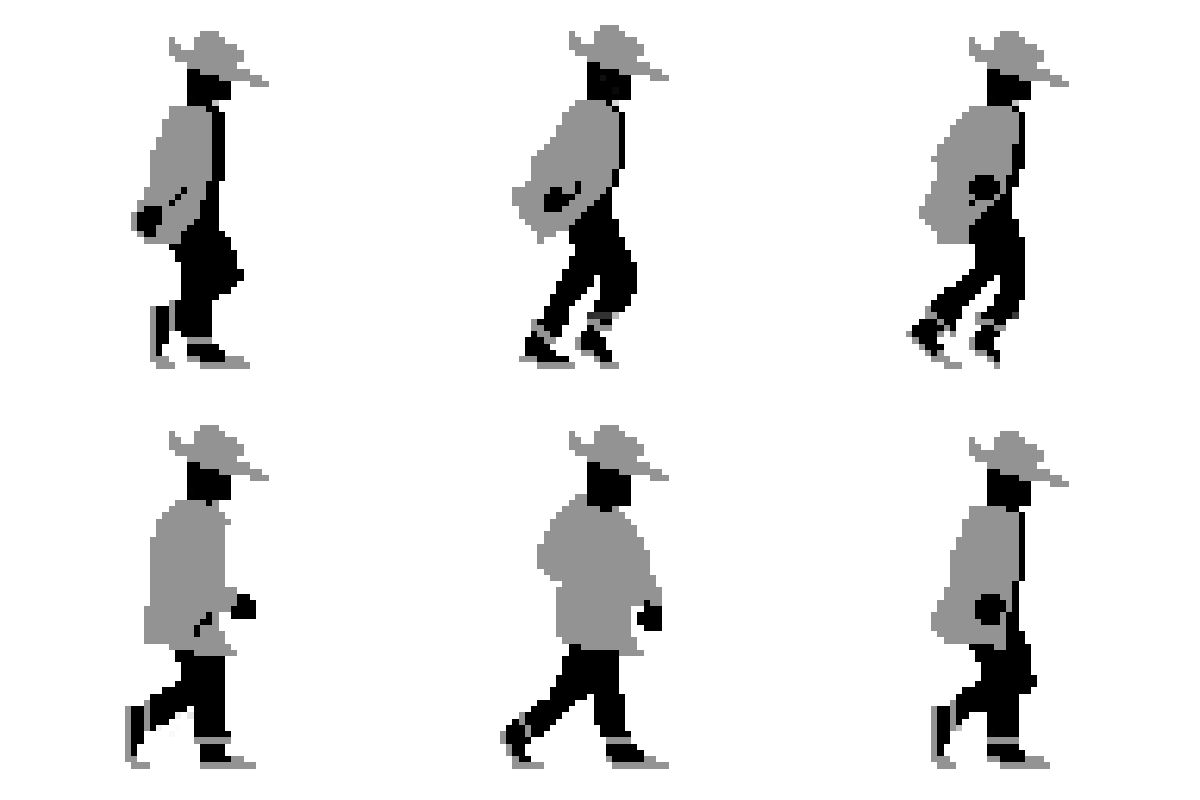
moonwalk is a 400 KB single-binary executable that can clear your traces while penetration testing a Unix machine. It saves the state of system logs pre-exploitation and reverts that state including the filesystem timestamps post-exploitation leaving zero traces of a ghost in the shell.
⚠️ NOTE: This tool is open-sourced to assist solely in Red Team operations and in no means is the author liable for repercussions caused by any prohibited use of this tool. Only make use of this in a machine you have permission to test.
curl fetch to your target machine.moonwalk finds a world-writable path and saves the session under a dot directory which is removed upon ending the session.moonwalk reverts it back to how it was including the invokation of moonwalk.GET command.$ curl -L https://github.com/mufeedvh/moonwalk/releases/download/v1.0.0/moonwalk_linux -o moonwalk
(AMD x86-64)
OR
Download the executable from Releases OR Install with cargo:
$ cargo install --git https://github.com/mufeedvh/moonwalk.git
Prerequisites:
$ git clone https://github.com/mufeedvh/moonwalk.git
$ cd moonwalk/
$ cargo build --release
The first command clones this repository into your local machine and the last two commands enters the directory and builds the source in release mode.
 |
Once you get a shell into the target Unix machine, start a moonwalk session by running this command:
$ moonwalk start
While you're doing recon/exploitation and messing with any files, get the touch timestamp command of a file beforehand to revert it back after you've accessed/modified it:
$ moonwalk get ~/.bash_history
Post-exploitation, clear your traces and close the session with this command:
$ moonwalk finish
That's it!
Ways to contribute:
Licensed under the MIT License, see LICENSE for more information.
594 followers · starred Dec 2021
483 followers · starred Jun 2022
66 followers · starred Nov 2023
70 followers · starred Dec 2021
Cover your tracks during Linux Exploitation by leaving zero traces on system logs and filesystem timestamps.
Rust
1,489
19 commits
updated Oct 8, 2022
moonwalkCover your tracks during Linux Exploitation / Penetration Testing by leaving zero traces on system logs and filesystem timestamps.
moonwalk is a 400 KB single-binary executable that can clear your traces while penetration testing a Unix machine. It saves the state of system logs pre-exploitation and reverts that state including the filesystem timestamps post-exploitation leaving zero traces of a ghost in the shell.
⚠️ NOTE: This tool is open-sourced to assist solely in Red Team operations and in no means is the author liable for repercussions caused by any prohibited use of this tool. Only make use of this in a machine you have permission to test.
curl fetch to your target machine.moonwalk finds a world-writable path and saves the session under a dot directory which is removed upon ending the session.moonwalk reverts it back to how it was including the invokation of moonwalk.GET command.$ curl -L https://github.com/mufeedvh/moonwalk/releases/download/v1.0.0/moonwalk_linux -o moonwalk
(AMD x86-64)
OR
Download the executable from Releases OR Install with cargo:
$ cargo install --git https://github.com/mufeedvh/moonwalk.git
Prerequisites:
$ git clone https://github.com/mufeedvh/moonwalk.git
$ cd moonwalk/
$ cargo build --release
The first command clones this repository into your local machine and the last two commands enters the directory and builds the source in release mode.
|
Once you get a shell into the target Unix machine, start a moonwalk session by running this command:
$ moonwalk start
While you're doing recon/exploitation and messing with any files, get the touch timestamp command of a file beforehand to revert it back after you've accessed/modified it:
$ moonwalk get ~/.bash_history
Post-exploitation, clear your traces and close the session with this command:
$ moonwalk finish
That's it!
Ways to contribute:
Licensed under the MIT License, see LICENSE for more information.
594 followers · starred Dec 2021
483 followers · starred Jun 2022
66 followers · starred Nov 2023
70 followers · starred Dec 2021



