mp1704/rangpt

Jupyter Notebook

2

12 commits

updated Jun 11, 2024

See the code

README

RANGPT

in progress

I. Demo

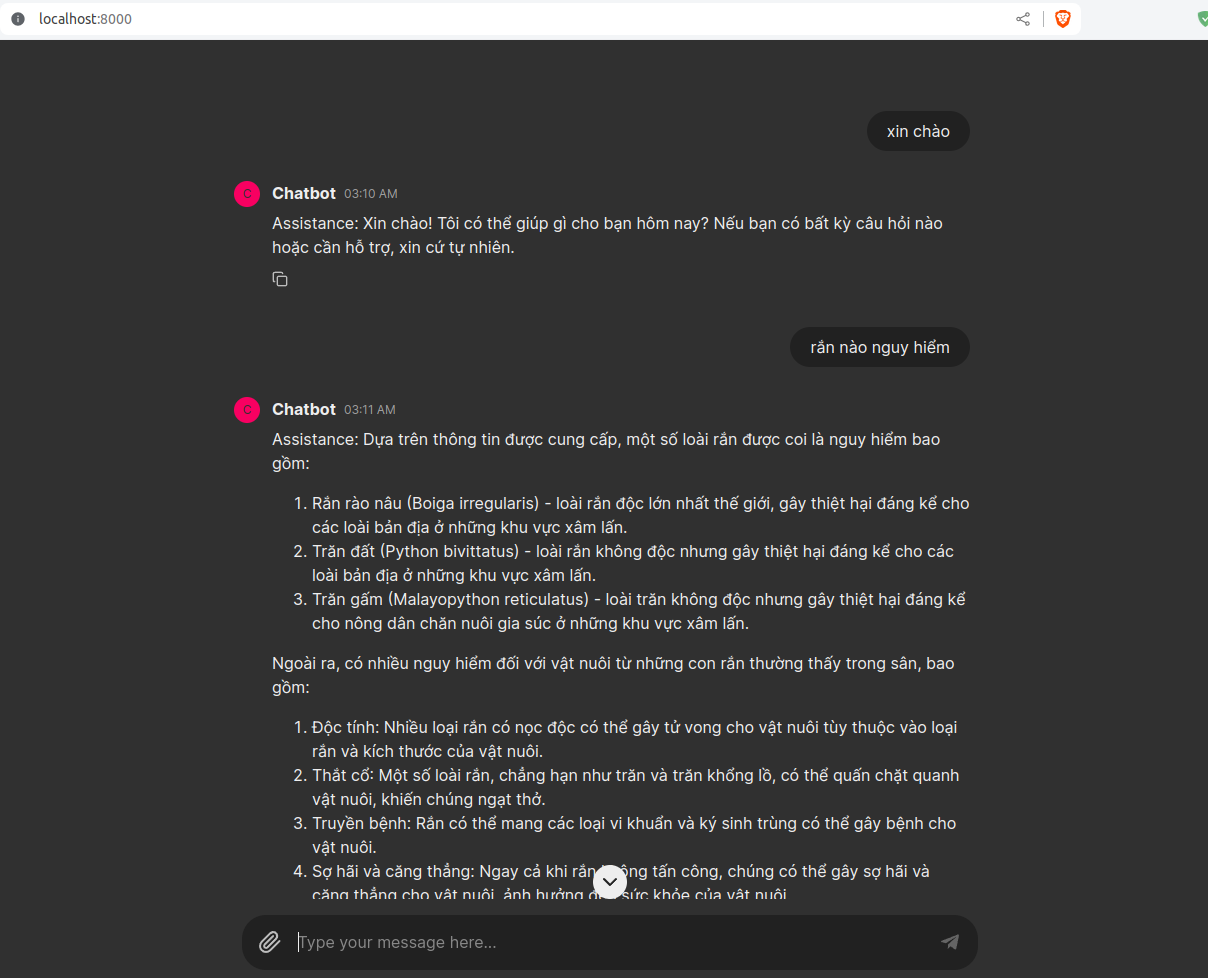
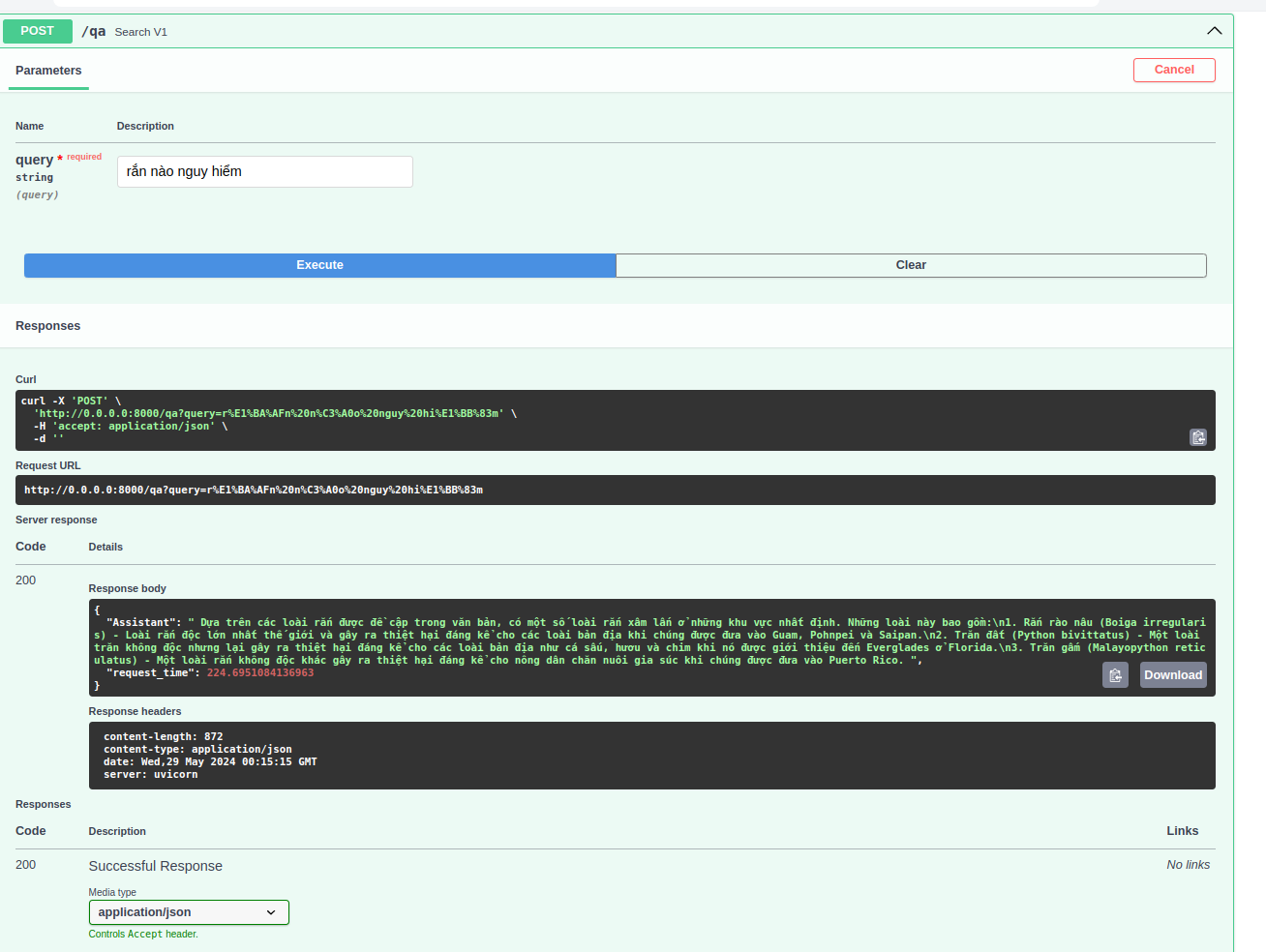
Chatbot with ChainlitQA with FastAPI
demodemo

II. How to use

  • First, go to the src folder, create a .env file, and then add the Qdrant API key and HuggingFace token (make sure you have access to Viet-Mistral/Vistral-7B-Chat) with the following format:
hf_token = "YOUR_HF_TOKEN"
qdrant_api_key = "YOUR_QDRANT_API_KEY"
  • You can run my code with Docker or Conda

With Docker

docker compose -f docker-compose.yaml up -d

  • Note: GPU is required to run the chatbot with this version.

With Conda

  • Create a virtual environment and install the required packages
conda create -n rangpt python=3.10
conda activate rangpt
pip install -r requirements.txt
  • if you want to use the chatbot with Chainlit, run
chainlit run cl.py

or

python cl.py

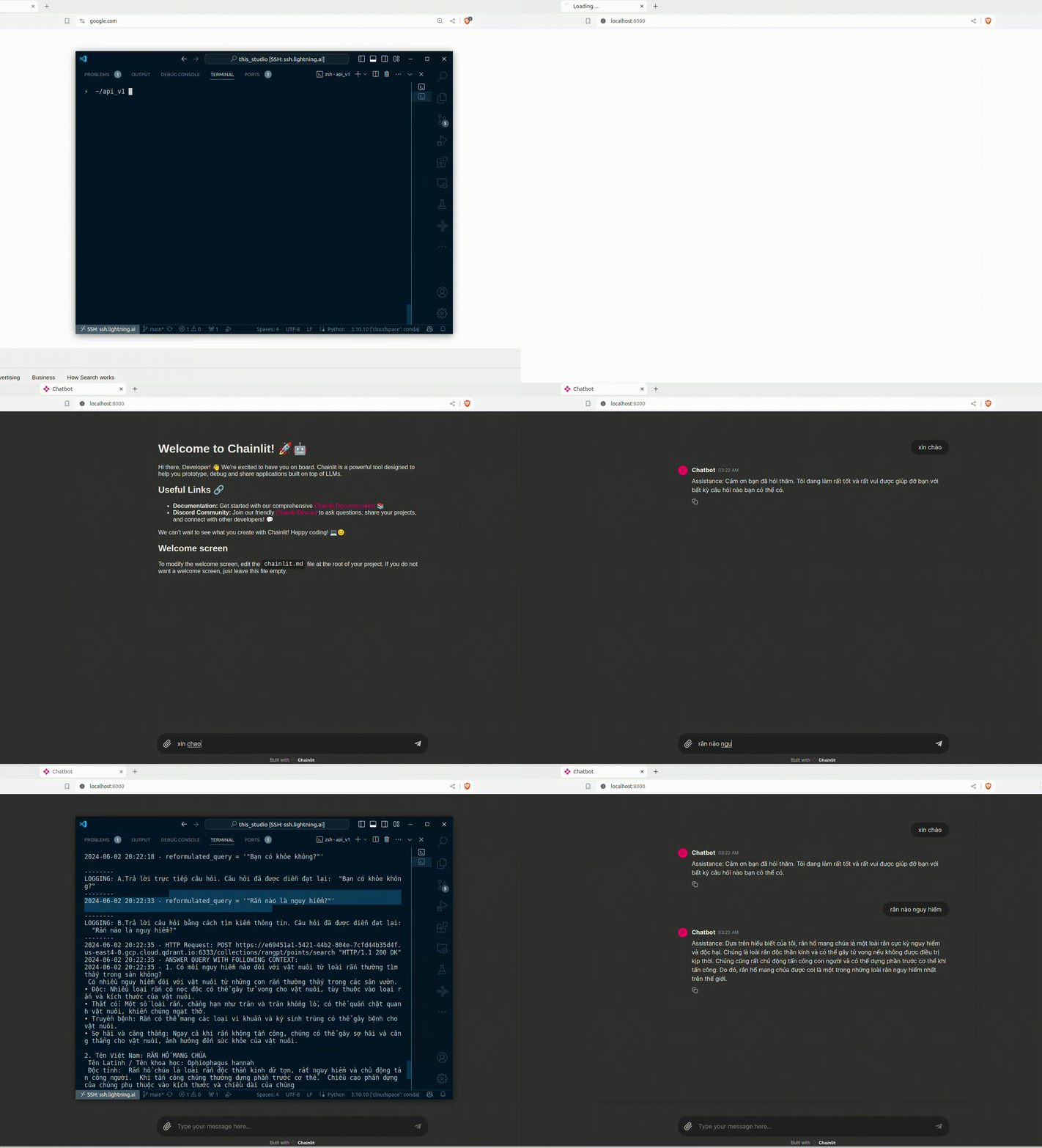
quick_tutorial

  • if you want to use the chatbot with FastAPI, run
python app.py

then go to localhost:8000/docs to test the API

llama.cpp (in progress)

  • download the model from here and run main.py
!wget https://huggingface.co/uonlp/Vistral-7B-Chat-gguf/resolve/main/ggml-vistral-7B-chat-q4_0.gguf
!mv ggml-vistral-7B-chat-q4_0.gguf model/
!python main.py

mp1704/rangpt

Jupyter Notebook

2

12 commits

updated Jun 11, 2024

See the code

README

RANGPT

in progress

I. Demo

Chatbot with ChainlitQA with FastAPI
demodemo

II. How to use

  • First, go to the src folder, create a .env file, and then add the Qdrant API key and HuggingFace token (make sure you have access to Viet-Mistral/Vistral-7B-Chat) with the following format:
hf_token = "YOUR_HF_TOKEN"
qdrant_api_key = "YOUR_QDRANT_API_KEY"
  • You can run my code with Docker or Conda

With Docker

docker compose -f docker-compose.yaml up -d

  • Note: GPU is required to run the chatbot with this version.

With Conda

  • Create a virtual environment and install the required packages
conda create -n rangpt python=3.10
conda activate rangpt
pip install -r requirements.txt
  • if you want to use the chatbot with Chainlit, run
chainlit run cl.py

or

python cl.py

quick_tutorial

  • if you want to use the chatbot with FastAPI, run
python app.py

then go to localhost:8000/docs to test the API

llama.cpp (in progress)

  • download the model from here and run main.py
!wget https://huggingface.co/uonlp/Vistral-7B-Chat-gguf/resolve/main/ggml-vistral-7B-chat-q4_0.gguf
!mv ggml-vistral-7B-chat-q4_0.gguf model/
!python main.py