Starter sample for developing debug adapters for VSCode.
TypeScript
358
443 commits
updated Oct 9, 2026
This is a starter sample for developing VS Code debug adapters.
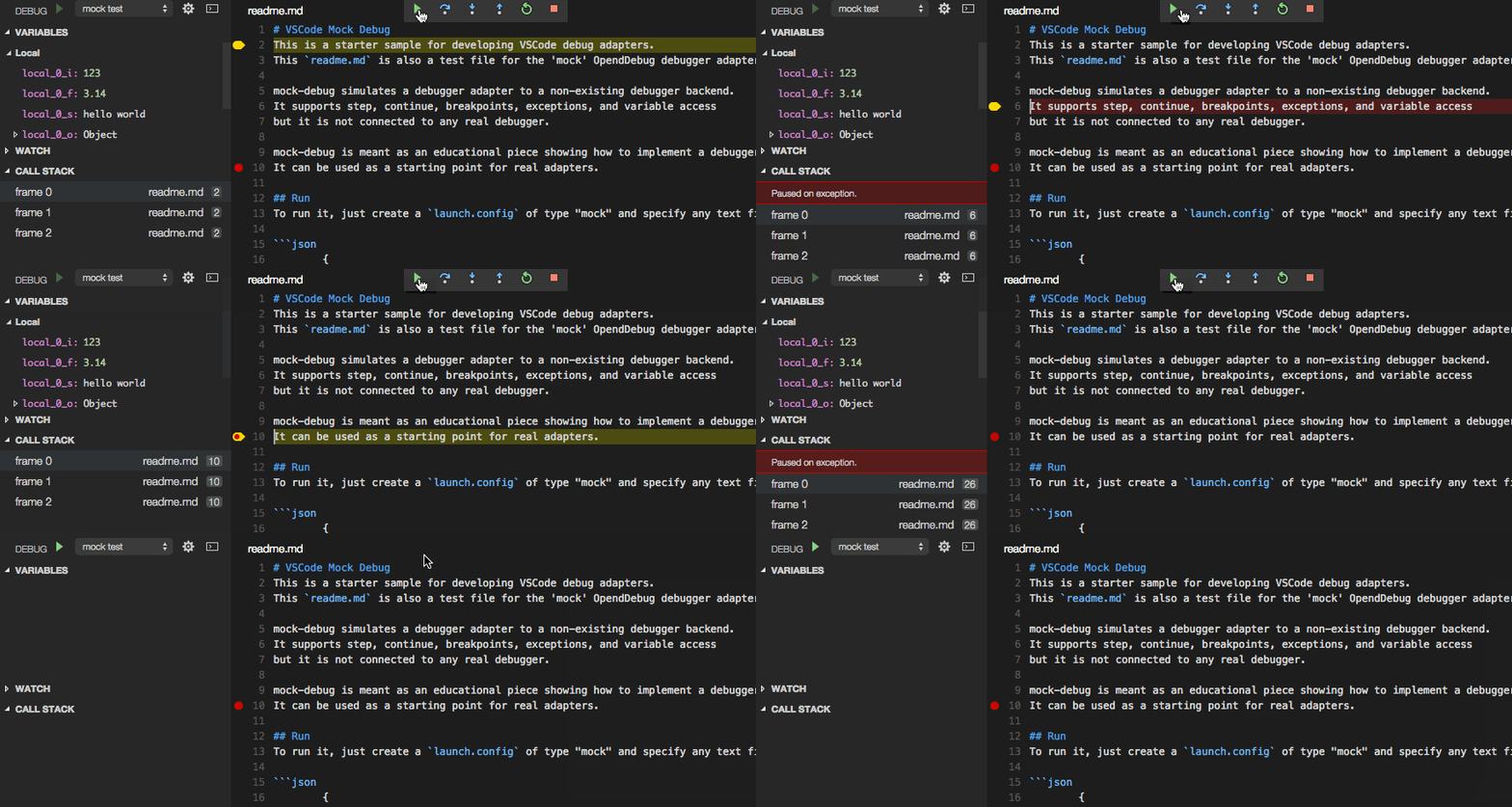
Mock Debug simulates a debug adapter for Visual Studio Code. It supports step, continue, breakpoints, exceptions, and variable access but it is not connected to any real debugger.
The sample is meant as an educational piece showing how to implement a debug adapter for VS Code. It can be used as a starting point for developing a real adapter.
More information about how to develop a new debug adapter can be found here.
readme.md and enter several lines of arbitrary text.You can now 'step through' the readme.md file, set and hit breakpoints, and run into exceptions (if the word exception appears in a line).
F5 to build and launch Mock Debug in another VS Code window.readme.md3,424 followers · starred Feb 2022
80 followers · starred Oct 2020
1,741 followers · starred Aug 2024
585 followers · starred Dec 2015
Starter sample for developing debug adapters for VSCode.
TypeScript
358
443 commits
updated Oct 9, 2026
This is a starter sample for developing VS Code debug adapters.
Mock Debug simulates a debug adapter for Visual Studio Code. It supports step, continue, breakpoints, exceptions, and variable access but it is not connected to any real debugger.
The sample is meant as an educational piece showing how to implement a debug adapter for VS Code. It can be used as a starting point for developing a real adapter.
More information about how to develop a new debug adapter can be found here.
readme.md and enter several lines of arbitrary text.You can now 'step through' the readme.md file, set and hit breakpoints, and run into exceptions (if the word exception appears in a line).
F5 to build and launch Mock Debug in another VS Code window.readme.md3,424 followers · starred Feb 2022
80 followers · starred Oct 2020
1,741 followers · starred Aug 2024
585 followers · starred Dec 2015