
See what people are saying
README
Agent House
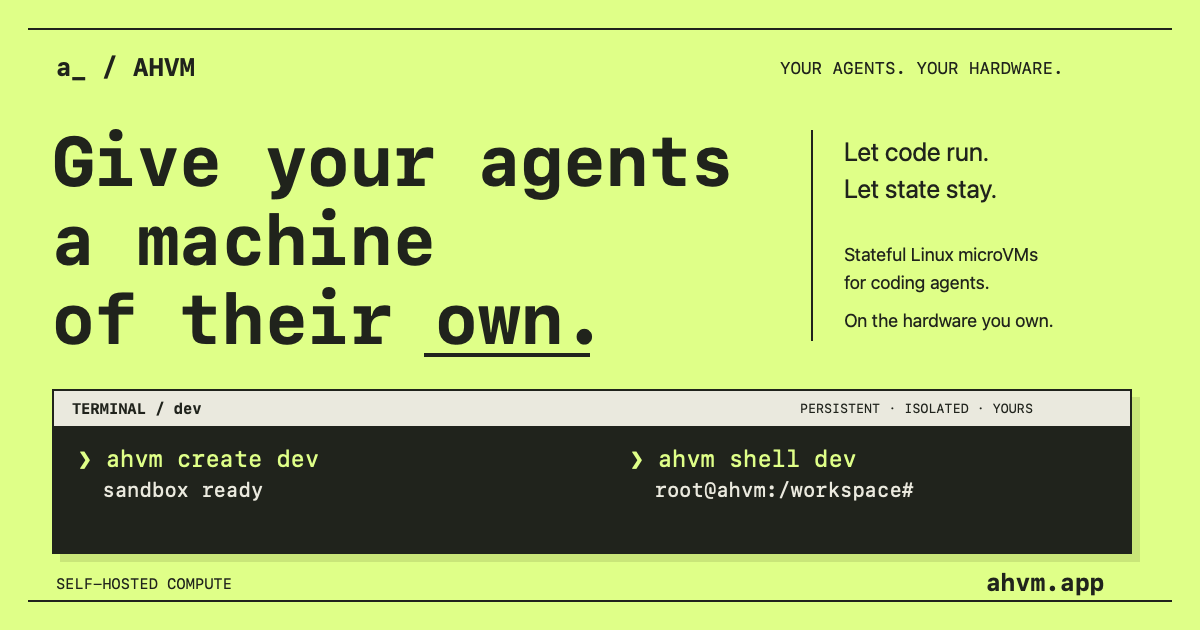
Stateful Linux microVMs for coding agents, on the hardware you control.
Website · Documentation · Releases
What is AHVM?
AHVM gives your coding agents persistent Linux machines with interactive shells, files, networking and snapshots. Install the client on your Mac or Linux machine; your sandboxes run on a Linux server you control. No domain or public API port is needed.
The default Ubuntu image includes Node.js LTS, Bun,
Python, Git, build tools, Claude Code, Codex, OpenCode and Pi. Bring your own
provider credentials. New image builds open interactive shells as ahvm; use sudo for administration.
Existing images retain their previous user until recreated from an updated image.
1. Install the client
curl -fsSL https://ahvm.app/install.sh | bash
export PATH="$HOME/.local/bin:$PATH"
Or use Homebrew:
brew install mariobm/ahvm/ahvm
Clients are available for Apple Silicon Macs and Linux x86_64. The curl installer needs curl, gzip and Python 3. You can inspect the script before running it.
2. Connect your Linux server
ahvm host add home --ssh root@YOUR_SERVER_IP --install
Existing SSH aliases work too: replace root@YOUR_SERVER_IP with your alias.
The server needs Linux x86_64, KVM, systemd, glibc 2.35+, Python 3, OpenSSL 3
and GNU tar. Use root or an account with passwordless sudo.
Installation downloads the runtime and Ubuntu image. Leave off --install to
connect an already installed server. The first host becomes your default if none
is selected; --context home selects a host for one command. SSH handles encryption and host-key
checks; the admin token is not saved on your laptop.
ahvm contexts
ahvm use home
3. Create a workspace
ahvm create dev --cpus 2 --memory 4096
# Bash opens inside the VM:
bun --version
exit
Omit the name to let AHVM generate one: ahvm create. Interactive creation
opens Bash automatically. Use --no-shell to create without attaching; --json
and redirected stdin or stdout also return without opening a shell.
Type exit to end Bash and return to your local terminal. Your VM and files
remain. Press Ctrl-] instead to detach while keeping the shell session alive.
Run ahvm shell dev to open a new shell, or ahvm start dev first if the VM
has stopped automatically while idle. Ordinary VMs first pause after 30 seconds
without activity and resume automatically on guest work; connected shells stay
awake. See idle pause for configuration and stop behavior.
4. Files and checkpoints
printf 'Hello from AHVM\n' > hello.txt
ahvm files put dev ./hello.txt /workspace/hello.txt
ahvm files get dev /workspace/hello.txt ./download.txt
ahvm snapshot create dev before-change
ahvm stop dev
ahvm start dev
Uploads replace the guest file only when complete. With default local storage, stop saves a disk and memory checkpoint for non-desktop VMs; desktop VMs restart from disk. Idle-stop defaults to one hour, and wake is explicit. Crash recovery uses the latest checkpoint. Keep off-host backups for important data.
When you are finished, delete the VM and its working disk:
ahvm delete dev
Cloud pilot
Invited accounts can connect the CLI with ahvm login, check their workspace with
ahvm whoami, and revoke access with ahvm logout. Compute-enabled pilot
workspaces use ahvm create dev and ahvm shell dev after ahvm use cloud.
Login selects Cloud only when no default exists. Use ahvm context to inspect
your connection, ahvm contexts to list choices, and ahvm use home to switch
back. ahvm --context cloud delete dev targets Cloud for just one command.
Names belong to the selected connection; AHVM never searches other hosts. See cloud setup and limits.
Images
ahvm image available
ahvm image list
ahvm image pull ubuntu-dev
ahvm image default ubuntu-dev
ahvm create another-dev --image ubuntu-dev
Ubuntu is the automatic default. These are VM disks, not Docker images. Downloads are verified against a signed catalog and cached on your server. Updating an image affects future sandboxes; existing filesystems and snapshots stay unchanged. See building your own images.
Desktop
The desktop preview adds XFCE, Bash and Firefox to the Ubuntu development image. It runs on the same Linux server without a GPU. With a desktop-capable release:
ahvm create dev-desktop --desktop --no-shell
ahvm desktop dev-desktop
The first create downloads ubuntu-desktop to your saved SSH host. The Mac
client includes the native viewer. Closing its window leaves the VM running;
ahvm stop dev-desktop preserves files but discards the desktop session.
Remove it with ahvm delete dev-desktop. Desktop snapshots are not supported.
See the desktop image guide.
Upgrades
ahvm upgrade                 # Client installed with curl
brew upgrade ahvm            # Client installed with Homebrew
ahvm host upgrade home       # Server
Use the client upgrade command matching your installation. Server upgrades preserve configuration and the selected image, check API health, and roll back the runtime and database if the new version fails to start.
More documentation
- Remote hosts, images and upgrades
- Server installation and maintenance
- Files
- Preview ports and private network access
- Recovery and rollback
- Storage modes, commands and defaults
- Local and durable storage plan (experimental)
AHVM is an early-release product for evaluation; it is not yet qualified for hostile multi-tenant workloads.
Development
The runtime is Rust, using the pinned libkrucible fork of libkrun. Private
submodule access is required to build the VMM; see the build guide.
make build
make test
make check
Agent House originated as a fork of Bhatti.
License
AHVM is open-source under the standard MIT License, with no revenue cap or paid commercial software license requirement. Commercial use is permitted.
Upstream and third-party licenses remain valid. See NOTICE, the retained Apache-2.0 text and the licensing explanation for attribution and scope.
Omarchy desktop preview
On a supported Linux GPU host:
ahvm create omarchy --image omarchy-desktop --no-shell
ahvm desktop omarchy
The first create downloads the image on a saved SSH host. Defaults to 4 CPUs and 8 GiB RAM. See setup, requirements and limitations.
Similar repos


Languages
Rust
81.7%
Python
13.5%
Shell
3.5%
See what people are saying
README
Agent House
Stateful Linux microVMs for coding agents, on the hardware you control.
Website · Documentation · Releases
What is AHVM?
AHVM gives your coding agents persistent Linux machines with interactive shells, files, networking and snapshots. Install the client on your Mac or Linux machine; your sandboxes run on a Linux server you control. No domain or public API port is needed.
The default Ubuntu image includes Node.js LTS, Bun,
Python, Git, build tools, Claude Code, Codex, OpenCode and Pi. Bring your own
provider credentials. New image builds open interactive shells as ahvm; use sudo for administration.
Existing images retain their previous user until recreated from an updated image.
1. Install the client
curl -fsSL https://ahvm.app/install.sh | bash
export PATH="$HOME/.local/bin:$PATH"
Or use Homebrew:
brew install mariobm/ahvm/ahvm
Clients are available for Apple Silicon Macs and Linux x86_64. The curl installer needs curl, gzip and Python 3. You can inspect the script before running it.
2. Connect your Linux server
ahvm host add home --ssh root@YOUR_SERVER_IP --install
Existing SSH aliases work too: replace root@YOUR_SERVER_IP with your alias.
The server needs Linux x86_64, KVM, systemd, glibc 2.35+, Python 3, OpenSSL 3
and GNU tar. Use root or an account with passwordless sudo.
Installation downloads the runtime and Ubuntu image. Leave off --install to
connect an already installed server. The first host becomes your default if none
is selected; --context home selects a host for one command. SSH handles encryption and host-key
checks; the admin token is not saved on your laptop.
ahvm contexts
ahvm use home
3. Create a workspace
ahvm create dev --cpus 2 --memory 4096
# Bash opens inside the VM:
bun --version
exit
Omit the name to let AHVM generate one: ahvm create. Interactive creation
opens Bash automatically. Use --no-shell to create without attaching; --json
and redirected stdin or stdout also return without opening a shell.
Type exit to end Bash and return to your local terminal. Your VM and files
remain. Press Ctrl-] instead to detach while keeping the shell session alive.
Run ahvm shell dev to open a new shell, or ahvm start dev first if the VM
has stopped automatically while idle. Ordinary VMs first pause after 30 seconds
without activity and resume automatically on guest work; connected shells stay
awake. See idle pause for configuration and stop behavior.
4. Files and checkpoints
printf 'Hello from AHVM\n' > hello.txt
ahvm files put dev ./hello.txt /workspace/hello.txt
ahvm files get dev /workspace/hello.txt ./download.txt
ahvm snapshot create dev before-change
ahvm stop dev
ahvm start dev
Uploads replace the guest file only when complete. With default local storage, stop saves a disk and memory checkpoint for non-desktop VMs; desktop VMs restart from disk. Idle-stop defaults to one hour, and wake is explicit. Crash recovery uses the latest checkpoint. Keep off-host backups for important data.
When you are finished, delete the VM and its working disk:
ahvm delete dev
Cloud pilot
Invited accounts can connect the CLI with ahvm login, check their workspace with
ahvm whoami, and revoke access with ahvm logout. Compute-enabled pilot
workspaces use ahvm create dev and ahvm shell dev after ahvm use cloud.
Login selects Cloud only when no default exists. Use ahvm context to inspect
your connection, ahvm contexts to list choices, and ahvm use home to switch
back. ahvm --context cloud delete dev targets Cloud for just one command.
Names belong to the selected connection; AHVM never searches other hosts. See cloud setup and limits.
Images
ahvm image available
ahvm image list
ahvm image pull ubuntu-dev
ahvm image default ubuntu-dev
ahvm create another-dev --image ubuntu-dev
Ubuntu is the automatic default. These are VM disks, not Docker images. Downloads are verified against a signed catalog and cached on your server. Updating an image affects future sandboxes; existing filesystems and snapshots stay unchanged. See building your own images.
Desktop
The desktop preview adds XFCE, Bash and Firefox to the Ubuntu development image. It runs on the same Linux server without a GPU. With a desktop-capable release:
ahvm create dev-desktop --desktop --no-shell
ahvm desktop dev-desktop
The first create downloads ubuntu-desktop to your saved SSH host. The Mac
client includes the native viewer. Closing its window leaves the VM running;
ahvm stop dev-desktop preserves files but discards the desktop session.
Remove it with ahvm delete dev-desktop. Desktop snapshots are not supported.
See the desktop image guide.
Upgrades
ahvm upgrade                 # Client installed with curl
brew upgrade ahvm            # Client installed with Homebrew
ahvm host upgrade home       # Server
Use the client upgrade command matching your installation. Server upgrades preserve configuration and the selected image, check API health, and roll back the runtime and database if the new version fails to start.
More documentation
- Remote hosts, images and upgrades
- Server installation and maintenance
- Files
- Preview ports and private network access
- Recovery and rollback
- Storage modes, commands and defaults
- Local and durable storage plan (experimental)
AHVM is an early-release product for evaluation; it is not yet qualified for hostile multi-tenant workloads.
Development
The runtime is Rust, using the pinned libkrucible fork of libkrun. Private
submodule access is required to build the VMM; see the build guide.
make build
make test
make check
Agent House originated as a fork of Bhatti.
License
AHVM is open-source under the standard MIT License, with no revenue cap or paid commercial software license requirement. Commercial use is permitted.
Upstream and third-party licenses remain valid. See NOTICE, the retained Apache-2.0 text and the licensing explanation for attribution and scope.
Omarchy desktop preview
On a supported Linux GPU host:
ahvm create omarchy --image omarchy-desktop --no-shell
ahvm desktop omarchy
The first create downloads the image on a saved SSH host. Defaults to 4 CPUs and 8 GiB RAM. See setup, requirements and limitations.
Similar repos
Languages
Rust
81.7%
Python
13.5%
Shell
3.5%