An inspection tool for UWP and WinUI 3 applications. Seamlessly view and manipulate UI elements and their properties in real time.
See the code
An inspection tool for UWP and WinUI 3 applications. Seamlessly view and manipulate UI elements and their properties in real time.
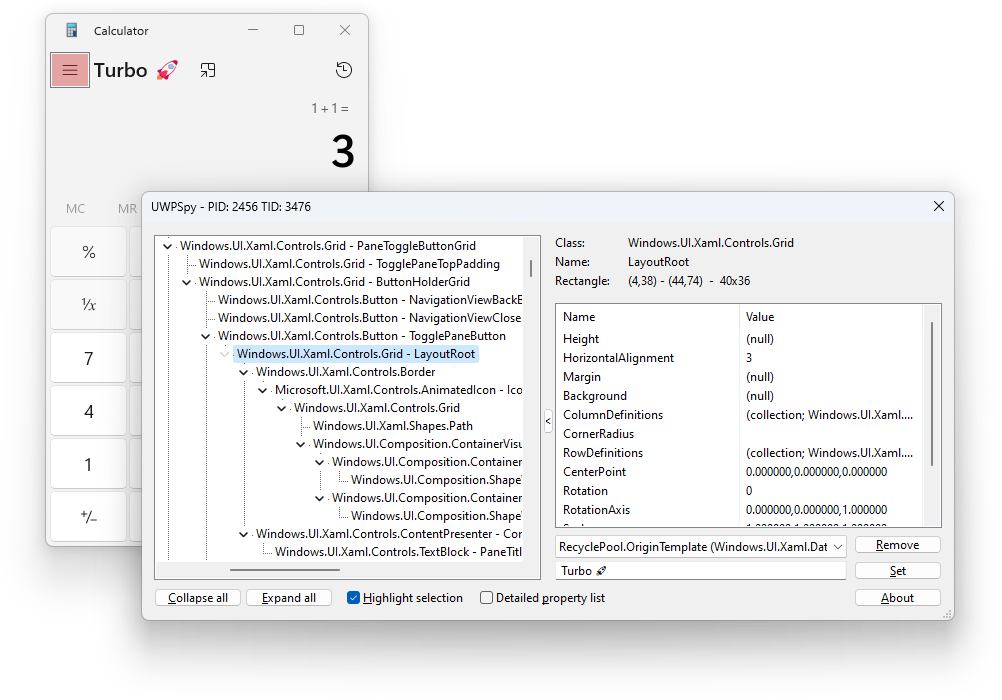
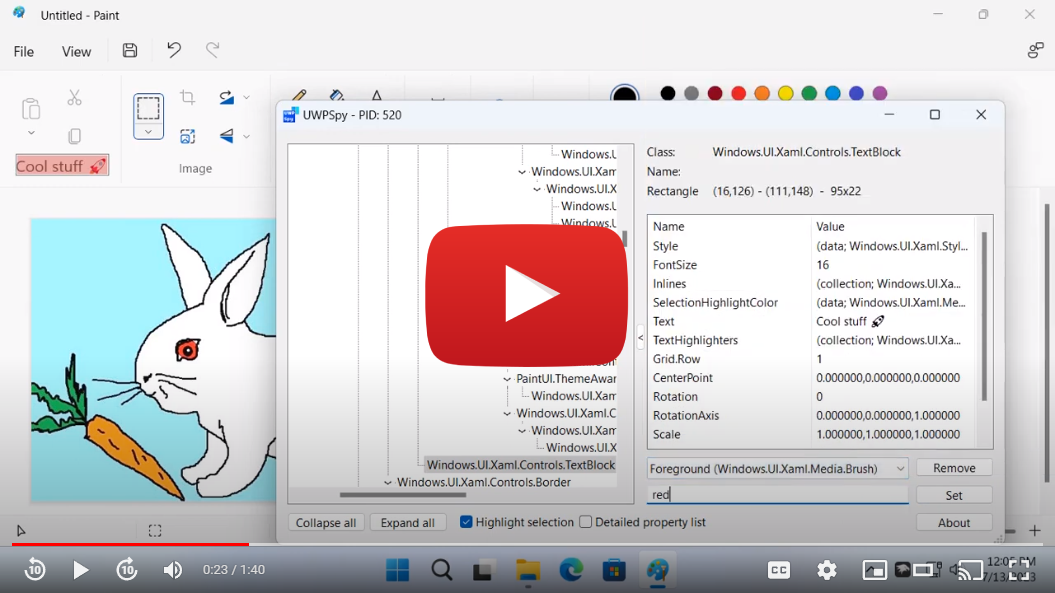 Click on the image to view the demo video on YouTube.
UWPSpy uses the XAML Diagnostic APIs which were added in Windows 10, version 1703. Earlier versions of Windows are not supported.
UWPSpy supports dark mode on Windows 11 24H2 (build 26100.6899+) and 25H2 (build 26200.6899+). When the system dark mode setting is enabled, UWPSpy will automatically use a dark theme.
To disable dark mode (e.g. if you use custom theming or encounter visual
issues), set the environment variable UWPSPY_DISABLE_DARK_MODE=1 before
launching.
ExplorerTAP
part of the TranslucentTB
project. That's the only usage example of the XAML Diagnostic APIs I could
find on the internet.536 followers · starred Jan 2026
2,154 followers · starred Sep 2023
883 followers · starred Jun 2024
78 followers · starred Nov 2023
An inspection tool for UWP and WinUI 3 applications. Seamlessly view and manipulate UI elements and their properties in real time.
See the code
An inspection tool for UWP and WinUI 3 applications. Seamlessly view and manipulate UI elements and their properties in real time.
Click on the image to view the demo video on YouTube.
UWPSpy uses the XAML Diagnostic APIs which were added in Windows 10, version 1703. Earlier versions of Windows are not supported.
UWPSpy supports dark mode on Windows 11 24H2 (build 26100.6899+) and 25H2 (build 26200.6899+). When the system dark mode setting is enabled, UWPSpy will automatically use a dark theme.
To disable dark mode (e.g. if you use custom theming or encounter visual
issues), set the environment variable UWPSPY_DISABLE_DARK_MODE=1 before
launching.
ExplorerTAP
part of the TranslucentTB
project. That's the only usage example of the XAML Diagnostic APIs I could
find on the internet.536 followers · starred Jan 2026
2,154 followers · starred Sep 2023
883 followers · starred Jun 2024
78 followers · starred Nov 2023