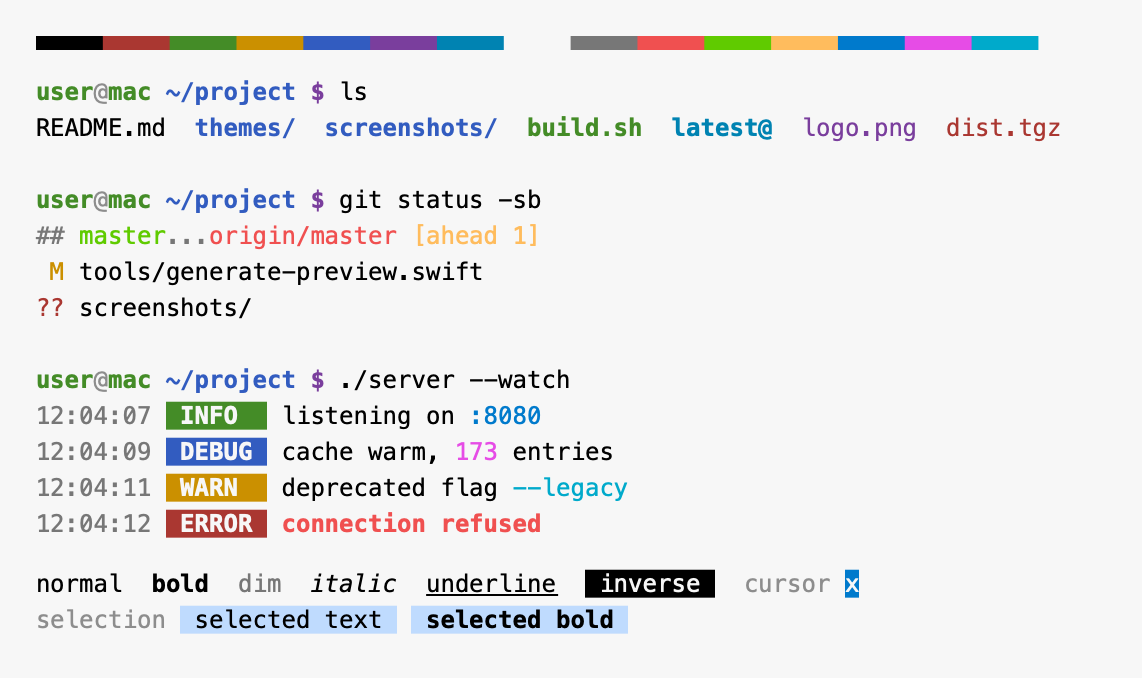
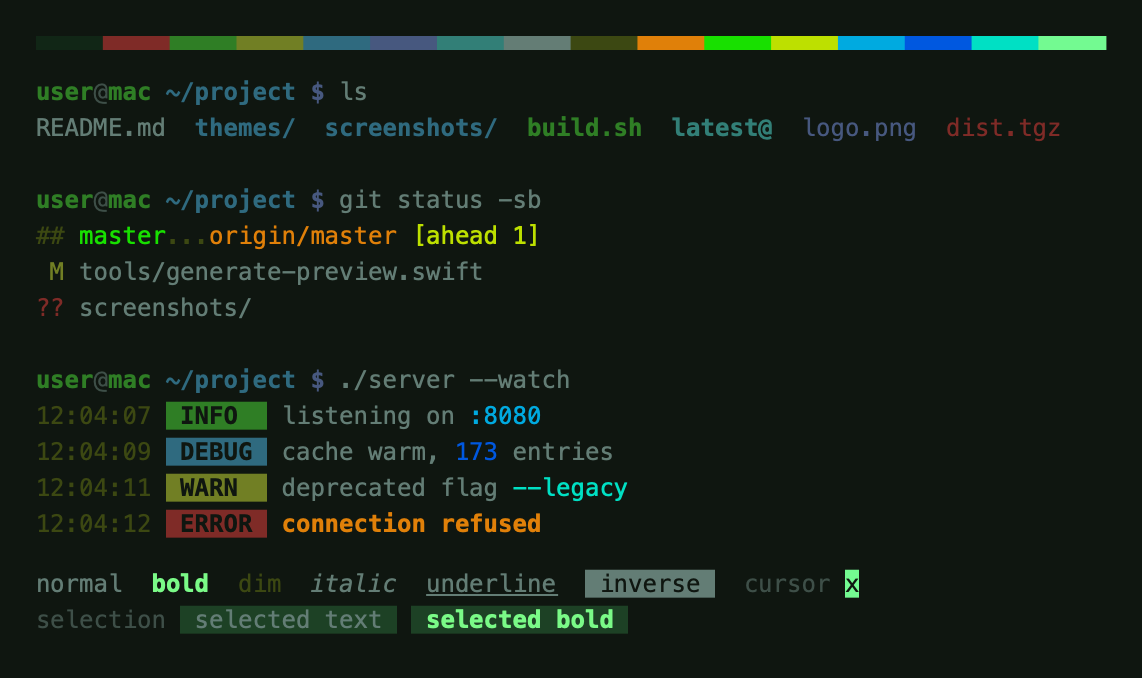
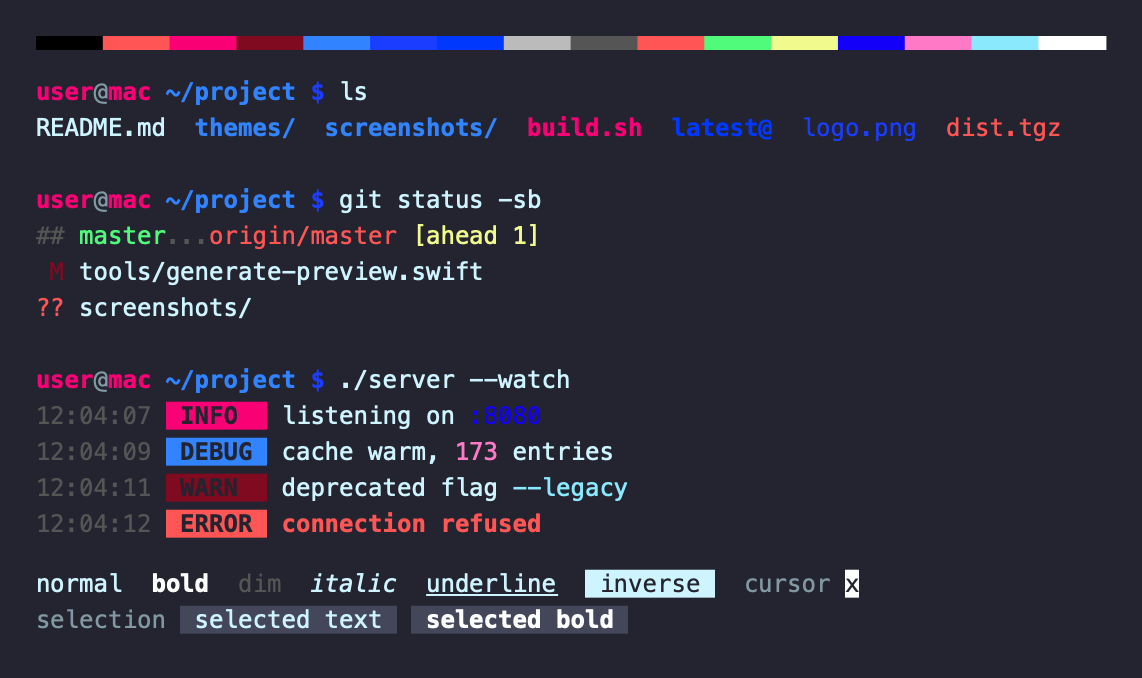
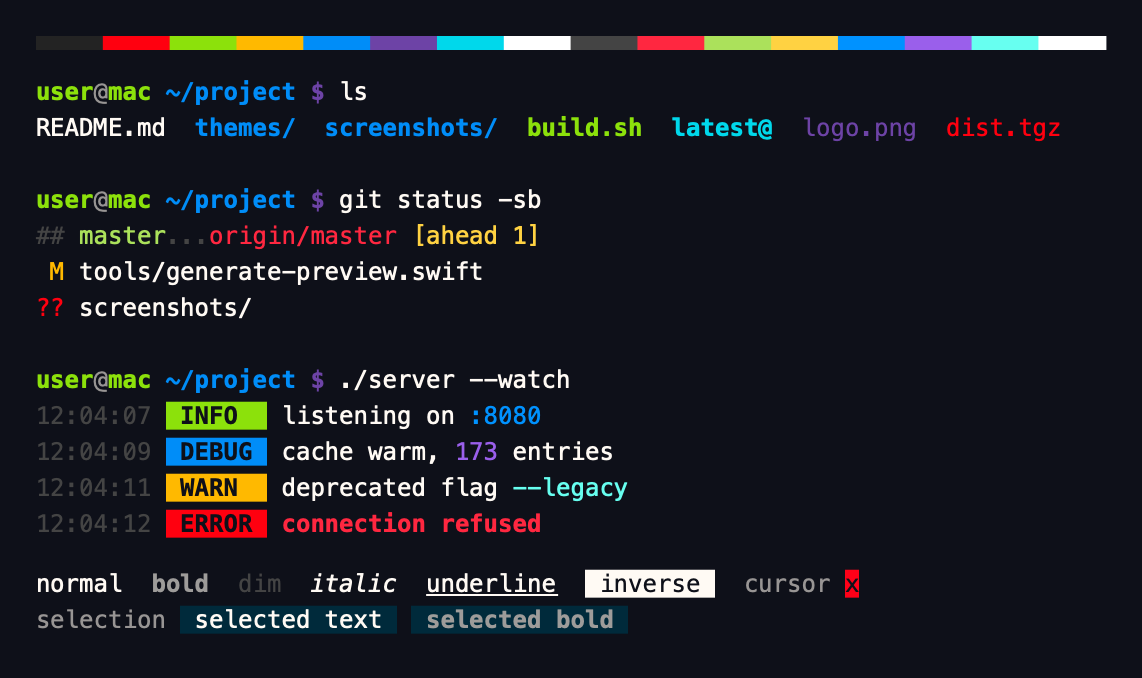
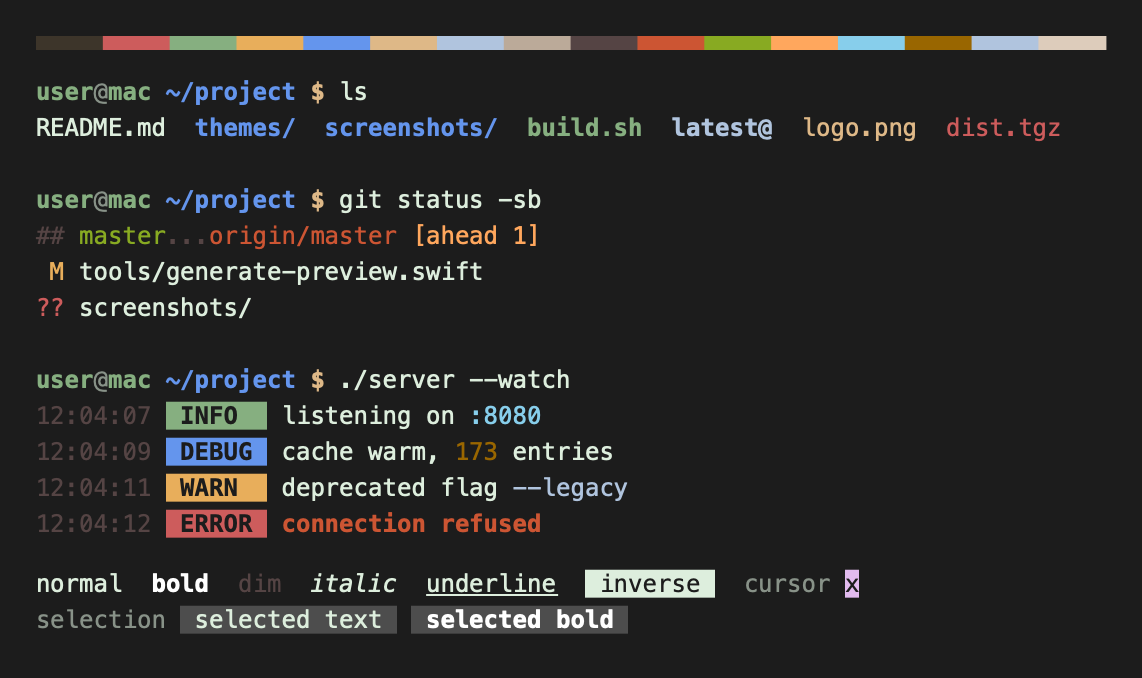
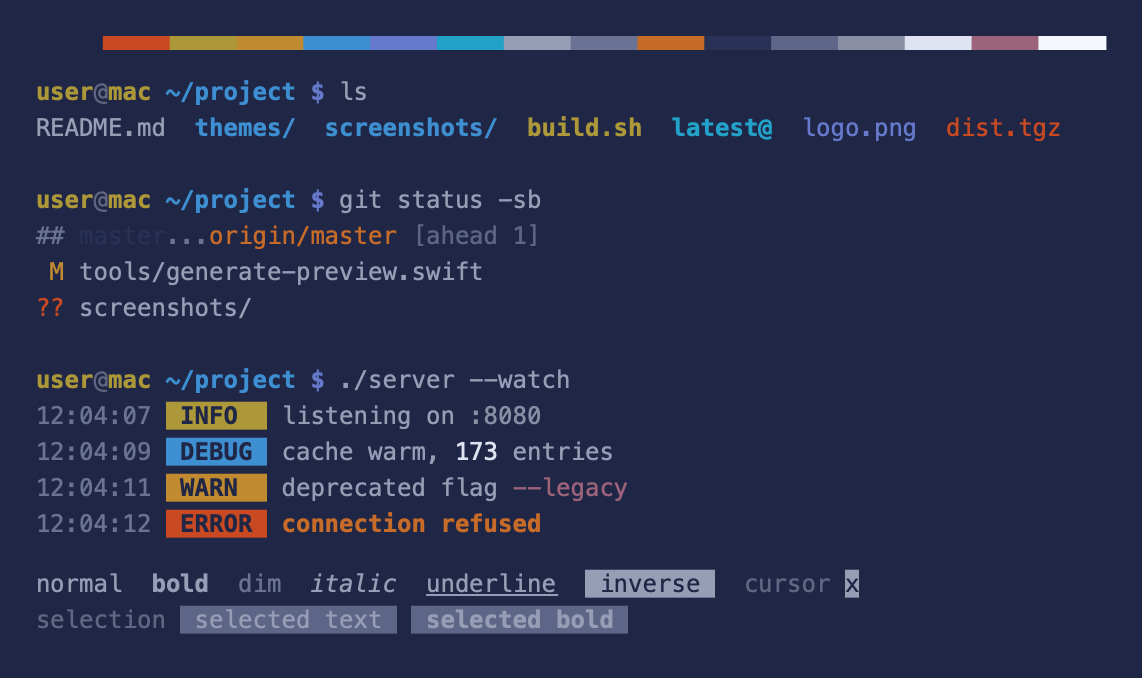
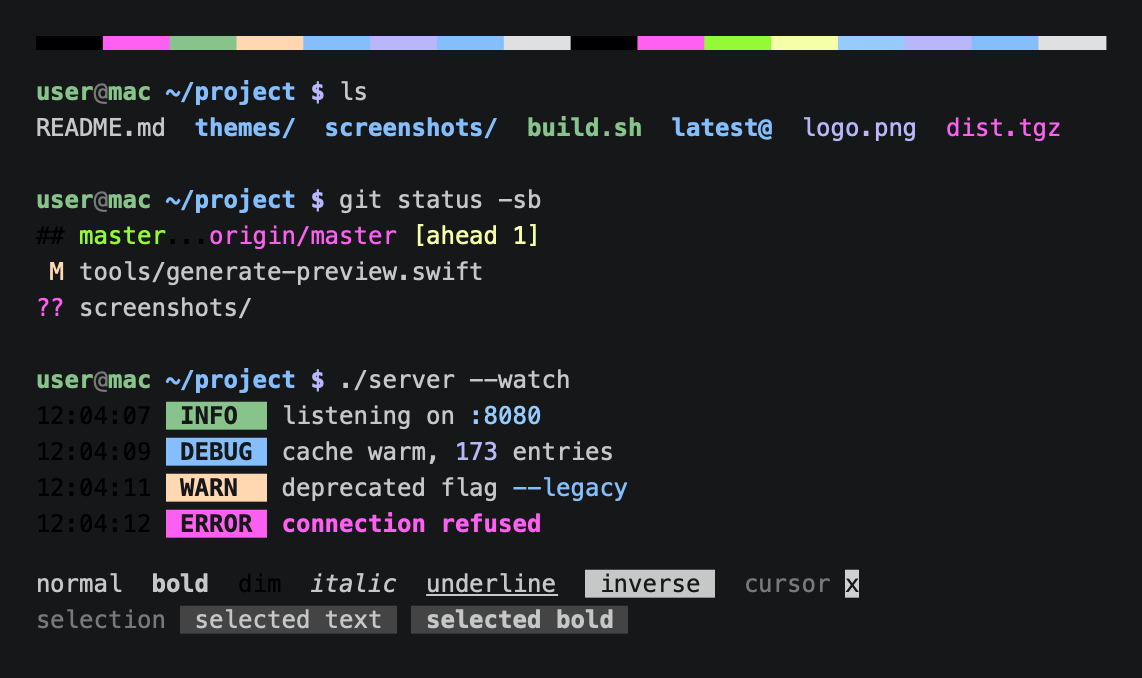
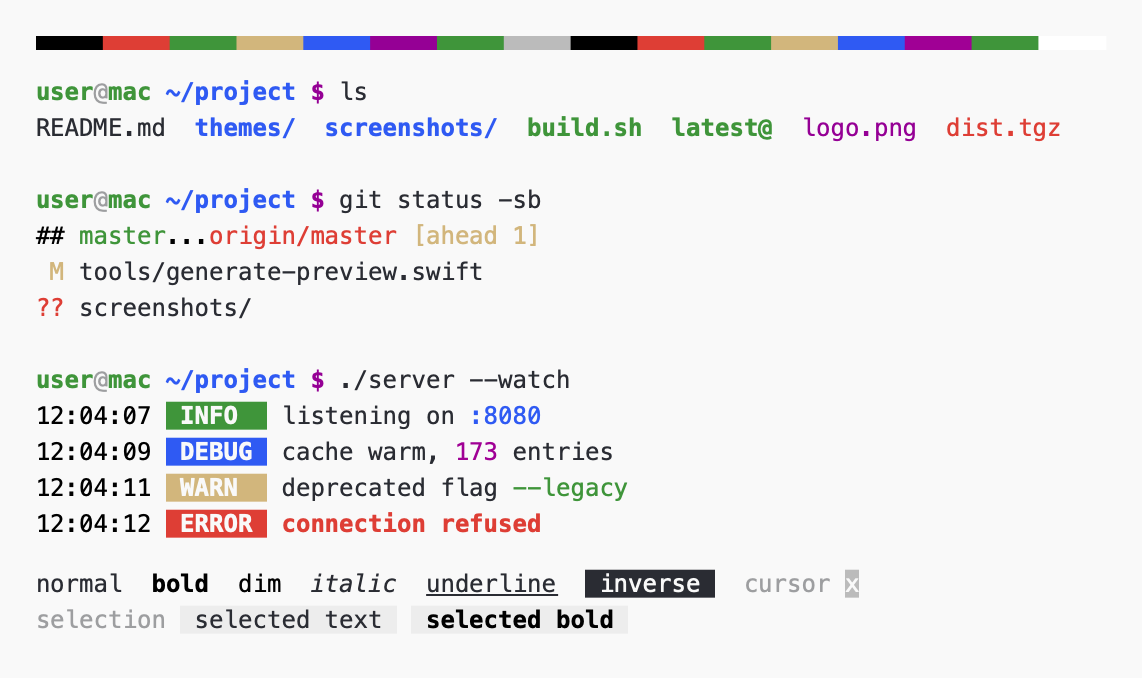
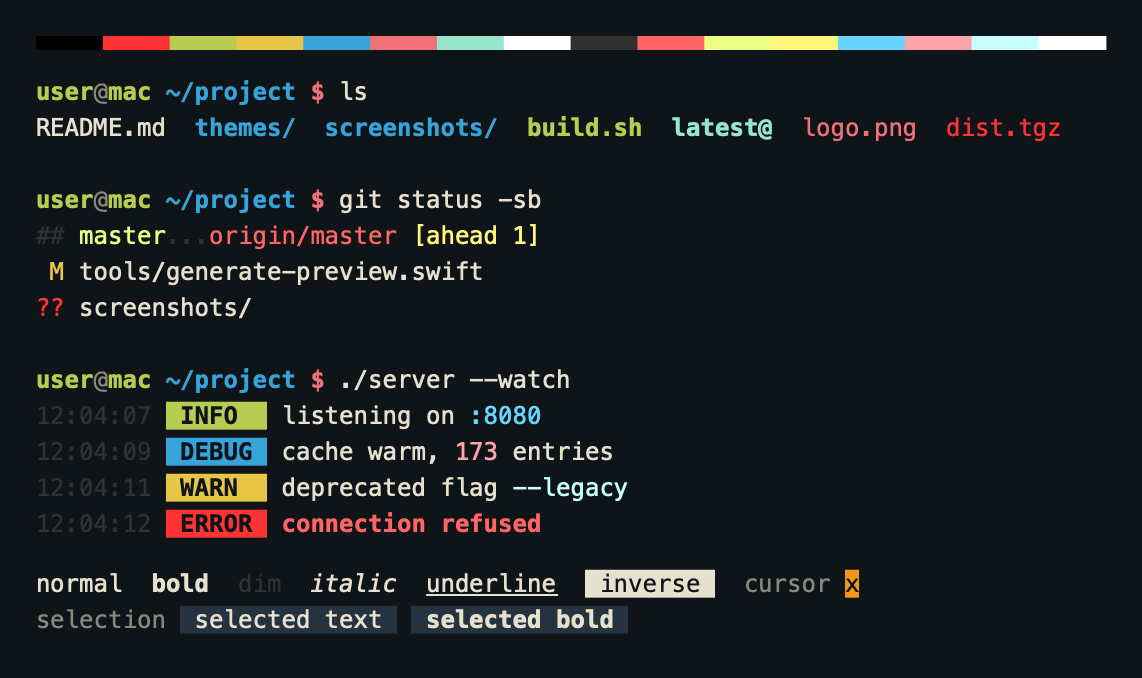
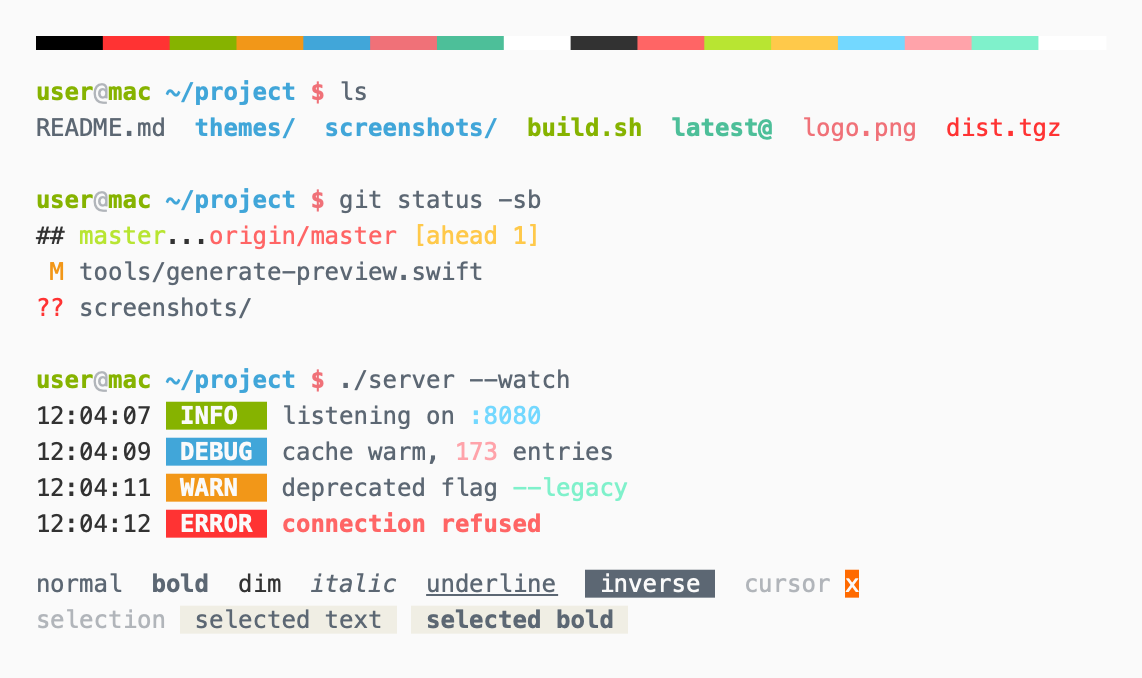
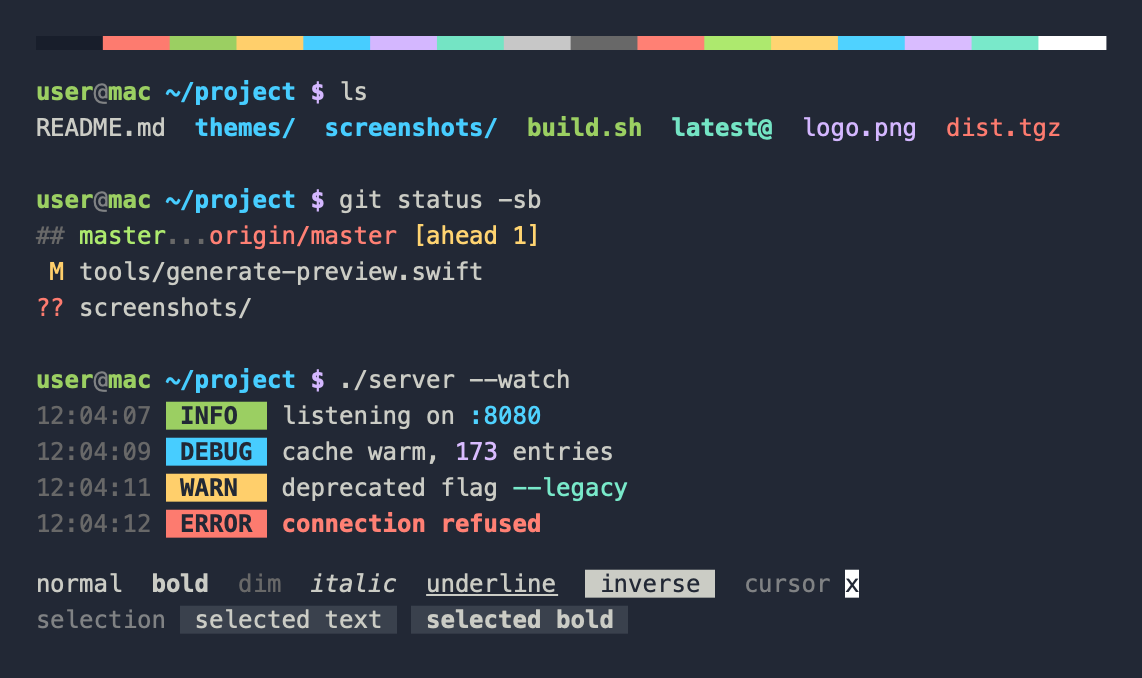
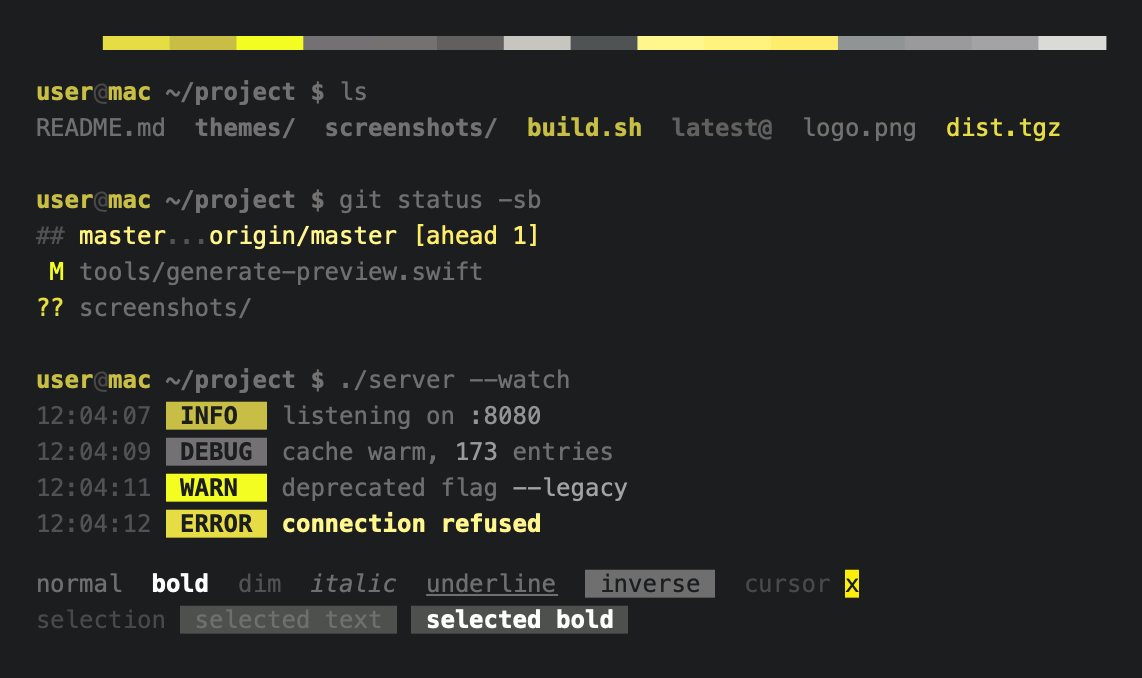
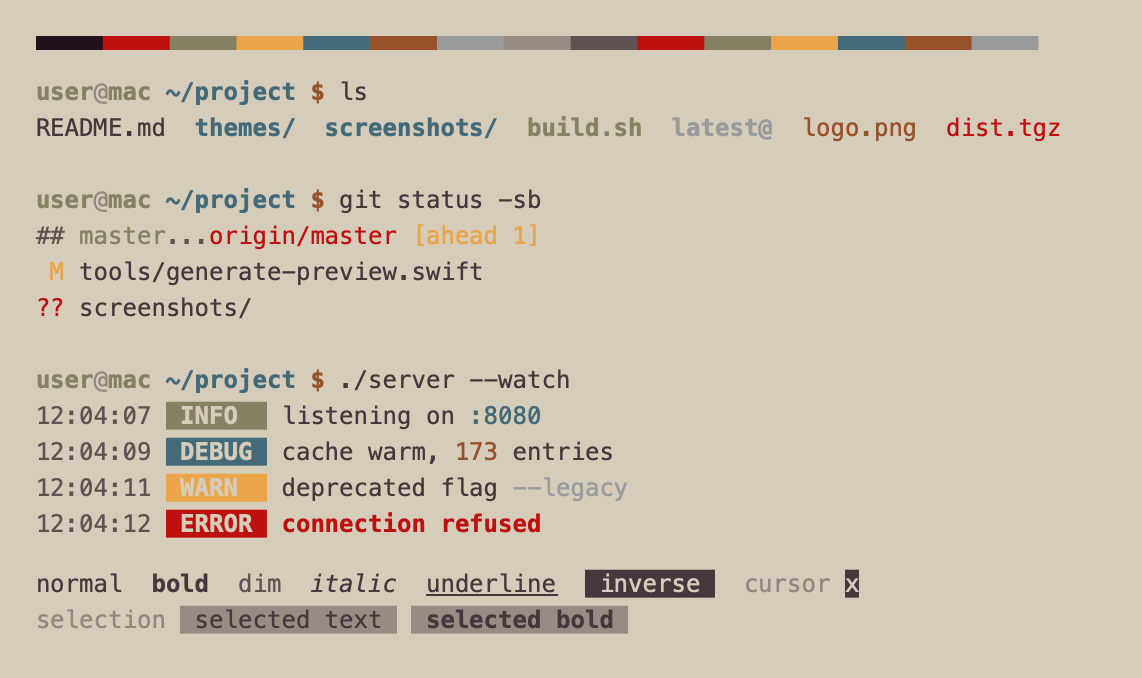
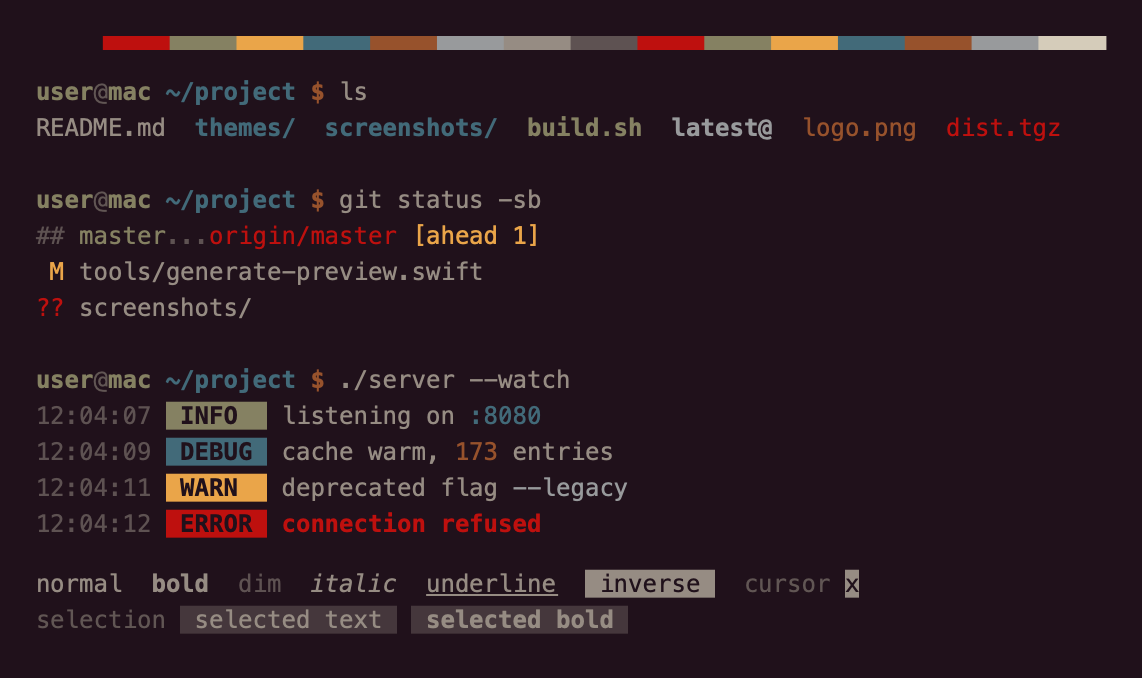
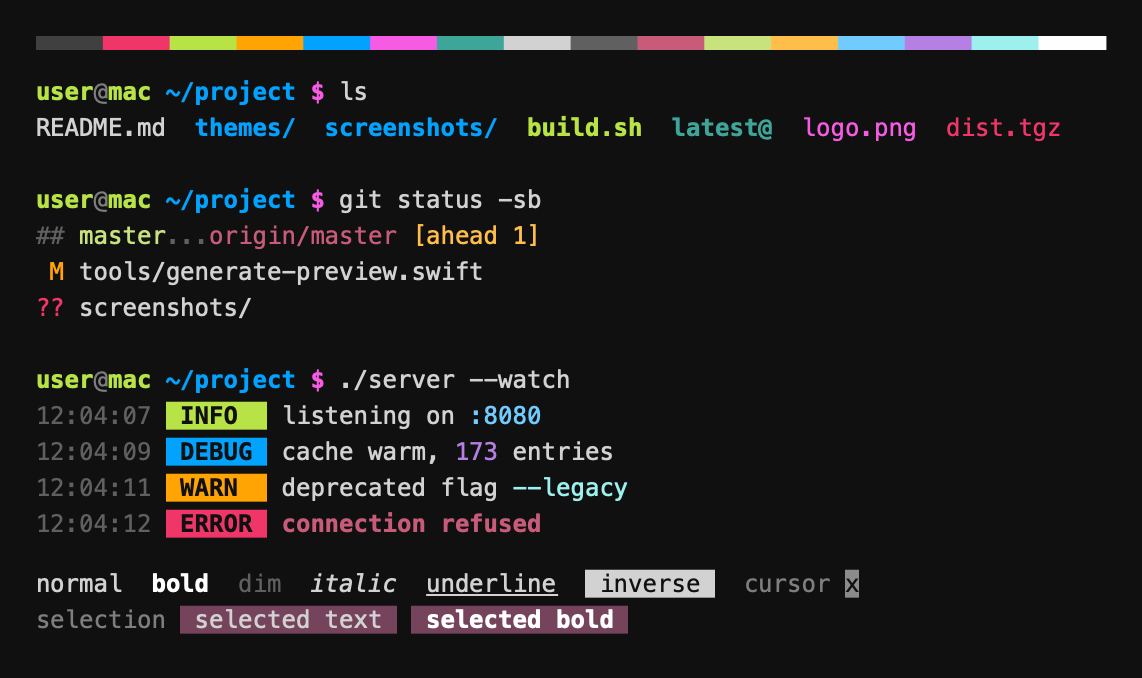
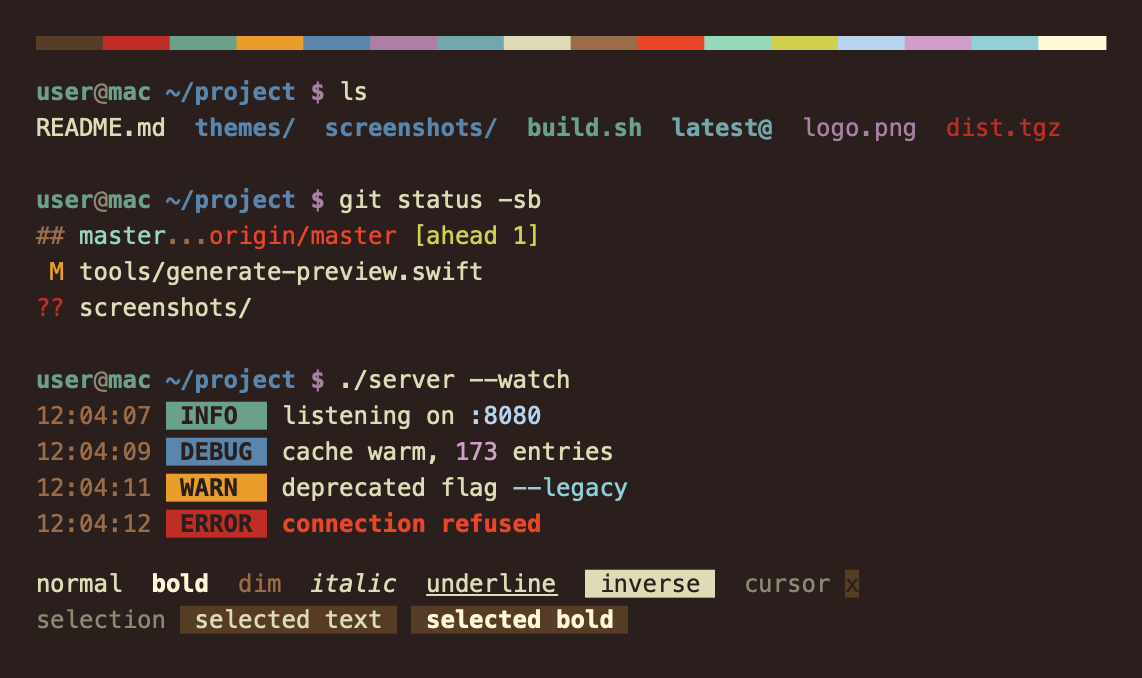
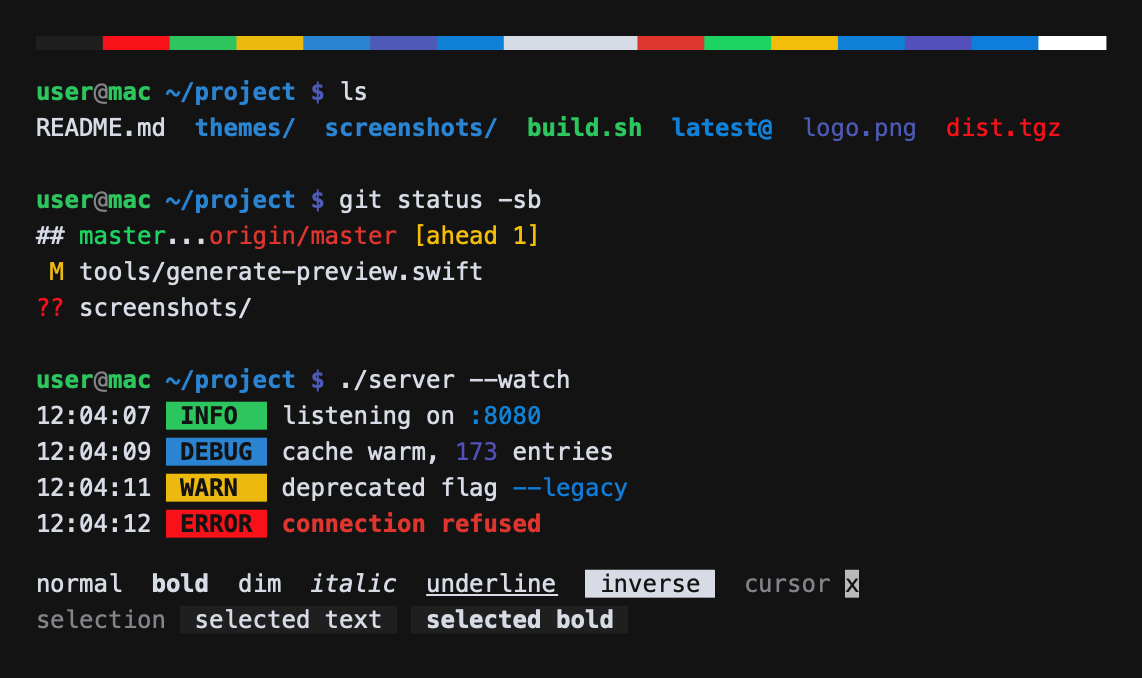
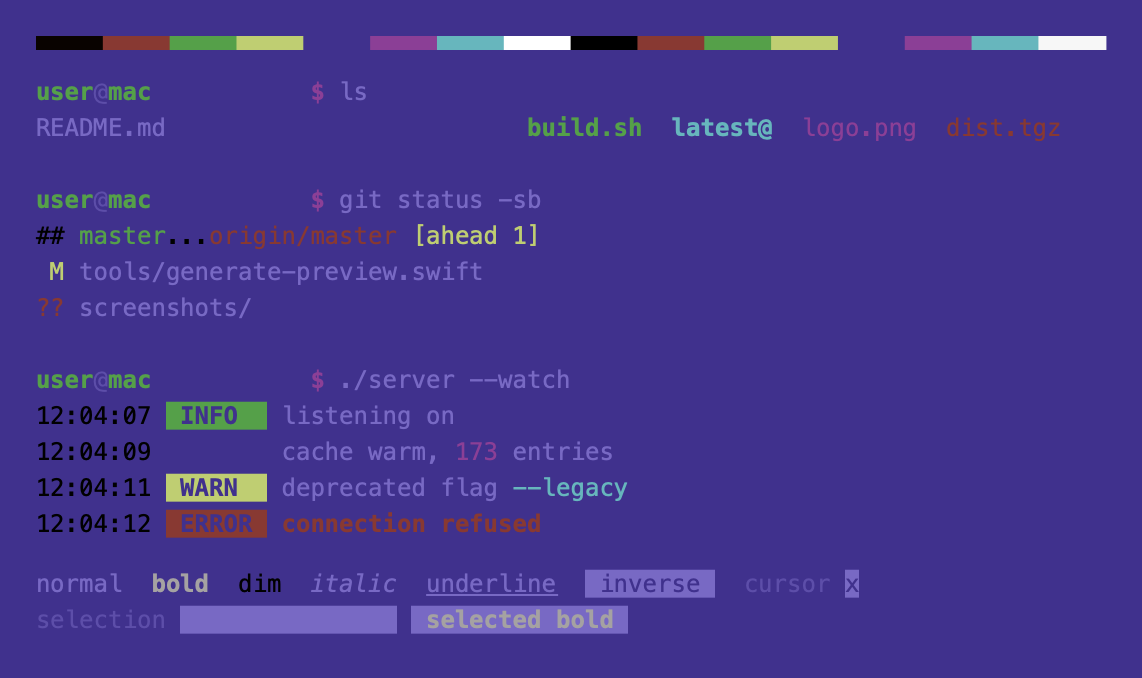
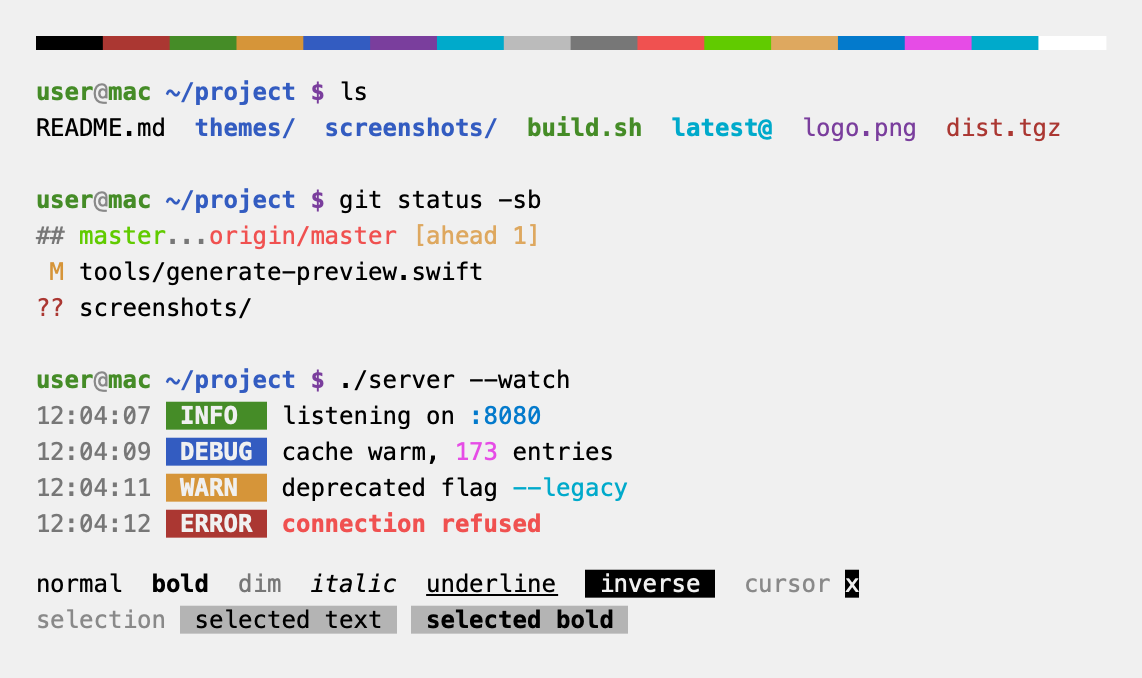
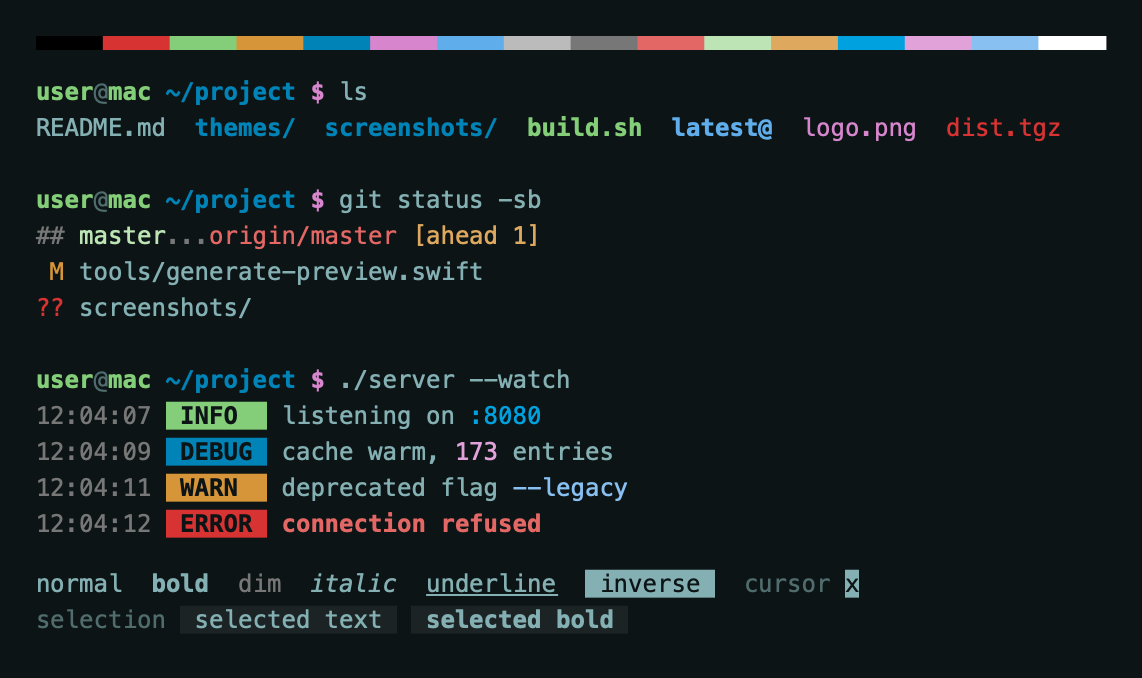
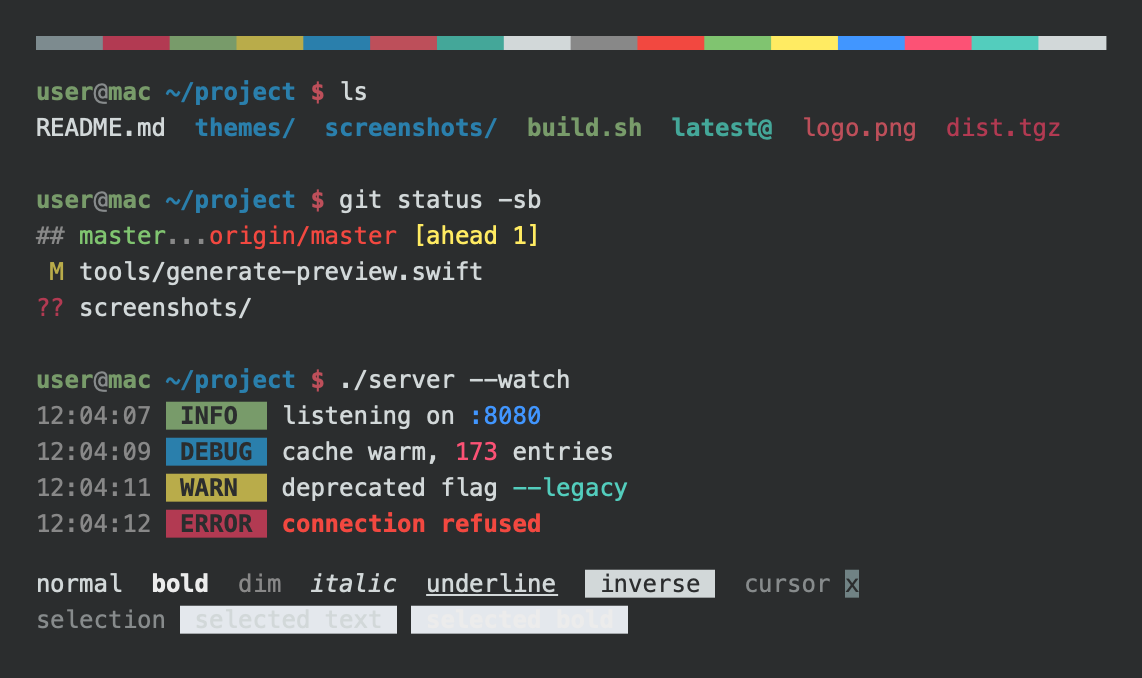
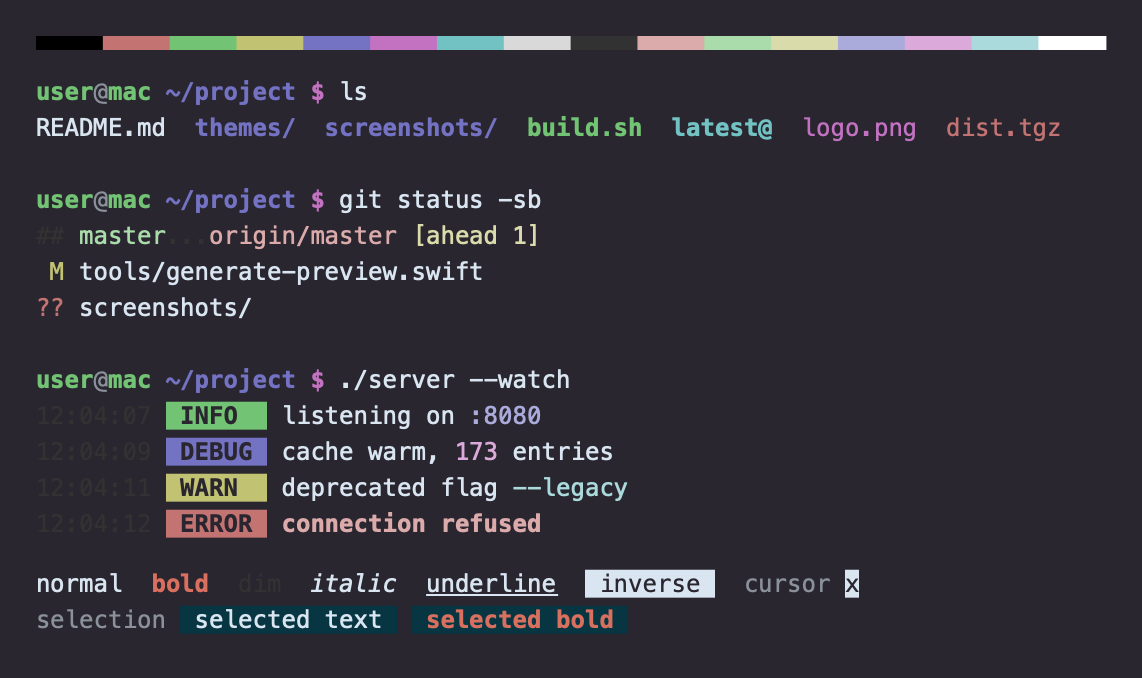
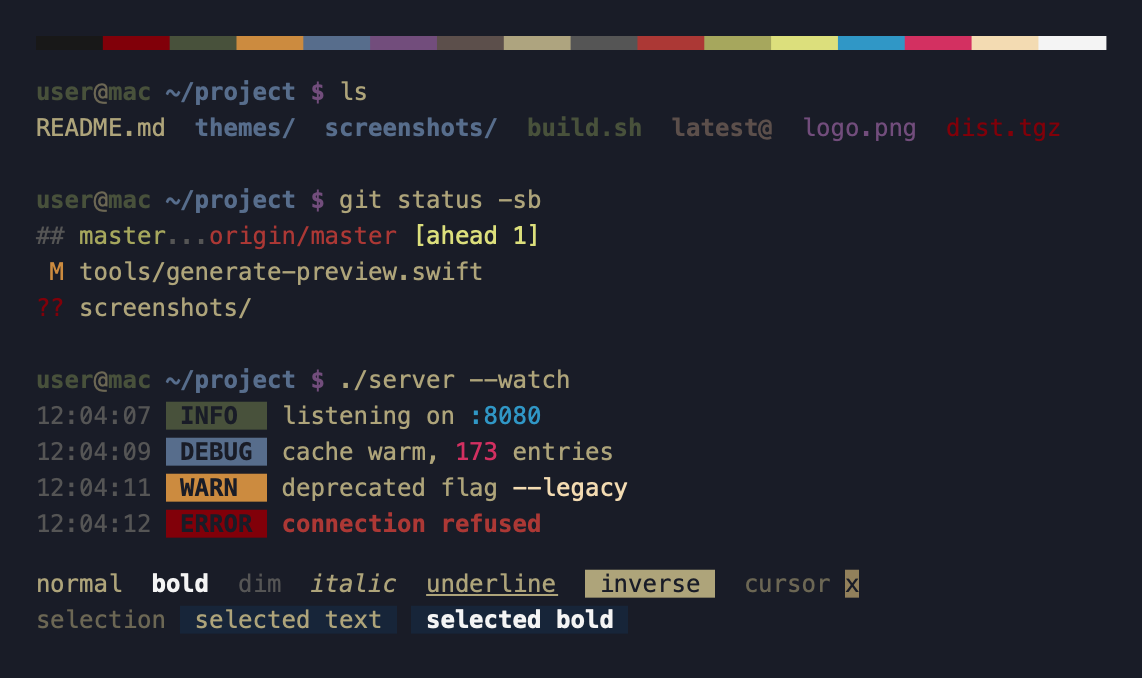
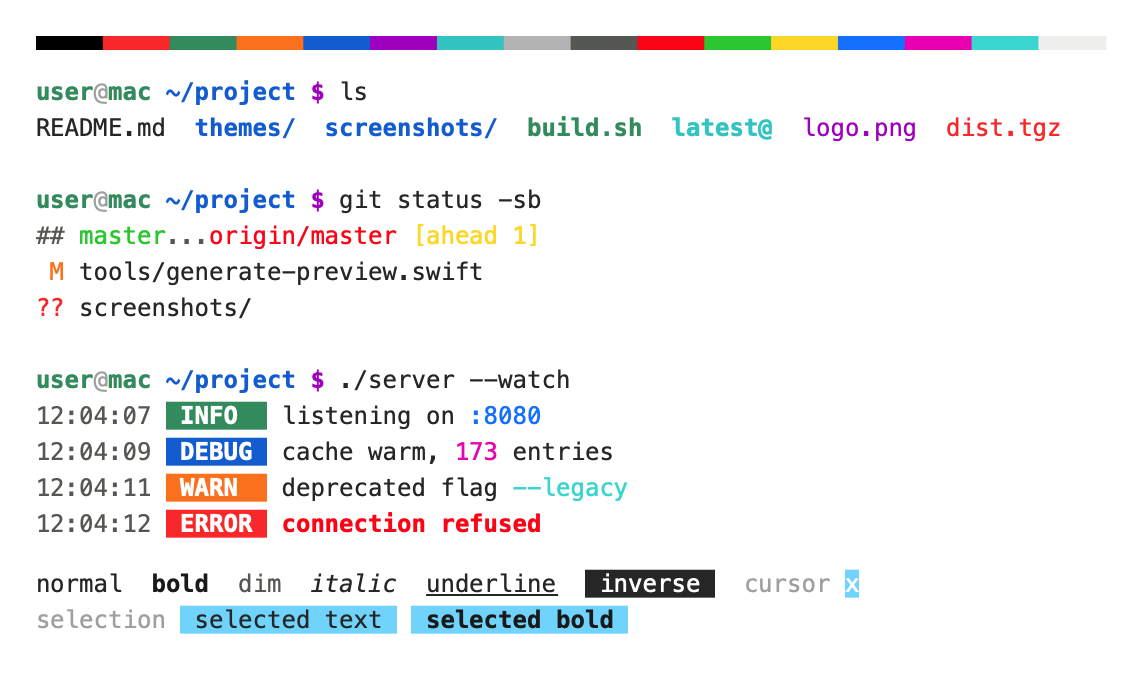
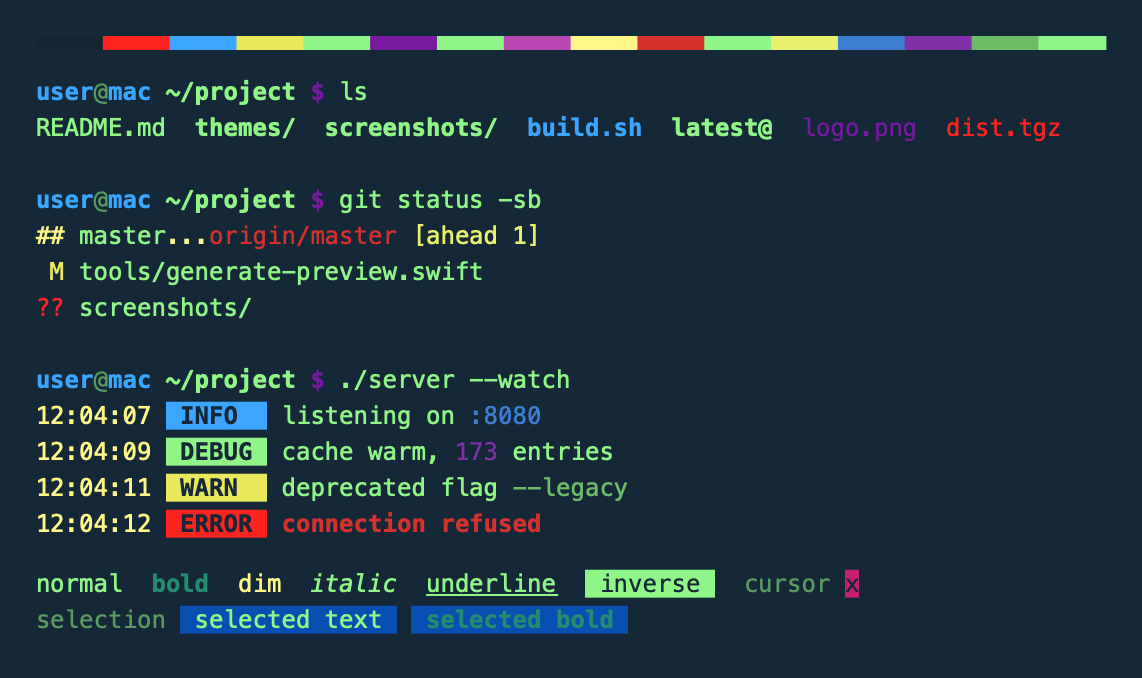
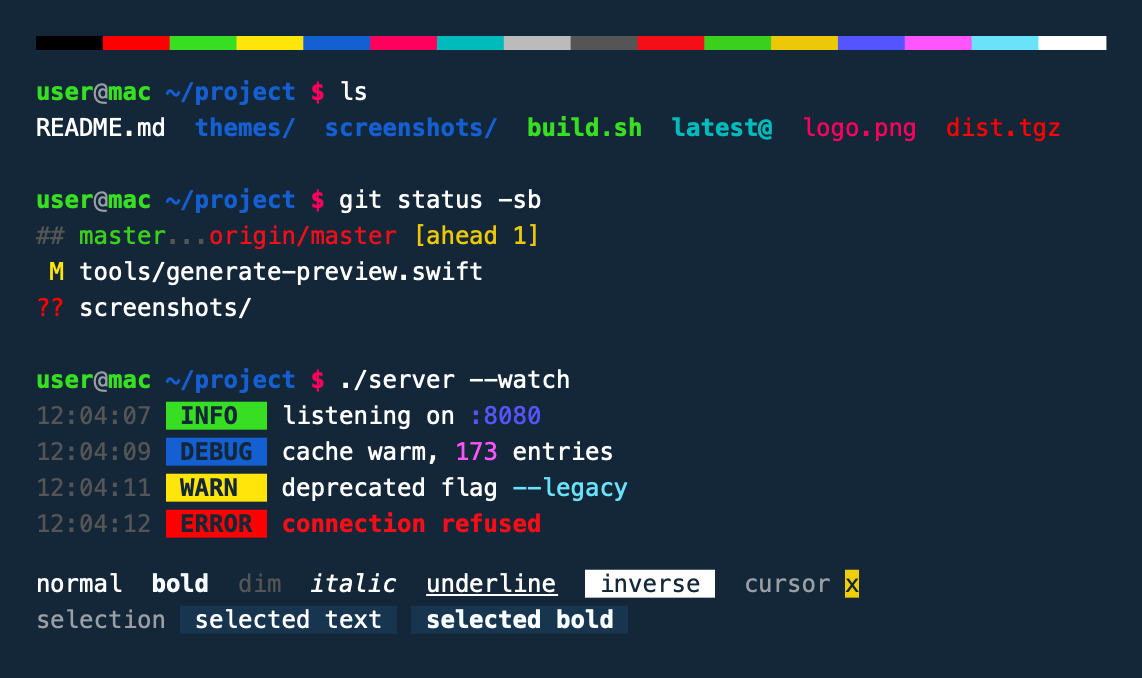
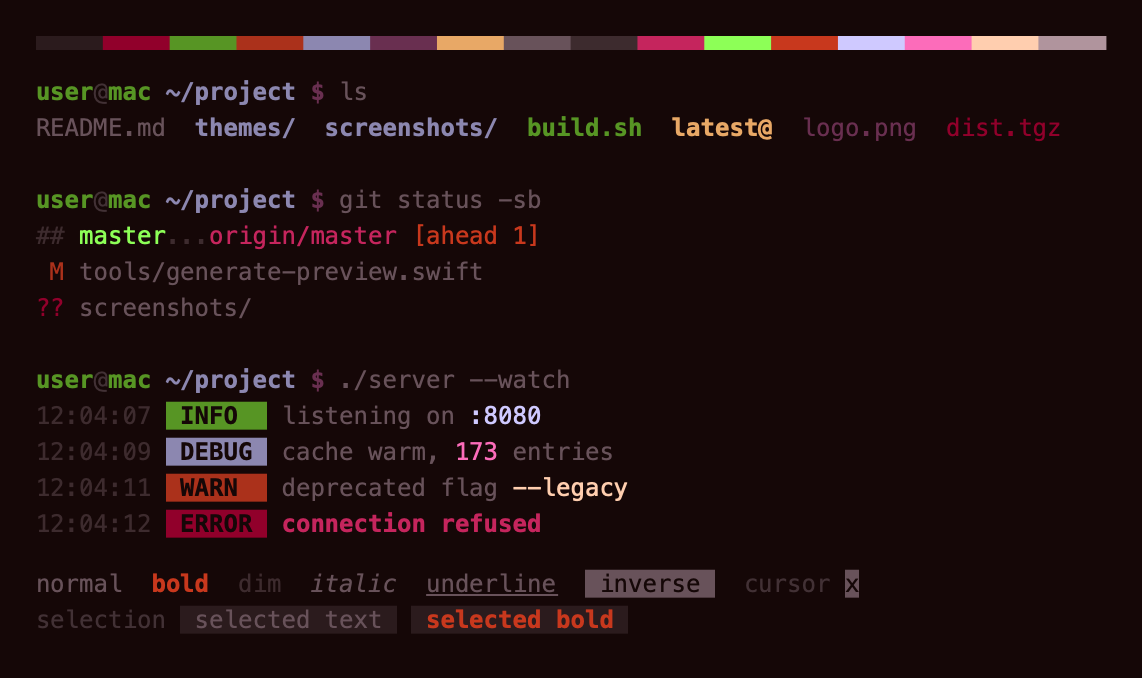
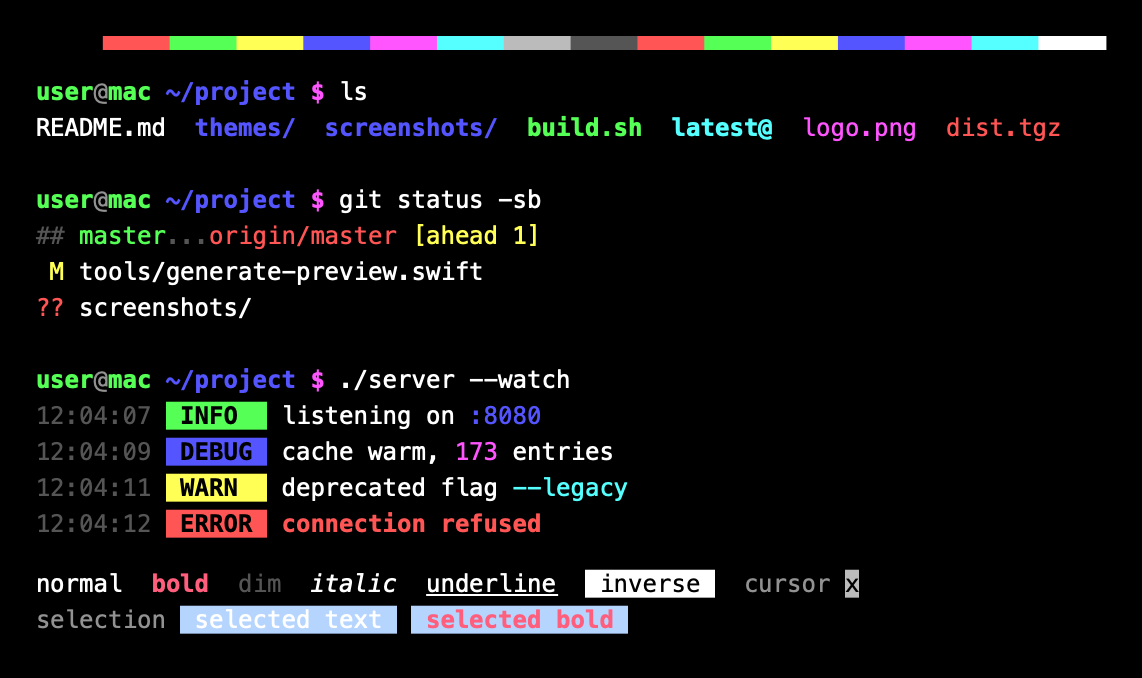
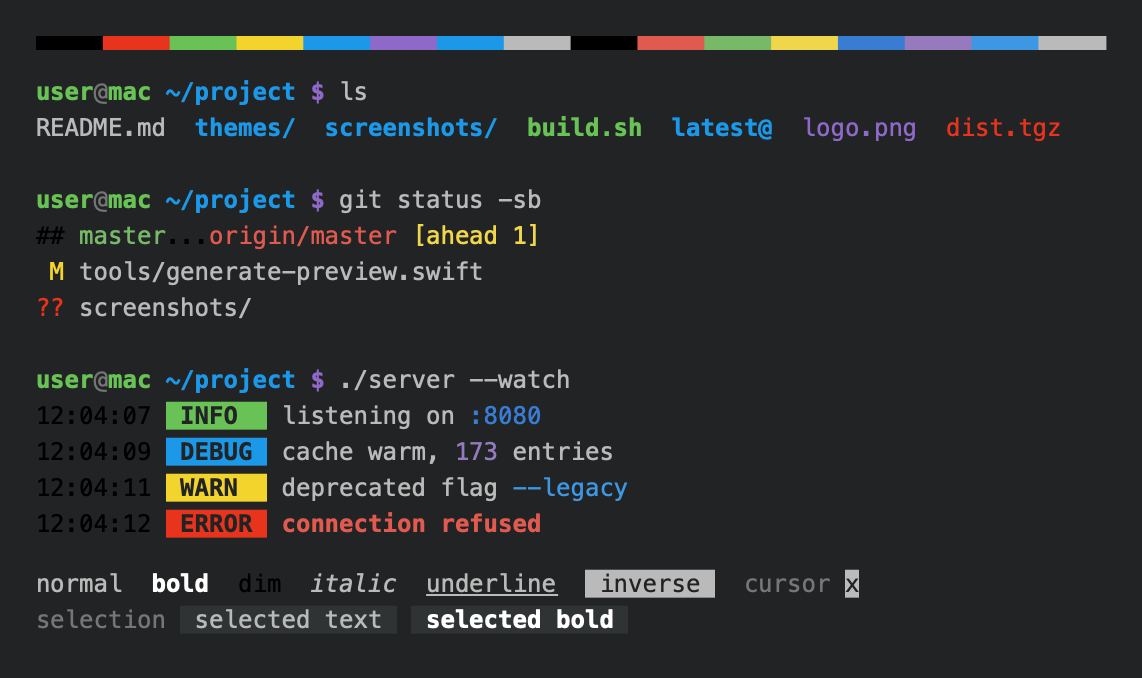
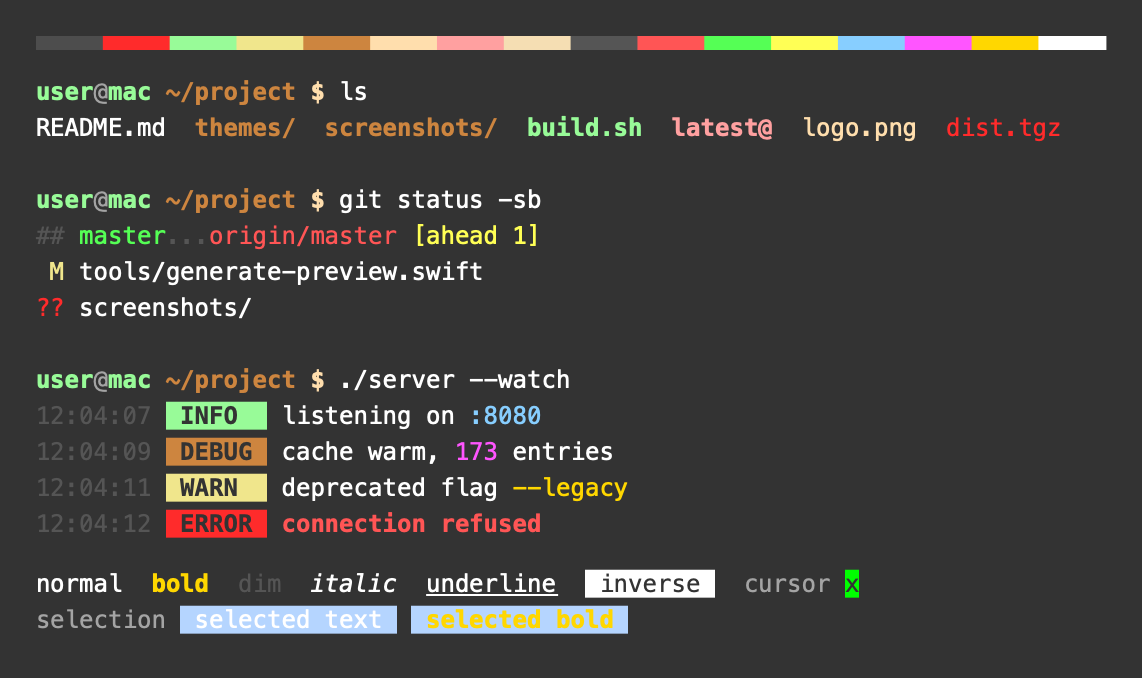
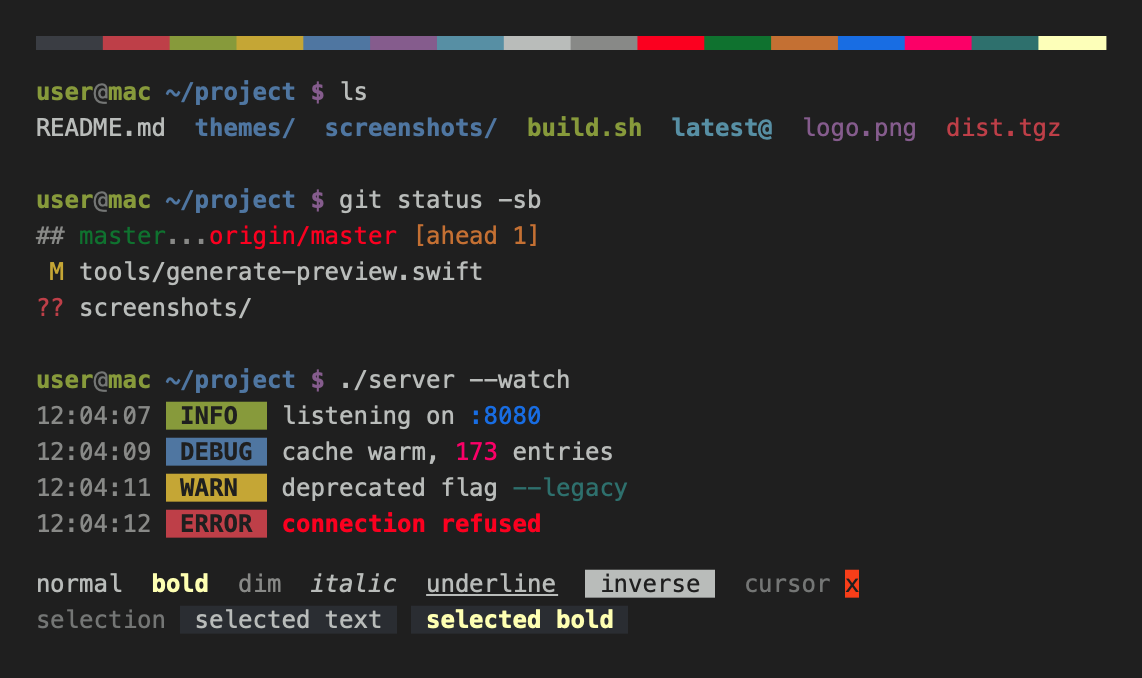
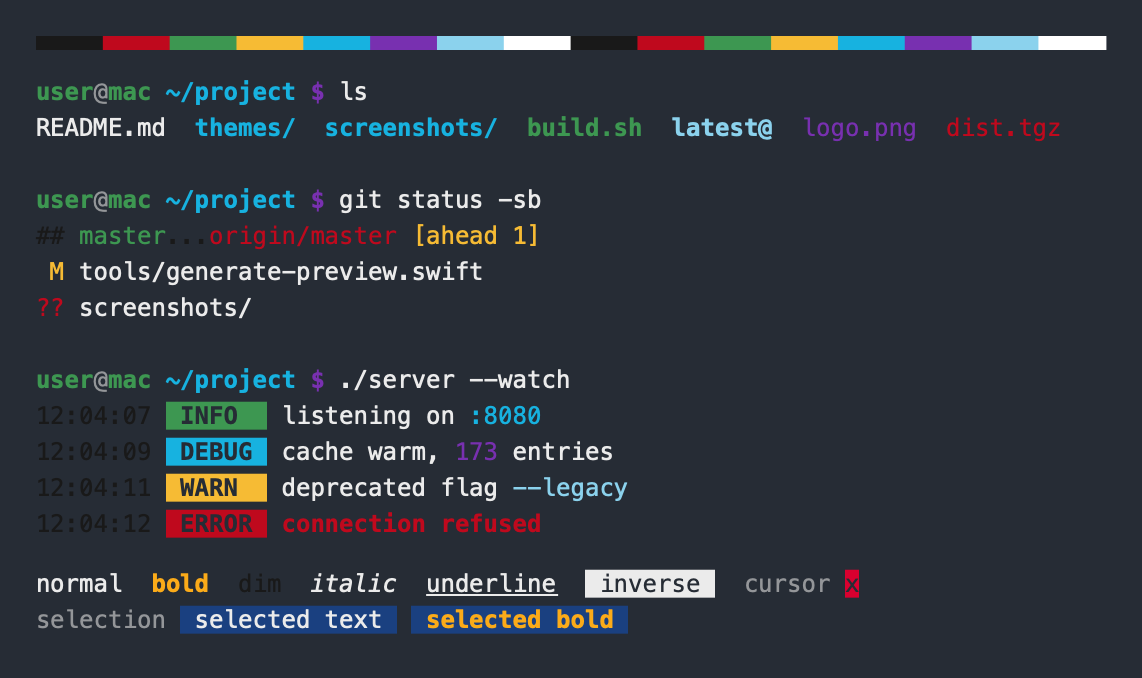
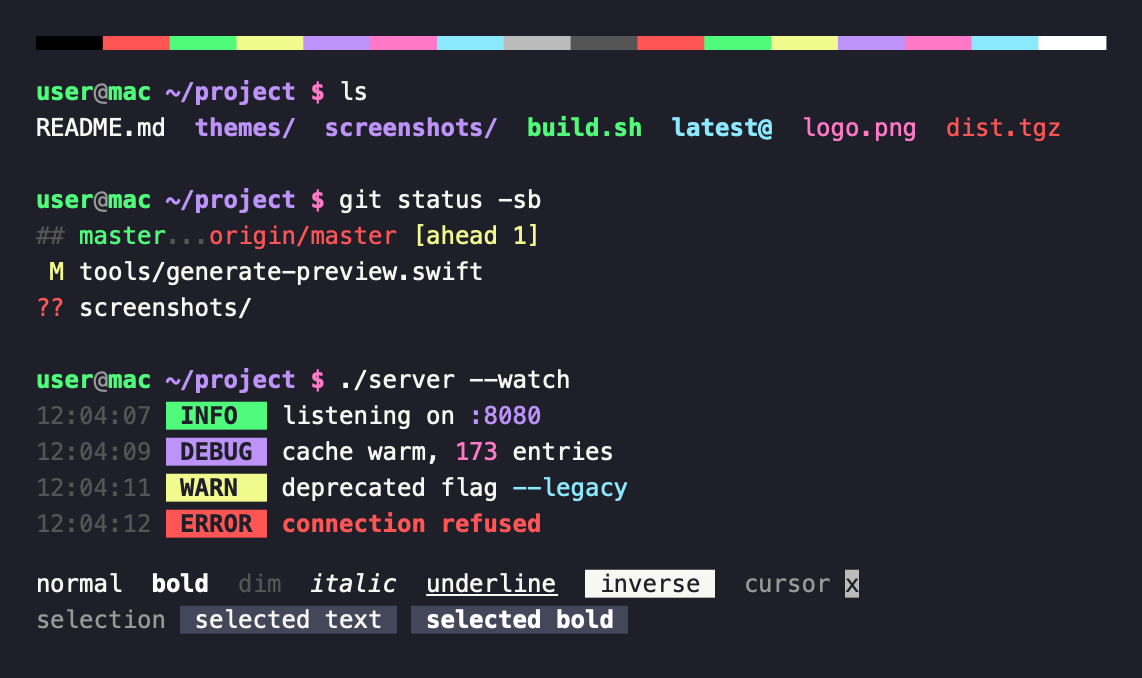
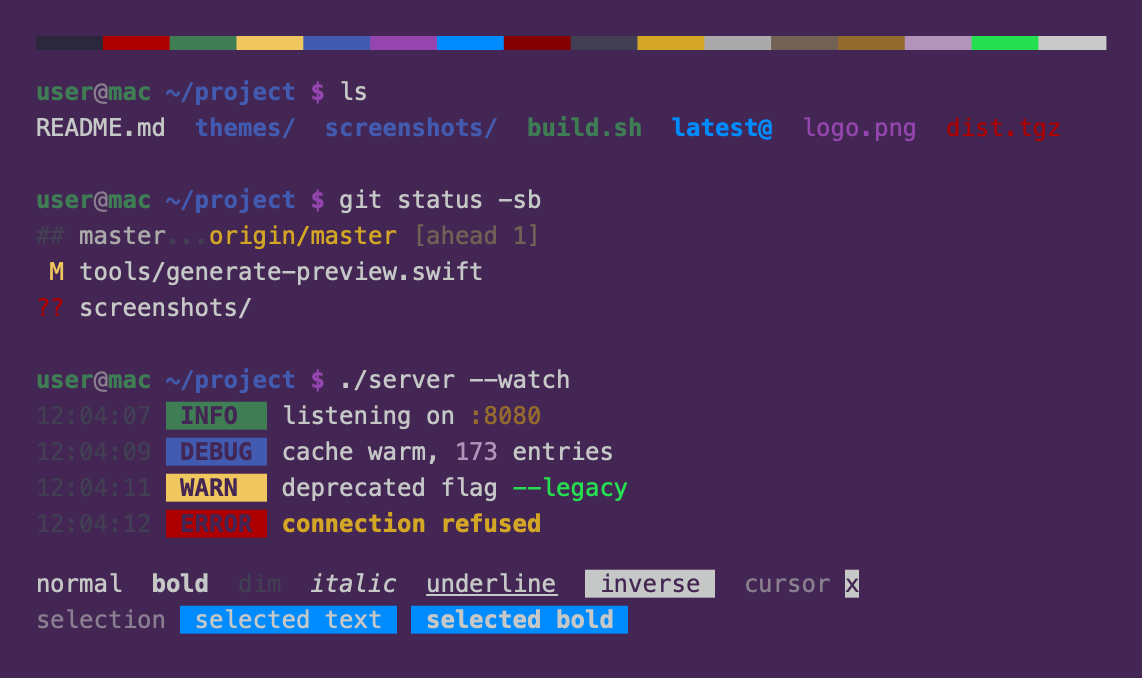
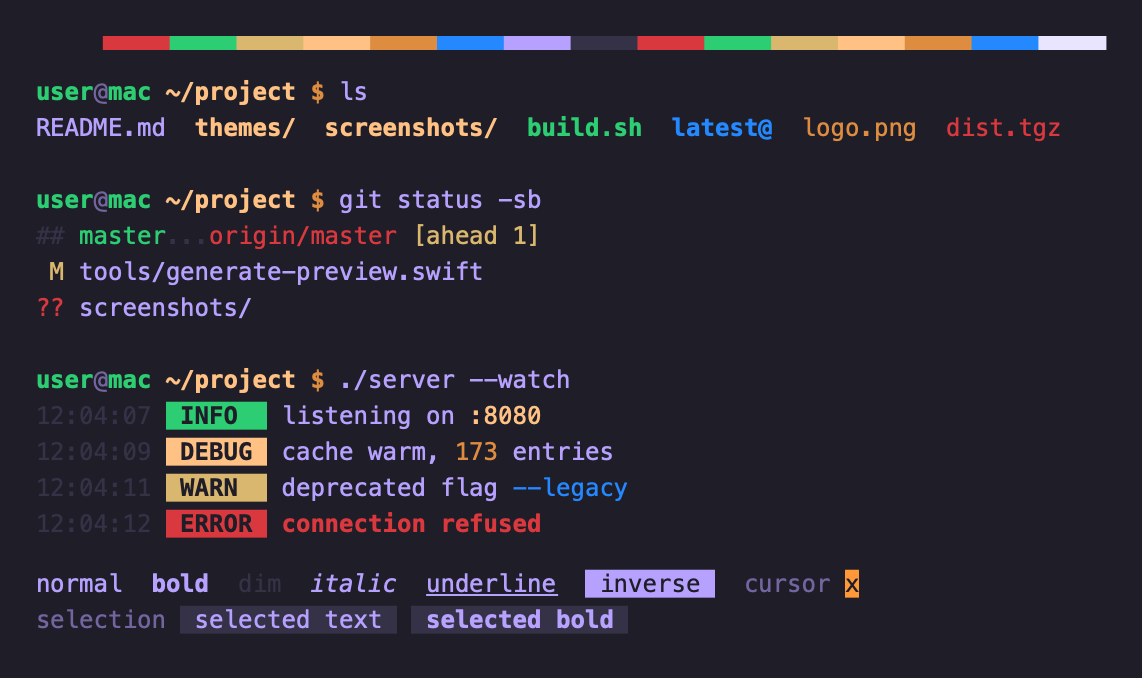
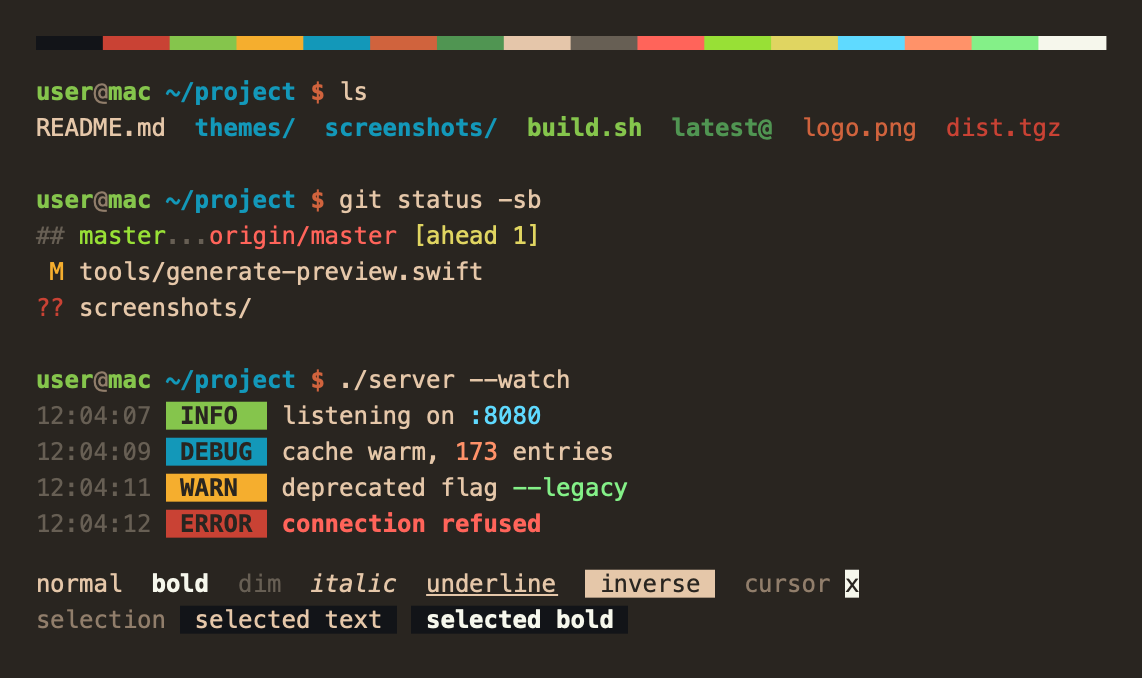
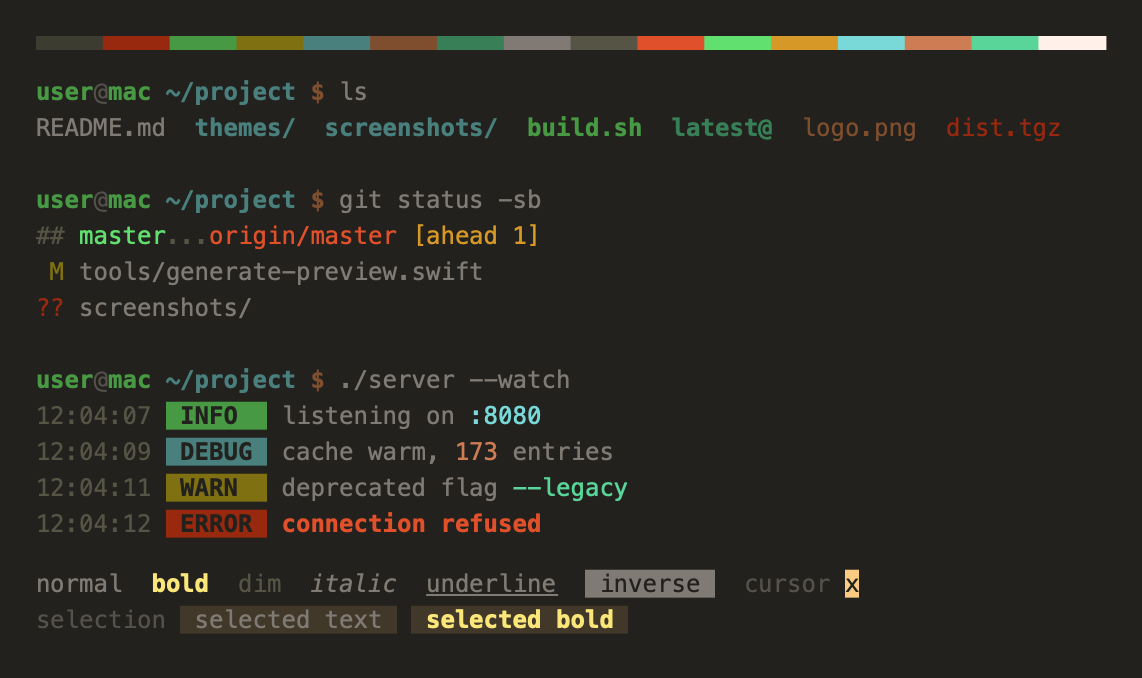
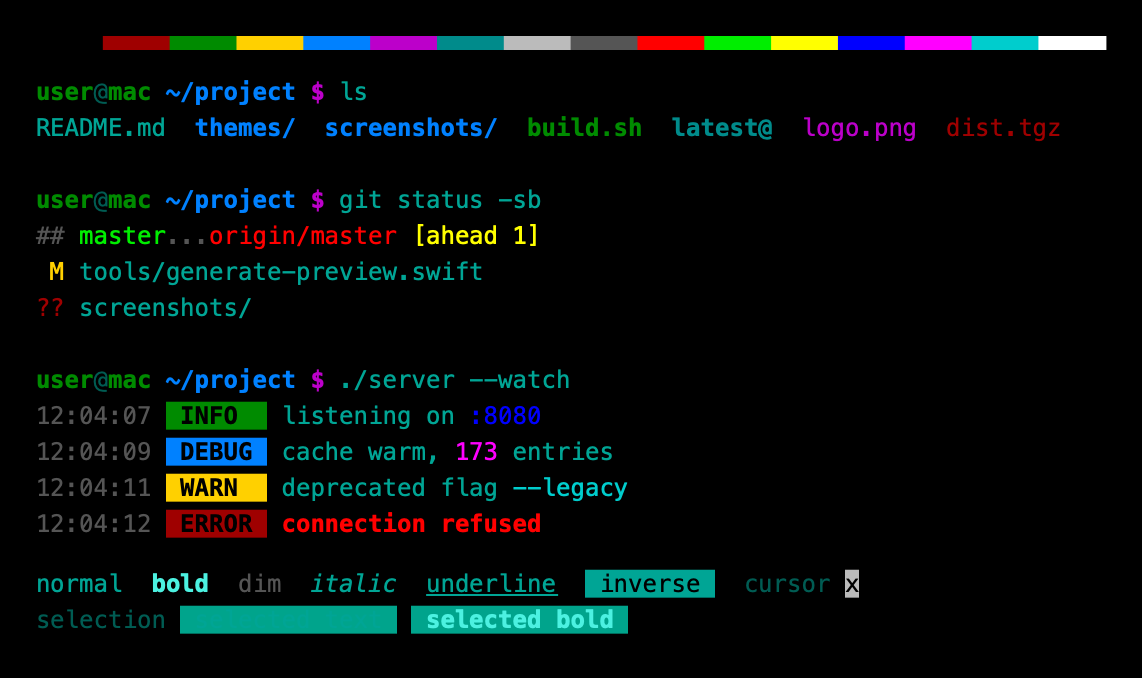
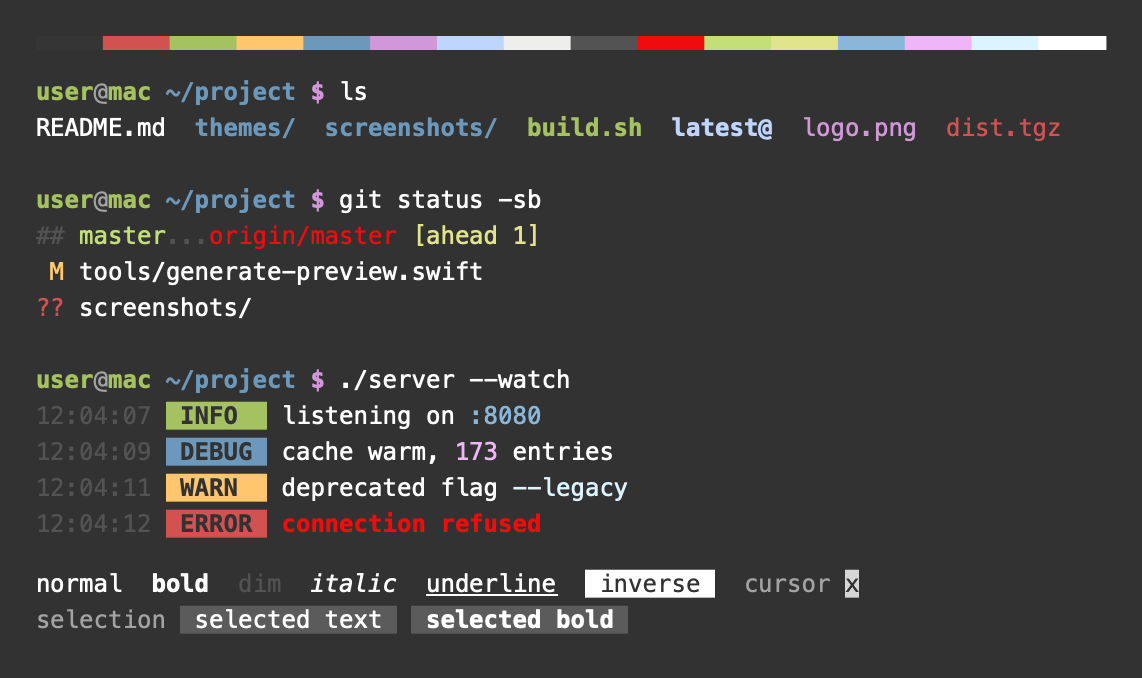
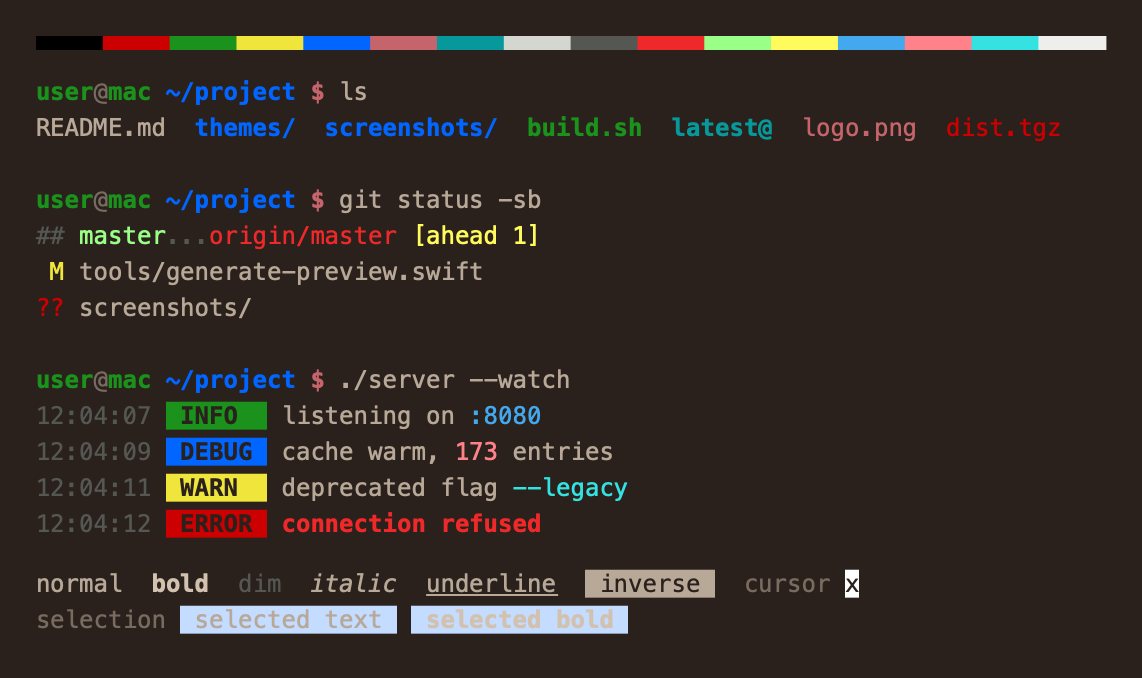
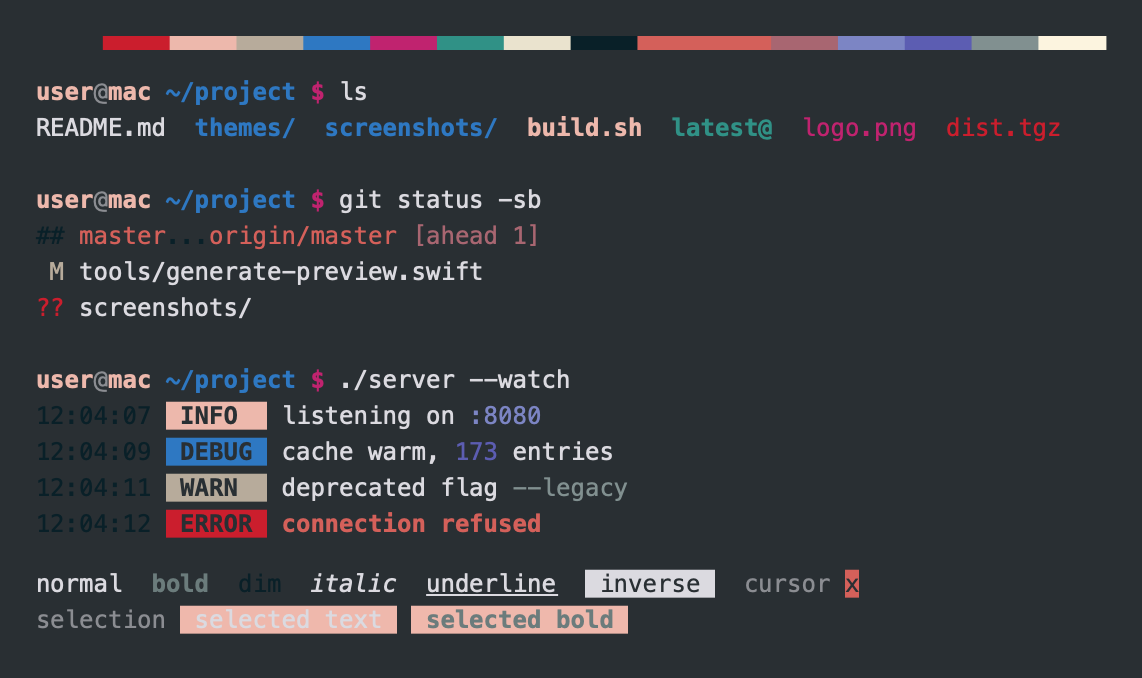
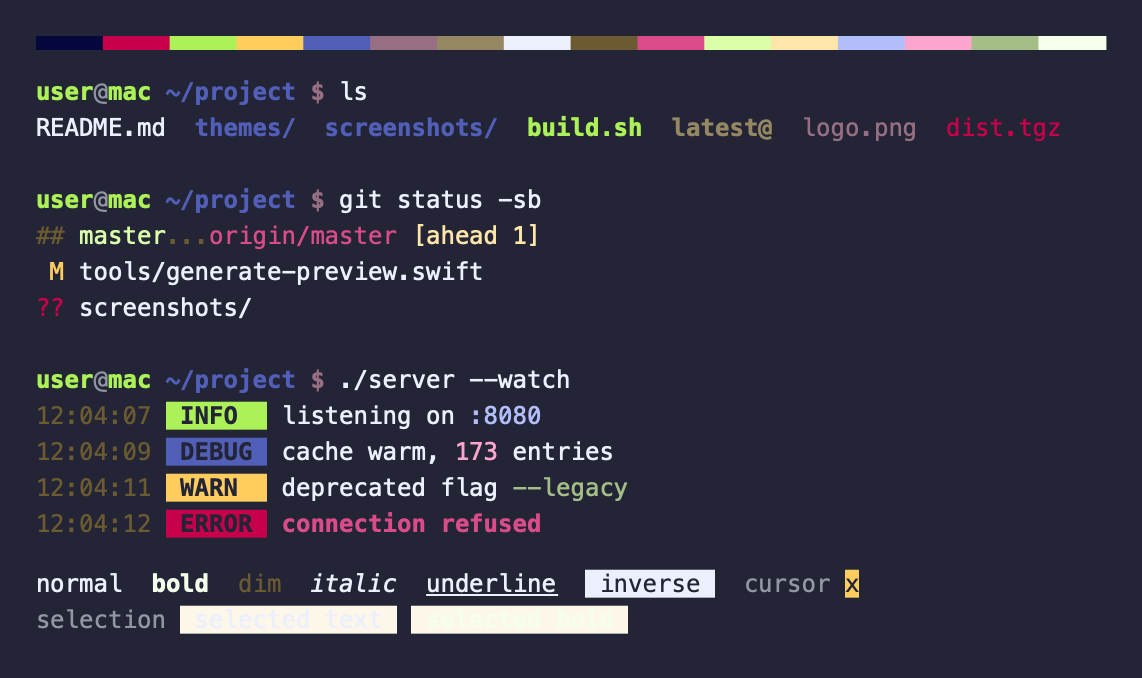
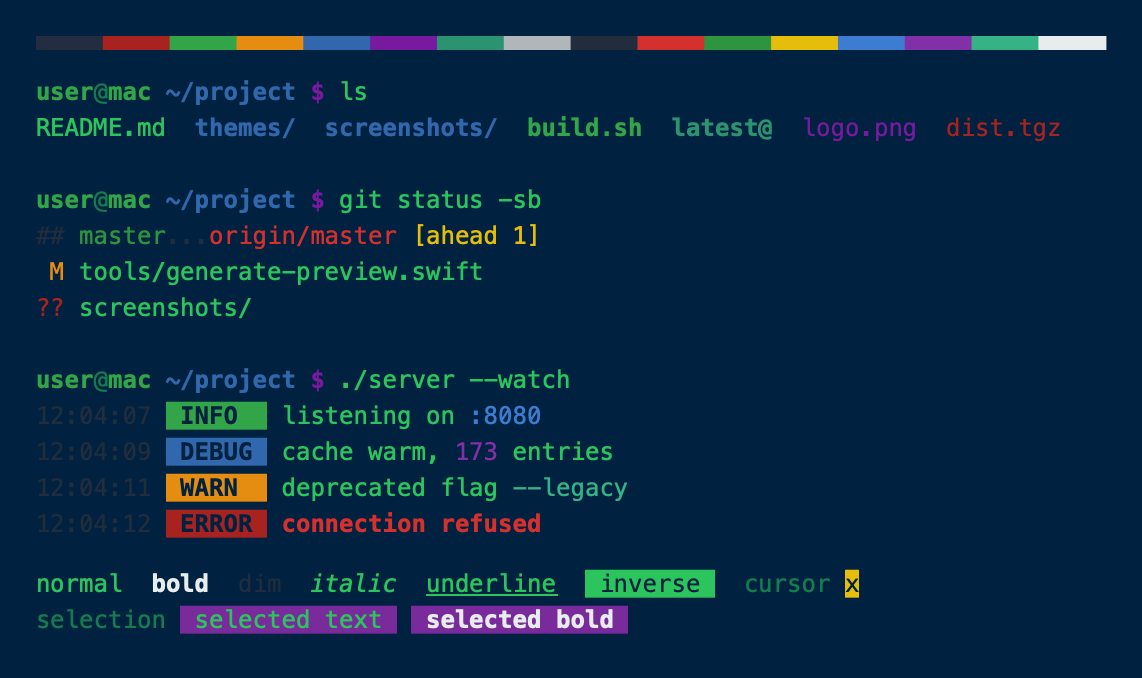
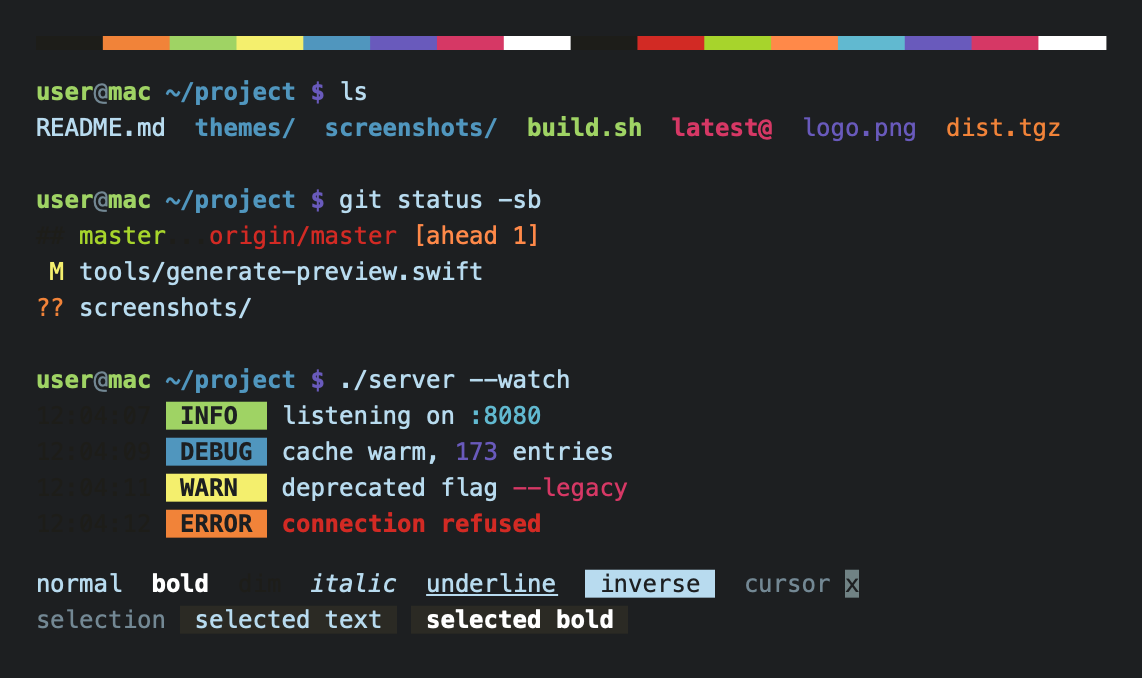
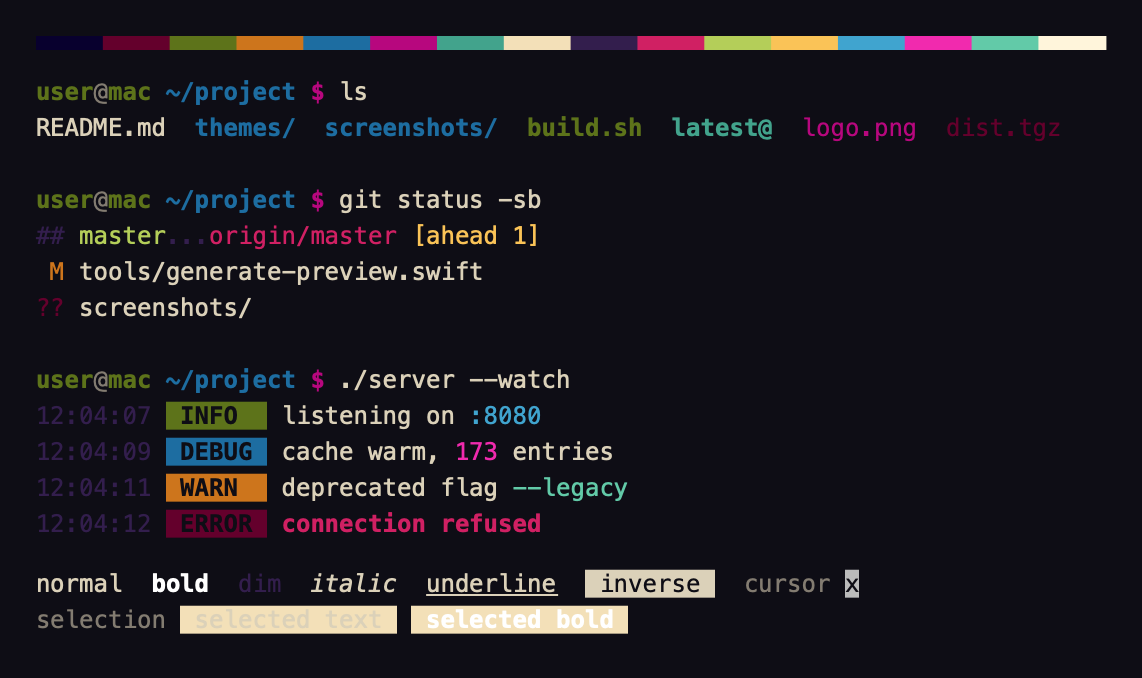
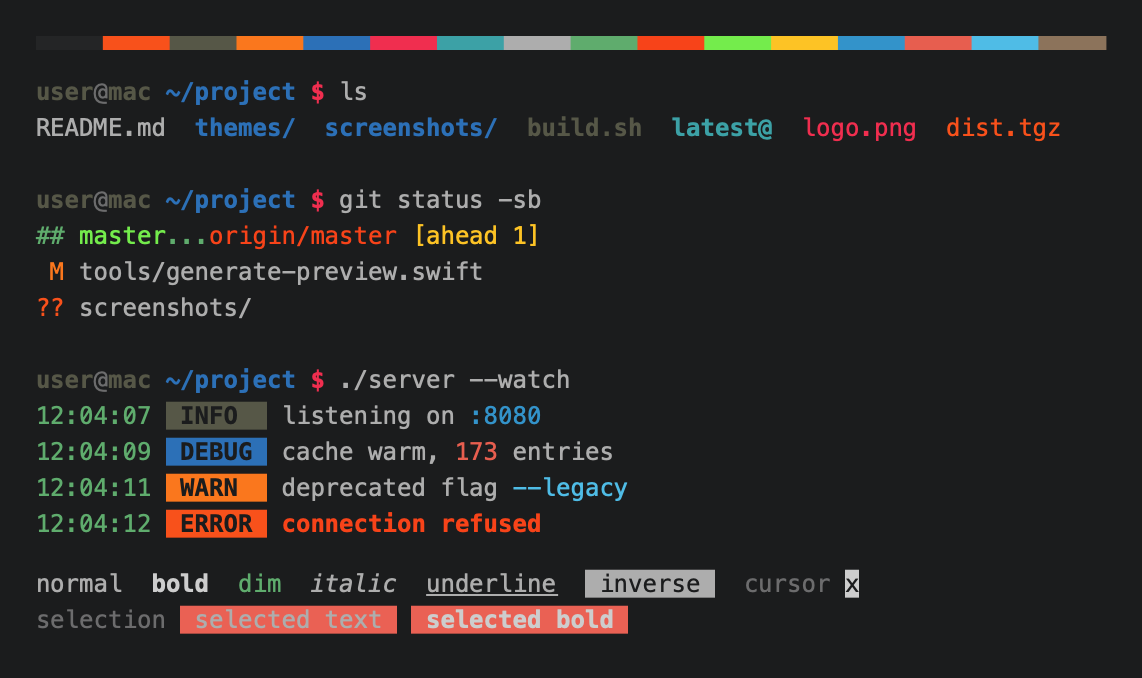
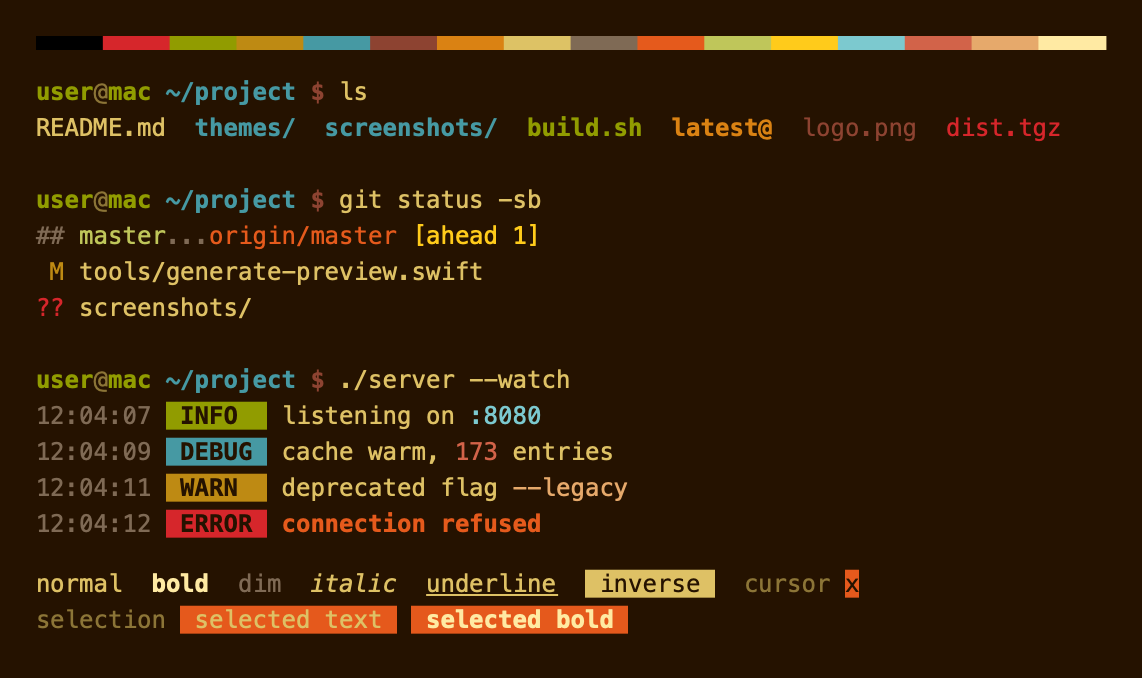
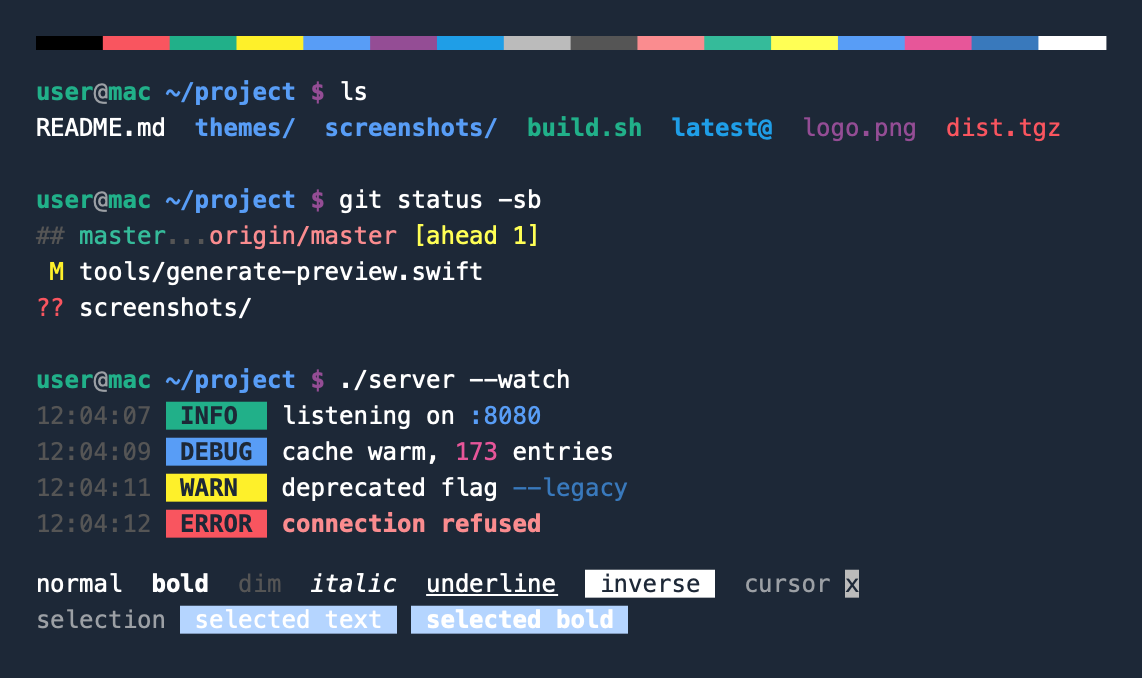
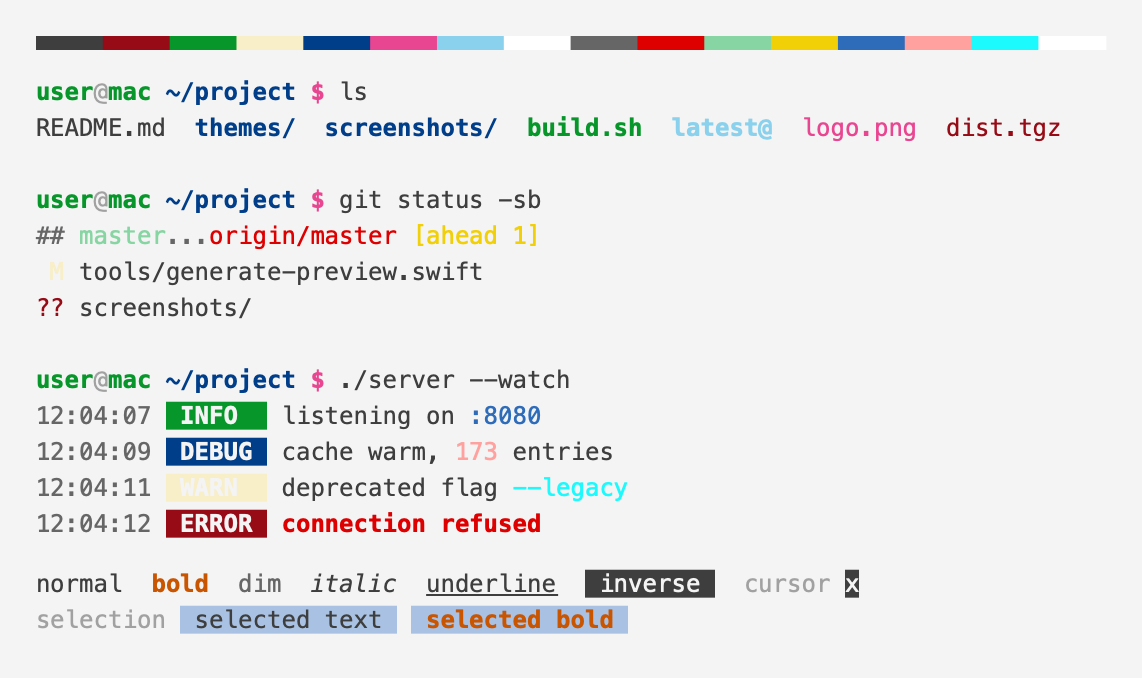
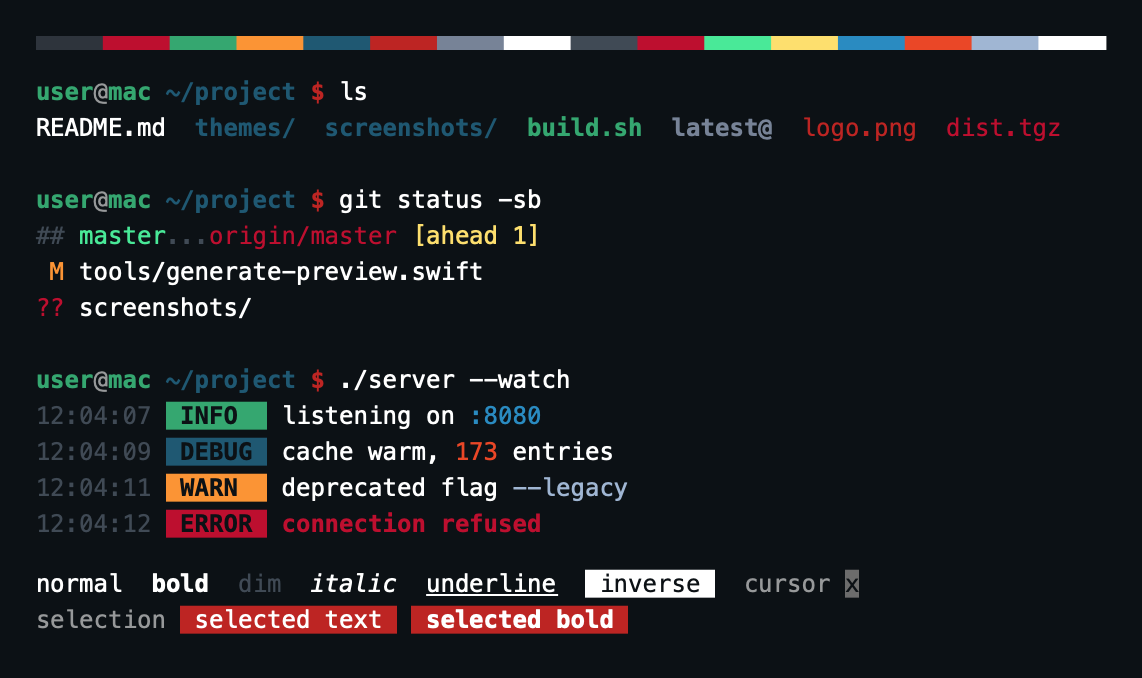
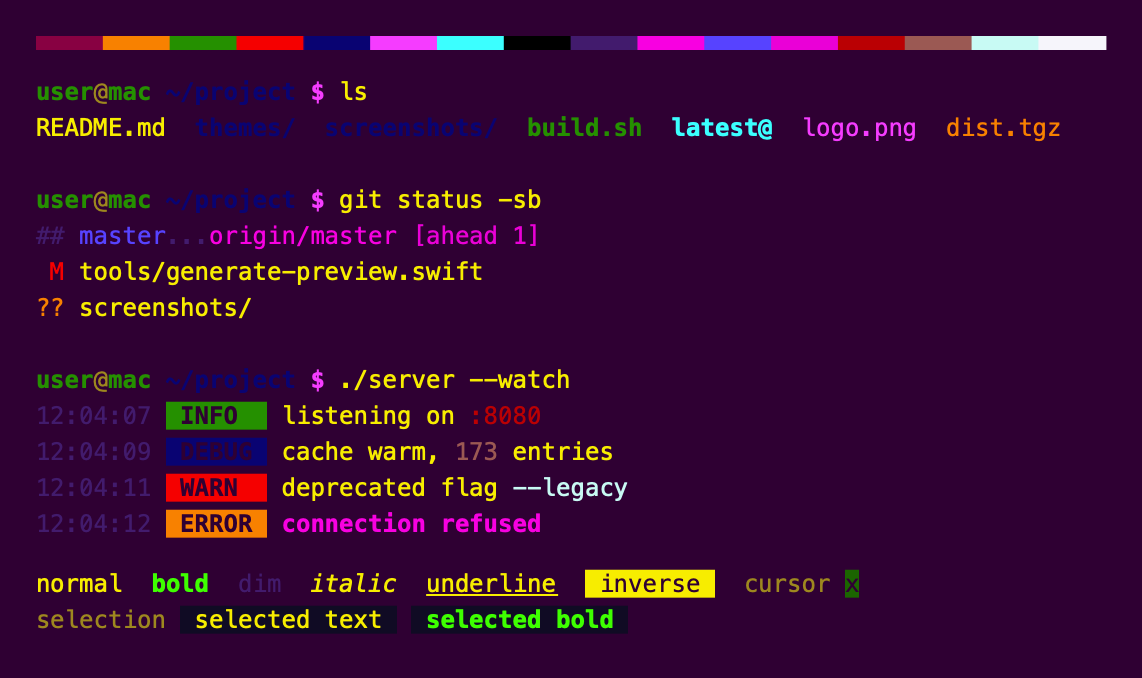
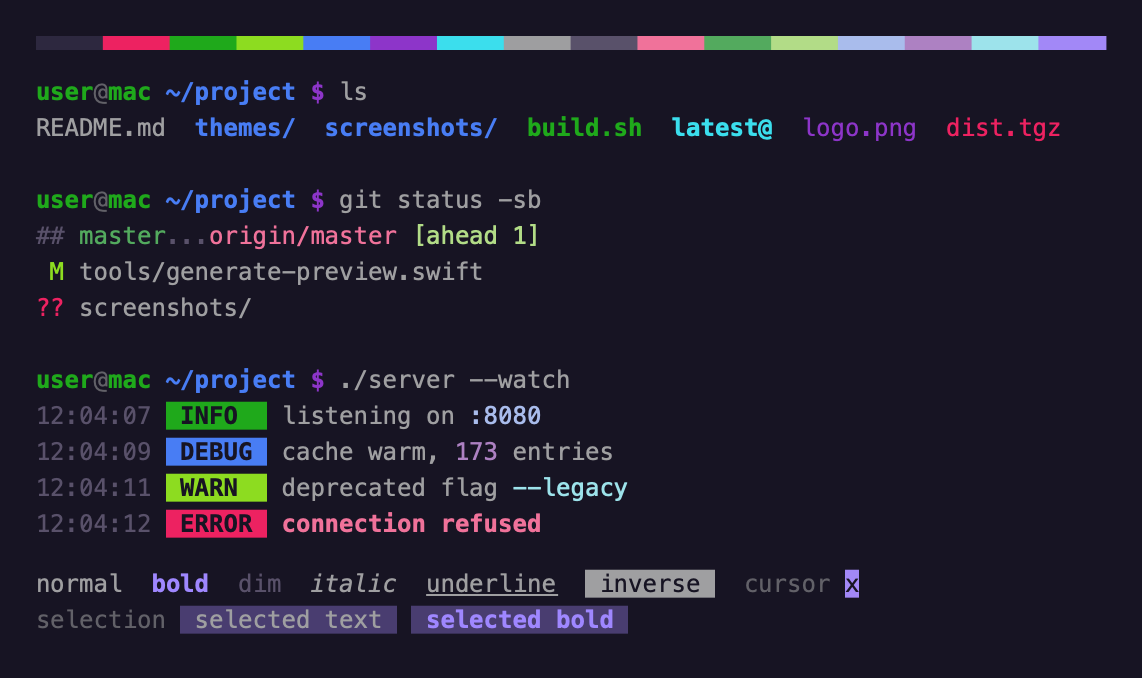
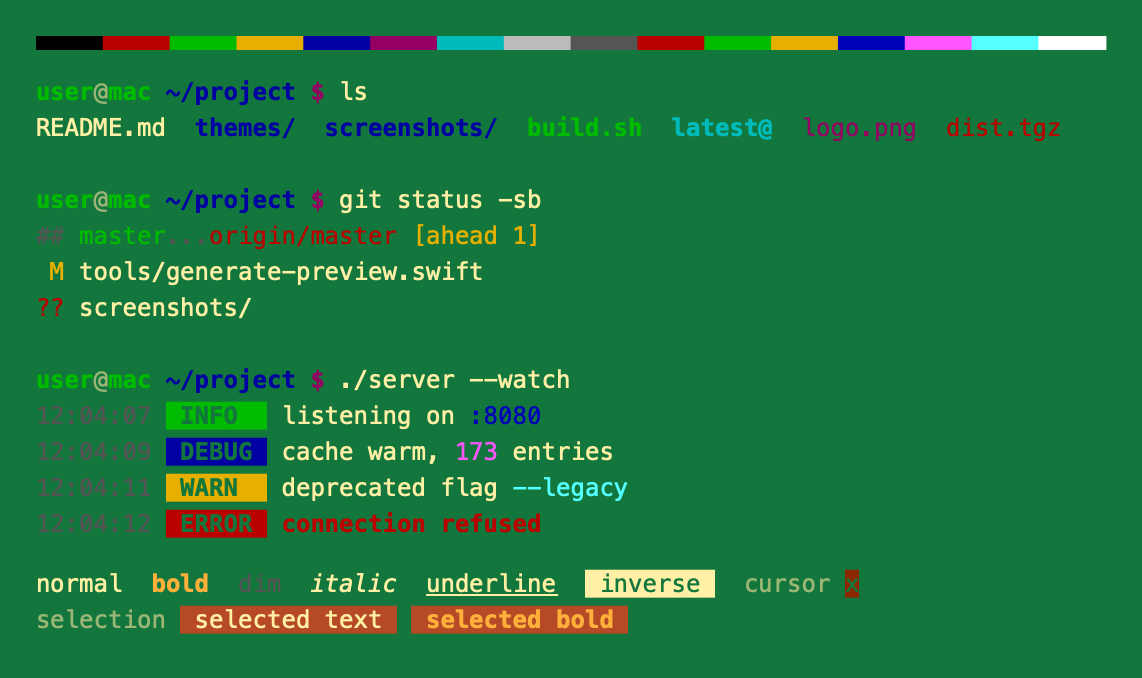
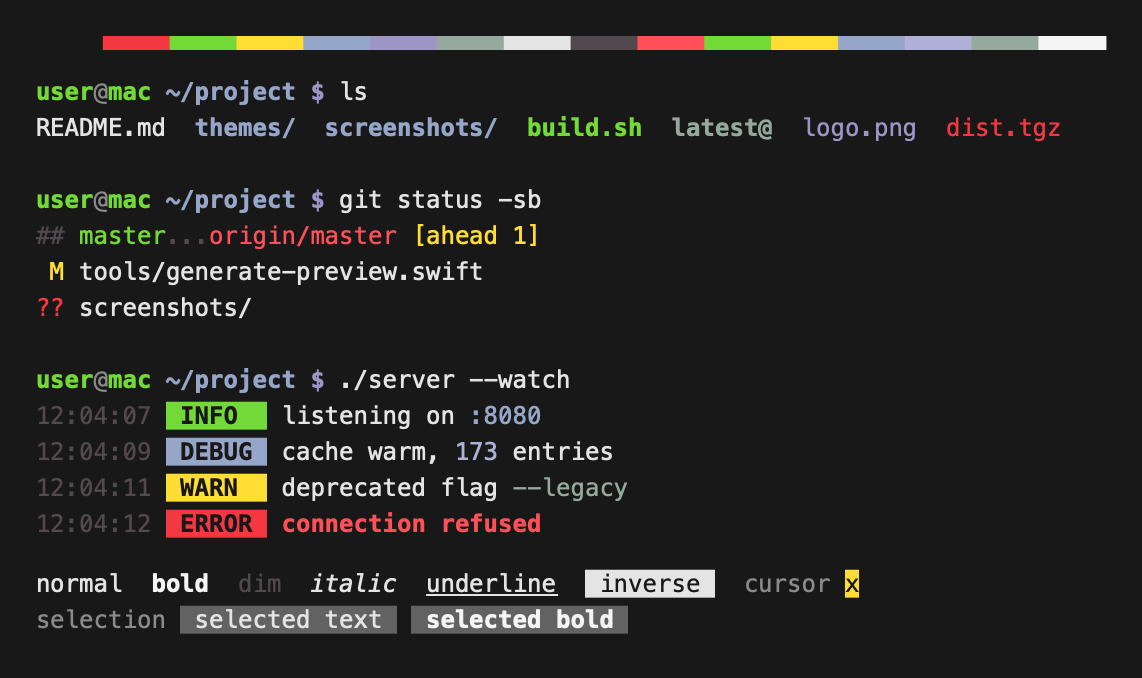
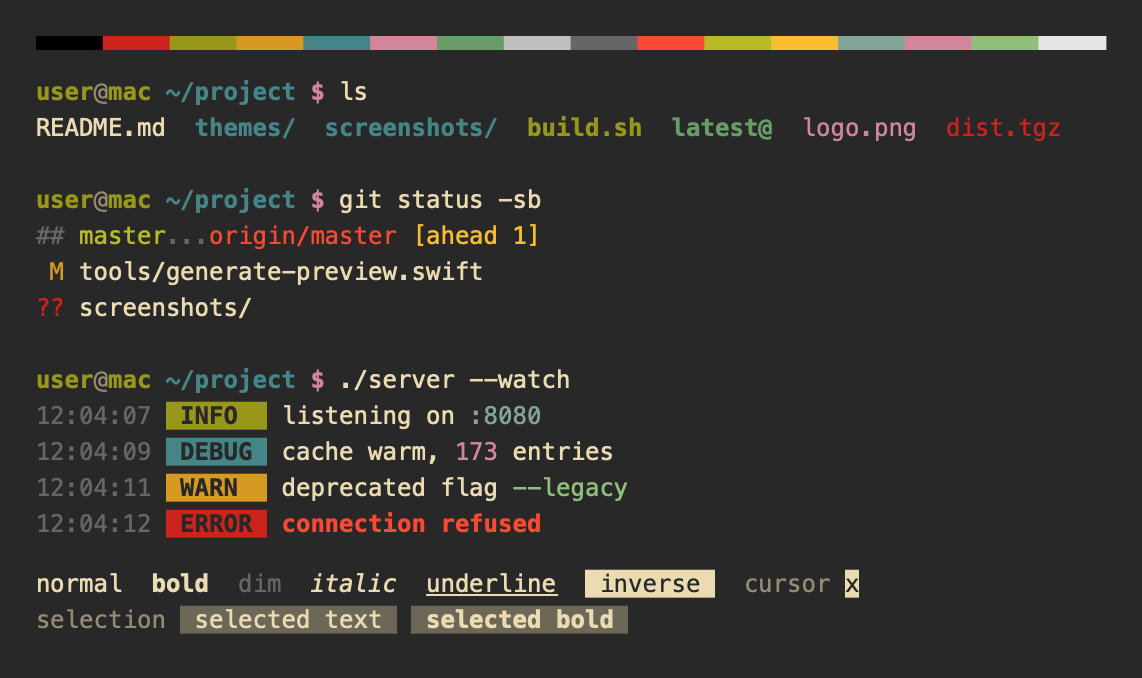
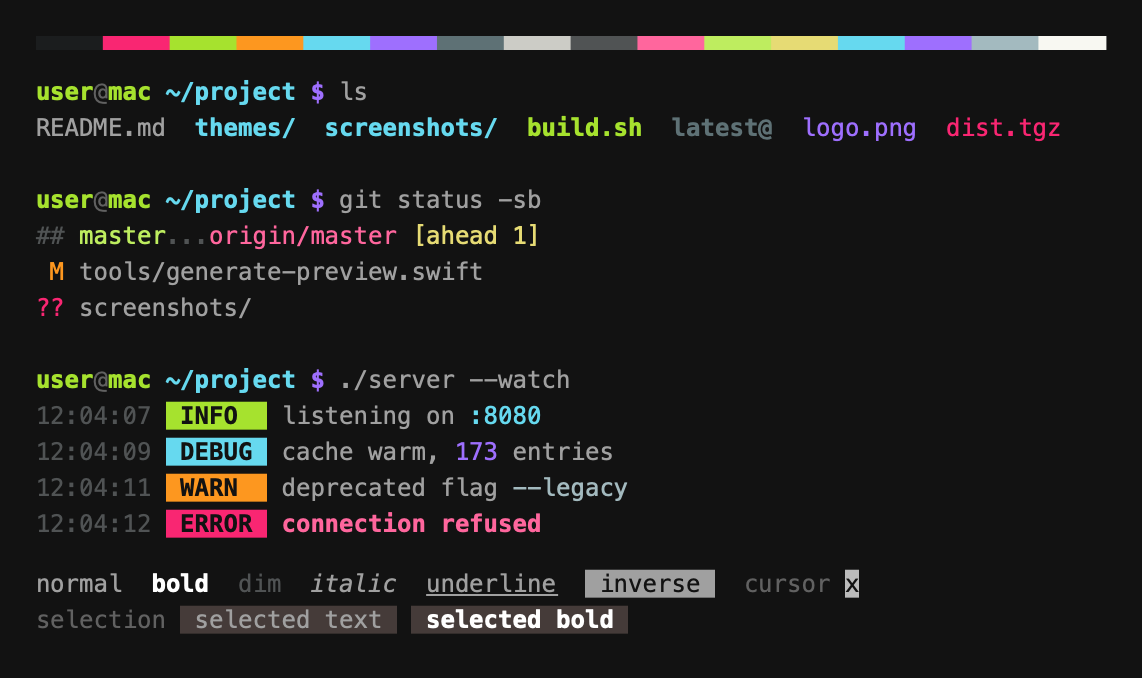
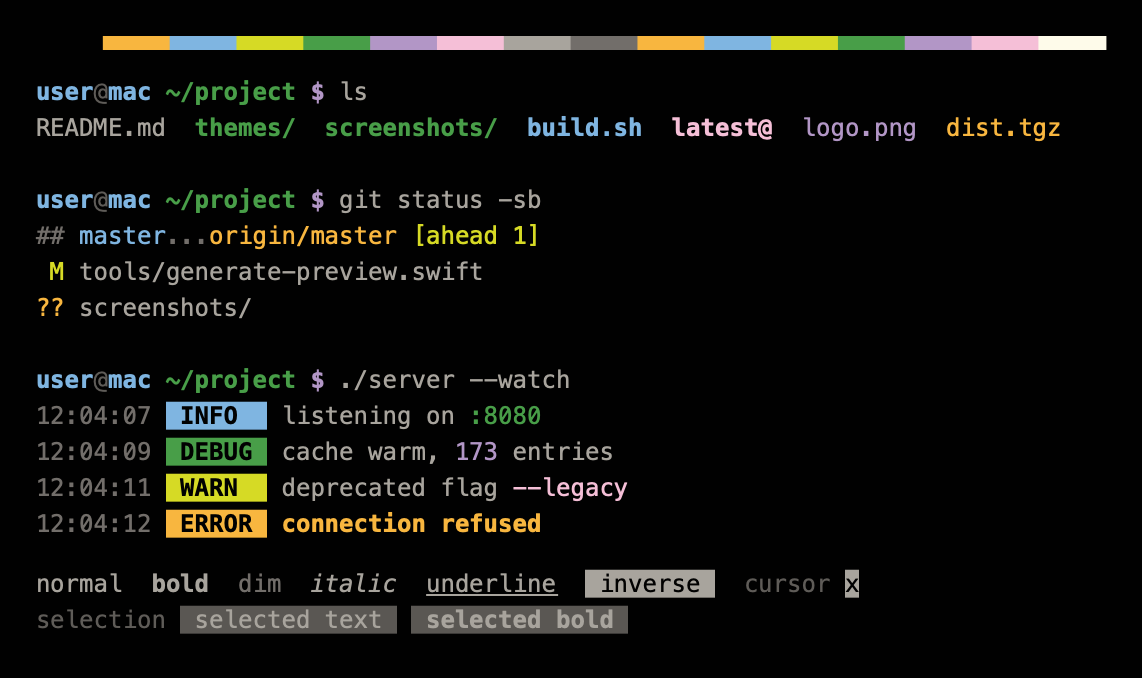
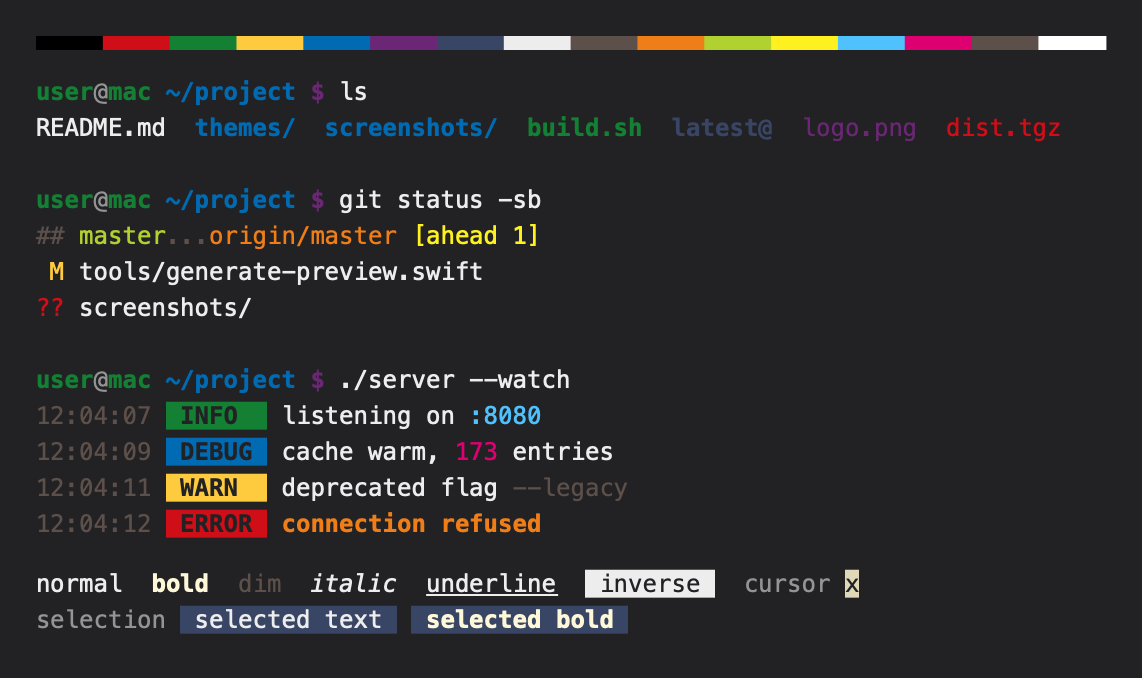
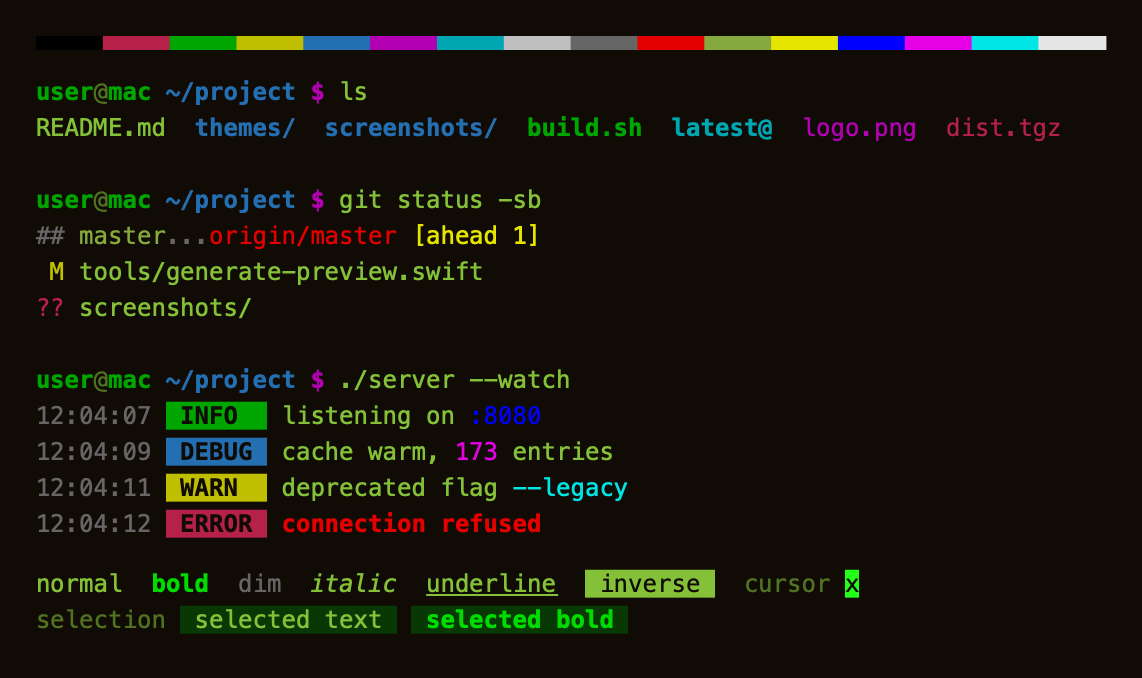
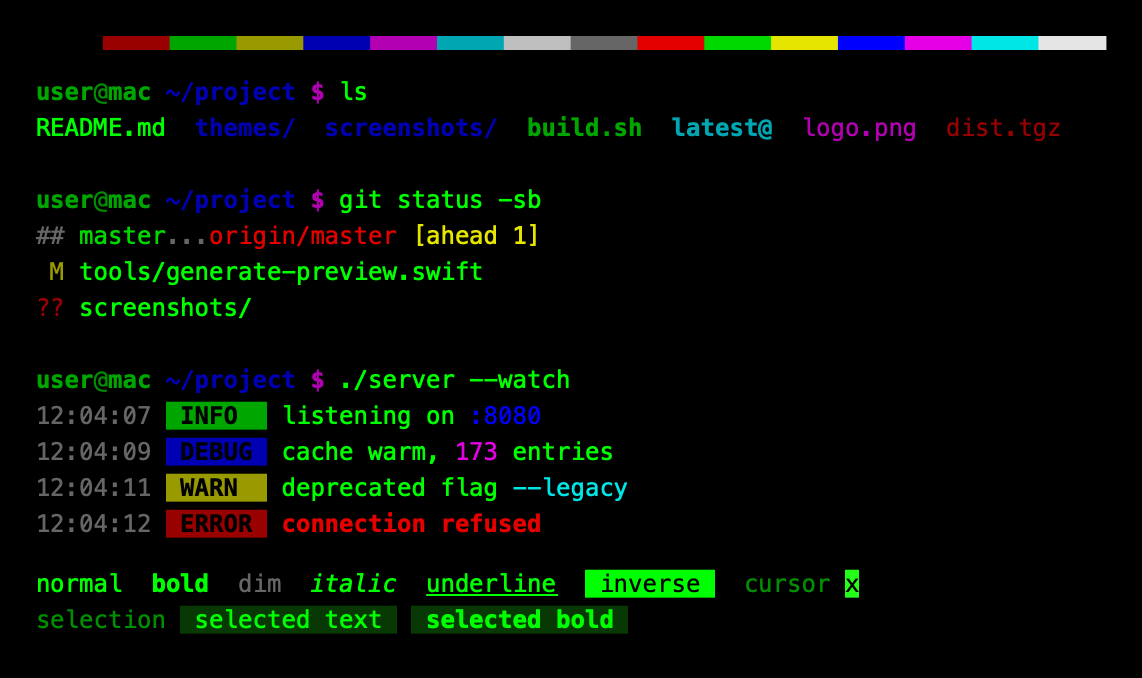
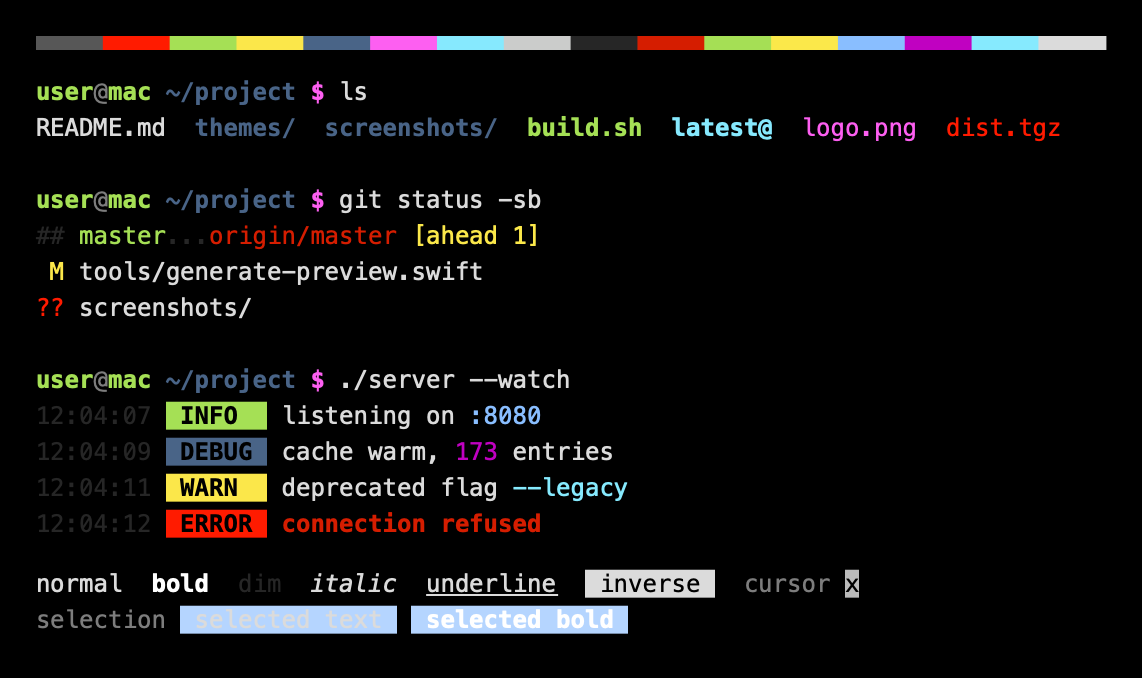
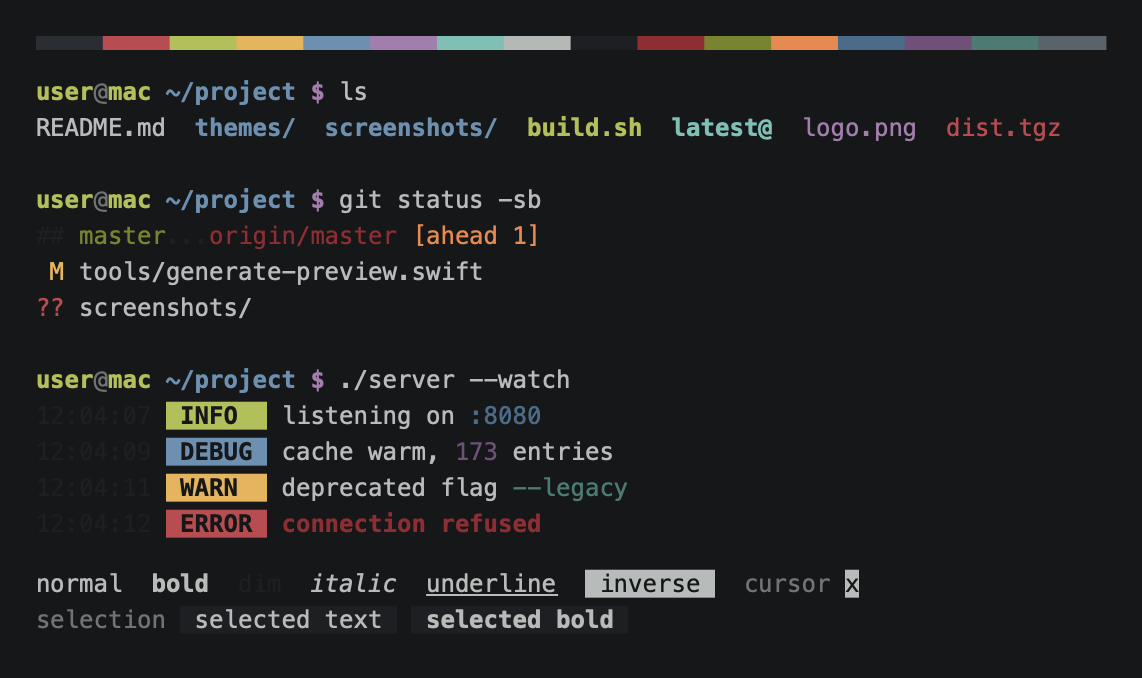
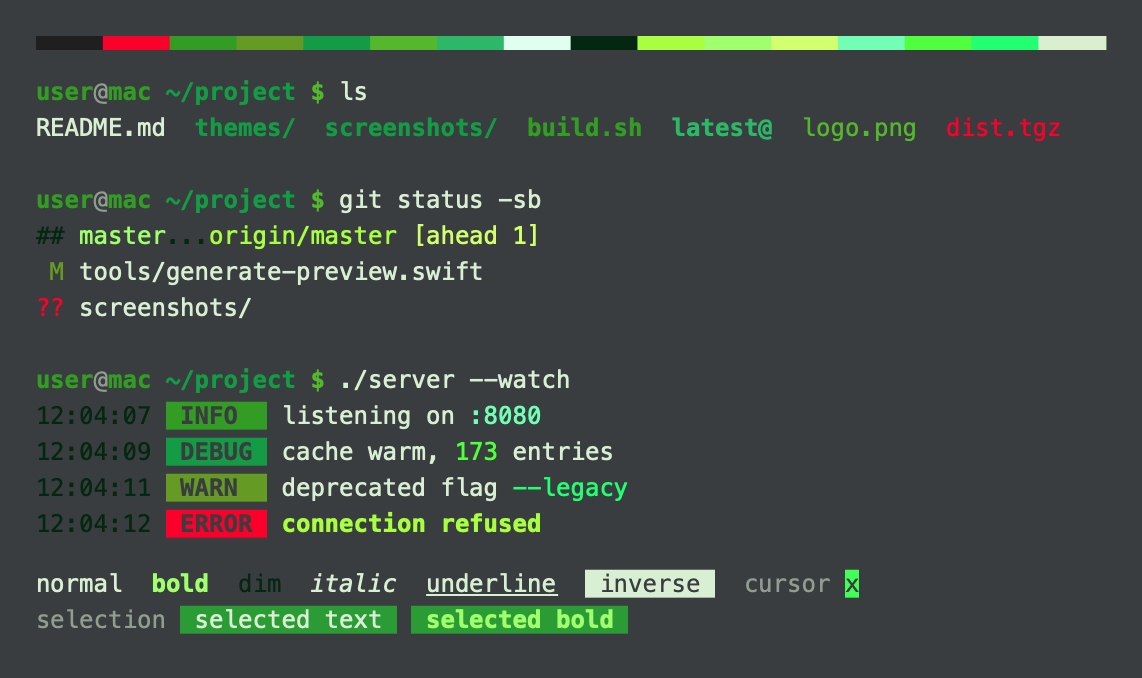
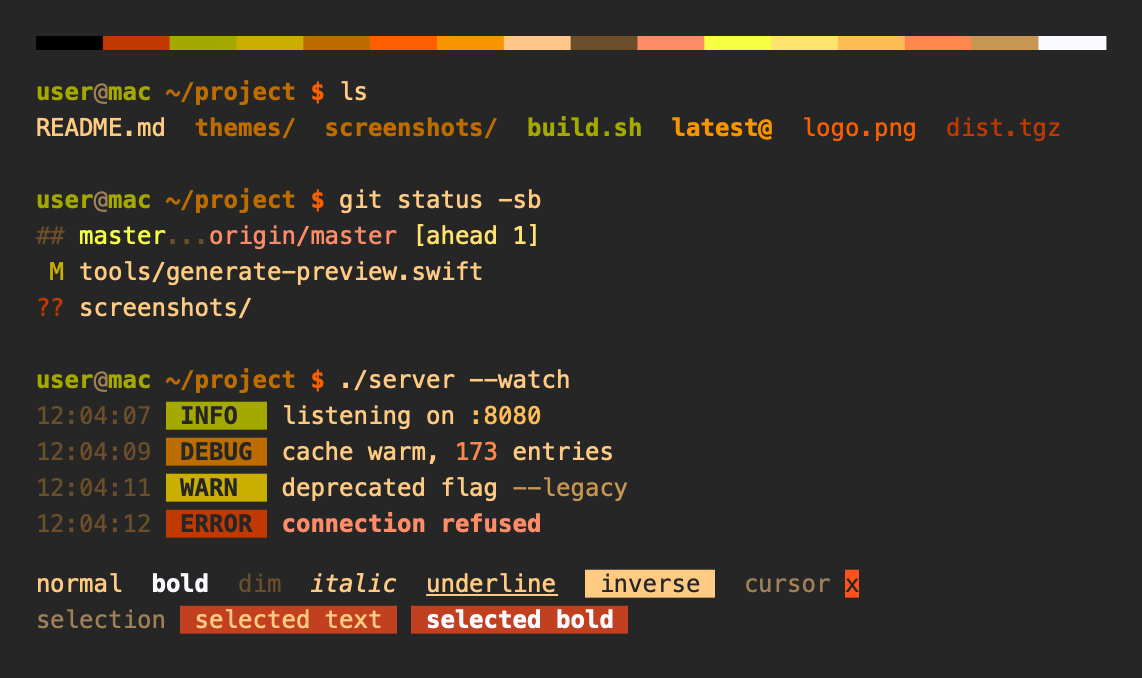
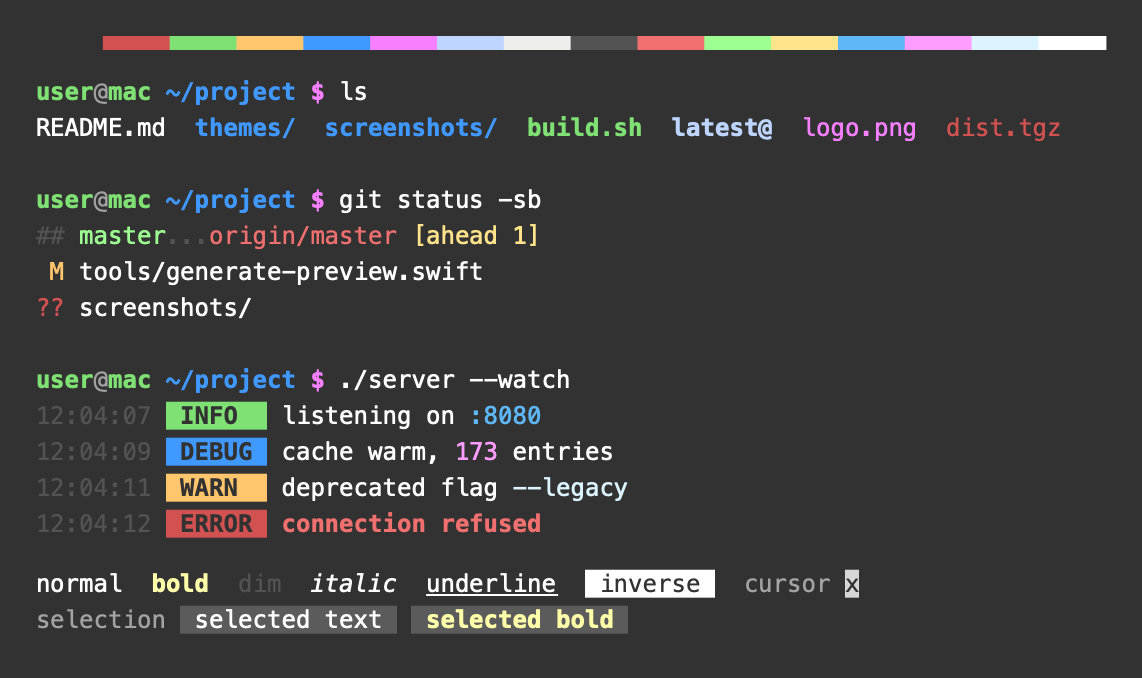
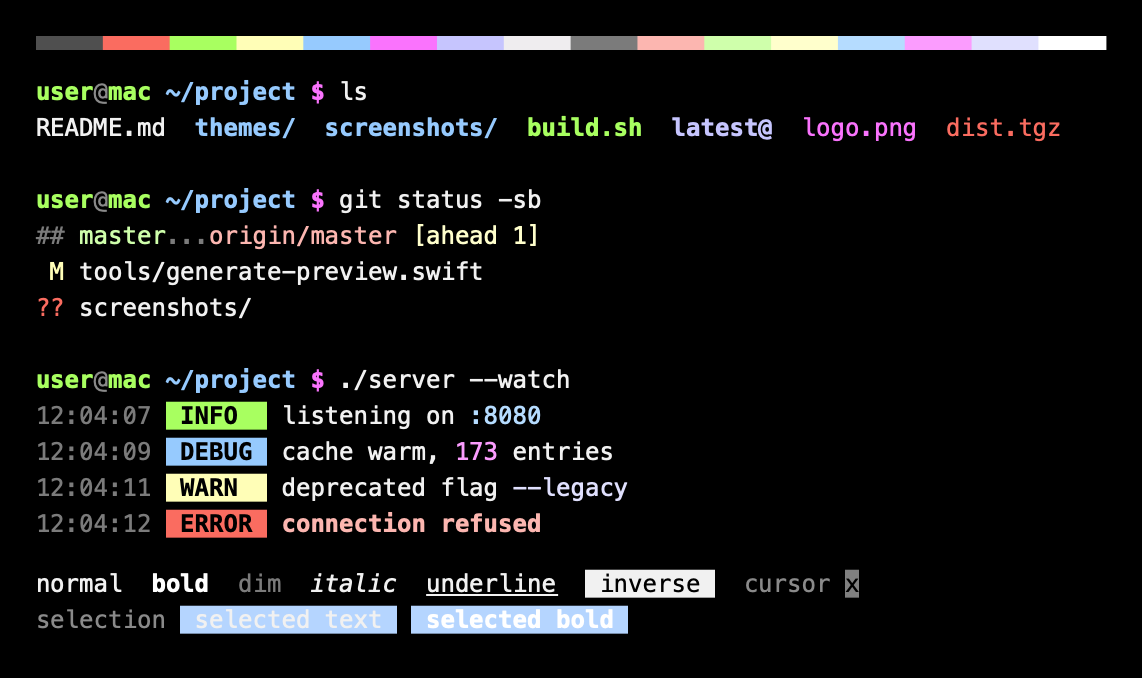
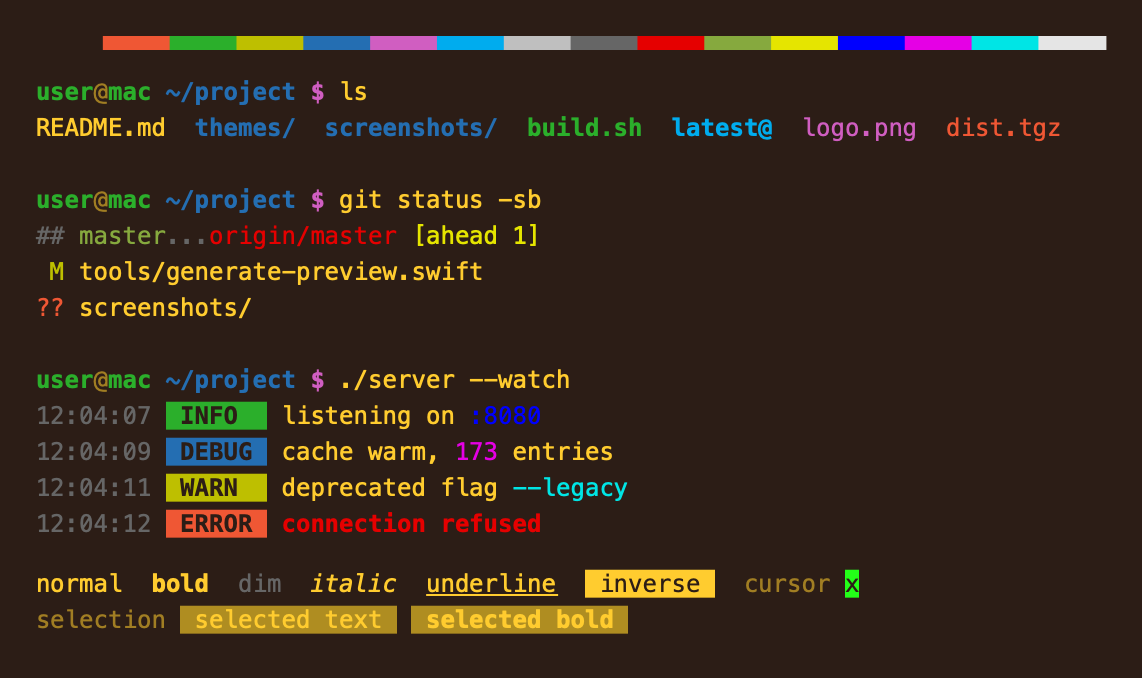
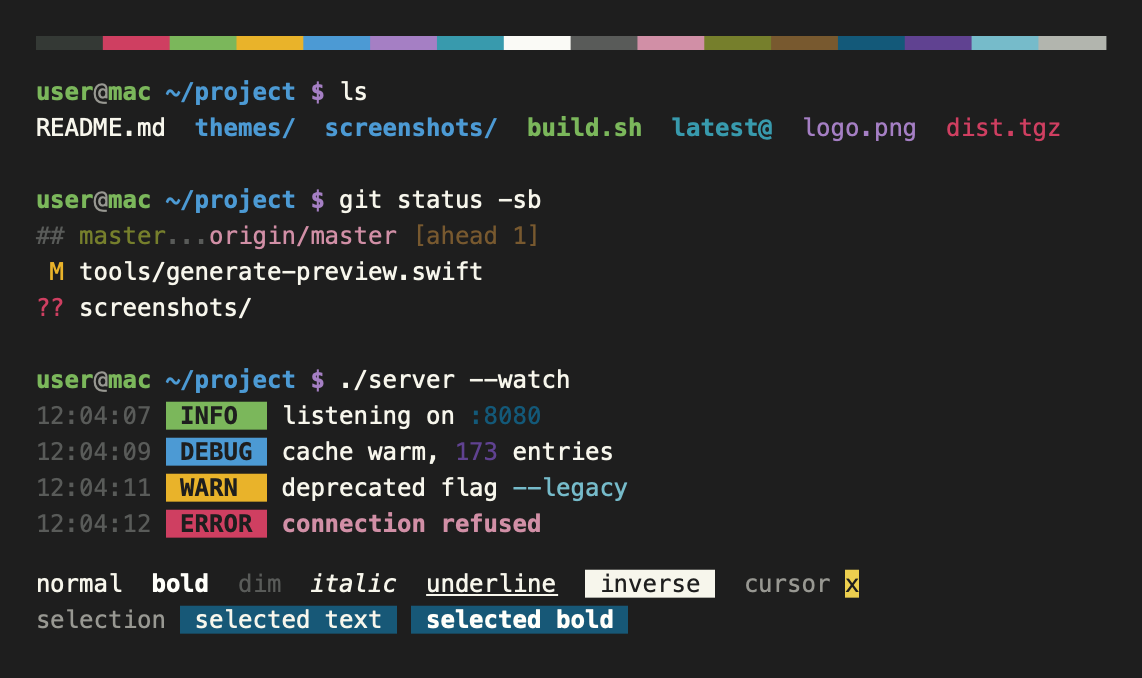
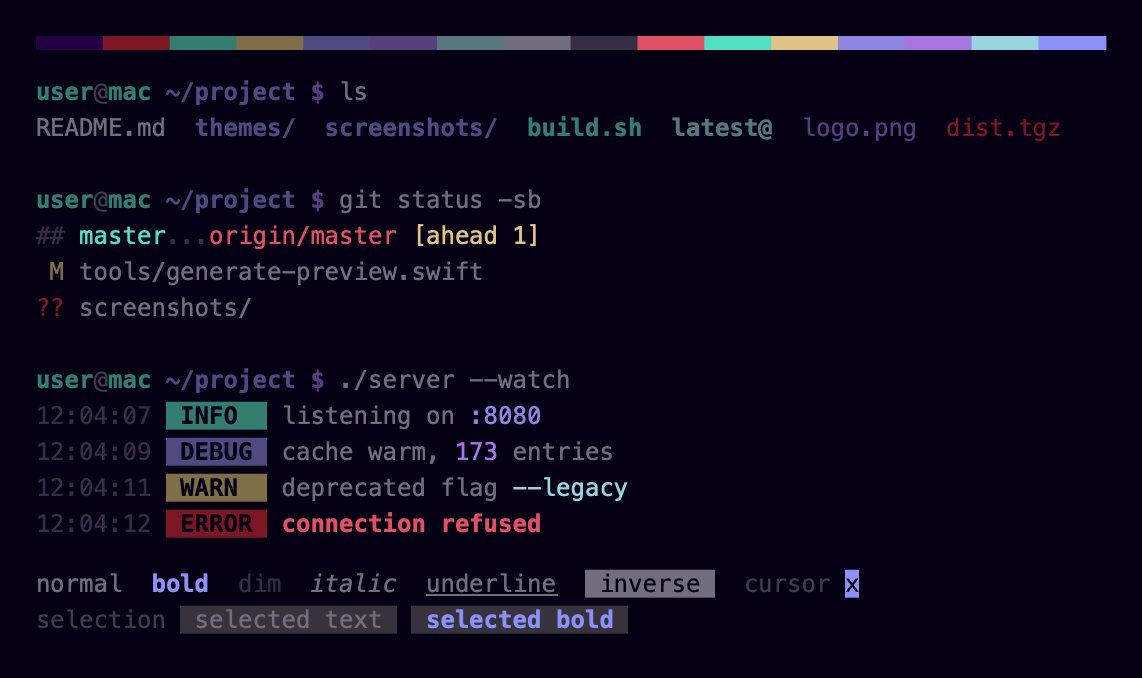
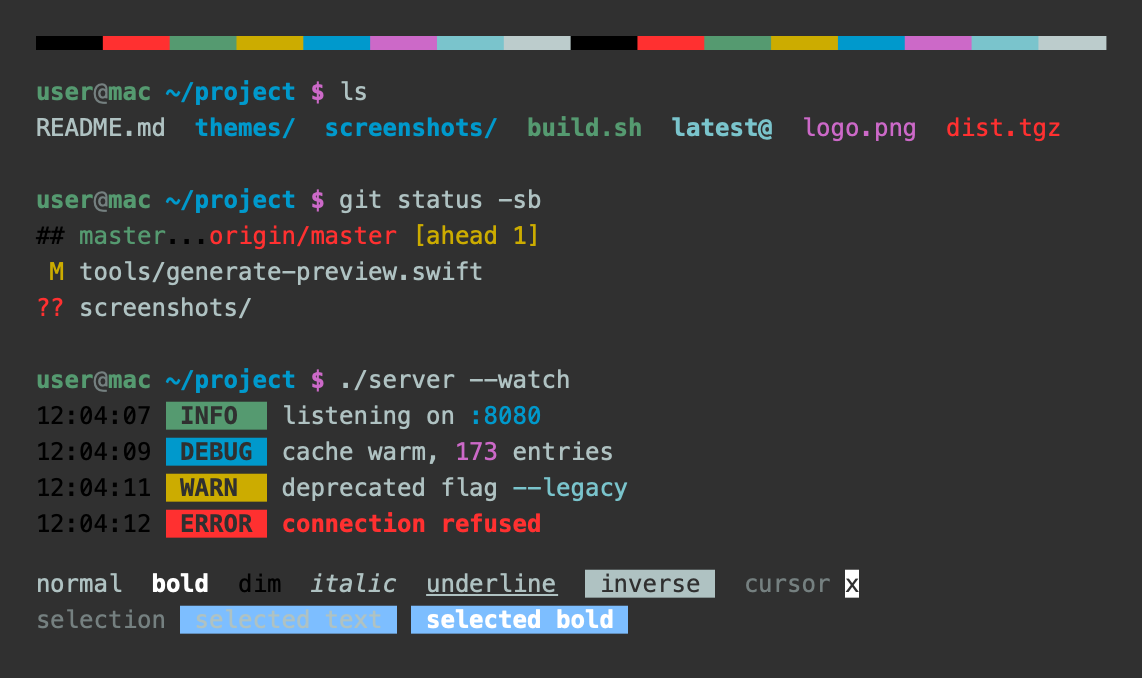
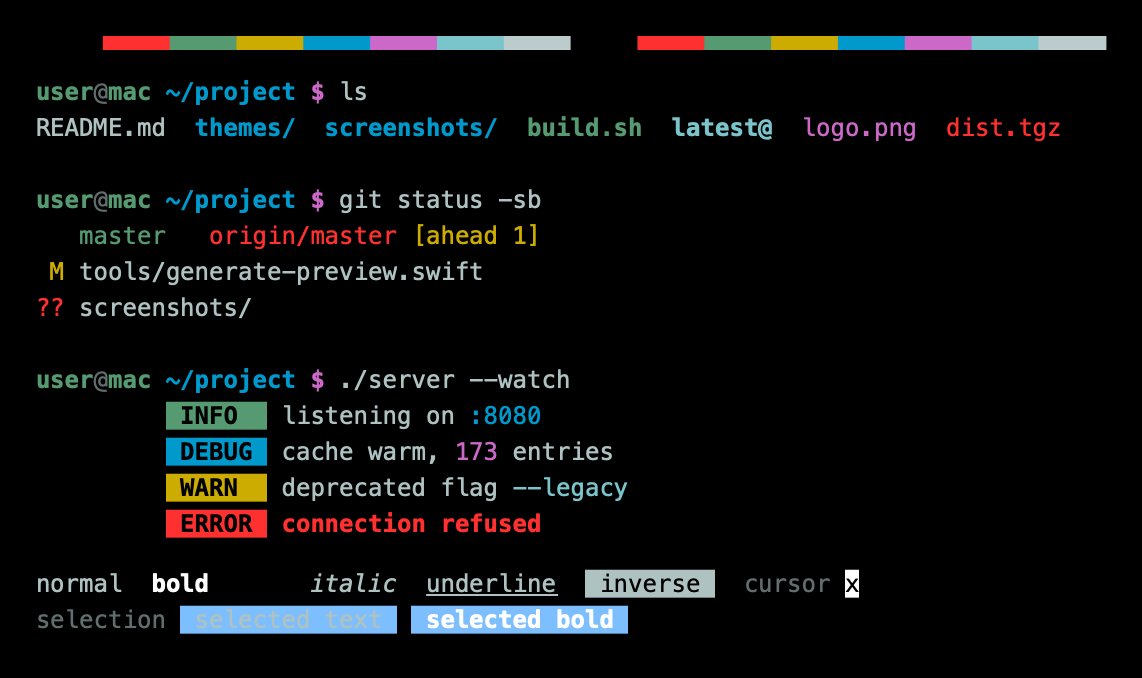
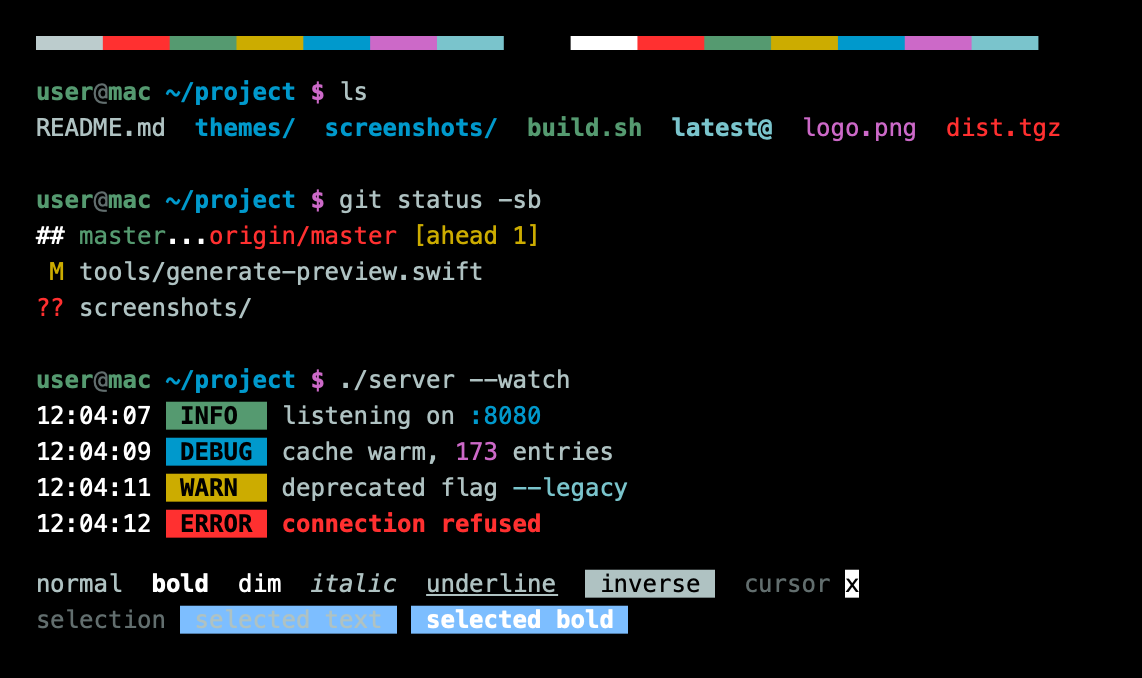
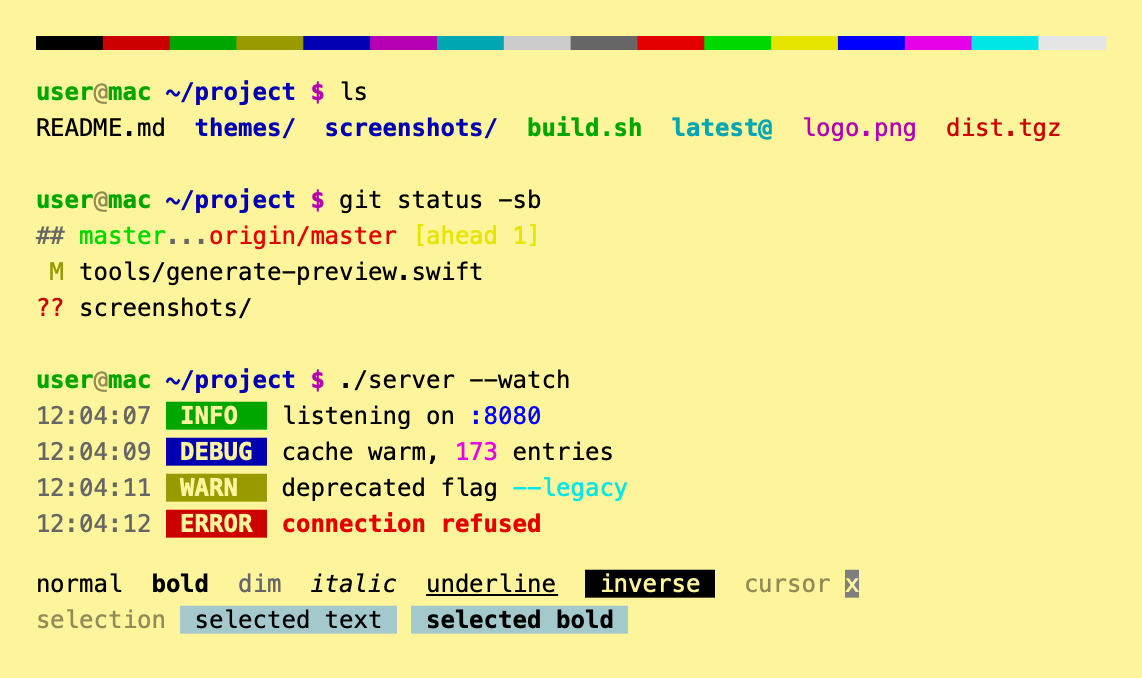
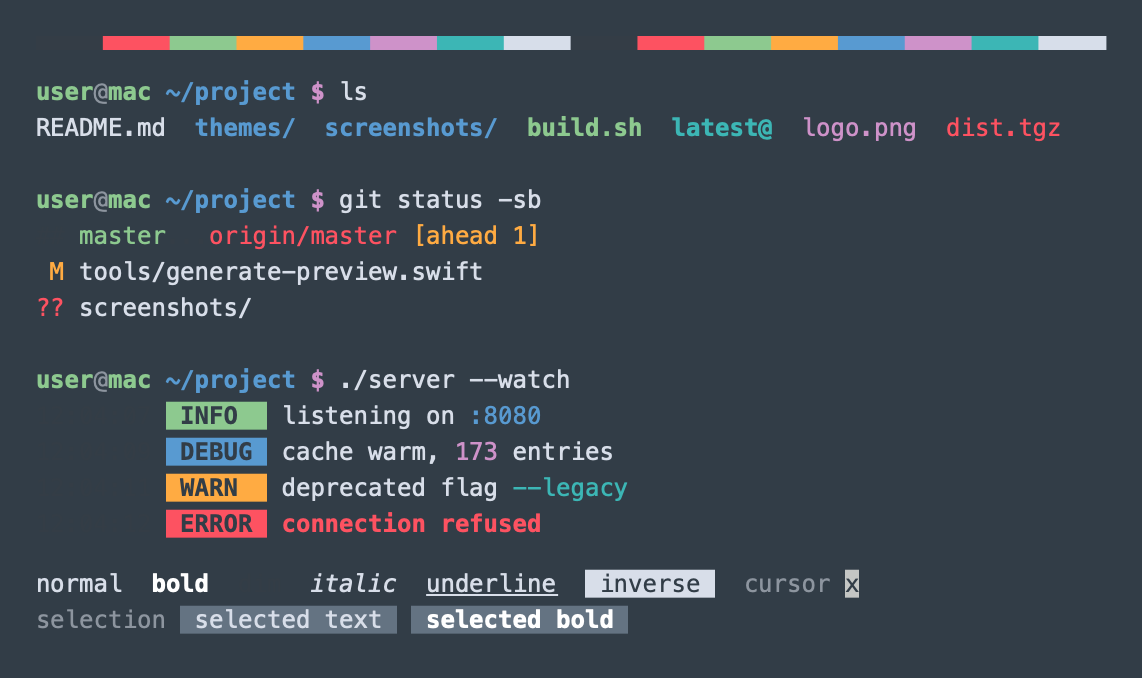
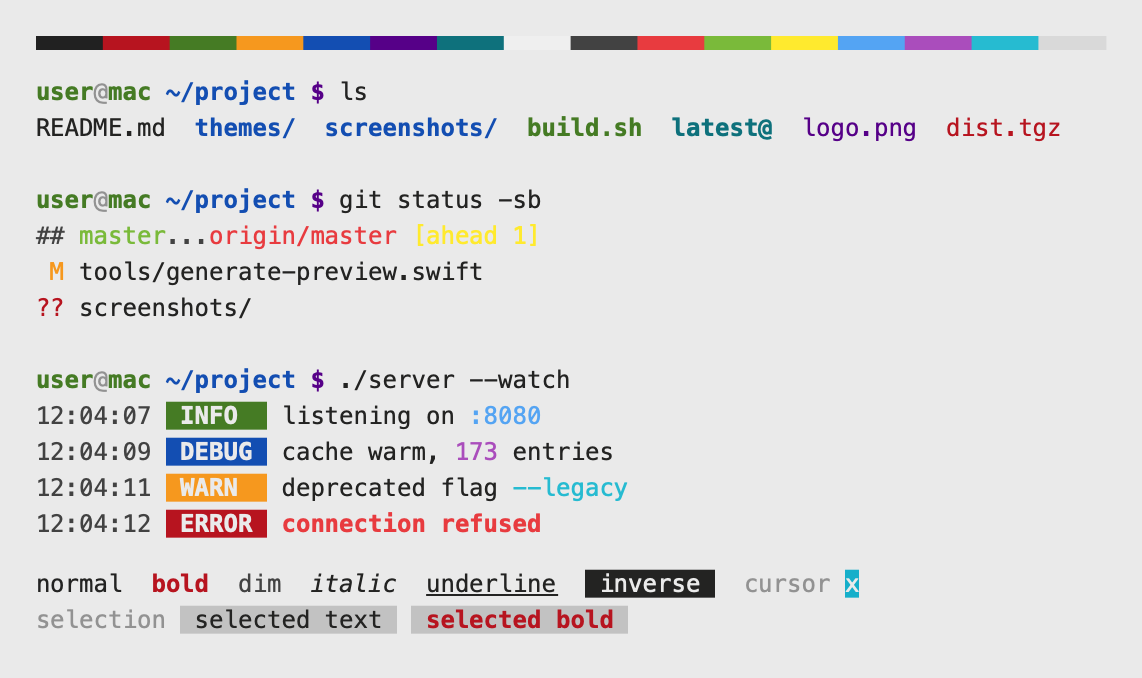
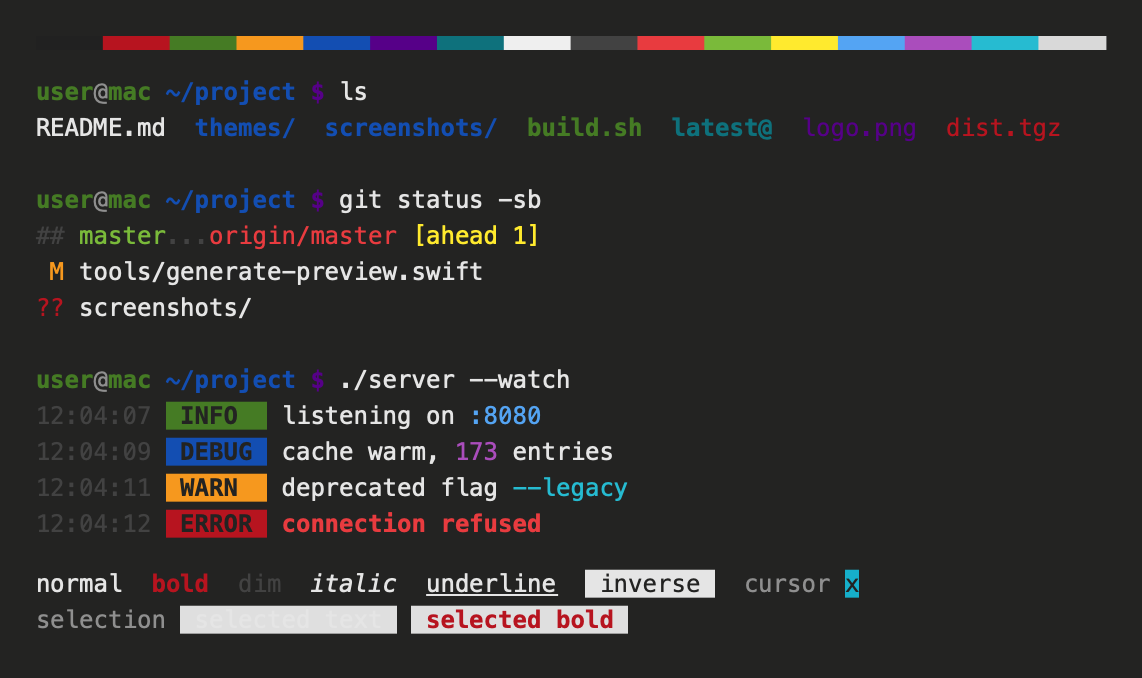
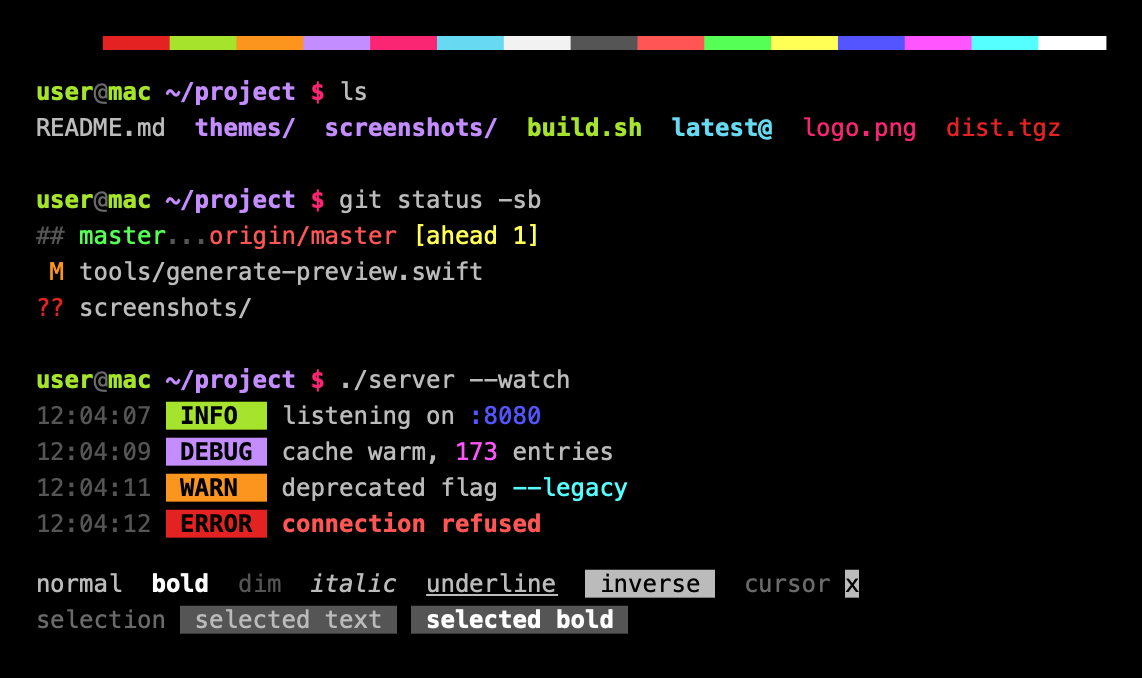
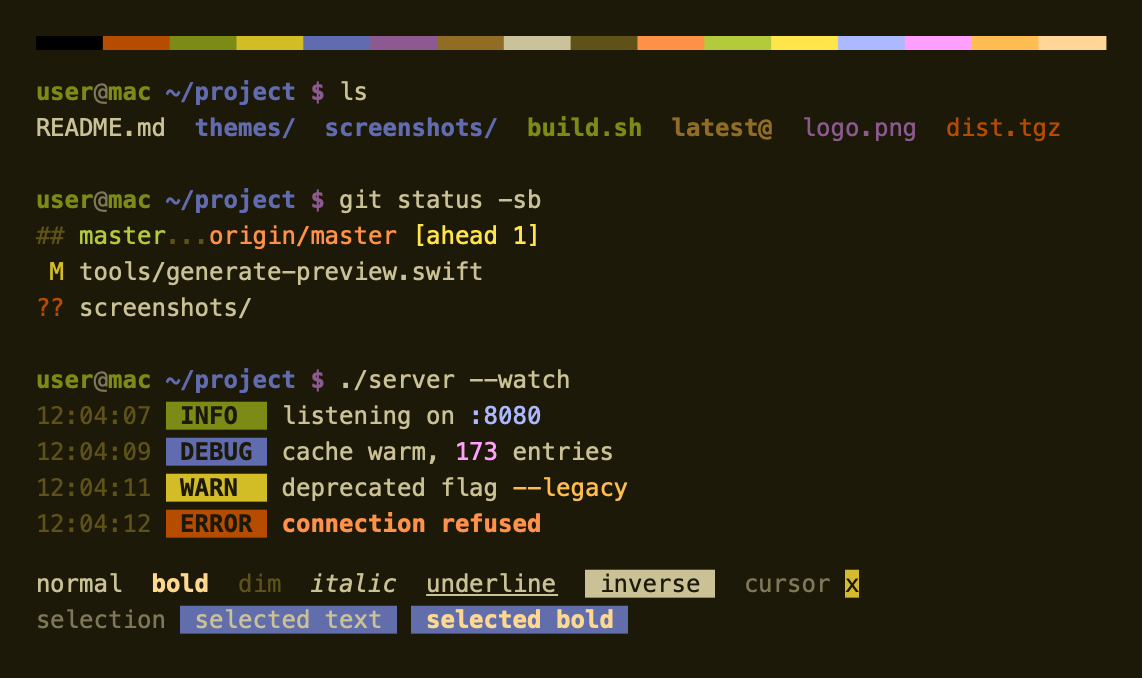
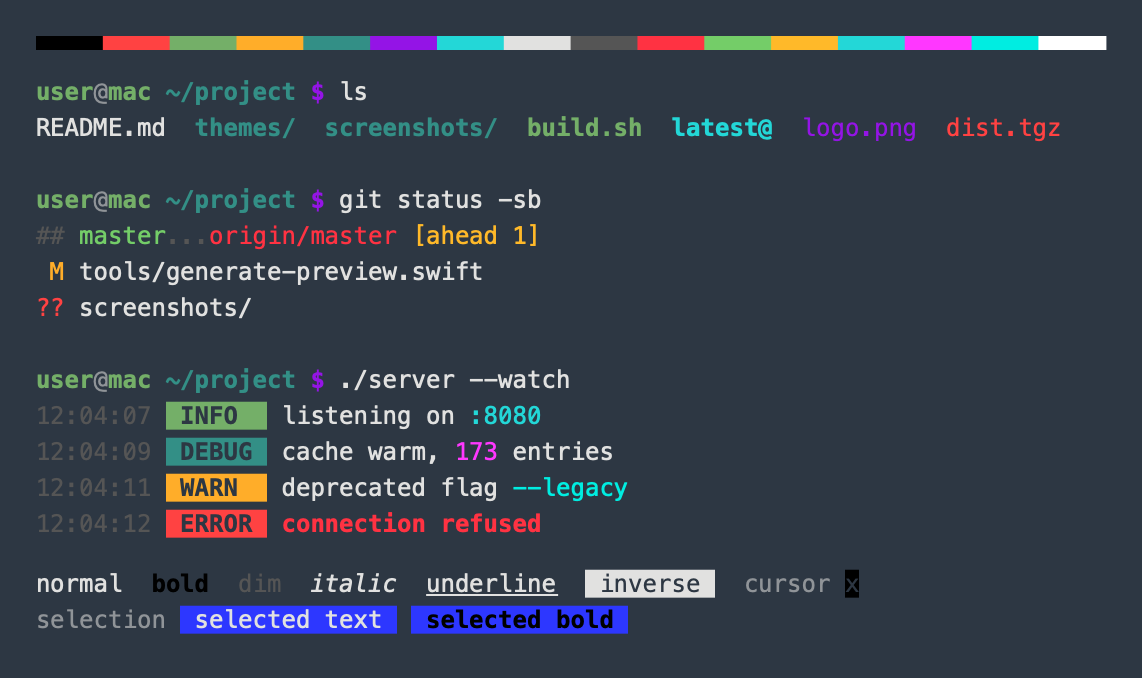
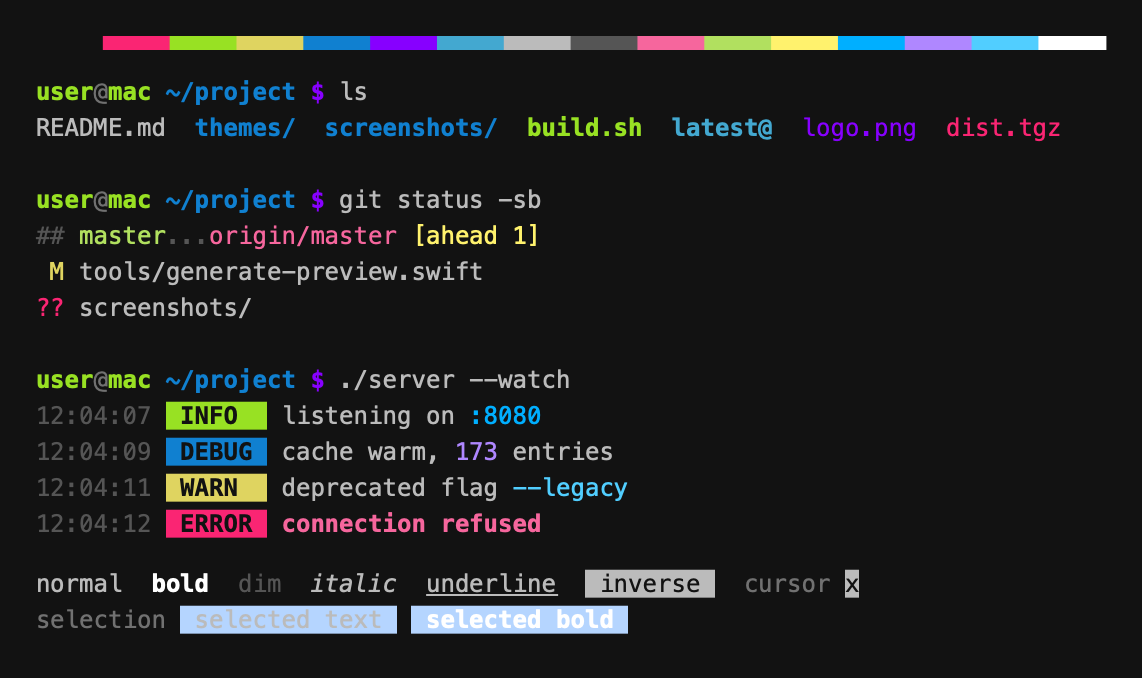
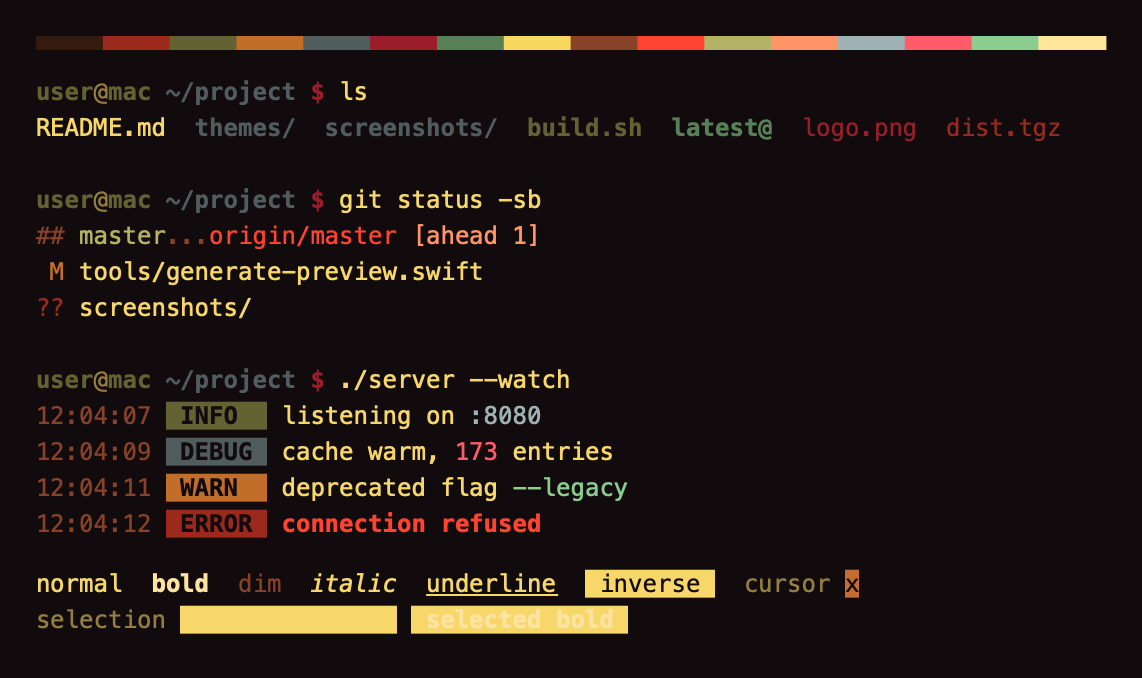
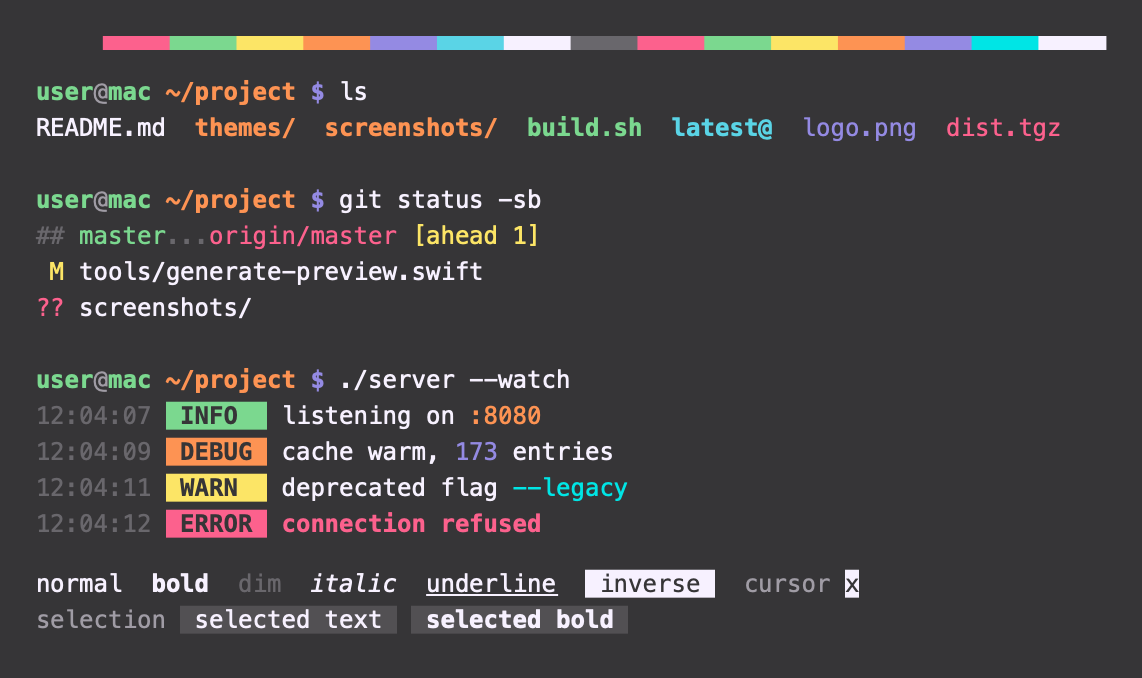
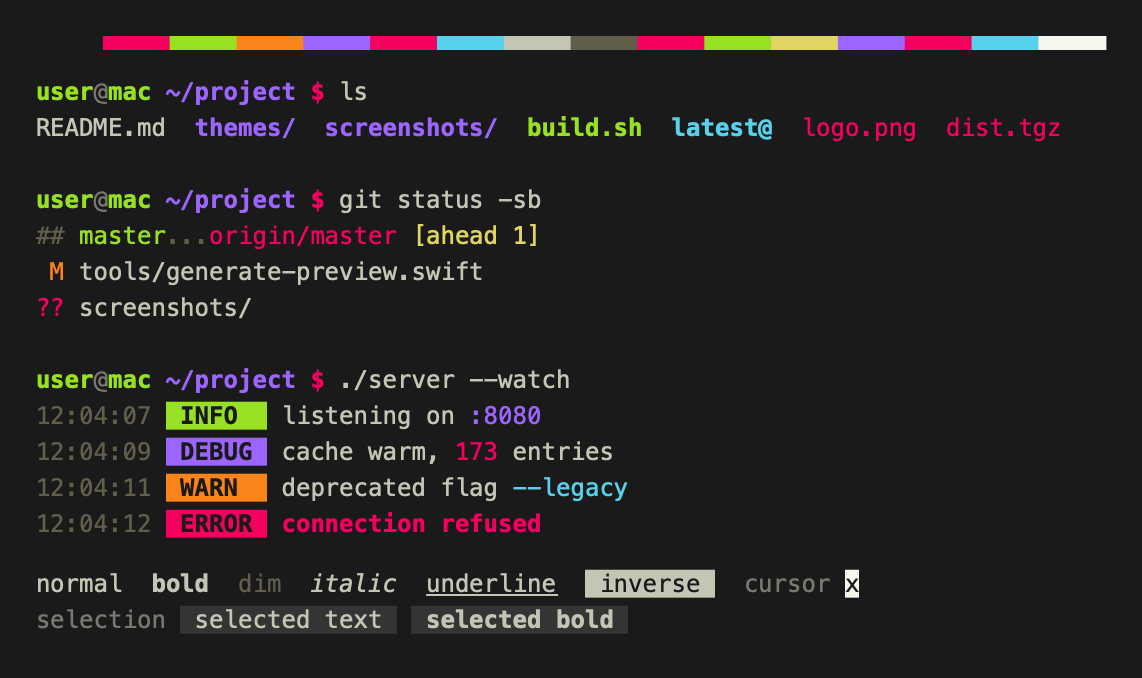
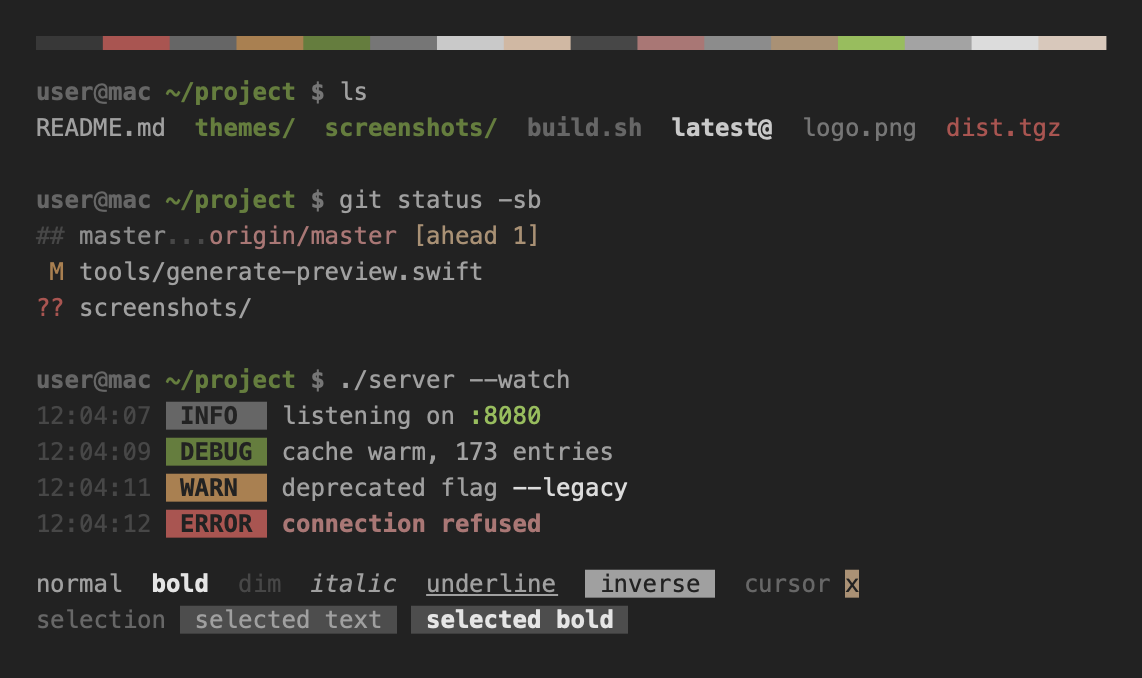
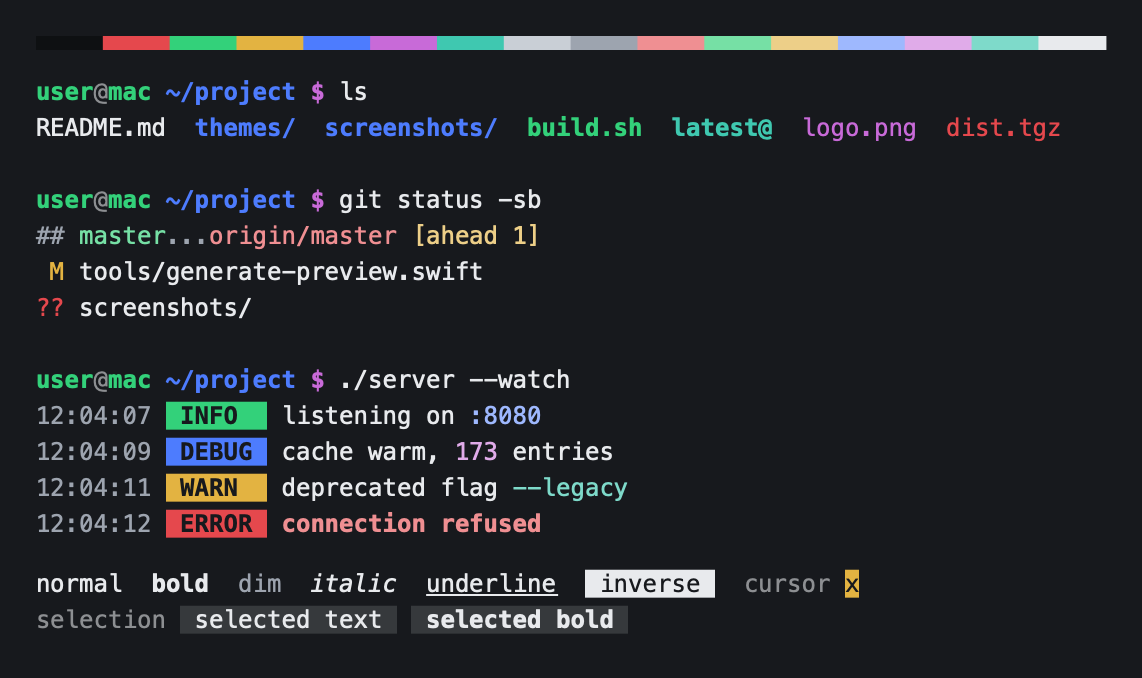
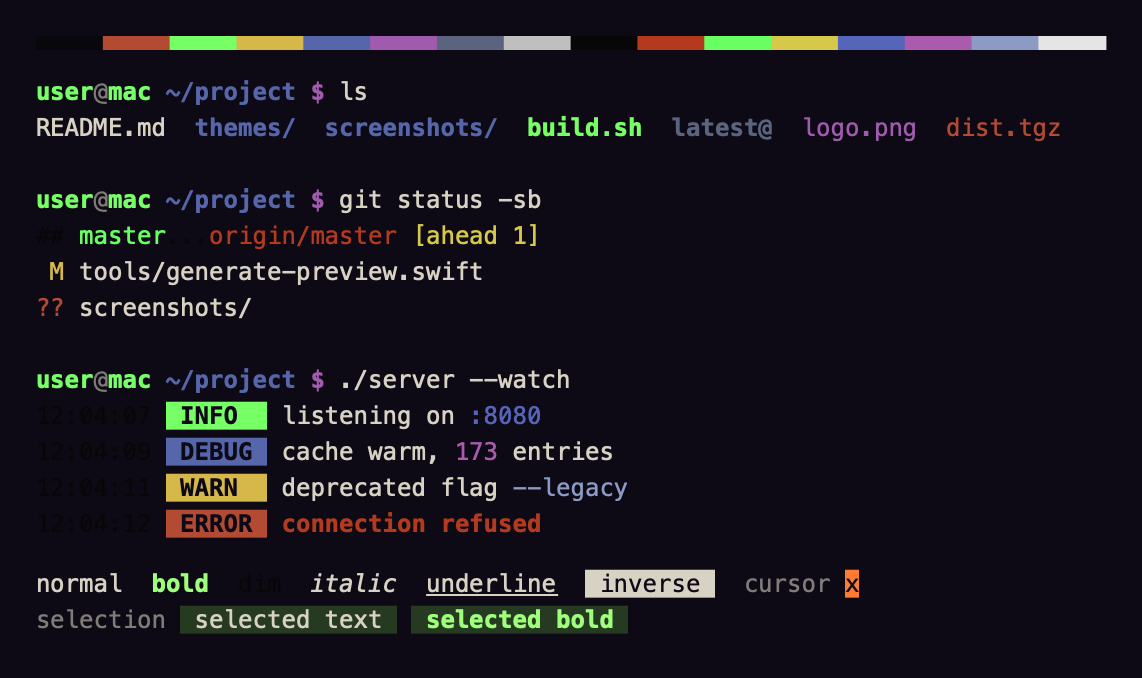
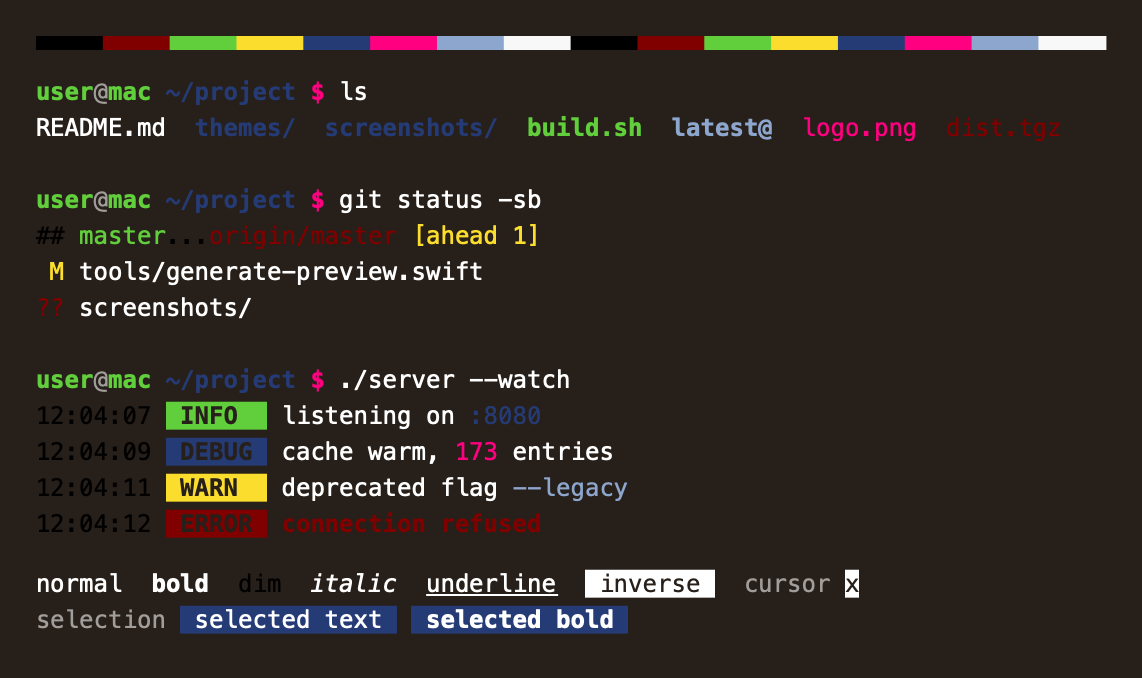
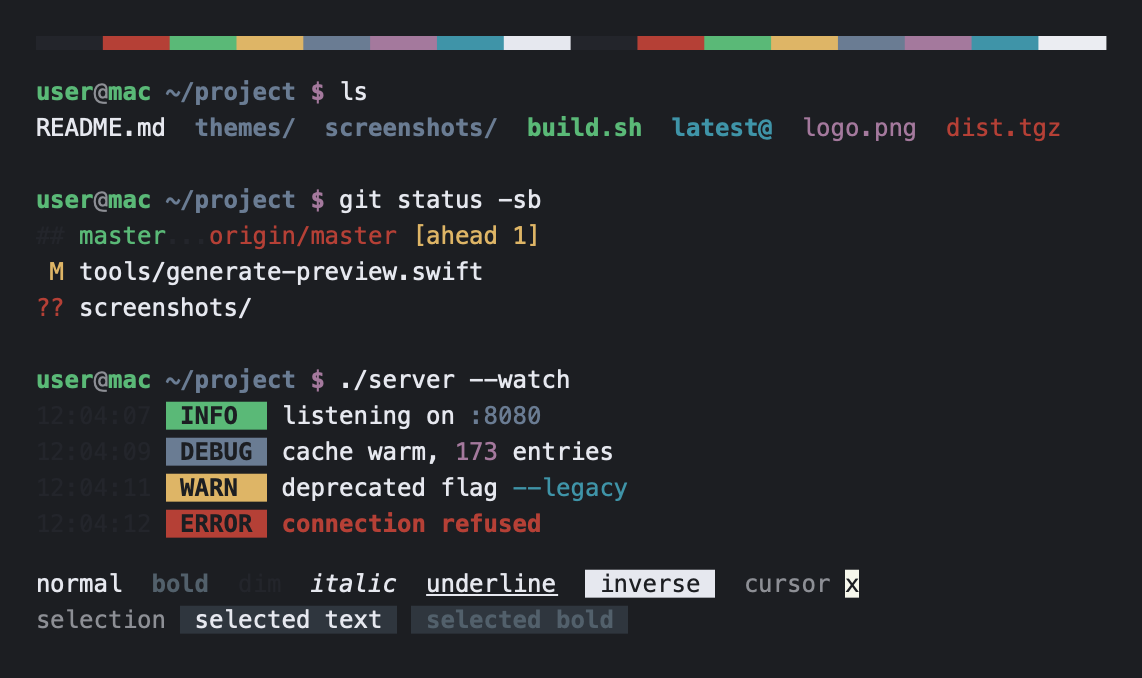
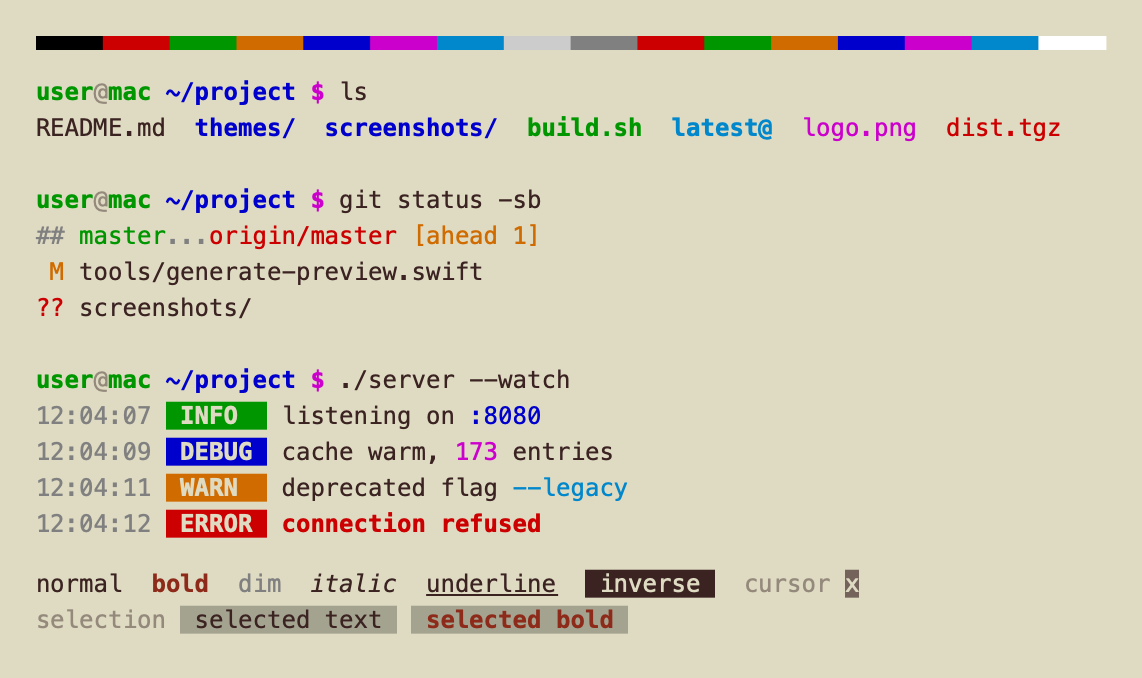
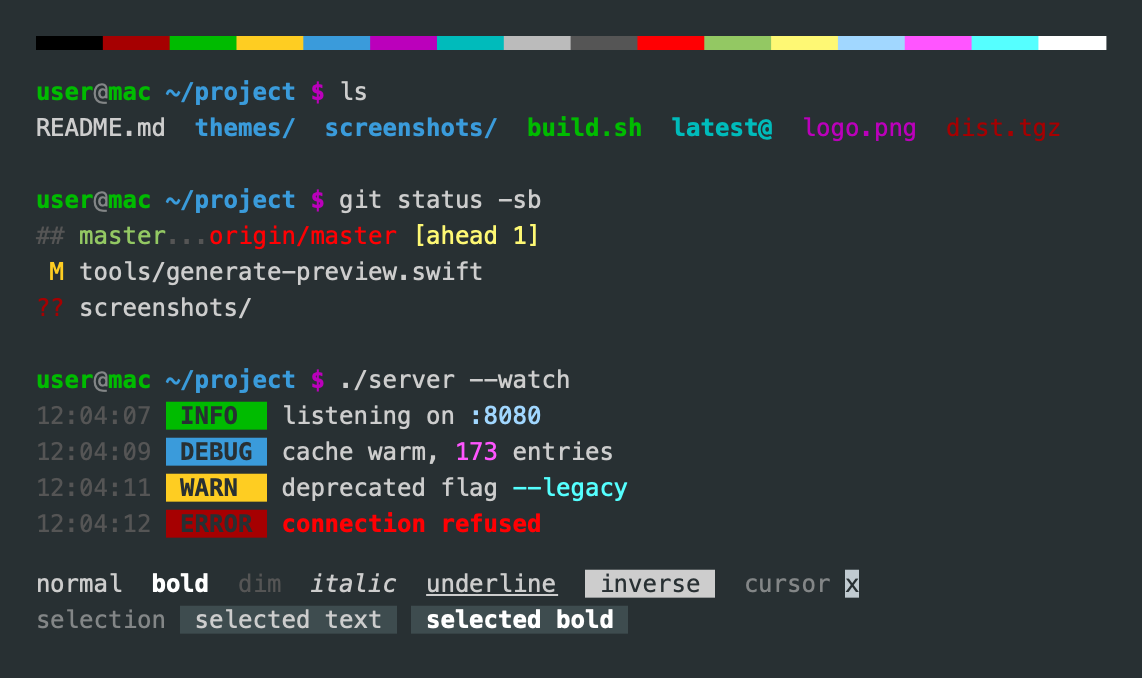
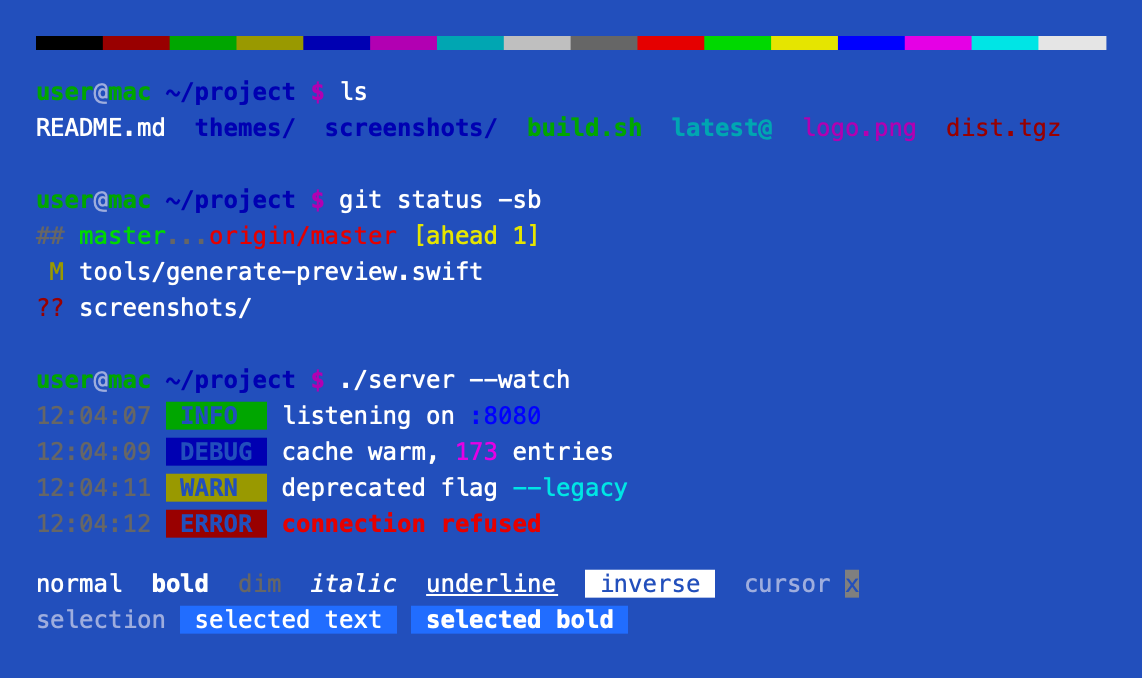
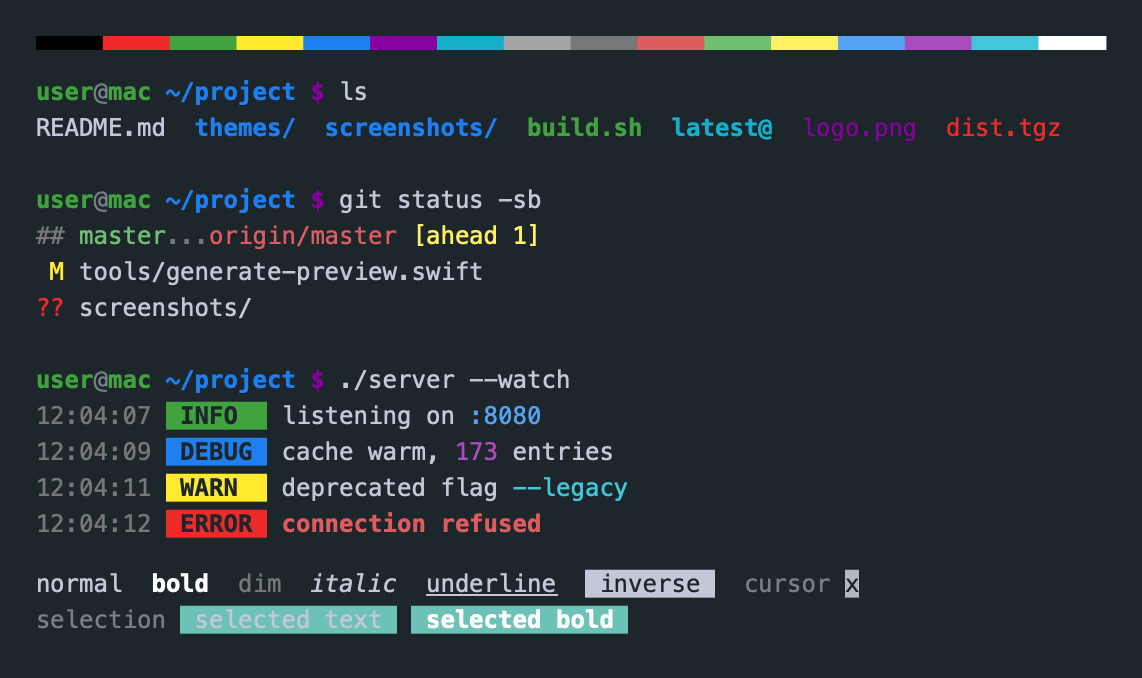
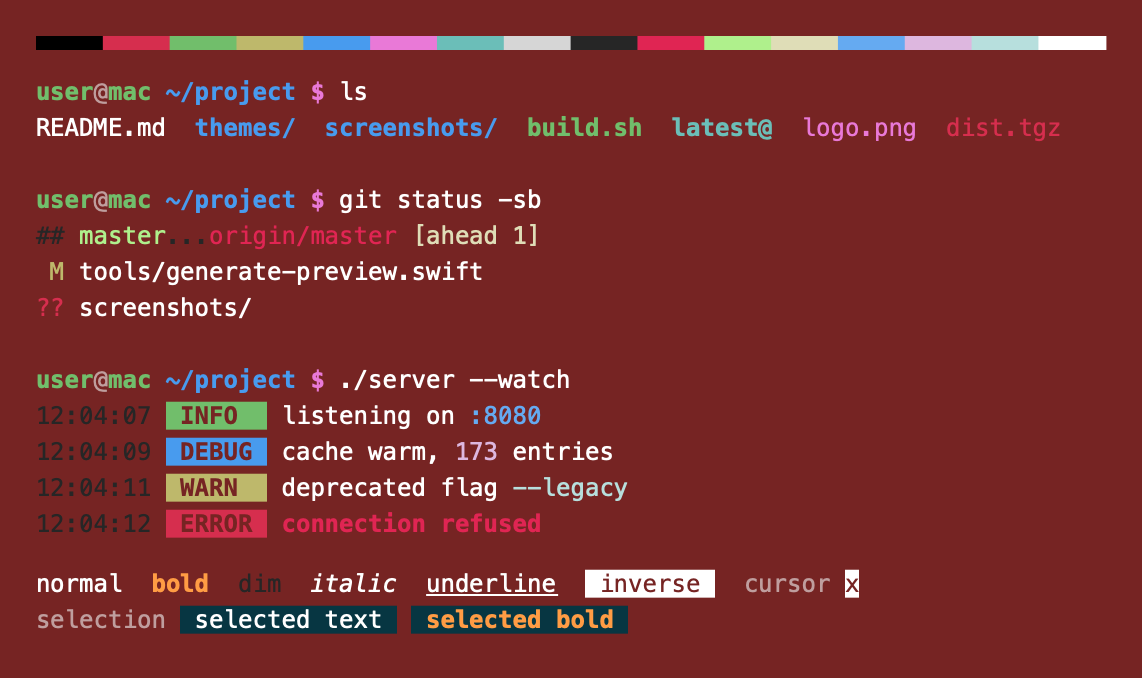
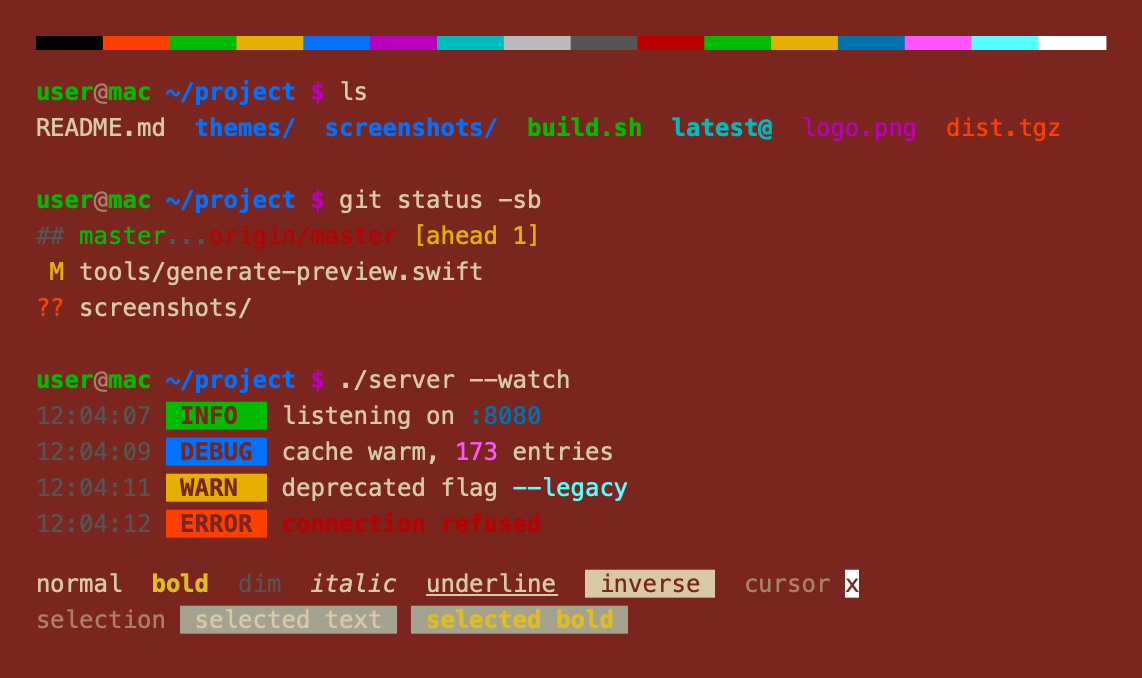
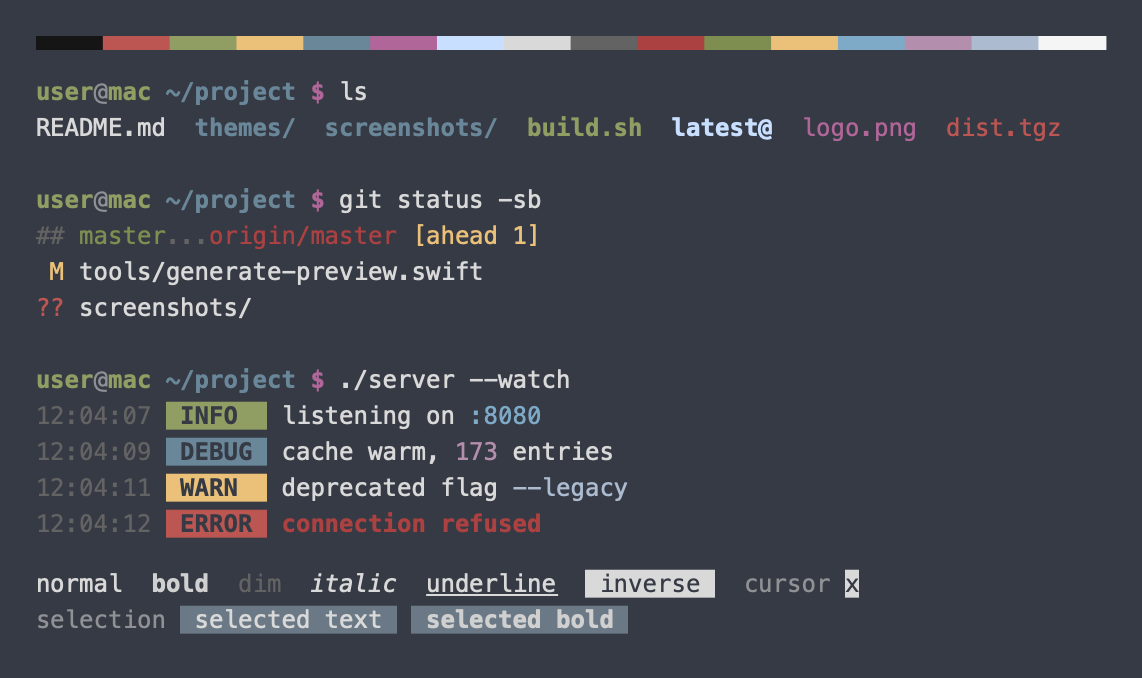
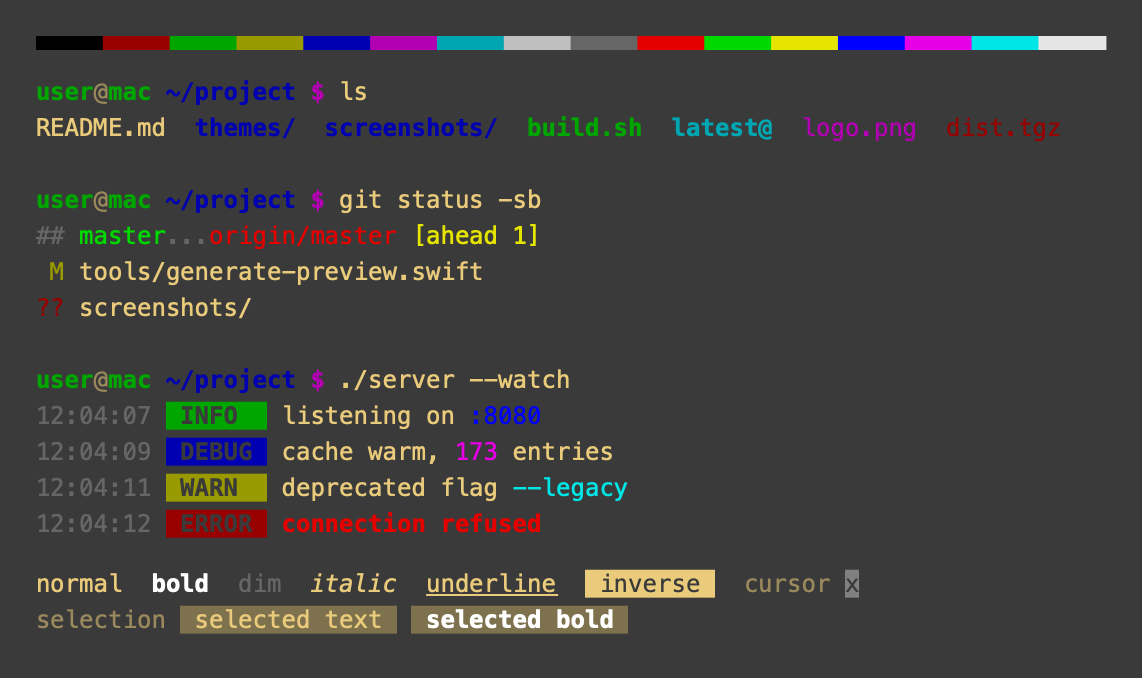
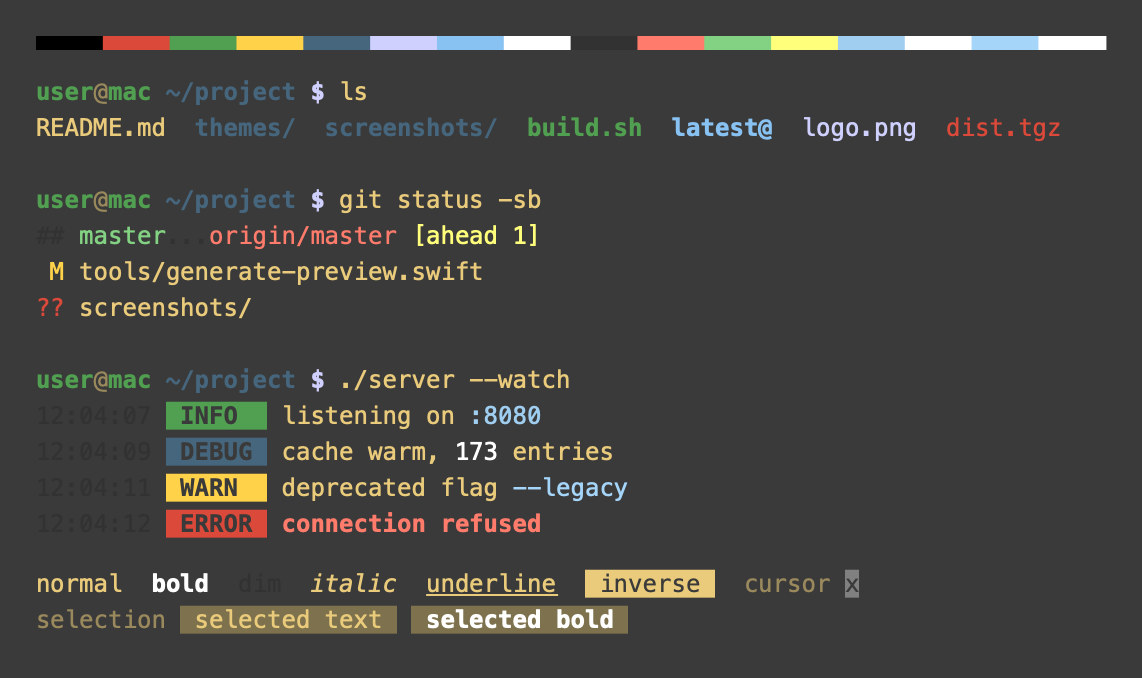
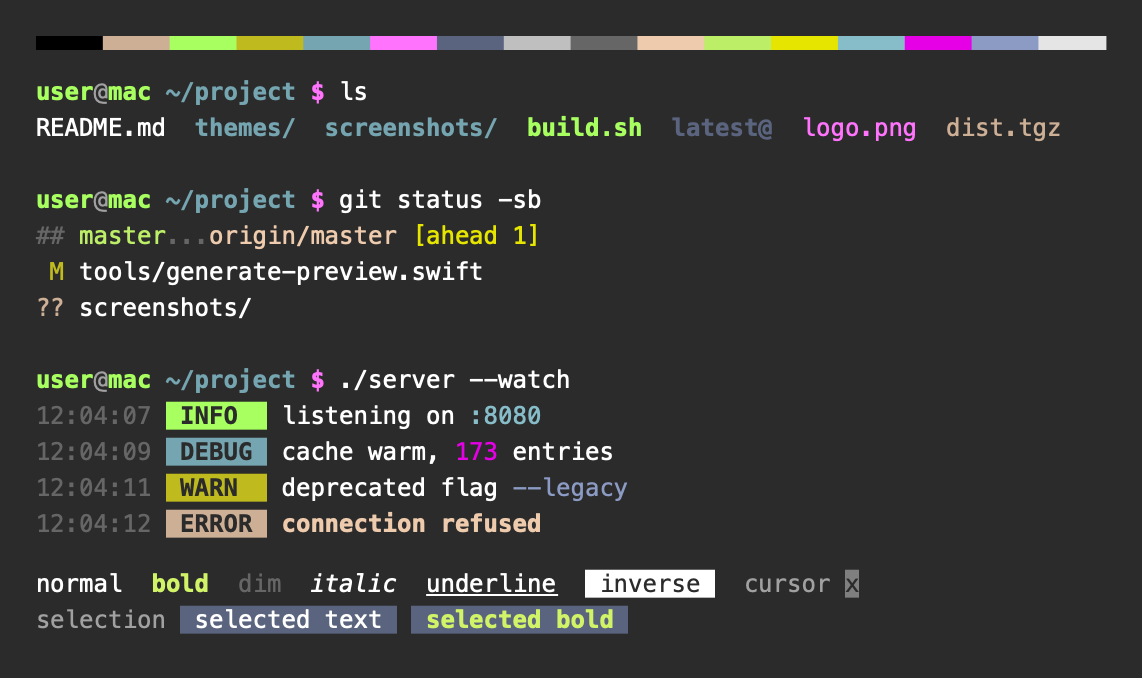
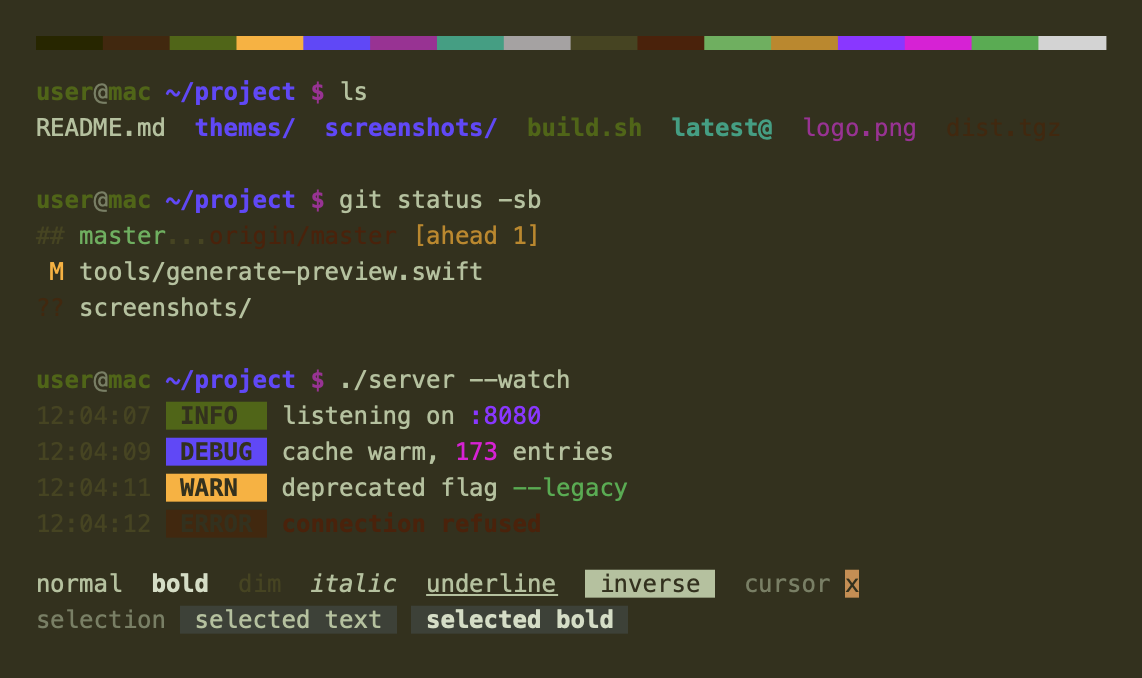
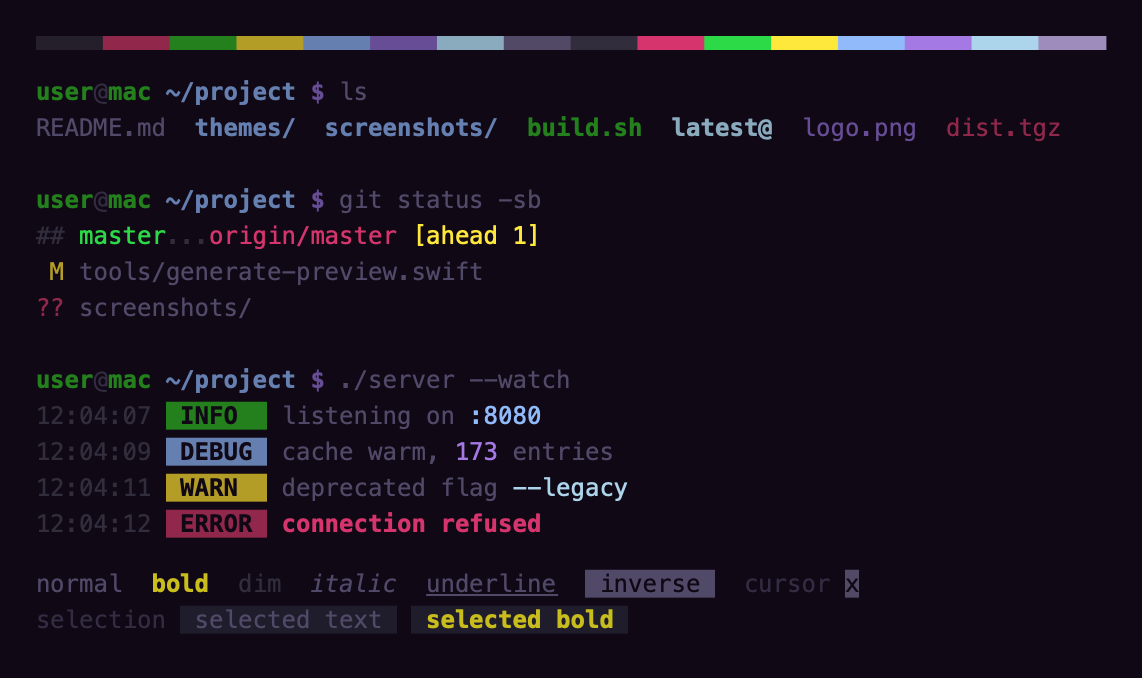
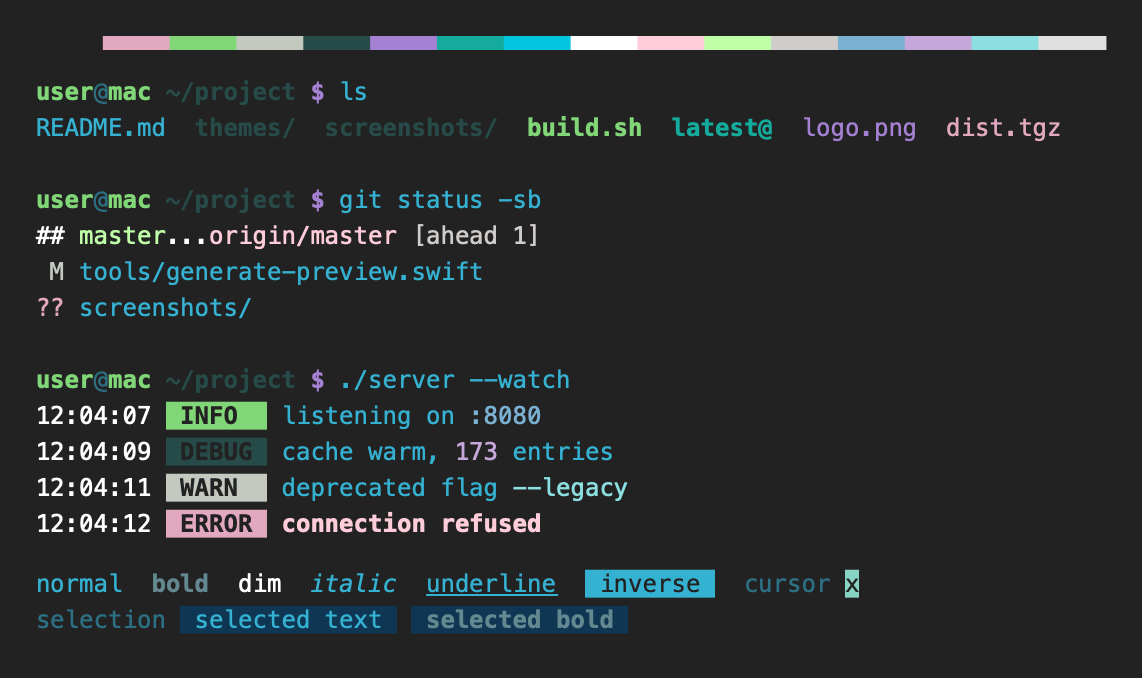
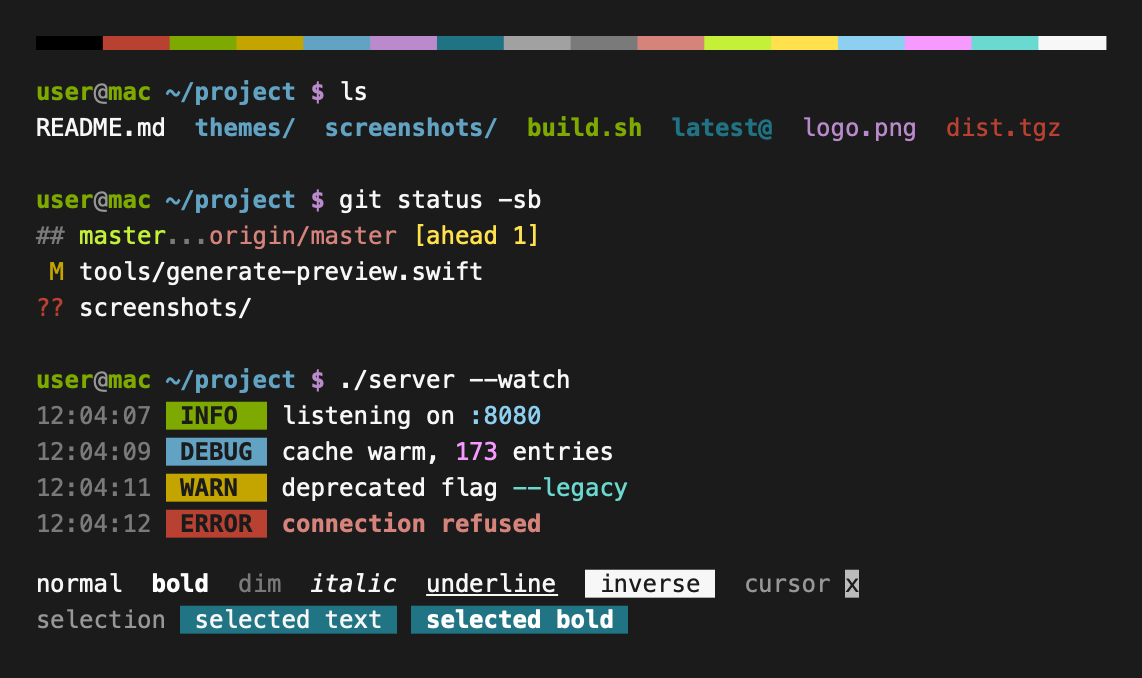
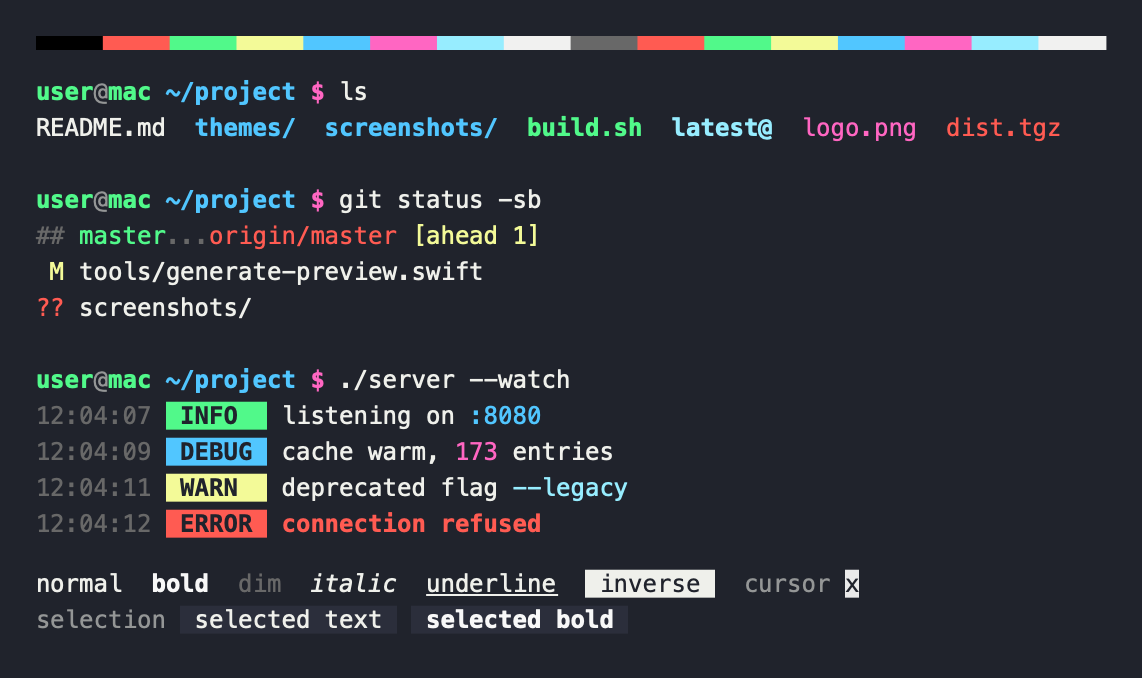
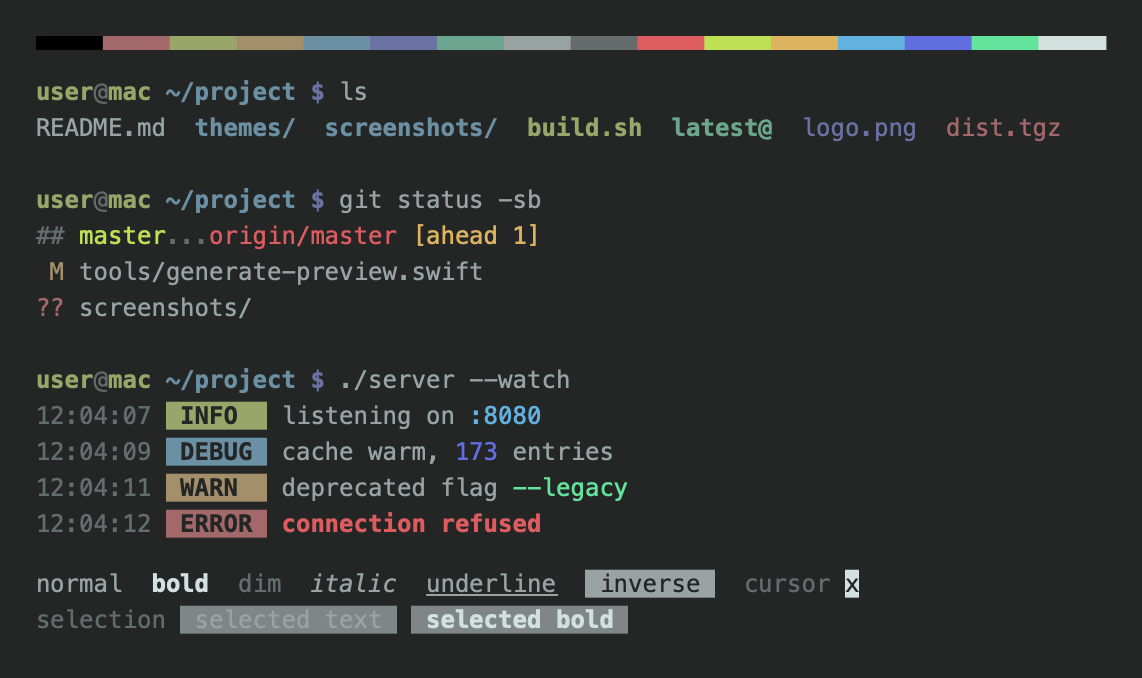
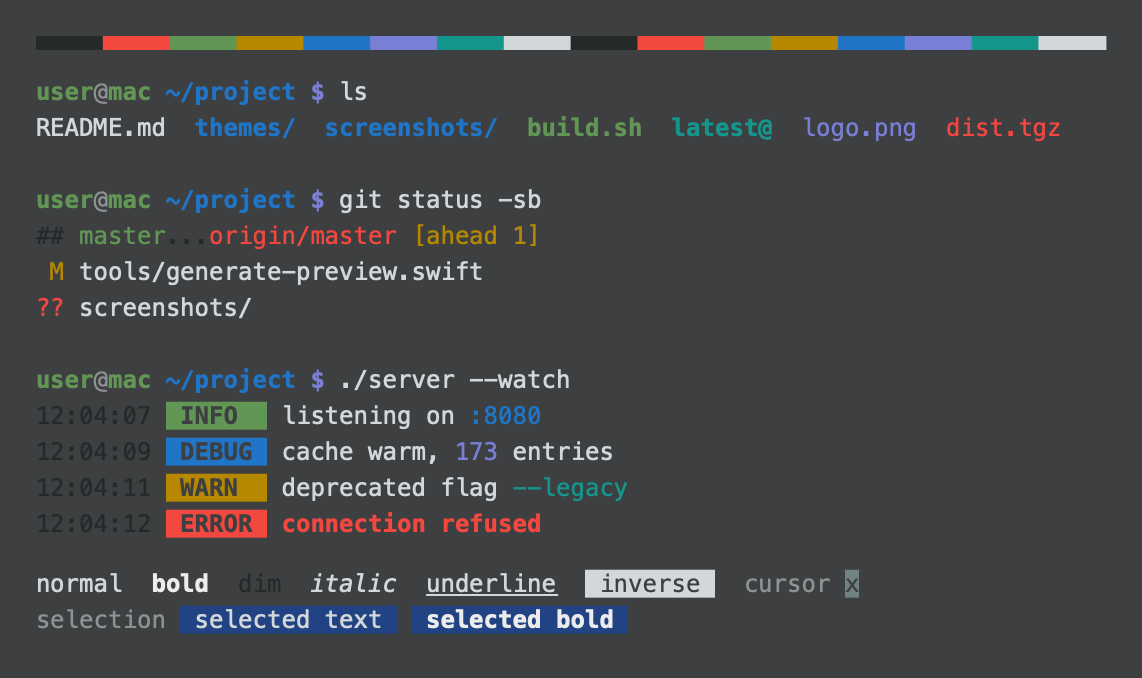
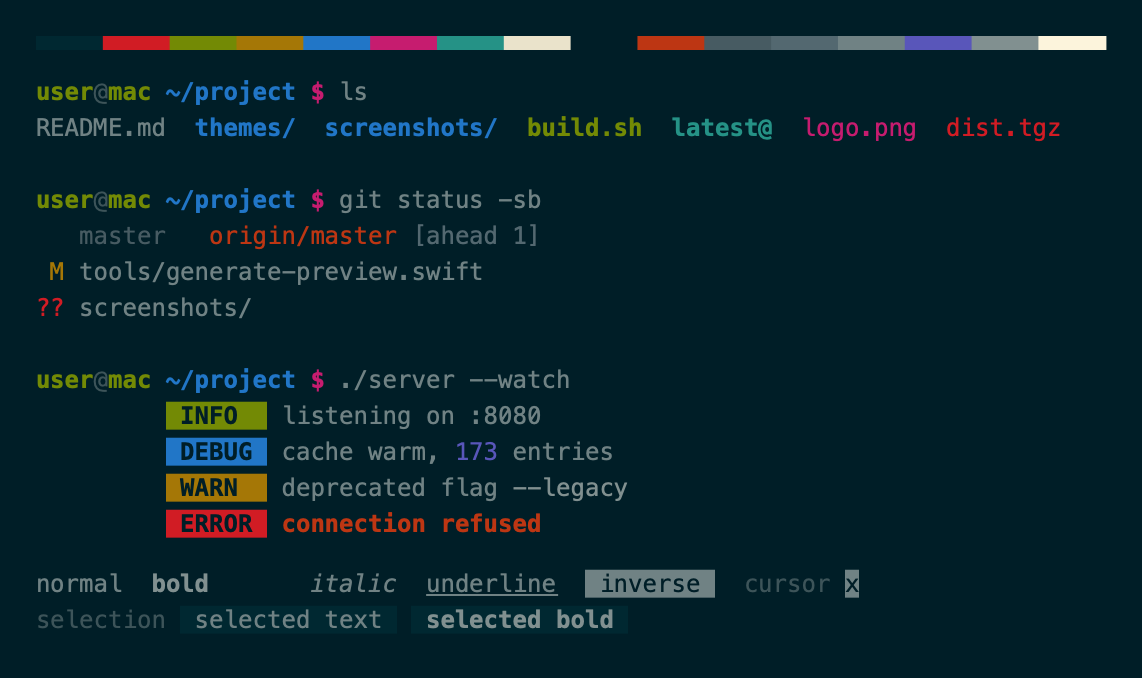
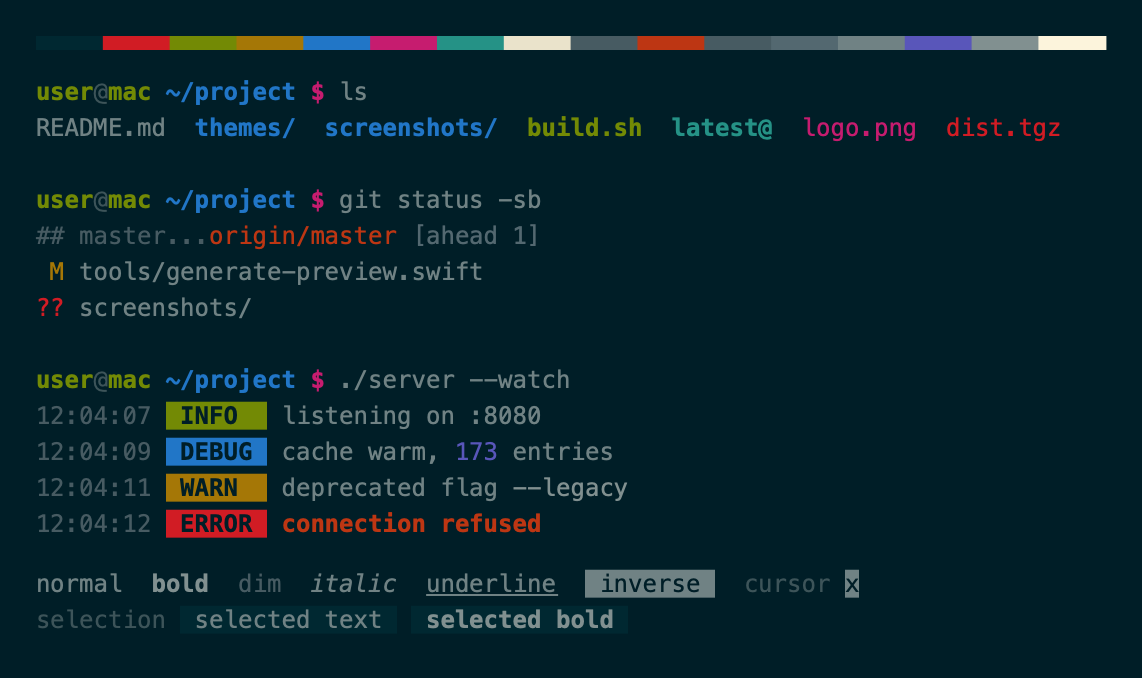
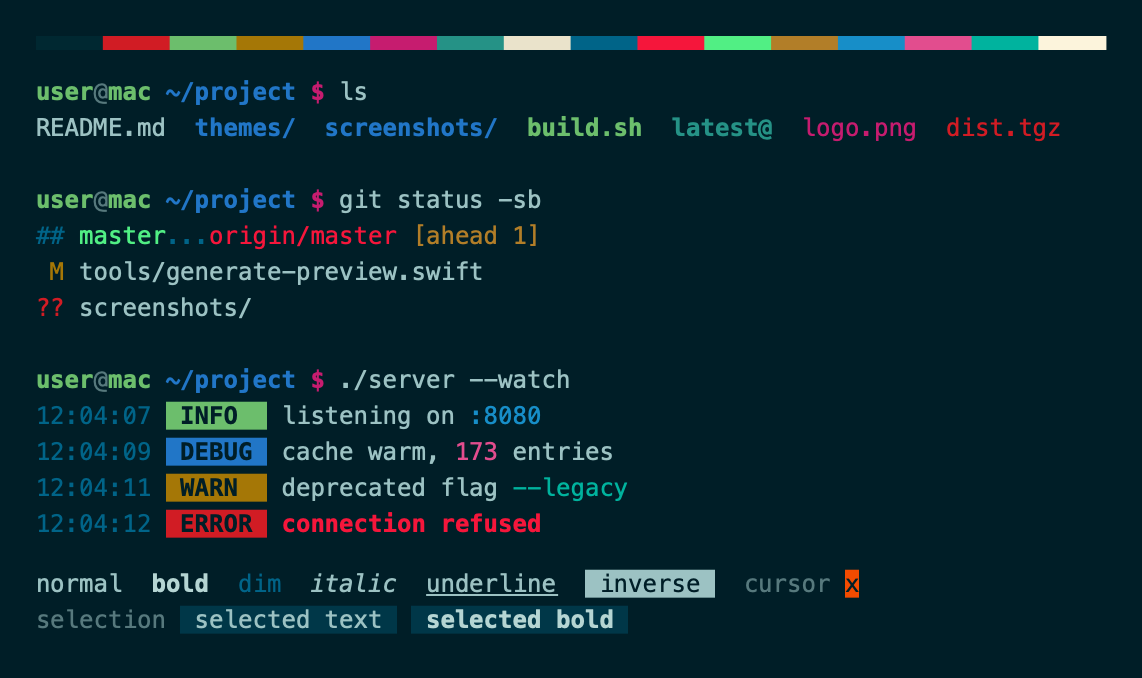
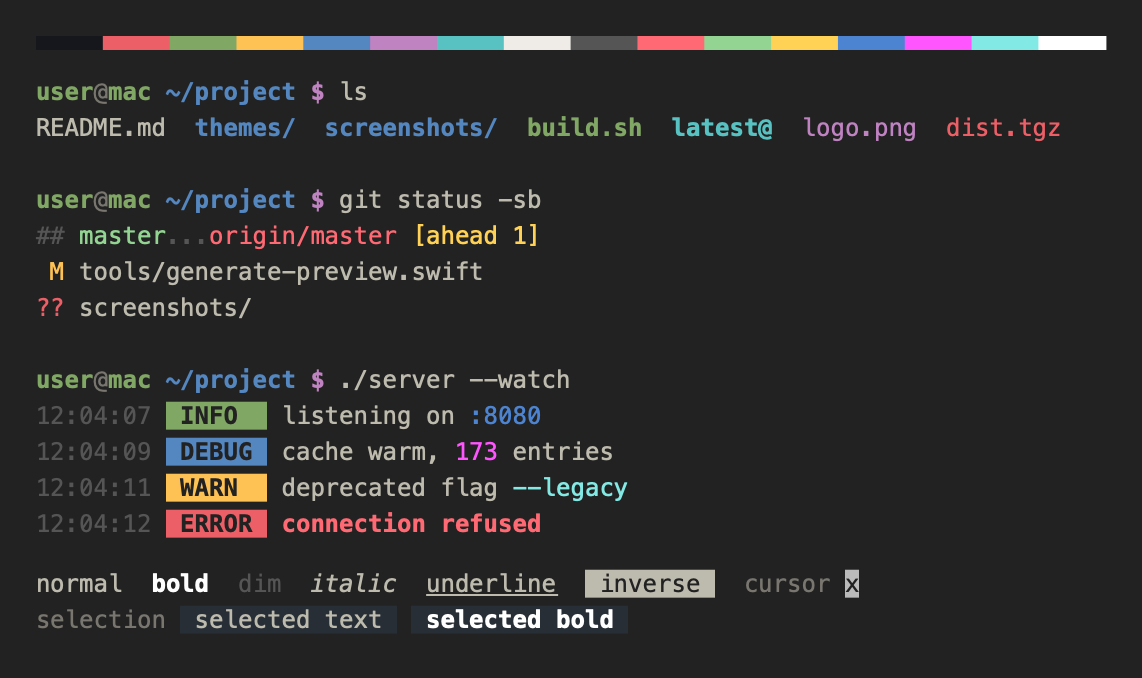
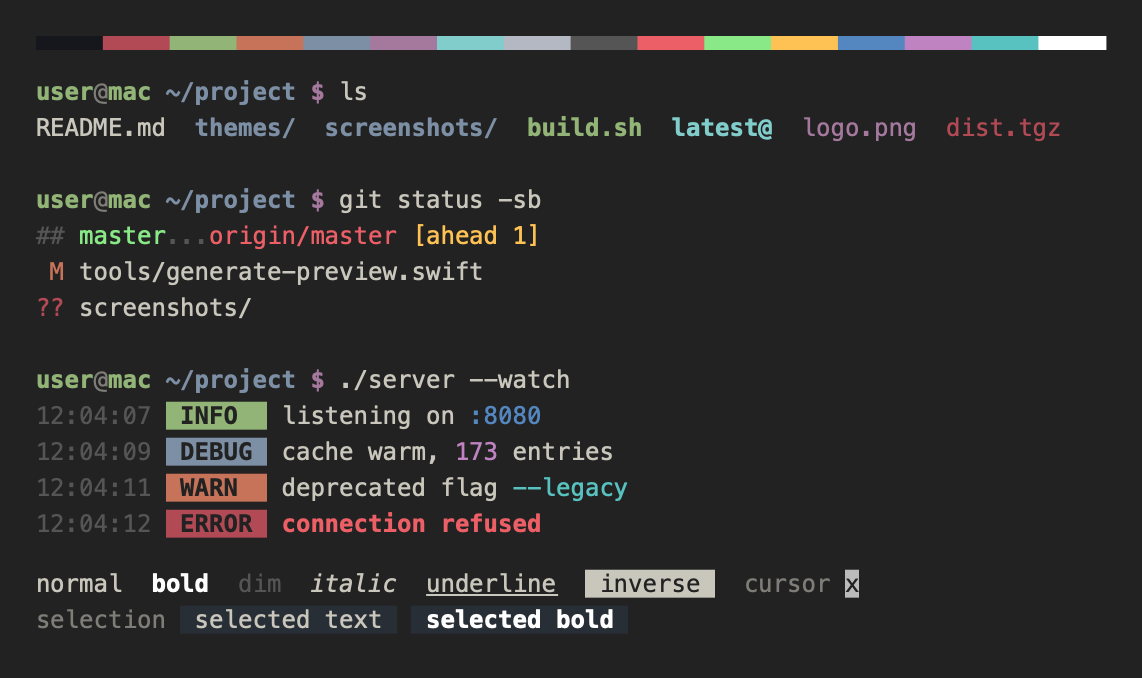
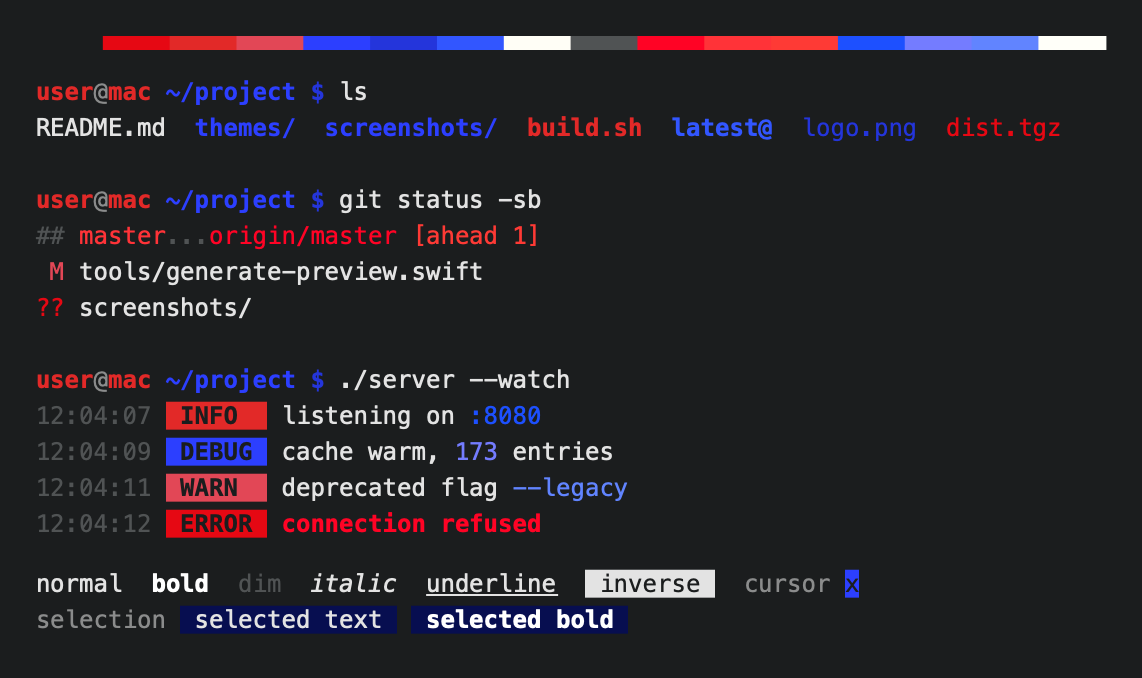
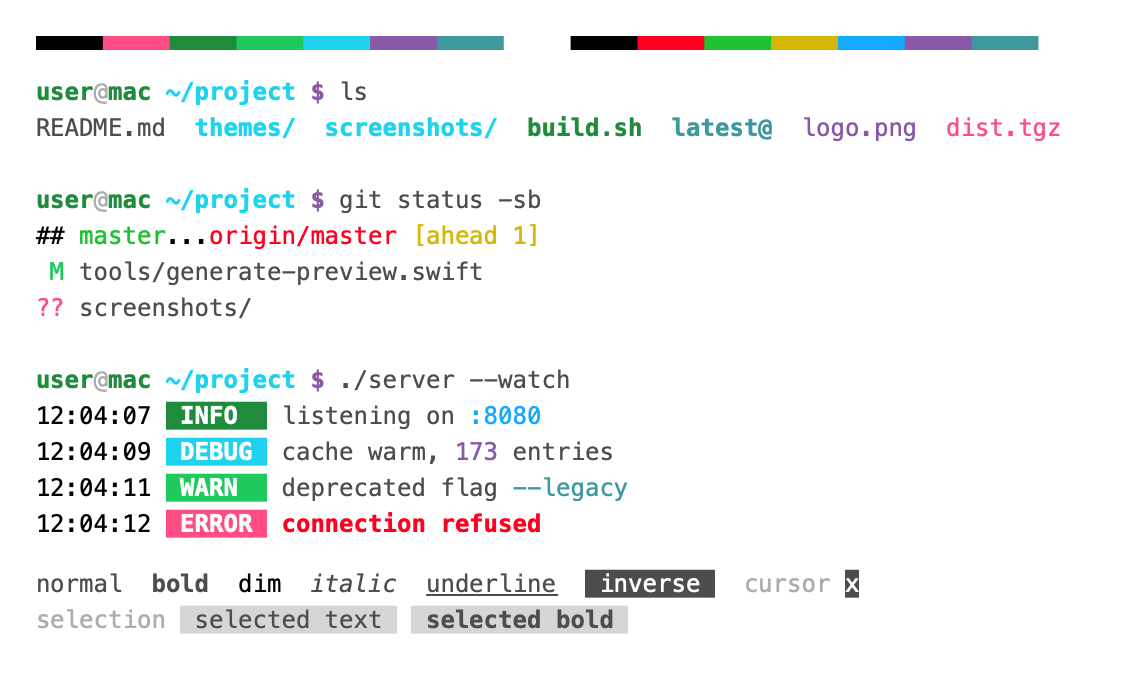
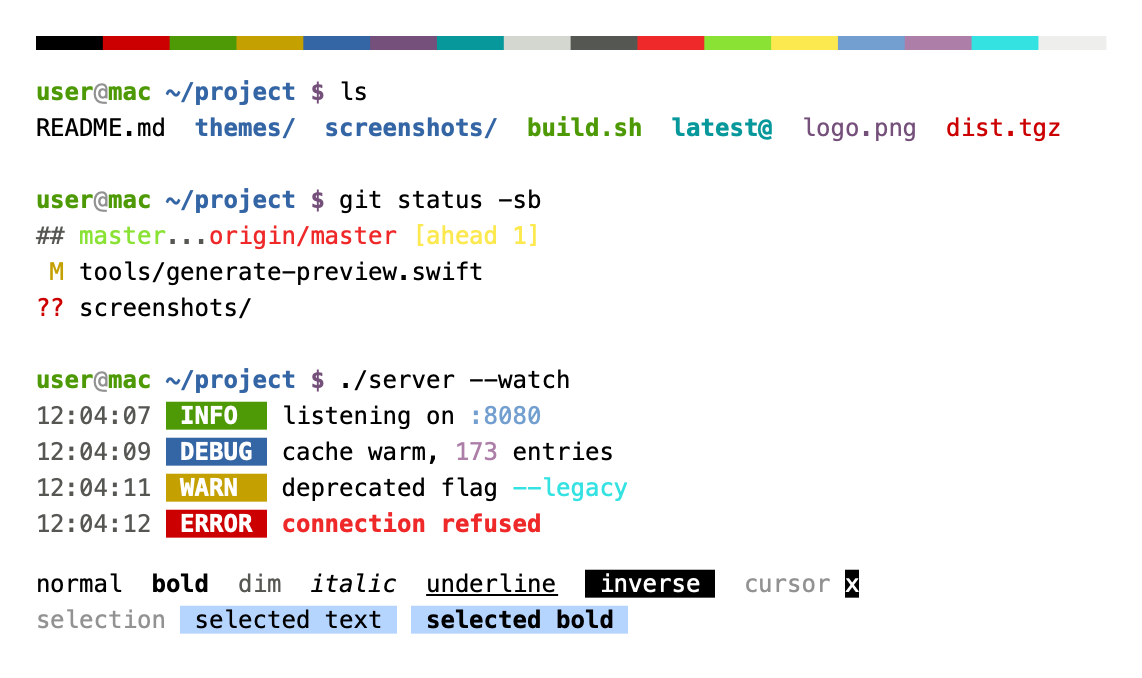
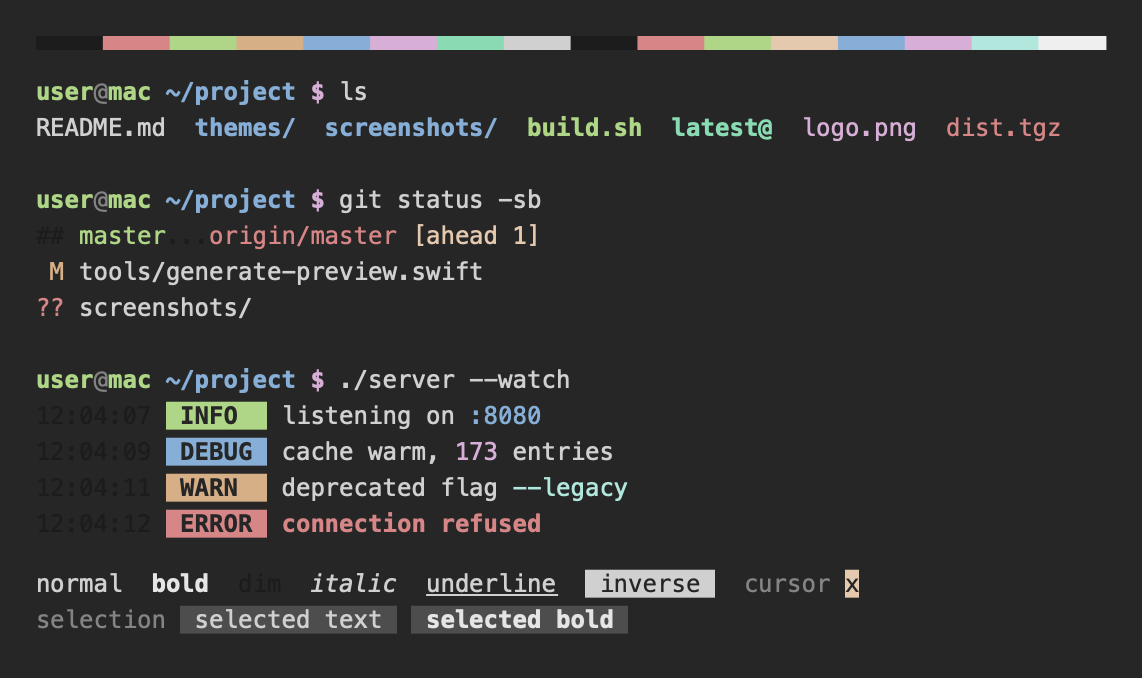
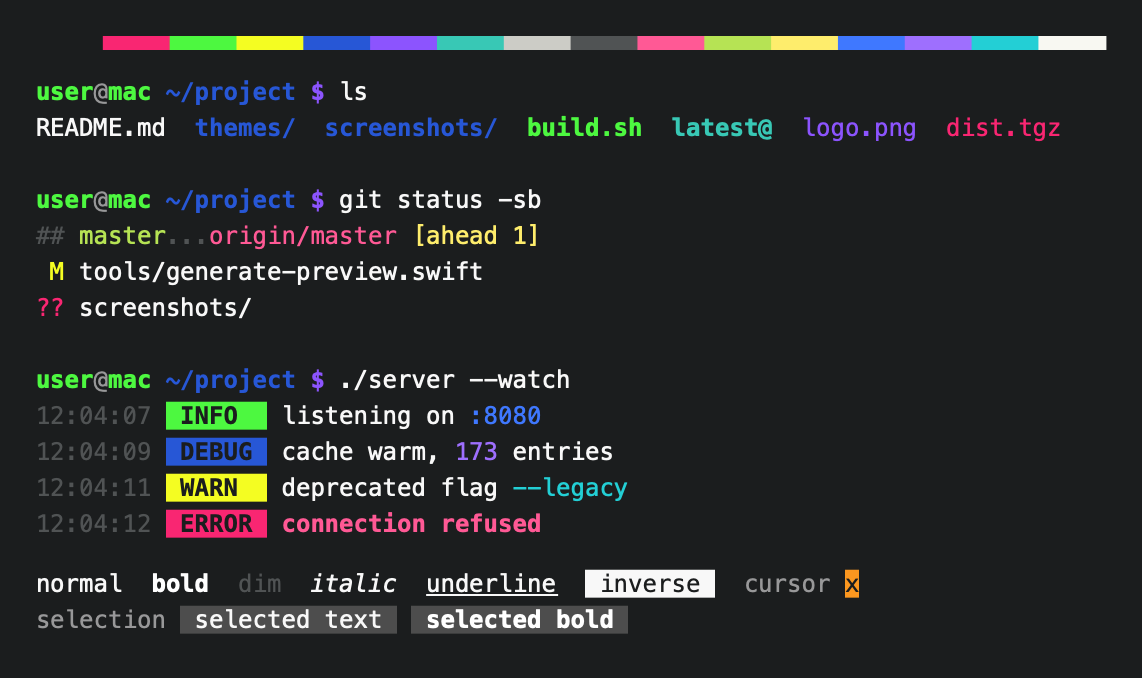
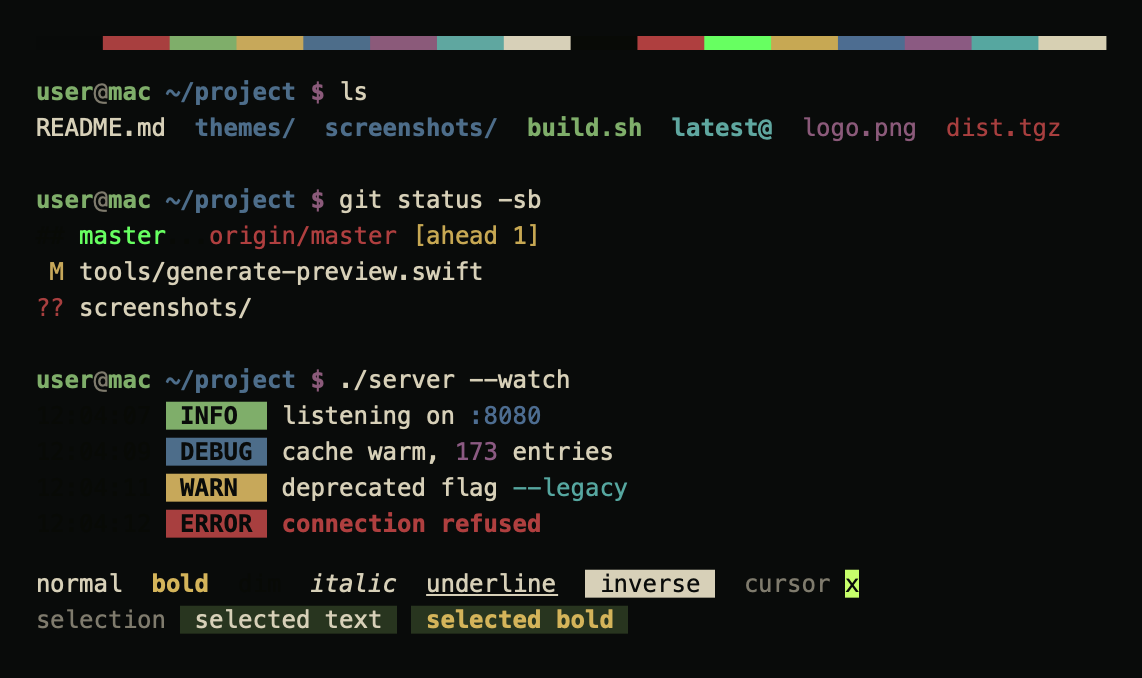
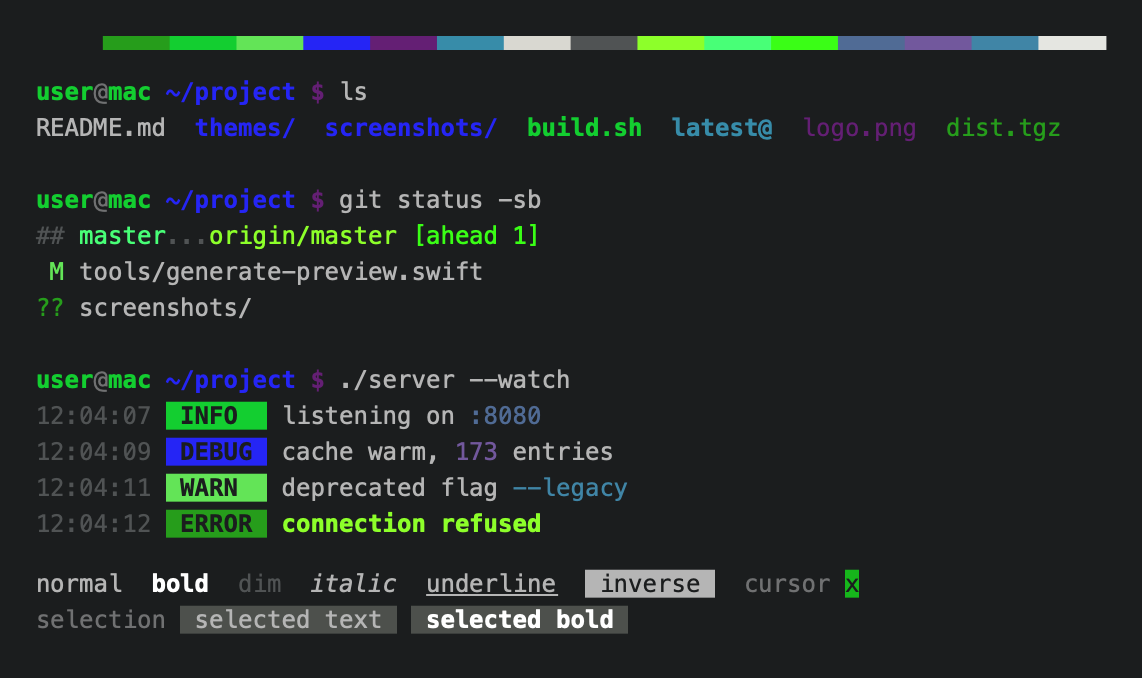
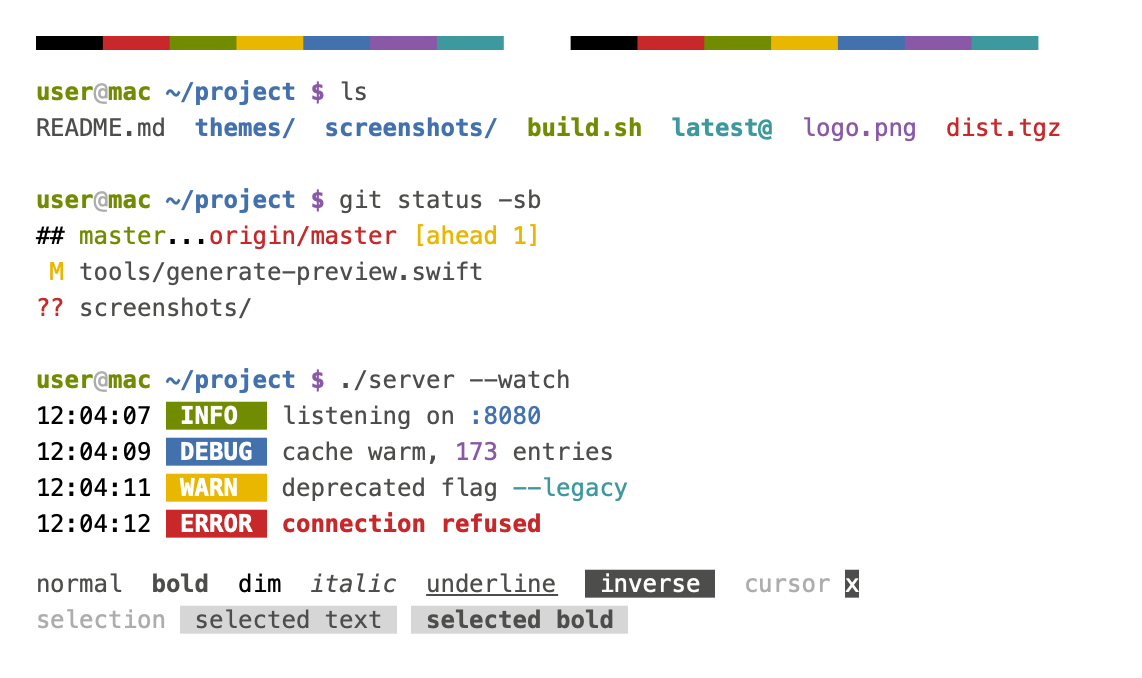
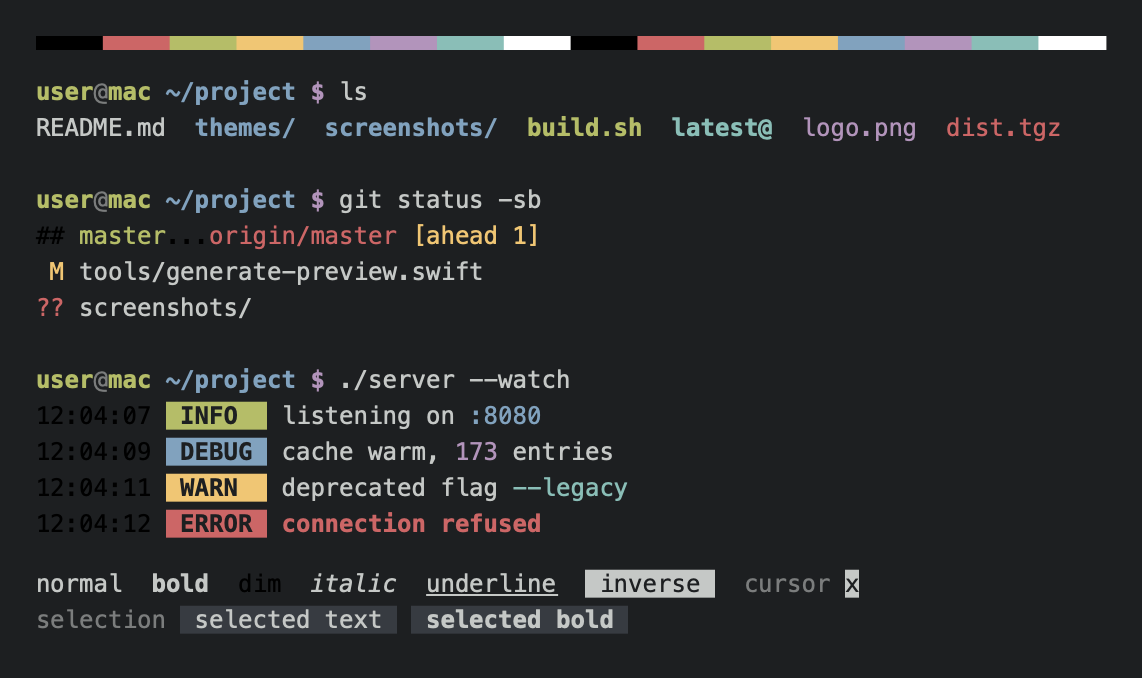
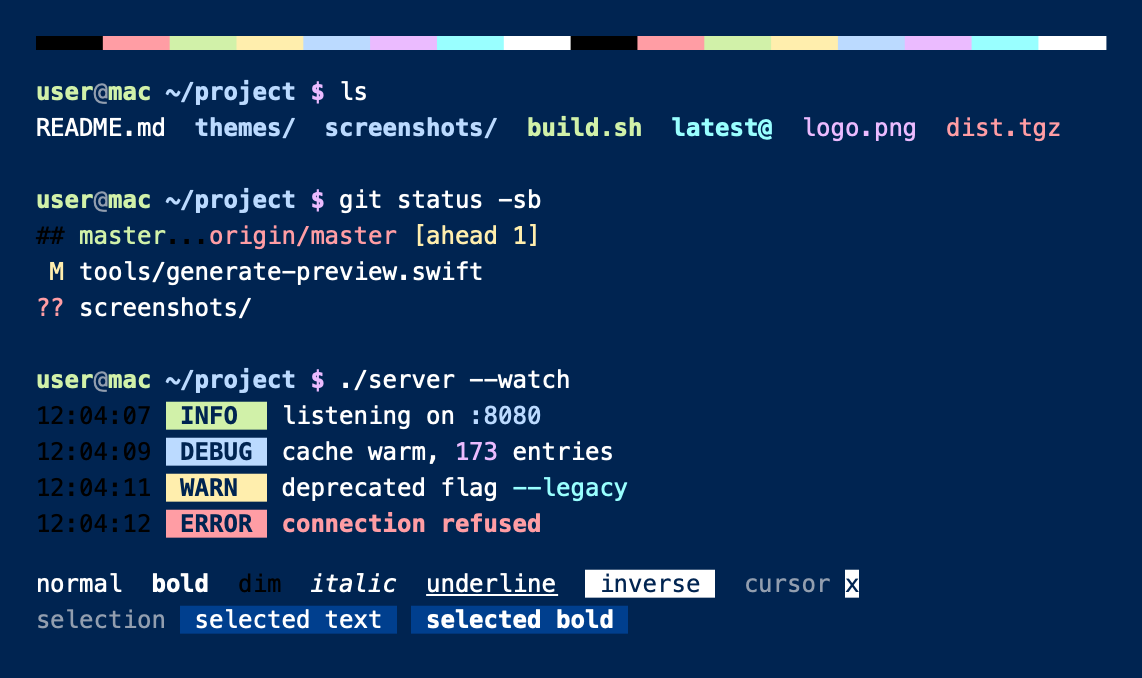
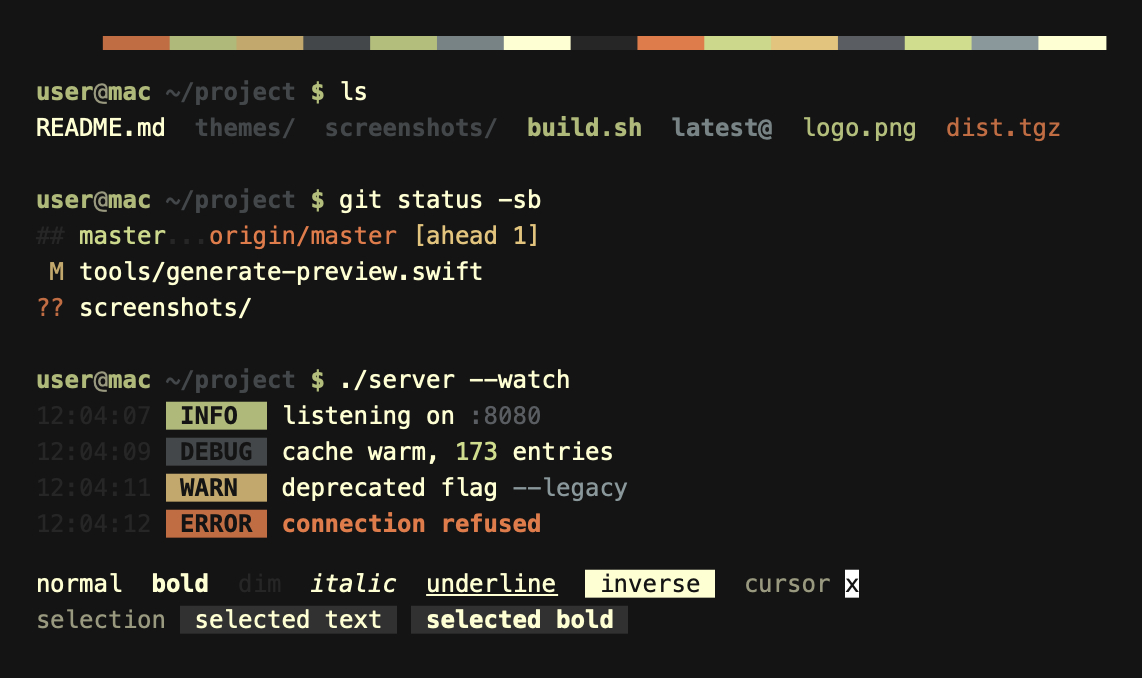
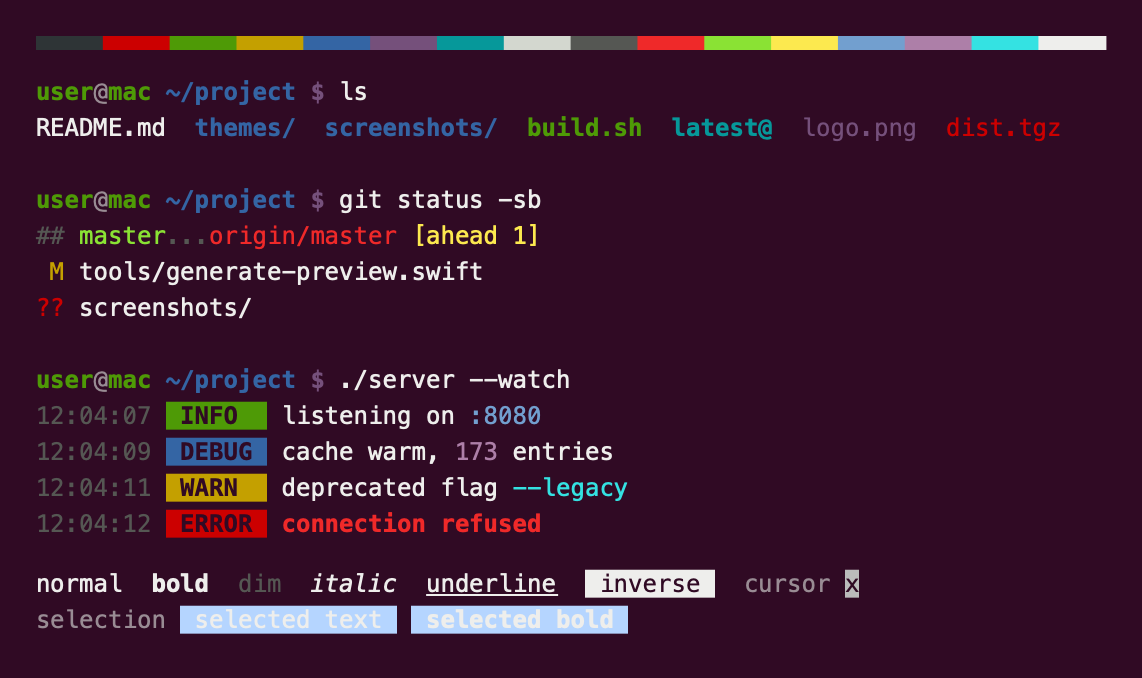
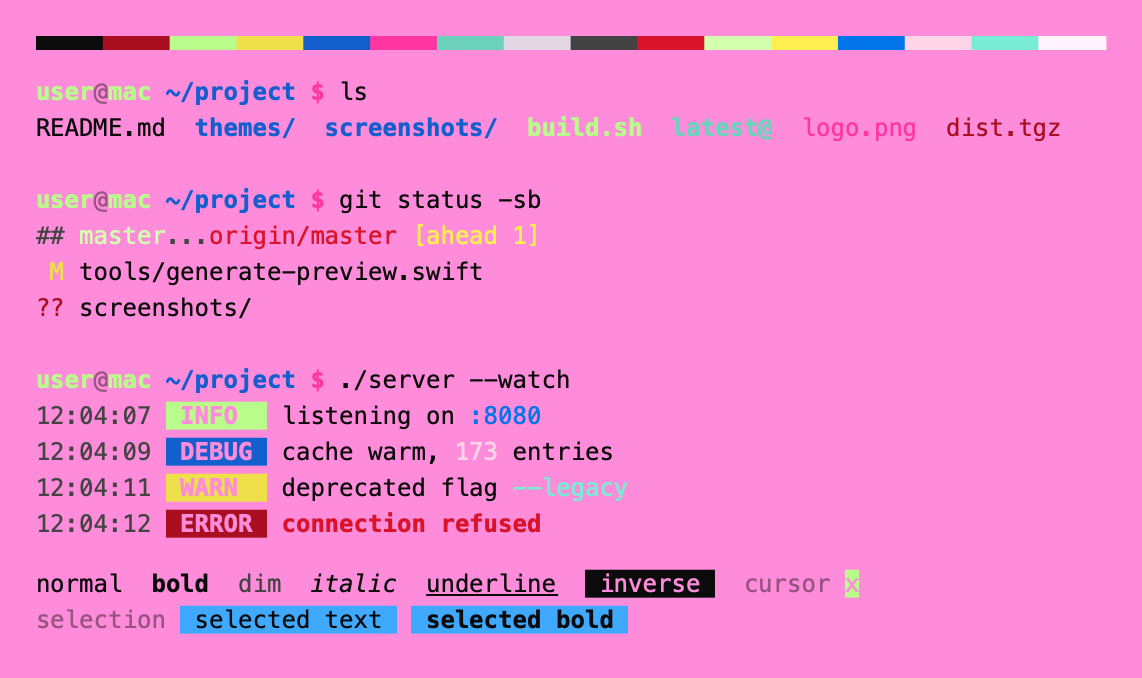
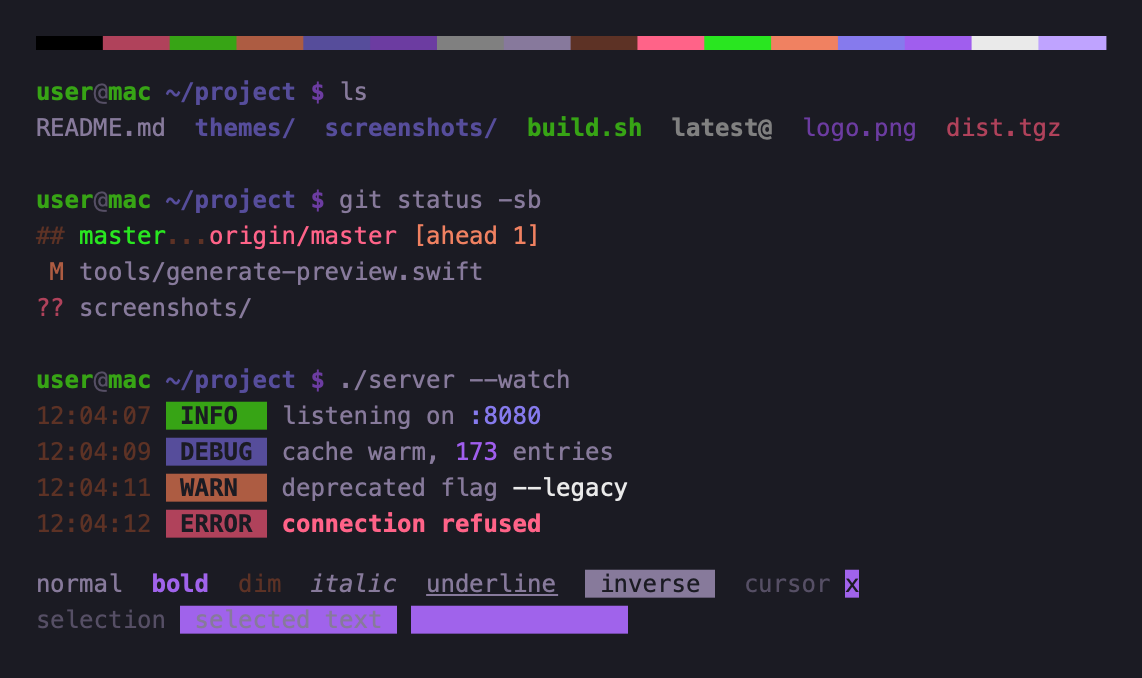
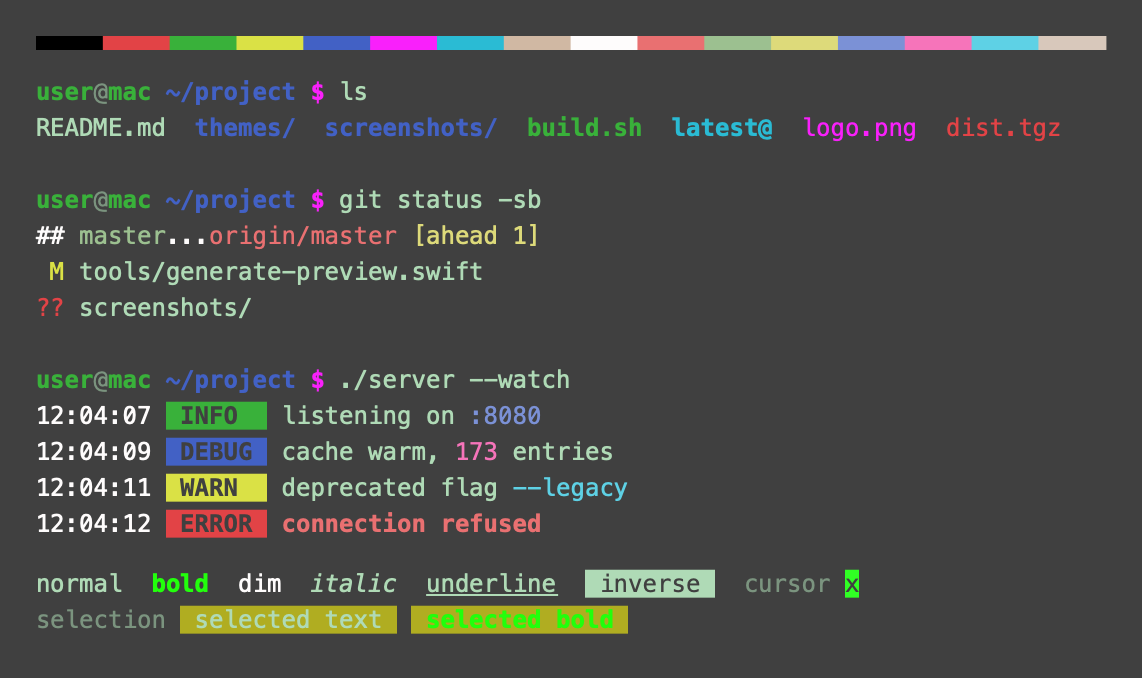
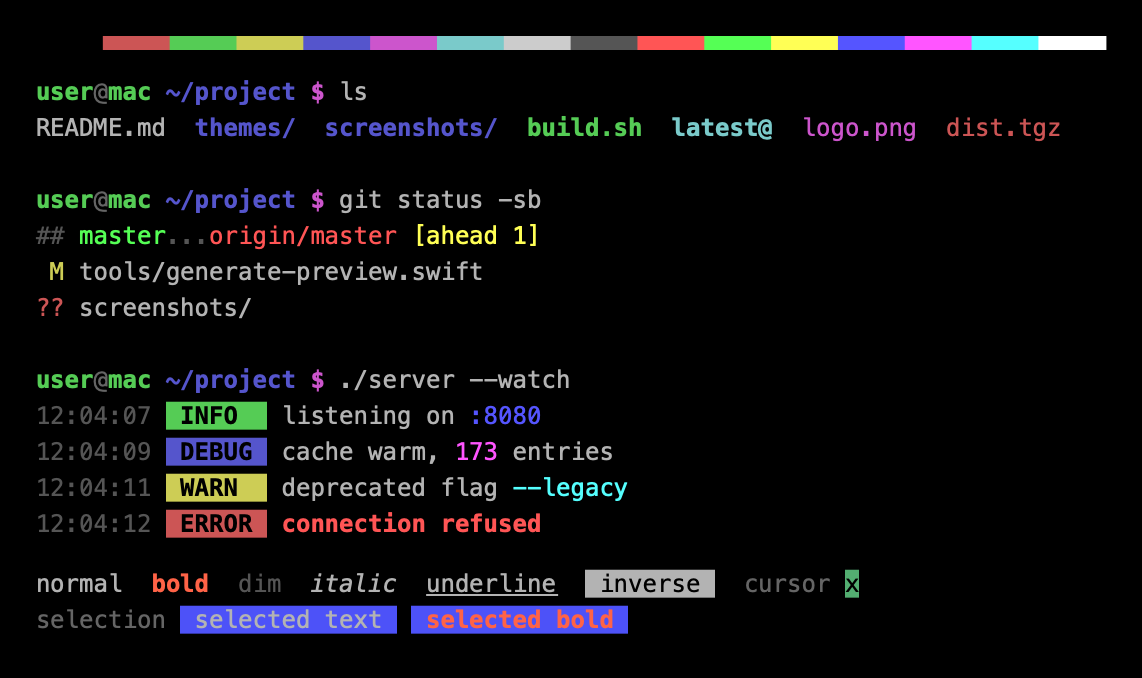
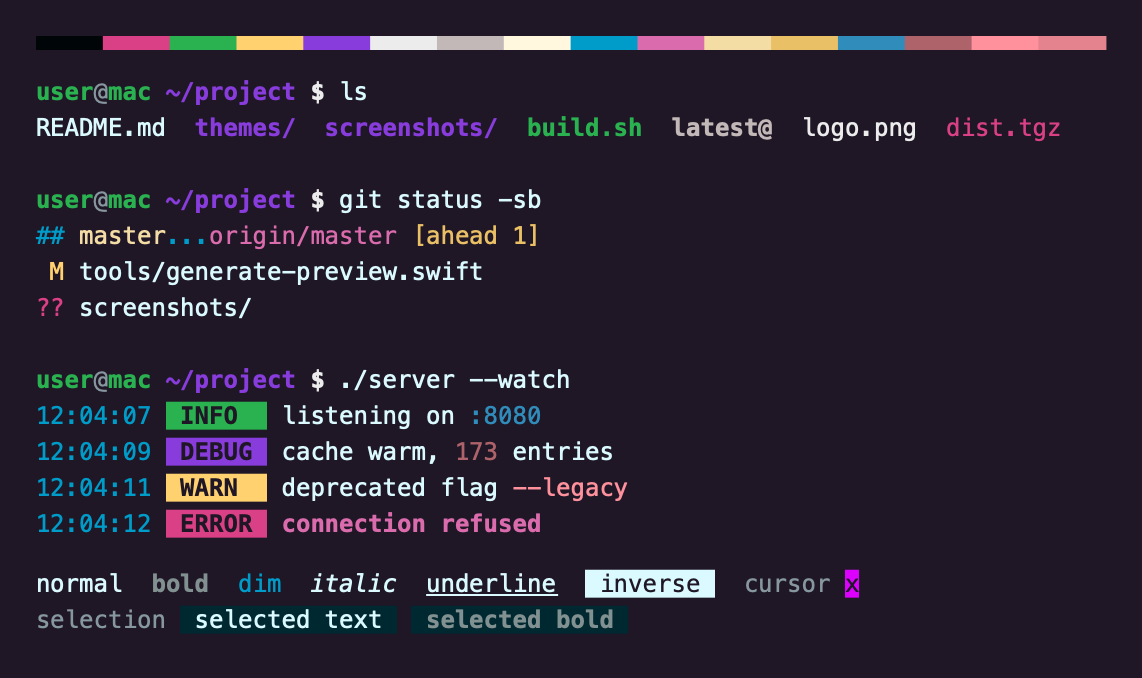
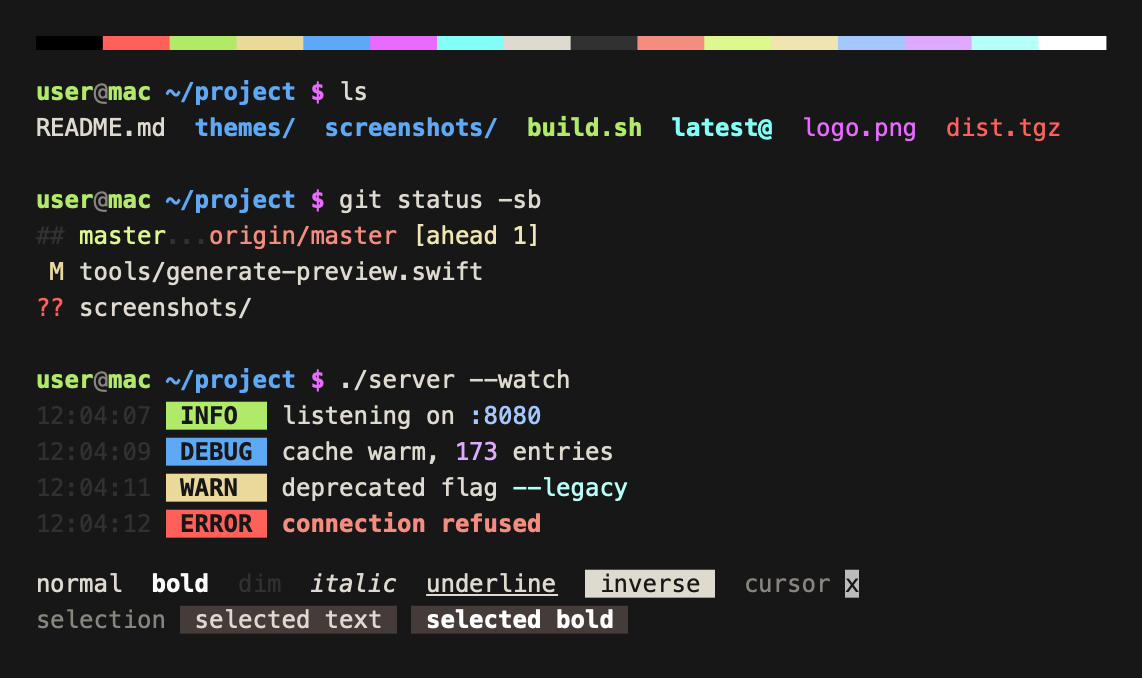
This is a set of color themes for default macOS Terminal.app (initially ported from
iTerm2 color schemes, collected by @mbadolato). Screenshots are demonstrated below and
in the screenshots/ directory of this repo.
Note: Some default macOS themes are not included here (default themes like "Pro", "Basic", "Grass", etc.), because you already have them :)
Since terminal themes are just color schemes, you need to enable color formatting for your shell first - see this comment for more details
Clone or download this repo first. The themes are in the themes/ folder.
Terminal > Settings > Profiles, or press cmd+,.... menu below the profile list, then Import.....terminal file from themes/.Default.cmd+N.Double-click a .terminal file in themes/. It opens a new window with that
theme. Make it stick with Shell > Use Settings as Default.
macOS quarantines files downloaded from the internet, so opening one can fail
with a security warning. Either right-click the file and choose Open, or
import it through the settings as above.
Want to add a theme? See CONTRIBUTING.md for the steps and the tools that generate the previews.
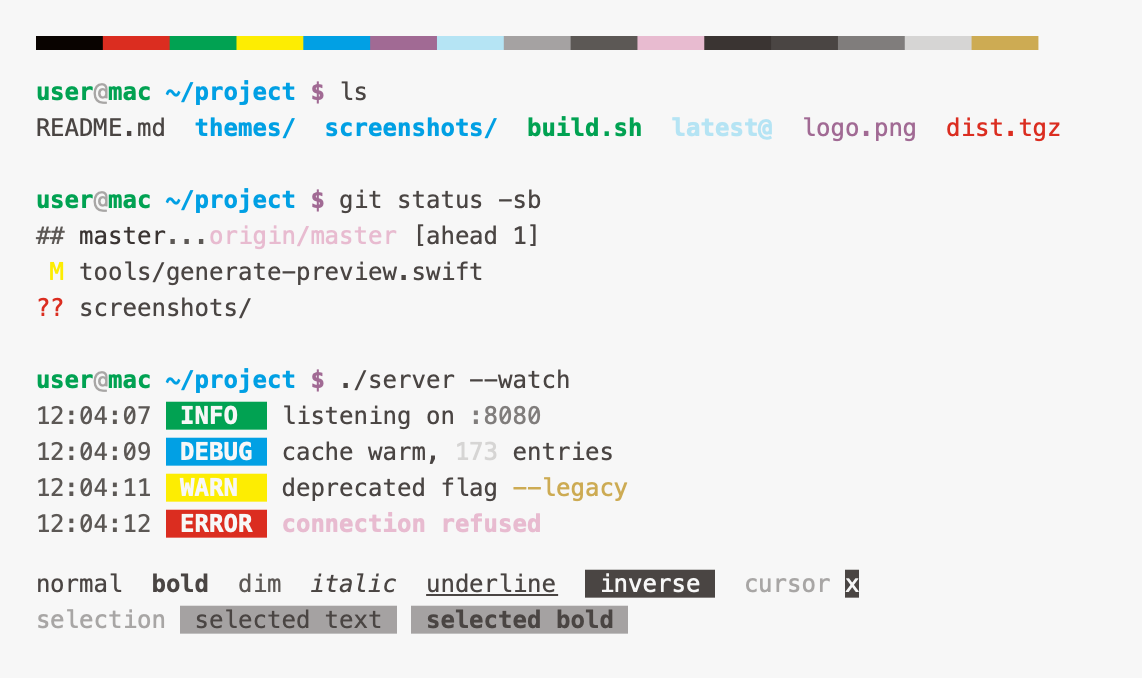
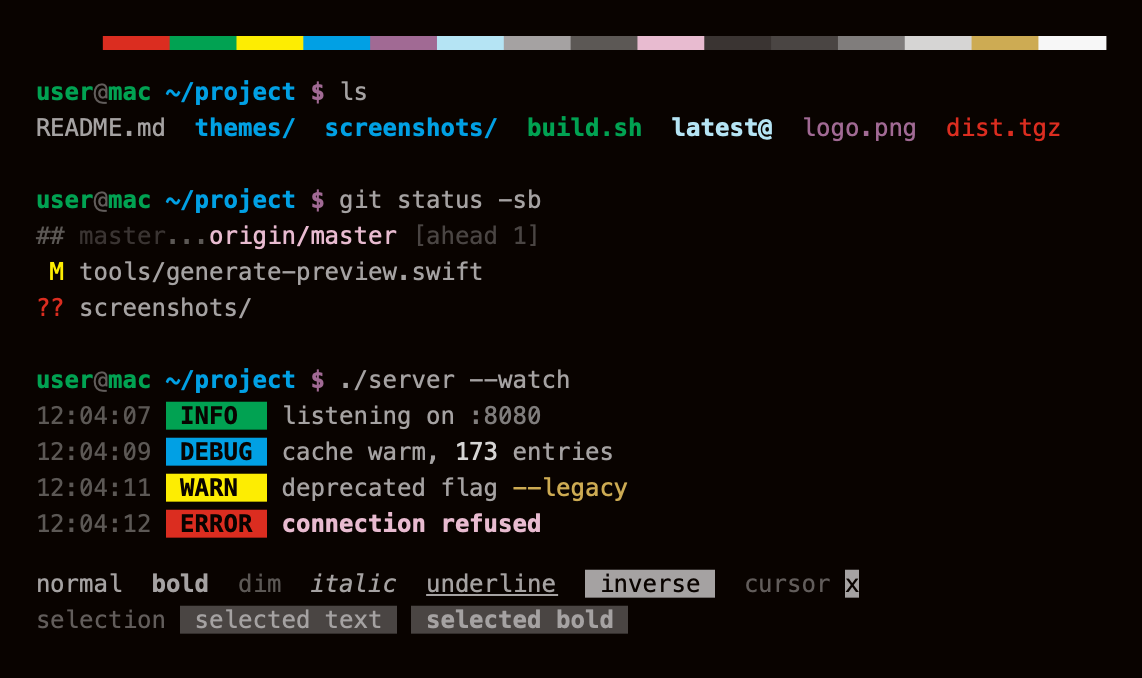
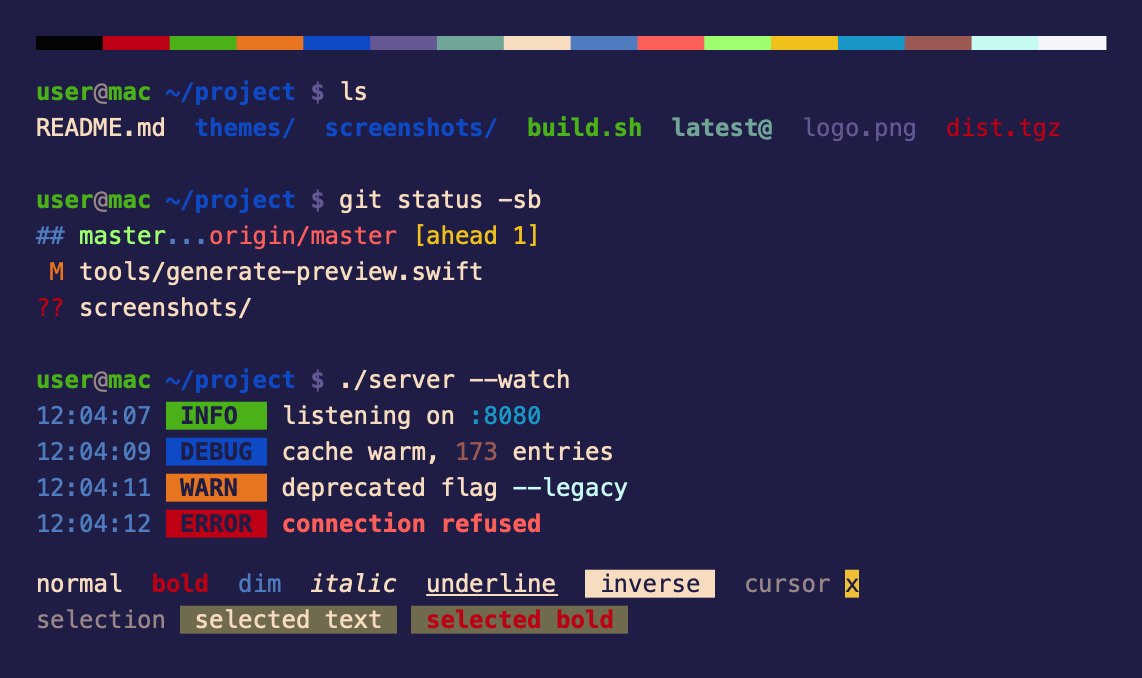
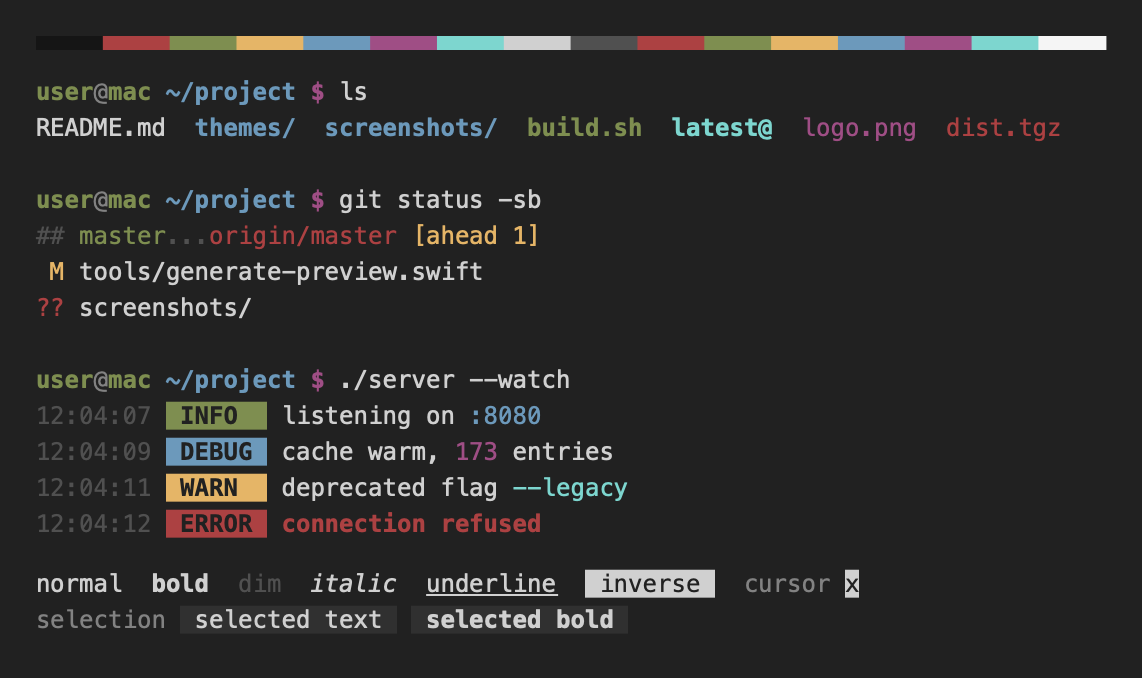
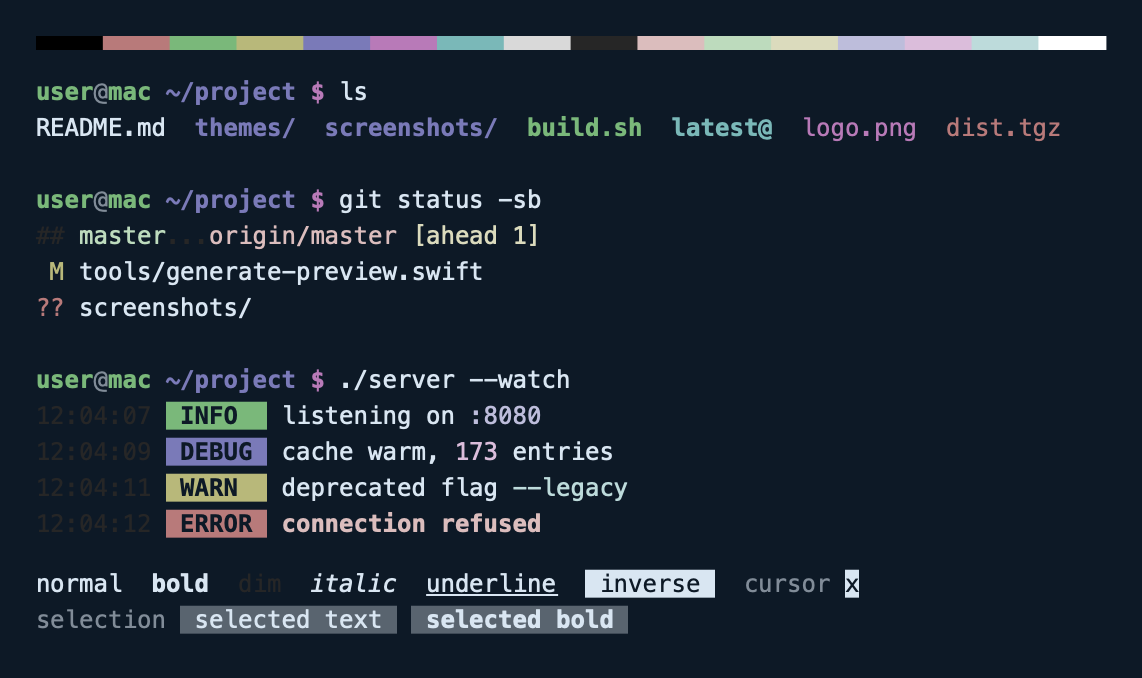
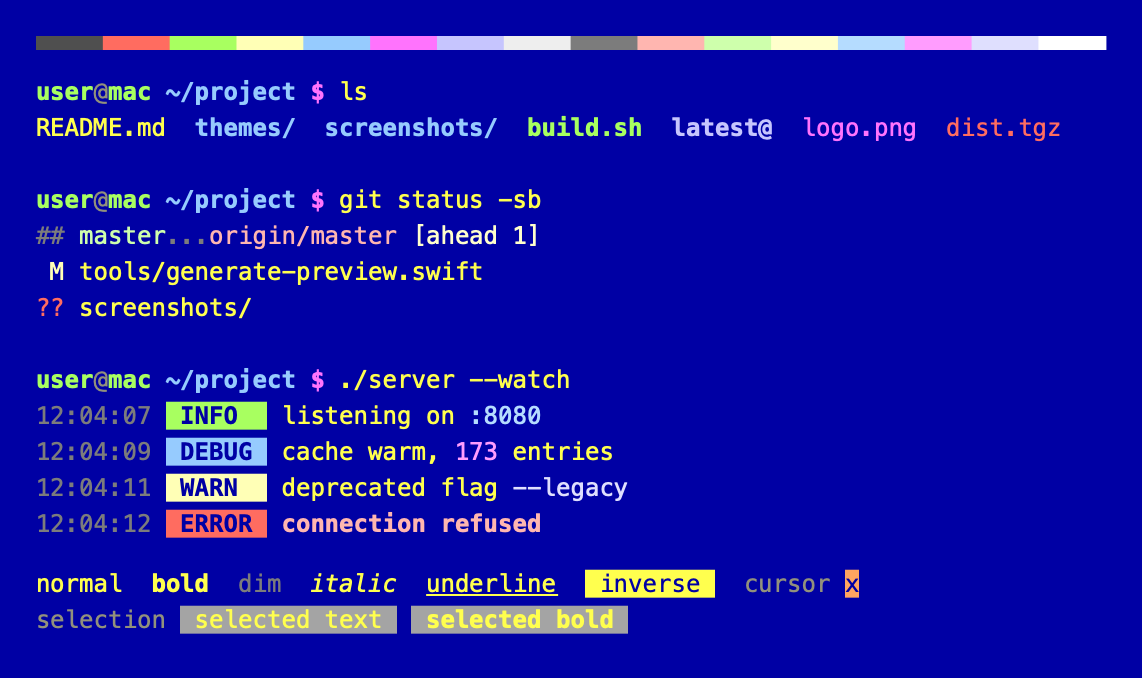
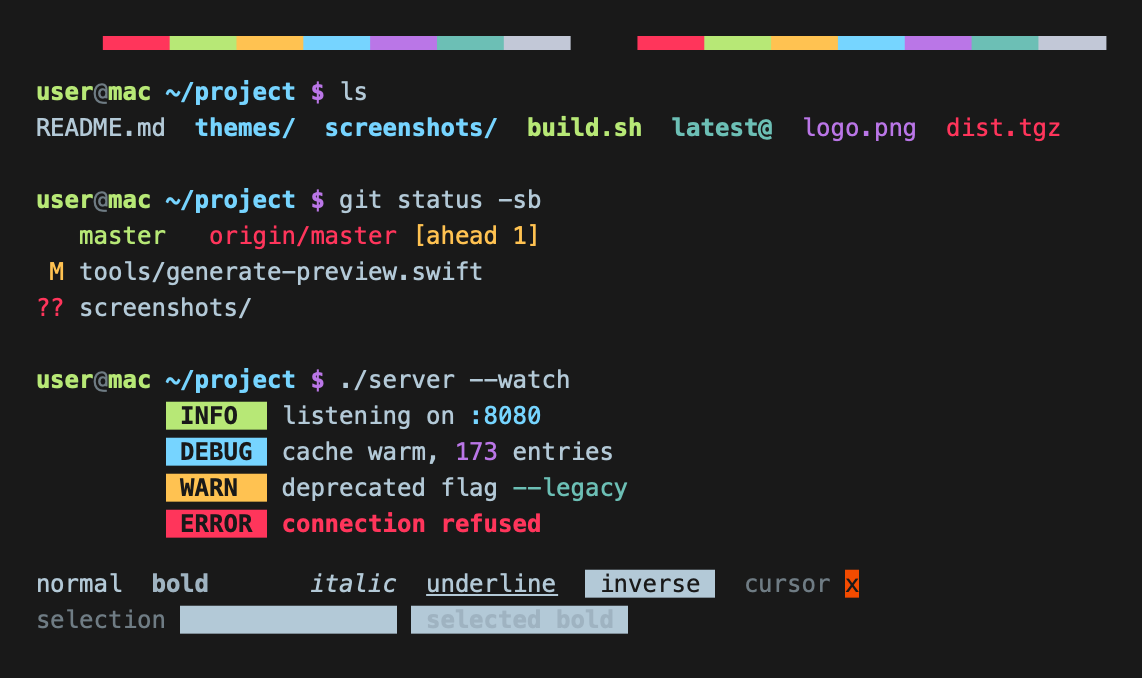
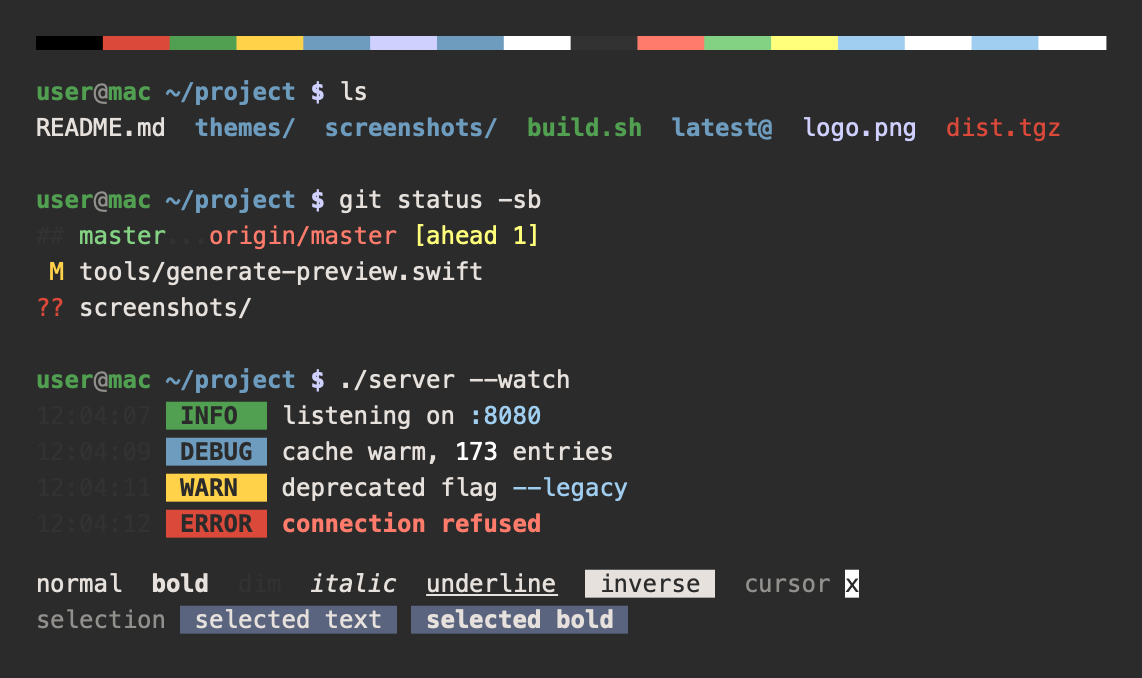
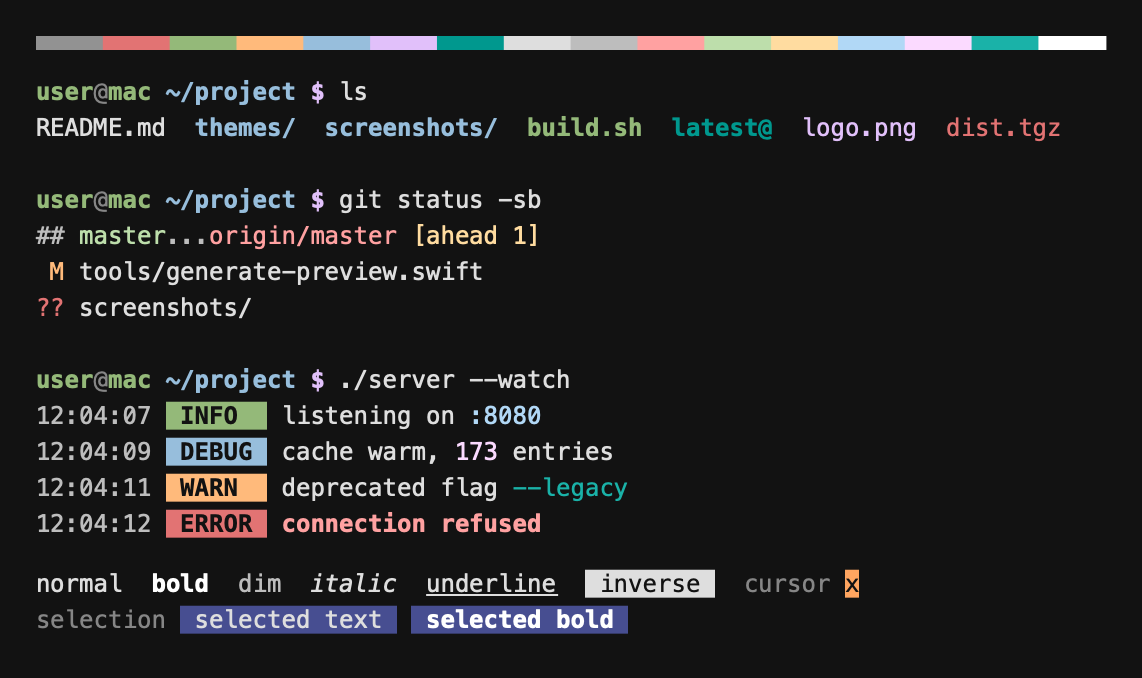
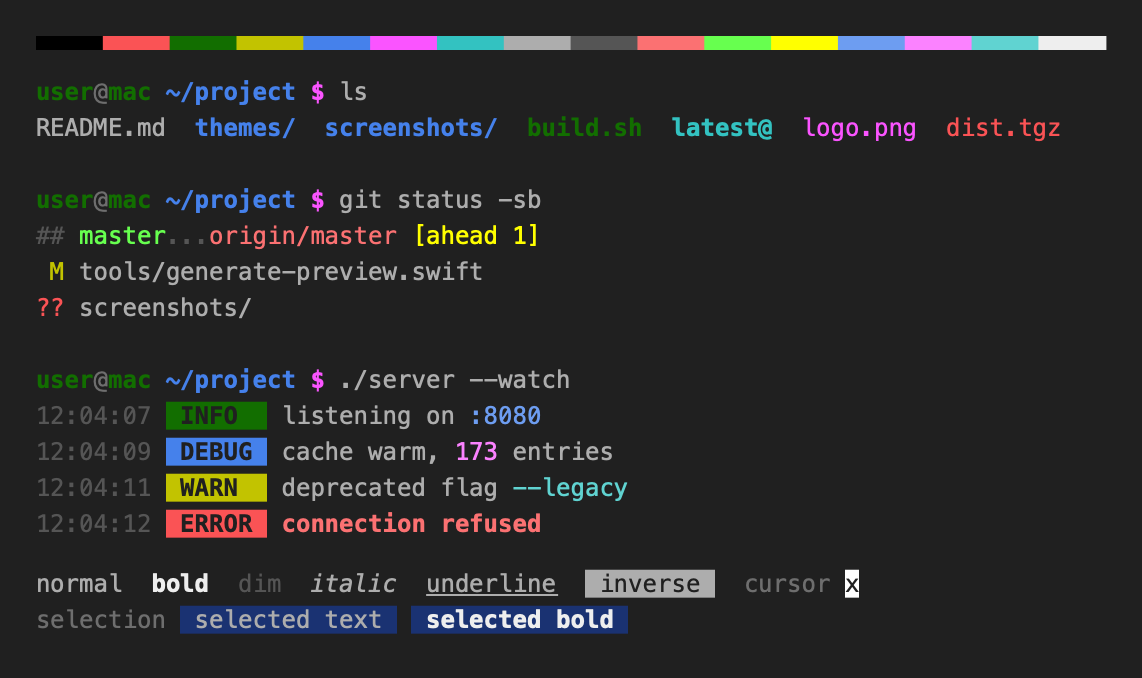
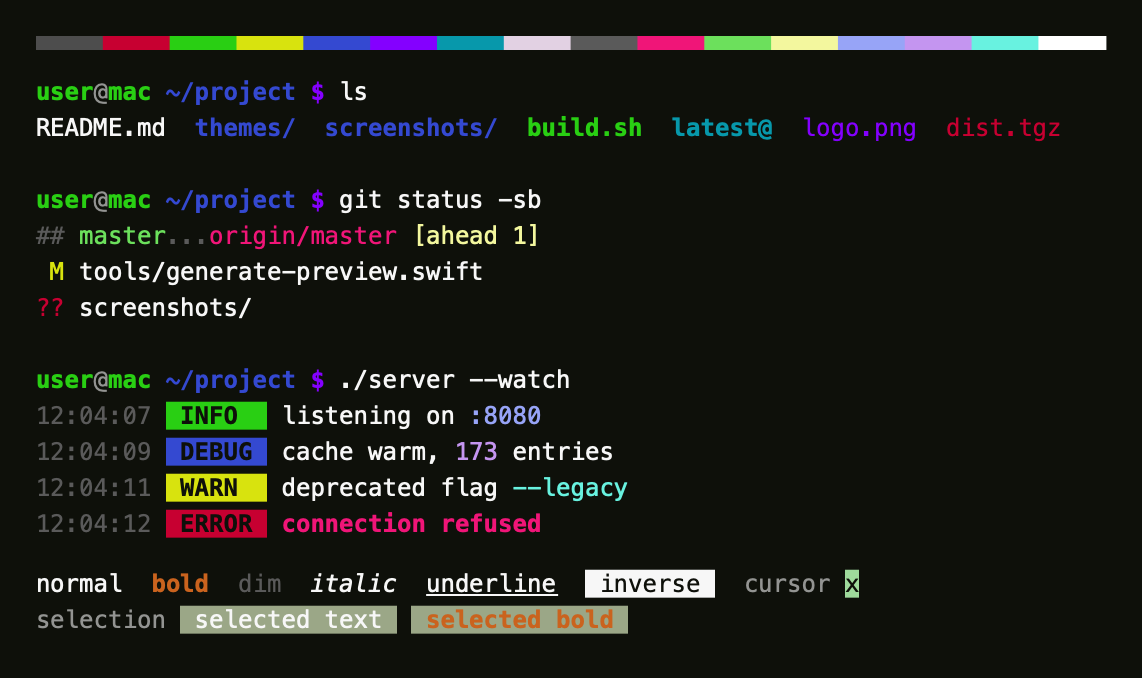
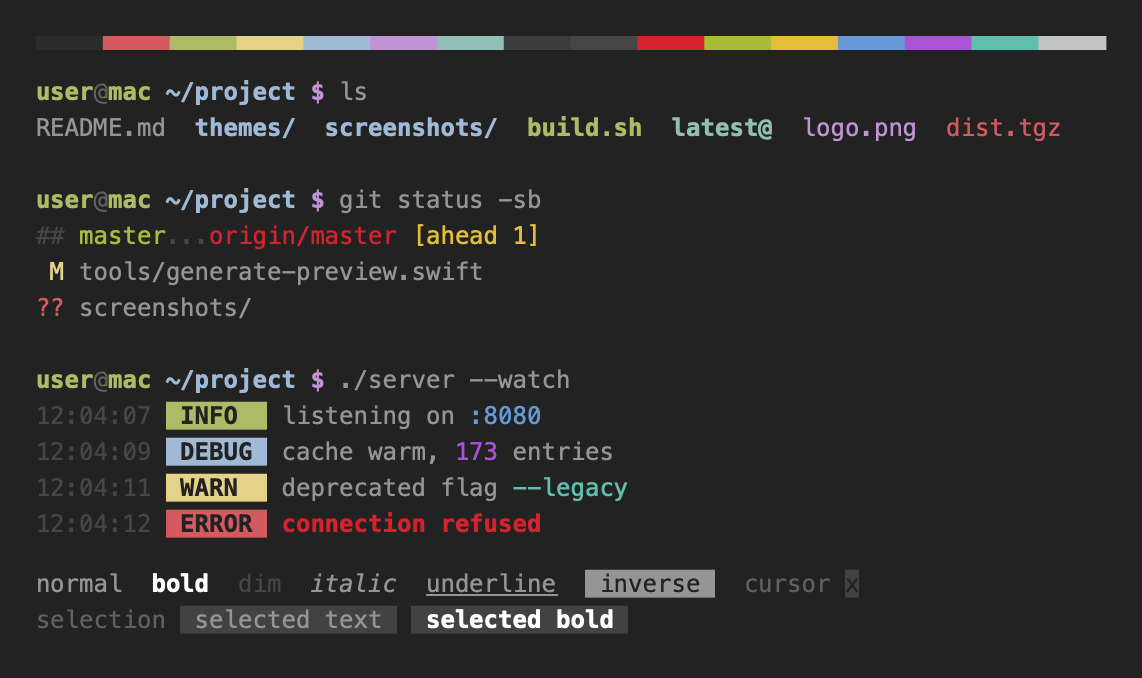
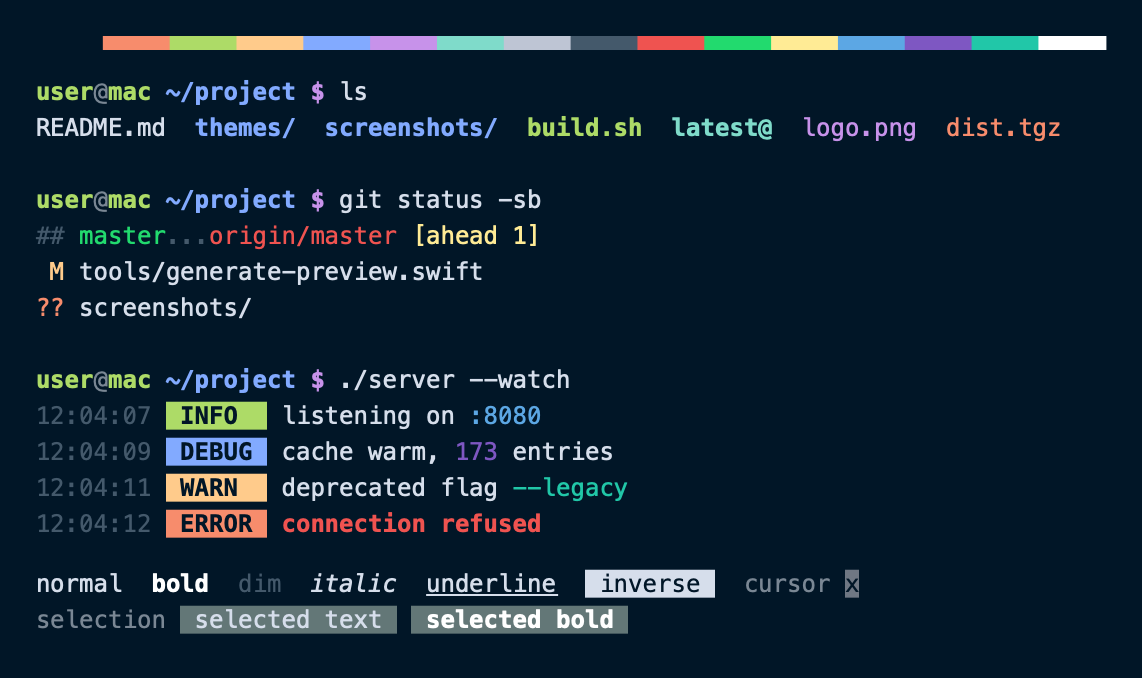
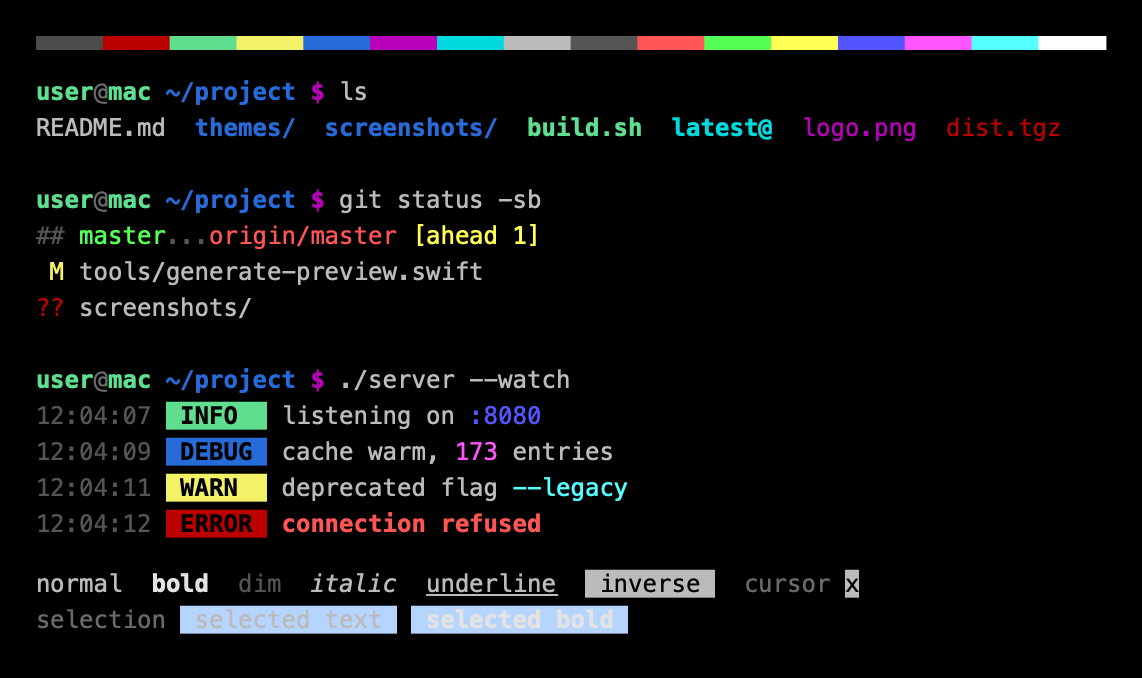
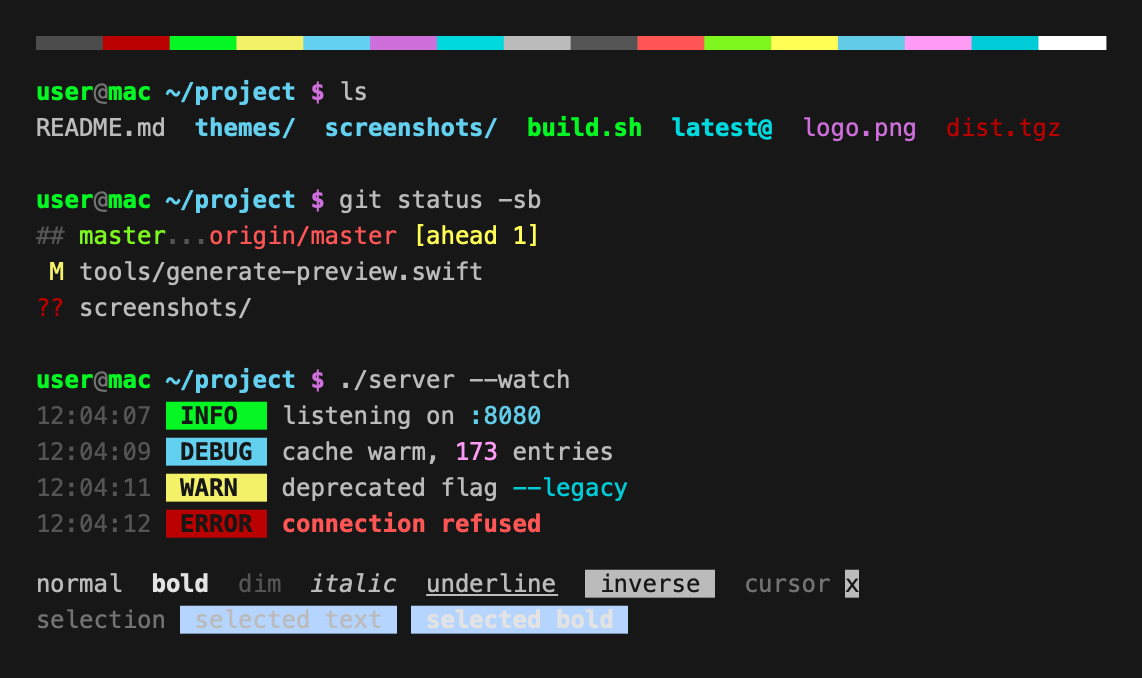
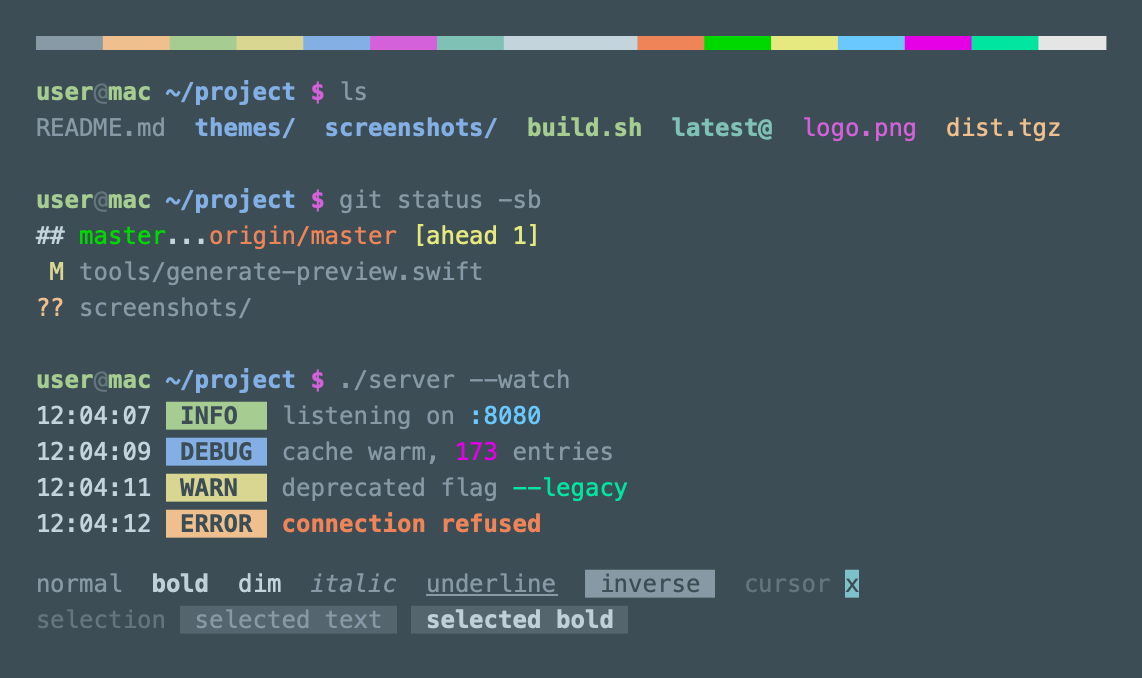
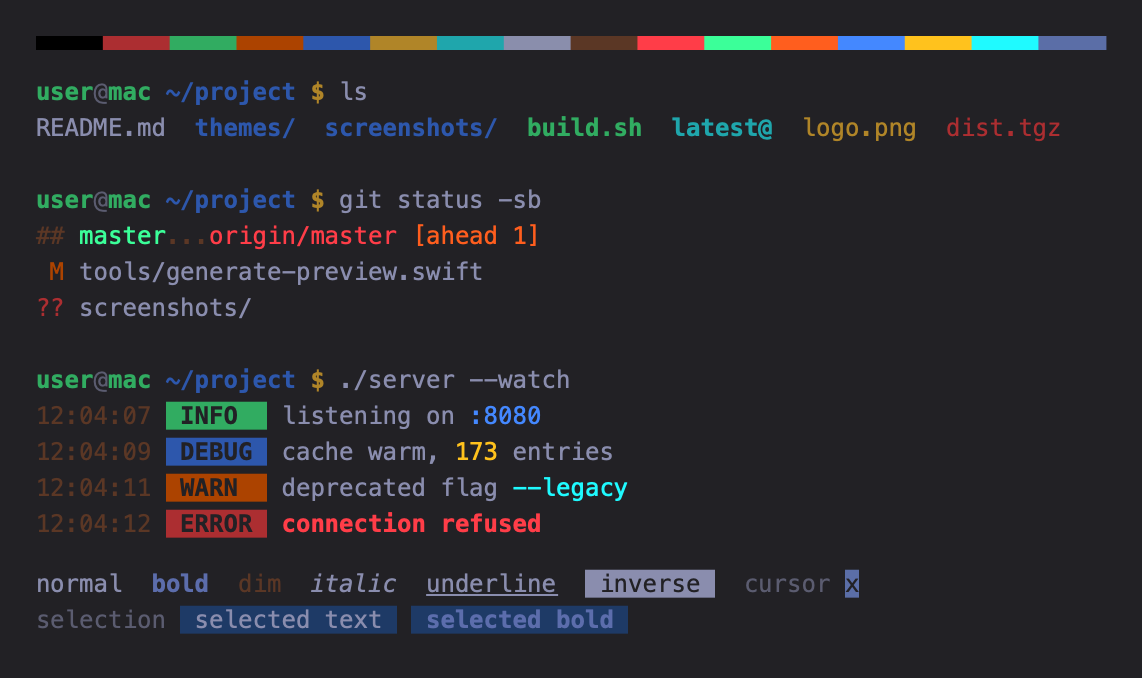
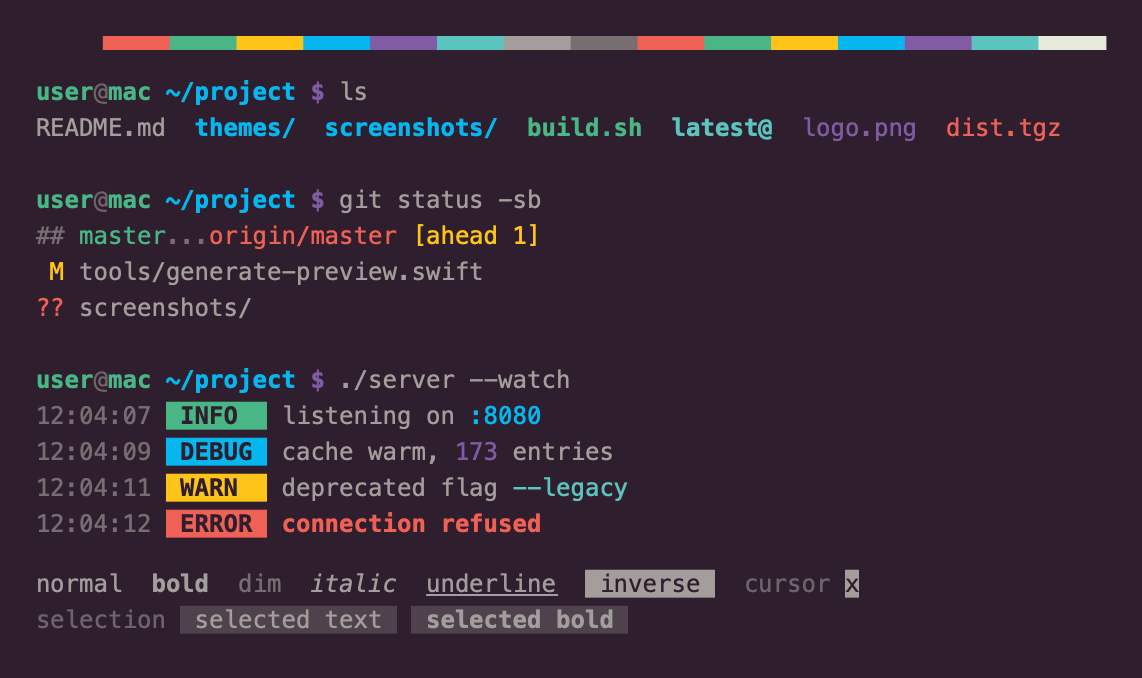
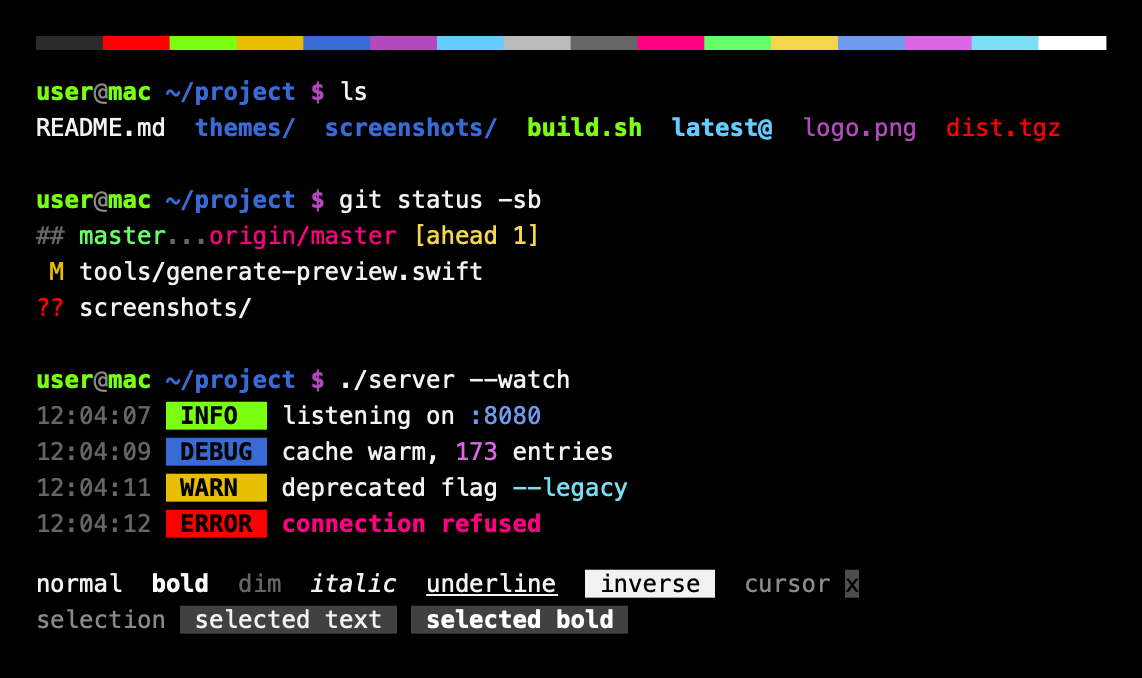
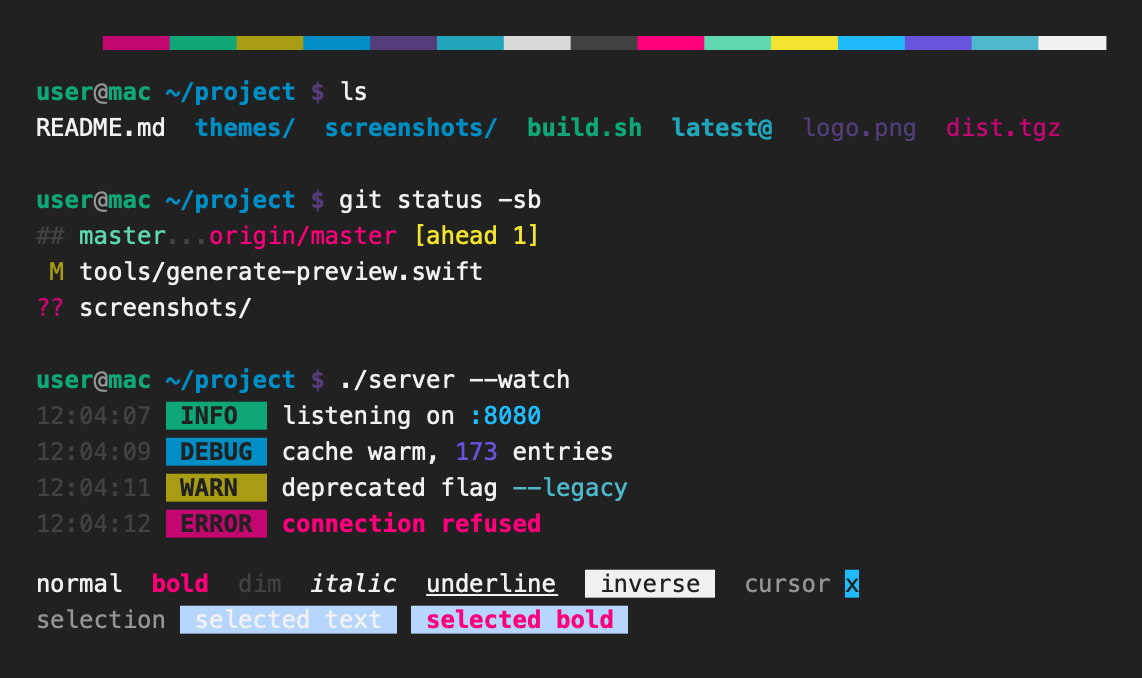
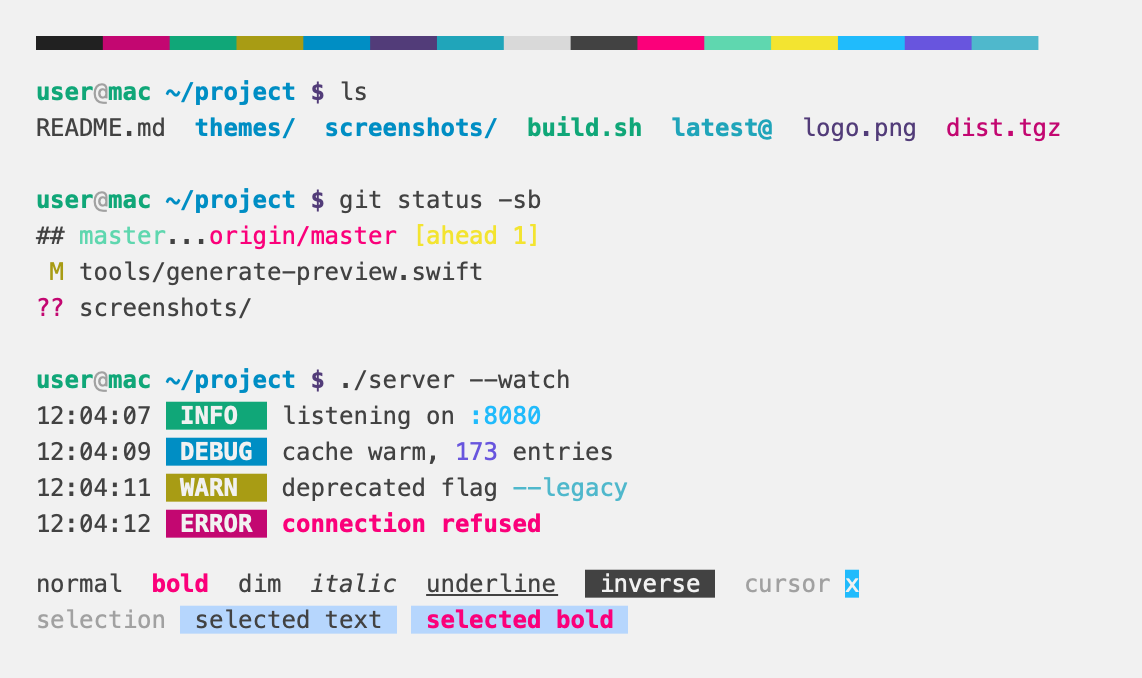
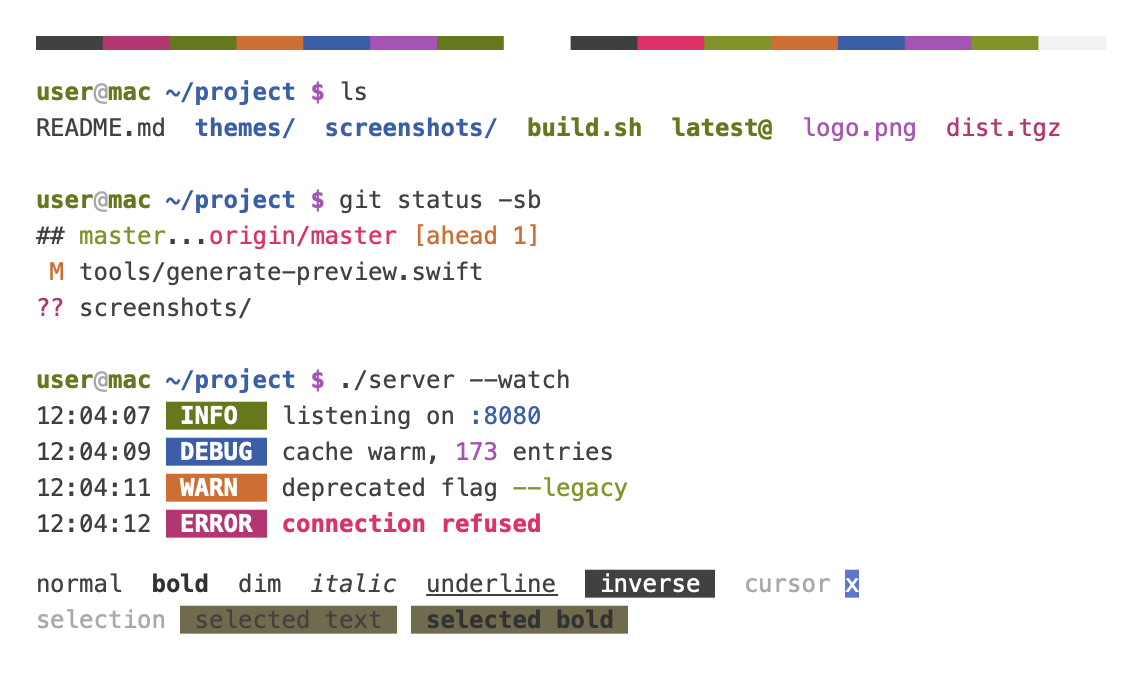
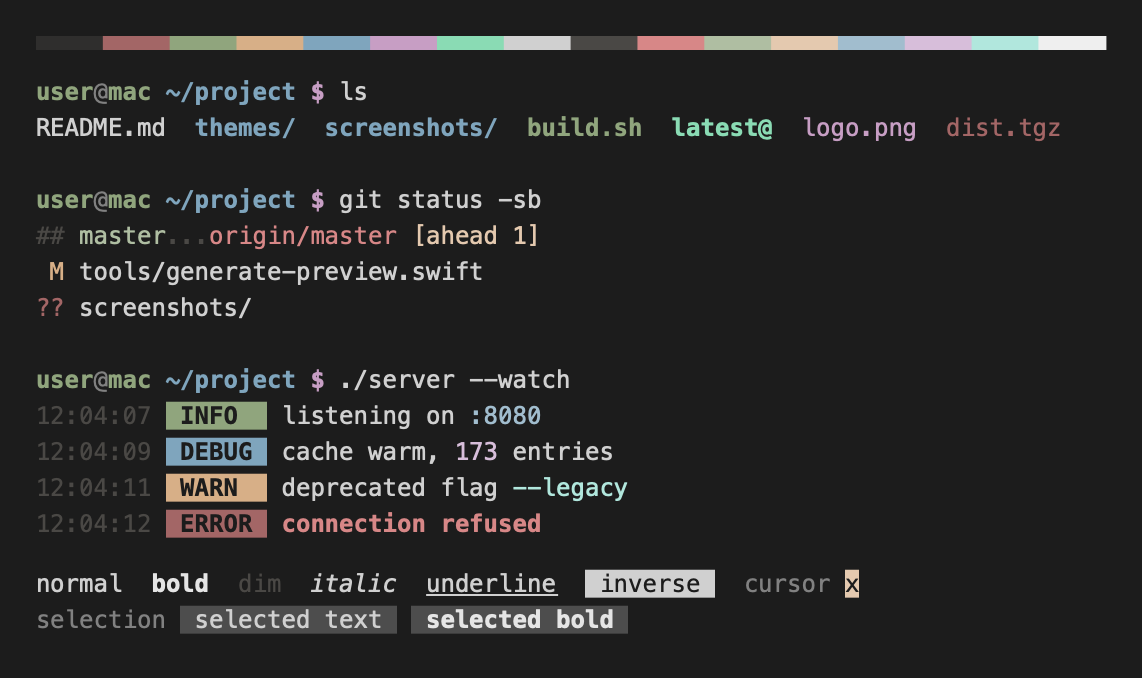
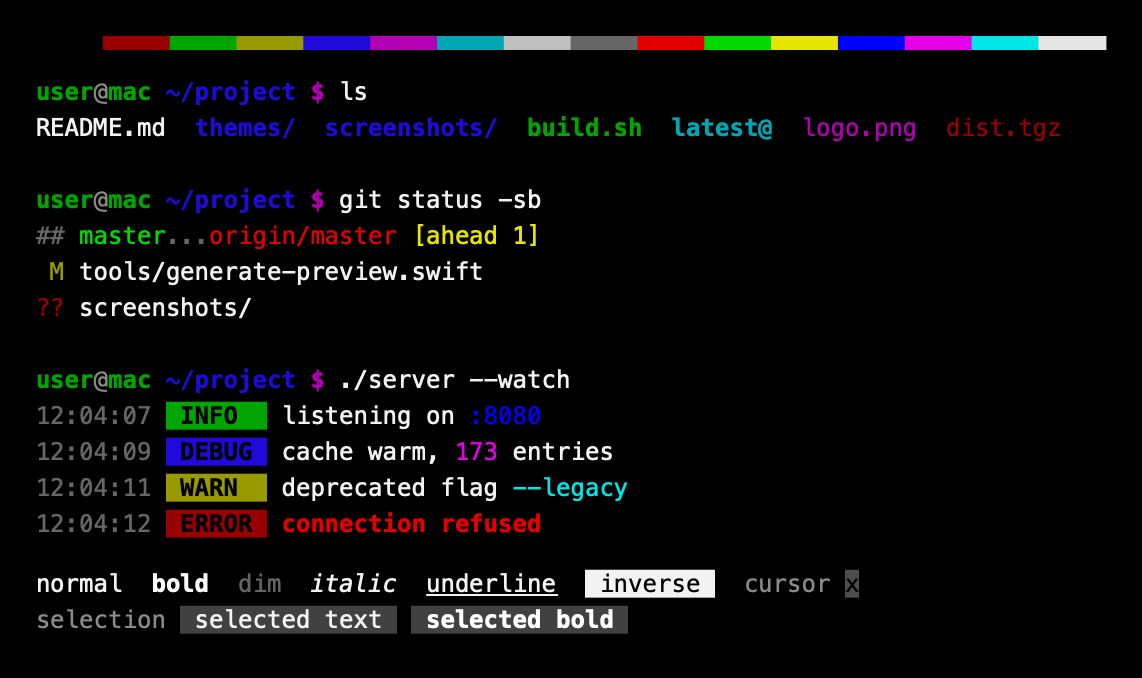
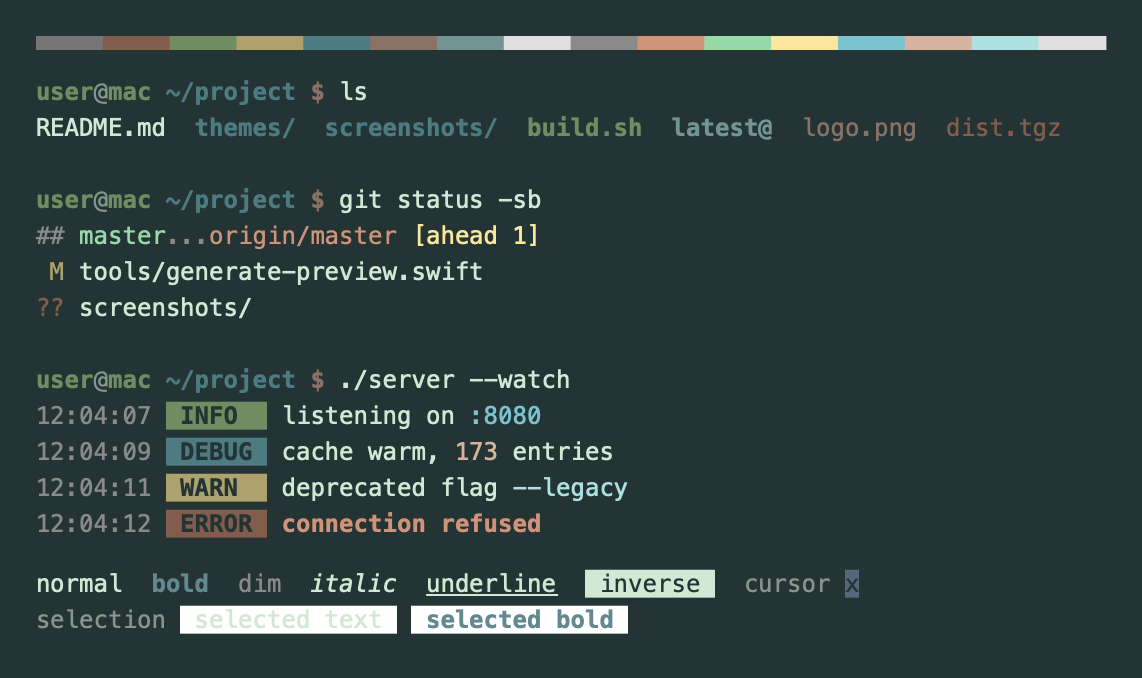
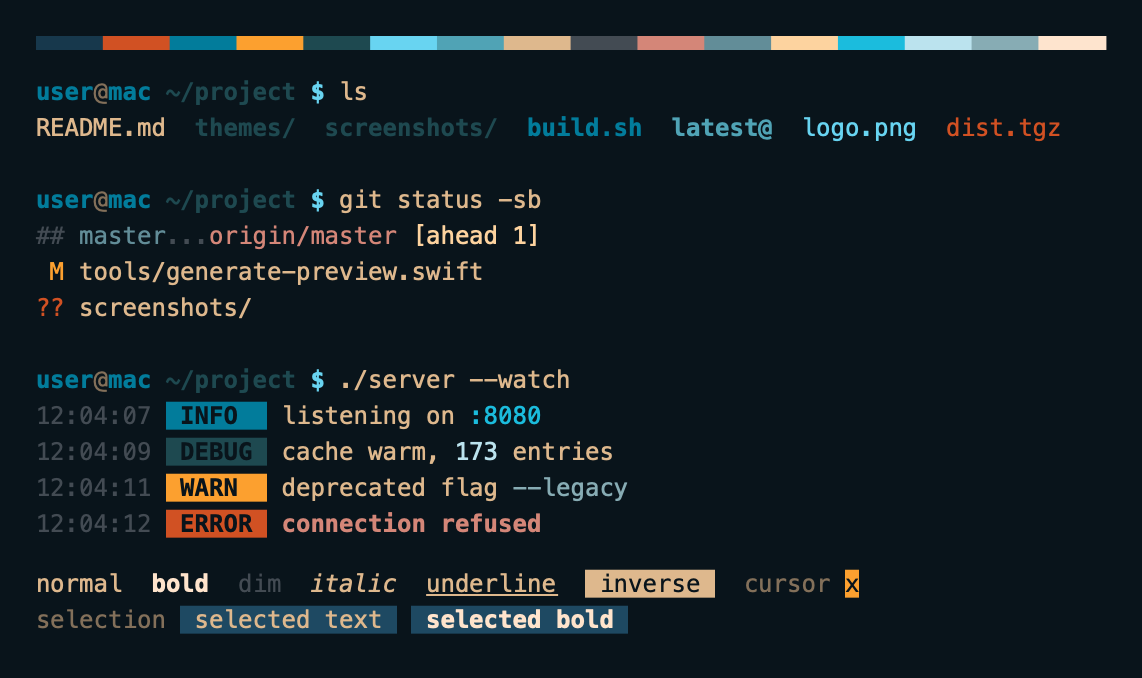
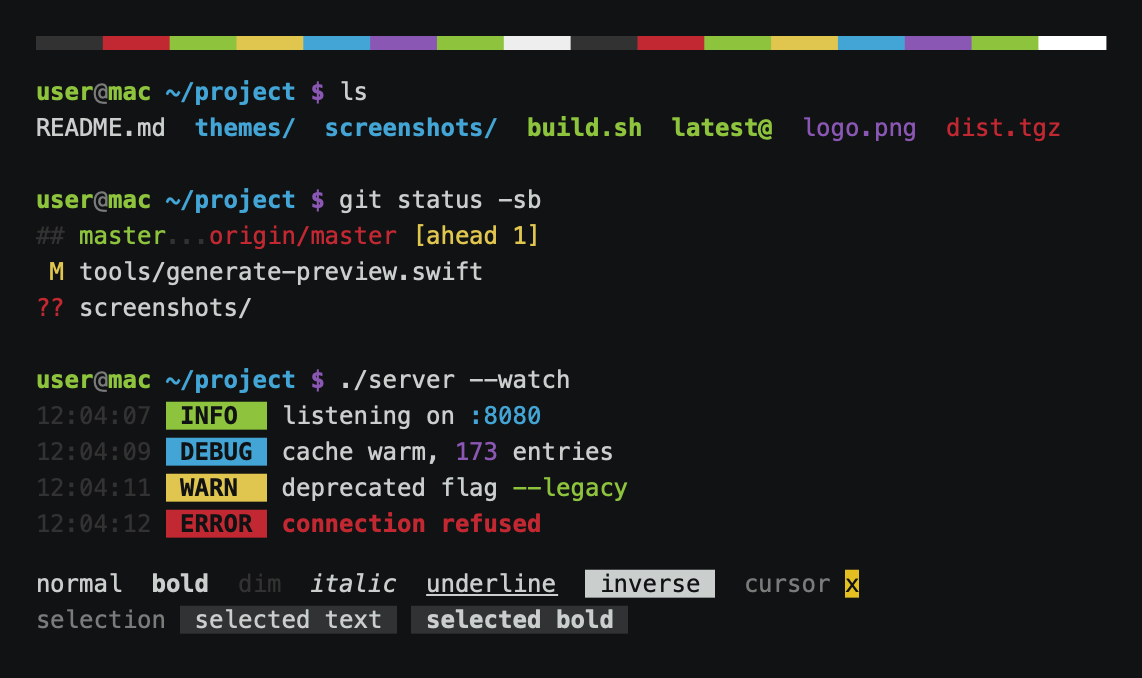
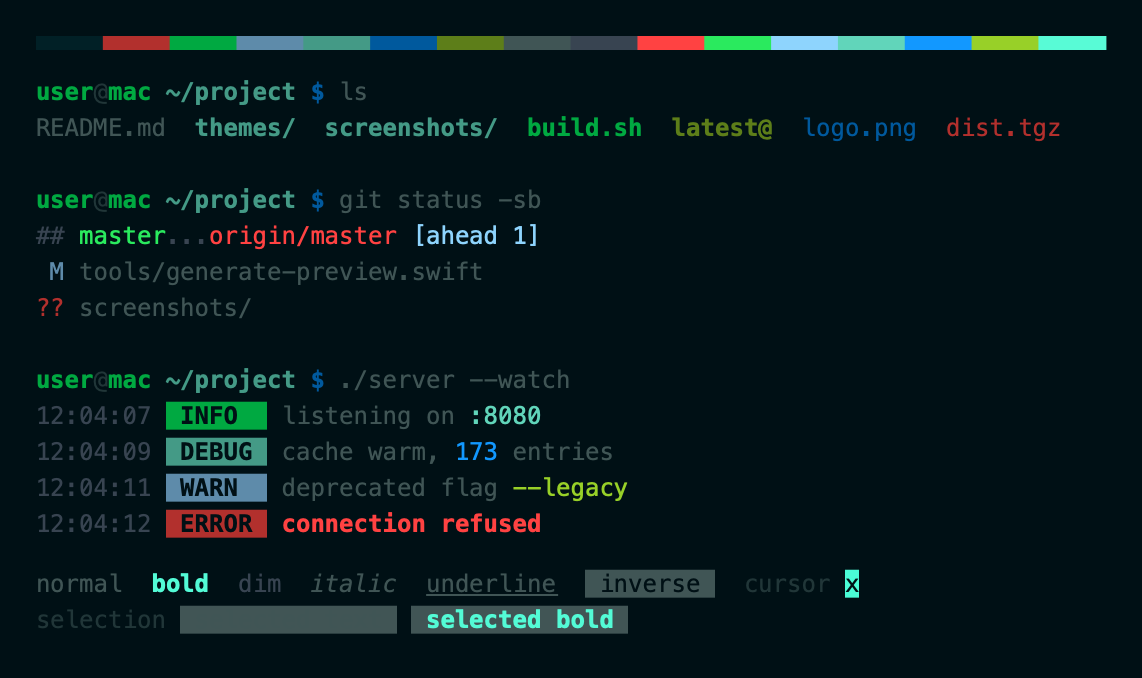
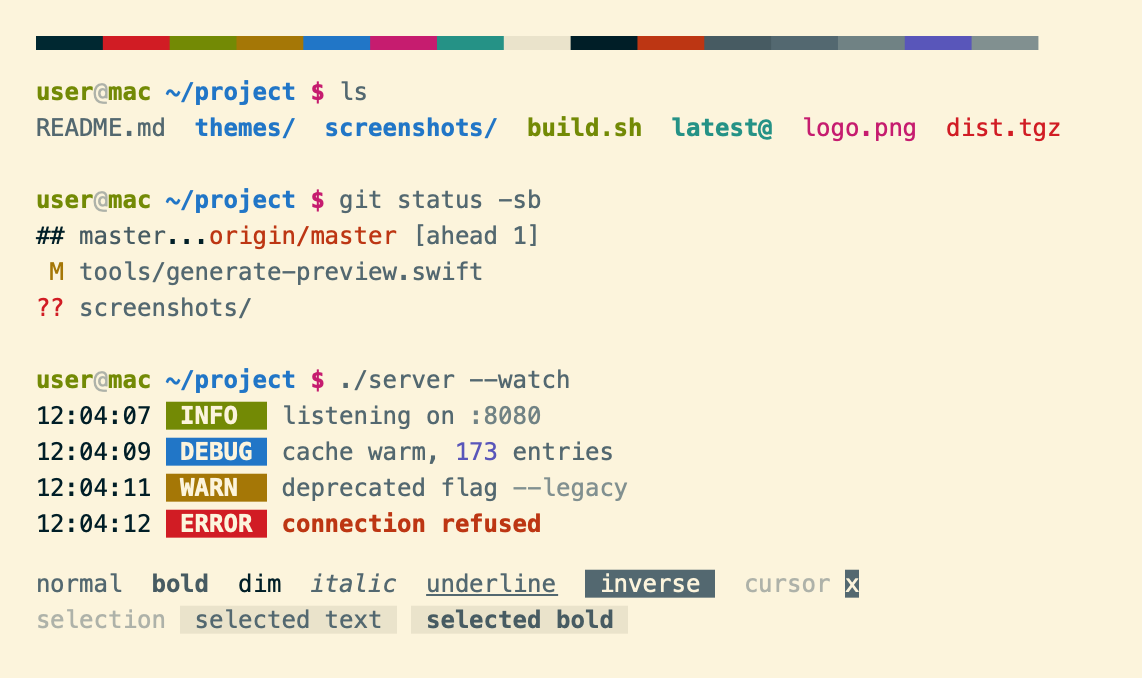
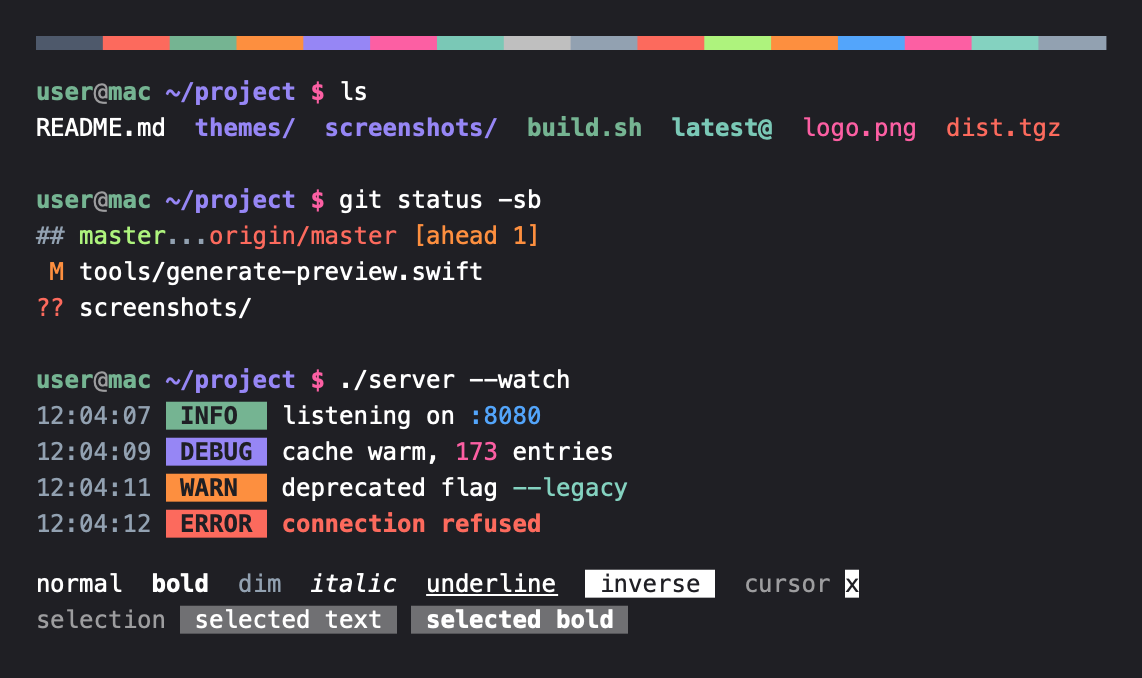
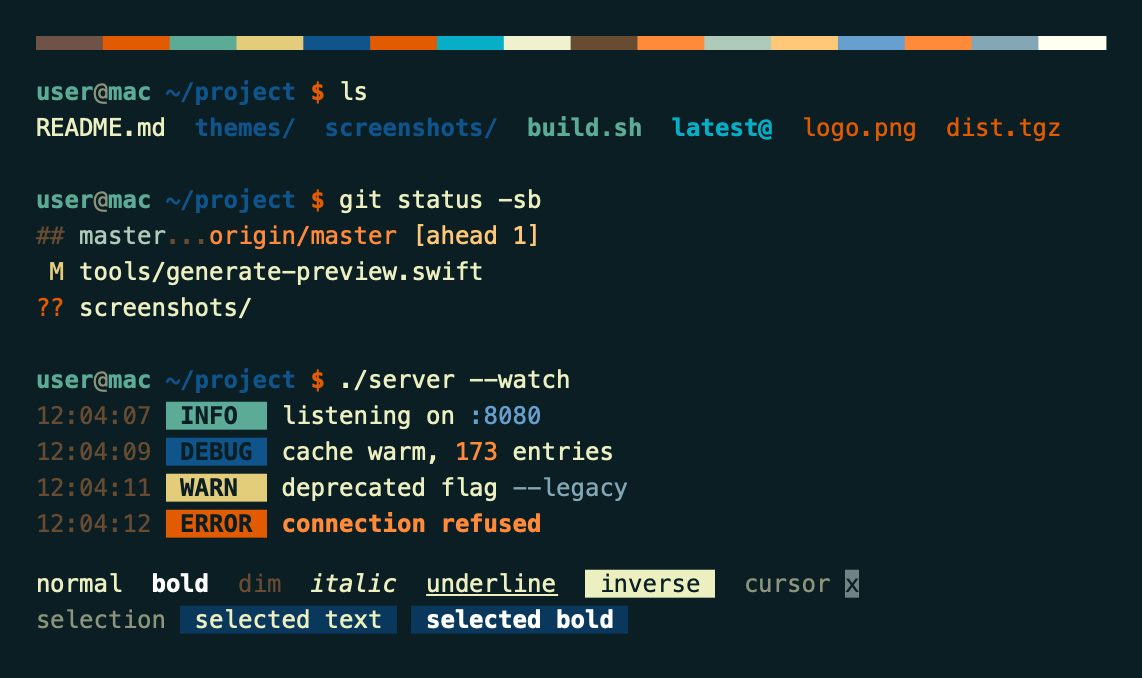
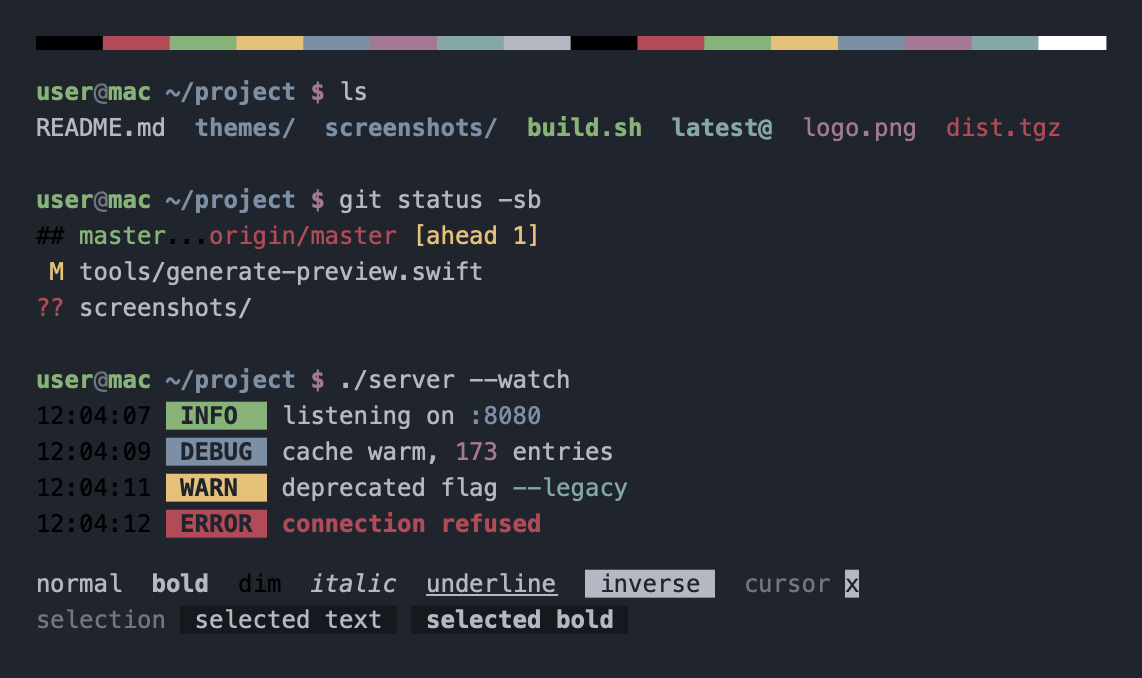
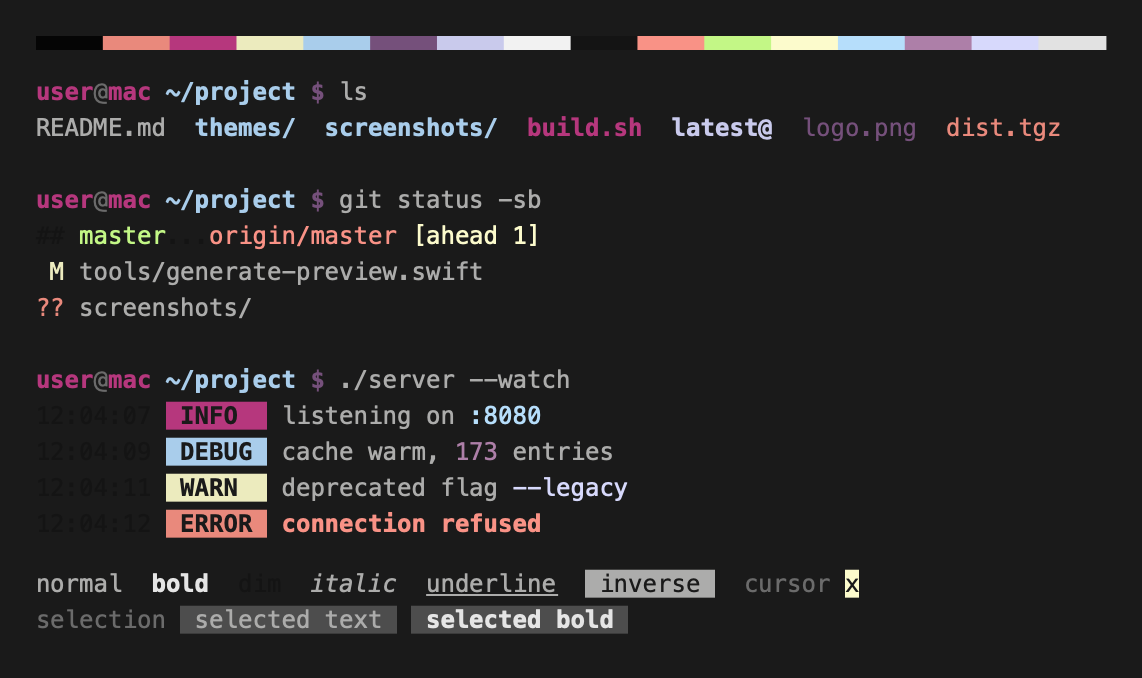
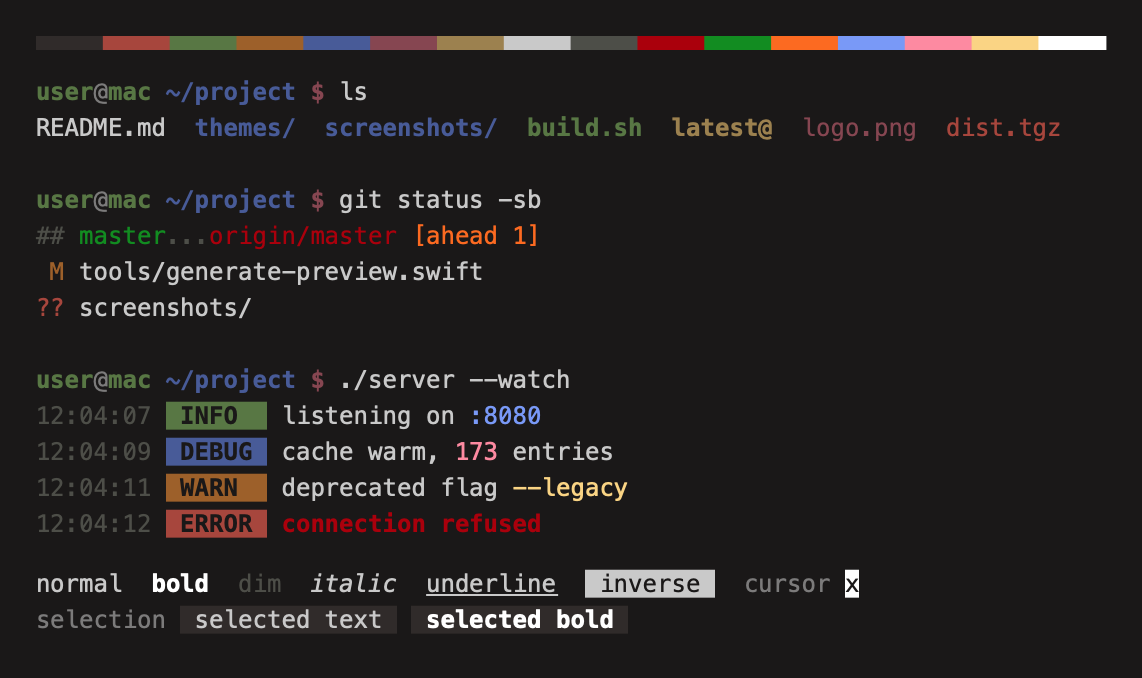
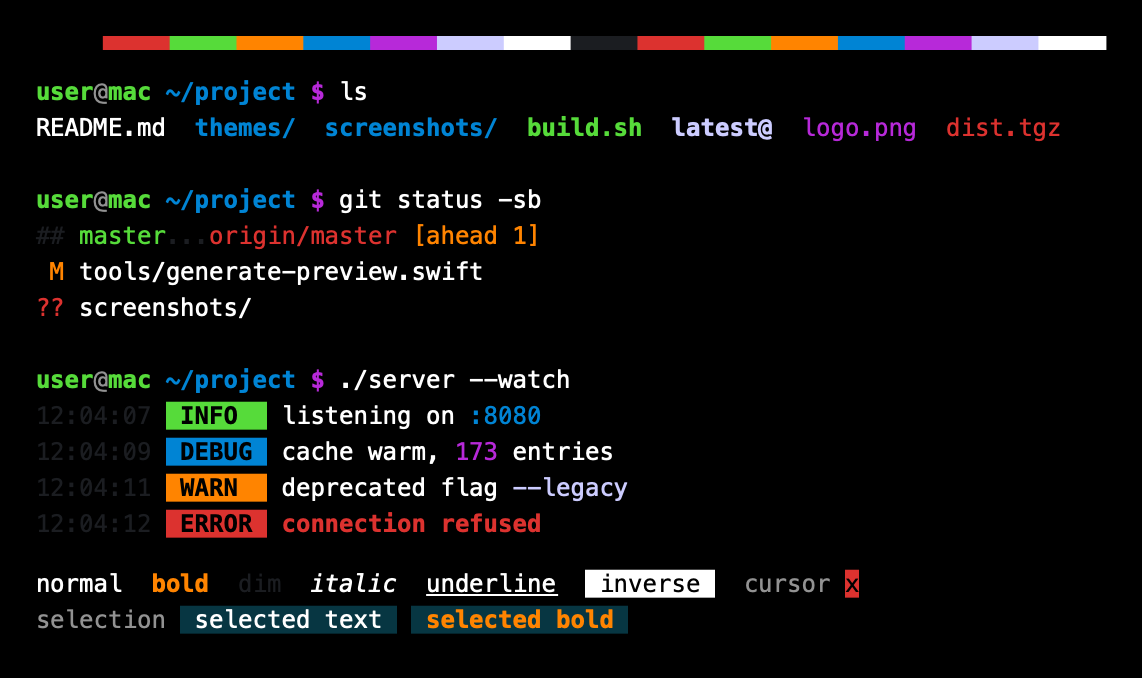
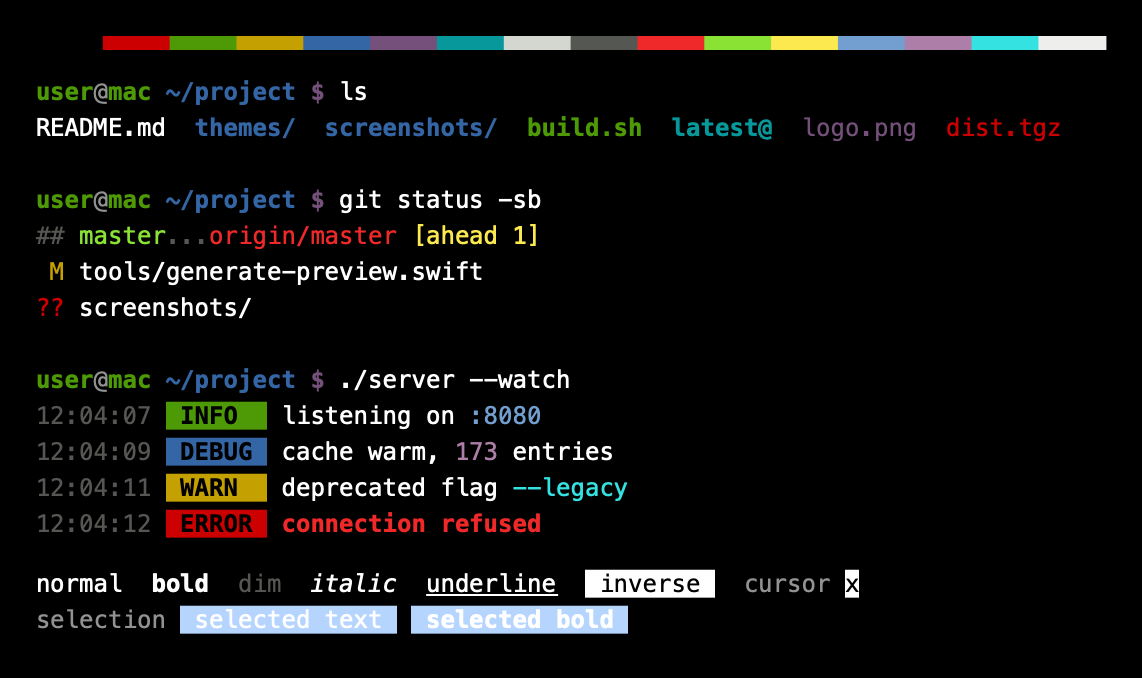
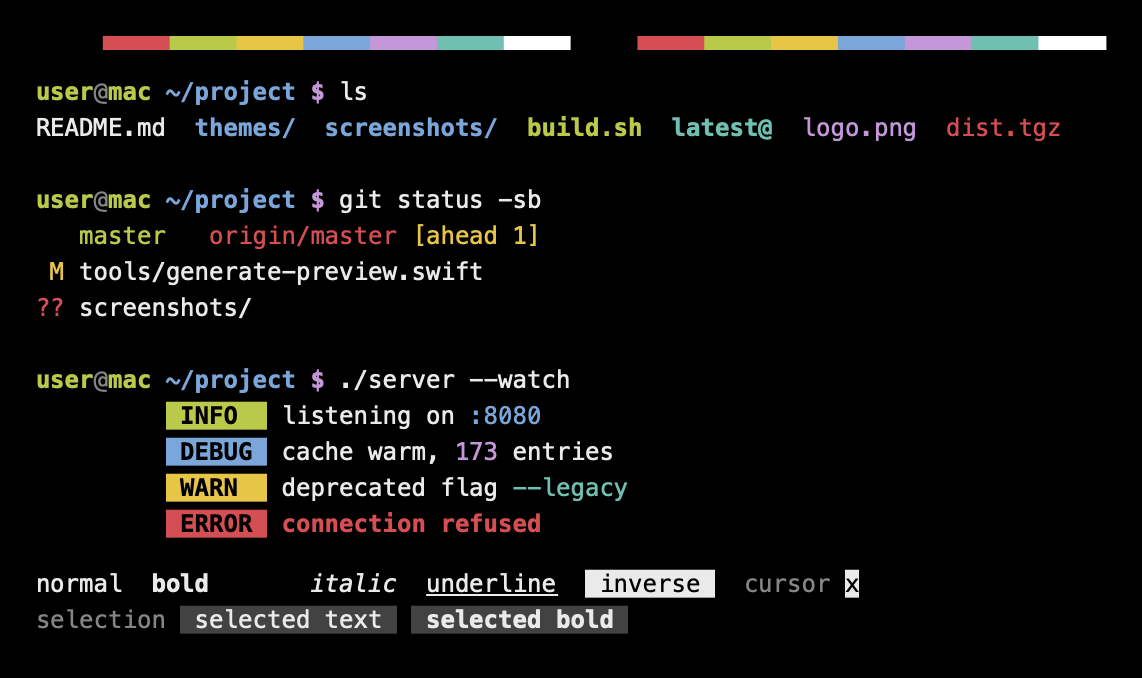
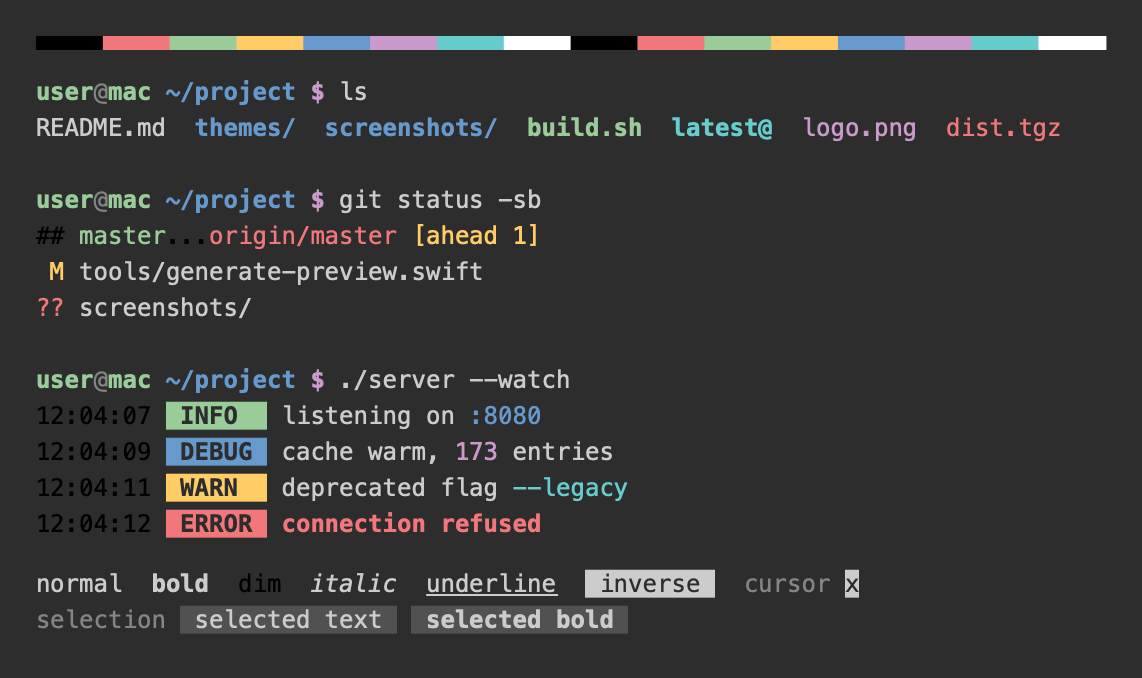
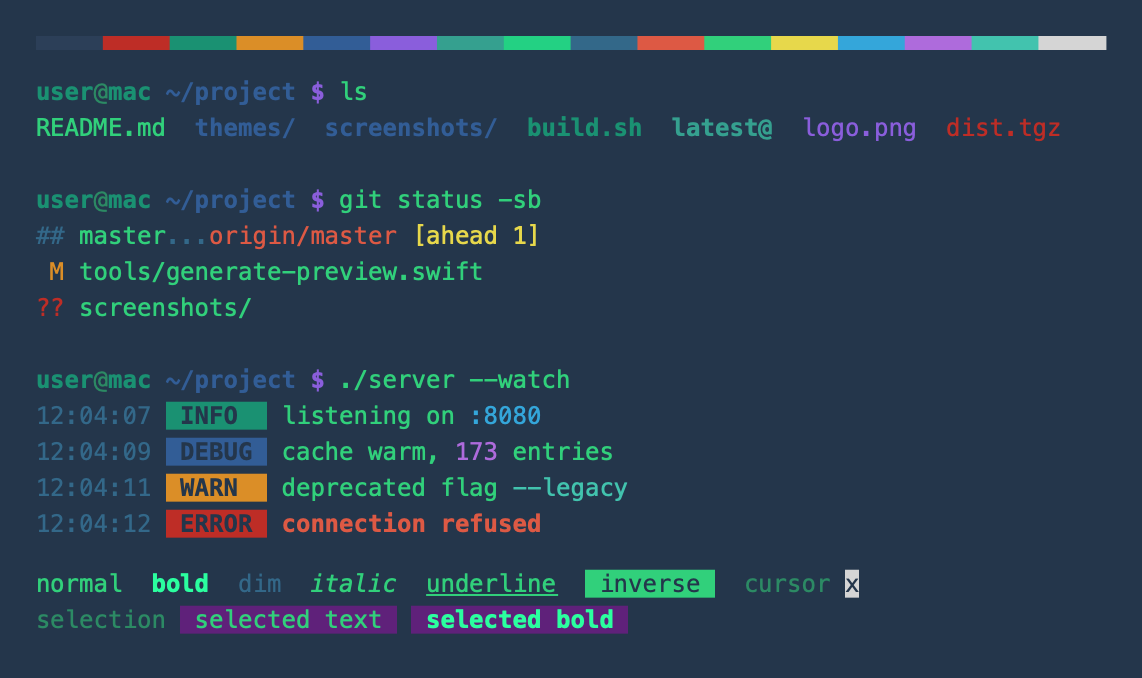
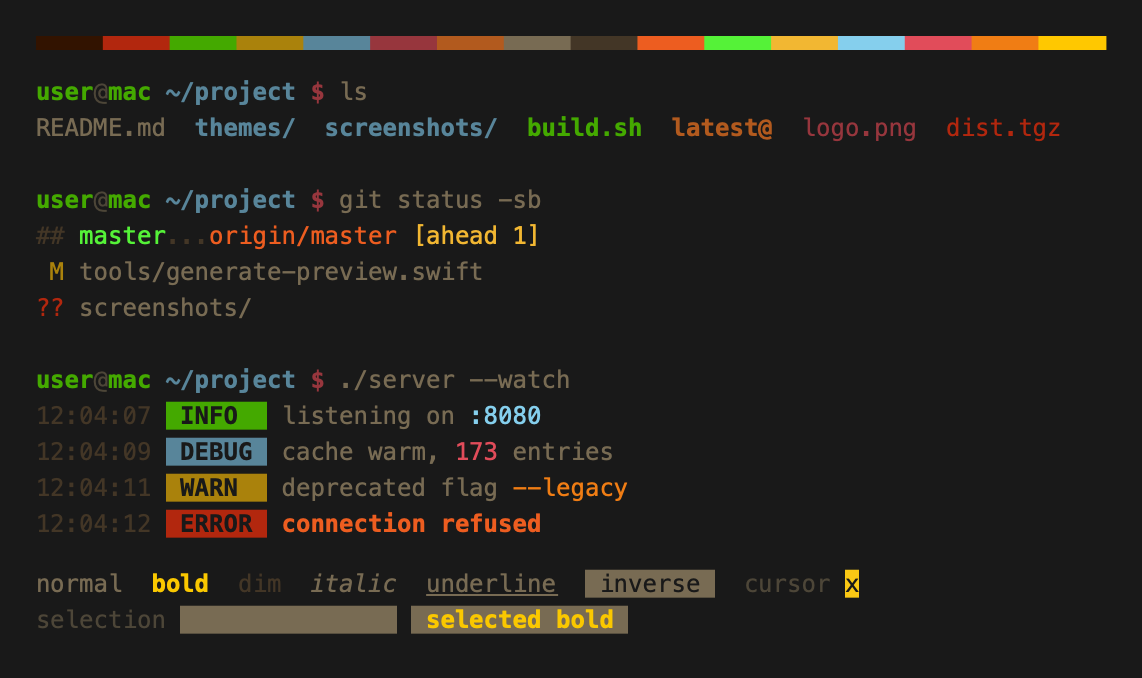
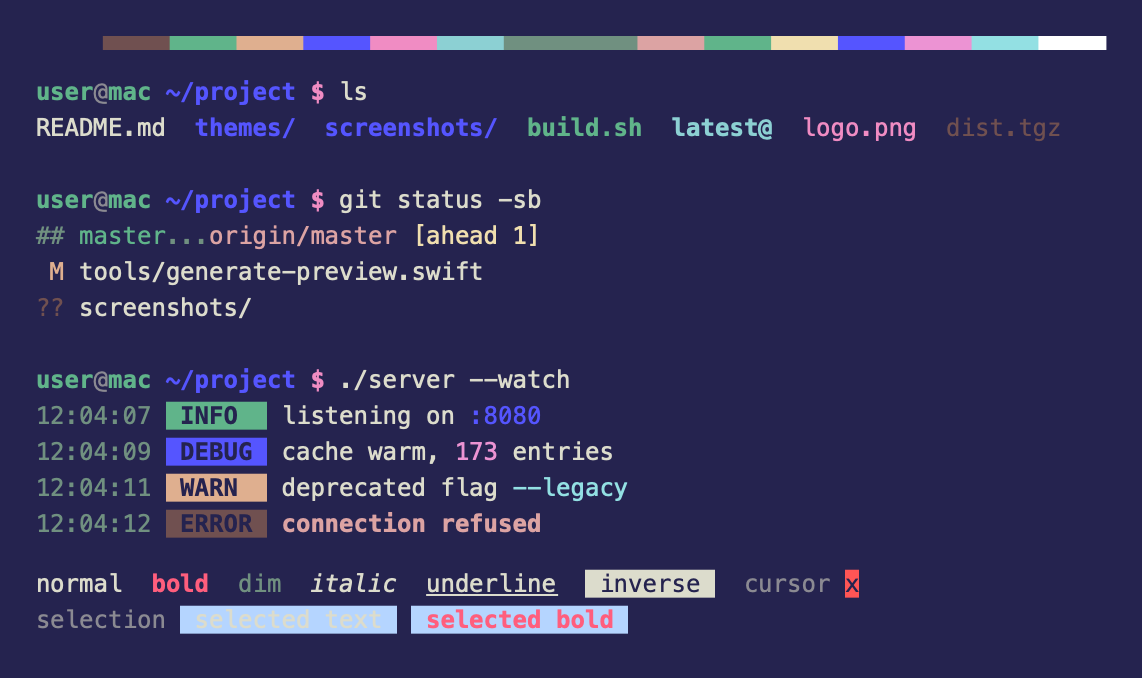
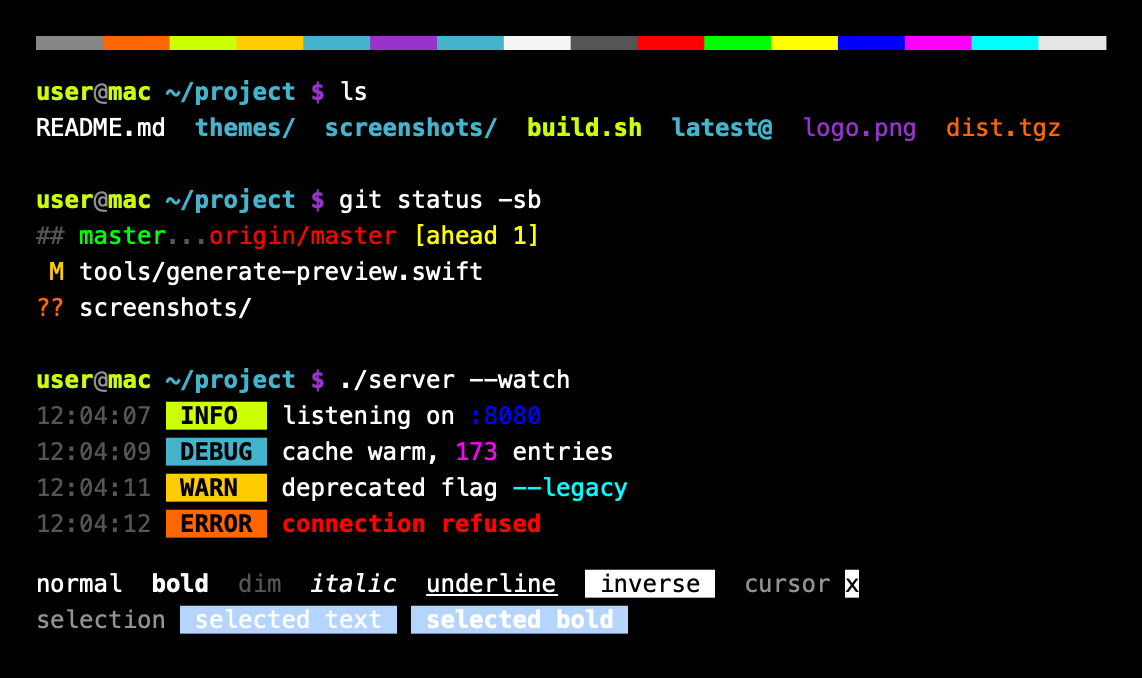
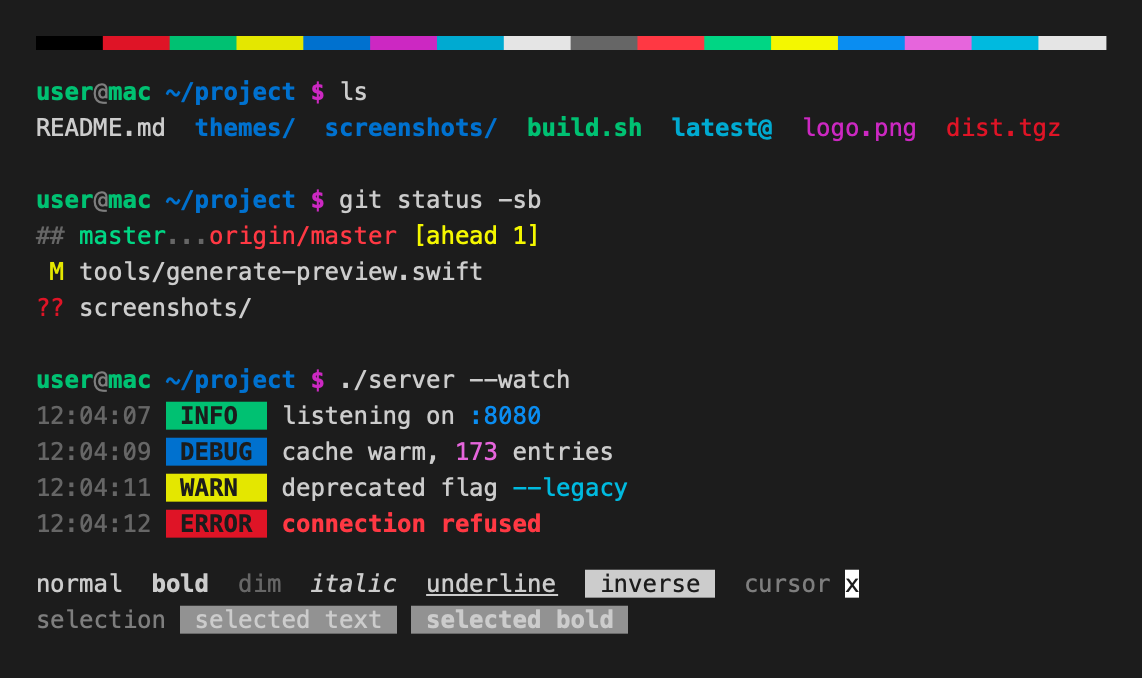
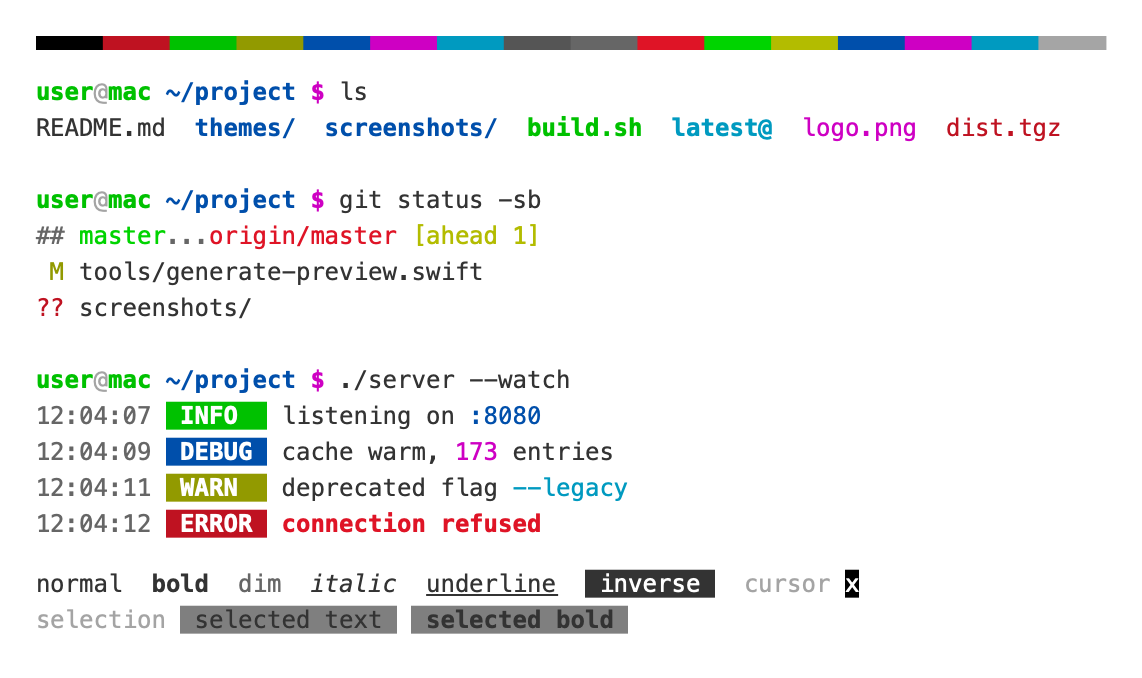
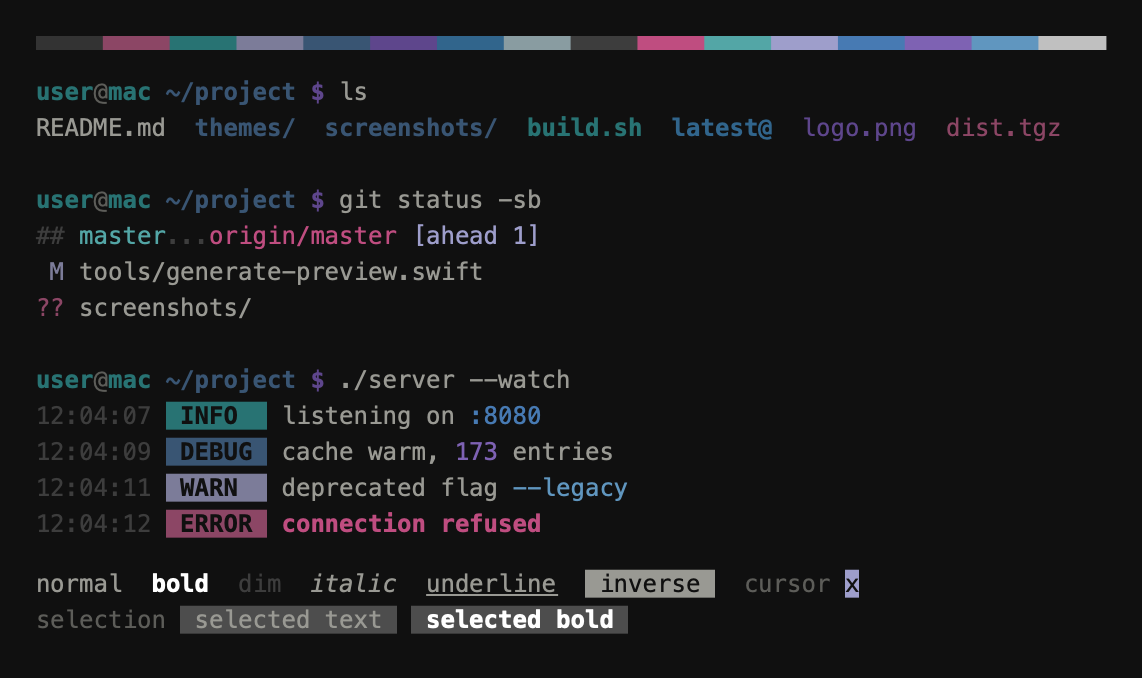
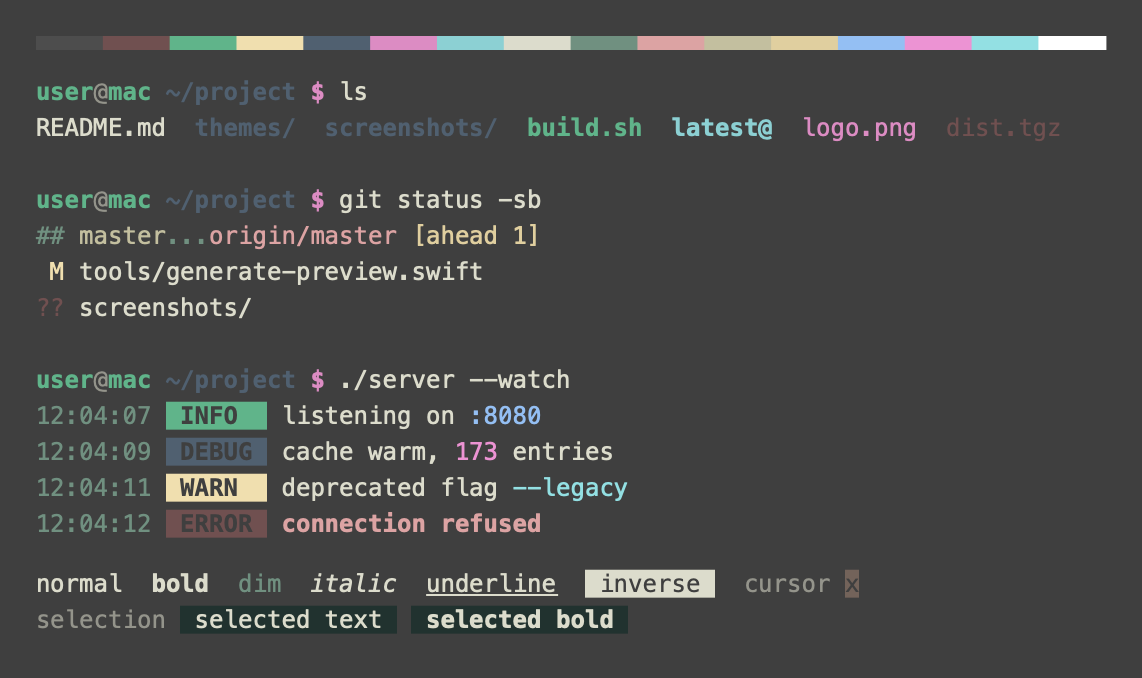
(top 24 of 46)
89 followers · starred Apr 2016
1,130 followers · starred May 2017
124 followers · starred Aug 2019
290 followers · starred Oct 2017
This is a set of color themes for default macOS Terminal.app (initially ported from
iTerm2 color schemes, collected by @mbadolato). Screenshots are demonstrated below and
in the screenshots/ directory of this repo.
Note: Some default macOS themes are not included here (default themes like "Pro", "Basic", "Grass", etc.), because you already have them :)
Since terminal themes are just color schemes, you need to enable color formatting for your shell first - see this comment for more details
Clone or download this repo first. The themes are in the themes/ folder.
Terminal > Settings > Profiles, or press cmd+,.... menu below the profile list, then Import.....terminal file from themes/.Default.cmd+N.Double-click a .terminal file in themes/. It opens a new window with that
theme. Make it stick with Shell > Use Settings as Default.
macOS quarantines files downloaded from the internet, so opening one can fail
with a security warning. Either right-click the file and choose Open, or
import it through the settings as above.
Want to add a theme? See CONTRIBUTING.md for the steps and the tools that generate the previews.
(top 24 of 46)
89 followers · starred Apr 2016
1,130 followers · starred May 2017
124 followers · starred Aug 2019
290 followers · starred Oct 2017