The ChatPDF(PDF Chatbot) is an application that allows users to upload PDF files and interact with pdf using a chatbot. Users can ask questions or provide input, and the chatbot will generate responses based on the provided information.
Clone the repository:
git clone https://github.com/lvyufeng/ChatPDF.git
Install the required dependencies:
pip install -r requirements.txt
Run the application:
# complex version
python simple_ui.py
# complex version
python complex_ui.py
Access the application in your web browser as specified in the console.
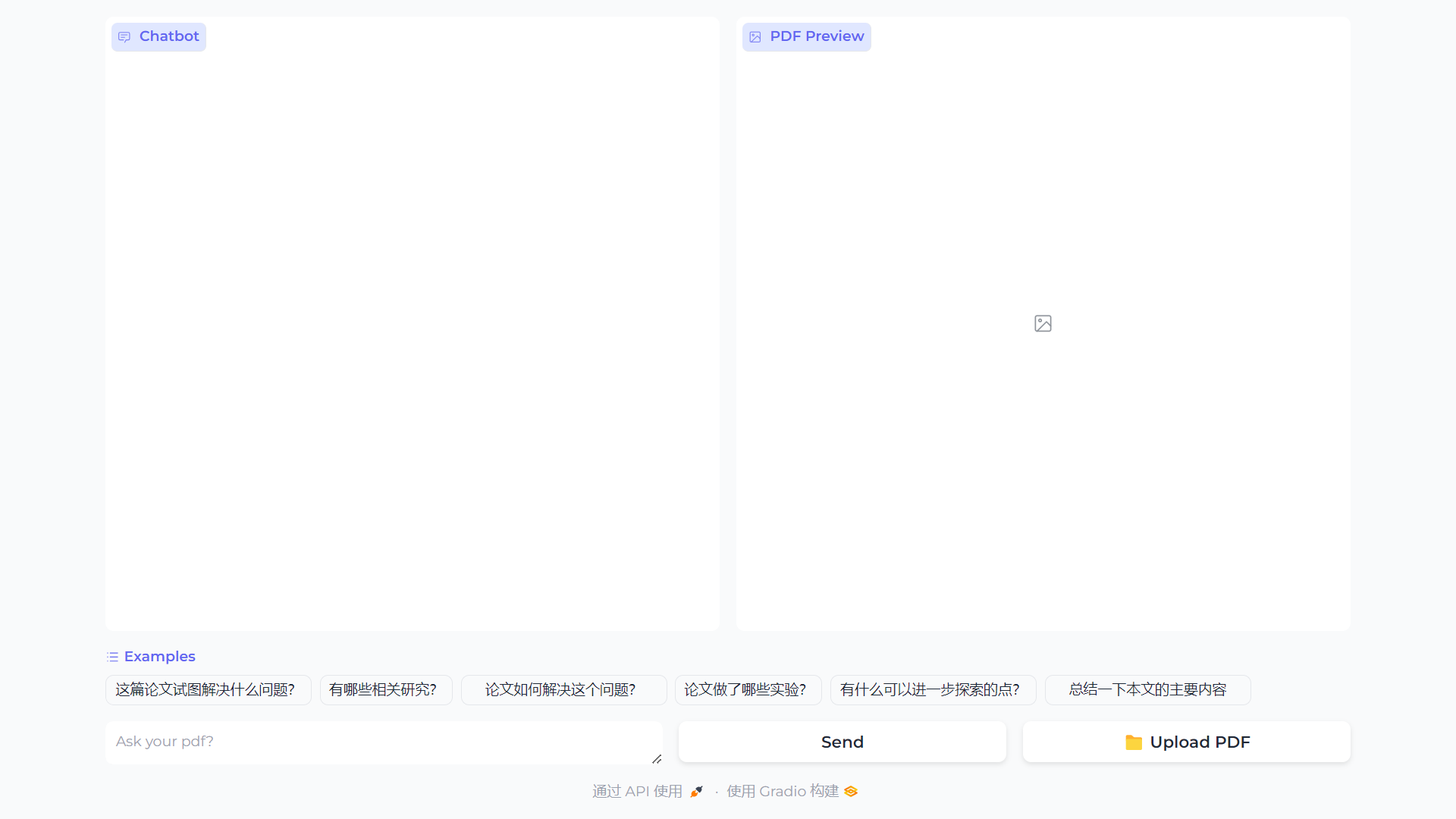
To preview a PDF file, click the "Upload PDF" button and select the PDF file from your local machine. The application will display a preview of the PDF file.
Use the chatbox to ask questions or have a conversation with the chatbot. The chatbot will generate responses based on the input.
The ChatPDF(PDF Chatbot) is an application that allows users to upload PDF files and interact with pdf using a chatbot. Users can ask questions or provide input, and the chatbot will generate responses based on the provided information.
Clone the repository:
git clone https://github.com/lvyufeng/ChatPDF.git
Install the required dependencies:
pip install -r requirements.txt
Run the application:
# complex version
python simple_ui.py
# complex version
python complex_ui.py
Access the application in your web browser as specified in the console.
To preview a PDF file, click the "Upload PDF" button and select the PDF file from your local machine. The application will display a preview of the PDF file.
Use the chatbox to ask questions or have a conversation with the chatbot. The chatbot will generate responses based on the input.



