Code and data for paper "Deep Photo Style Transfer": https://arxiv.org/abs/1703.07511
MATLAB
9,983
87 commits
updated Aug 2, 2021
Code and data for paper "Deep Photo Style Transfer"
This software is published for academic and non-commercial use only.
This code is based on torch. It has been tested on Ubuntu 14.04 LTS.
Dependencies:
CUDA backend:
Download VGG-19:
sh models/download_models.sh
Compile cuda_utils.cu (Adjust PREFIX and NVCC_PREFIX in makefile for your machine):
make clean && make
To generate all results (in examples/) using the provided scripts, simply run
run('gen_laplacian/gen_laplacian.m')
in Matlab or Octave and then
python gen_all.py
in Python. The final output will be in examples/final_results/.
examples/ respectively. They will have the following filename form: examples/input/in<id>.png, examples/style/tar<id>.png and examples/segmentation/in<id>.png, examples/segmentation/tar<id>.png;gen_laplacian/gen_laplacian.m in Matlab. The output matrix will have the following filename form: gen_laplacian/Input_Laplacian_3x3_1e-7_CSR<id>.mat;Note: Please make sure that the content image resolution is consistent for Matting Laplacian computation in Matlab and style transfer in Torch, otherwise the result won't be correct.
th neuralstyle_seg.lua -content_image <input> -style_image <style> -content_seg <inputMask> -style_seg <styleMask> -index <id> -serial <intermediate_folder>
th deepmatting_seg.lua -content_image <input> -style_image <style> -content_seg <inputMask> -style_seg <styleMask> -index <id> -init_image <intermediate_folder/out<id>_t_1000.png> -serial <final_folder> -f_radius 15 -f_edge 0.01
You can pass -backend cudnn and -cudnn_autotune to both Lua scripts (step 3.
and 4.) to potentially improve speed and memory usage. libcudnn.so must be in
your LD_LIBRARY_PATH. This requires cudnn.torch.
Note: In the main paper we generate all comparison results using automatic scene segmentation algorithm modified from DilatedNet. Manual segmentation enables more diverse tasks hence we provide the masks in examples/segmentation/.
The mask colors we used (you could add more colors in ExtractMask function in two *.lua files):
| Color variable | RGB Value | Hex Value |
|---|---|---|
blue | 0 0 255 | 0000ff |
green | 0 255 0 | 00ff00 |
black | 0 0 0 | 000000 |
white | 255 255 255 | ffffff |
red | 255 0 0 | ff0000 |
yellow | 255 255 0 | ffff00 |
grey | 128 128 128 | 808080 |
lightblue | 0 255 255 | 00ffff |
purple | 255 0 255 | ff00ff |
Here are some automatic and manual tools for creating a segmentation mask for a photo image:
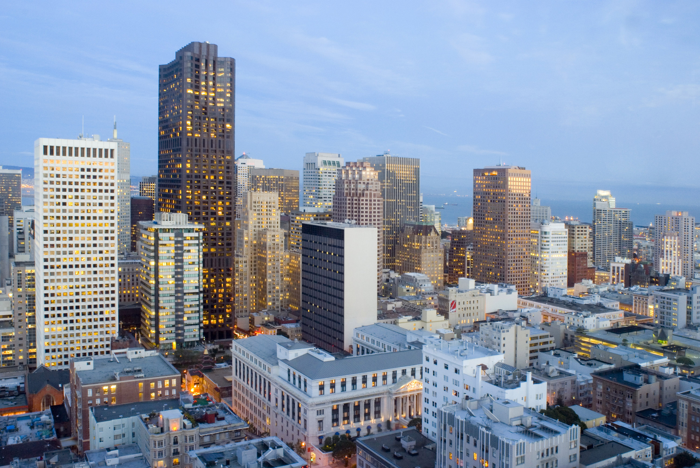
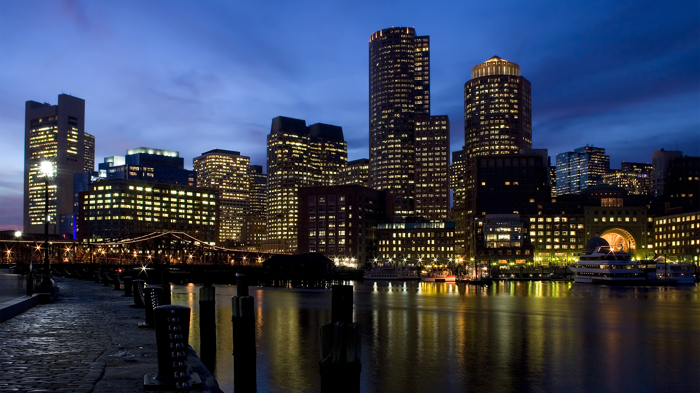
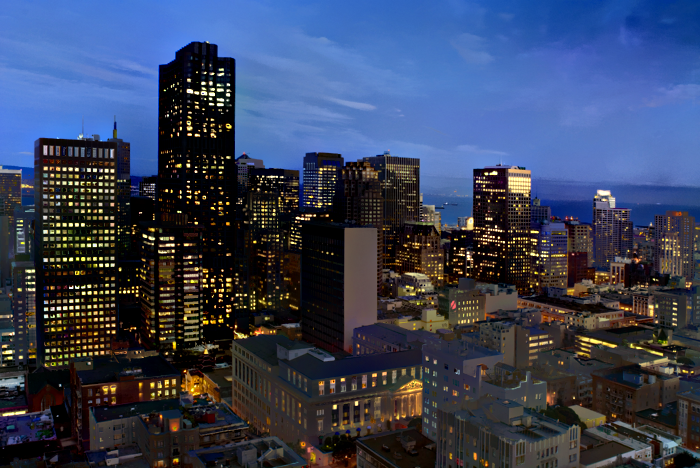
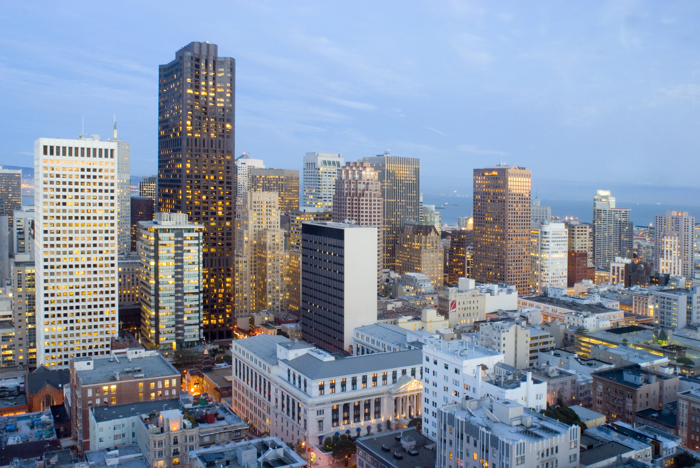
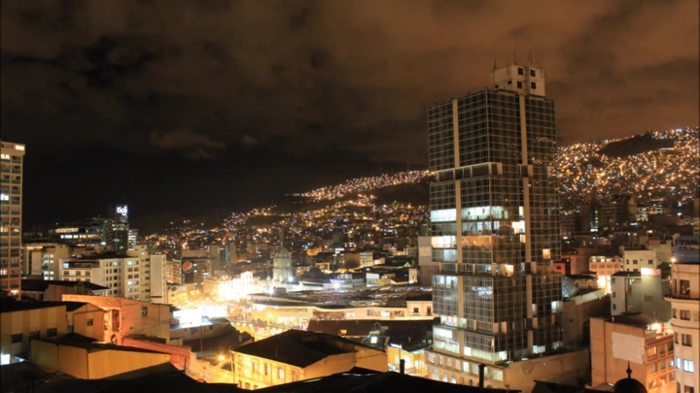
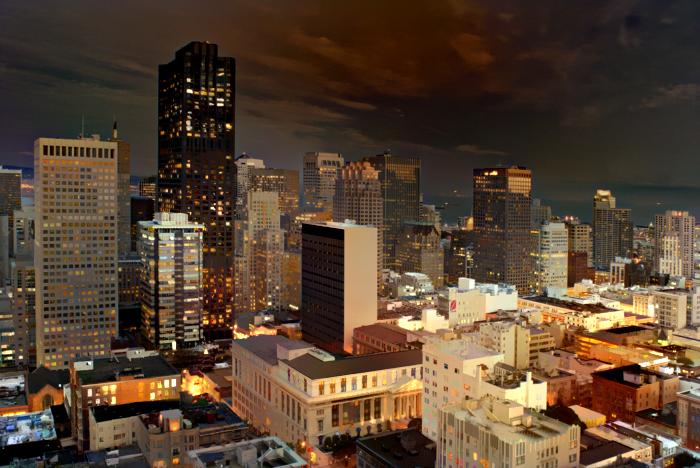
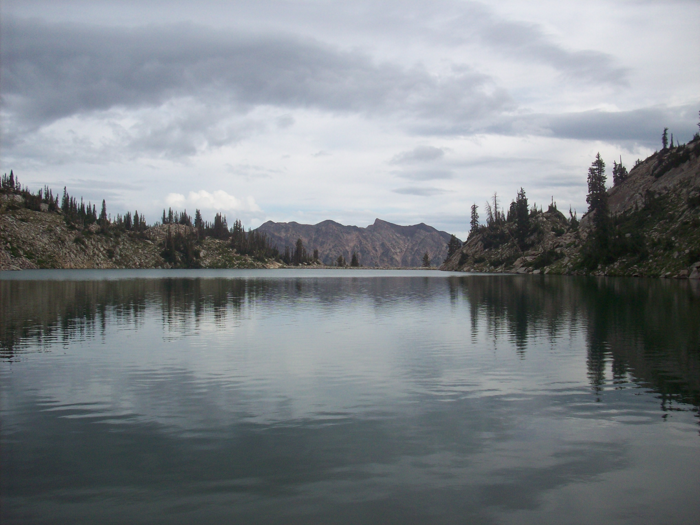
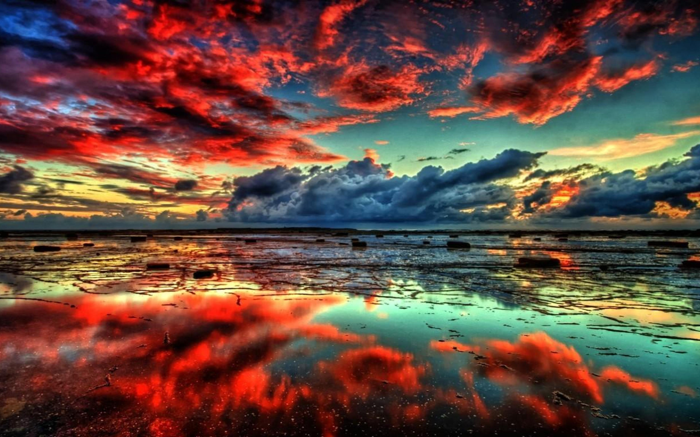
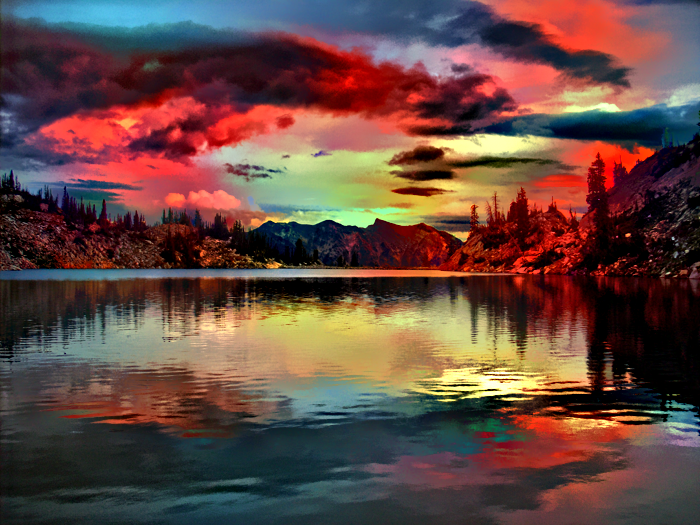
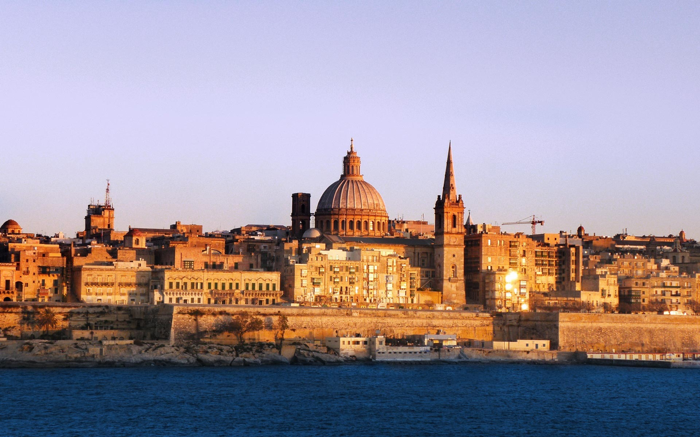
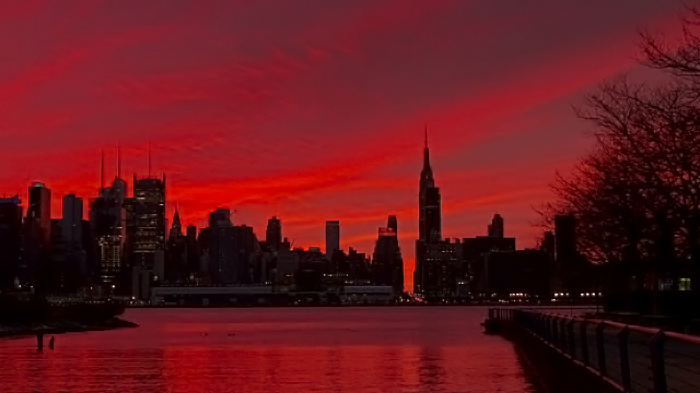
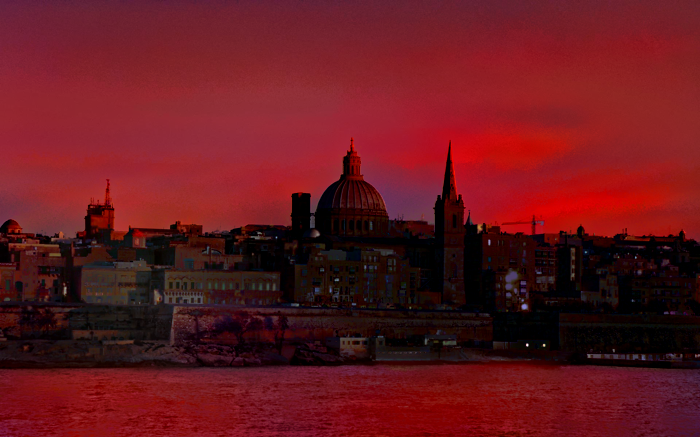
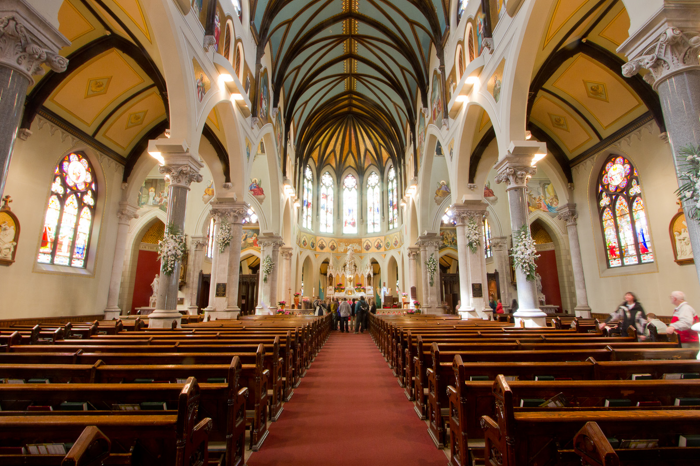
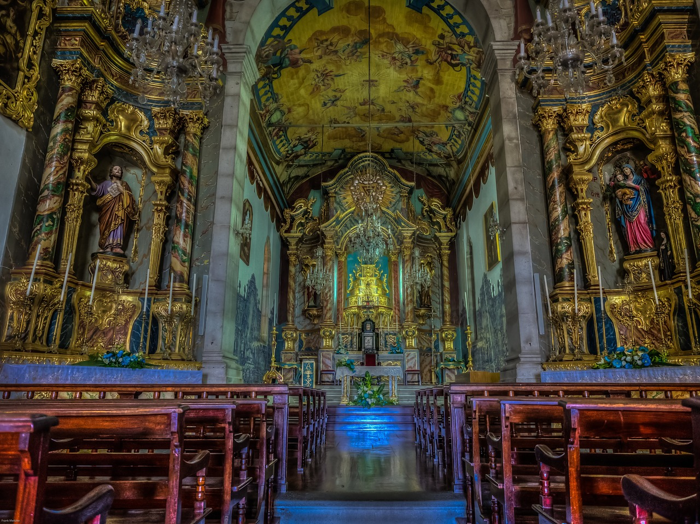
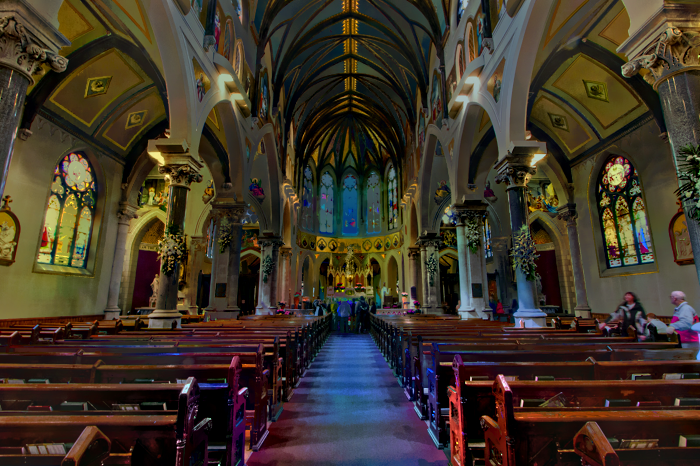
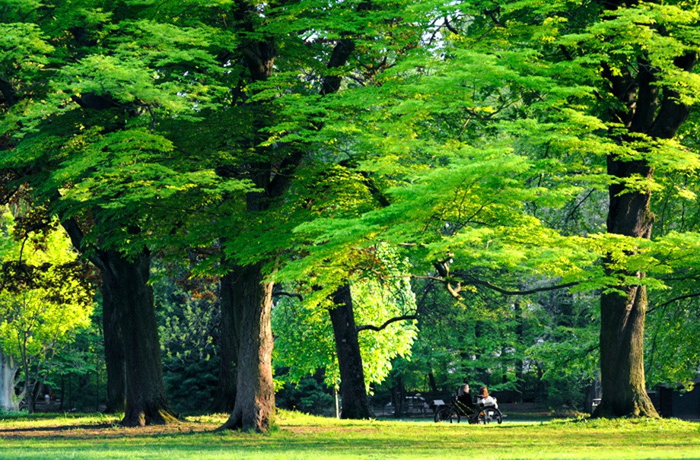
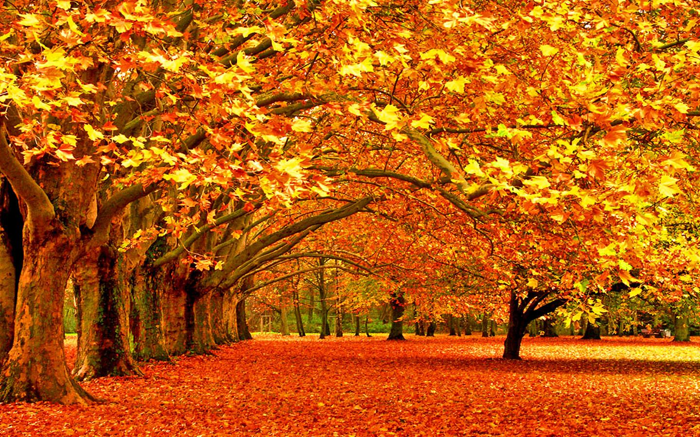
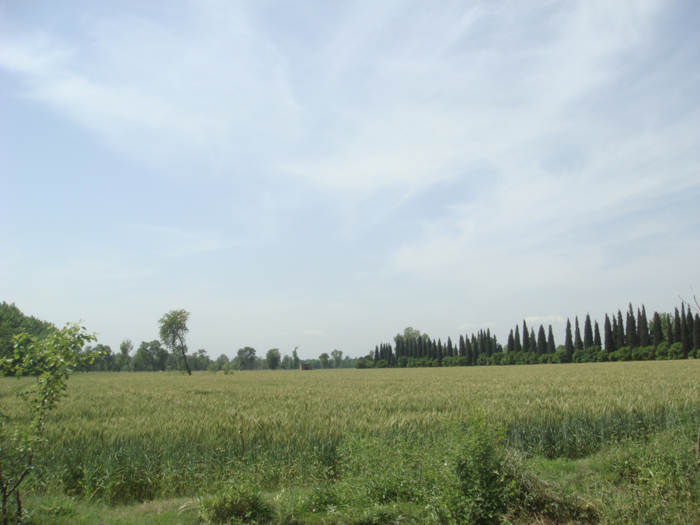
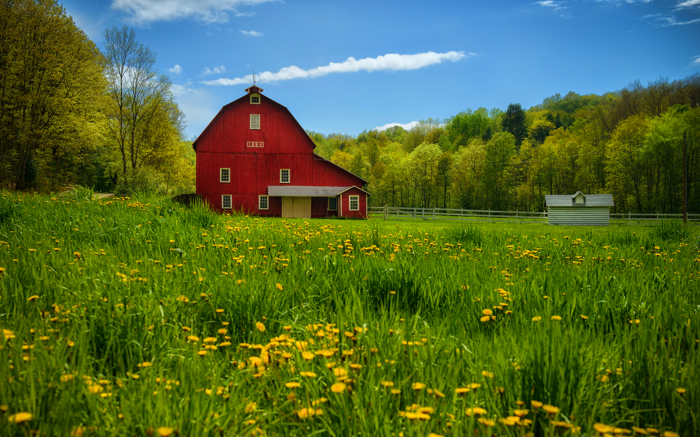
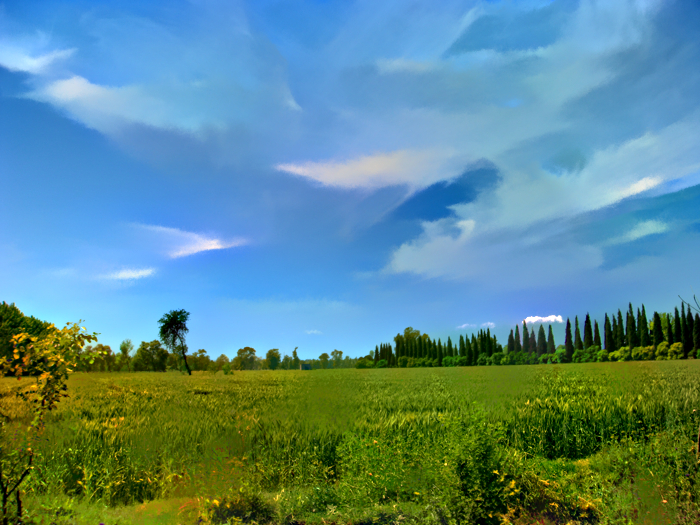
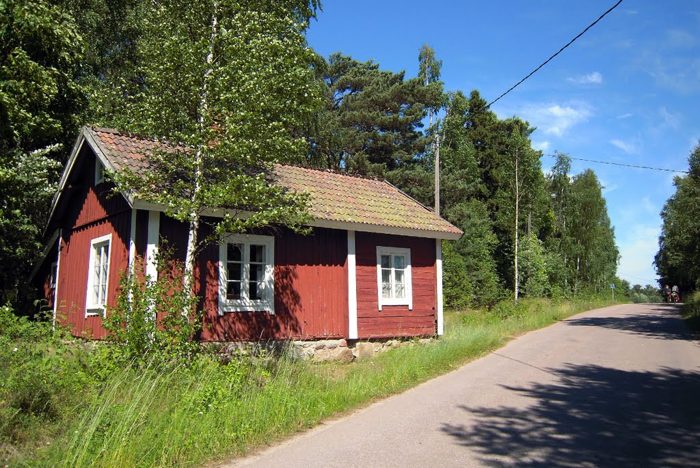
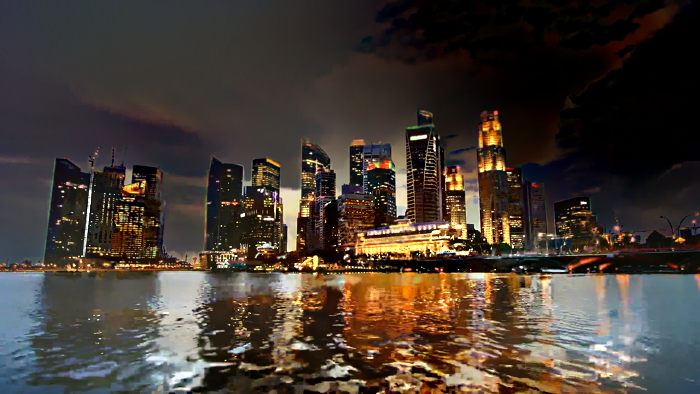
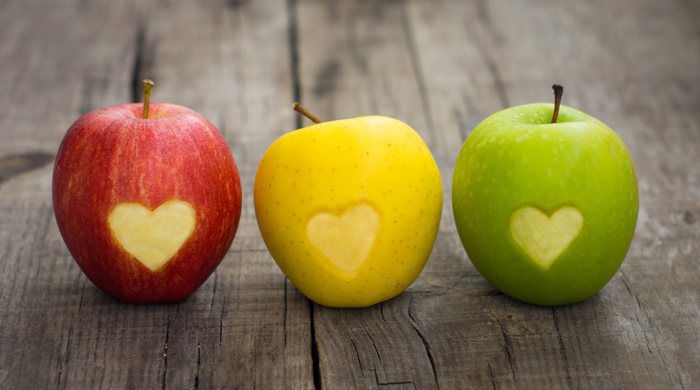
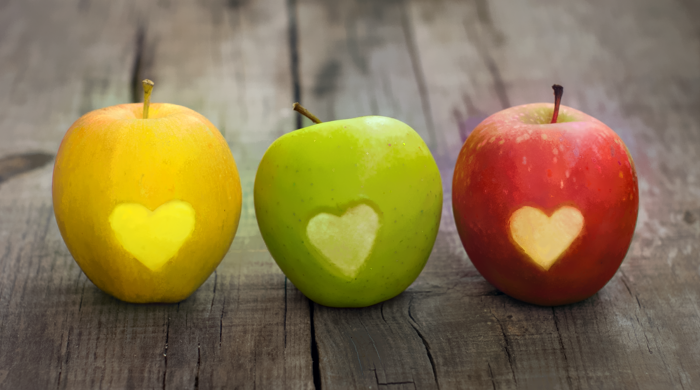
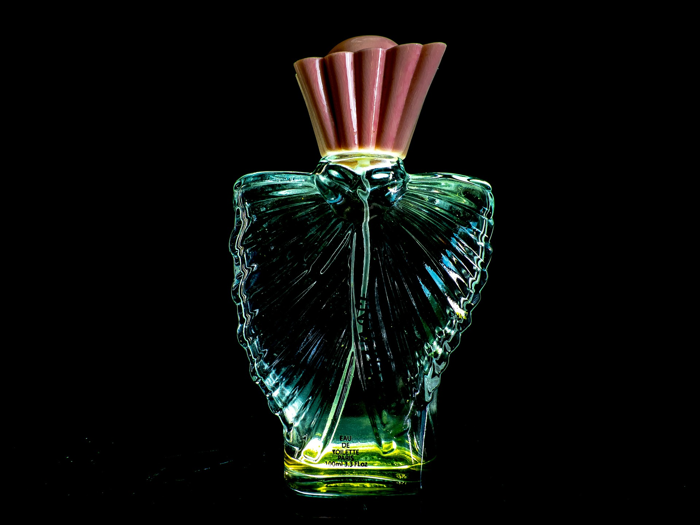
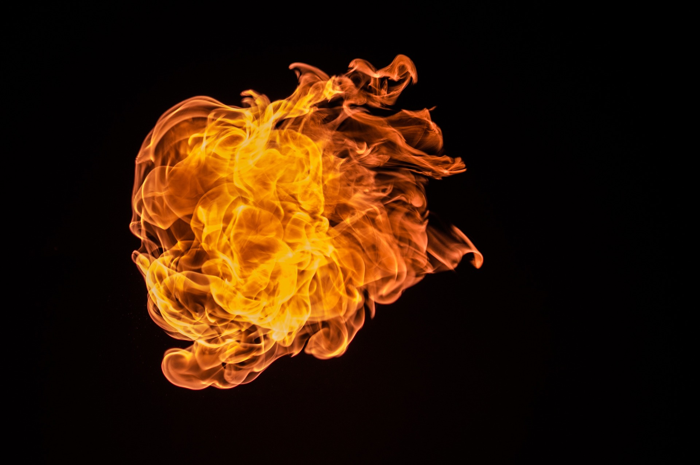
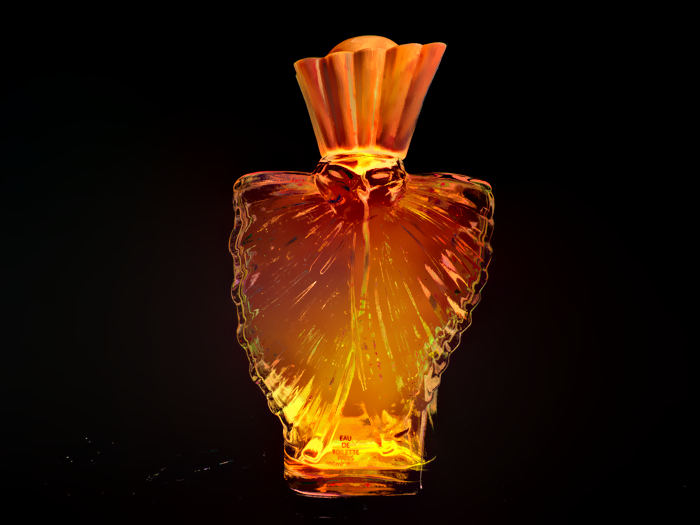
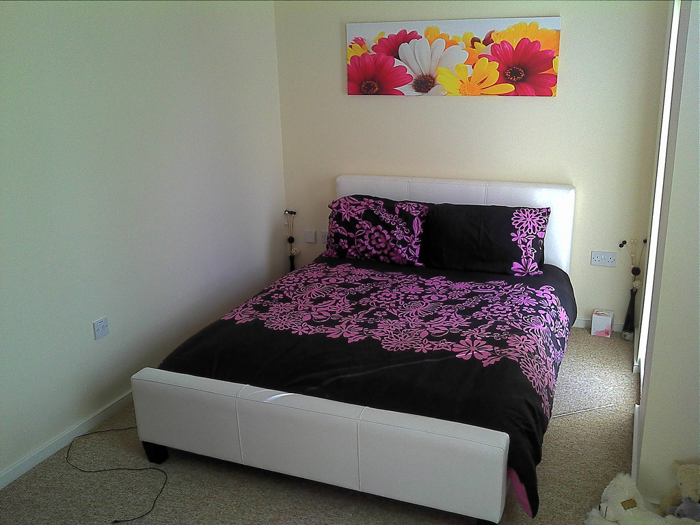
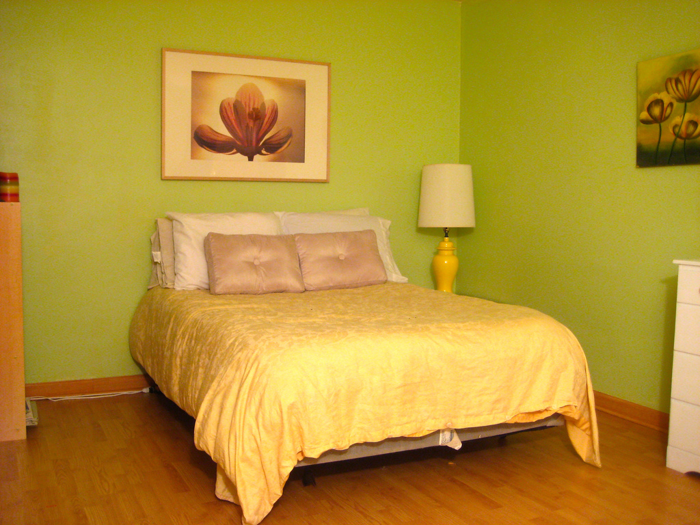
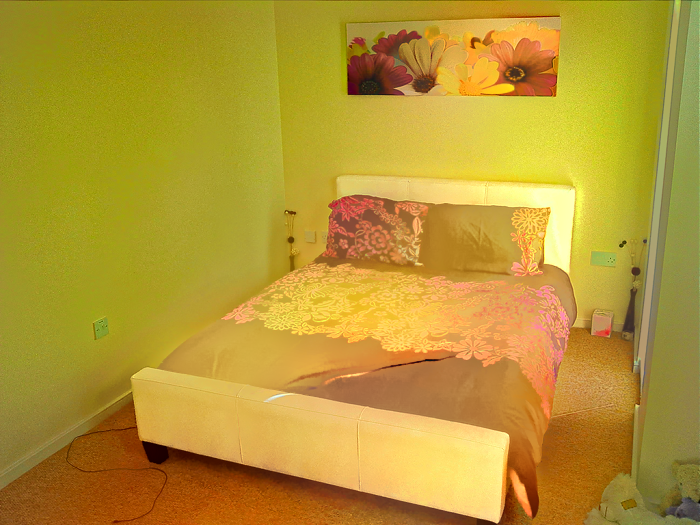
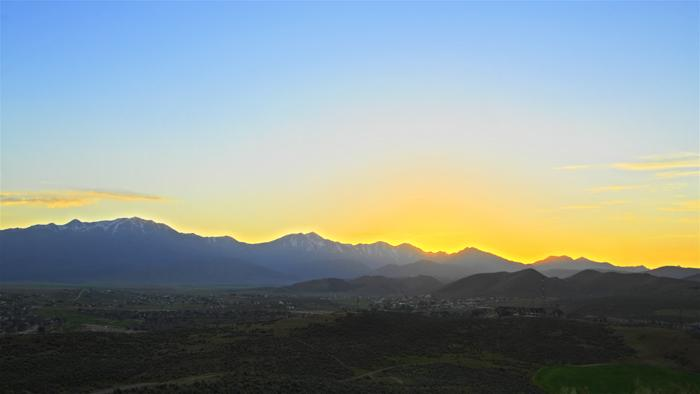
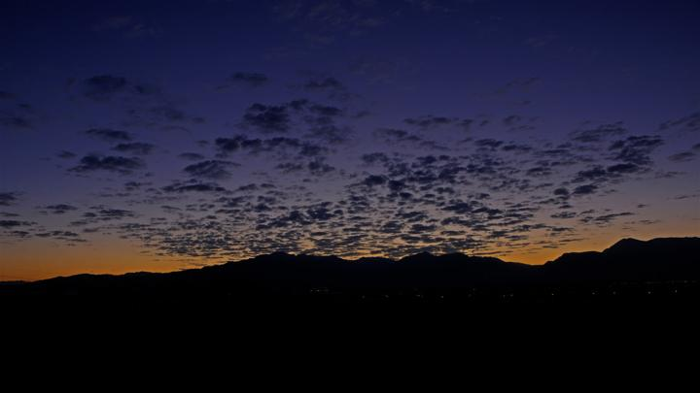
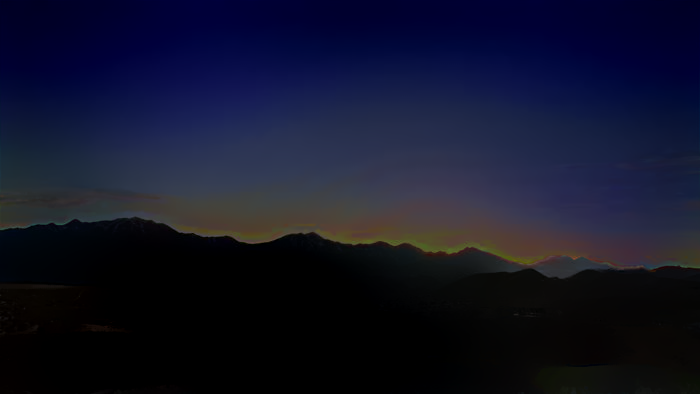
Here are some results from our algorithm (from left to right are input, style and our output):
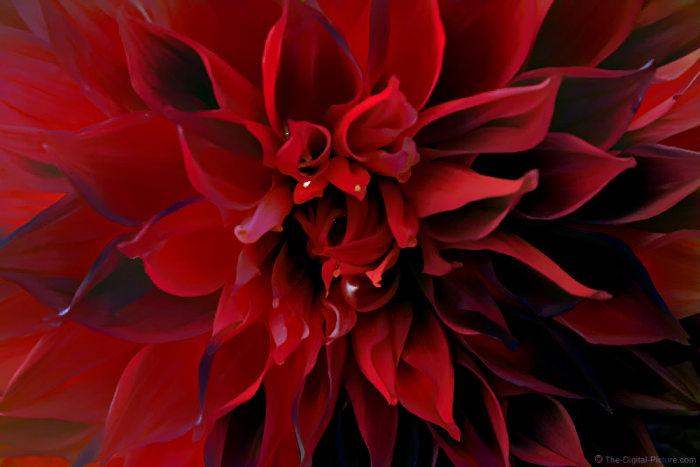
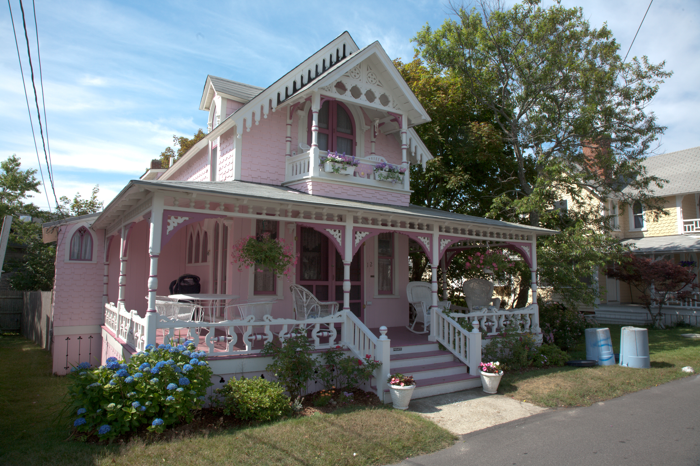
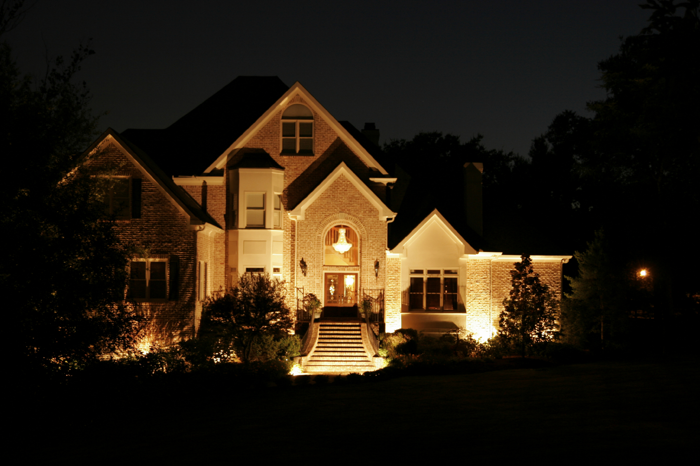
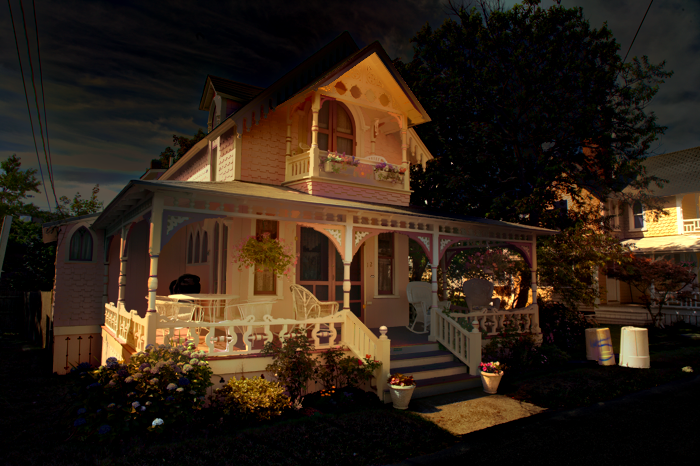
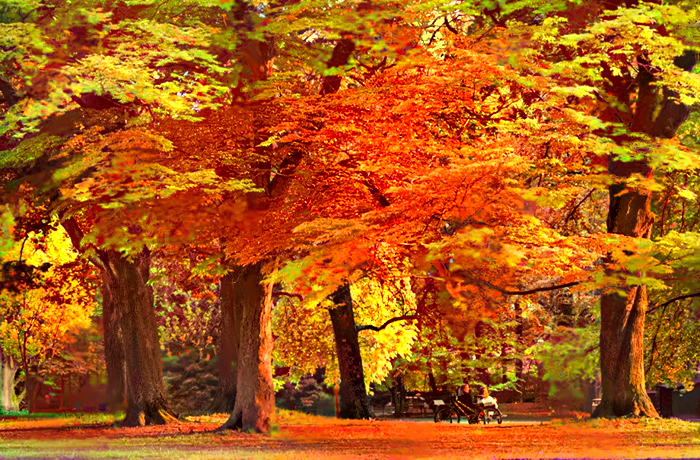
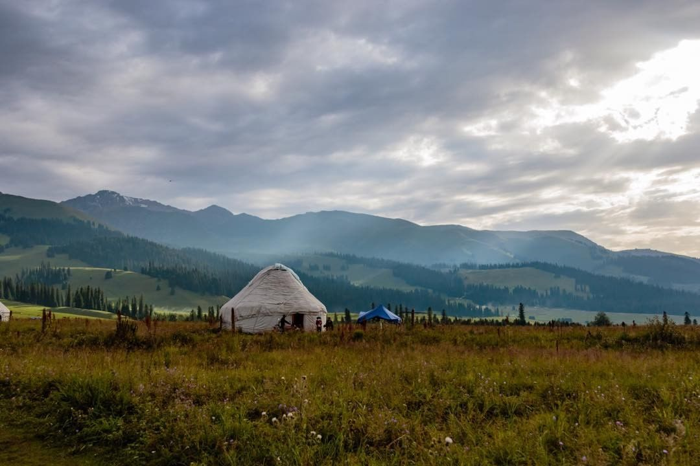
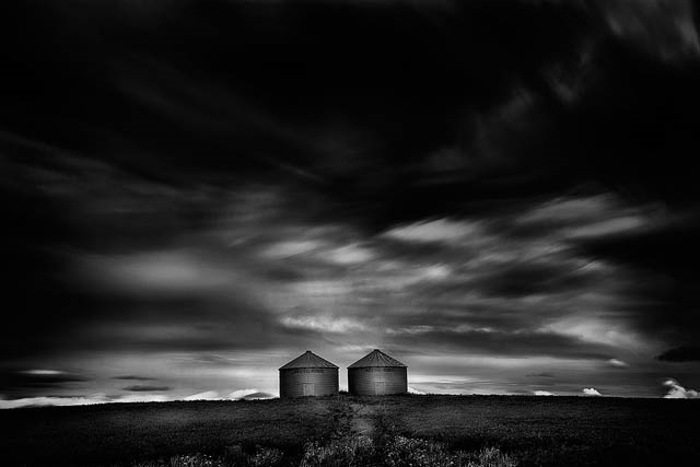
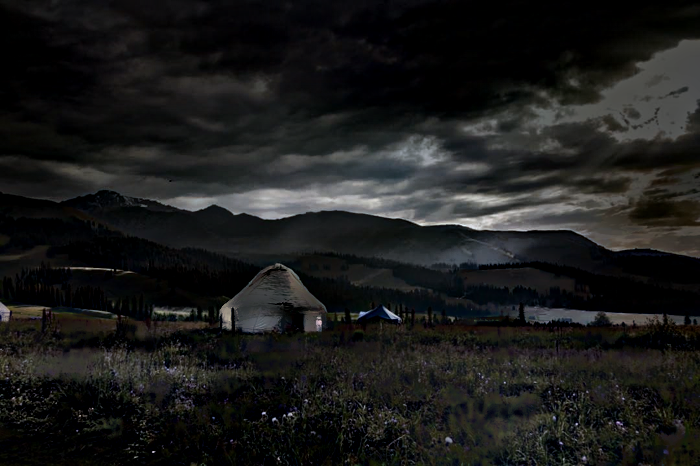
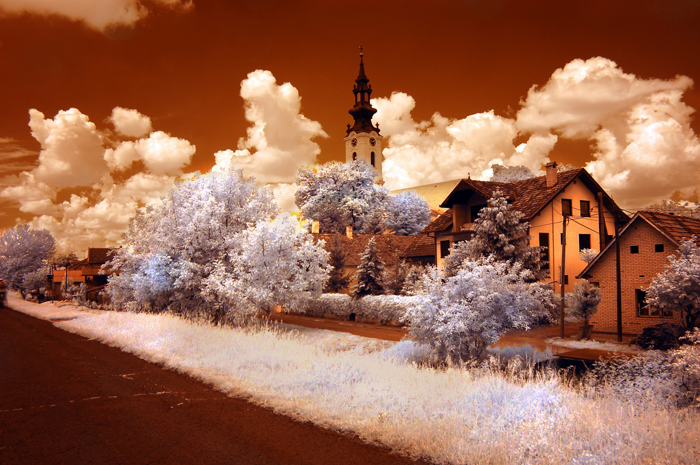
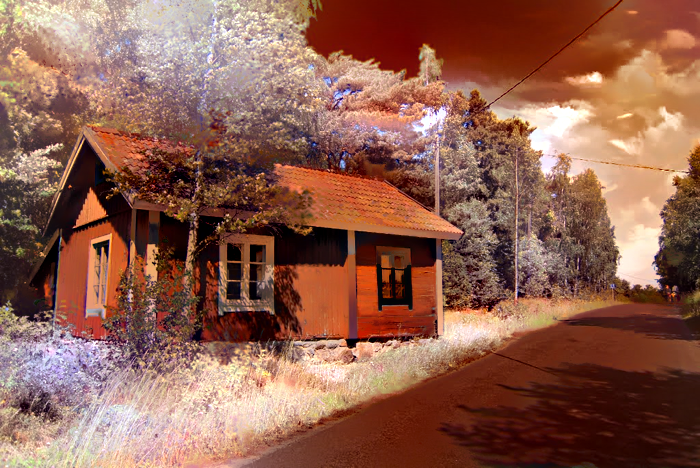
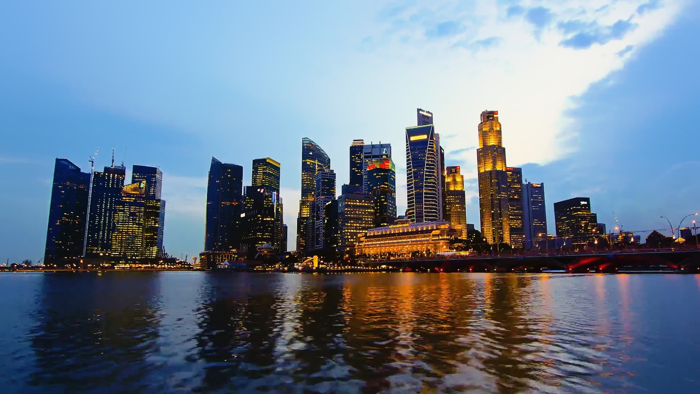
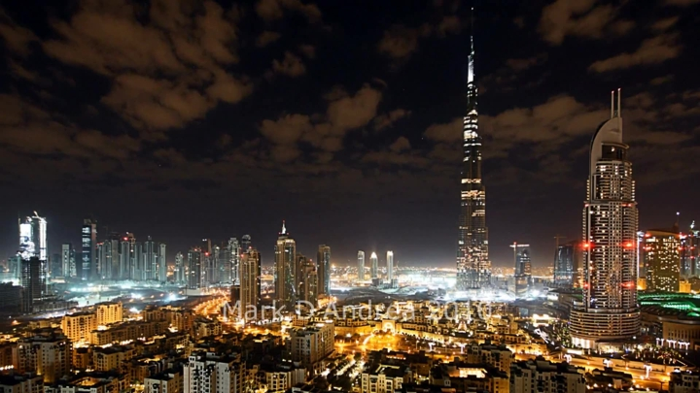
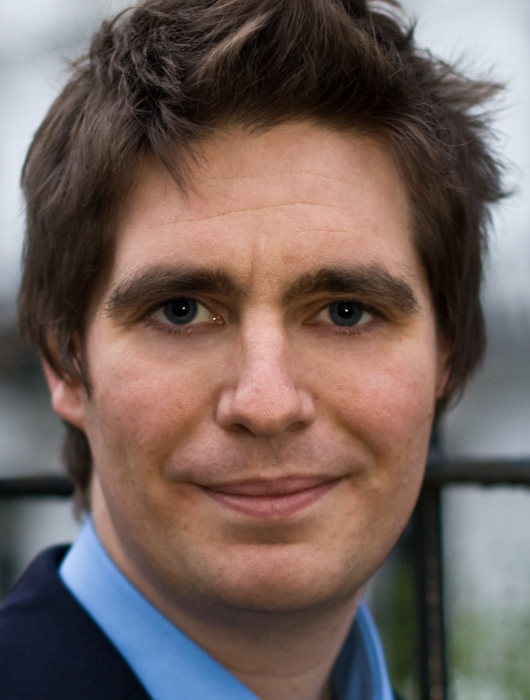
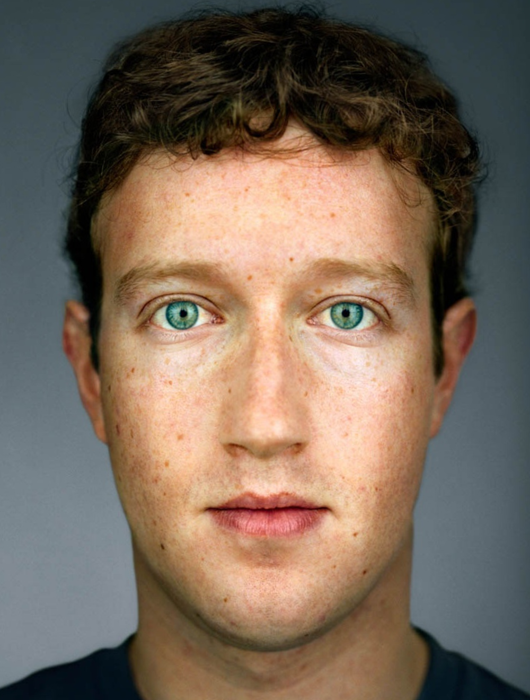
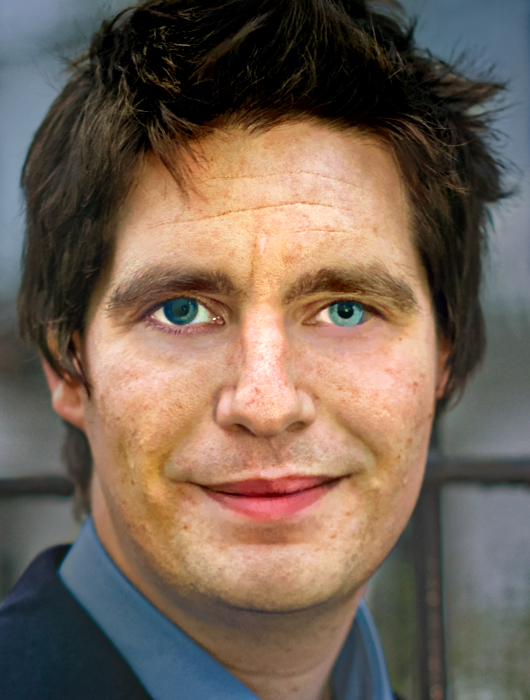
If you find this work useful for your research, please cite:
@article{luan2017deep,
  title={Deep Photo Style Transfer},
  author={Luan, Fujun and Paris, Sylvain and Shechtman, Eli and Bala, Kavita},
  journal={arXiv preprint arXiv:1703.07511},
  year={2017}
}
Feel free to contact me if there is any question (Fujun Luan [email protected]).
(top 24 of 83)
333 followers · starred Apr 2017
35 followers · starred Apr 2017
520 followers · starred Mar 2017
7,036 followers · starred Mar 2017
Code and data for paper "Deep Photo Style Transfer": https://arxiv.org/abs/1703.07511
MATLAB
9,983
87 commits
updated Aug 2, 2021
Code and data for paper "Deep Photo Style Transfer"
This software is published for academic and non-commercial use only.
This code is based on torch. It has been tested on Ubuntu 14.04 LTS.
Dependencies:
CUDA backend:
Download VGG-19:
sh models/download_models.sh
Compile cuda_utils.cu (Adjust PREFIX and NVCC_PREFIX in makefile for your machine):
make clean && make
To generate all results (in examples/) using the provided scripts, simply run
run('gen_laplacian/gen_laplacian.m')
in Matlab or Octave and then
python gen_all.py
in Python. The final output will be in examples/final_results/.
examples/ respectively. They will have the following filename form: examples/input/in<id>.png, examples/style/tar<id>.png and examples/segmentation/in<id>.png, examples/segmentation/tar<id>.png;gen_laplacian/gen_laplacian.m in Matlab. The output matrix will have the following filename form: gen_laplacian/Input_Laplacian_3x3_1e-7_CSR<id>.mat;Note: Please make sure that the content image resolution is consistent for Matting Laplacian computation in Matlab and style transfer in Torch, otherwise the result won't be correct.
th neuralstyle_seg.lua -content_image <input> -style_image <style> -content_seg <inputMask> -style_seg <styleMask> -index <id> -serial <intermediate_folder>
th deepmatting_seg.lua -content_image <input> -style_image <style> -content_seg <inputMask> -style_seg <styleMask> -index <id> -init_image <intermediate_folder/out<id>_t_1000.png> -serial <final_folder> -f_radius 15 -f_edge 0.01
You can pass -backend cudnn and -cudnn_autotune to both Lua scripts (step 3.
and 4.) to potentially improve speed and memory usage. libcudnn.so must be in
your LD_LIBRARY_PATH. This requires cudnn.torch.
Note: In the main paper we generate all comparison results using automatic scene segmentation algorithm modified from DilatedNet. Manual segmentation enables more diverse tasks hence we provide the masks in examples/segmentation/.
The mask colors we used (you could add more colors in ExtractMask function in two *.lua files):
| Color variable | RGB Value | Hex Value |
|---|---|---|
blue | 0 0 255 | 0000ff |
green | 0 255 0 | 00ff00 |
black | 0 0 0 | 000000 |
white | 255 255 255 | ffffff |
red | 255 0 0 | ff0000 |
yellow | 255 255 0 | ffff00 |
grey | 128 128 128 | 808080 |
lightblue | 0 255 255 | 00ffff |
purple | 255 0 255 | ff00ff |
Here are some automatic and manual tools for creating a segmentation mask for a photo image:
Here are some results from our algorithm (from left to right are input, style and our output):
If you find this work useful for your research, please cite:
@article{luan2017deep,
  title={Deep Photo Style Transfer},
  author={Luan, Fujun and Paris, Sylvain and Shechtman, Eli and Bala, Kavita},
  journal={arXiv preprint arXiv:1703.07511},
  year={2017}
}
Feel free to contact me if there is any question (Fujun Luan [email protected]).
(top 24 of 83)
333 followers · starred Apr 2017
35 followers · starred Apr 2017
520 followers · starred Mar 2017
7,036 followers · starred Mar 2017