🔎 Monitor deep learning model training and hardware usage from your mobile phone 📱
See the code


To install MongoDB, refer to the official
documentation here.
Install the package using pip:
pip install labml-app
# Start the server on the default port (5005)
labml app-server

# To start the server on a different port, use the following command
labml app-server --port PORT
Optional: to setup and configure Nginx in your server, please refer to this.
You can access the user interface either by visiting http://localhost:{port} or, if configured on a separate machine,
by navigating to http://{server-ip}:{port}.
pip install labml
.labml.yaml at the top level of your project folder, and add the following line to the file:app_url: http://localhost:{port}/api/v1/default
# If you are setting up the project on a different machine, include the following line instead,
app_url: http://{server-ip}:{port}/api/v1/default
from labml import tracker, experiment

with experiment.record(name='sample', exp_conf=conf):
    for i in range(50):
        loss, accuracy = train()
        tracker.save(i, {'loss': loss, 'accuracy': accuracy})
from labml import tracker, experiment

uuid = experiment.generate_uuid() # make sure to sync this in every machine
experiment.create(uuid=uuid,
                  name='distributed training sample',
                  distributed_rank=0,
                  distributed_world_size=8,
                  )
with experiment.start():
    for i in range(50):
        loss, accuracy = train()
        tracker.save(i, {'loss': loss, 'accuracy': accuracy})
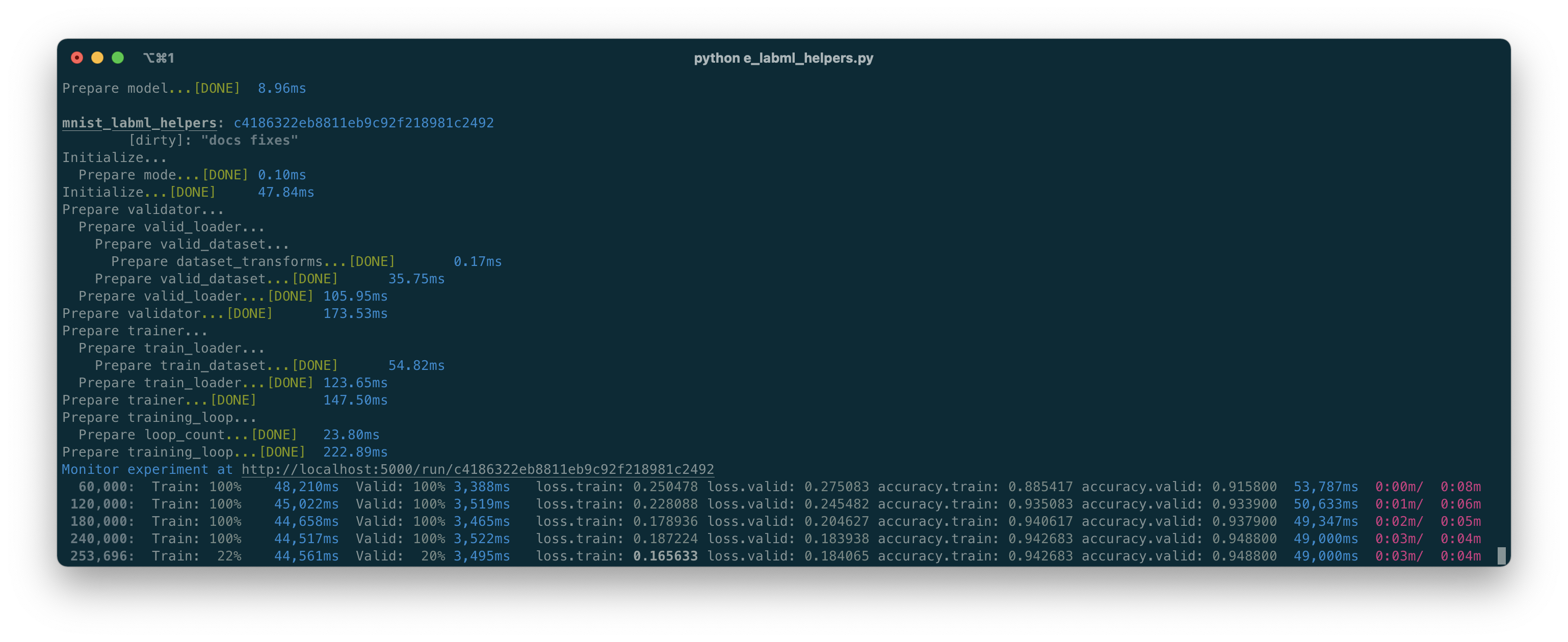
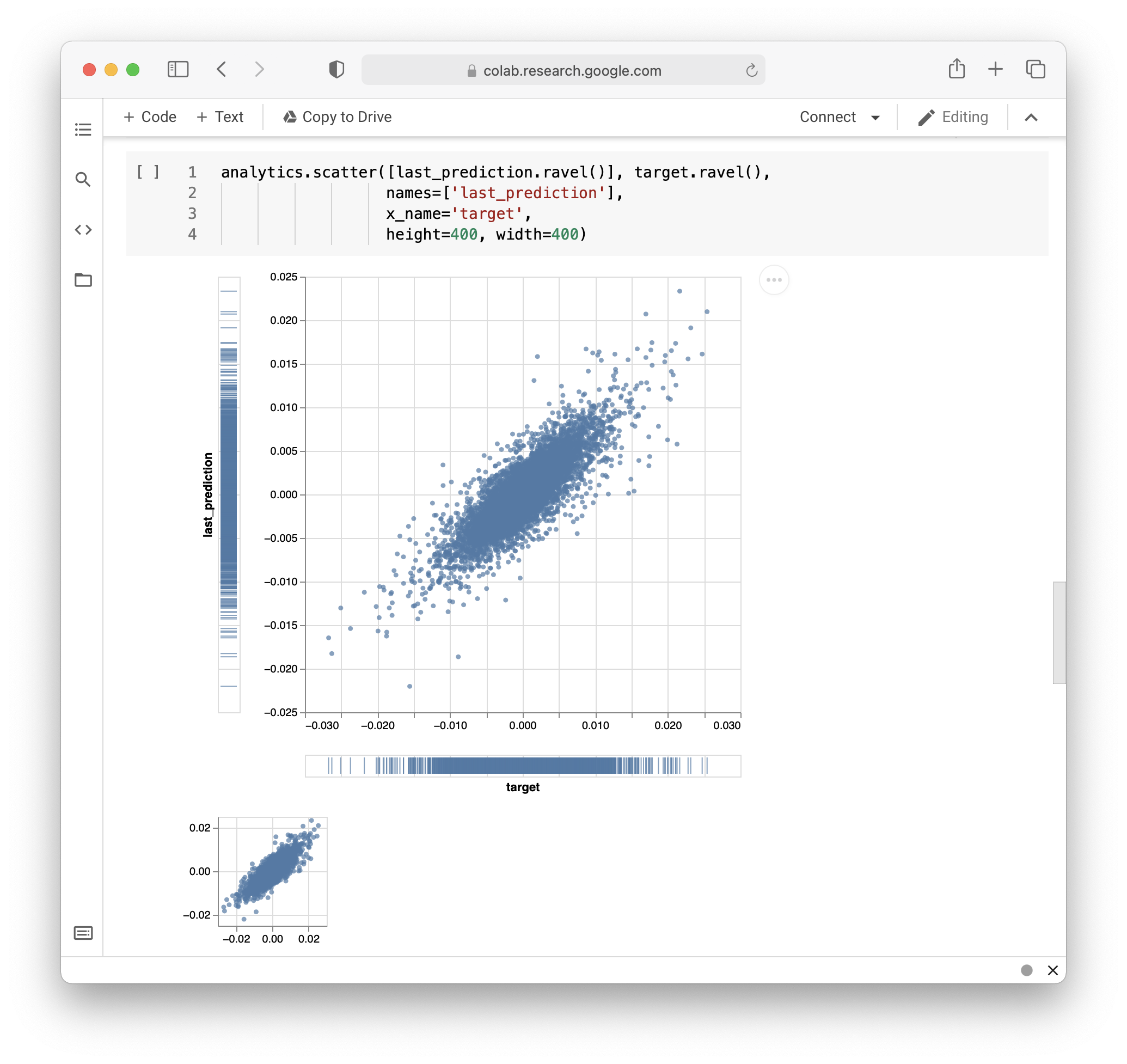
# Install packages and dependencies
pip install labml psutil py3nvml

# Start monitoring
labml monitor
If you use LabML for academic research, please cite the library using the following BibTeX entry.
@misc{labml,
 author = {Varuna Jayasiri, Nipun Wijerathne, Adithya Narasinghe, Lakshith Nishshanke},
 title = {labml.ai: A library to organize machine learning experiments},
 year = {2020},
 url = {https://labml.ai/},
}
Overall
Maintained
Code review
PyPI
Latest release
Releases this year
166 followers · starred Jan 2021
311 followers · starred Jul 2021
43 followers · starred Dec 2022
34 followers · starred Jun 2024
🔎 Monitor deep learning model training and hardware usage from your mobile phone 📱
See the code
To install MongoDB, refer to the official
documentation here.
Install the package using pip:
pip install labml-app
# Start the server on the default port (5005)
labml app-server

# To start the server on a different port, use the following command
labml app-server --port PORT
Optional: to setup and configure Nginx in your server, please refer to this.
You can access the user interface either by visiting http://localhost:{port} or, if configured on a separate machine,
by navigating to http://{server-ip}:{port}.
pip install labml
.labml.yaml at the top level of your project folder, and add the following line to the file:app_url: http://localhost:{port}/api/v1/default
# If you are setting up the project on a different machine, include the following line instead,
app_url: http://{server-ip}:{port}/api/v1/default
from labml import tracker, experiment

with experiment.record(name='sample', exp_conf=conf):
    for i in range(50):
        loss, accuracy = train()
        tracker.save(i, {'loss': loss, 'accuracy': accuracy})
from labml import tracker, experiment

uuid = experiment.generate_uuid() # make sure to sync this in every machine
experiment.create(uuid=uuid,
                  name='distributed training sample',
                  distributed_rank=0,
                  distributed_world_size=8,
                  )
with experiment.start():
    for i in range(50):
        loss, accuracy = train()
        tracker.save(i, {'loss': loss, 'accuracy': accuracy})
# Install packages and dependencies
pip install labml psutil py3nvml

# Start monitoring
labml monitor
If you use LabML for academic research, please cite the library using the following BibTeX entry.
@misc{labml,
 author = {Varuna Jayasiri, Nipun Wijerathne, Adithya Narasinghe, Lakshith Nishshanke},
 title = {labml.ai: A library to organize machine learning experiments},
 year = {2020},
 url = {https://labml.ai/},
}
Overall
Maintained
Code review
PyPI
Latest release
Releases this year
166 followers · starred Jan 2021
311 followers · starred Jul 2021
43 followers · starred Dec 2022
34 followers · starred Jun 2024





