Enhanced PiP for web videos with playback controls, bilingual subtitles, danmaku, screenshots, and floating comments. 讓網頁影片在子母畫面中播放,支援播放控制、雙語字幕、彈幕、截圖與浮動留言區。
TypeScript
1
63 commits
updated Oct 15, 2026
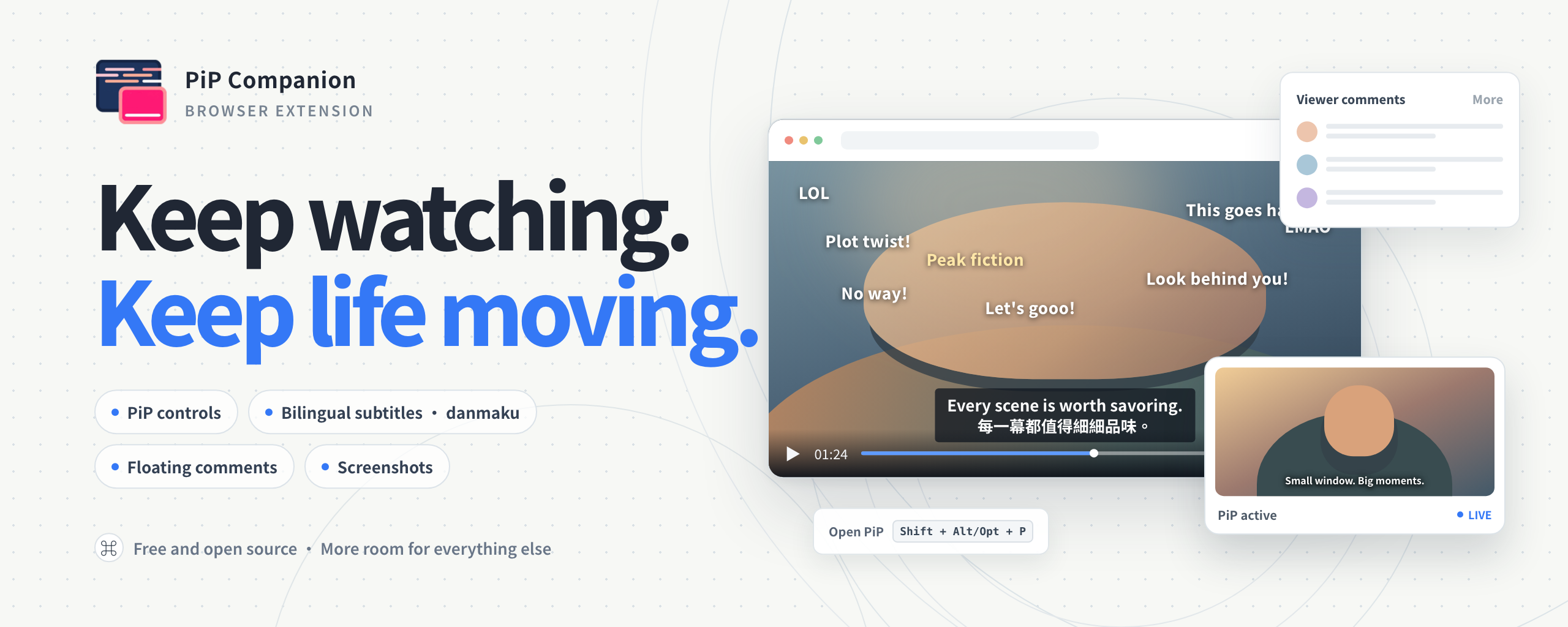
A browser extension that brings web videos into Picture-in-Picture, with subtitles, danmaku, screenshots, and floating comments panels.
For problems or feature requests, please report them in Issues.
See Platform Support and Limitations for the platform compatibility matrix.
| YouTube | Bilibili |
|---|---|
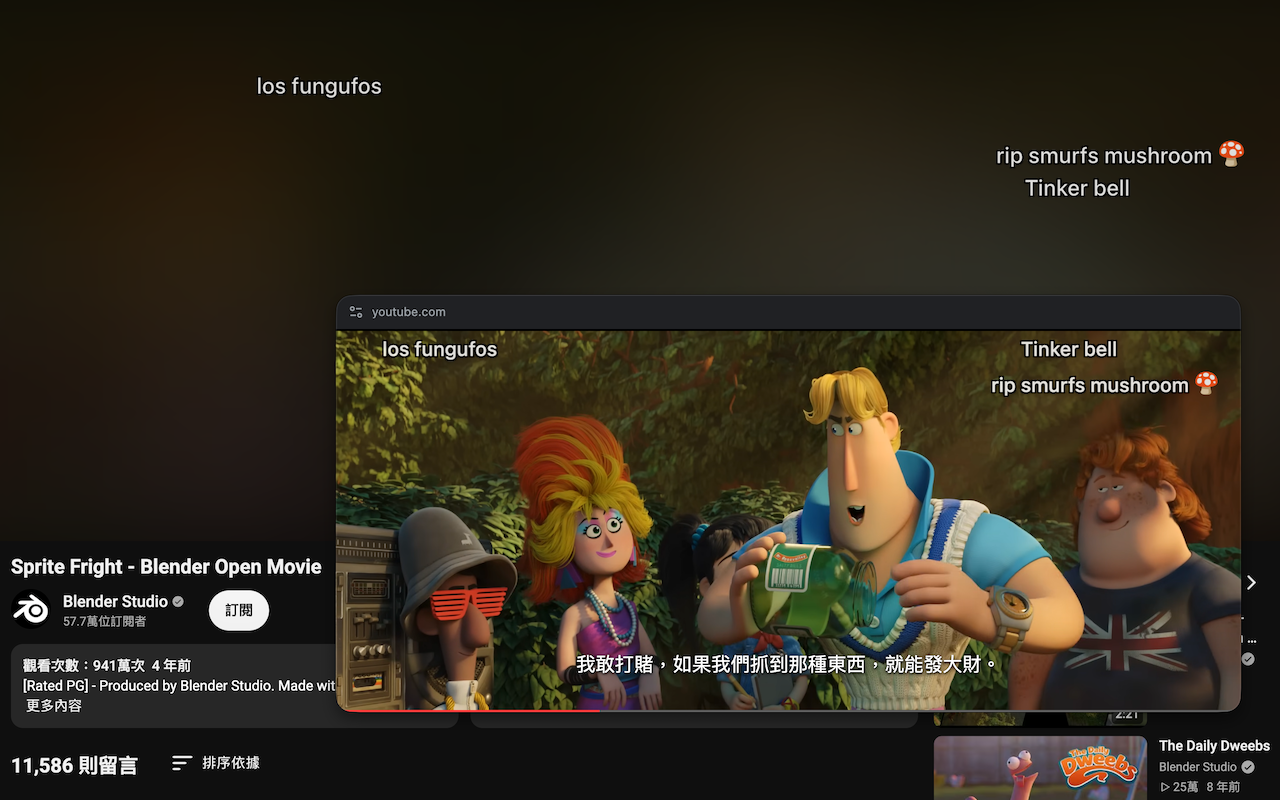 | 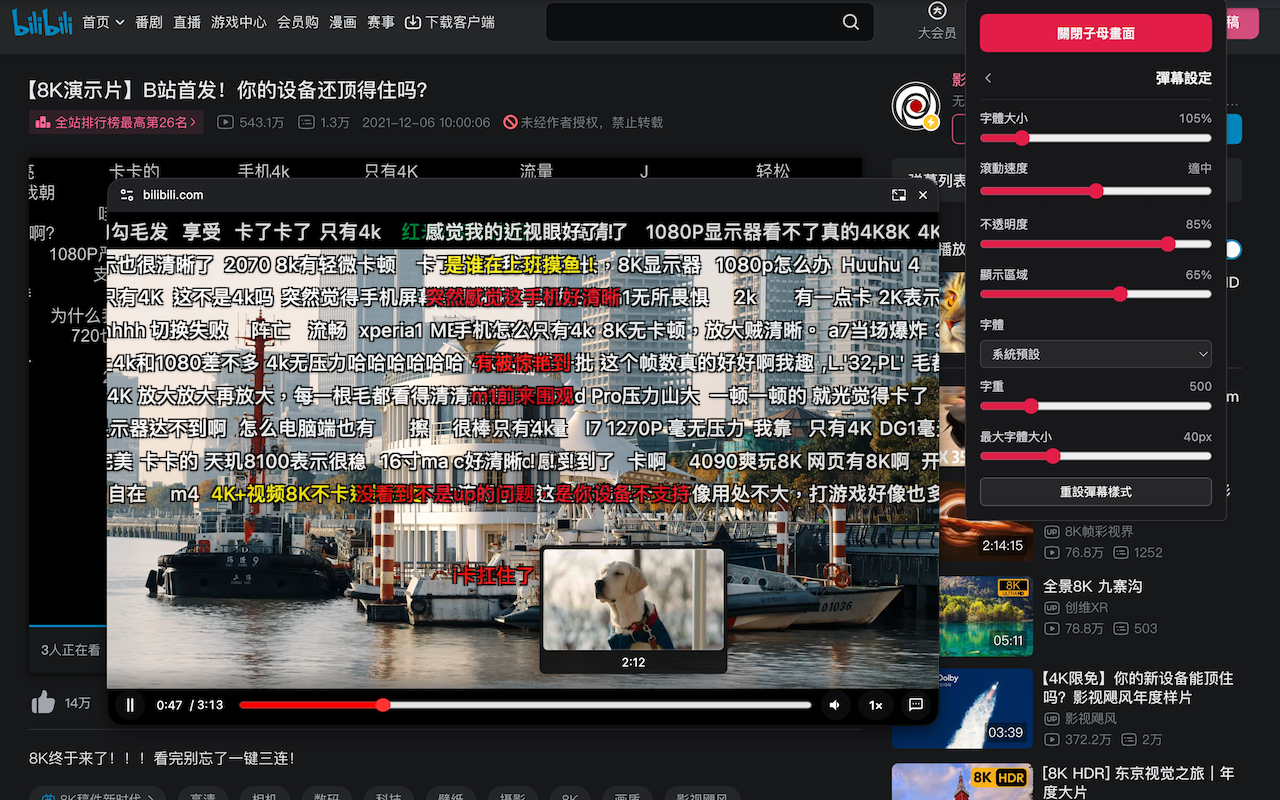 |
| Coursera | YouTube |
|---|---|
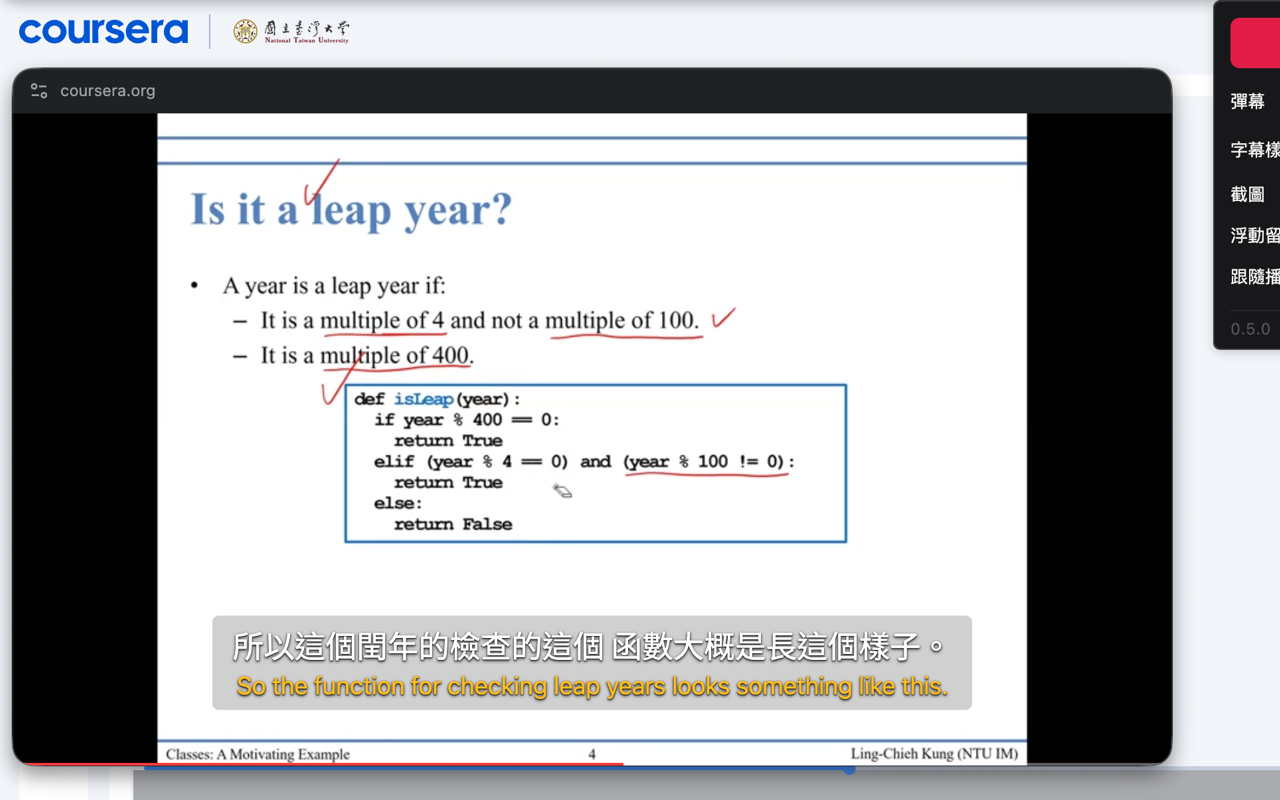 | 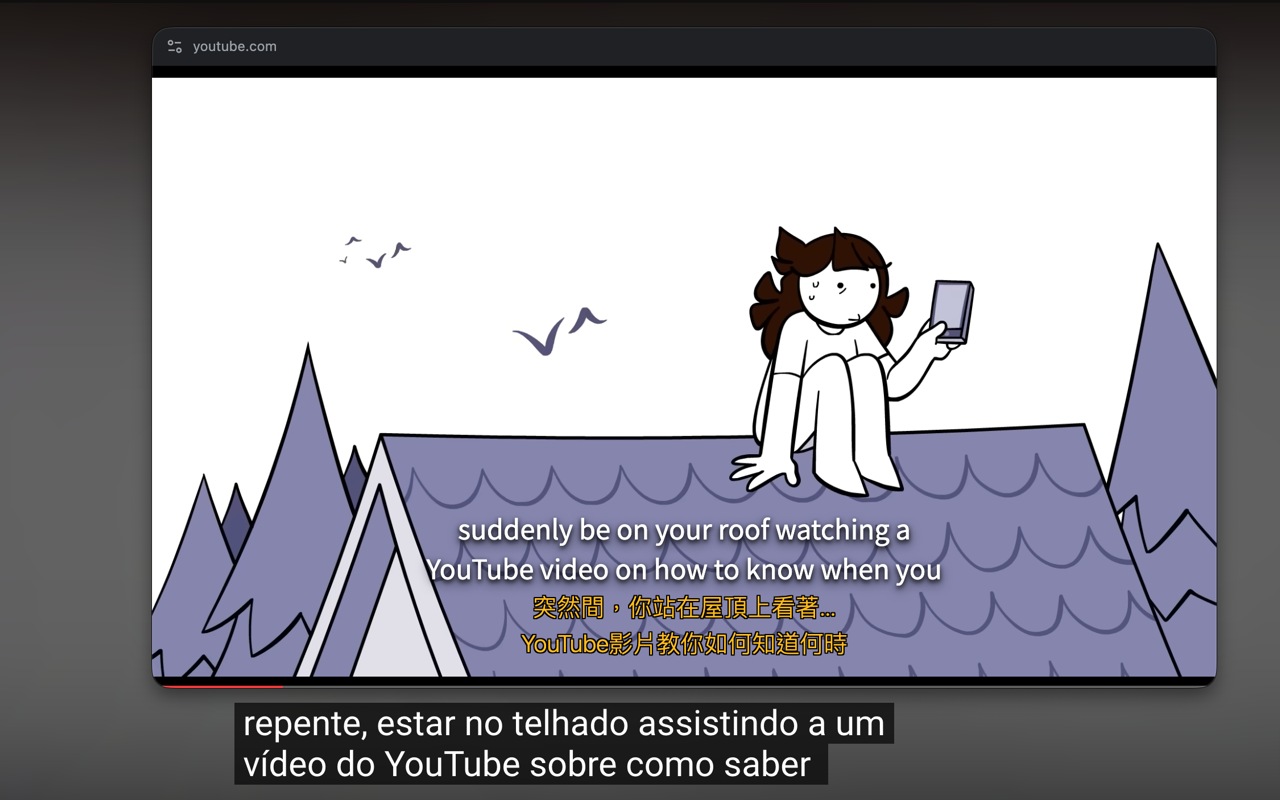 |
| iQIYI | Netflix |
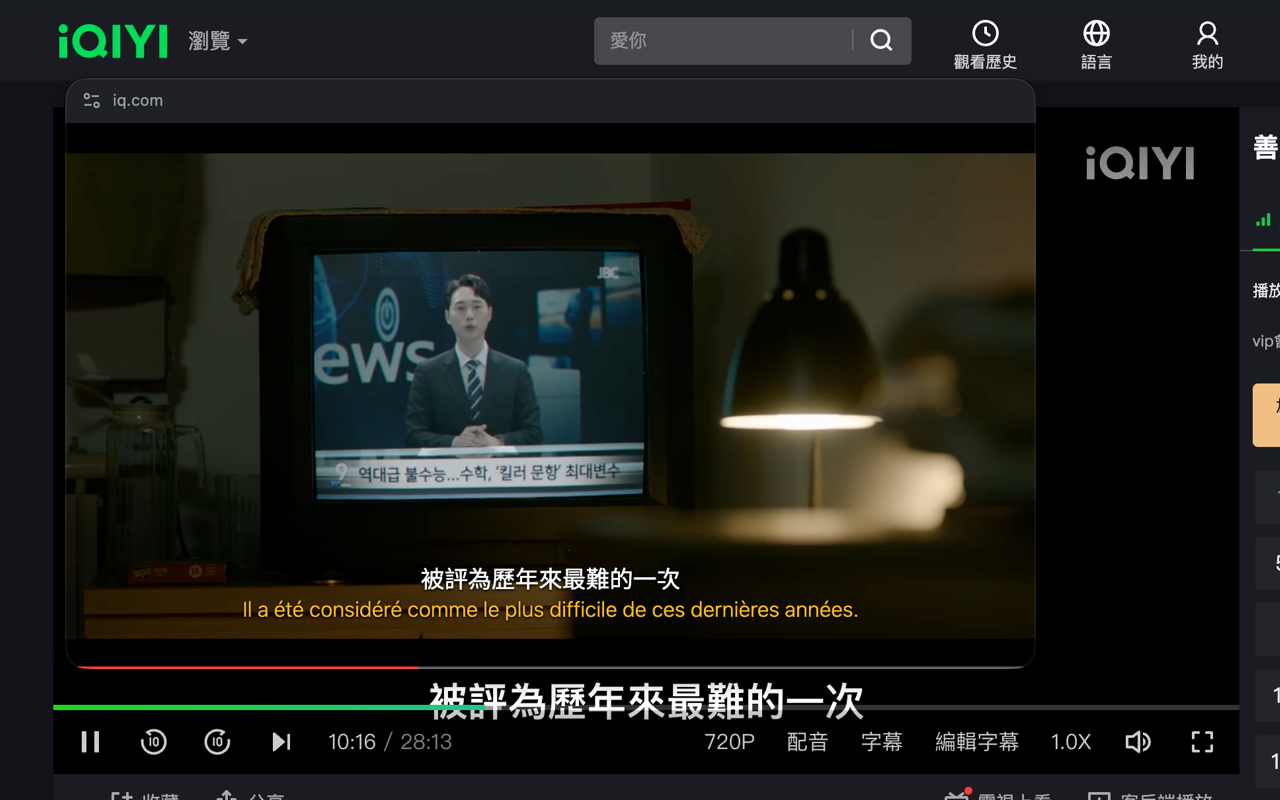 | 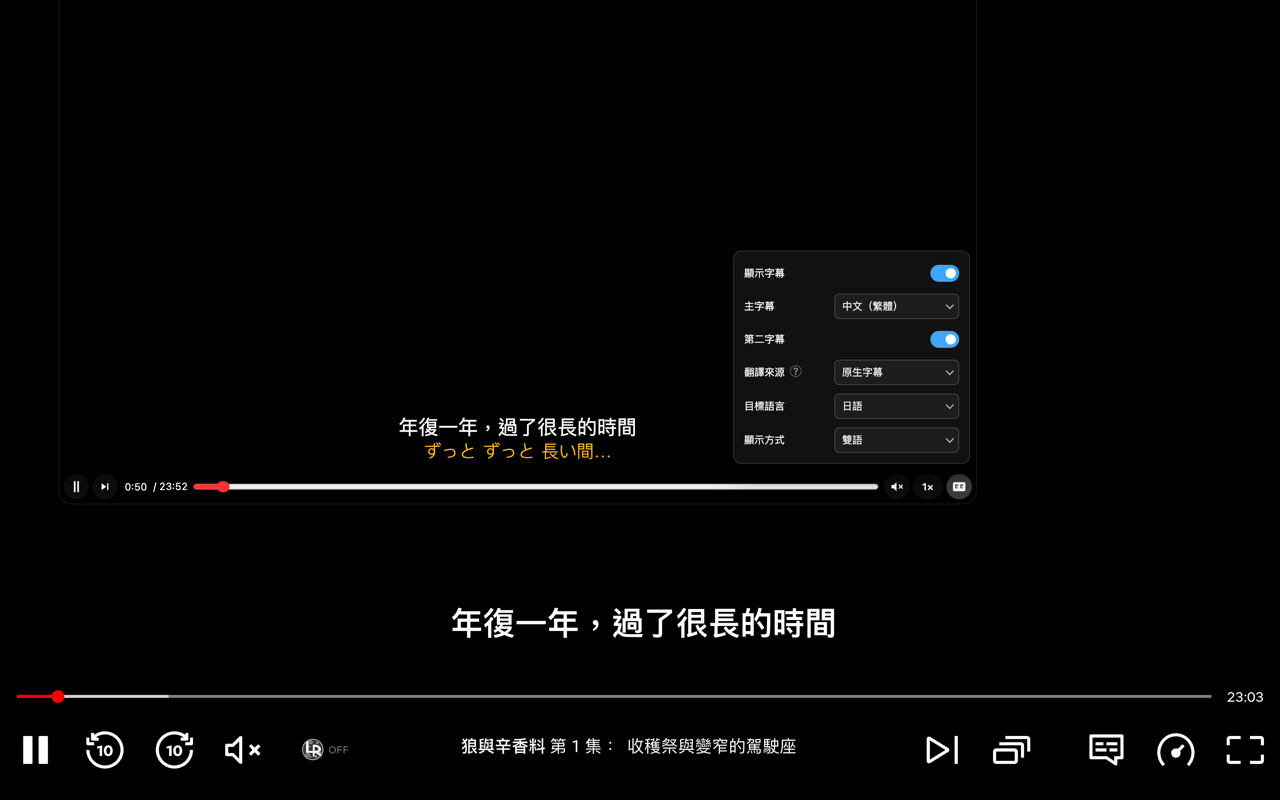 |
Shift + Alt/Opt + P on the page to toggle PiP on or off.| Action | Default shortcut |
|---|---|
| Open PiP | Shift + Alt/Opt + P |
| Play or pause | Space |
| Seek (5s by default) | ← / → |
| Adjust volume | ↓ / ↑ |
| Mute | M |
| Subtitles | C |
| Fanmaku | D |
| Danmaku input | Enter |
| Ffloating comments | Alt/Opt + C |
| Take screenshot | Alt/Opt + P |
| Adjust playback speed | Shift + , / Shift + . |
| Step one frame | , / . |
| Auto-adjust aspect ratio | R |
| Resize PiP | Ctrl/Cmd + scroll wheel |
Requires Chrome 116 or later. From the project directory, run npm ci and npm run build. Then open chrome://extensions, enable Developer mode, and load the dist/ directory.
Requires Node.js 22 LTS or later. Install dependencies with npm ci, then run:
npm run lint
npm run typecheck
npm run build
If you enjoy this project, you can buy me a cup of milk tea ヾ(´∀`)ノ

Enhanced PiP for web videos with playback controls, bilingual subtitles, danmaku, screenshots, and floating comments. 讓網頁影片在子母畫面中播放,支援播放控制、雙語字幕、彈幕、截圖與浮動留言區。
TypeScript
1
63 commits
updated Oct 15, 2026
A browser extension that brings web videos into Picture-in-Picture, with subtitles, danmaku, screenshots, and floating comments panels.
For problems or feature requests, please report them in Issues.
See Platform Support and Limitations for the platform compatibility matrix.
| YouTube | Bilibili |
|---|---|
| |
| Coursera | YouTube |
|---|---|
| |
| iQIYI | Netflix |
| |
Shift + Alt/Opt + P on the page to toggle PiP on or off.| Action | Default shortcut |
|---|---|
| Open PiP | Shift + Alt/Opt + P |
| Play or pause | Space |
| Seek (5s by default) | ← / → |
| Adjust volume | ↓ / ↑ |
| Mute | M |
| Subtitles | C |
| Fanmaku | D |
| Danmaku input | Enter |
| Ffloating comments | Alt/Opt + C |
| Take screenshot | Alt/Opt + P |
| Adjust playback speed | Shift + , / Shift + . |
| Step one frame | , / . |
| Auto-adjust aspect ratio | R |
| Resize PiP | Ctrl/Cmd + scroll wheel |
Requires Chrome 116 or later. From the project directory, run npm ci and npm run build. Then open chrome://extensions, enable Developer mode, and load the dist/ directory.
Requires Node.js 22 LTS or later. Install dependencies with npm ci, then run:
npm run lint
npm run typecheck
npm run build
If you enjoy this project, you can buy me a cup of milk tea ヾ(´∀`)ノ



