
Firefox extension to automatically open websites in a container
JavaScript
457
132 commits
updated Apr 30, 2024
README
 containerise
Firefox extension to automatically open websites in a container
 |  |  |  |
|---|---|---|---|
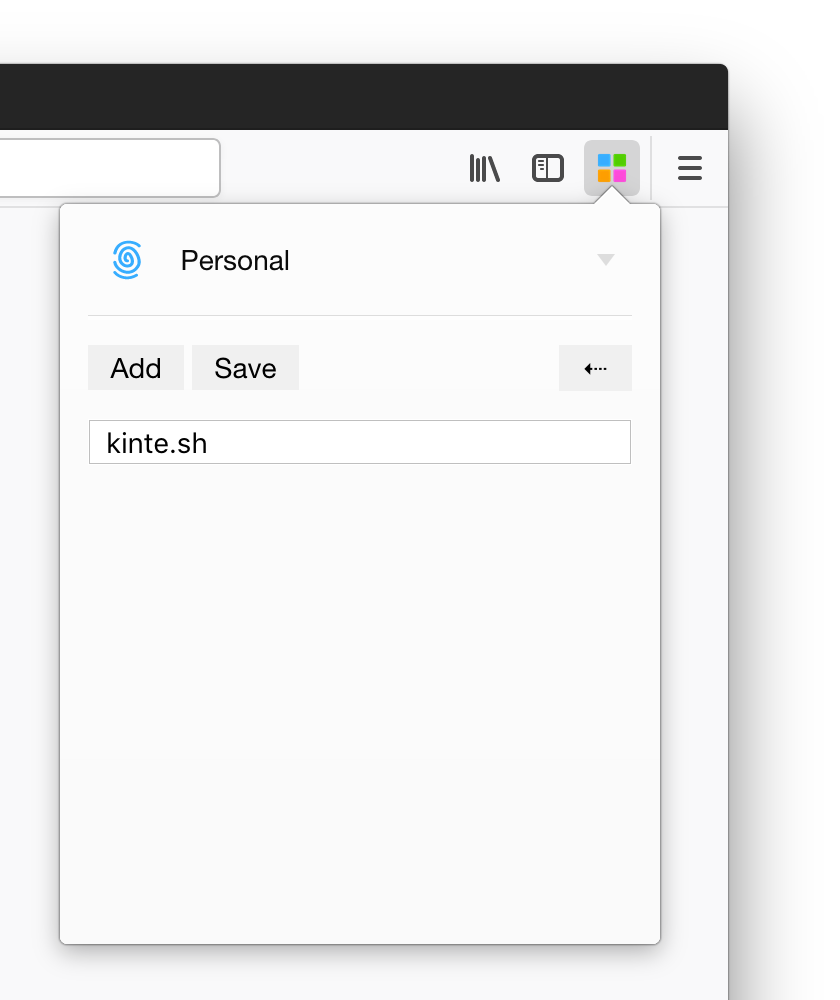
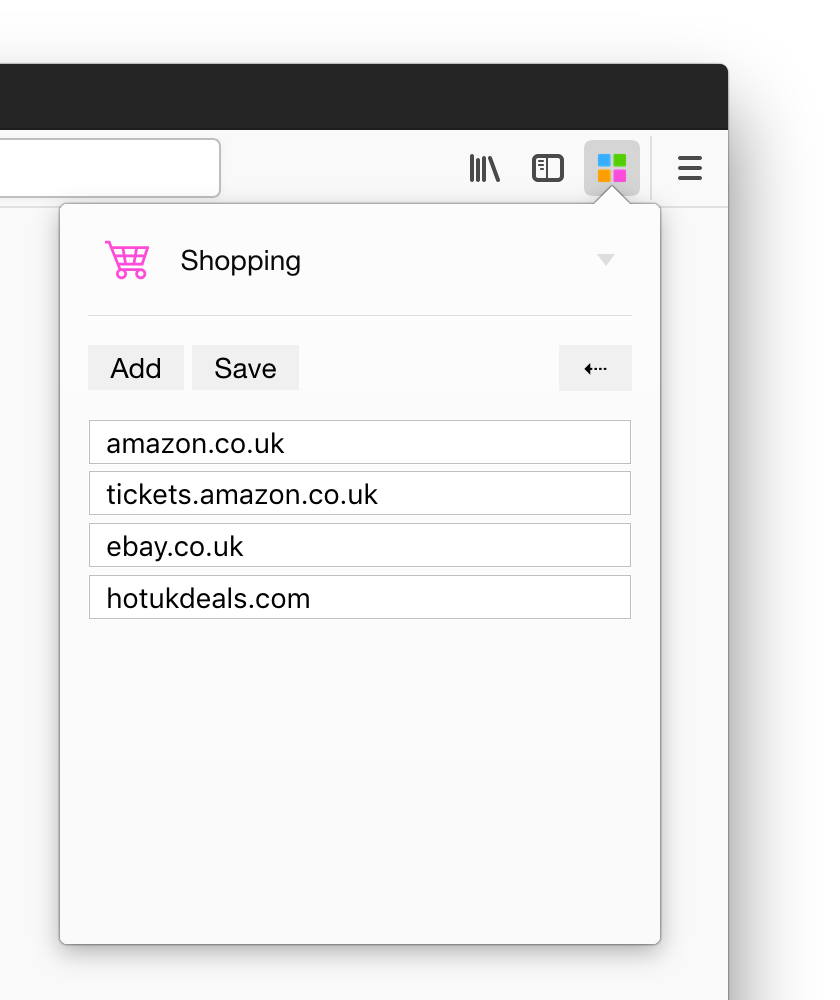
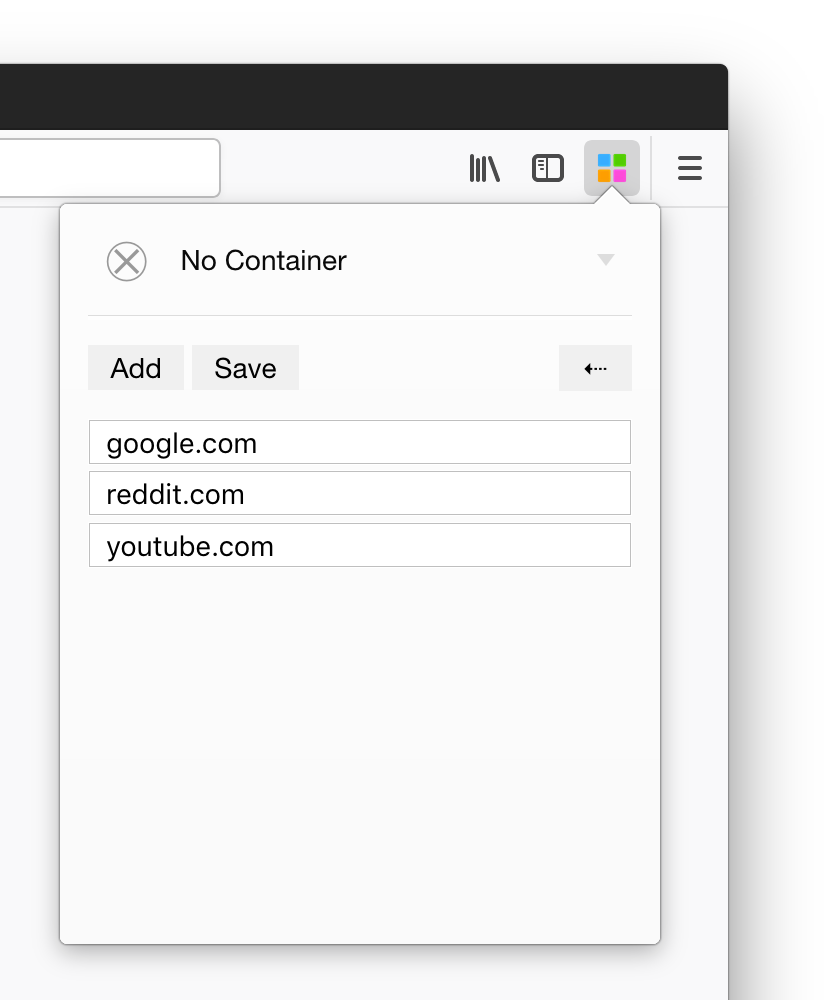
| Select your container and add a domain to always open all visits in the chosen container. | Add many domains as you wish. | Special No Container option to break out of a container. | Simple CSV based mapping of a domain to a container by name for easy backup and bulk editing. |
Installation
Install the latest release for Firefox from AMO
Usage
Basic mapping
amazon.co.uk, Shopping will open all amazon.co.uk (not subdomains) links in Shopping container.
Glob
!*.amazon.co.uk, Shopping will be treated as *.amazon.co.uk glob pattern. (suitable to subdomains)
Regex
@.+\.amazon\.co\.uk$, Shopping will be treat as .+\.amazon\.co\.uk$ regex. (suitable to subdomains and complex paths)
Development
Available Scripts
In the project directory, you can run:
npm ci
Installs required dependencies.
npm run webpack
Starts webpack with --watch option and outputs to ./build directory.
npm run build
Builds the extension for production use.
npm run test
Runs test specs using jest.
Use test:watch to watch for edits and re-run the tests.
npm run lint
Lint using eslint.
npm run web-ext
Runs web-ext process to debug the extension on Firefox. See web-ext docs
To live reload the extension, start this process in a new tab after starting npm run webpack process.
Contributors


See what people are saying
Similar repos


Languages
JavaScript
84.3%
SCSS
9.7%
HTML
4.7%
CSS
1.3%
Firefox extension to automatically open websites in a container
JavaScript
457
132 commits
updated Apr 30, 2024
README
containerise
Firefox extension to automatically open websites in a container
| | | |
|---|---|---|---|
| Select your container and add a domain to always open all visits in the chosen container. | Add many domains as you wish. | Special No Container option to break out of a container. | Simple CSV based mapping of a domain to a container by name for easy backup and bulk editing. |
Installation
Install the latest release for Firefox from AMO
Usage
Basic mapping
amazon.co.uk, Shopping will open all amazon.co.uk (not subdomains) links in Shopping container.
Glob
!*.amazon.co.uk, Shopping will be treated as *.amazon.co.uk glob pattern. (suitable to subdomains)
Regex
@.+\.amazon\.co\.uk$, Shopping will be treat as .+\.amazon\.co\.uk$ regex. (suitable to subdomains and complex paths)
Development
Available Scripts
In the project directory, you can run:
npm ci
Installs required dependencies.
npm run webpack
Starts webpack with --watch option and outputs to ./build directory.
npm run build
Builds the extension for production use.
npm run test
Runs test specs using jest.
Use test:watch to watch for edits and re-run the tests.
npm run lint
Lint using eslint.
npm run web-ext
Runs web-ext process to debug the extension on Firefox. See web-ext docs
To live reload the extension, start this process in a new tab after starting npm run webpack process.
See what people are saying
Similar repos
Contributors
Languages
JavaScript
84.3%
SCSS
9.7%
HTML
4.7%
CSS
1.3%