
A hobby OS implemented in Nim https://0xc0ffee.netlify.app/osdev
Nim
490
118 commits
updated Jun 4, 2025
README
Fusion OS
Fusion is a hobby operating system for x86-64 implemented in Nim. I'm documenting the process of building it at: https://0xc0ffee.netlify.app.
Screenshots
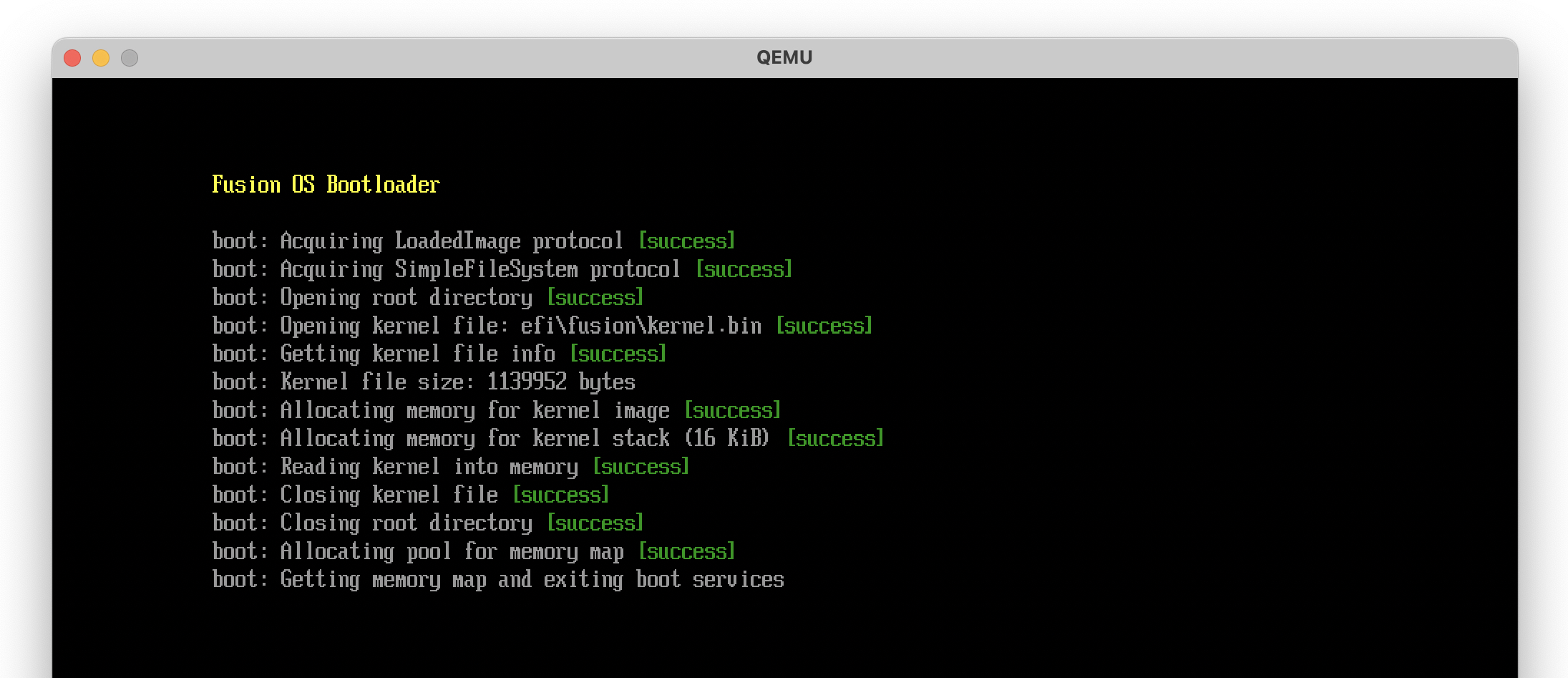
UEFI Bootloader
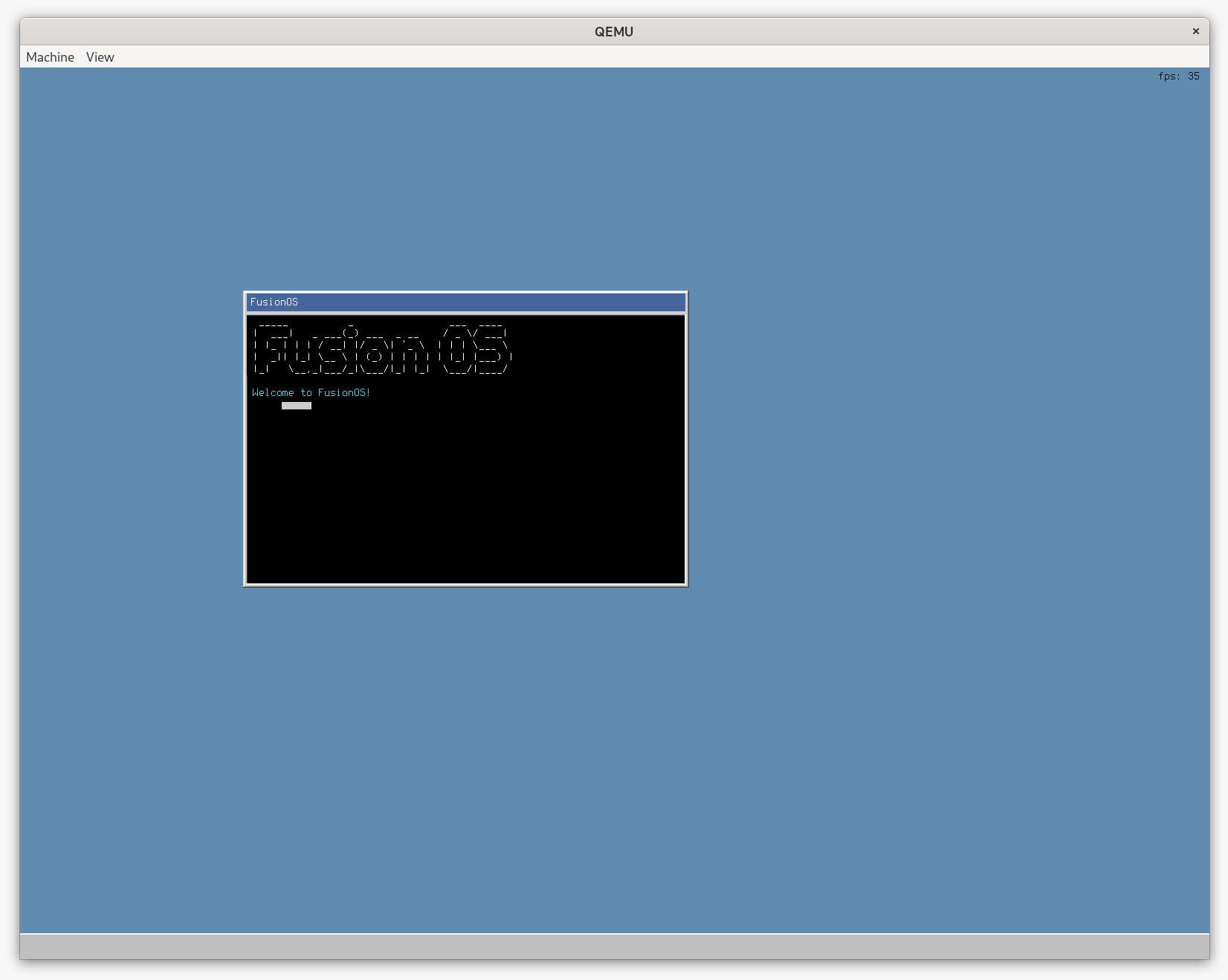
GUI (Note: This screenshot is from the graphics branch, which is still a work-in-progress.)
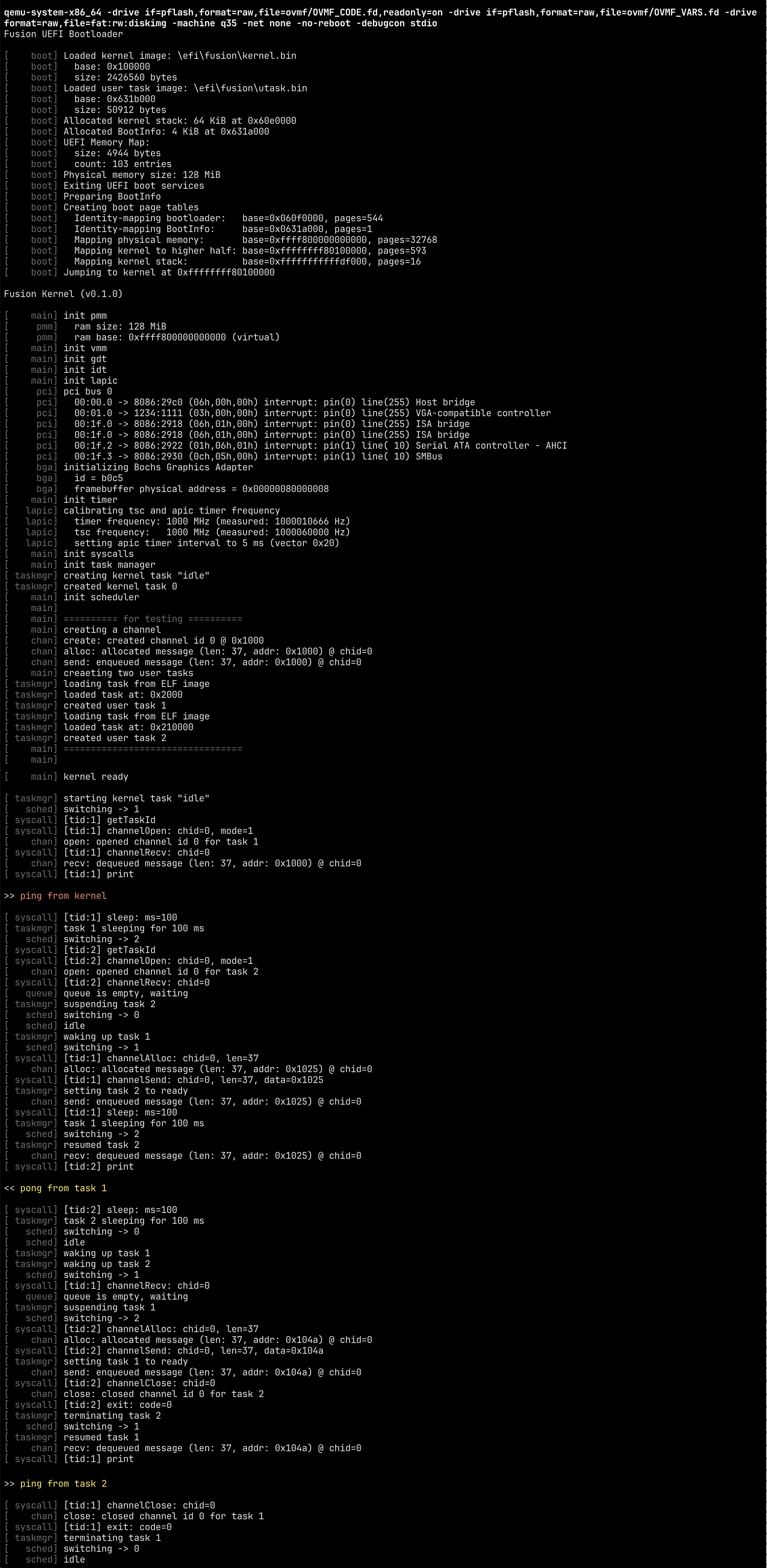
Booting and Running the Kernel
Features
The following features are currently implemented:
- UEFI Bootloader
- Memory Management
- Single Address Space (Higher Half Kernel)
- Physical Memory Manager
- Virtual Memory Manager
- Demand Paging
- Task Management
- Kernel Tasks
- User Mode Tasks
- Preemptive Multitasking
- Priority-based Scheduling
- ELF Loader (Demand Paged, Relocation)
- System Calls
- System Call Interface
- User Mode Library
- IPC
- Channel-based IPC
- Message Passing
- Hardware
- PCI Device Enumeration
- ACPI Configuration
- Local APIC Timer
- I/O APIC Interrupts
- PS/2 Keyboard Driver
- Bochs Graphics Adapter Driver
Planned
- Capability-based Security
- Event-based Task State Machines
- Disk I/O
- File System
- Shell
- GUI
- Networking
Building
To build Fusion, you need to have the following dependencies installed:
The clang and lld binaries should be in your PATH. You can edit the .env file to specify the path to the clang and lld binaries if they are not in your PATH.
Build Fusion with the following command:
just build
Running
Fusion currently runs on QEMU, so you'll need to install it first. Launch Fusion with the following command:
just run
License
MIT
Contributors

118 commits
Similar repos


Languages
Nim
99.6%
A hobby OS implemented in Nim https://0xc0ffee.netlify.app/osdev
Nim
490
118 commits
updated Jun 4, 2025
README
Fusion OS
Fusion is a hobby operating system for x86-64 implemented in Nim. I'm documenting the process of building it at: https://0xc0ffee.netlify.app.
Screenshots
UEFI Bootloader
GUI (Note: This screenshot is from the graphics branch, which is still a work-in-progress.)
Booting and Running the Kernel
Features
The following features are currently implemented:
- UEFI Bootloader
- Memory Management
- Single Address Space (Higher Half Kernel)
- Physical Memory Manager
- Virtual Memory Manager
- Demand Paging
- Task Management
- Kernel Tasks
- User Mode Tasks
- Preemptive Multitasking
- Priority-based Scheduling
- ELF Loader (Demand Paged, Relocation)
- System Calls
- System Call Interface
- User Mode Library
- IPC
- Channel-based IPC
- Message Passing
- Hardware
- PCI Device Enumeration
- ACPI Configuration
- Local APIC Timer
- I/O APIC Interrupts
- PS/2 Keyboard Driver
- Bochs Graphics Adapter Driver
Planned
- Capability-based Security
- Event-based Task State Machines
- Disk I/O
- File System
- Shell
- GUI
- Networking
Building
To build Fusion, you need to have the following dependencies installed:
The clang and lld binaries should be in your PATH. You can edit the .env file to specify the path to the clang and lld binaries if they are not in your PATH.
Build Fusion with the following command:
just build
Running
Fusion currently runs on QEMU, so you'll need to install it first. Launch Fusion with the following command:
just run
License
MIT
Similar repos
Contributors
118 commits
Languages
Nim
99.6%