.NET for the NES game console!
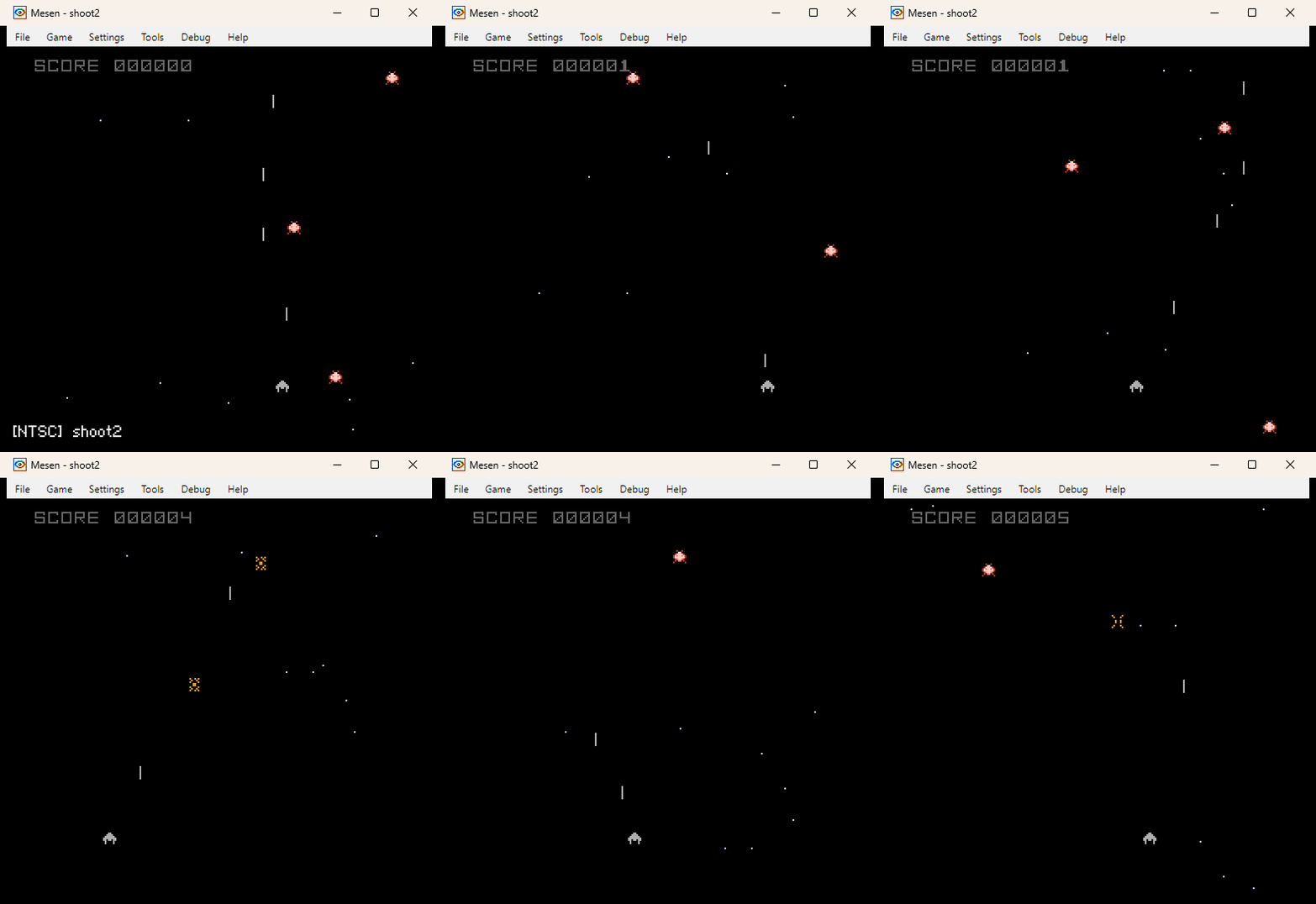
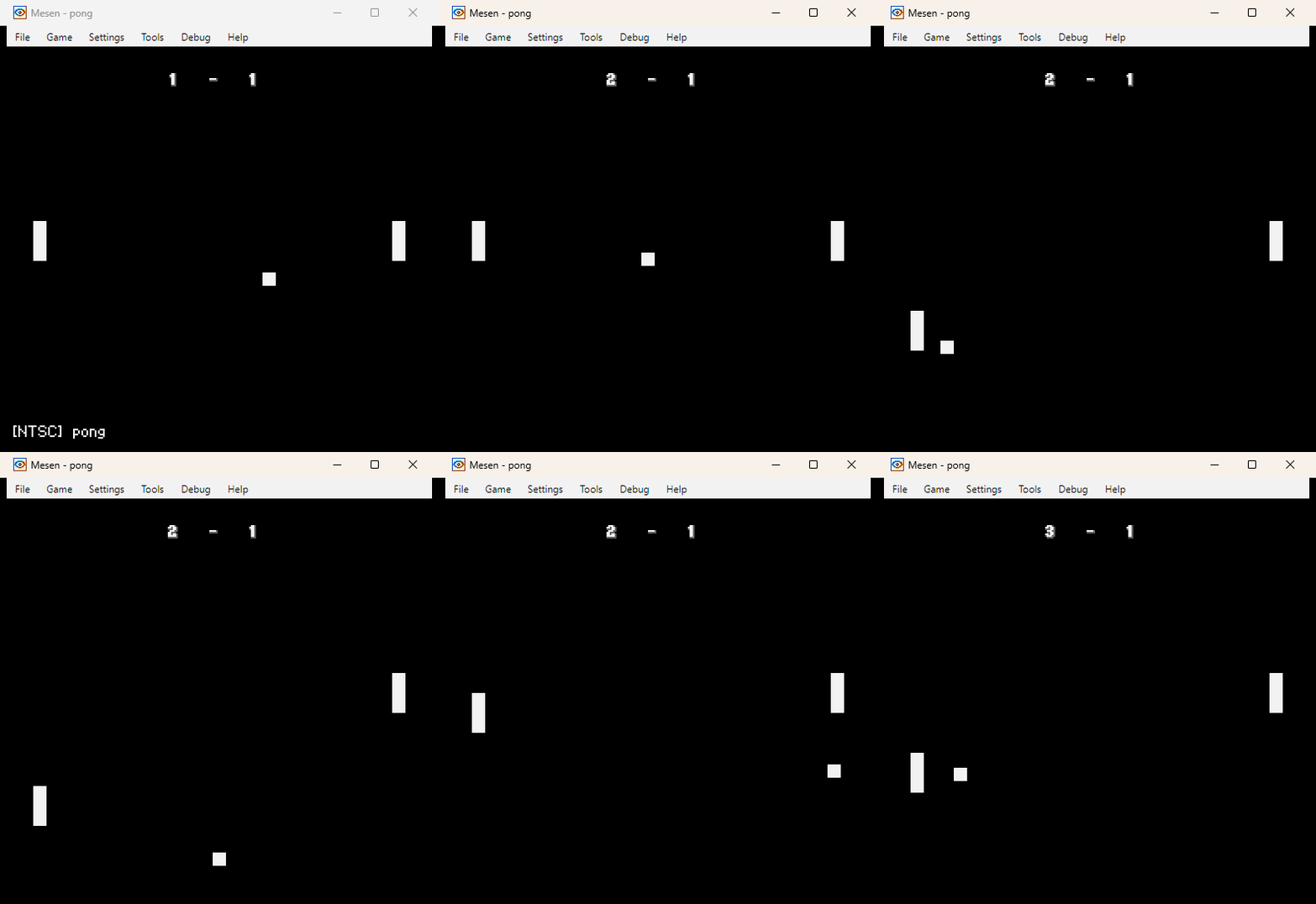
| shoot2 ⬇️ | pong ⬇️ |
 |  |
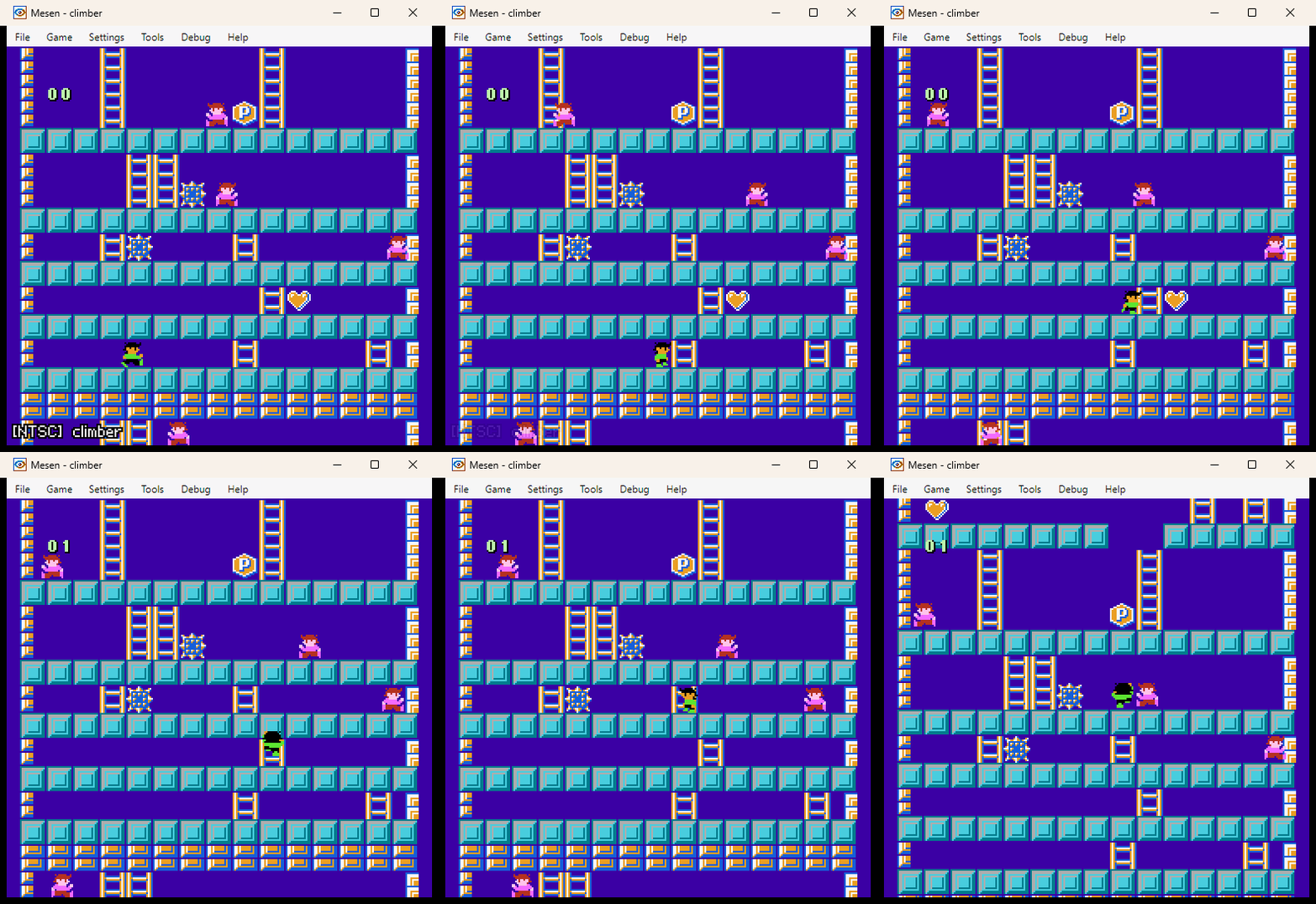
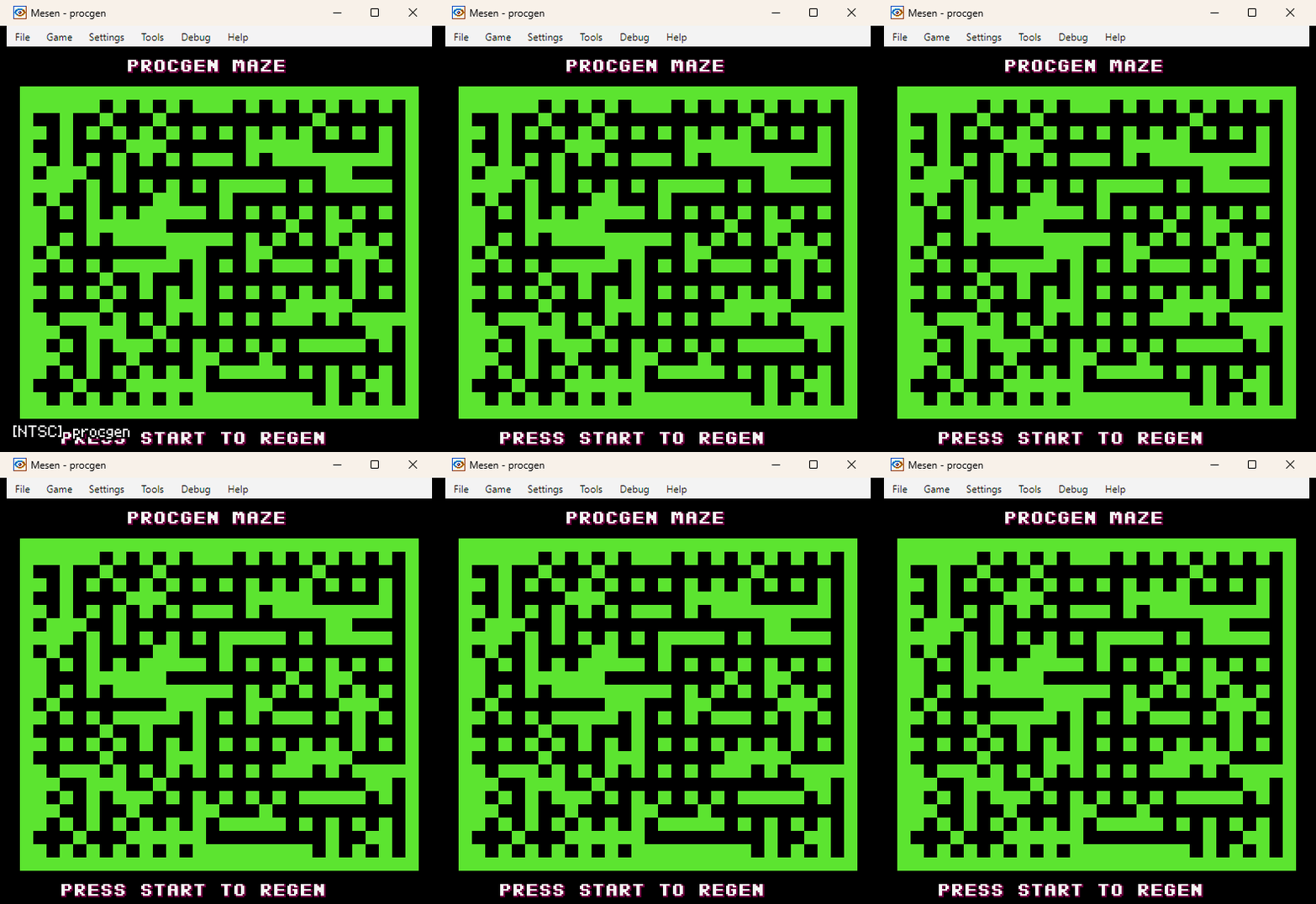
| climber ⬇️ | procgen ⬇️ |
 |  |
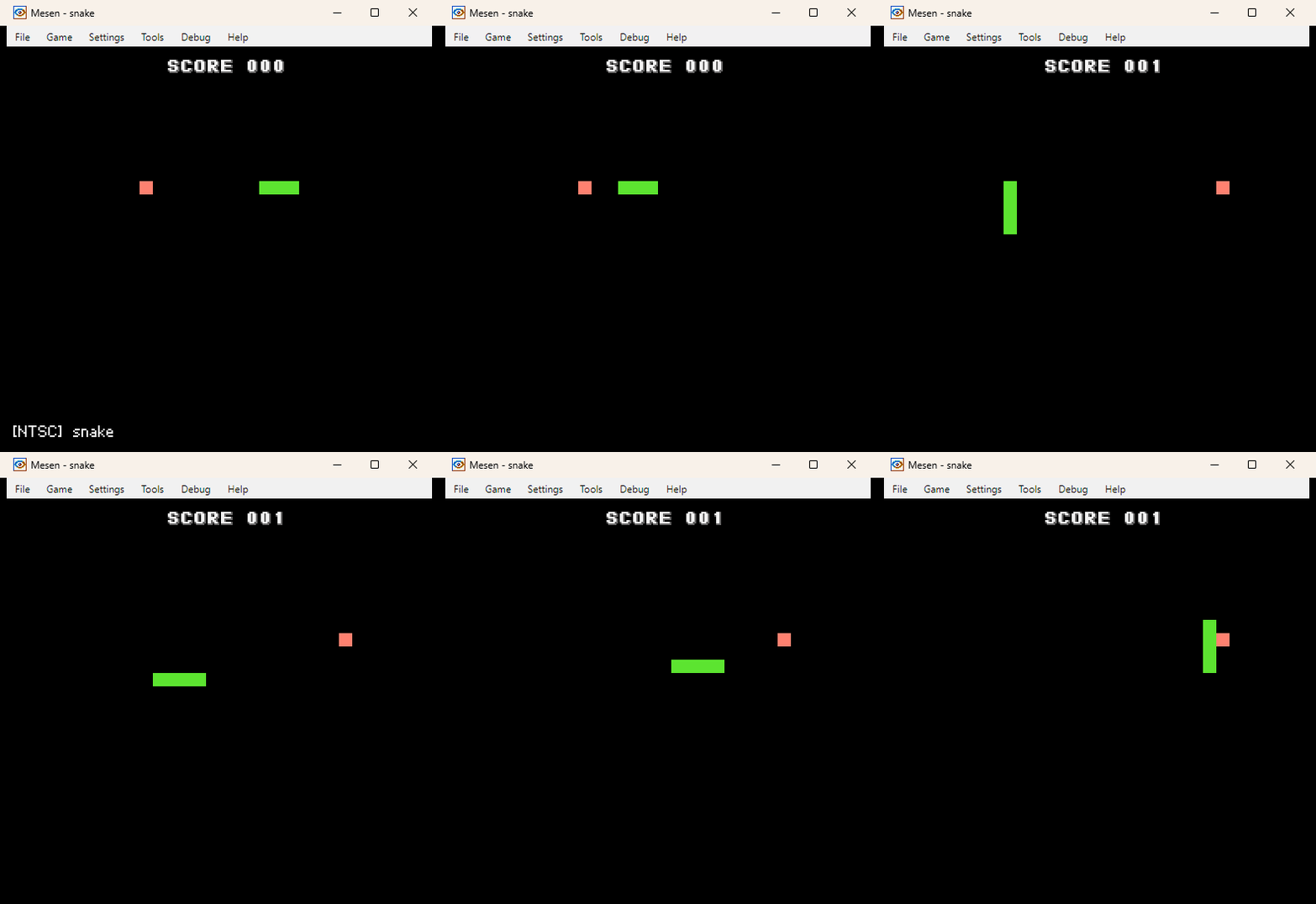
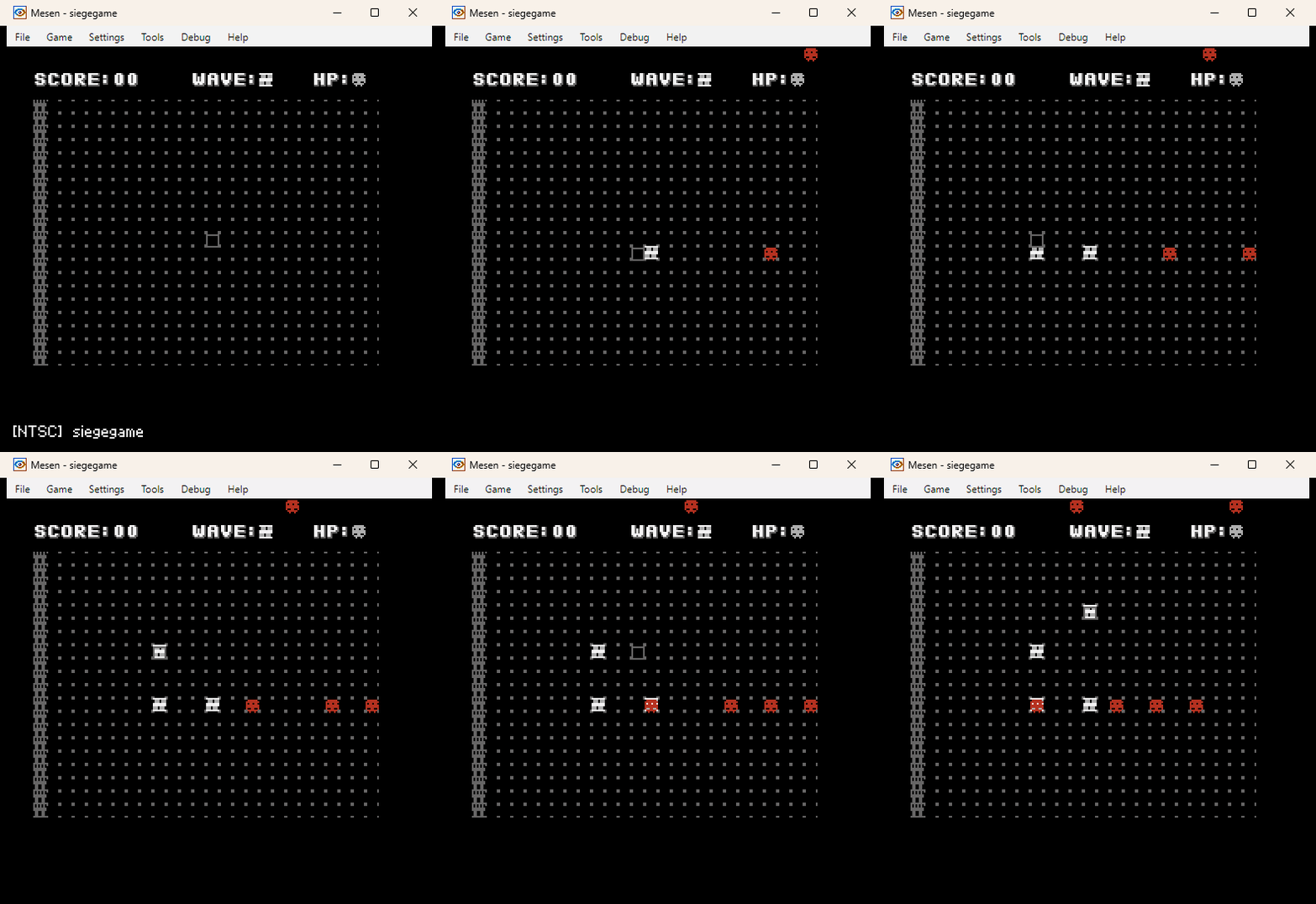
| snake ⬇️ | siegegame ⬇️ |
 |  |
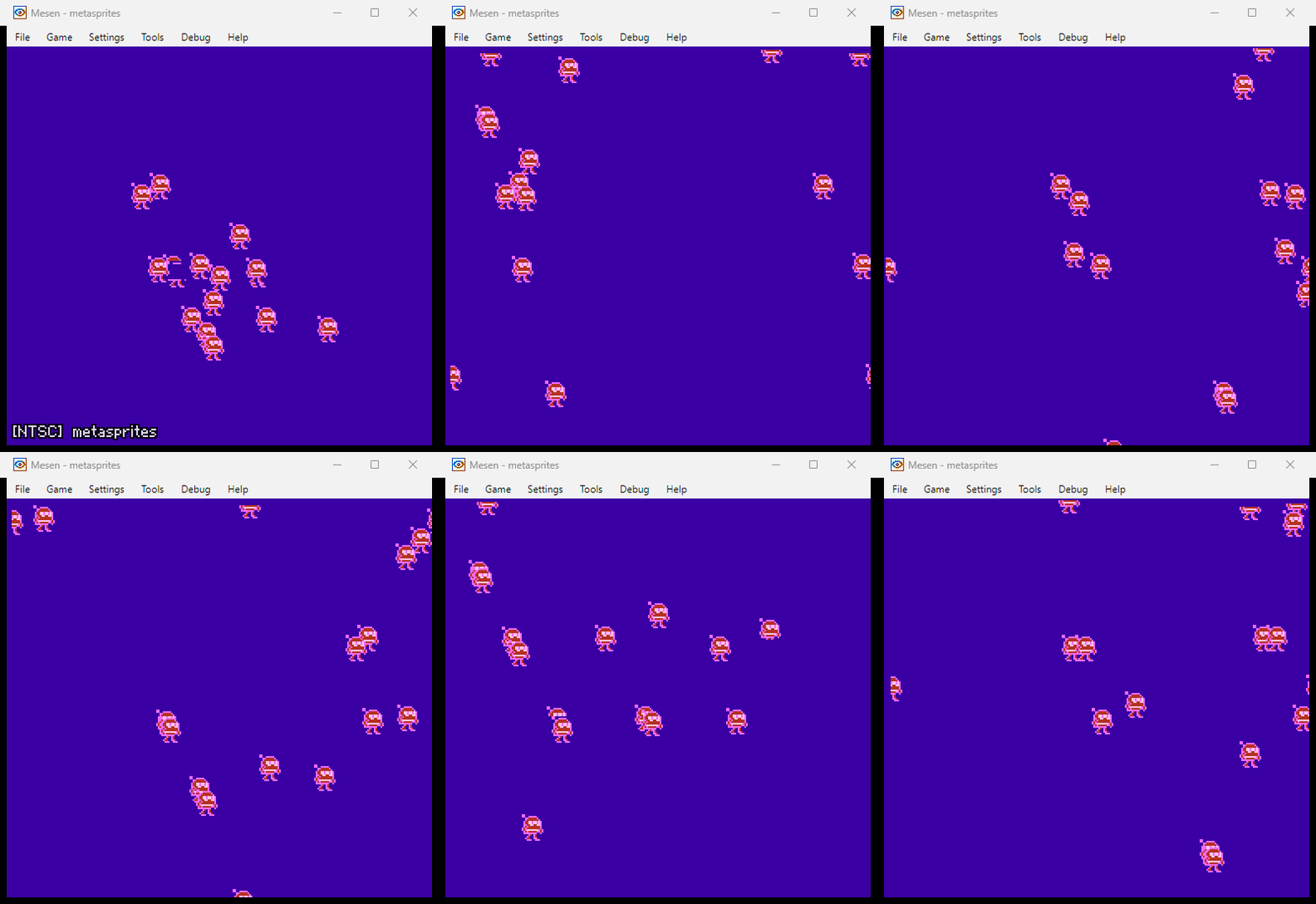
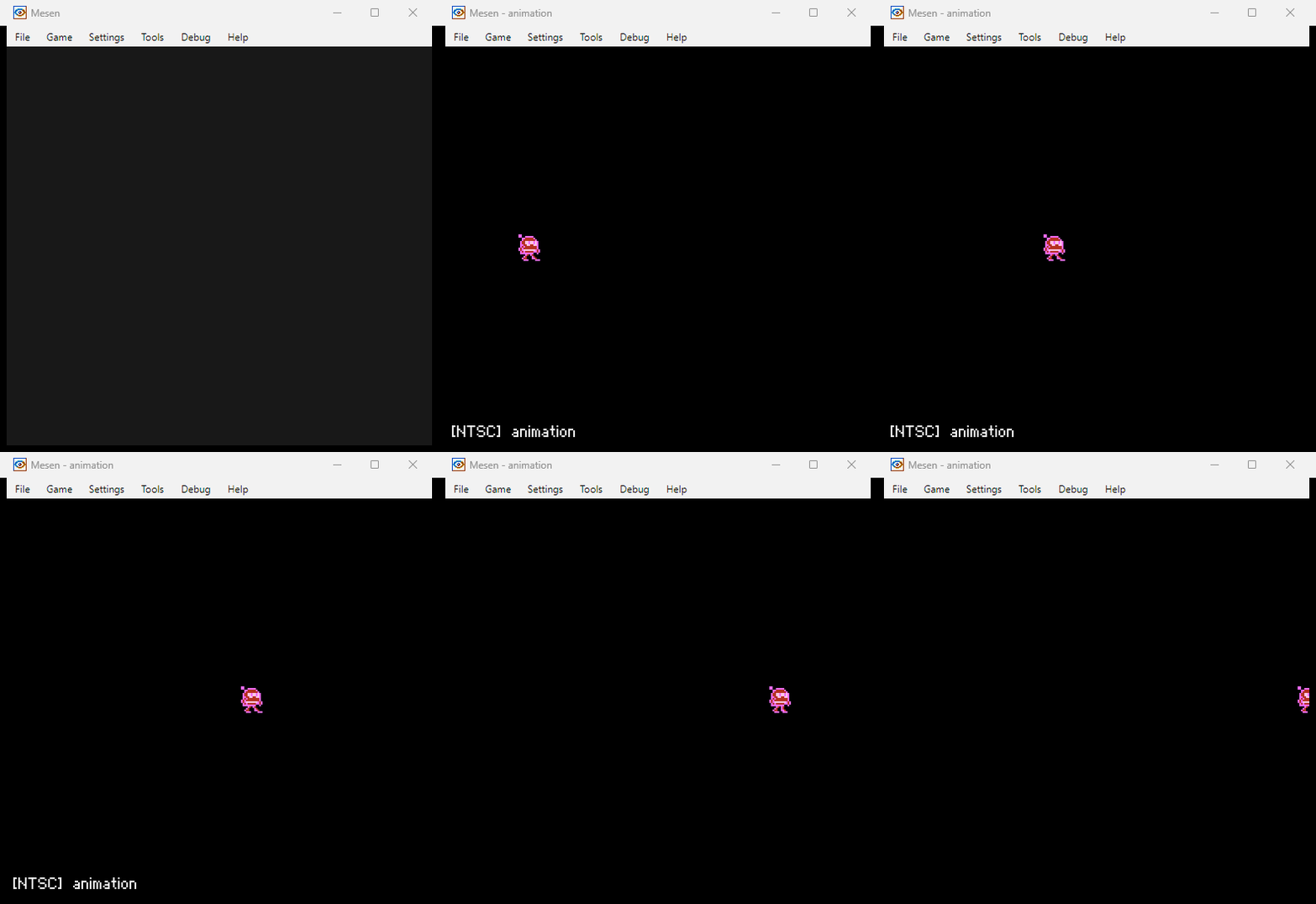
| metasprites ⬇️ | animation ⬇️ |
 |  |
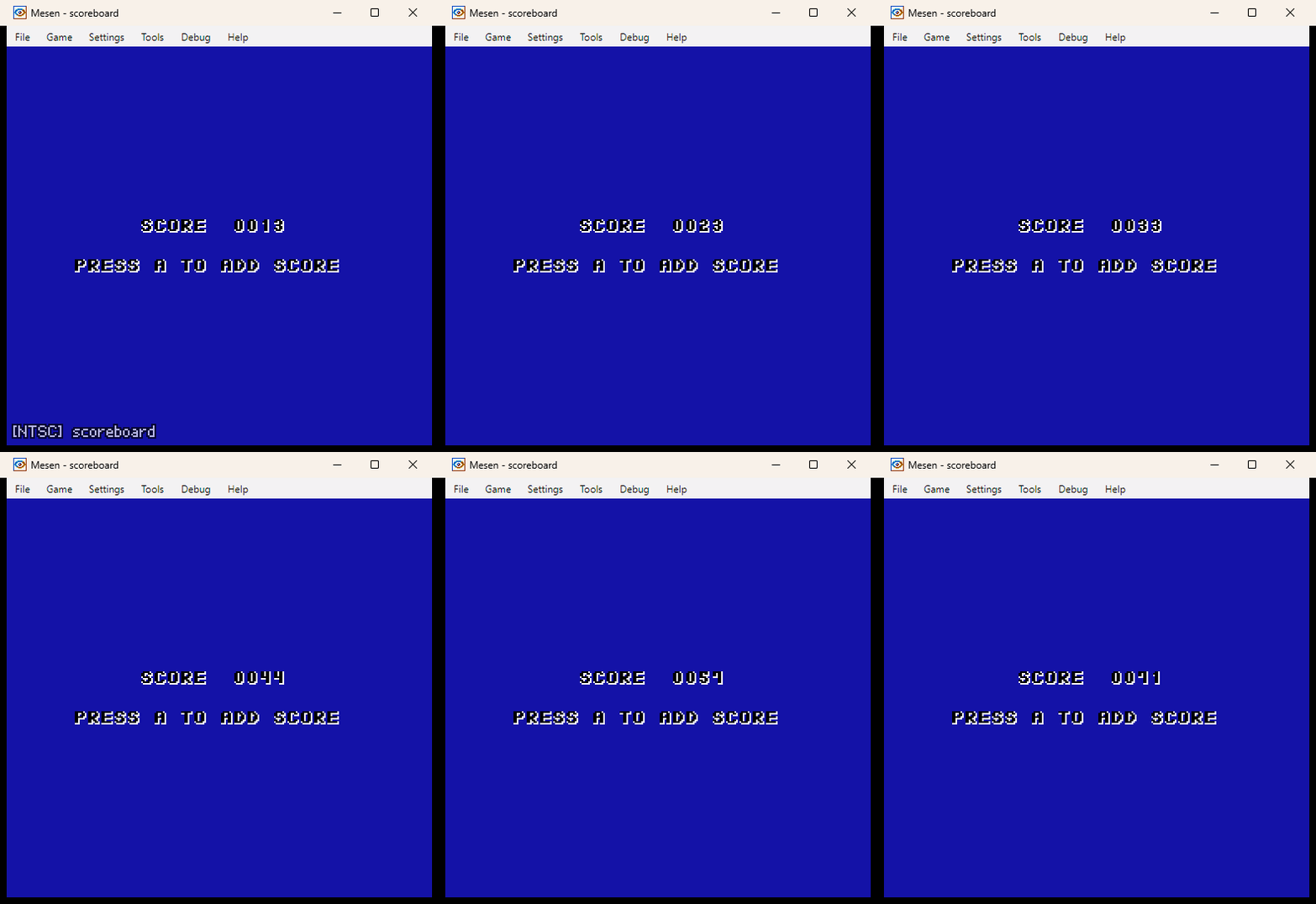
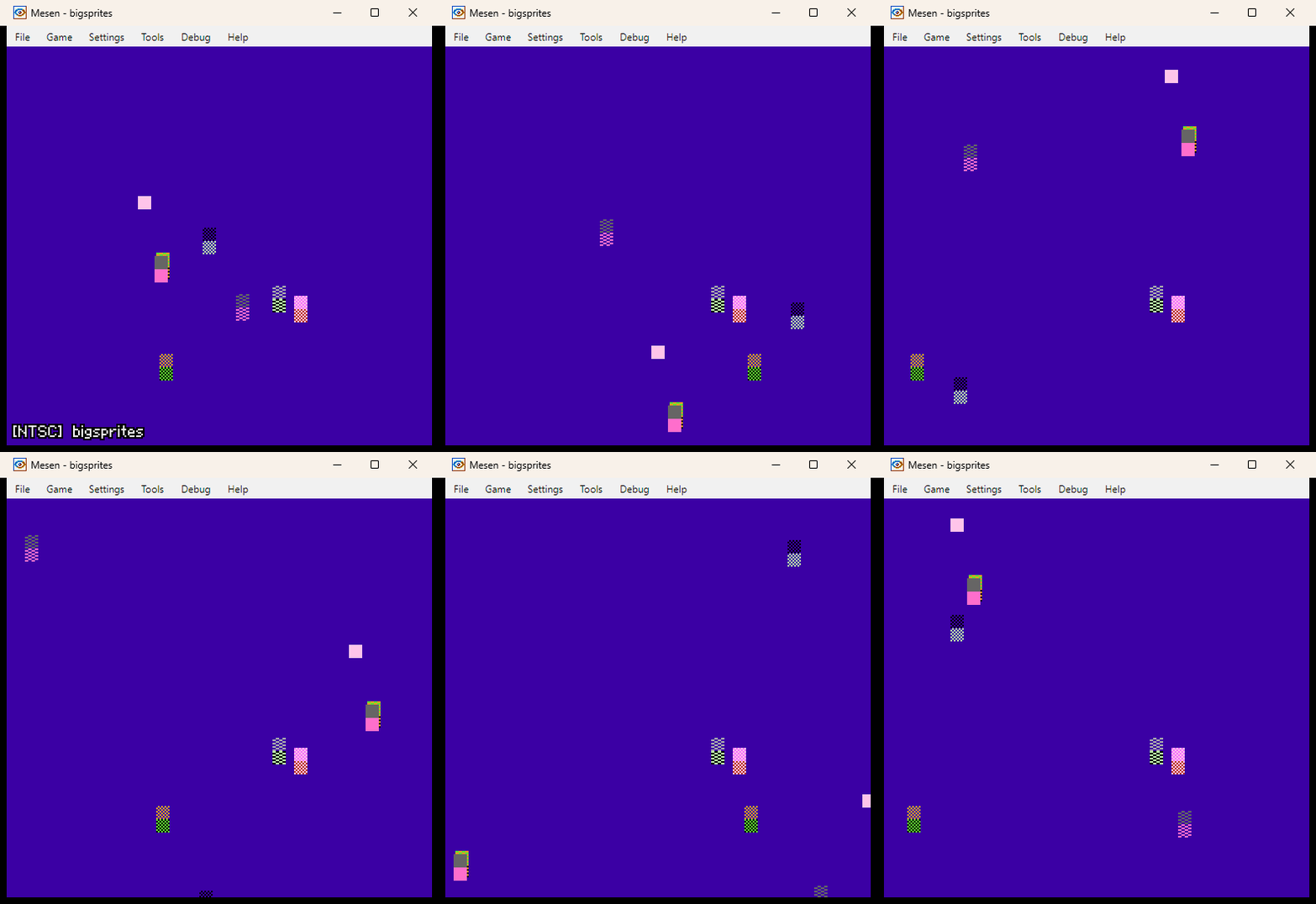
| scoreboard ⬇️ | bigsprites ⬇️ |
 |  |
| sprites ⬇️ | horizscroll ⬇️ |
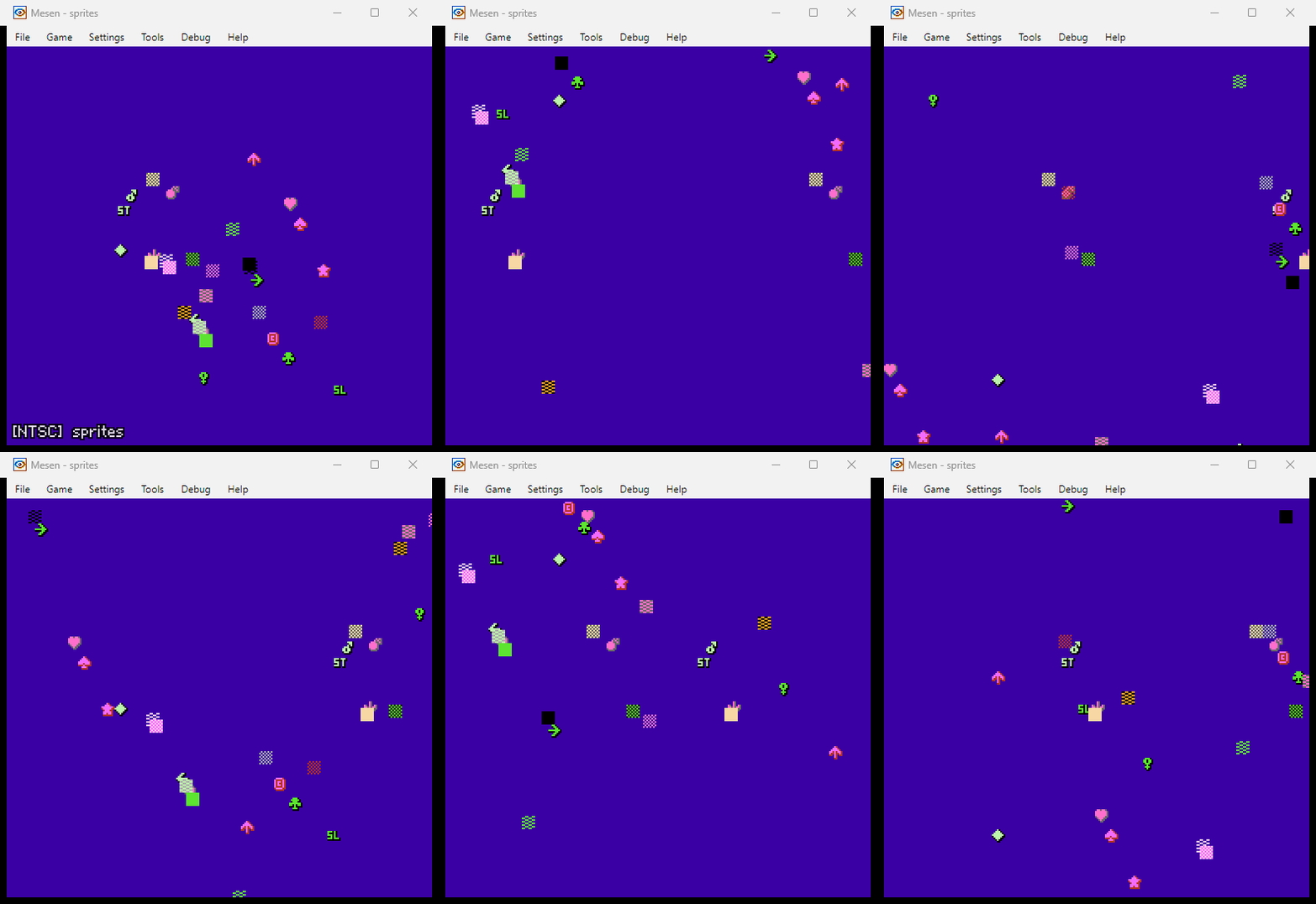 | 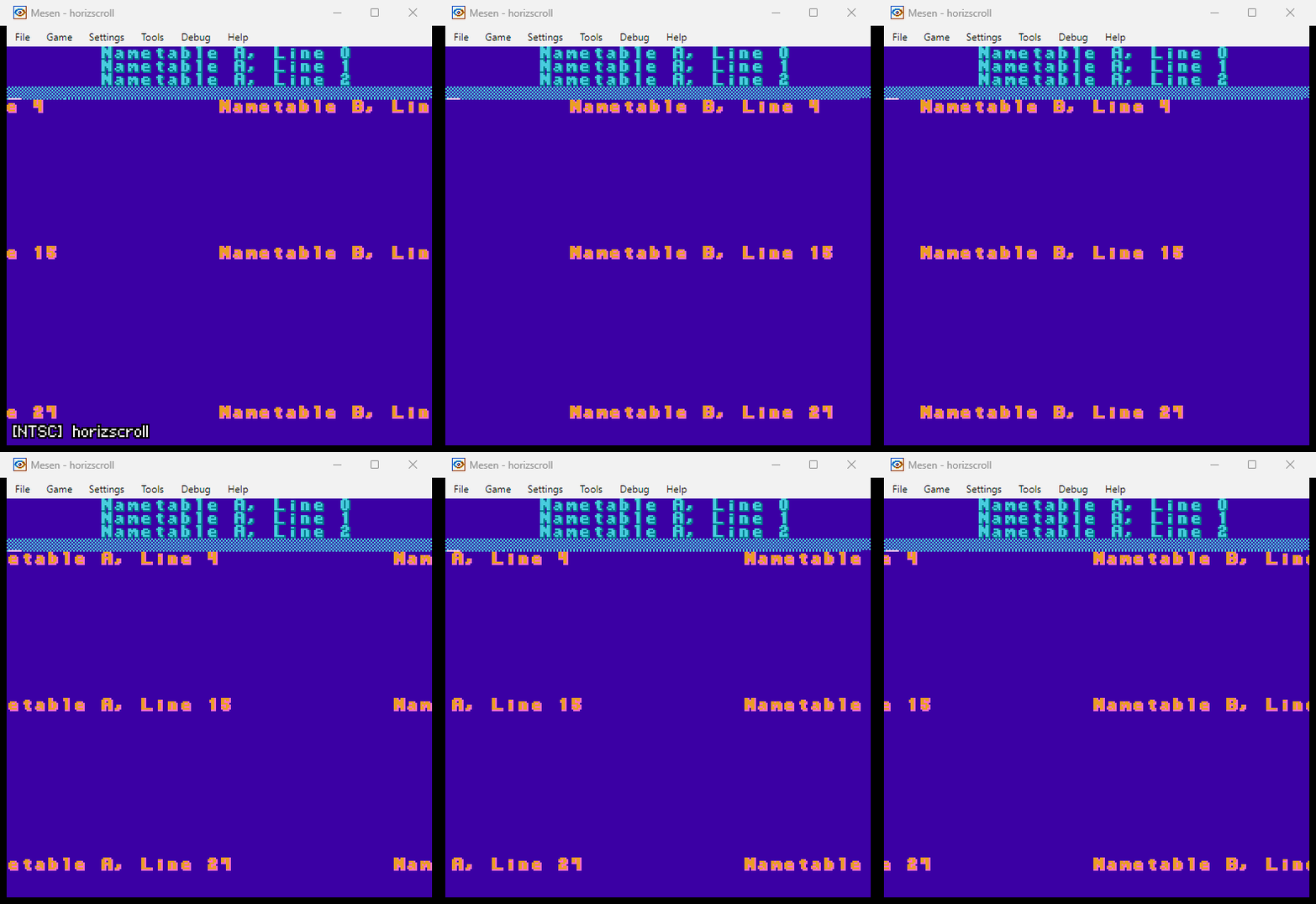 |
| vertscroll ⬇️ | scroll ⬇️ |
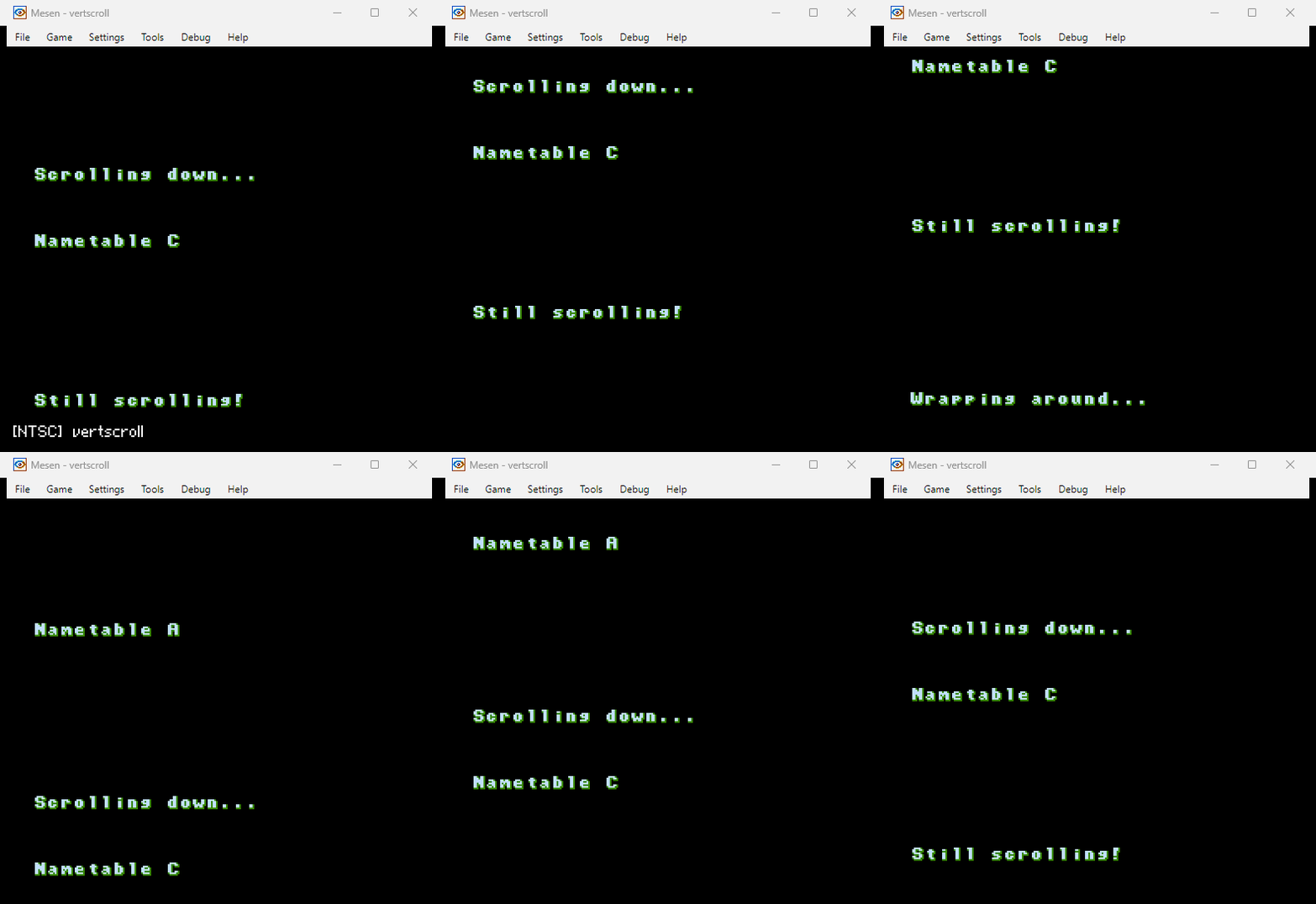 | 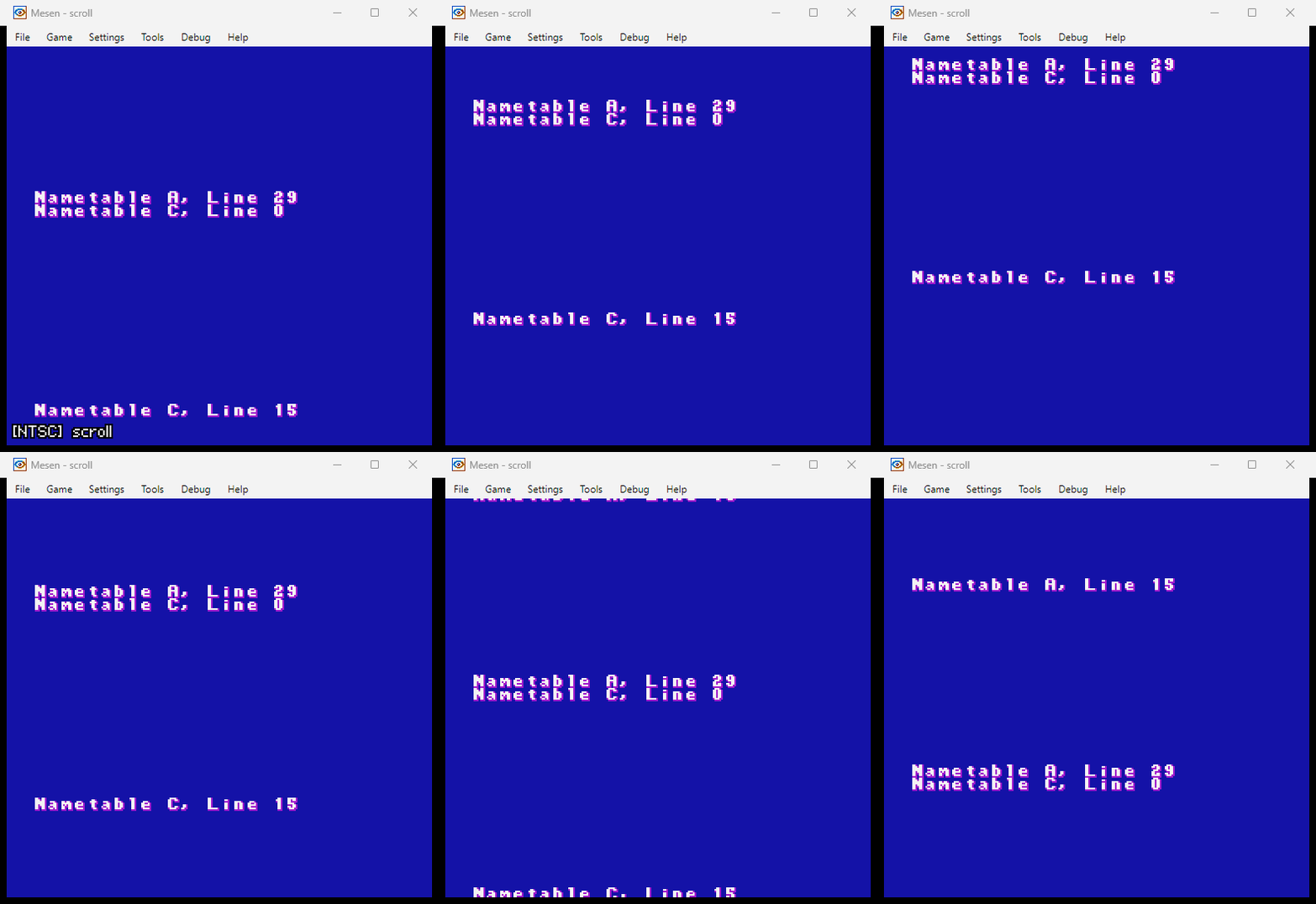 |
| fade ⬇️ | slideshow ⬇️ |
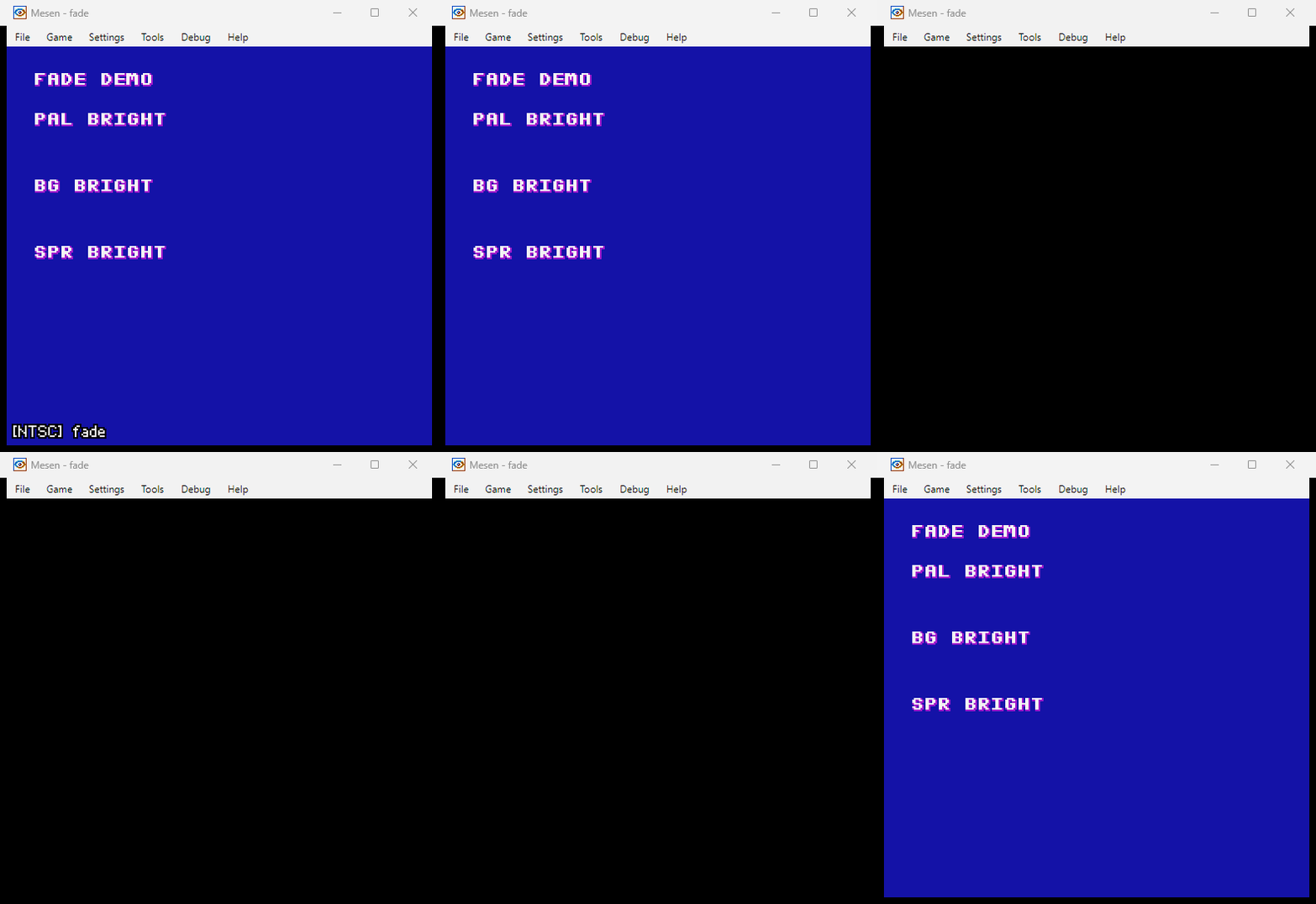 | 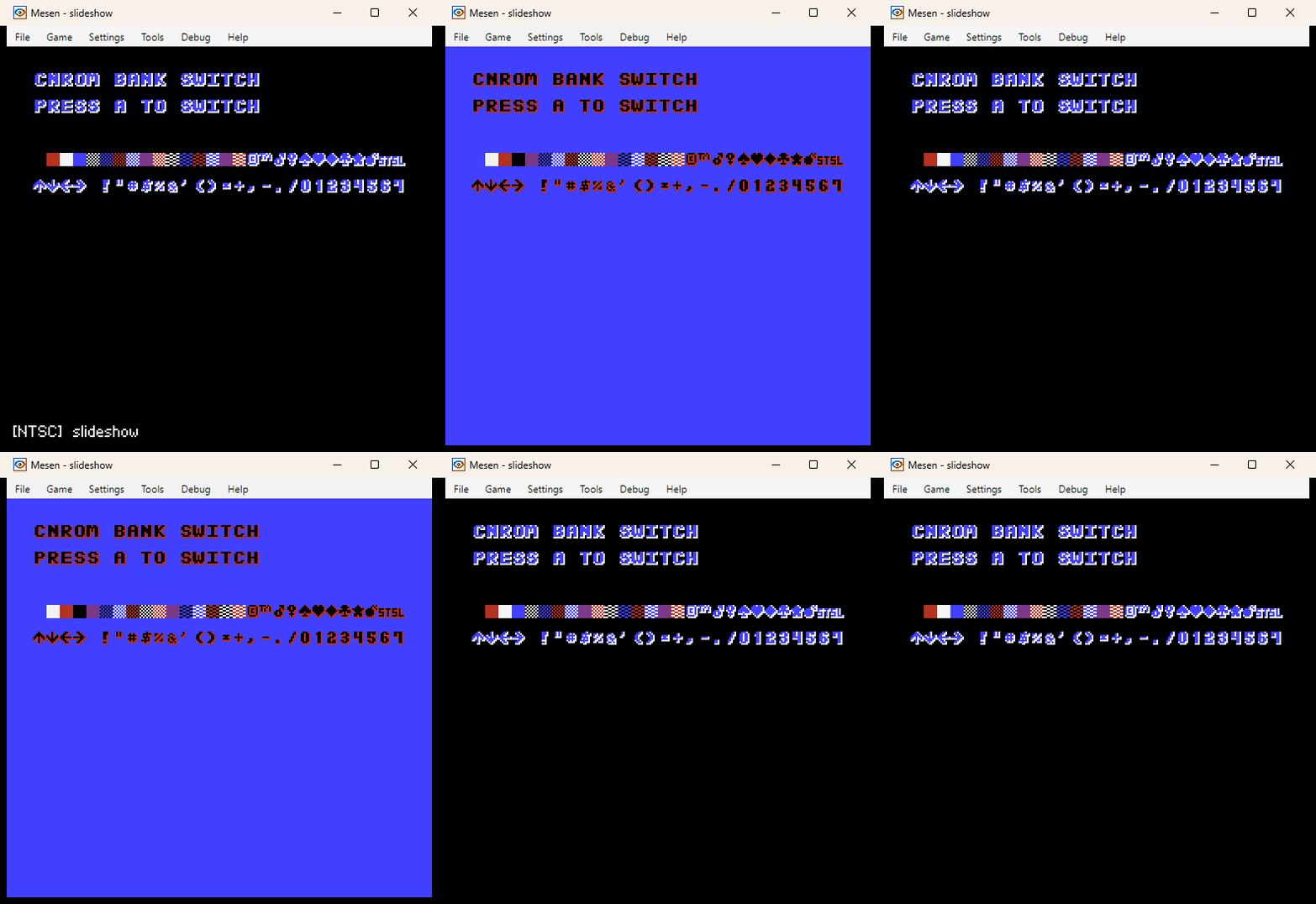 |
| monobitmap ⬇️ | music ⬇️ |
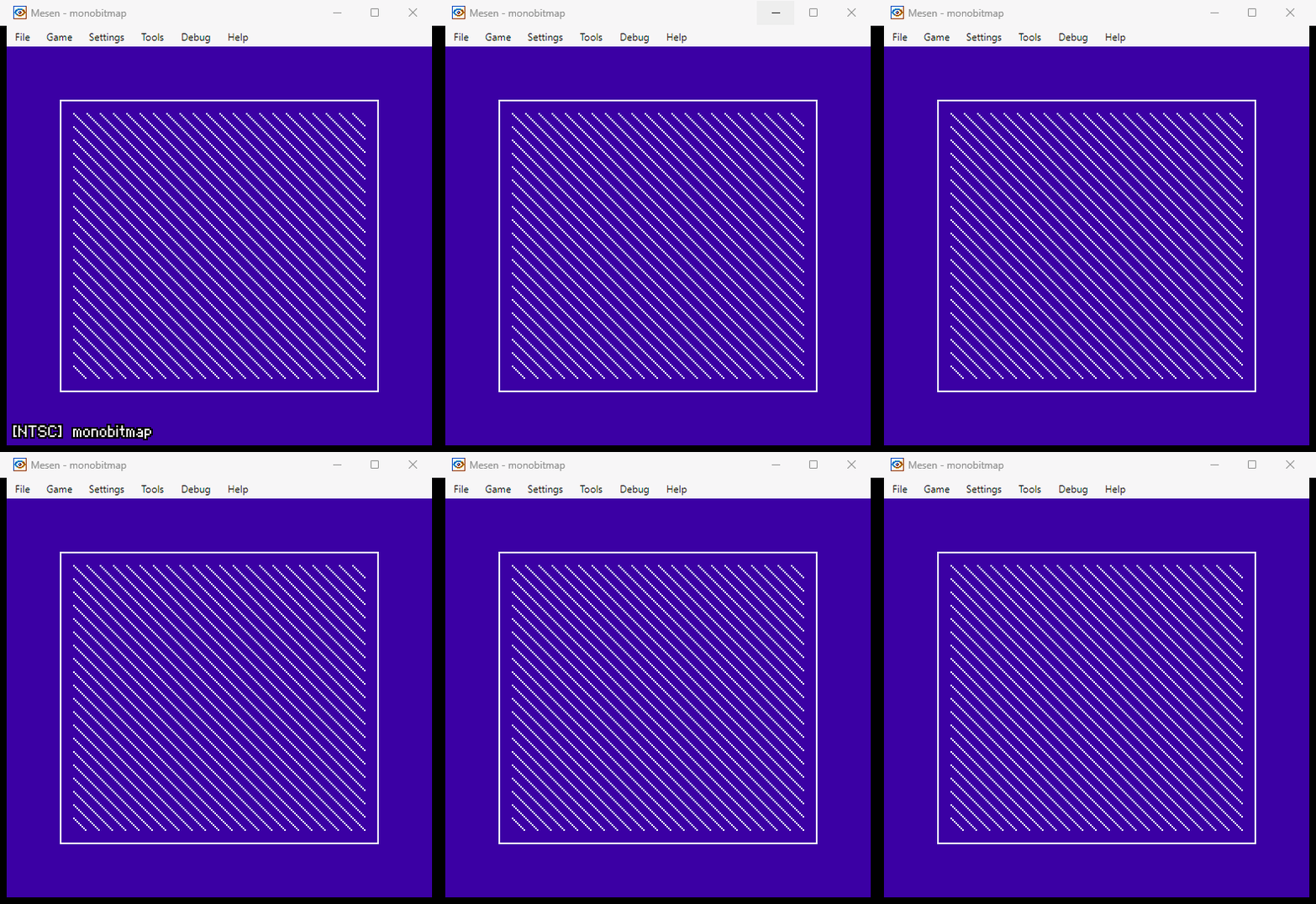 | 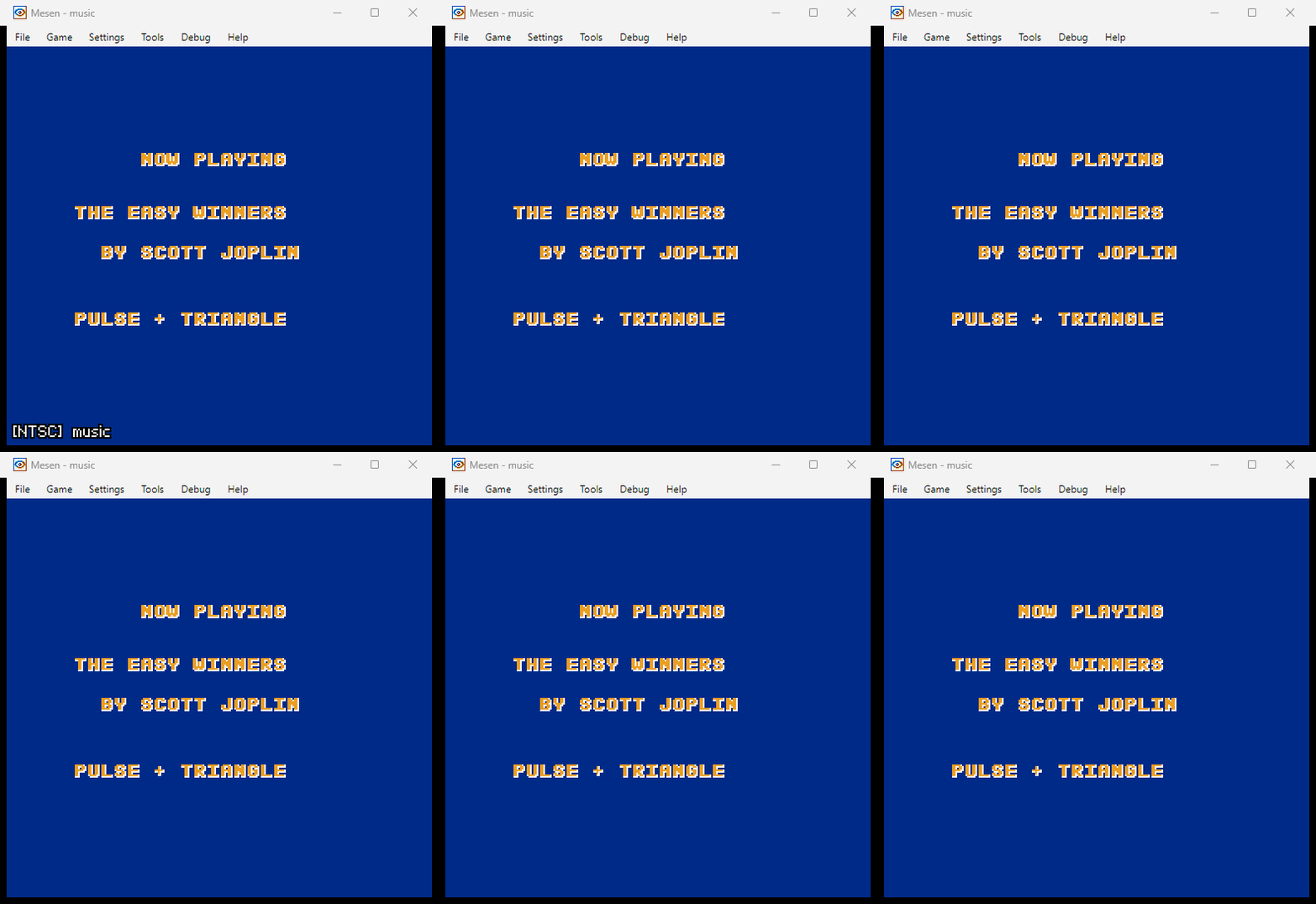 |
| fami ⬇️ | conio ⬇️ |
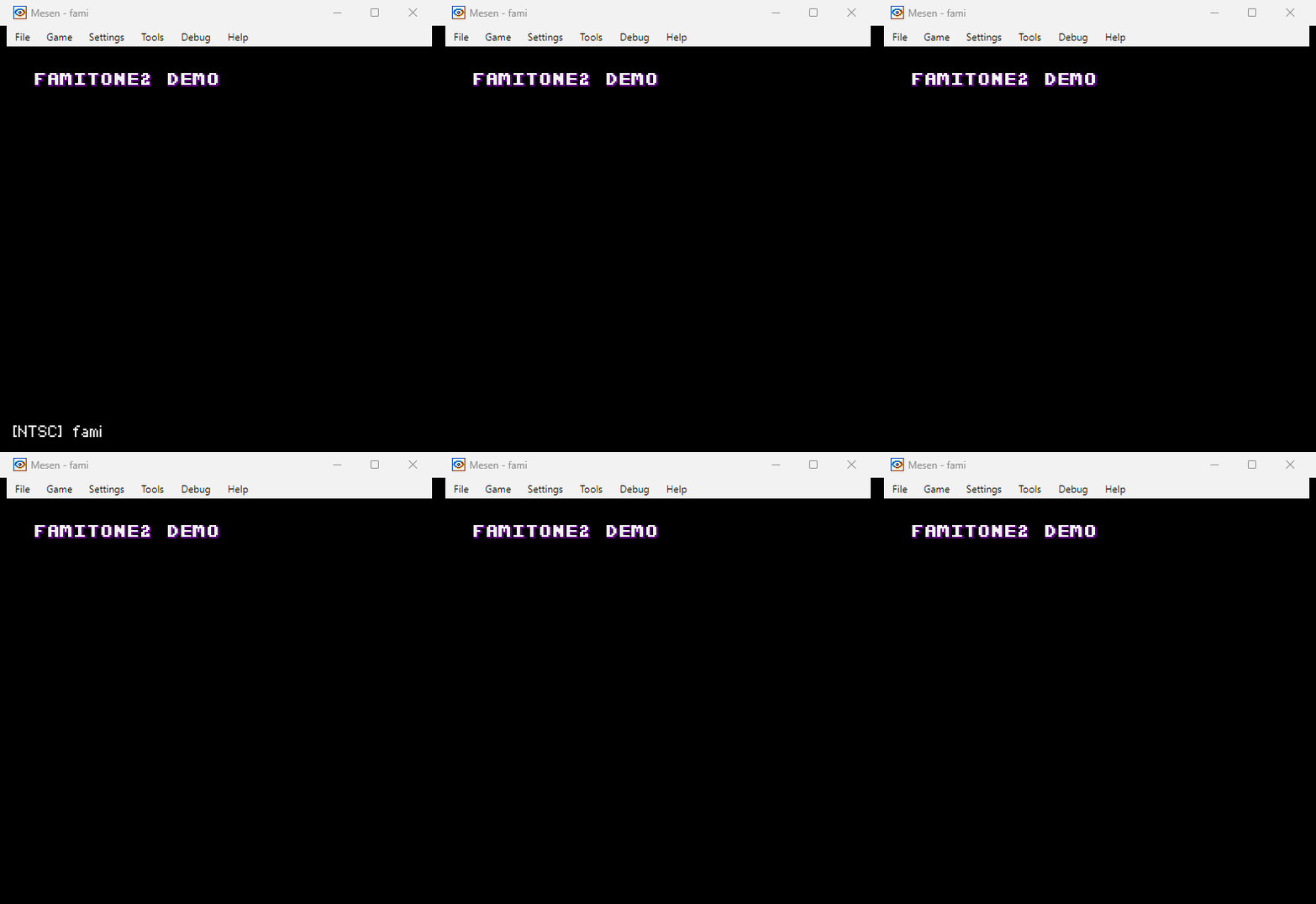 | 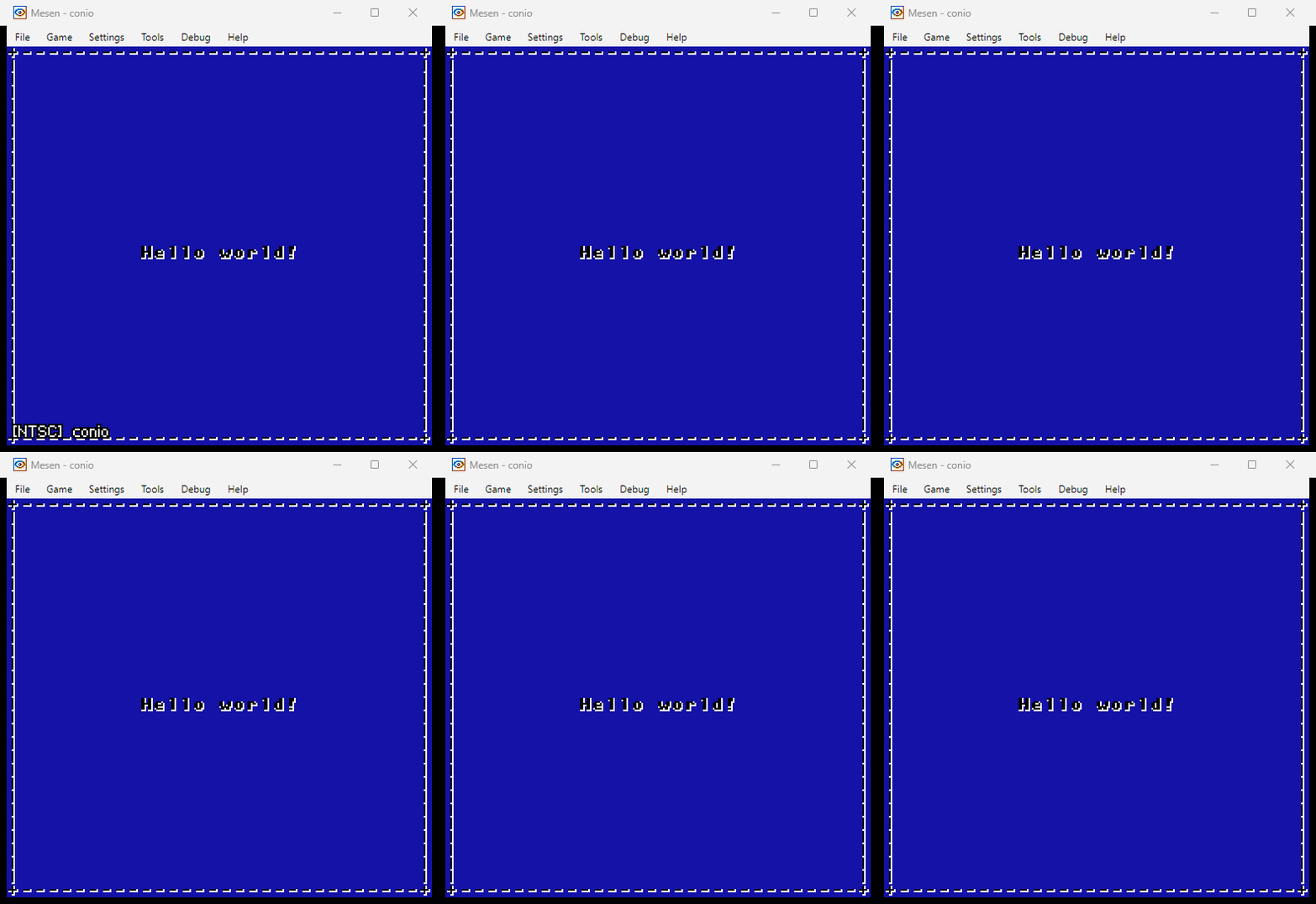 |
| metacursor ⬇️ | metatrigger ⬇️ |
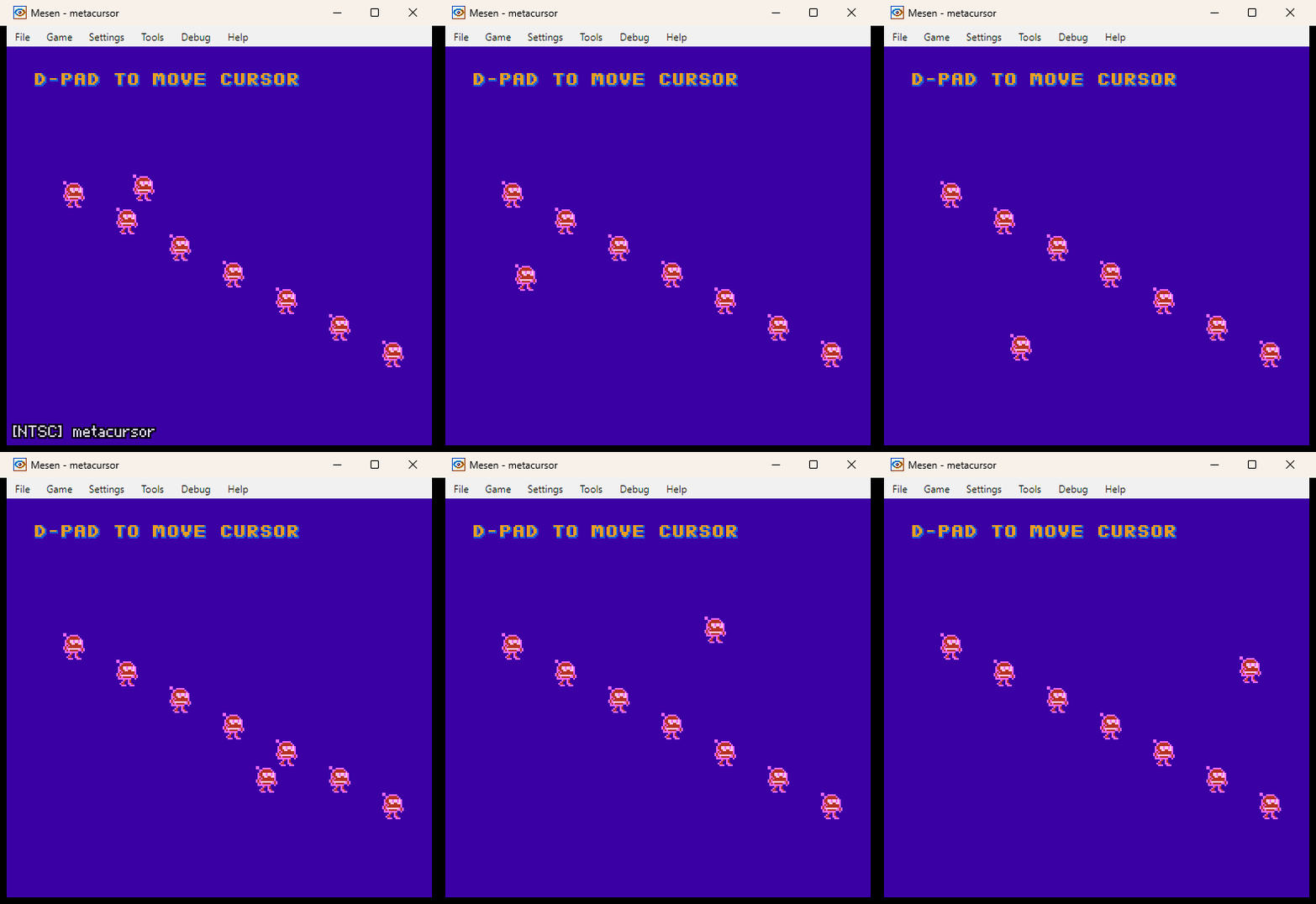 | 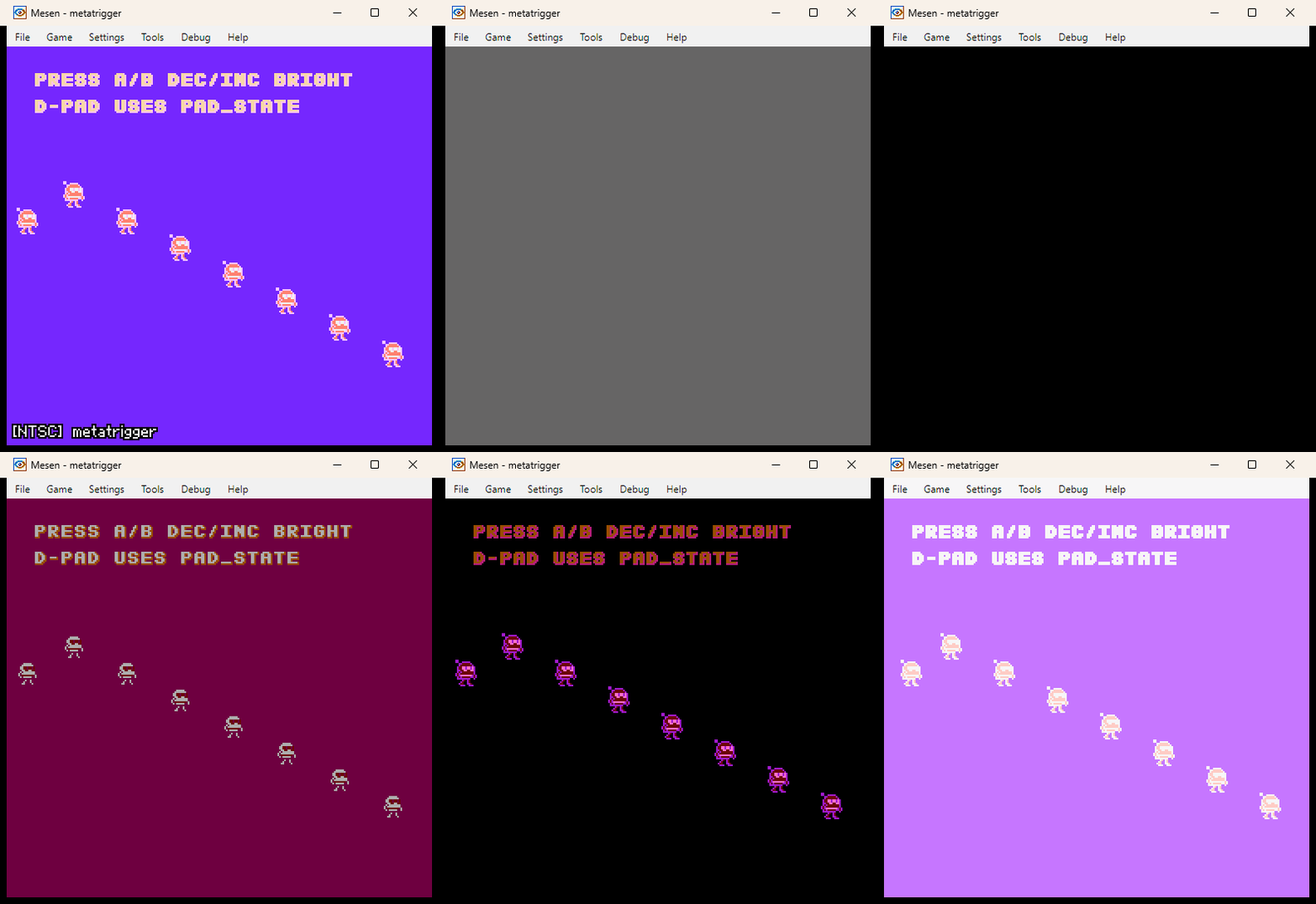 |
| horizmask ⬇️ | statusbar ⬇️ |
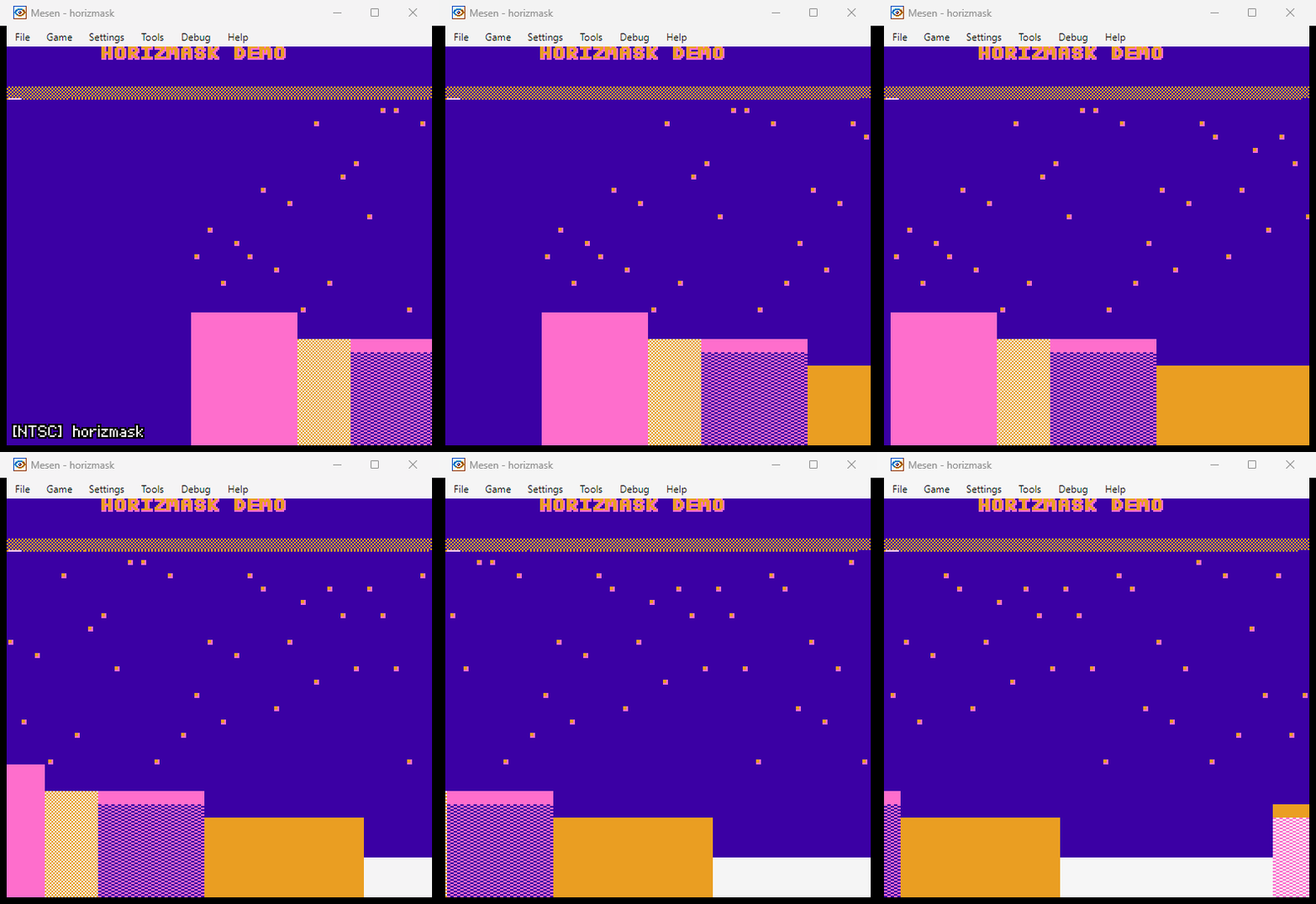 | 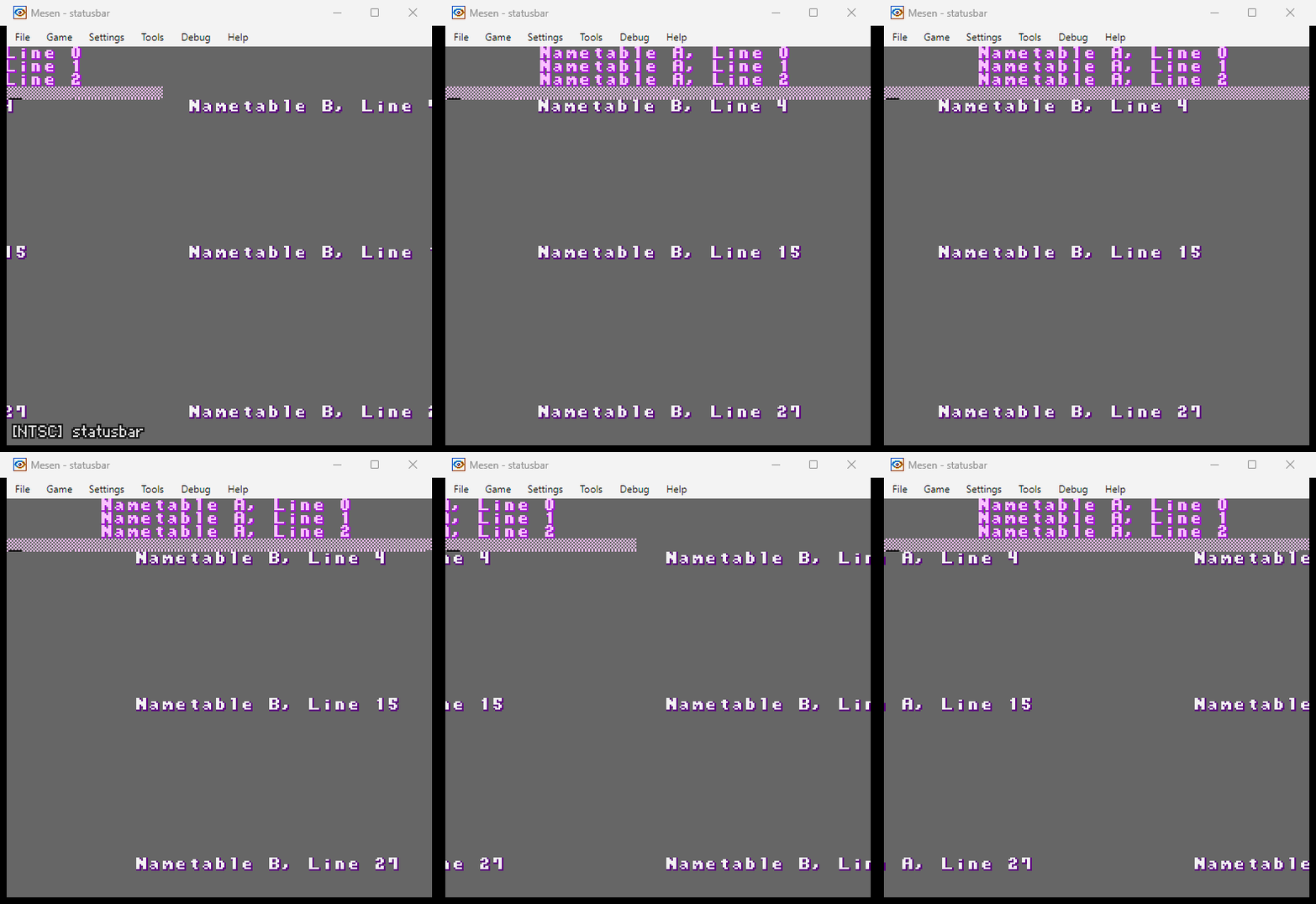 |
| peekpoke ⬇️ | irq ⬇️ |
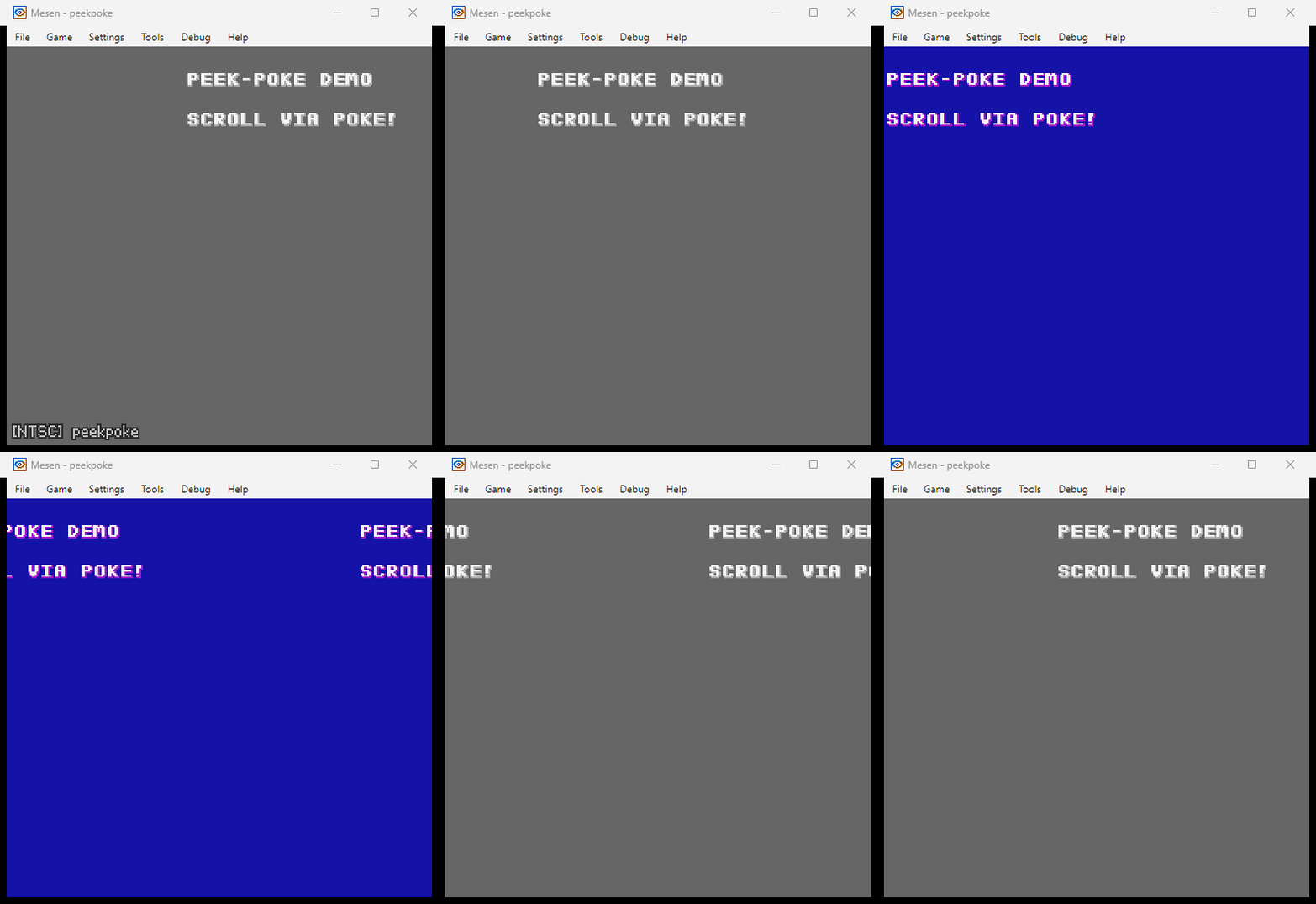 | 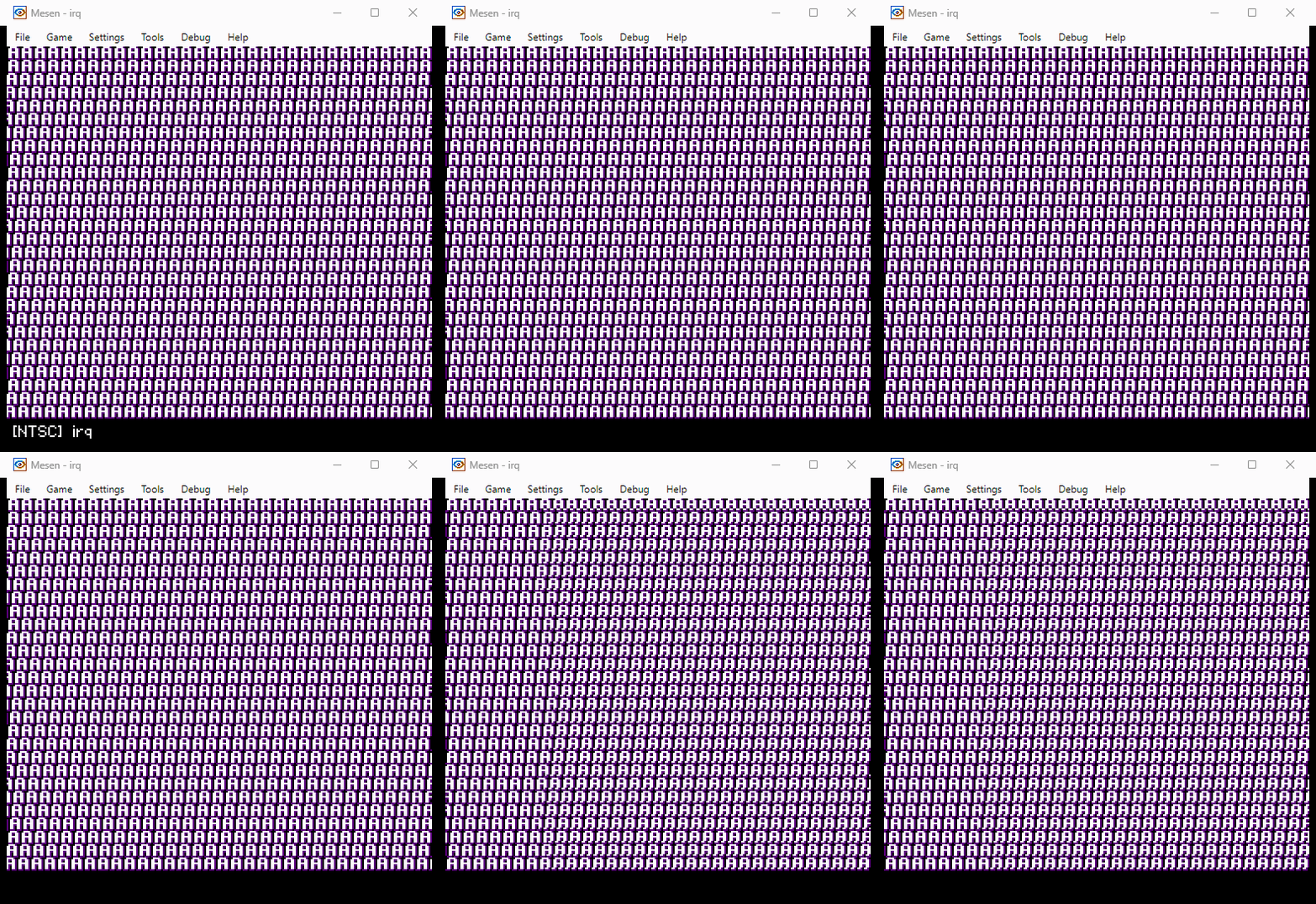 |
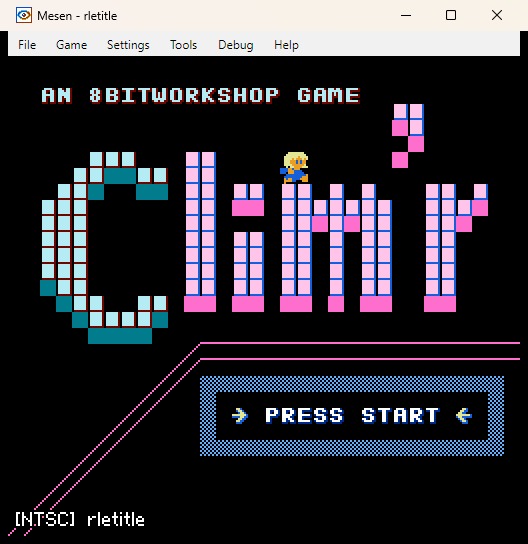
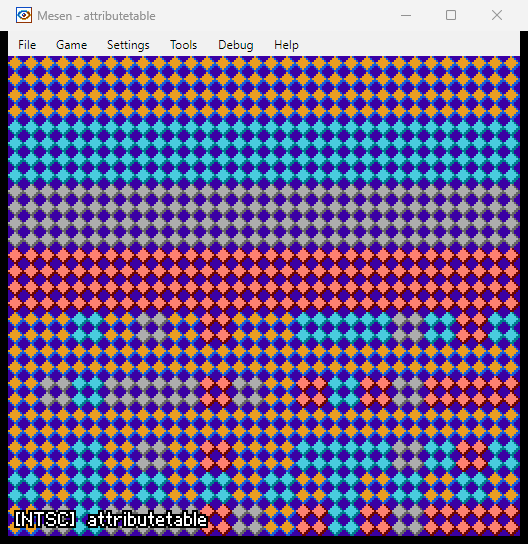
| rletitle ⬇️ | attributetable ⬇️ |
 |  |
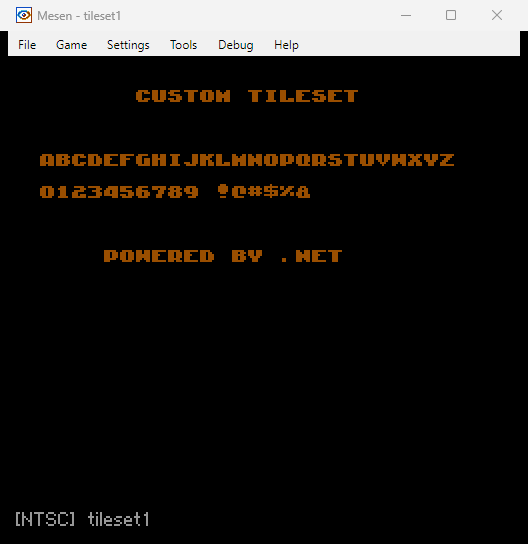
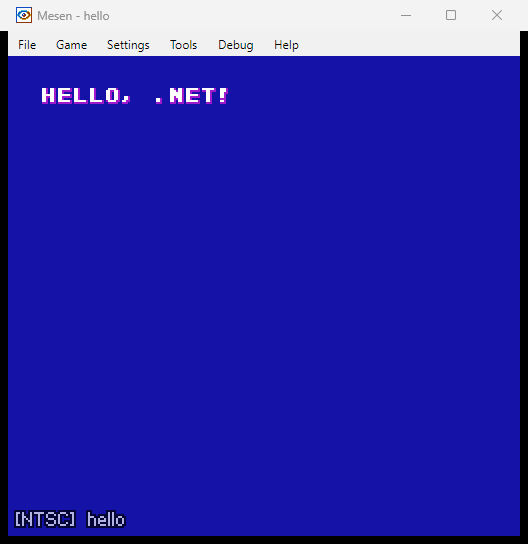
| tileset1 ⬇️ | hello ⬇️ |
 |  |
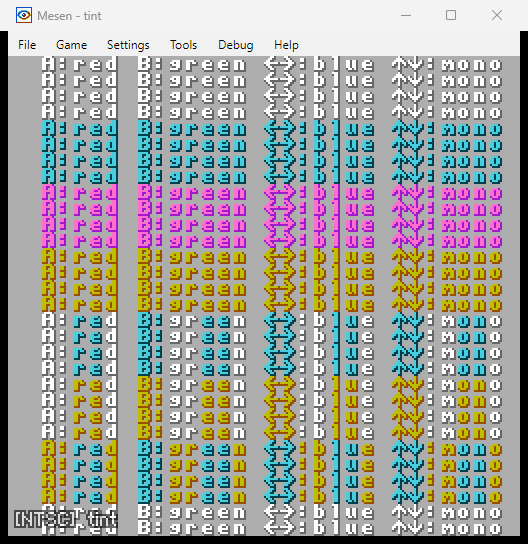
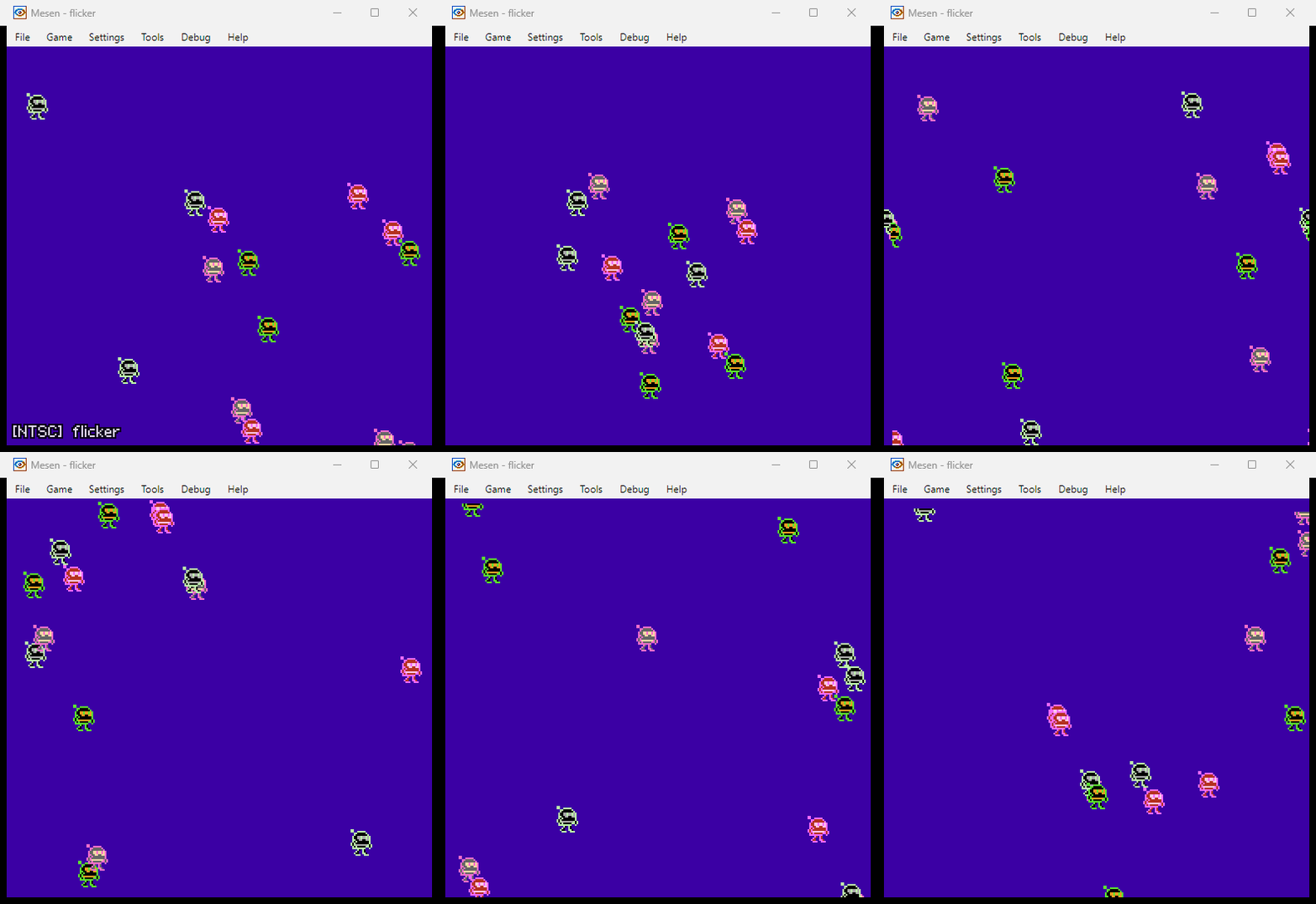
| tint ⬇️ | flicker ⬇️ |
 |  |
See the samples/ folder for all 46 sample projects. Generate images with
dotnet run scripts/record-all-samples.cs.
PRs of any kind are welcome! If you have a question, feel free to:
Thanks!
Simply install the template:
dotnet new install dotnes.templates
Create a project:
dotnet new nes
Or use the project template in Visual Studio:
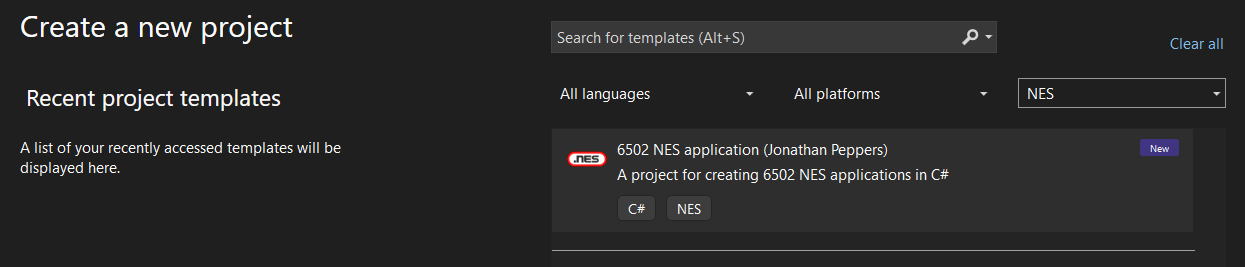
Build and run it as you would a console app:
dotnet run
Of course, you can also just open the project in Visual Studio and hit F5.
Note that Ctrl+F5 currently works better in C# Dev Kit in VS Code.
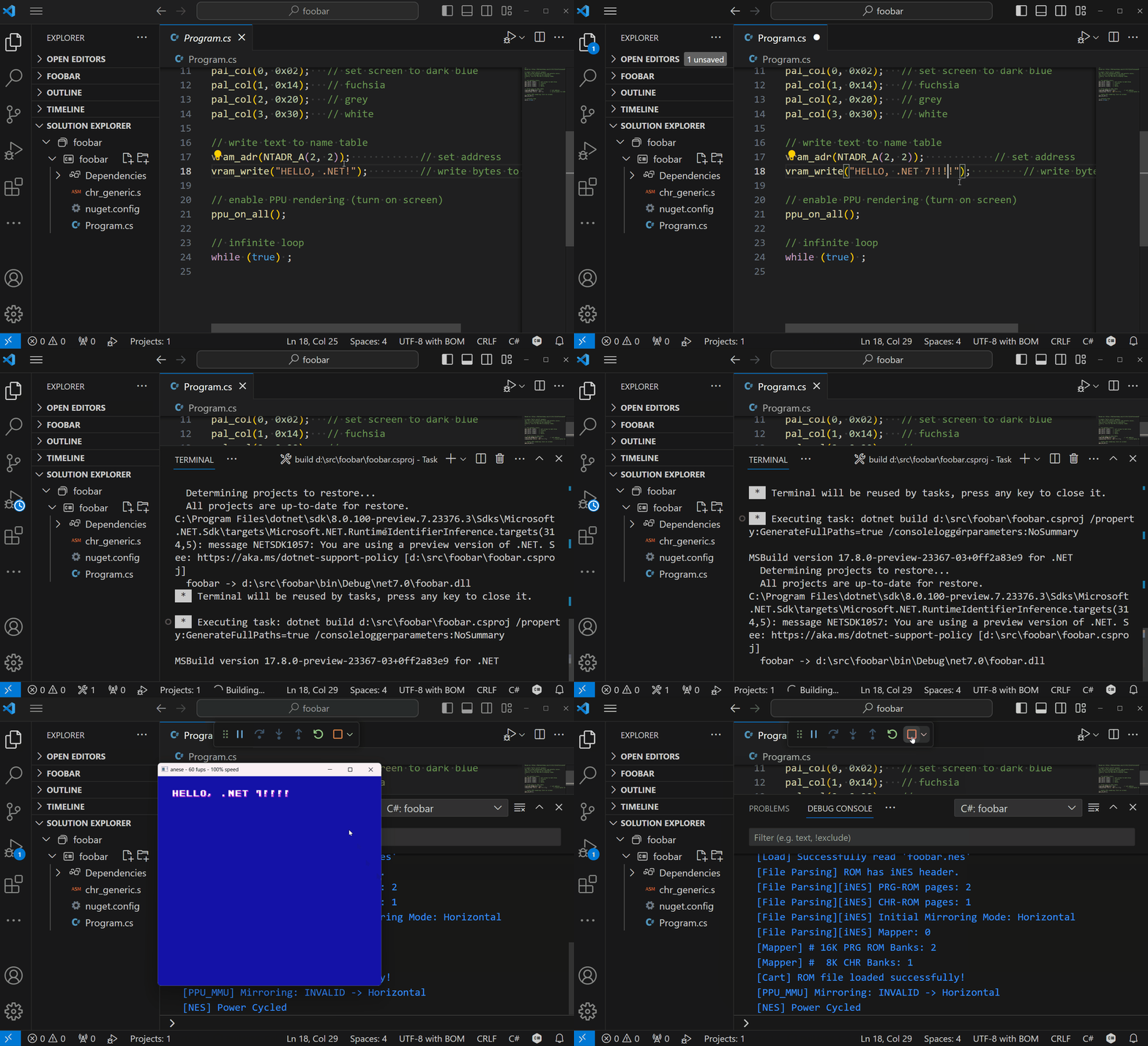
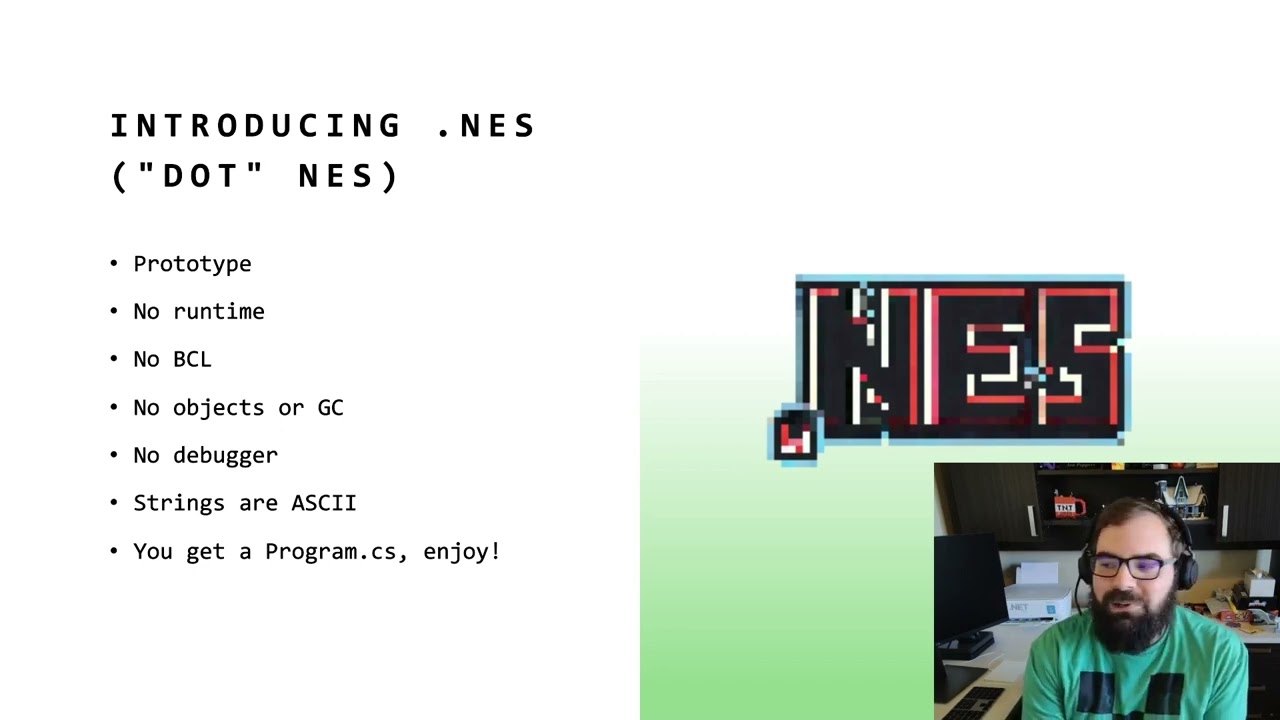
Check out the video for a full demo:
.NES exposes several MSBuild properties for configuring your ROM (mapper, mirroring, PRG/CHR bank counts, diagnostic logging, and more). See docs/msbuild-properties.md for the full reference.
Tools that need a 6502 object model without writing a ROM can use the
in-memory compilation API.
Standard .NET test projects can reference dotnes directly to use that API
without ROM build settings or NES-only analyzers; see
desktop test projects.
Use native assembly callbacks and opt into exclusive PPU/OAM ownership without depending on private runtime addresses. See docs/native-runtime.md for callback registration, extern symbol compatibility, and interrupt responsibilities.
"Hello World" looks something like:
// set palette colors
pal_col(0, DarkBlue);
pal_col(1, Magenta);
pal_col(2, LightGray);
pal_col(3, White);

// write text to name table
vram_adr(NTADR_A(2, 2));            // set address
vram_write("Hello, world!");         // write bytes to video RAM

// enable PPU rendering (turn on screen)
ppu_on_all();

// infinite loop
while (true) ;
This looks very much like "Hello World" in C, taking advantage of the latest C# features in 2023.
By default the APIs like pal_col, etc. are provided by an implicit
global using static NESLib; and color constants like DarkBlue by
global using static NESColor;. All code is written within a single
Program.cs.
Additionally, a chr_generic.s file is included as your game's "artwork" (lol?):
.segment "CHARS"
.byte $00,$00,$00,$00,$00,$00,$00,$00
...
.byte $B4,$8C,$FC,$3C,$98,$C0,$00,$00
;;
This table of data is used to render sprites, text, etc.
.NES also supports NES music playback via the APU. The samples/music project
plays "The Easy Winners" by Scott Joplin using pulse and triangle channels:
ushort[] note_table = [ 4304, 4062, 3834, ... ];
set_music_pulse_table(note_table);

ushort[] tri_table = [ 2138, 2018, 1905, ... ];
set_music_triangle_table(tri_table);

byte[] music1 = [ 0x2a, 0x1e, 0x95, ... ];

apu_init();
start_music(music1);

while (true)
{
    ppu_wait_nmi();
    music_tick();
}
For more details, see docs/music-sample.md.
The samples/metasprites project demonstrates runtime arrays, for loops, random
numbers, and metasprites — combining multiple hardware sprites into larger
sprites:
byte[] metasprite = [
    0, 0, 0xD8, 0,   // top-left
    0, 8, 0xD9, 0,   // bottom-left
    8, 0, 0xDA, 0,   // top-right
    8, 8, 0xDB, 0,   // bottom-right
    128               // terminator
];

byte[] actor_x = new byte[16];
byte[] actor_y = new byte[16];

byte i = 0;
while (i < 16)
{
    actor_x[i] = rand8();
    actor_y[i] = rand8();
    i = (byte)(i + 1);
}

while (true)
{
    byte oam_id = 0;
    i = 0;
    while (i < 16)
    {
        oam_id = oam_meta_spr(actor_x[i], actor_y[i], oam_id, metasprite);
        i = (byte)(i + 1);
    }
    if (oam_id != 0) oam_hide_rest(oam_id);
    ppu_wait_frame();
}
The types of things I wanted to get working initially:
*.nes binary, that is byte-for-byte
identical to a program written in C.attributetable runsamples/music)rand8() (see samples/metasprites)Fixed RAM byte[] arrays can be passed to static helpers without copying their
contents. Helpers can read and write the caller's array, including passing the
same array to nested helpers or to multiple parameters. For example:
byte[] actors = new byte[8];
actors[3] = 75;
Update(actors, 3);
while (true) ;

static void Update(byte[] actors, byte index)
{
    actors[index]++;
}
This uses the existing fixed-allocation model, not managed allocation or GC.
Array-reference returns, ref array parameters, and helper parameters with
other array element types or ranks are not supported. Array indexes and scalar
arguments in this byte-array path are byte-sized. Scalar parameters and returns
are limited to primitive byte, sbyte, and bool (or void returns), not
byte-backed enums. Captured/by-reference array-helper contexts are not supported.
An alias must keep the same
array identity, including at conditional joins. Same-identity branches preserve
their evaluation order; differing or unproven merged identities are diagnosed.
Mixing RAM
arrays and read-only ROM tables in one helper call is also diagnosed, including
through local and static-field aliases, rather than treating a ROM table as
writable RAM. Existing ROM-only helper calls keep their previous behavior.
That legacy path does not gain the new RAM-helper signature or mutability
validation: writes through ROM parameters and unsupported legacy scalar/captured
call shapes remain outside this contract.
Fixed static-field aliases can share an allocation established by the caller;
capturing a helper's parameter-frame pointer in a static alias is not supported.
These aliases must be initialized on every path before use, including through
helper calls; a future or conditional-only assignment is not an initialization proof.
Allocations shared this way are reserved once in persistent RAM before method
emission, so helper ordering and reuse of other local frames do not change them.
Supported conditional scalar operands use the shared expression pipeline before
array operand capture. This fixed-array ABI does not expand scalar operator
support; any remaining unlowered merged operand is diagnosed rather than guessed
from an adjacent load.
Down the road, I might think about support for:
For lack of a better word, .NES is a "transpiler" that takes MSIL and transforms it directly into a working 6502 microprocessor binary that can run in your favorite NES emulator. If you think about .NET's Just-In-Time (JIT) compiler or the various an Ahead-Of-Time (AOT) compilers, .NES is doing something similiar: taking MSIL and turning it into runnable machine code.
To understand further, let's look at the MSIL of a pal_col method call:
// pal_col(0, DarkBlue);
IL_0000: ldc.i4.0
IL_0001: ldc.i4.2
IL_0002: call void [neslib]NES.NESLib::pal_col(uint8, uint8)
In 6502 assembly, this would look something like:
A900          LDA #$00
20A285        JSR pusha
A902          LDA #$02
203E82        JSR _pal_col
You can see how one might envision using System.Reflection.Metadata to iterate over the contents of a .NET assembly and generate 6502 instructions -- that's how this whole idea was born!
Note that the method NESLib.pal_col() has no actual C# implementation. In
fact! there is only a reference assembly even shipped in .NES:
> 7z l dotnes.0.2.0-alpha.nupkg
   Date      Time    Attr         Size   Compressed  Name
------------------- ----- ------------ ------------  ------------------------
2023-09-14 14:37:38 .....         8192         3169  ref\net10.0\neslib.dll
If you decompile neslib.dll, no code is inside:
// Warning! This assembly is marked as a 'reference assembly', which means that it only contains metadata and no executable code.
// neslib, Version=0.1.0.0, Culture=neutral, PublicKeyToken=null
// NES.NESLib
public static void pal_col(byte index, byte color) => throw null;
When generating *.nes binaries, .NES simply does a lookup for pal_col to
"jump" to the appropriate subroutine to call it.
.NES also emits the assembly instructions for the actual pal_col subroutine.
The implementation uses an object model that represents 6502 instructions:
/*
* 823E	8517          	STA TEMP                      ; _pal_col
* 8240	209285        	JSR popa
* 8243	291F          	AND #$1F
* 8245	AA            	TAX
* 8246	A517          	LDA TEMP
* 8248	9DC001        	STA $01C0,x
* 824B	E607          	INC PAL_UPDATE
* 824D	60            	RTS
*/
// Uses Block and Instruction objects from the 6502 object model:
var block = new Block("_pal_col");
block.Emit(STA_zpg(TEMP))
     .Emit(JSR(popa))
     .Emit(AND(0x1F))
     .Emit(TAX())
     .Emit(LDA_zpg(TEMP))
     .Emit(STA_abs_X(PAL_BUF))
     .Emit(INC_zpg(PAL_UPDATE))
     .Emit(RTS());
This is a hobby project, so there are around 42 C# sample programs that are known to work. But to get an idea of what is not available:
What we do have is a way to express an NES program in a single Program.cs.
To learn more about NES development, I found the following useful:
310 followers · starred May 2024
198 followers · starred Sep 2023
87 followers · starred Jun 2024
102 followers · starred Sep 2023
.NET for the NES game console!
| shoot2 ⬇️ | pong ⬇️ |
| |
| climber ⬇️ | procgen ⬇️ |
| |
| snake ⬇️ | siegegame ⬇️ |
| |
| metasprites ⬇️ | animation ⬇️ |
| |
| scoreboard ⬇️ | bigsprites ⬇️ |
| |
| sprites ⬇️ | horizscroll ⬇️ |
| |
| vertscroll ⬇️ | scroll ⬇️ |
| |
| fade ⬇️ | slideshow ⬇️ |
| |
| monobitmap ⬇️ | music ⬇️ |
| |
| fami ⬇️ | conio ⬇️ |
| |
| metacursor ⬇️ | metatrigger ⬇️ |
| |
| horizmask ⬇️ | statusbar ⬇️ |
| |
| peekpoke ⬇️ | irq ⬇️ |
| |
| rletitle ⬇️ | attributetable ⬇️ |
| |
| tileset1 ⬇️ | hello ⬇️ |
| |
| tint ⬇️ | flicker ⬇️ |
| |
See the samples/ folder for all 46 sample projects. Generate images with
dotnet run scripts/record-all-samples.cs.
PRs of any kind are welcome! If you have a question, feel free to:
Thanks!
Simply install the template:
dotnet new install dotnes.templates
Create a project:
dotnet new nes
Or use the project template in Visual Studio:
Build and run it as you would a console app:
dotnet run
Of course, you can also just open the project in Visual Studio and hit F5.
Note that Ctrl+F5 currently works better in C# Dev Kit in VS Code.
Check out the video for a full demo:
.NES exposes several MSBuild properties for configuring your ROM (mapper, mirroring, PRG/CHR bank counts, diagnostic logging, and more). See docs/msbuild-properties.md for the full reference.
Tools that need a 6502 object model without writing a ROM can use the
in-memory compilation API.
Standard .NET test projects can reference dotnes directly to use that API
without ROM build settings or NES-only analyzers; see
desktop test projects.
Use native assembly callbacks and opt into exclusive PPU/OAM ownership without depending on private runtime addresses. See docs/native-runtime.md for callback registration, extern symbol compatibility, and interrupt responsibilities.
"Hello World" looks something like:
// set palette colors
pal_col(0, DarkBlue);
pal_col(1, Magenta);
pal_col(2, LightGray);
pal_col(3, White);

// write text to name table
vram_adr(NTADR_A(2, 2));            // set address
vram_write("Hello, world!");         // write bytes to video RAM

// enable PPU rendering (turn on screen)
ppu_on_all();

// infinite loop
while (true) ;
This looks very much like "Hello World" in C, taking advantage of the latest C# features in 2023.
By default the APIs like pal_col, etc. are provided by an implicit
global using static NESLib; and color constants like DarkBlue by
global using static NESColor;. All code is written within a single
Program.cs.
Additionally, a chr_generic.s file is included as your game's "artwork" (lol?):
.segment "CHARS"
.byte $00,$00,$00,$00,$00,$00,$00,$00
...
.byte $B4,$8C,$FC,$3C,$98,$C0,$00,$00
;;
This table of data is used to render sprites, text, etc.
.NES also supports NES music playback via the APU. The samples/music project
plays "The Easy Winners" by Scott Joplin using pulse and triangle channels:
ushort[] note_table = [ 4304, 4062, 3834, ... ];
set_music_pulse_table(note_table);

ushort[] tri_table = [ 2138, 2018, 1905, ... ];
set_music_triangle_table(tri_table);

byte[] music1 = [ 0x2a, 0x1e, 0x95, ... ];

apu_init();
start_music(music1);

while (true)
{
    ppu_wait_nmi();
    music_tick();
}
For more details, see docs/music-sample.md.
The samples/metasprites project demonstrates runtime arrays, for loops, random
numbers, and metasprites — combining multiple hardware sprites into larger
sprites:
byte[] metasprite = [
    0, 0, 0xD8, 0,   // top-left
    0, 8, 0xD9, 0,   // bottom-left
    8, 0, 0xDA, 0,   // top-right
    8, 8, 0xDB, 0,   // bottom-right
    128               // terminator
];

byte[] actor_x = new byte[16];
byte[] actor_y = new byte[16];

byte i = 0;
while (i < 16)
{
    actor_x[i] = rand8();
    actor_y[i] = rand8();
    i = (byte)(i + 1);
}

while (true)
{
    byte oam_id = 0;
    i = 0;
    while (i < 16)
    {
        oam_id = oam_meta_spr(actor_x[i], actor_y[i], oam_id, metasprite);
        i = (byte)(i + 1);
    }
    if (oam_id != 0) oam_hide_rest(oam_id);
    ppu_wait_frame();
}
The types of things I wanted to get working initially:
*.nes binary, that is byte-for-byte
identical to a program written in C.attributetable runsamples/music)rand8() (see samples/metasprites)Fixed RAM byte[] arrays can be passed to static helpers without copying their
contents. Helpers can read and write the caller's array, including passing the
same array to nested helpers or to multiple parameters. For example:
byte[] actors = new byte[8];
actors[3] = 75;
Update(actors, 3);
while (true) ;

static void Update(byte[] actors, byte index)
{
    actors[index]++;
}
This uses the existing fixed-allocation model, not managed allocation or GC.
Array-reference returns, ref array parameters, and helper parameters with
other array element types or ranks are not supported. Array indexes and scalar
arguments in this byte-array path are byte-sized. Scalar parameters and returns
are limited to primitive byte, sbyte, and bool (or void returns), not
byte-backed enums. Captured/by-reference array-helper contexts are not supported.
An alias must keep the same
array identity, including at conditional joins. Same-identity branches preserve
their evaluation order; differing or unproven merged identities are diagnosed.
Mixing RAM
arrays and read-only ROM tables in one helper call is also diagnosed, including
through local and static-field aliases, rather than treating a ROM table as
writable RAM. Existing ROM-only helper calls keep their previous behavior.
That legacy path does not gain the new RAM-helper signature or mutability
validation: writes through ROM parameters and unsupported legacy scalar/captured
call shapes remain outside this contract.
Fixed static-field aliases can share an allocation established by the caller;
capturing a helper's parameter-frame pointer in a static alias is not supported.
These aliases must be initialized on every path before use, including through
helper calls; a future or conditional-only assignment is not an initialization proof.
Allocations shared this way are reserved once in persistent RAM before method
emission, so helper ordering and reuse of other local frames do not change them.
Supported conditional scalar operands use the shared expression pipeline before
array operand capture. This fixed-array ABI does not expand scalar operator
support; any remaining unlowered merged operand is diagnosed rather than guessed
from an adjacent load.
Down the road, I might think about support for:
For lack of a better word, .NES is a "transpiler" that takes MSIL and transforms it directly into a working 6502 microprocessor binary that can run in your favorite NES emulator. If you think about .NET's Just-In-Time (JIT) compiler or the various an Ahead-Of-Time (AOT) compilers, .NES is doing something similiar: taking MSIL and turning it into runnable machine code.
To understand further, let's look at the MSIL of a pal_col method call:
// pal_col(0, DarkBlue);
IL_0000: ldc.i4.0
IL_0001: ldc.i4.2
IL_0002: call void [neslib]NES.NESLib::pal_col(uint8, uint8)
In 6502 assembly, this would look something like:
A900          LDA #$00
20A285        JSR pusha
A902          LDA #$02
203E82        JSR _pal_col
You can see how one might envision using System.Reflection.Metadata to iterate over the contents of a .NET assembly and generate 6502 instructions -- that's how this whole idea was born!
Note that the method NESLib.pal_col() has no actual C# implementation. In
fact! there is only a reference assembly even shipped in .NES:
> 7z l dotnes.0.2.0-alpha.nupkg
   Date      Time    Attr         Size   Compressed  Name
------------------- ----- ------------ ------------  ------------------------
2023-09-14 14:37:38 .....         8192         3169  ref\net10.0\neslib.dll
If you decompile neslib.dll, no code is inside:
// Warning! This assembly is marked as a 'reference assembly', which means that it only contains metadata and no executable code.
// neslib, Version=0.1.0.0, Culture=neutral, PublicKeyToken=null
// NES.NESLib
public static void pal_col(byte index, byte color) => throw null;
When generating *.nes binaries, .NES simply does a lookup for pal_col to
"jump" to the appropriate subroutine to call it.
.NES also emits the assembly instructions for the actual pal_col subroutine.
The implementation uses an object model that represents 6502 instructions:
/*
* 823E	8517          	STA TEMP                      ; _pal_col
* 8240	209285        	JSR popa
* 8243	291F          	AND #$1F
* 8245	AA            	TAX
* 8246	A517          	LDA TEMP
* 8248	9DC001        	STA $01C0,x
* 824B	E607          	INC PAL_UPDATE
* 824D	60            	RTS
*/
// Uses Block and Instruction objects from the 6502 object model:
var block = new Block("_pal_col");
block.Emit(STA_zpg(TEMP))
     .Emit(JSR(popa))
     .Emit(AND(0x1F))
     .Emit(TAX())
     .Emit(LDA_zpg(TEMP))
     .Emit(STA_abs_X(PAL_BUF))
     .Emit(INC_zpg(PAL_UPDATE))
     .Emit(RTS());
This is a hobby project, so there are around 42 C# sample programs that are known to work. But to get an idea of what is not available:
What we do have is a way to express an NES program in a single Program.cs.
To learn more about NES development, I found the following useful:
310 followers · starred May 2024
198 followers · starred Sep 2023
87 followers · starred Jun 2024
102 followers · starred Sep 2023