jeremykenedy/laravel-auth

A complete Laravel 13 application foundation: email verification, social sign in, roles and permissions, user profiles, and admin user management.

JavaScript

3,041

818 commits

updated Oct 8, 2026

See the code

README

Laravel Auth

Laravel Auth is a Complete Build of Laravel 13 with Email Registration Verification, Social Authentication, User Roles and Permissions, User Profiles, and Admin restricted user management system. Built on Bootstrap 4.

Tests StyleCI GitGuardian scan Quality Gate Status CodeFactor Codacy Badge Scrutinizer Build Status Scrutinizer Code Quality Code Intelligence Status All Contributors MadeWithLaravel.com shield License: MIT

Secured by Aikido

Follow on GitHub GitHub Stars Sponsor me on GitHub

Note

If you like this, you will love Laravel Auth Spa with configurable providers from an admin panel.

Table of contents

About

Laravel 13 with user authentication, registration with email confirmation, social media authentication, password recovery, and captcha protection. Uses official Bootstrap 4. This also makes full use of Controllers for the routes, templates for the views, and makes use of middleware for routing. Project can be stood up in minutes.

Features

A Laravel 13 with Bootstrap 4.x project

Installation Instructions

  1. Run git clone https://github.com/jeremykenedy/laravel-auth.git laravel-auth
  2. Create a MySQL database for the project
    • mysql -u root -p, if using Vagrant: mysql -u homestead -psecret
    • create database laravelAuth;
    • \q
  3. From the projects root run cp .env.example .env
  4. Configure your .env file
  5. Install composer, php-mysql, php-ext and php-dom (dependent on your distrubtion, For Debian run apt install composer php-mysql php-ext php-dom)
  6. Run composer update from the projects root folder
  7. From the projects root folder run:
php artisan vendor:publish --tag=laravelroles &&
php artisan vendor:publish --tag=laravel2step &&
php artisan vendor:publish --tag=laravel-email-database-log-migration
  1. From the projects root folder run sudo chmod -R 755 ../laravel-auth
  2. From the projects root folder run php artisan key:generate
  3. From the projects root folder run php artisan migrate
  4. From the projects root folder run composer dump-autoload
  5. From the projects root folder run php artisan db:seed
  6. Compile the front end assets with npm steps or yarn steps.

Build the Front End Assets with Vite

Using Yarn
  1. Install yarn (dependent on your distribution)
  2. From the projects root folder run yarn install
  3. From the projects root folder run yarn run dev or yarn run build
Using NPM
  1. From the projects root folder run npm install
  2. From the projects root folder run npm run dev or npm run build

Optionally Build Cache

  1. From the projects root folder run php artisan config:cache

Seeds

Seeded roles, permissions, users, themes, and blocker lists: see docs/seeds.md.

Routes

Full route list: see docs/routes.md.

Socialite

Socialite API key setup and adding more providers: see docs/socialite.md.

Environment File

Full example .env file and Laravel documentation references: see docs/environment.md.

Updates

Changelog: see docs/updates.md.

Screenshots

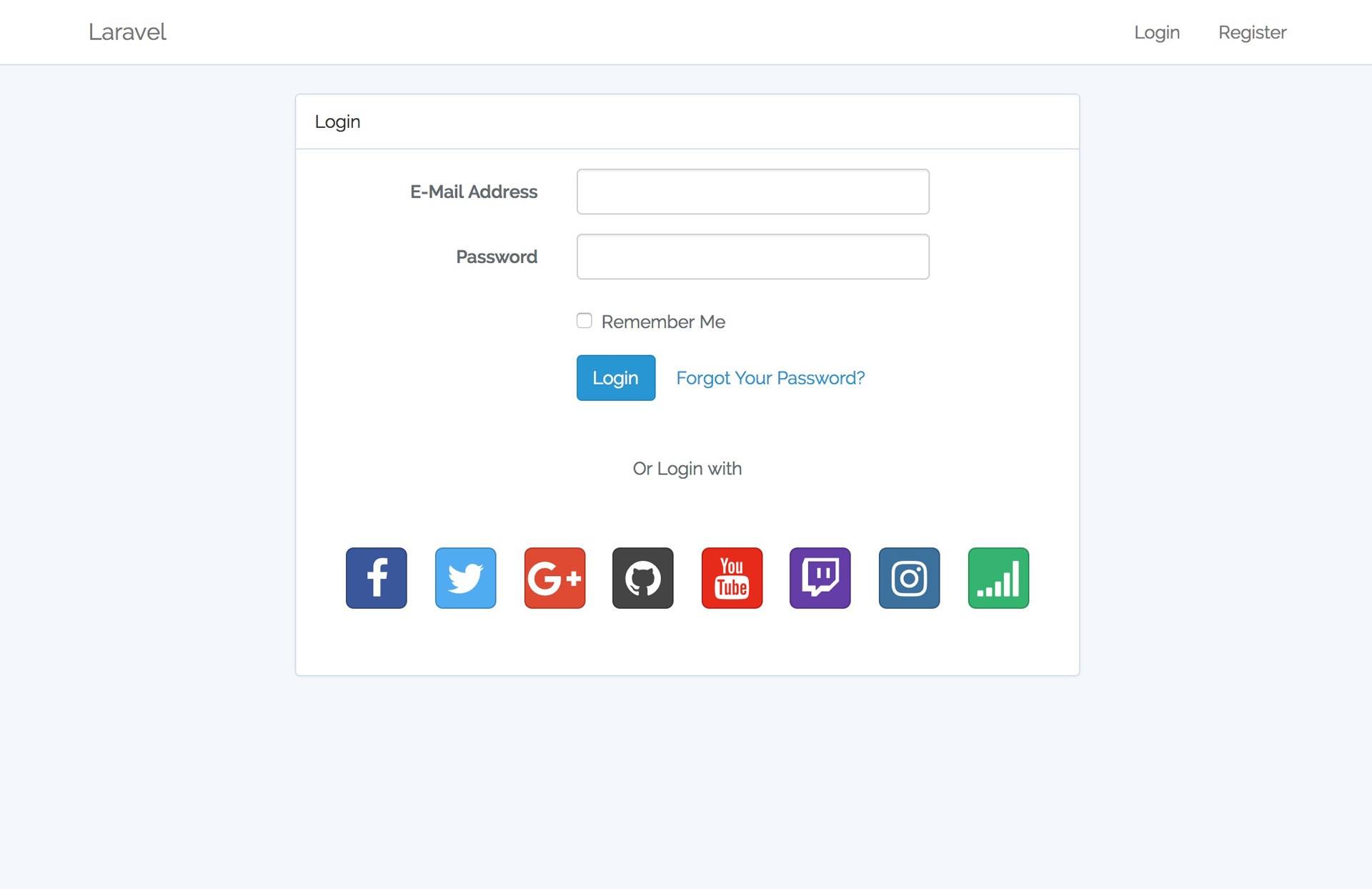
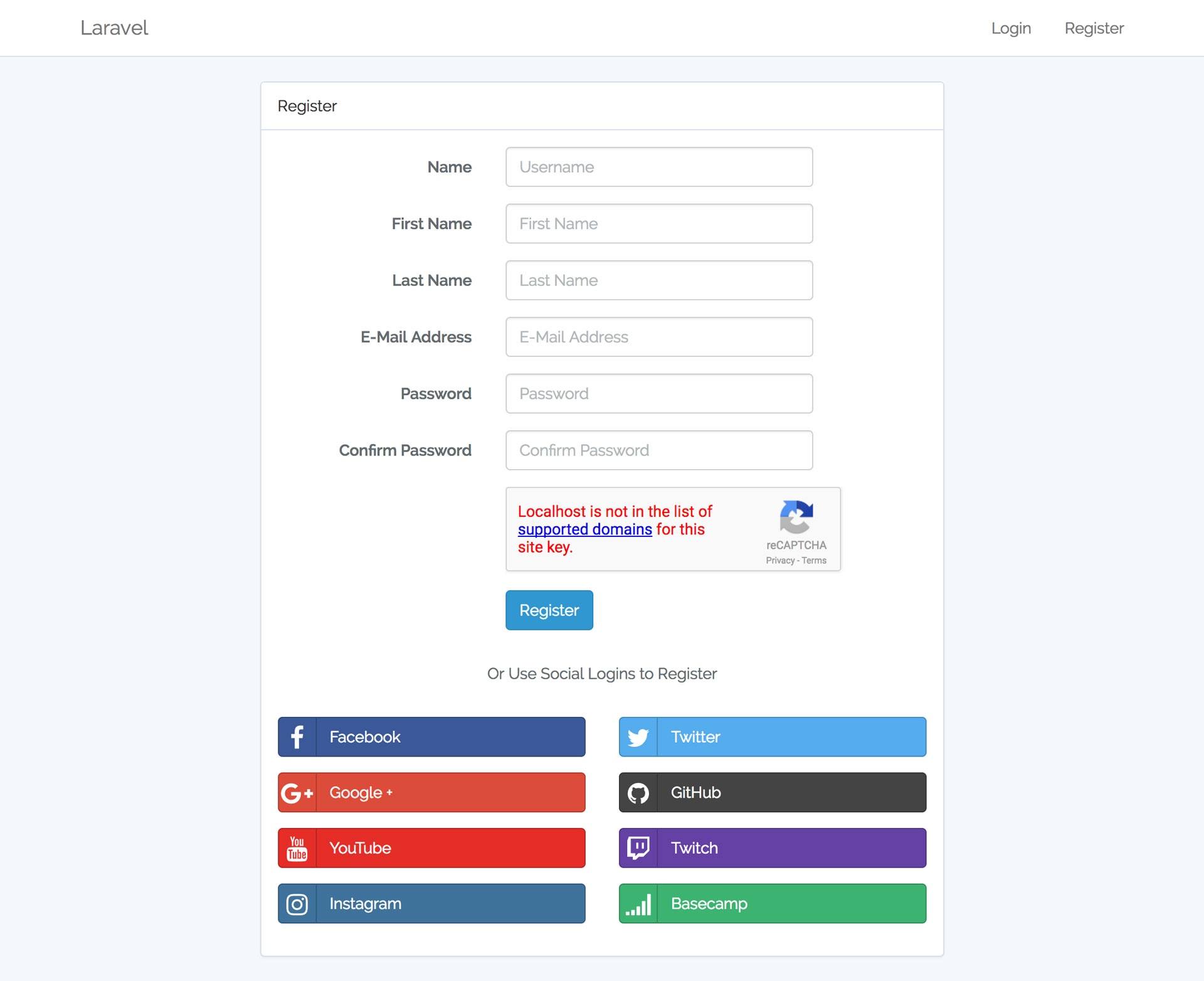
LoginRegister
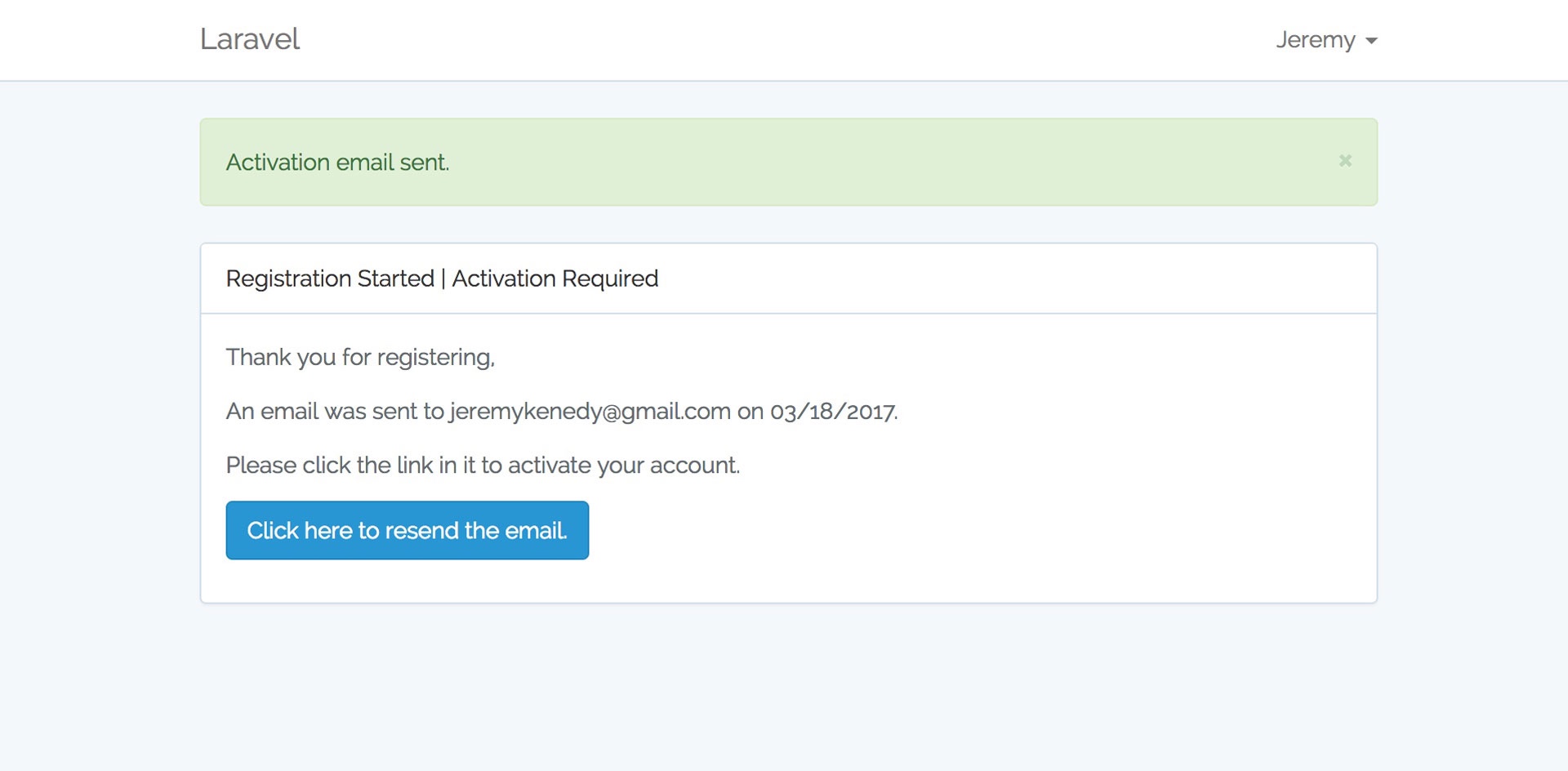
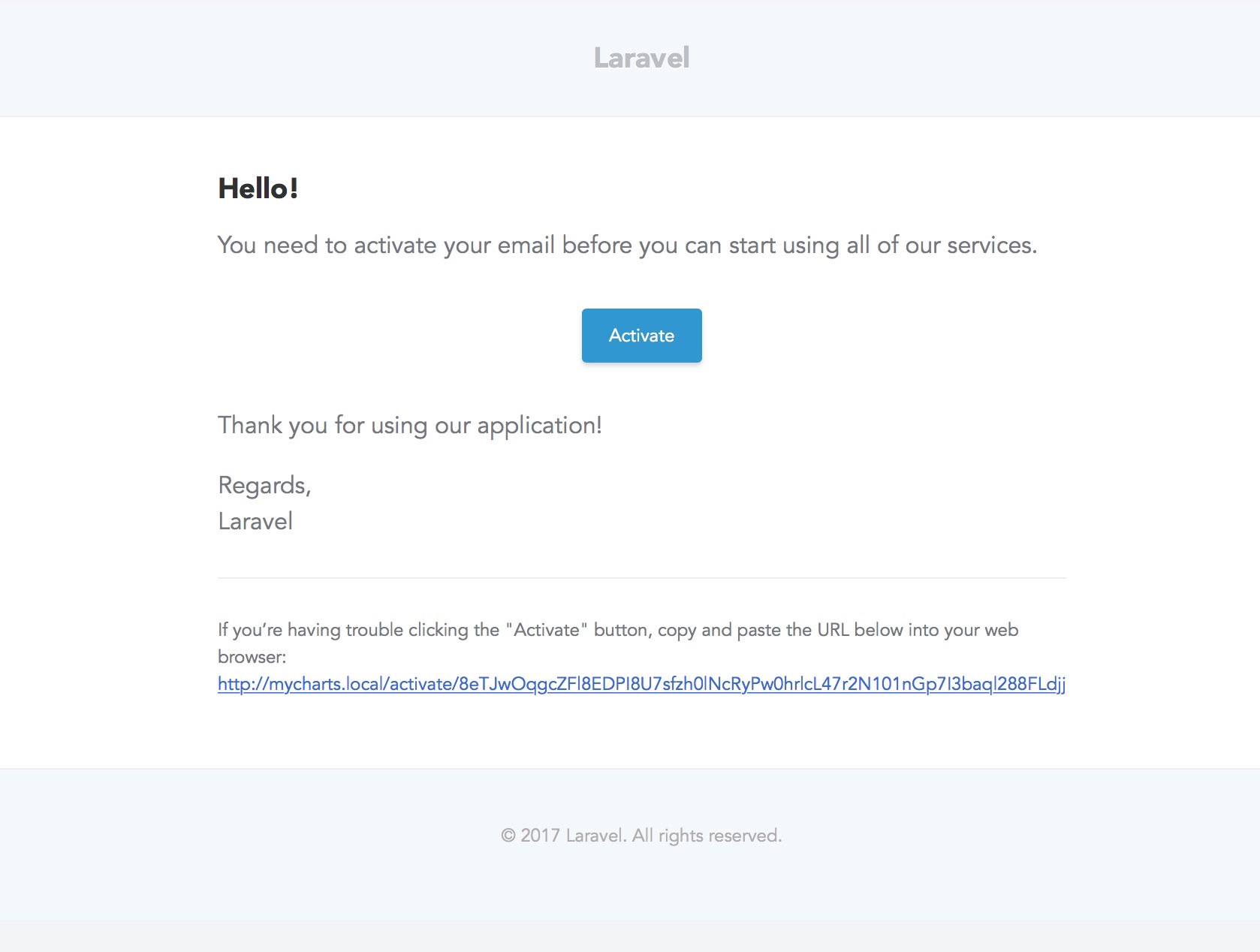
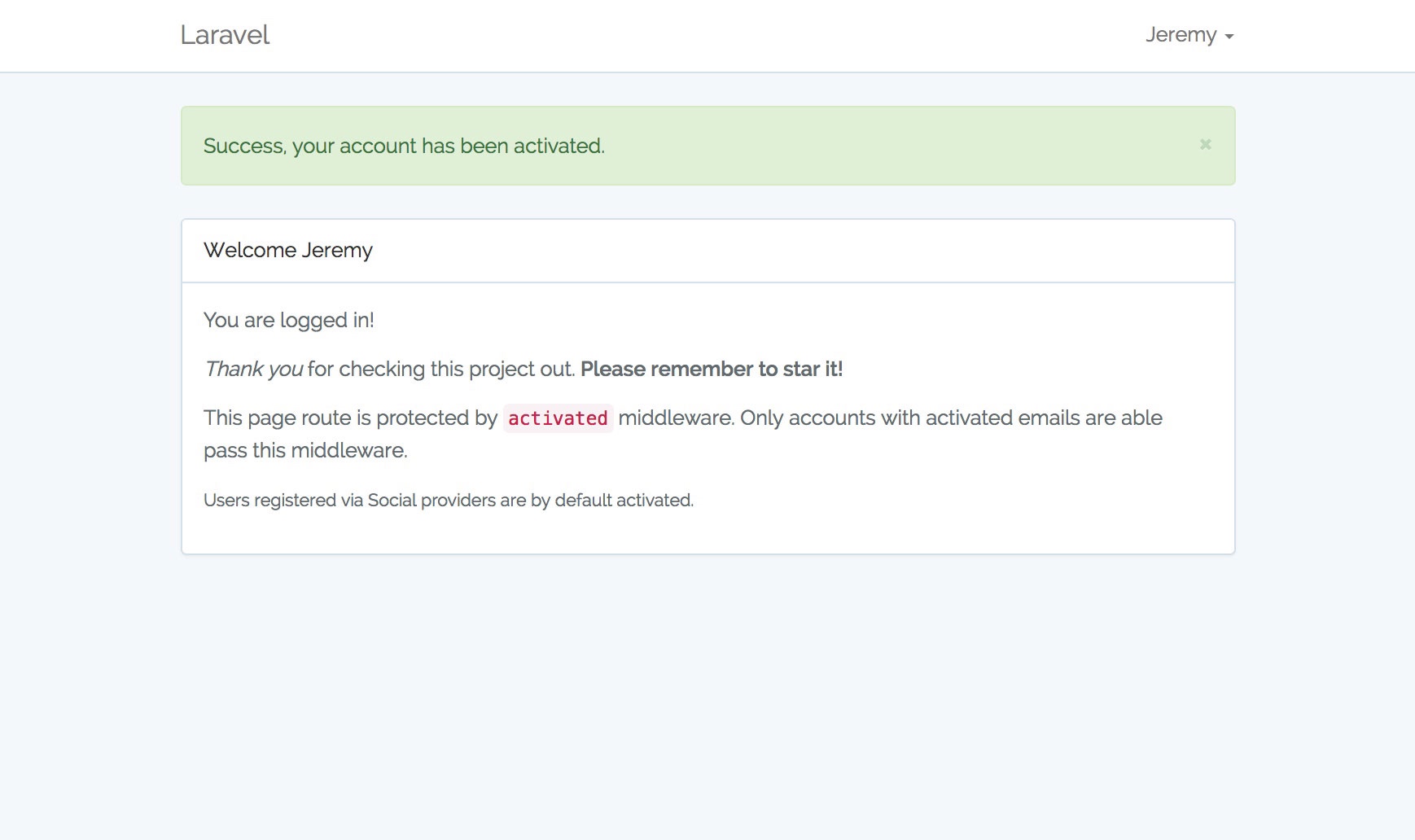
Registration ConfirmationRegistration Email
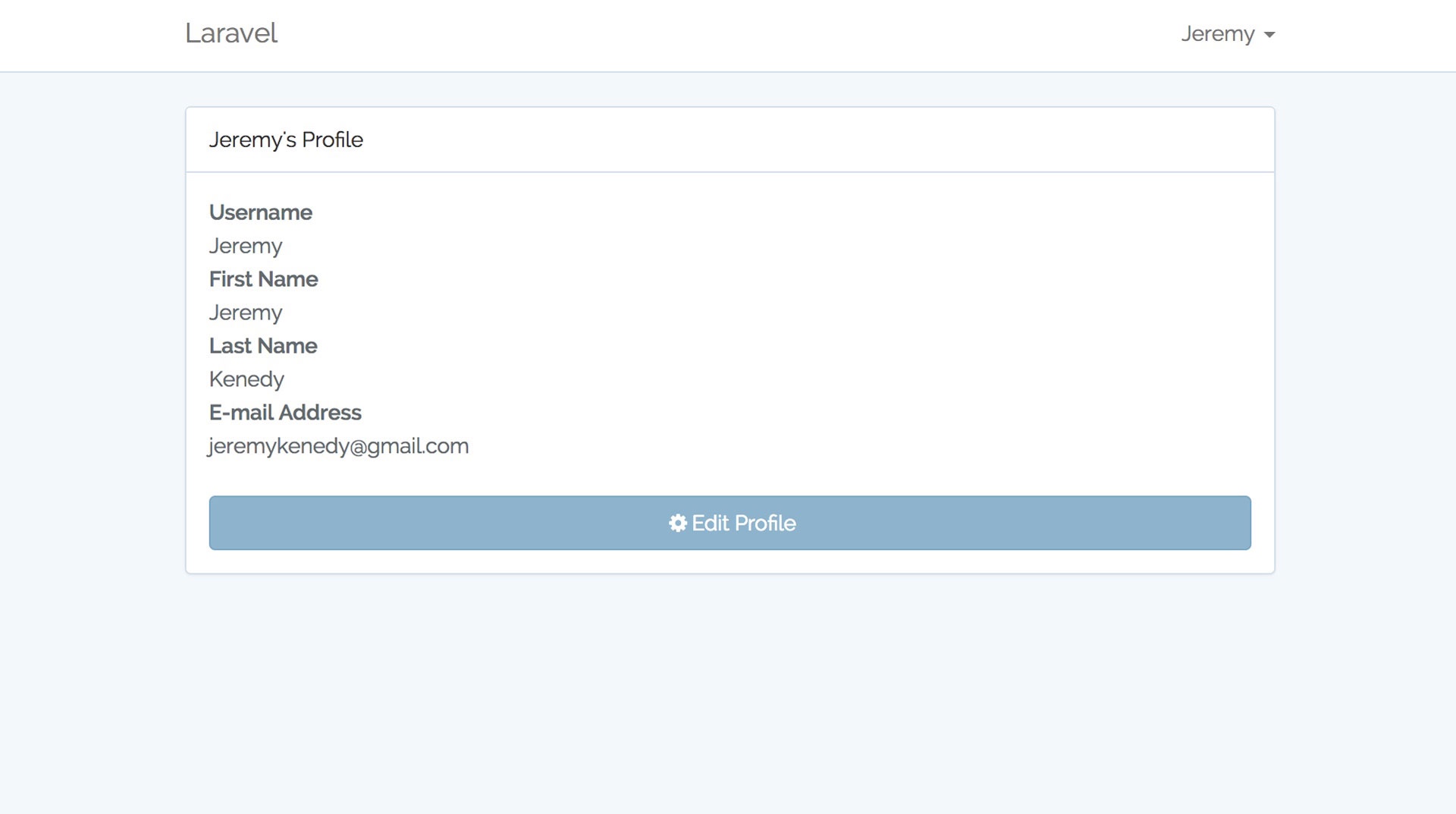
Registration CompleteIntial User Profile
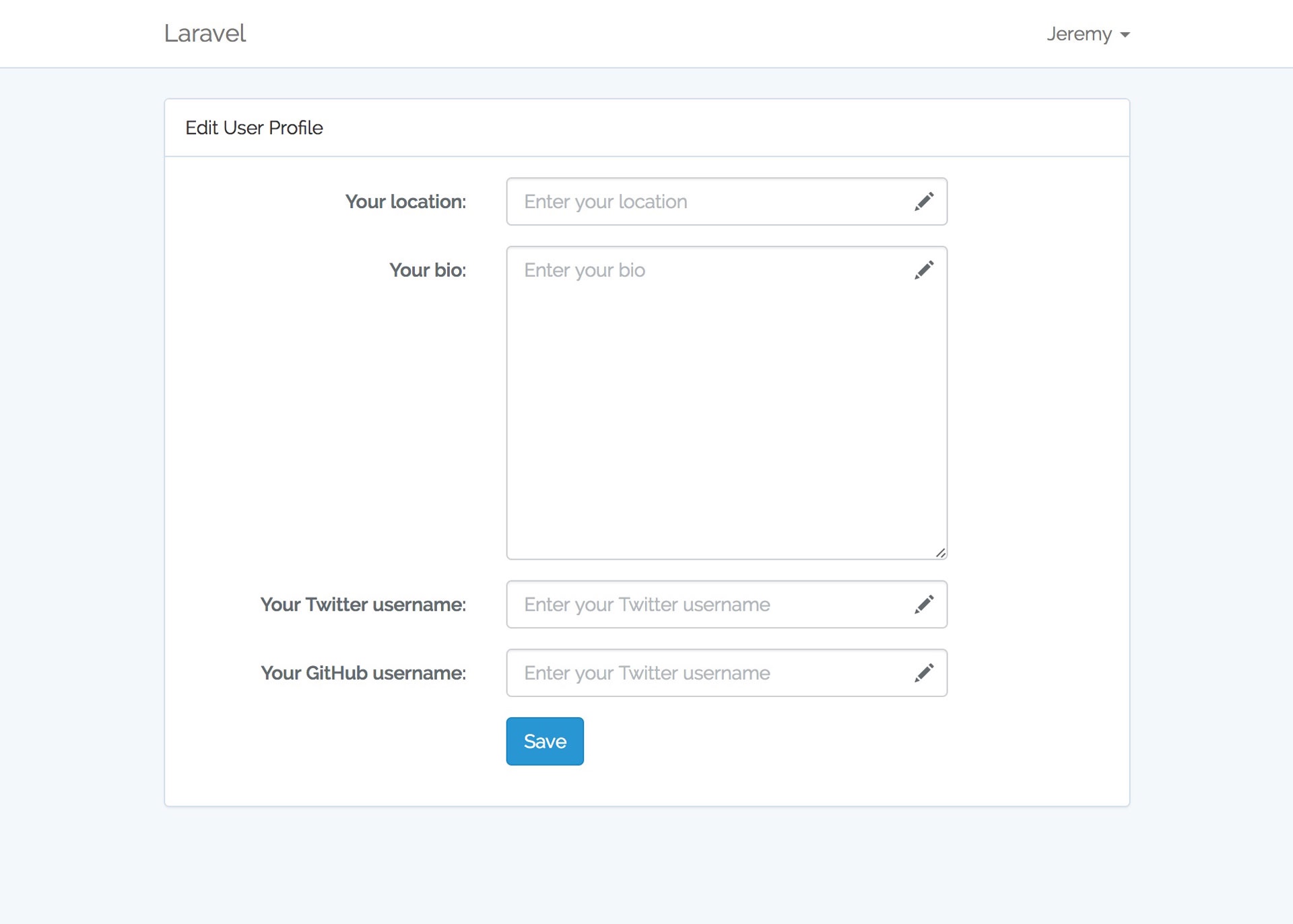
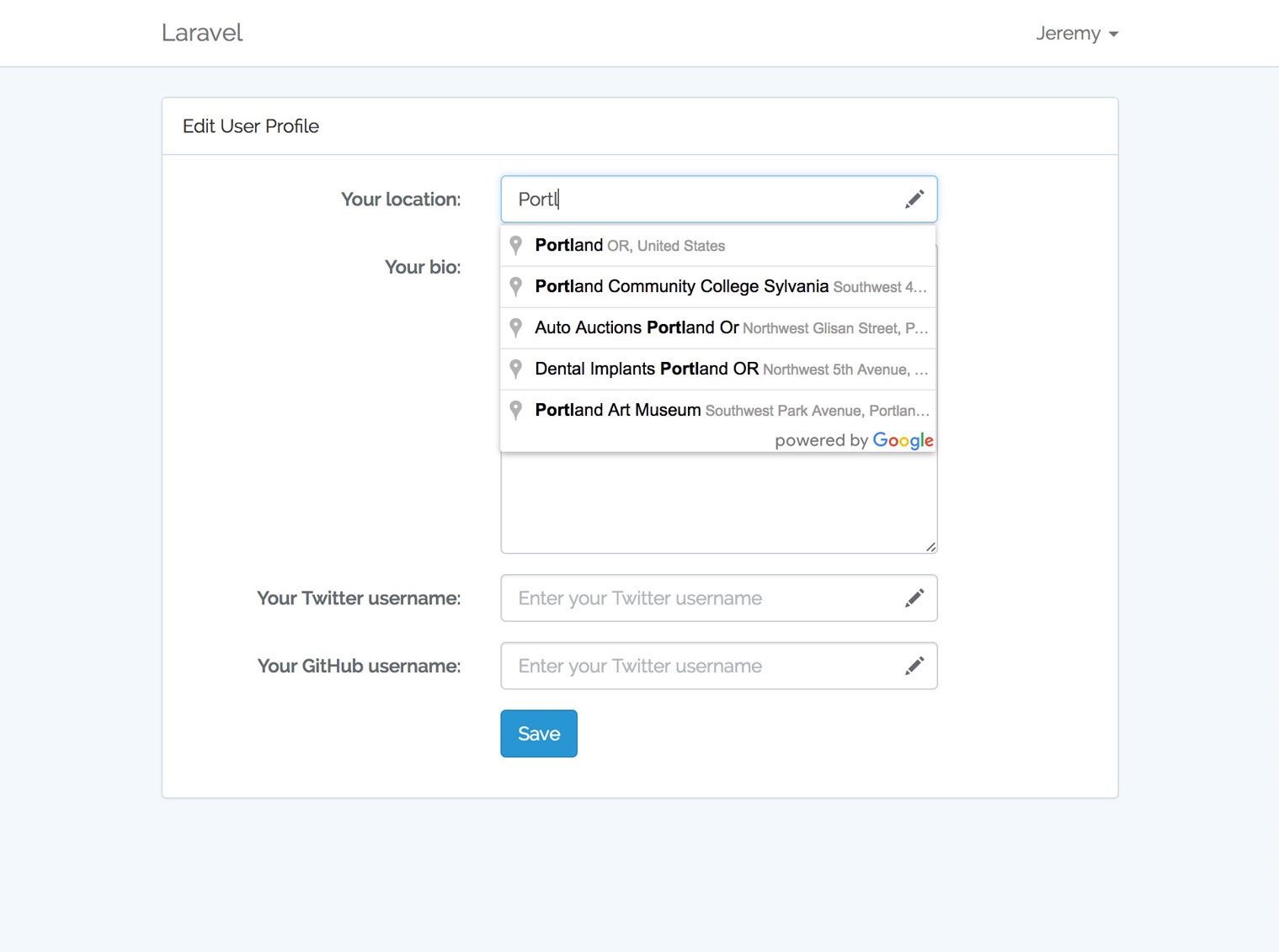
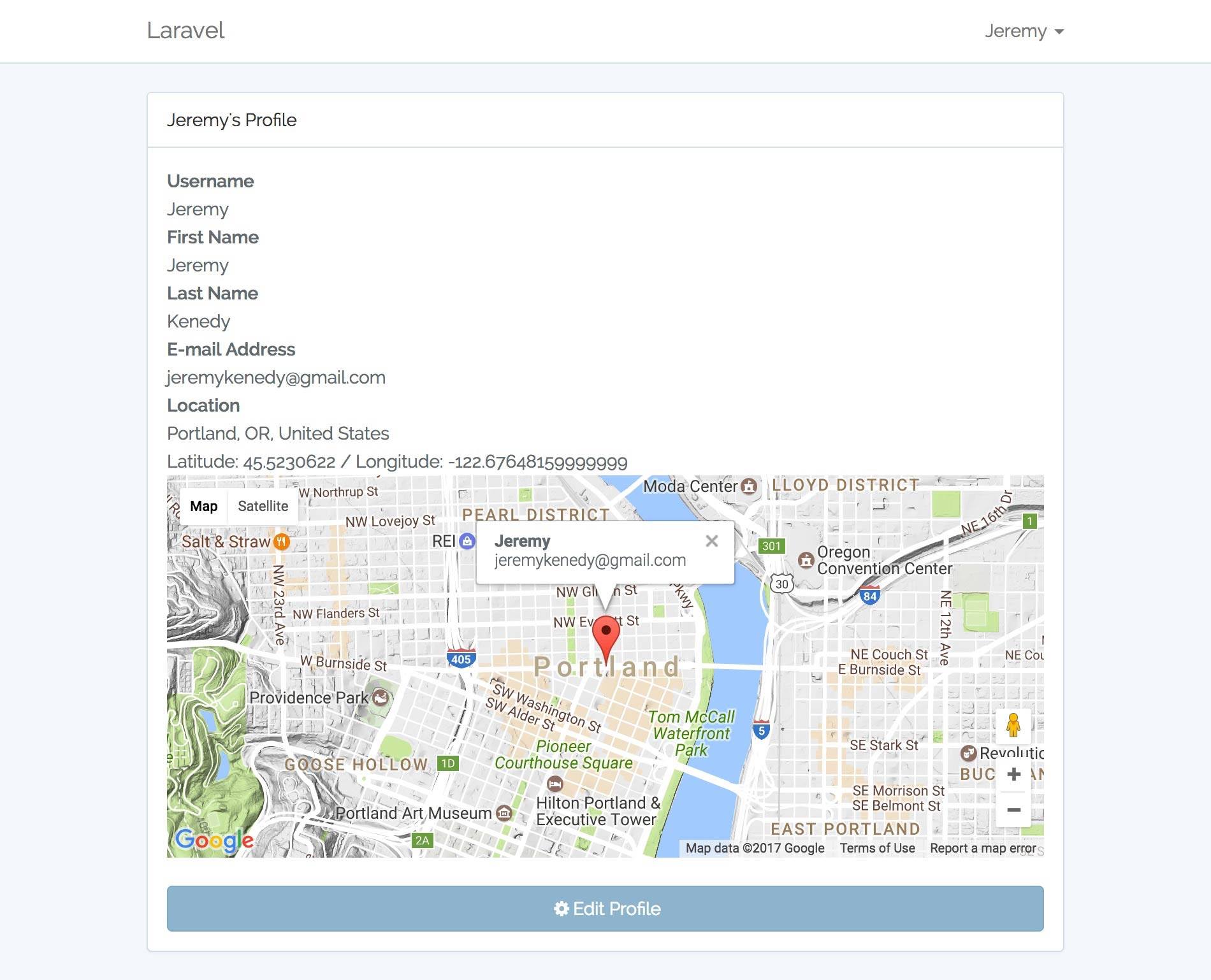
Edit User ProfileFind Location Using Google Maps API v3
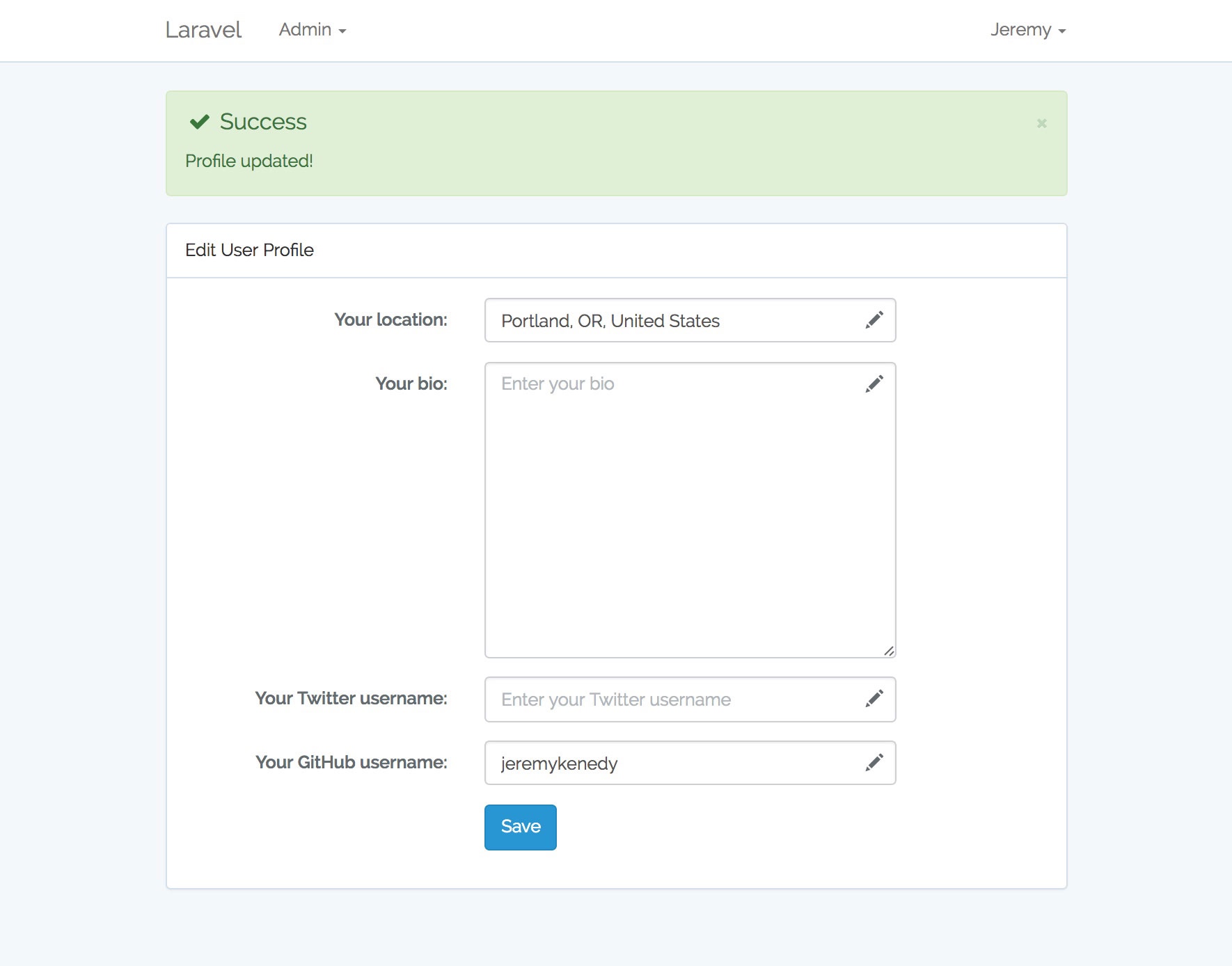
Profile UpdatedProfile Semi-completed
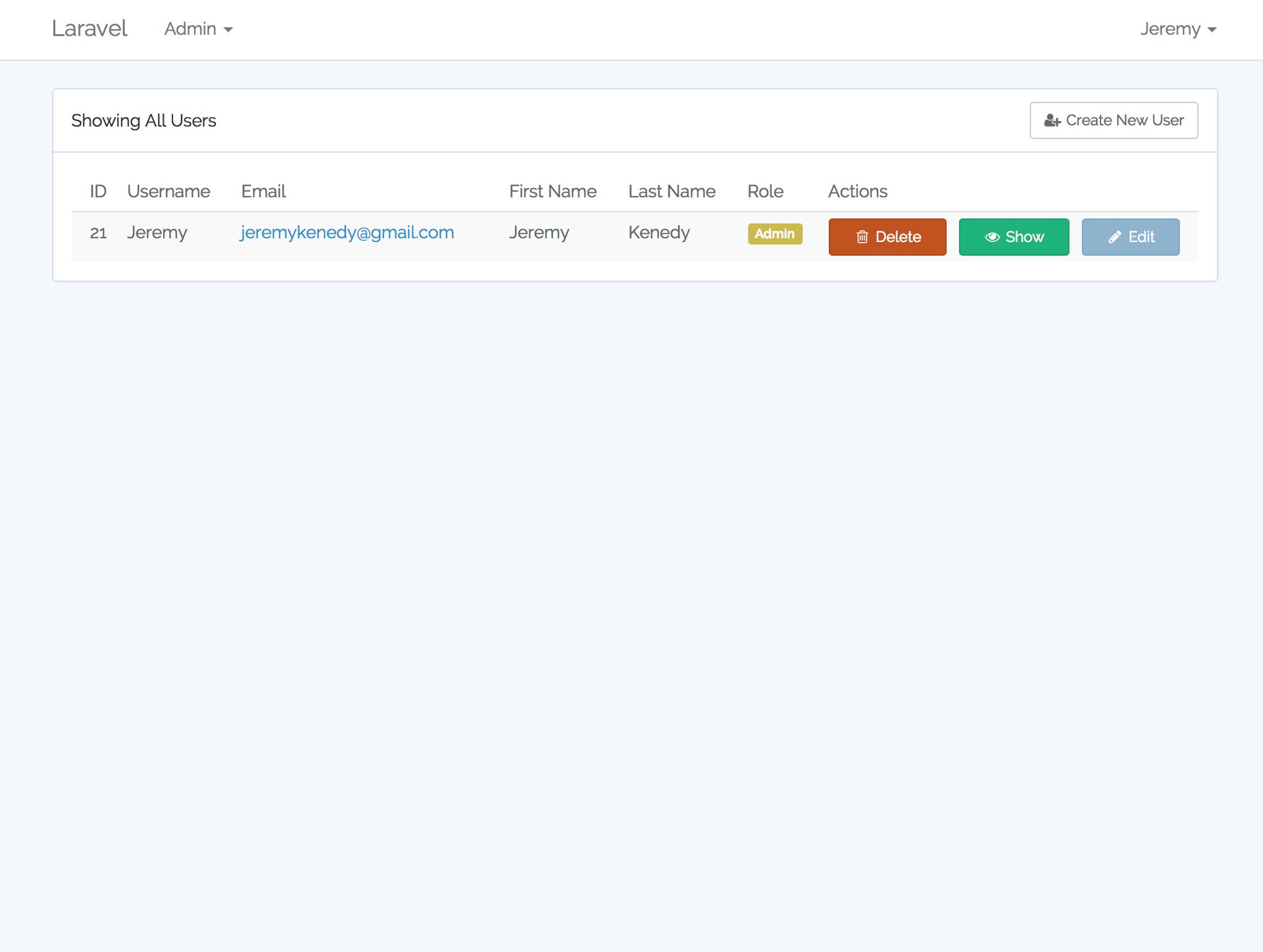
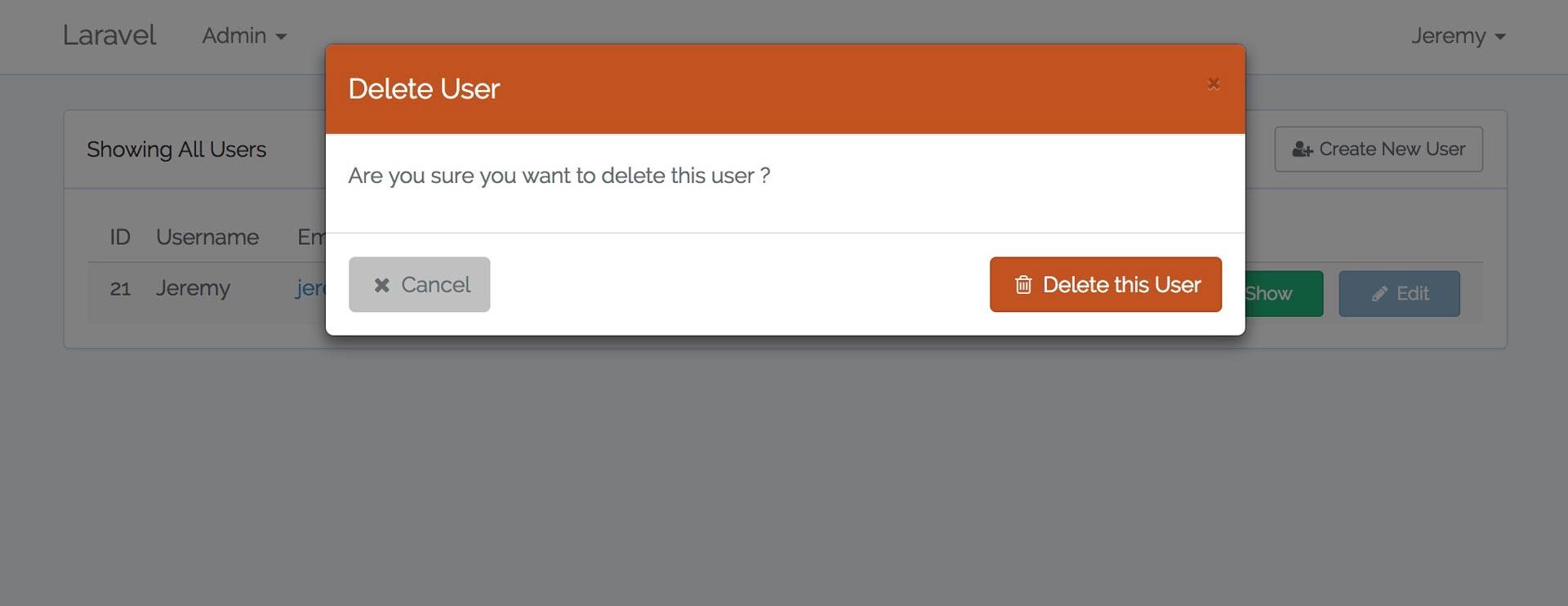
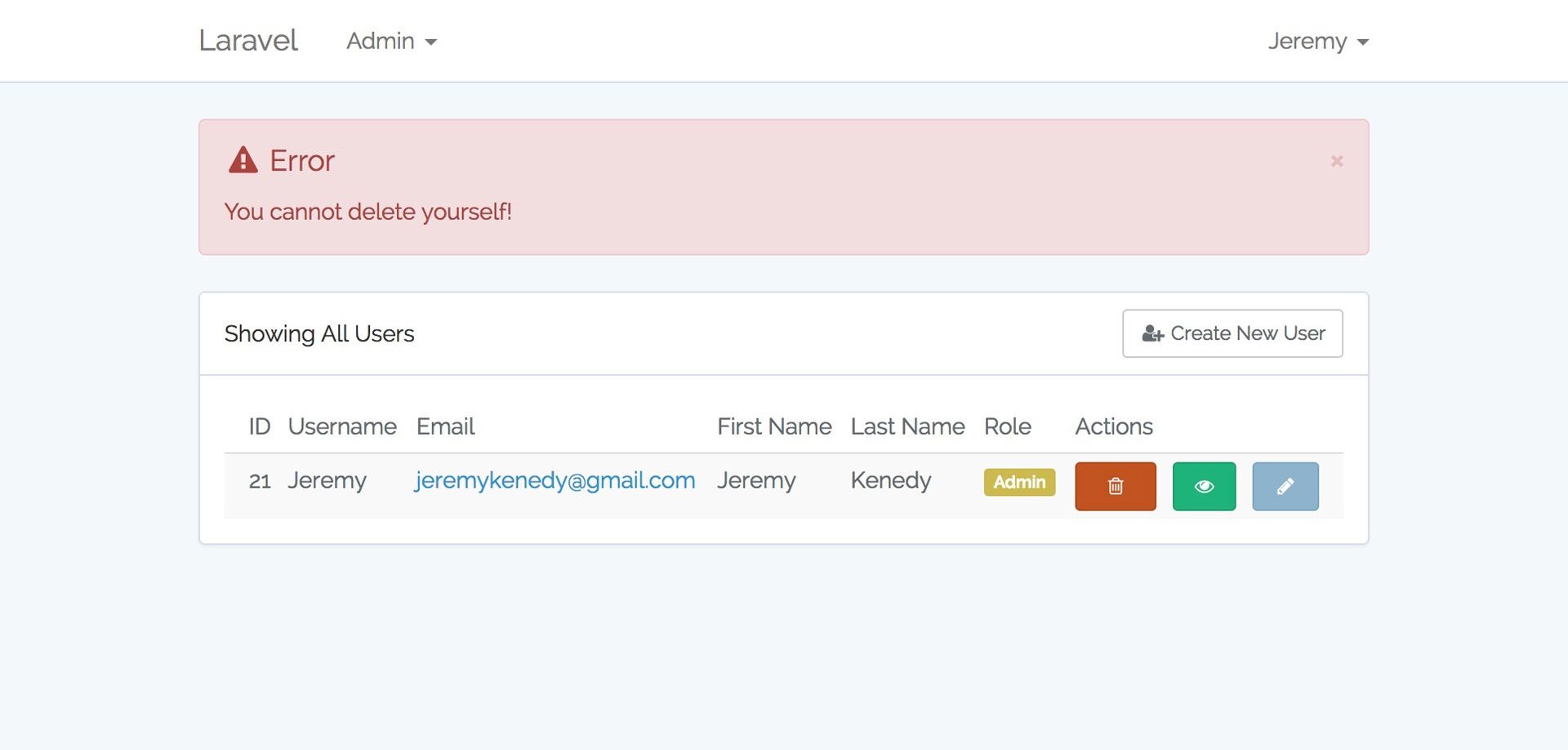
Admin Panel Users ListAdmin Panel Delete User
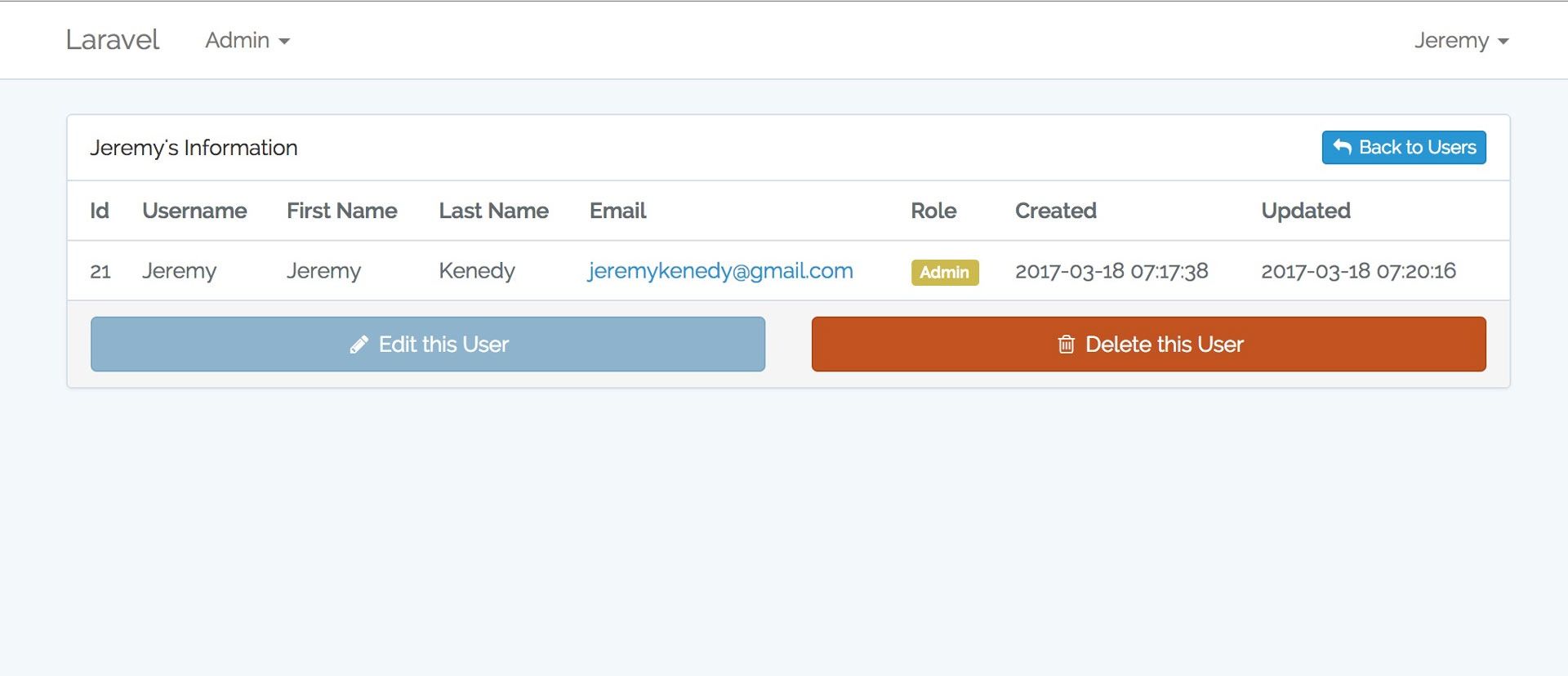
Admin Panel Flash ErrorAdmin Panel Show User
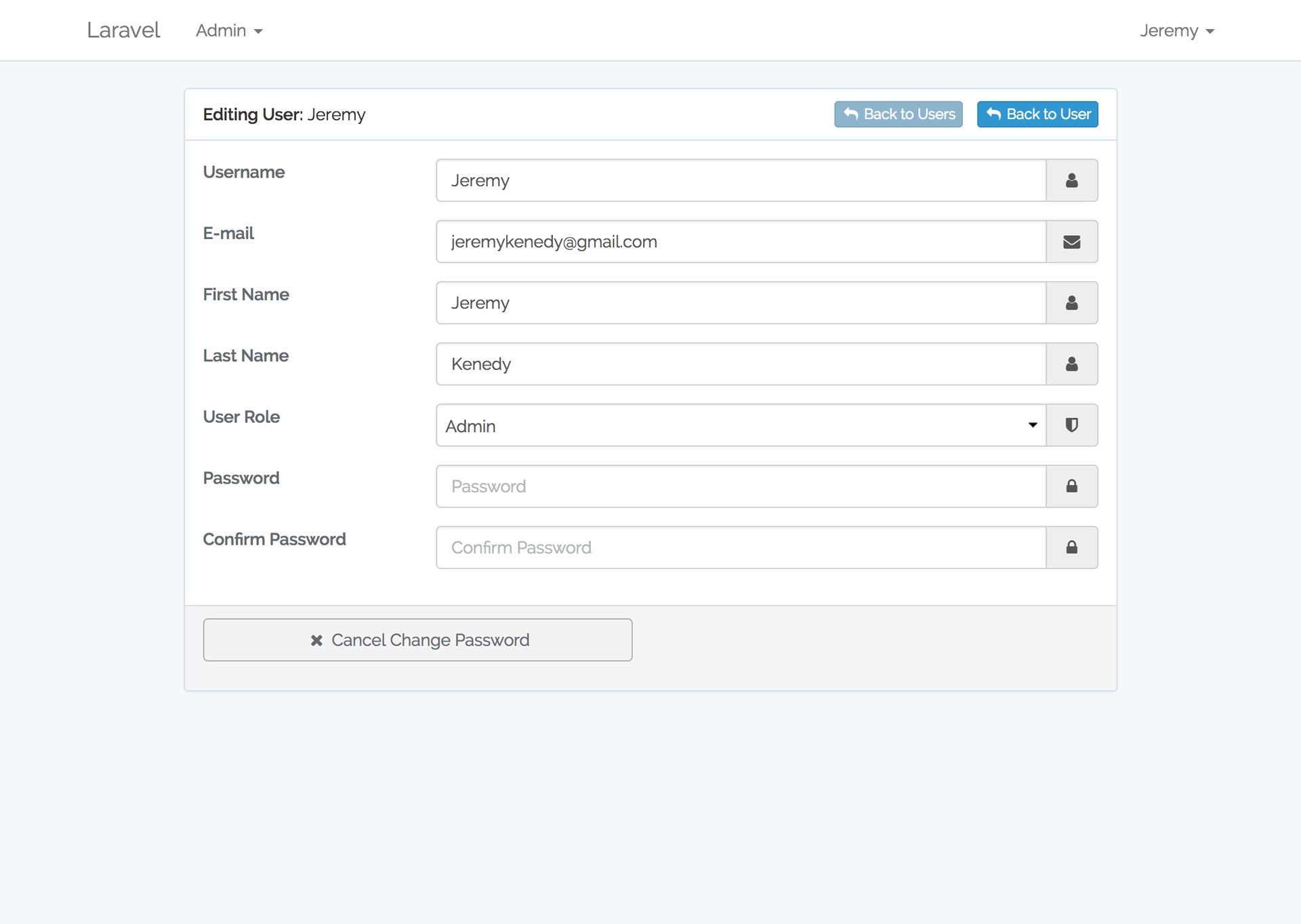
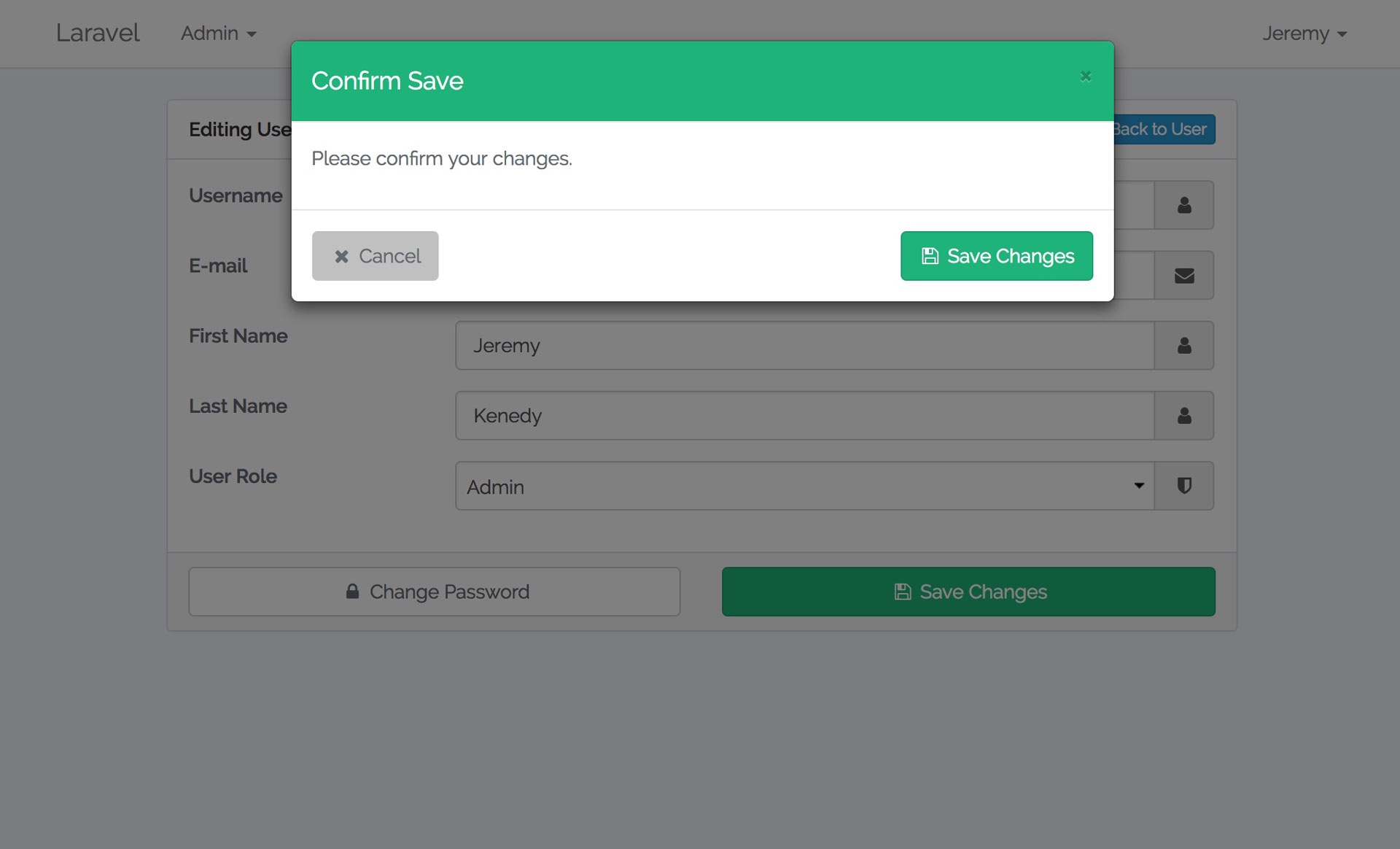
Admin Panel Edit UserAdmin Panel Save Edits
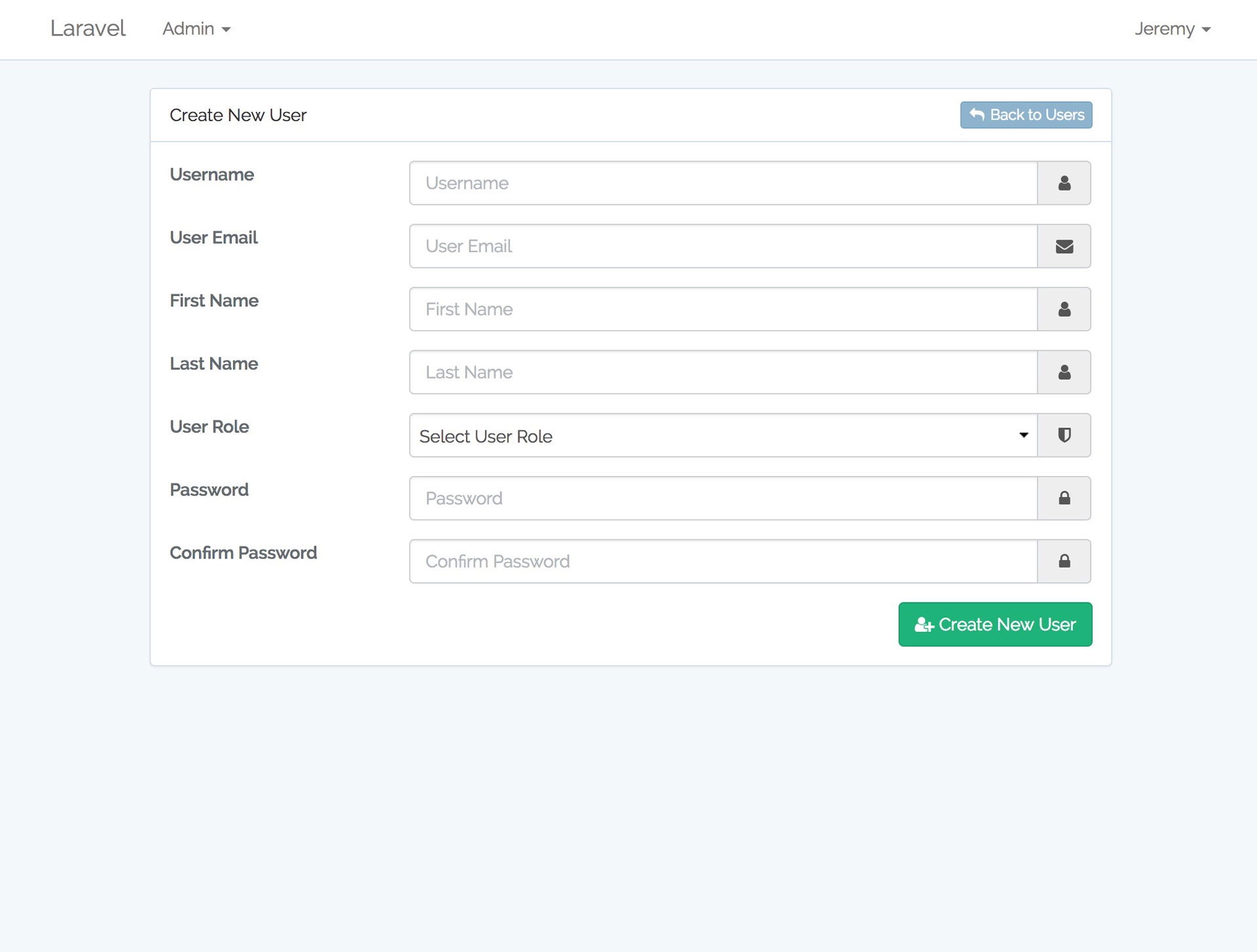
Admin Panel Create User
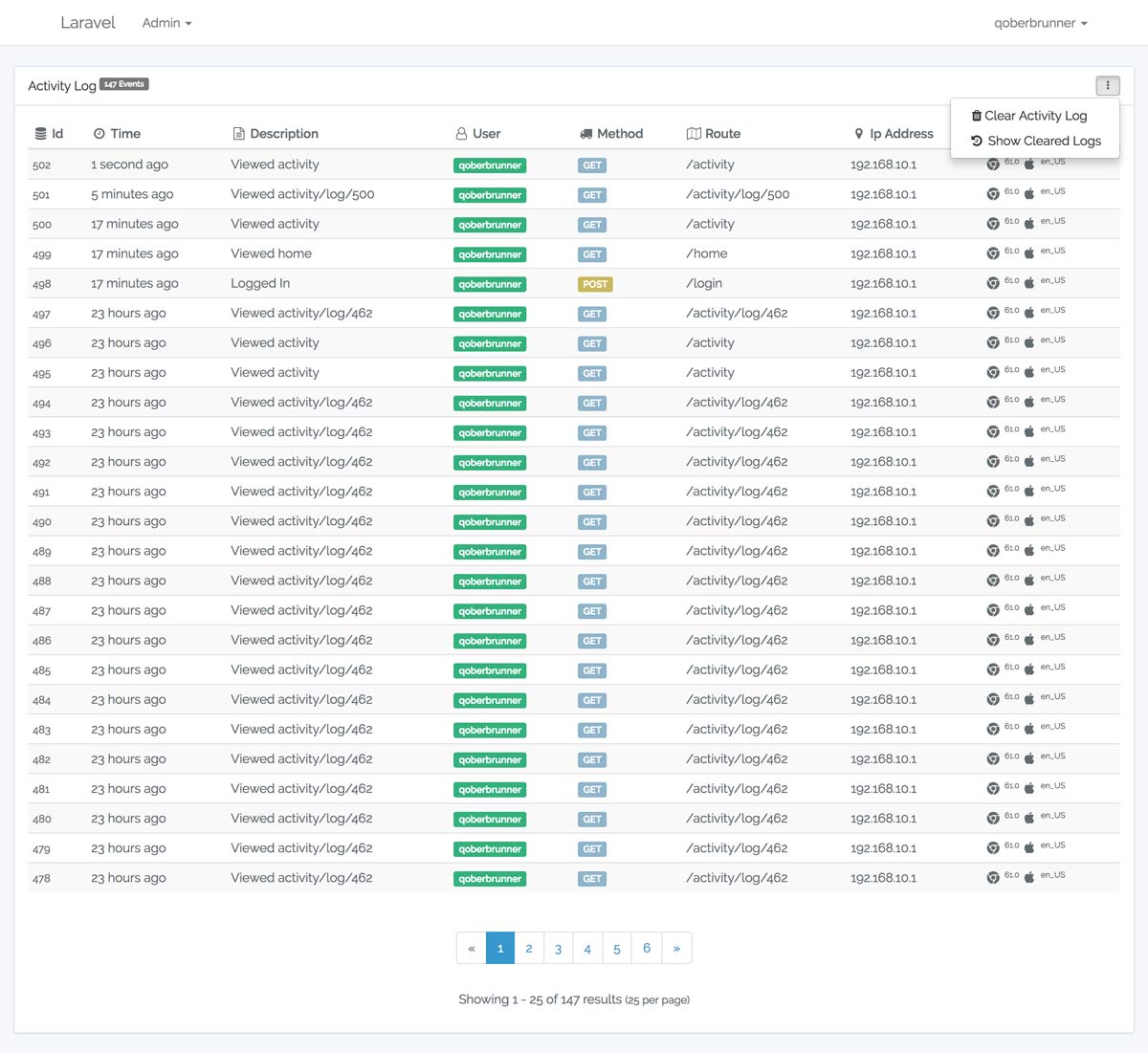
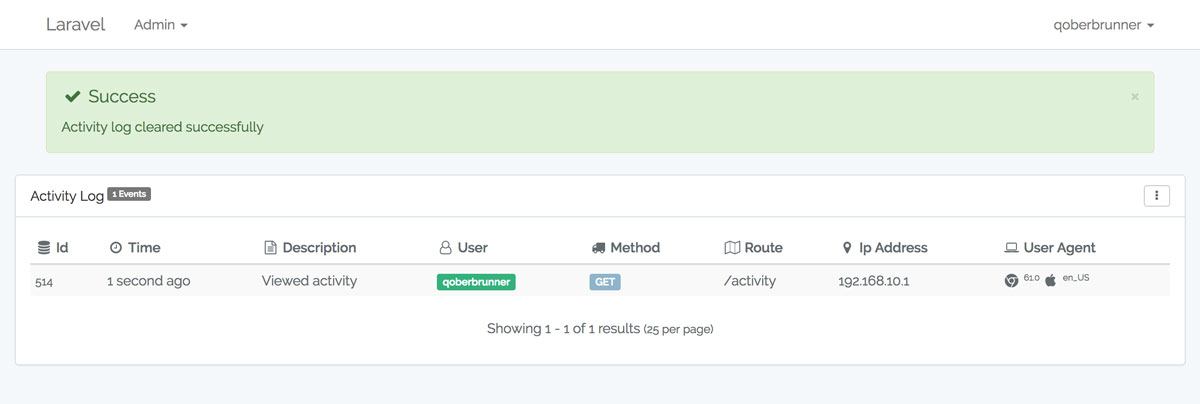
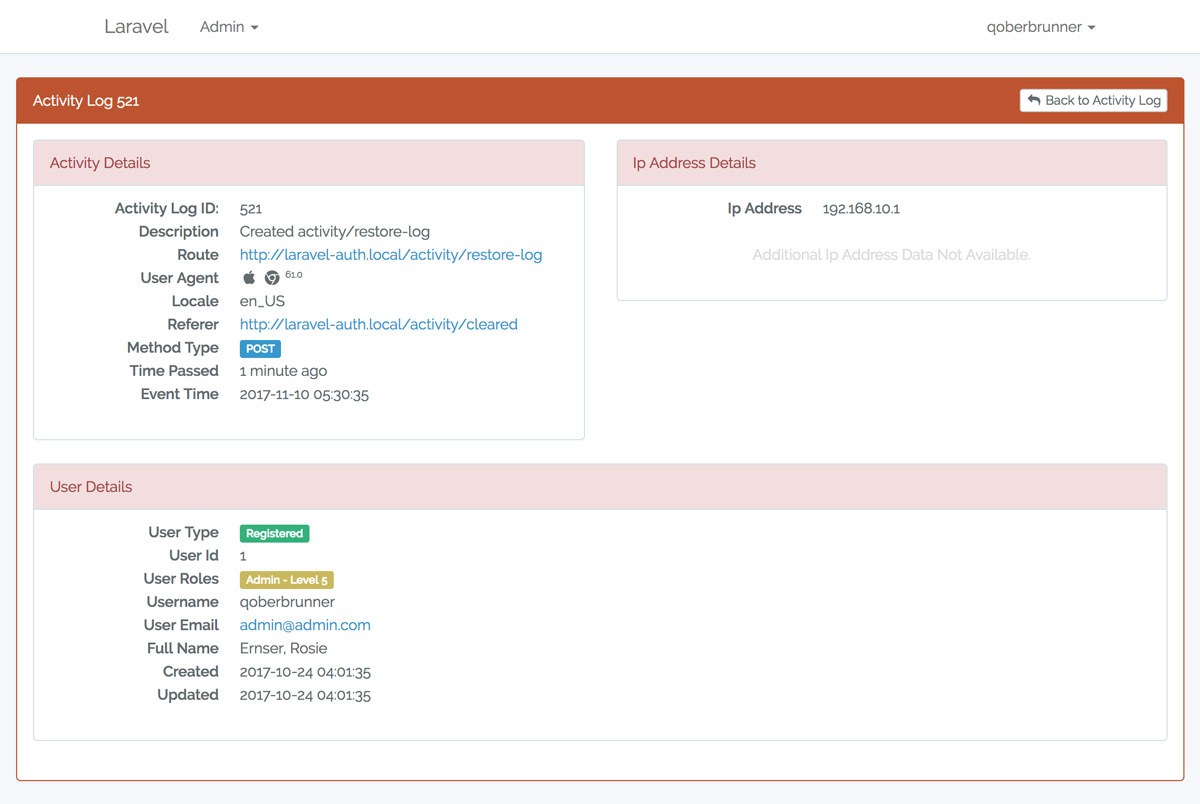
dashboarddrilldown
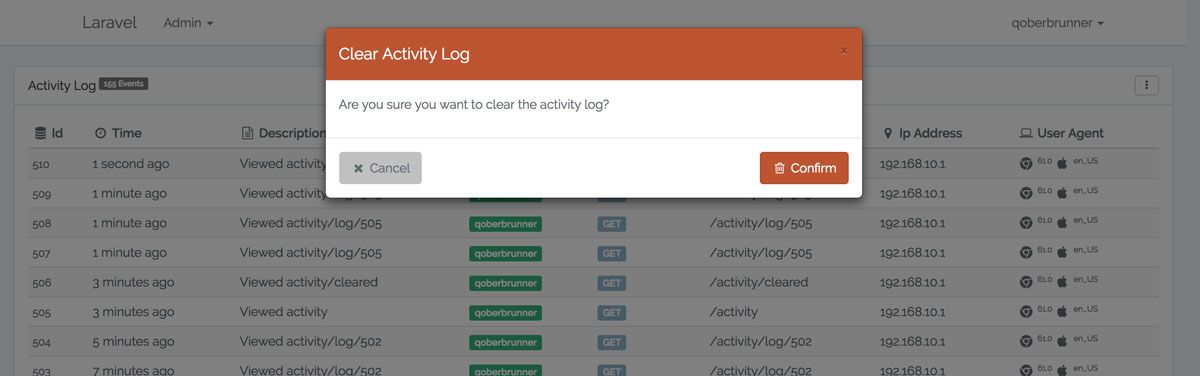
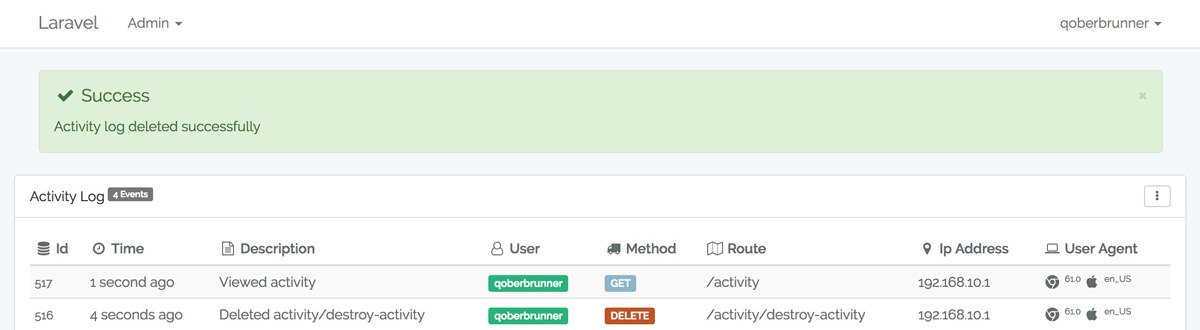
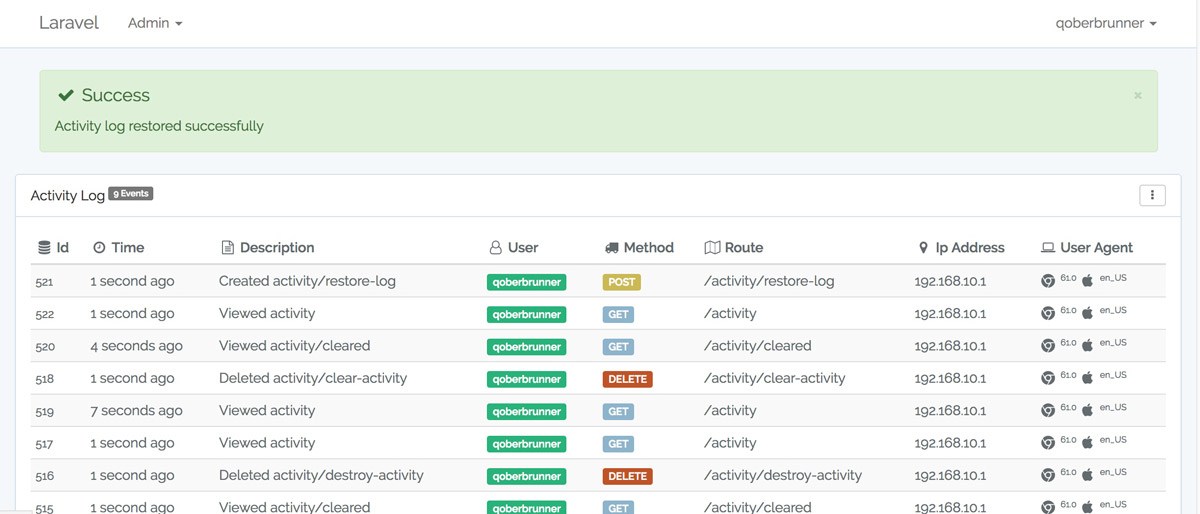
confirm-clearlog-cleared-msg
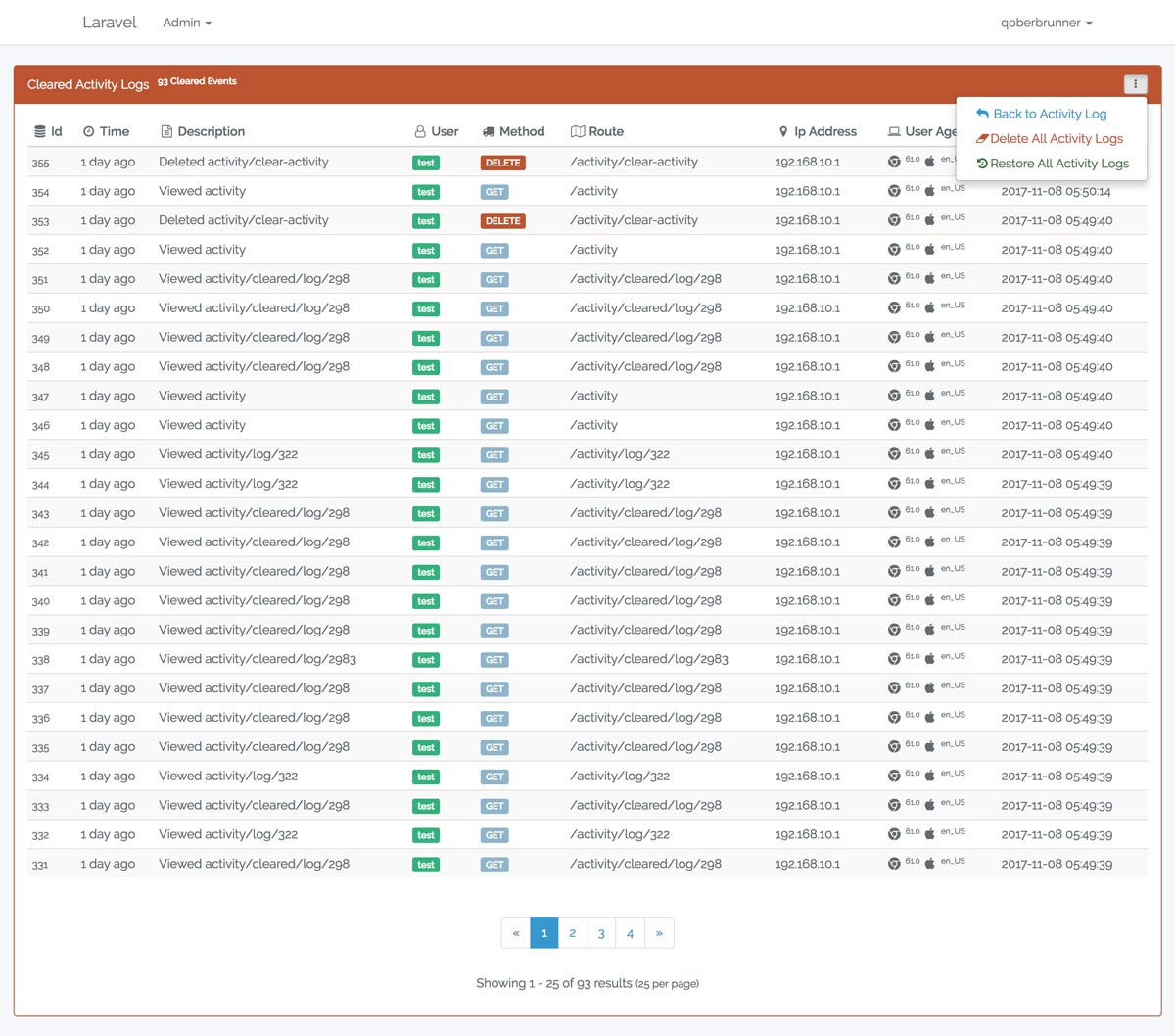
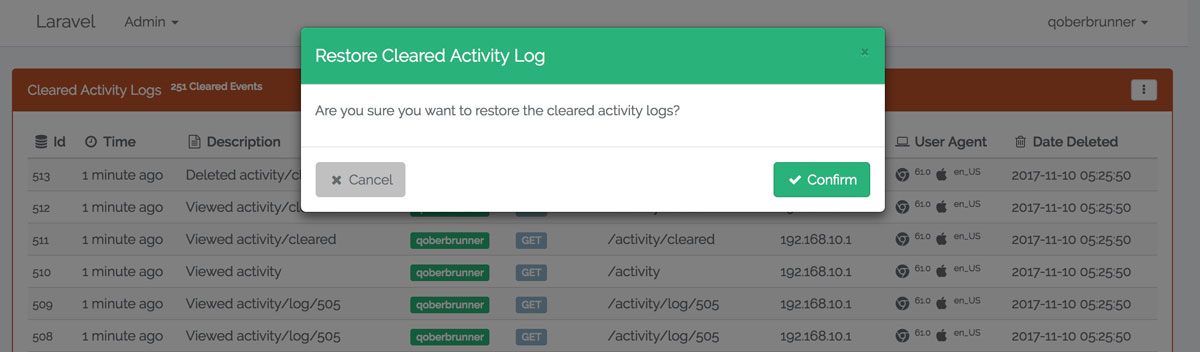
cleared-logconfirm-restore
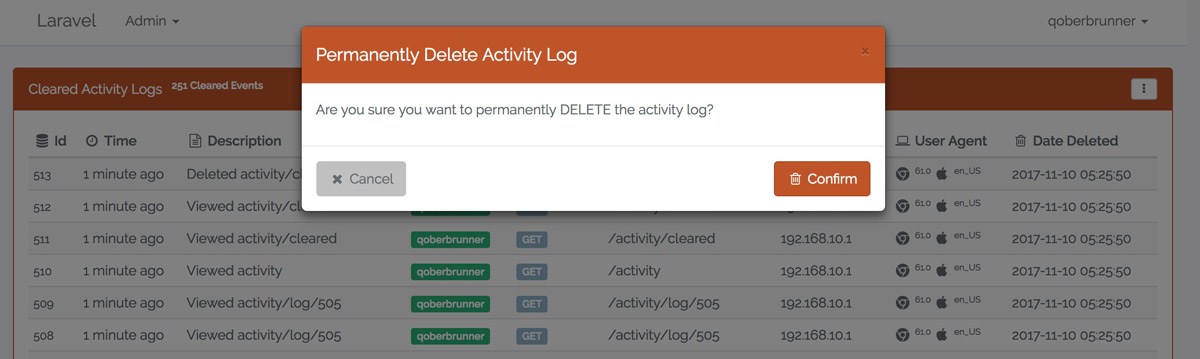
confirm-destroysuccess-destroy
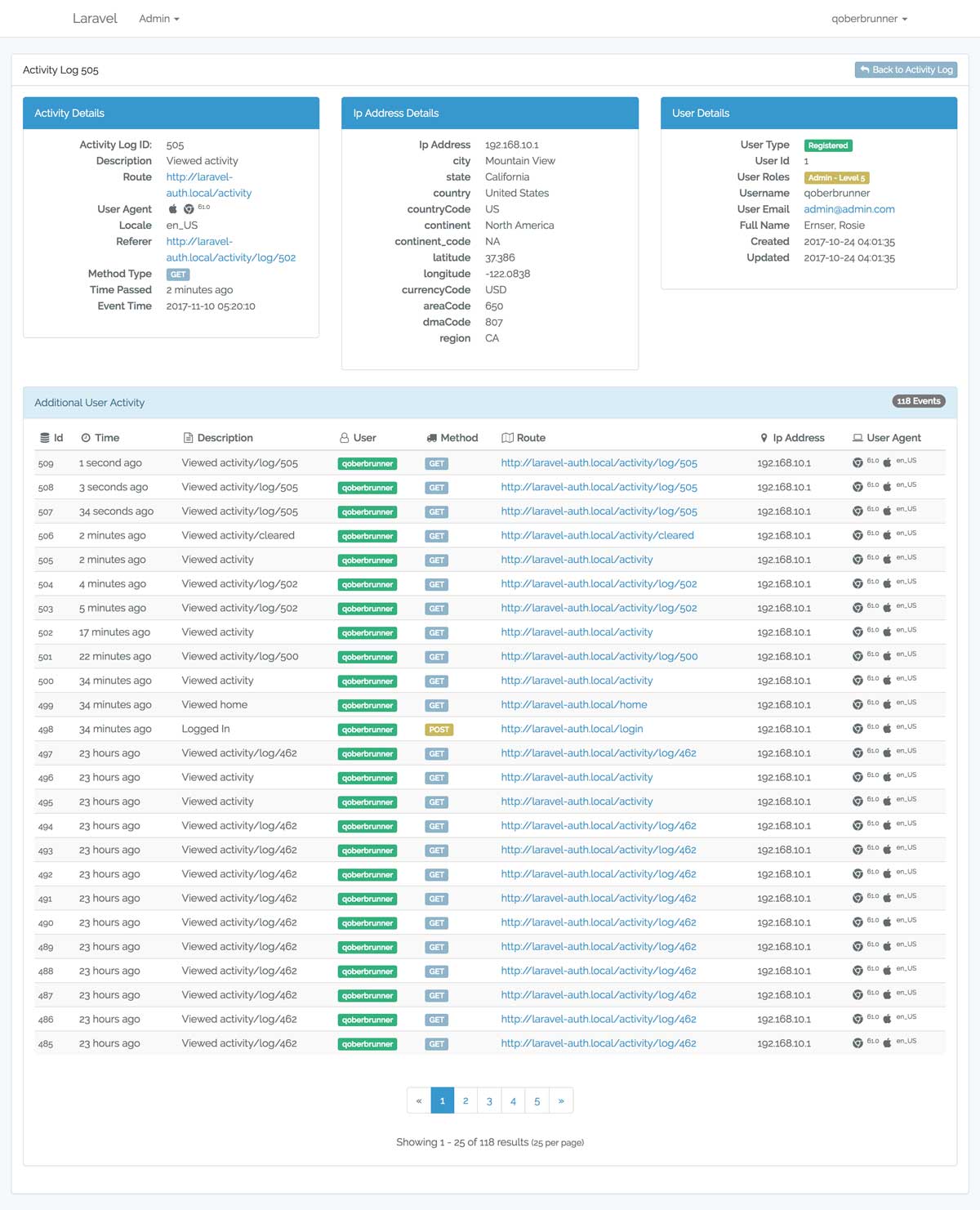
success-restoredcleared-drilldown
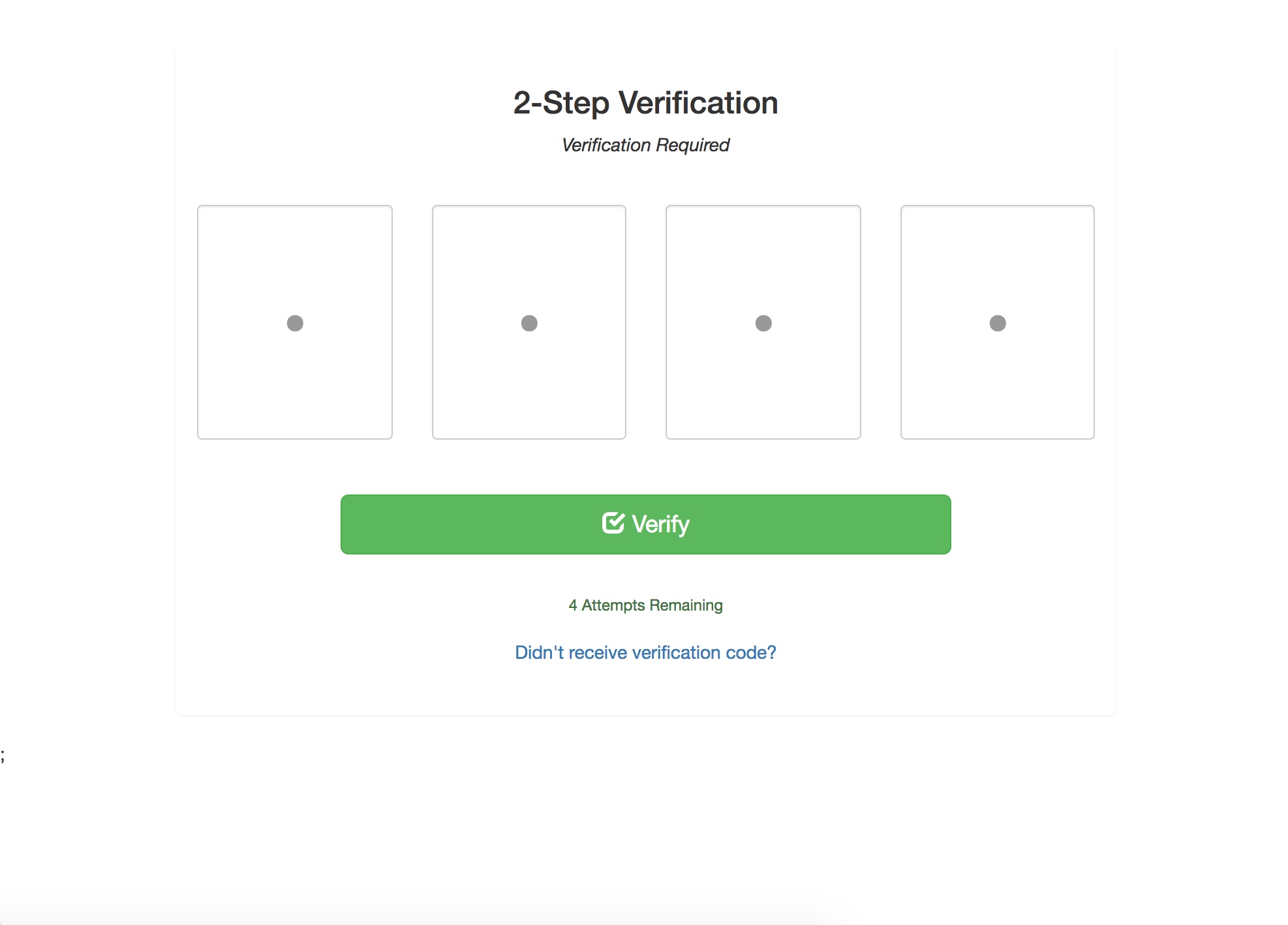
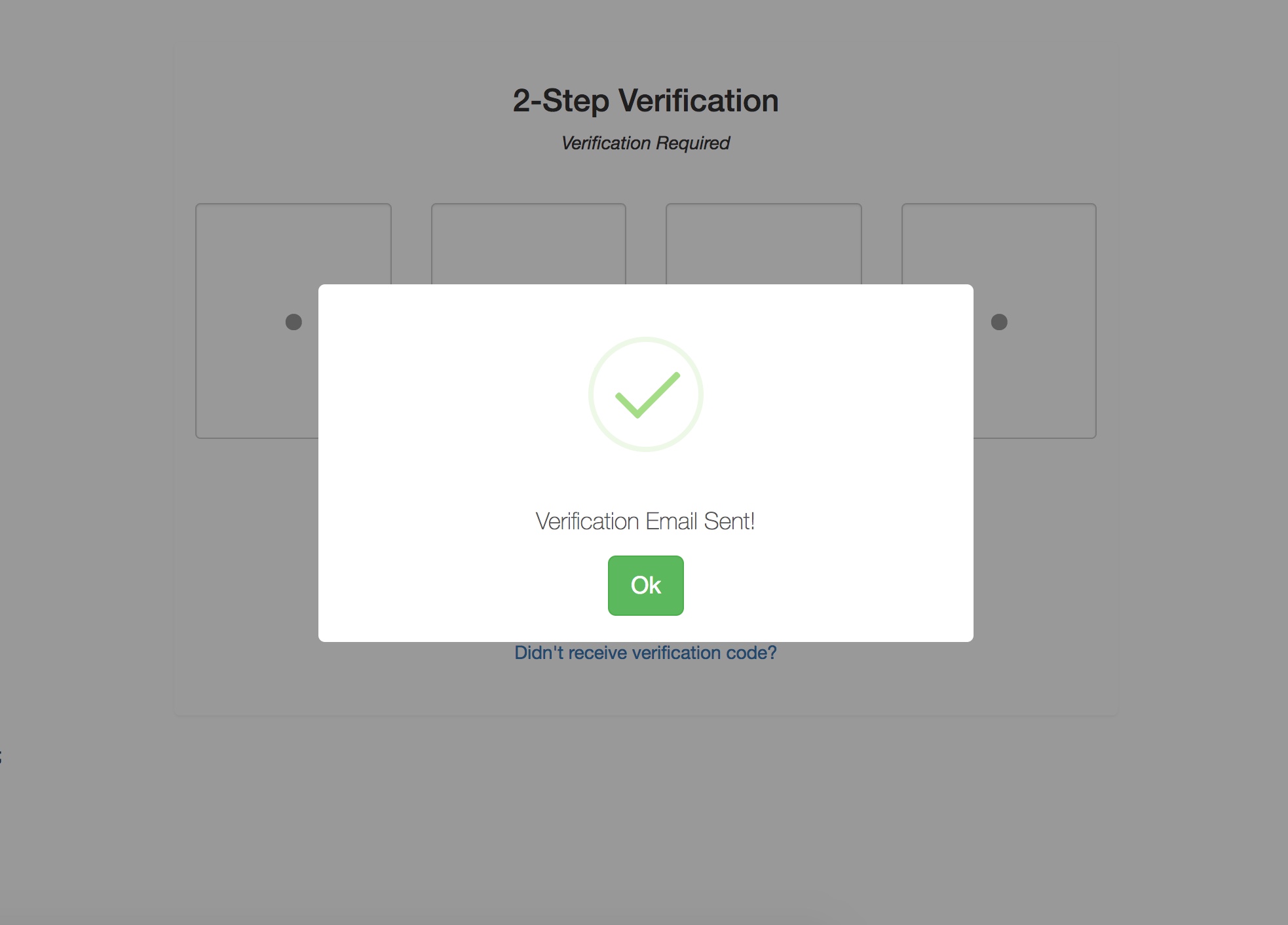
Verification PageResent Email Modal
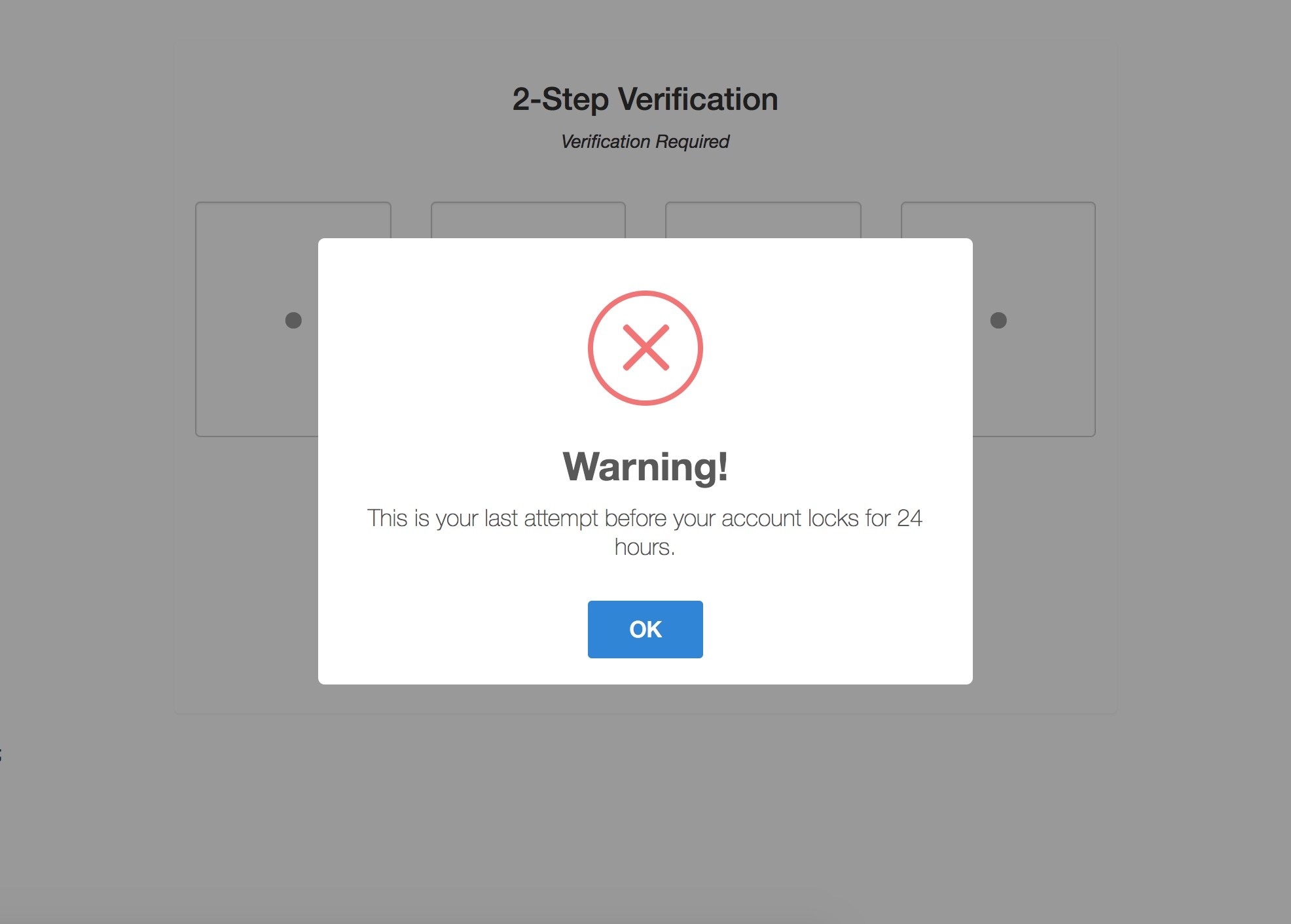
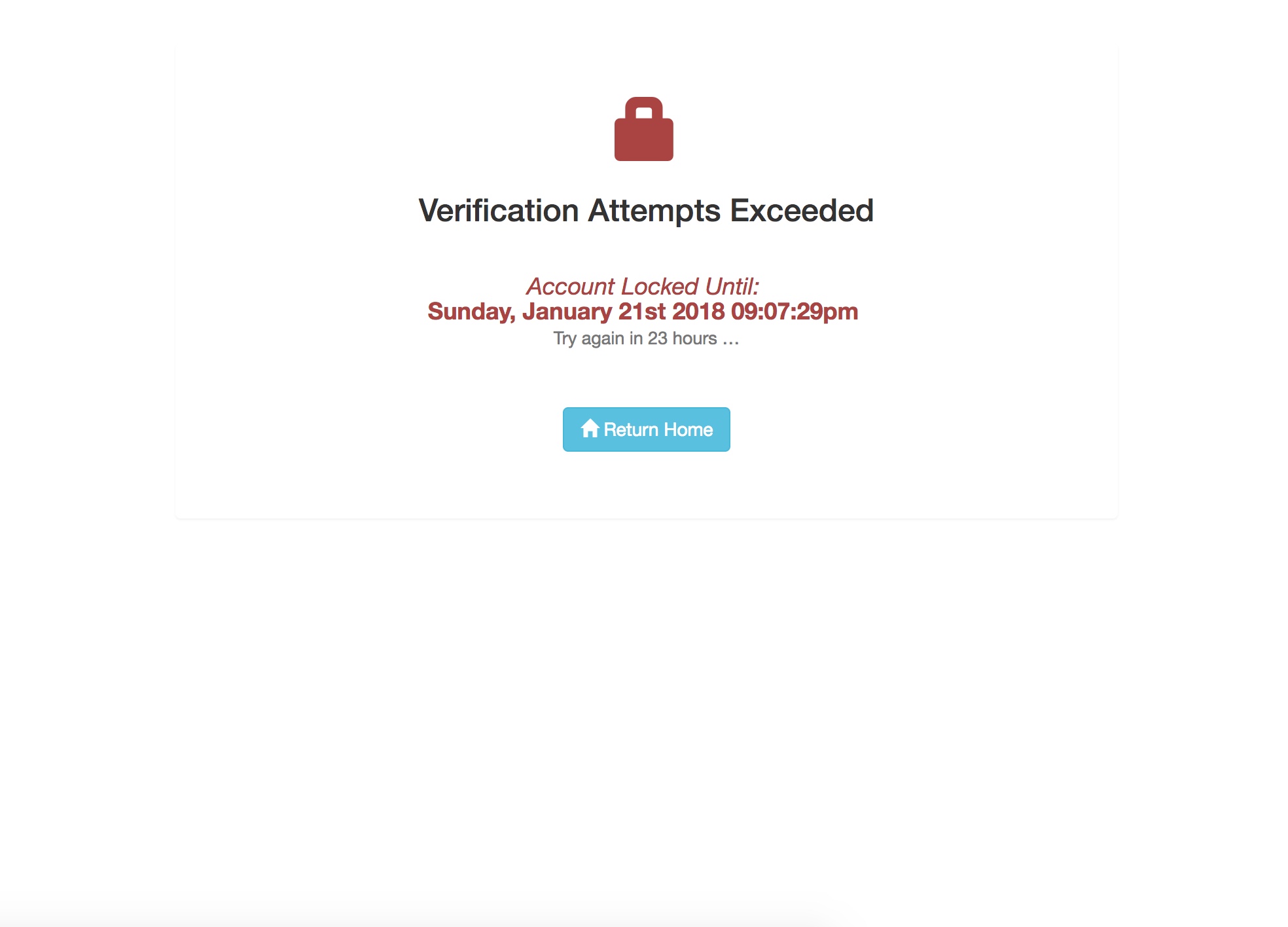
Lock Warning ModalLocked Page
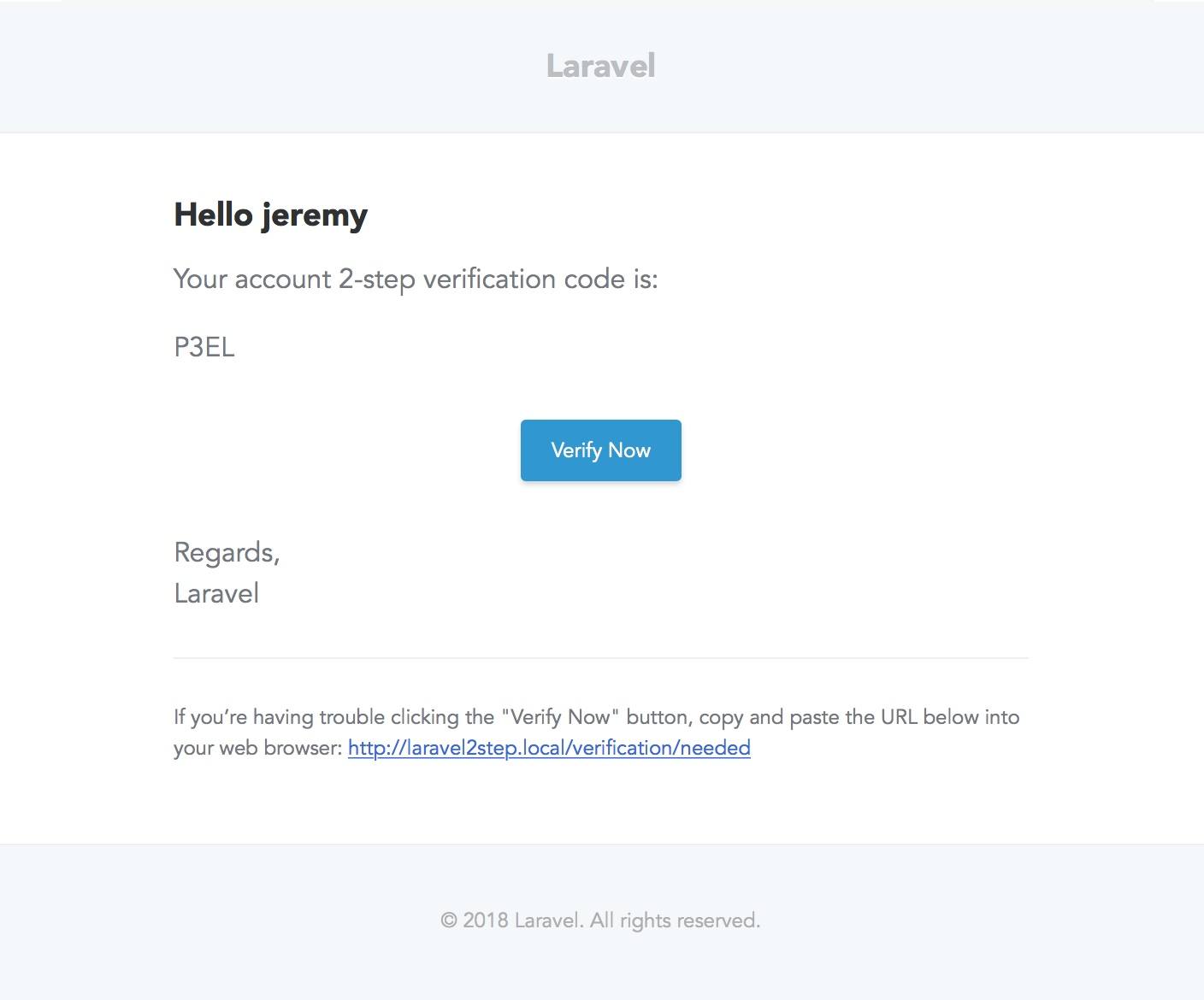
Verification Email
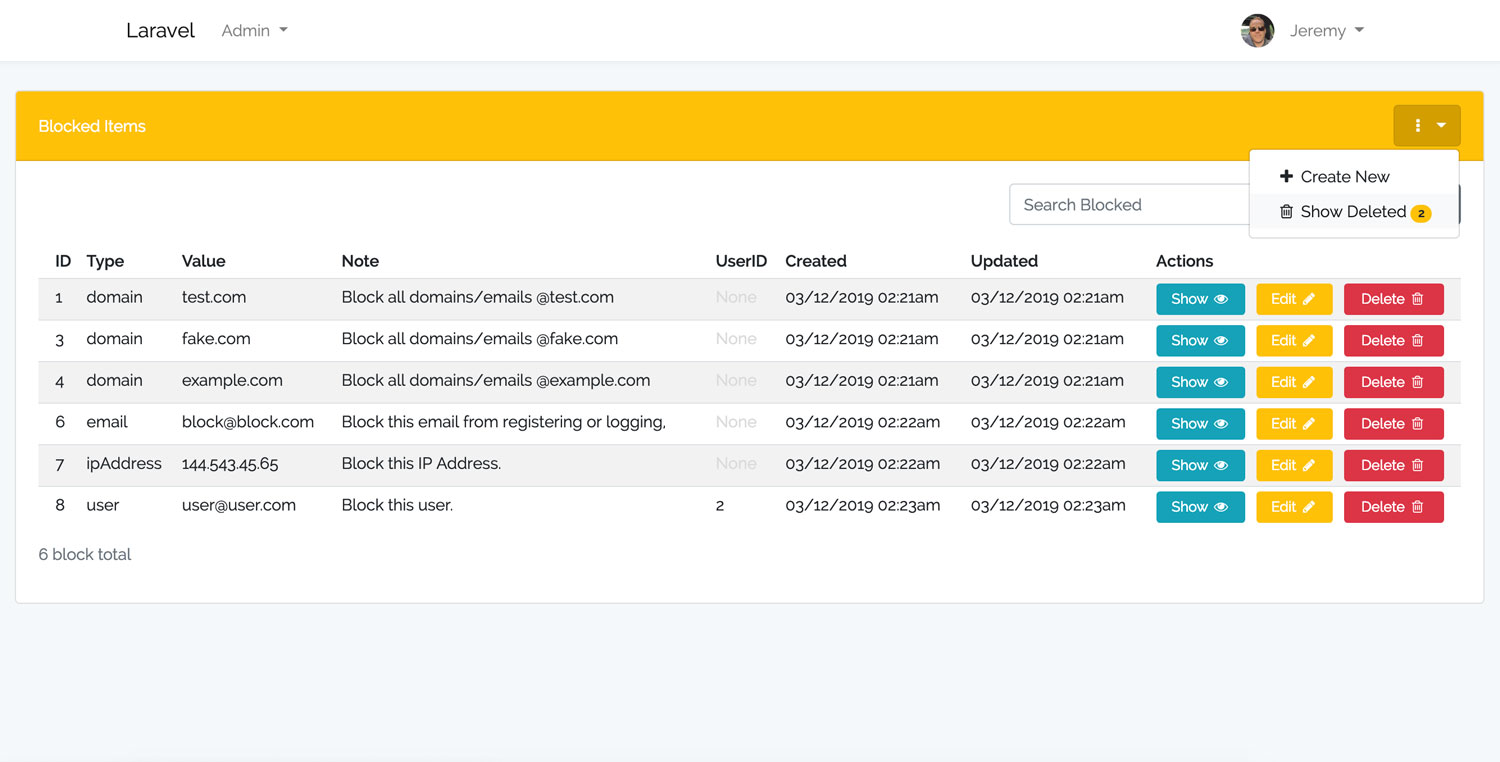
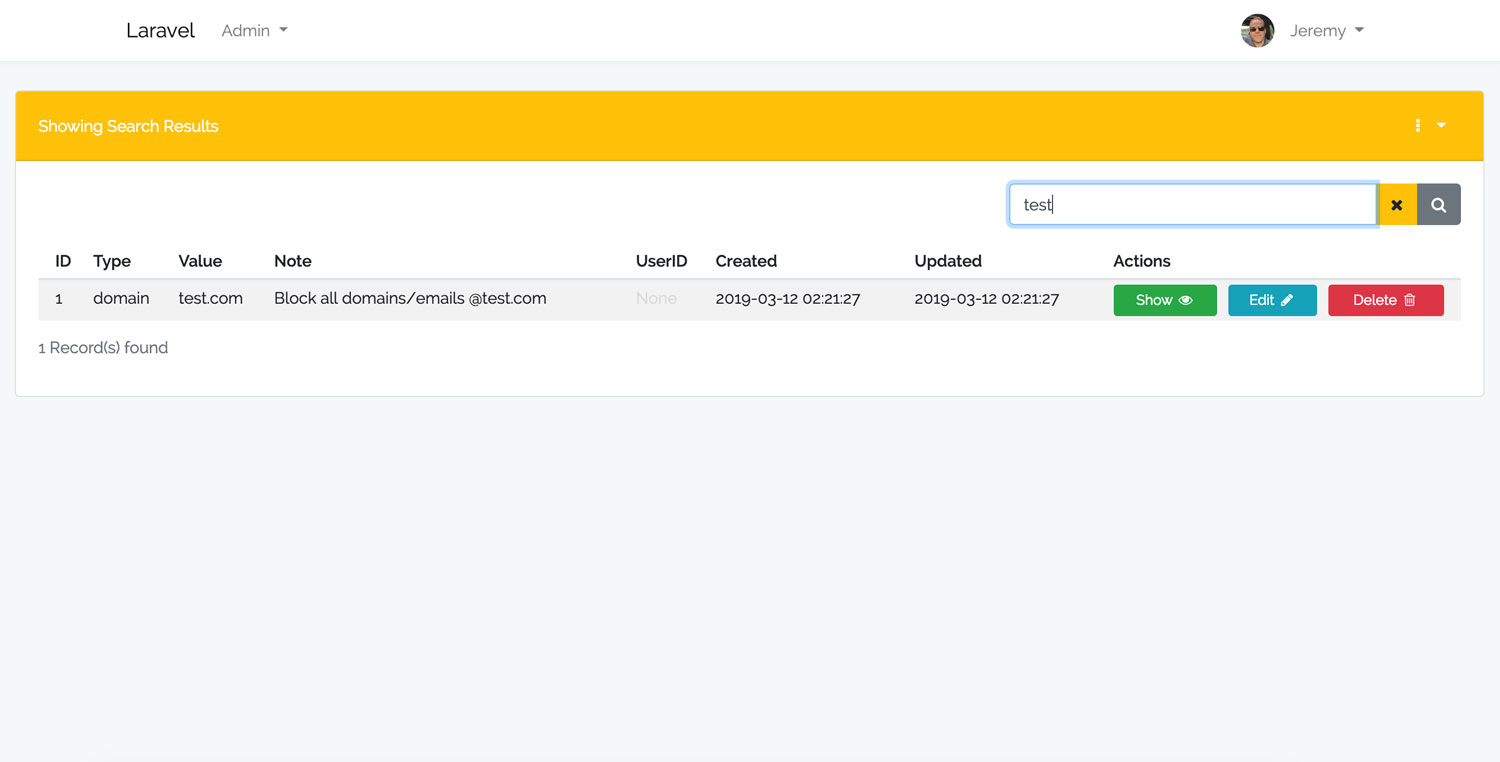
Laravel Blocker DashboardLaravel Blocker Search
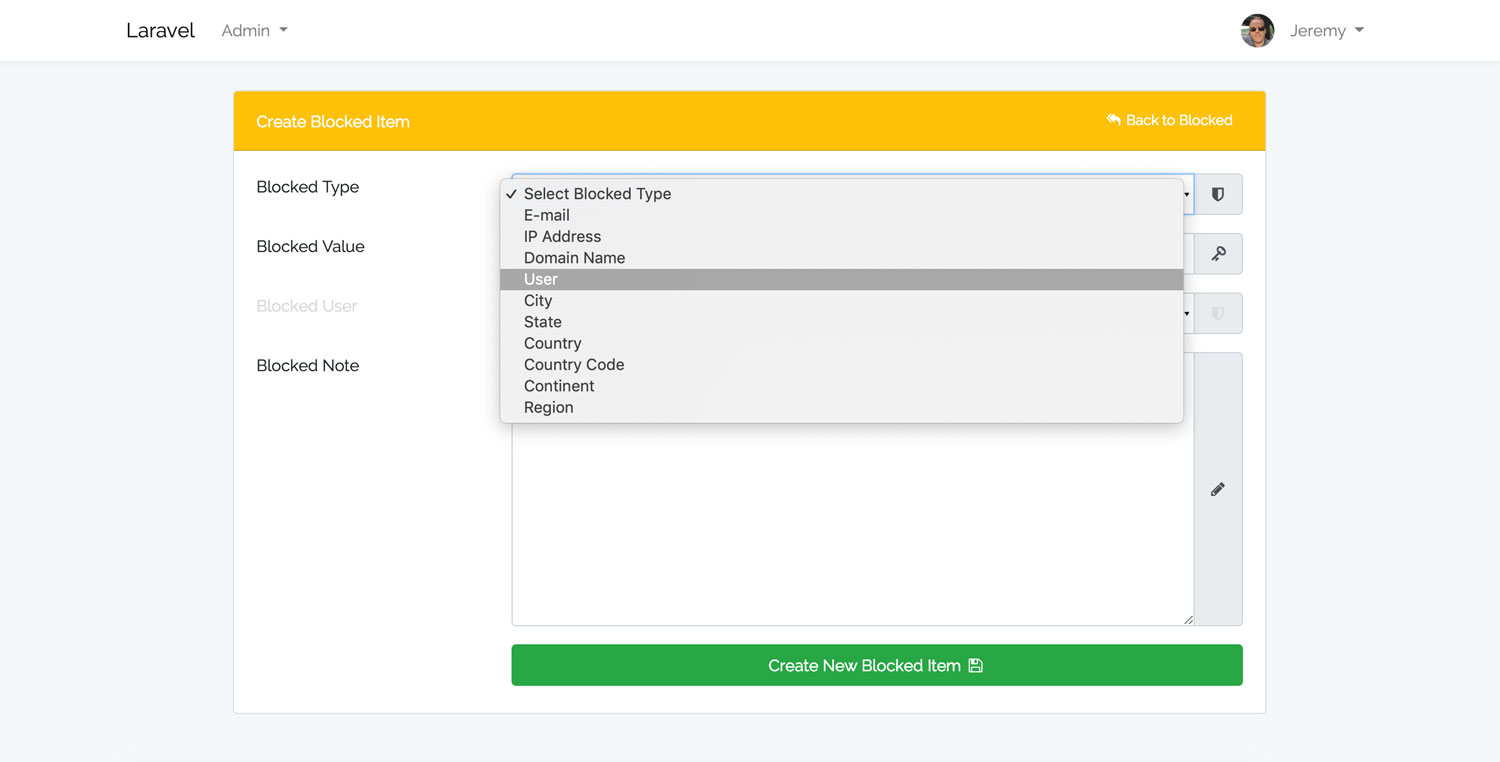
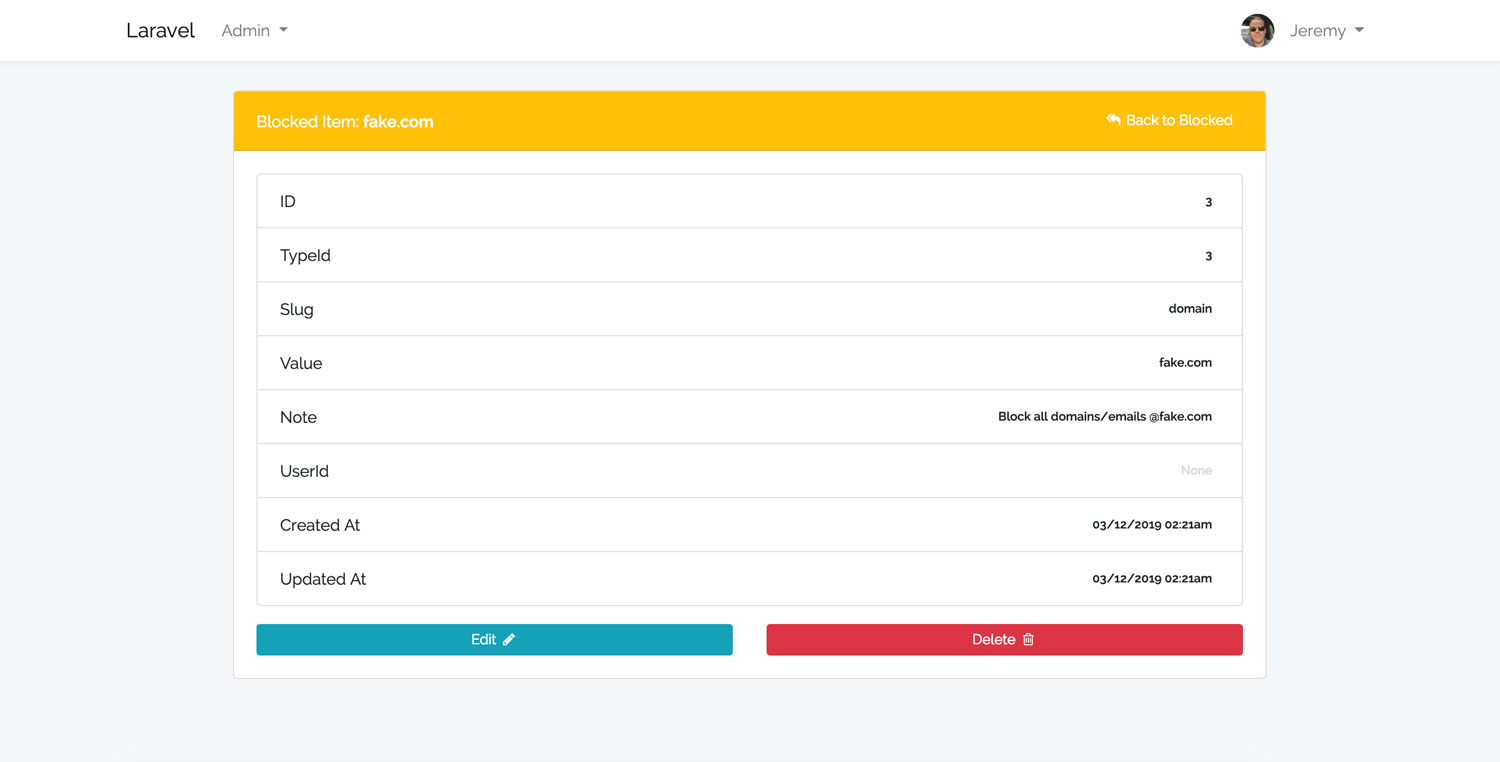
Laravel Blocker CreateLaravel Blocker View
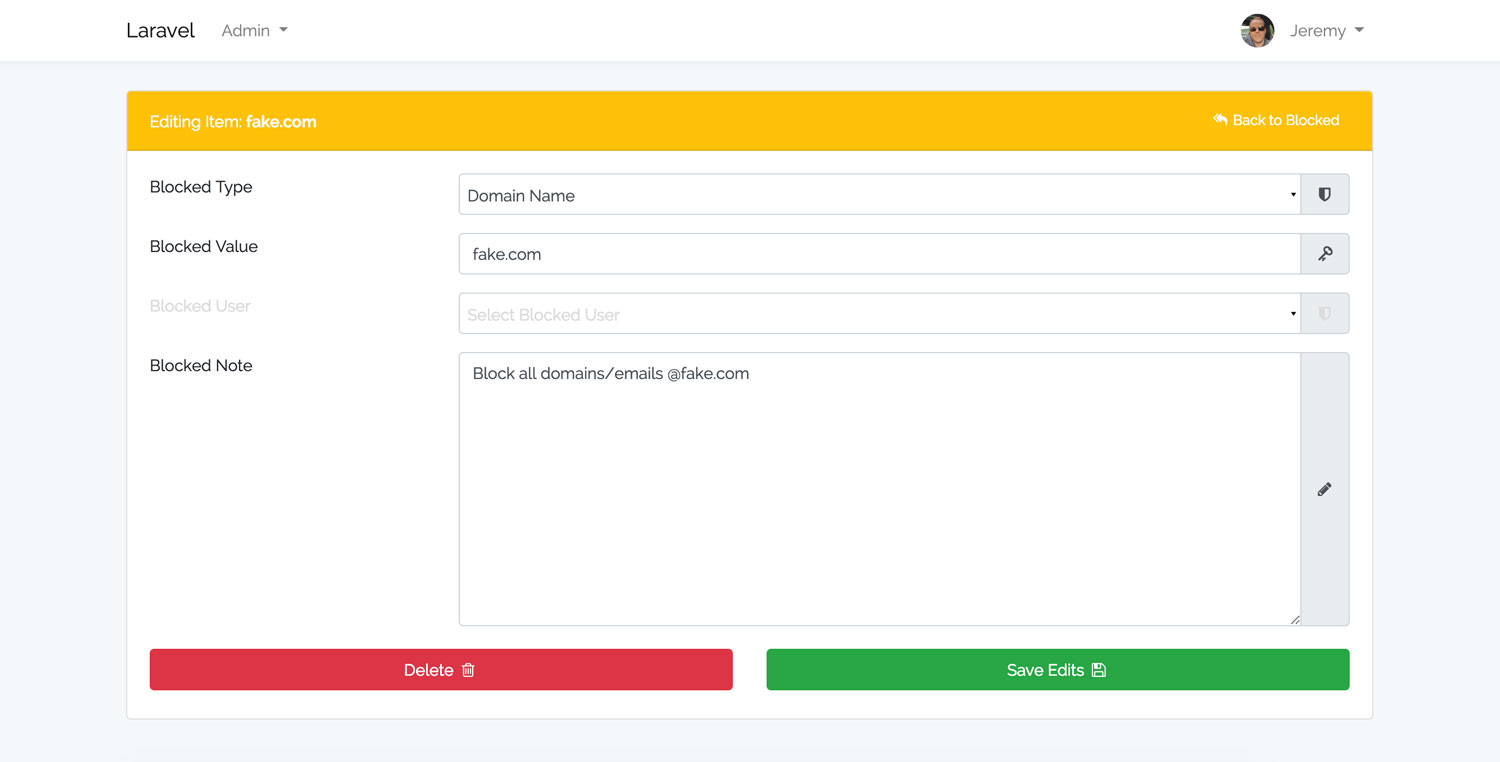
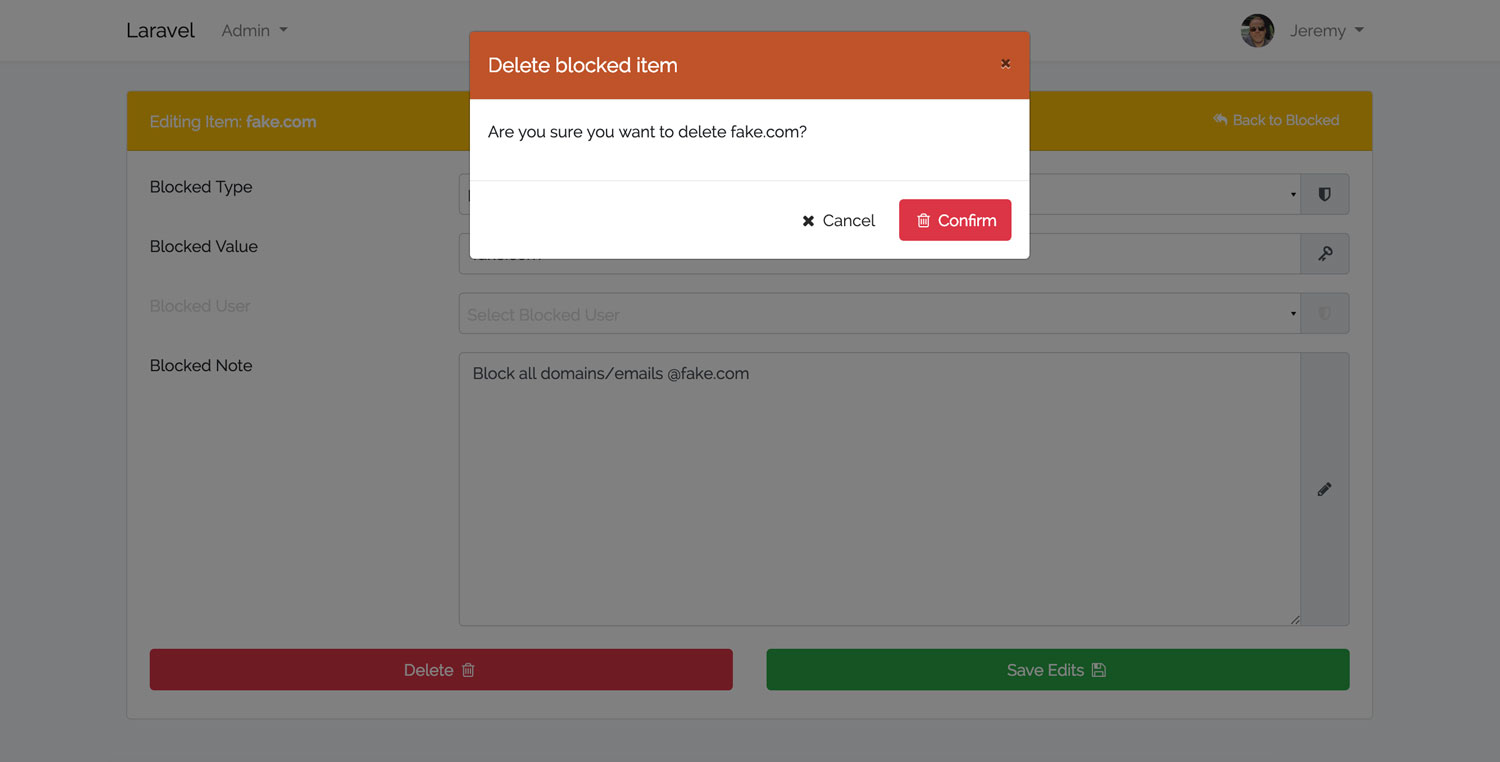
Laravel Blocker EditLaravel Blocker Delete Modal
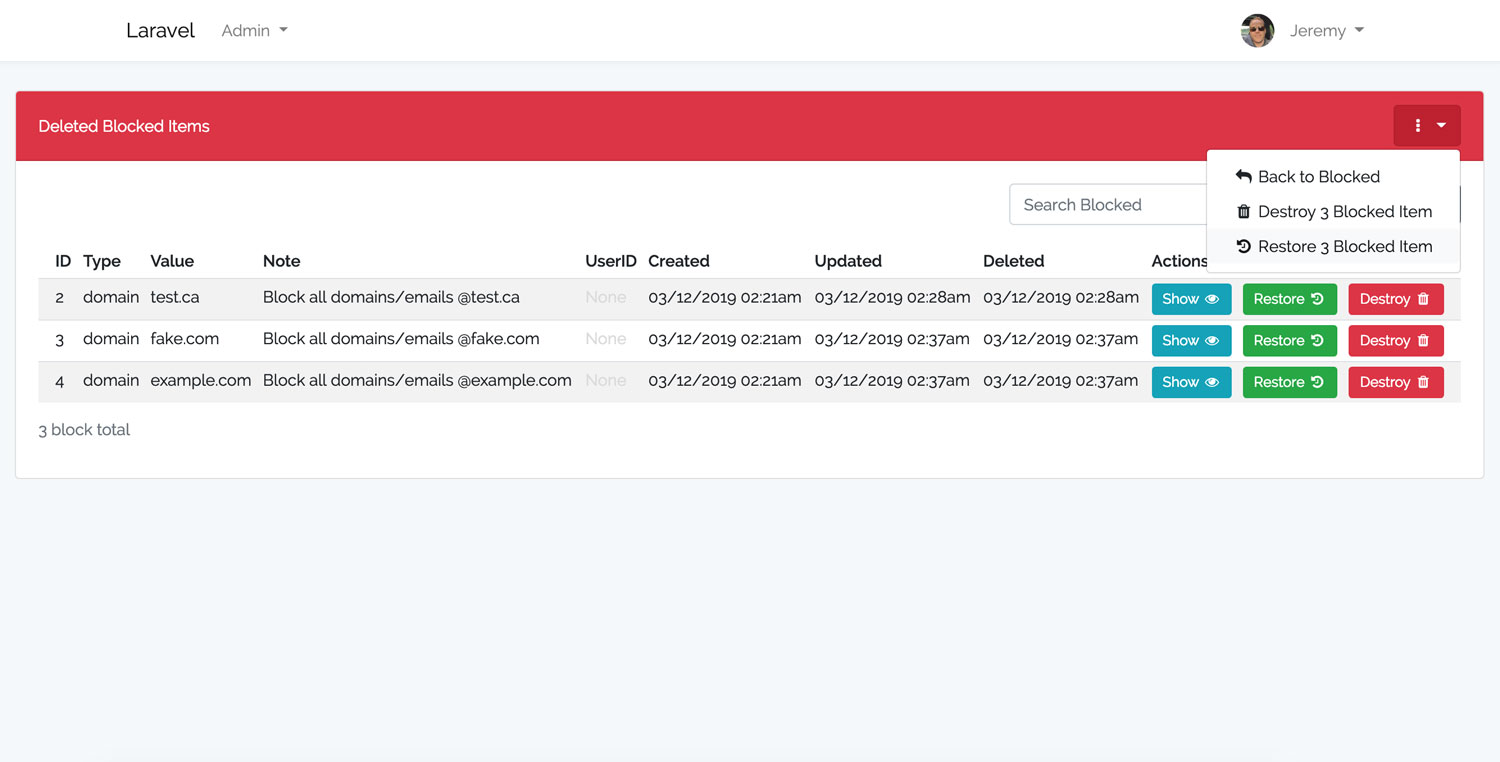
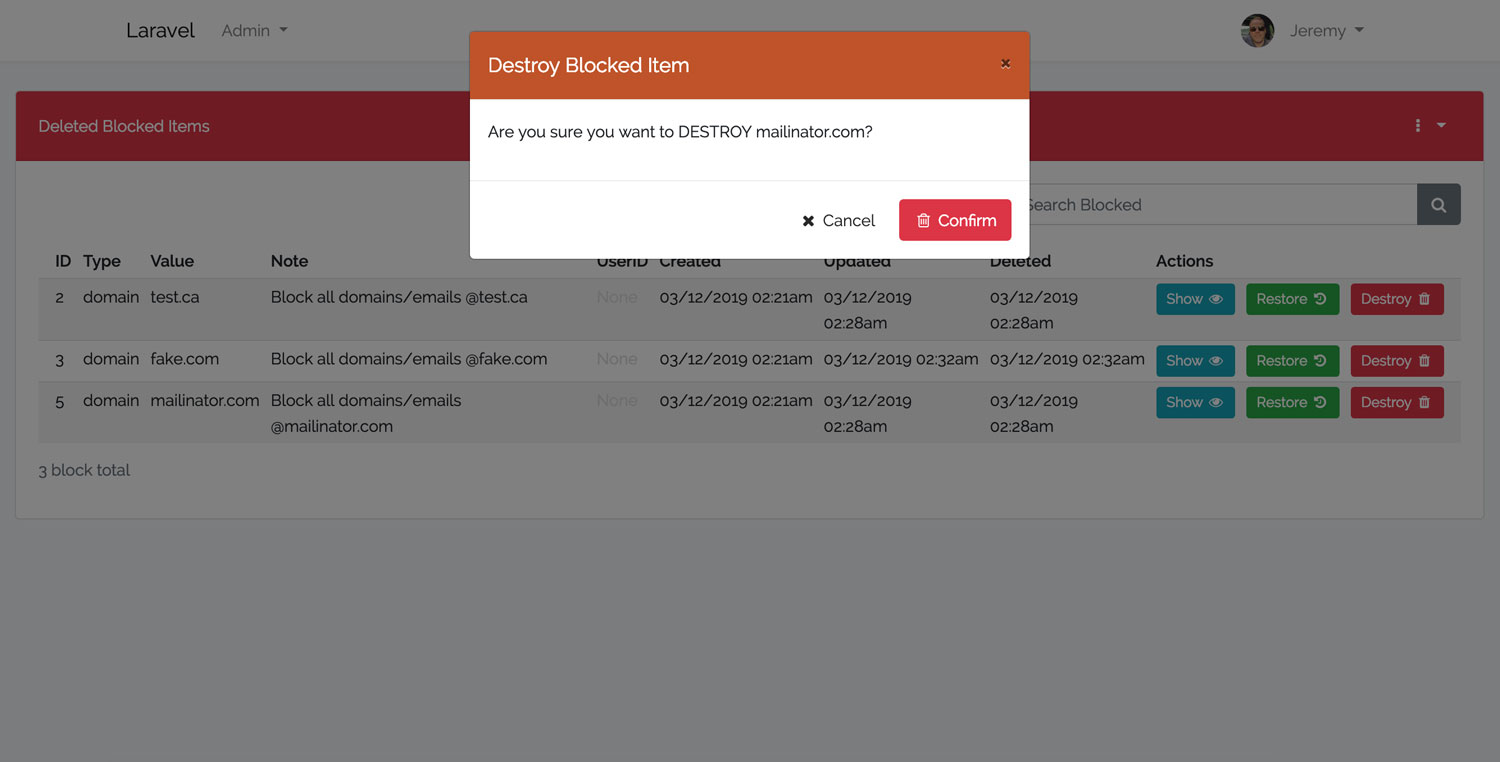
Laravel Blocker Deleted DashboardLaravel Blocker Destroy Modal
Laravel Blocker Flash MessageLaravel Blocker Restore Modal
Laravel Blocker Restore Flash Message
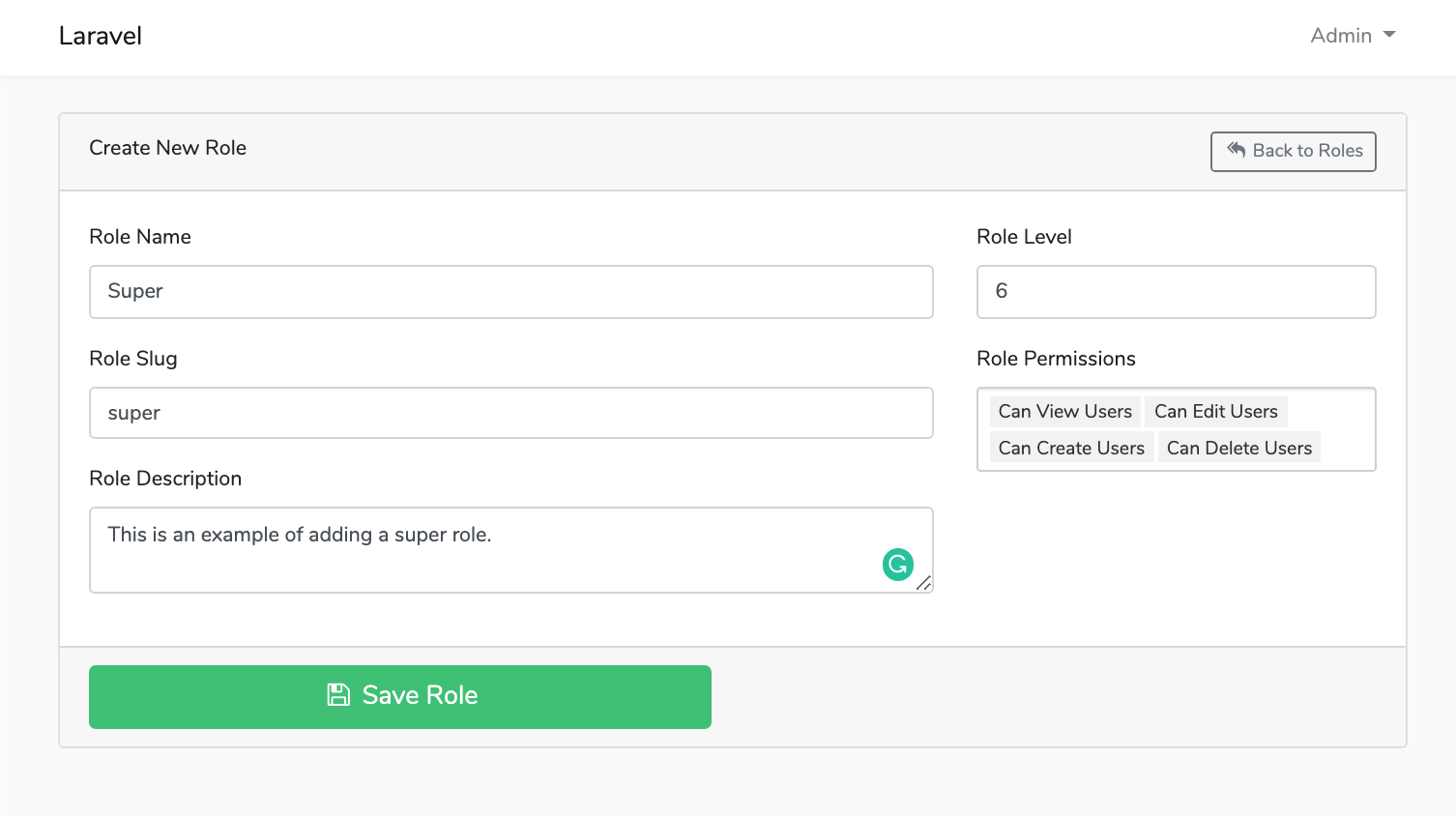
Laravel Roles GUI DashboardLaravel Roles GUI Create New Role
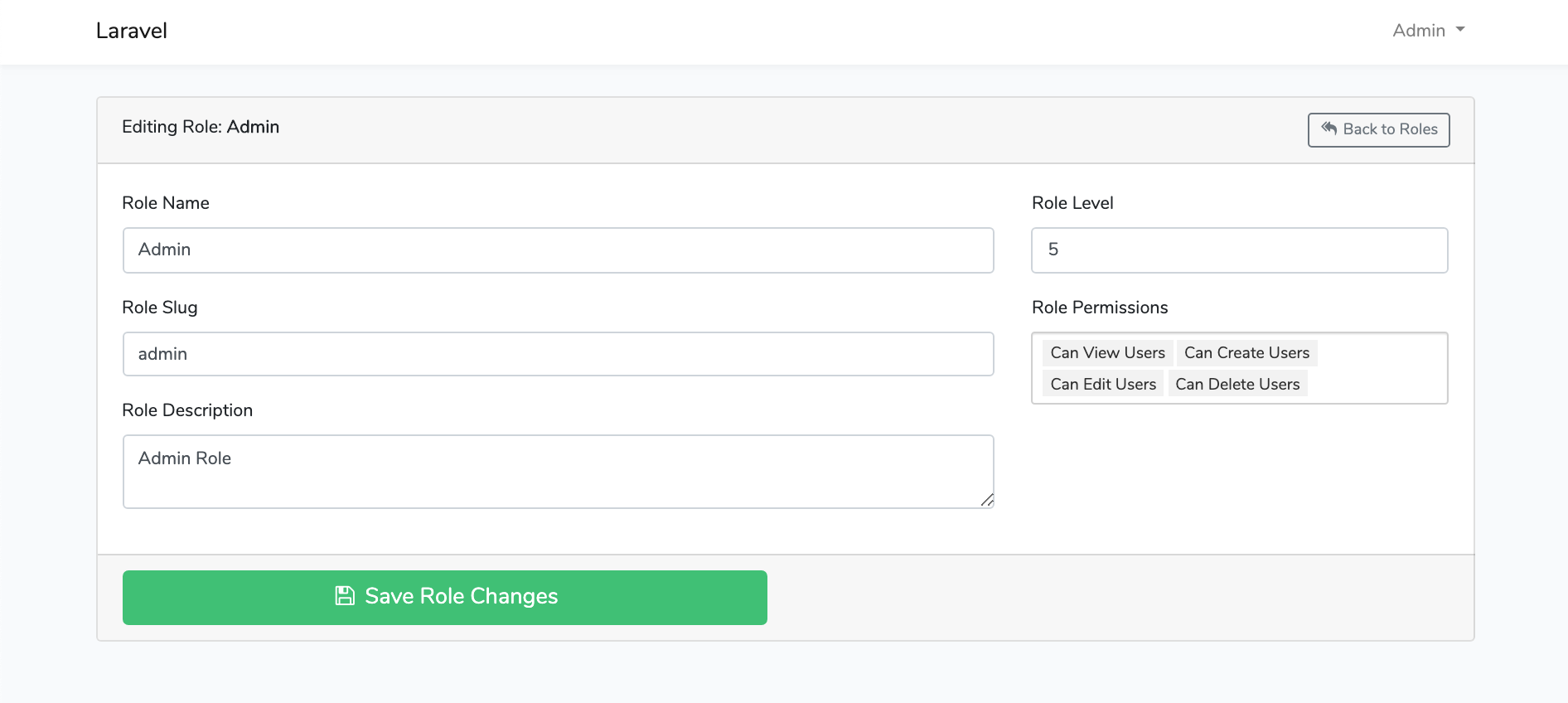
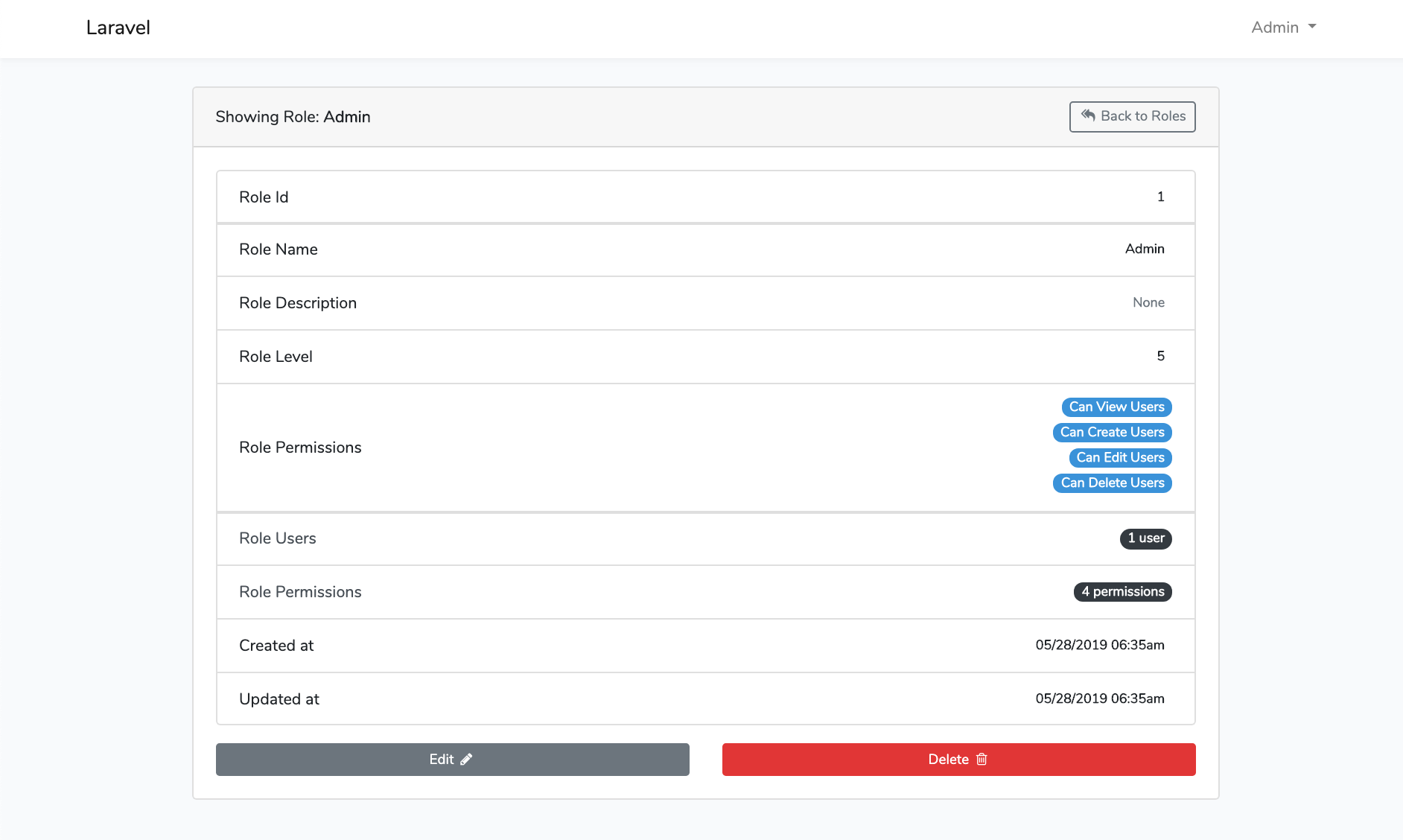
Laravel Roles GUI Edit RoleLaravel Roles GUI Show Role
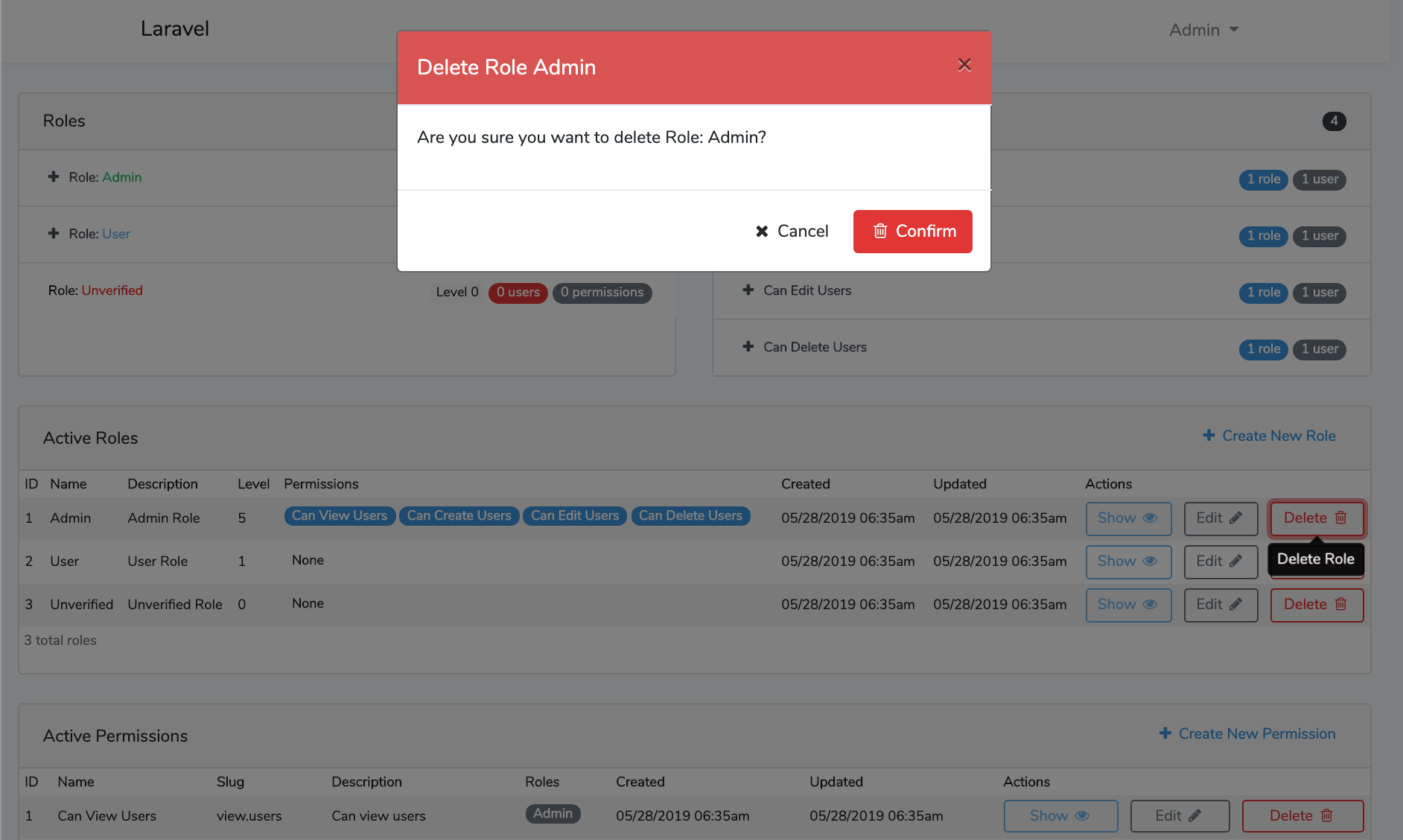
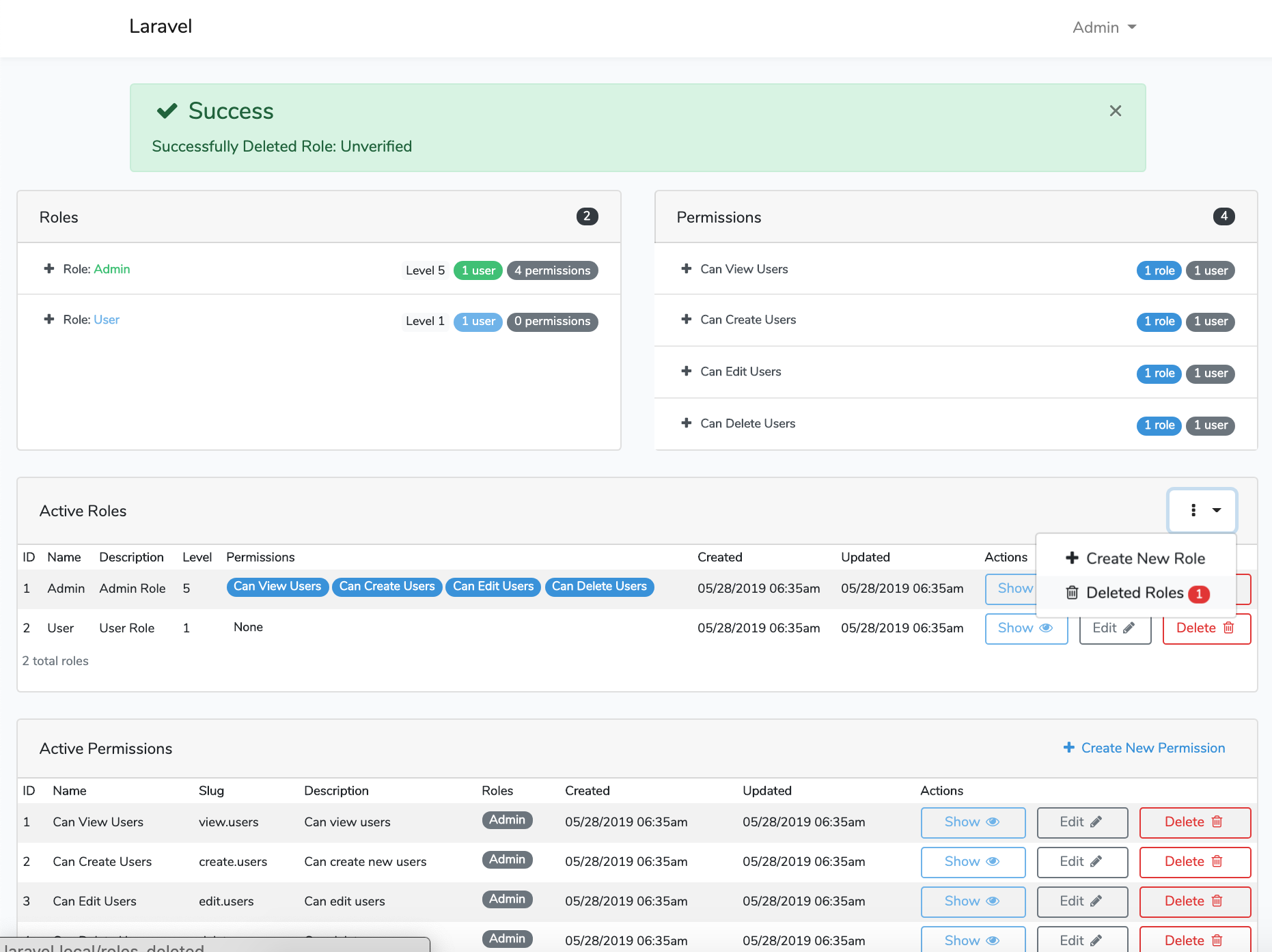
Laravel Roles GUI Delete RoleLaravel Roles GUI Success Deleted
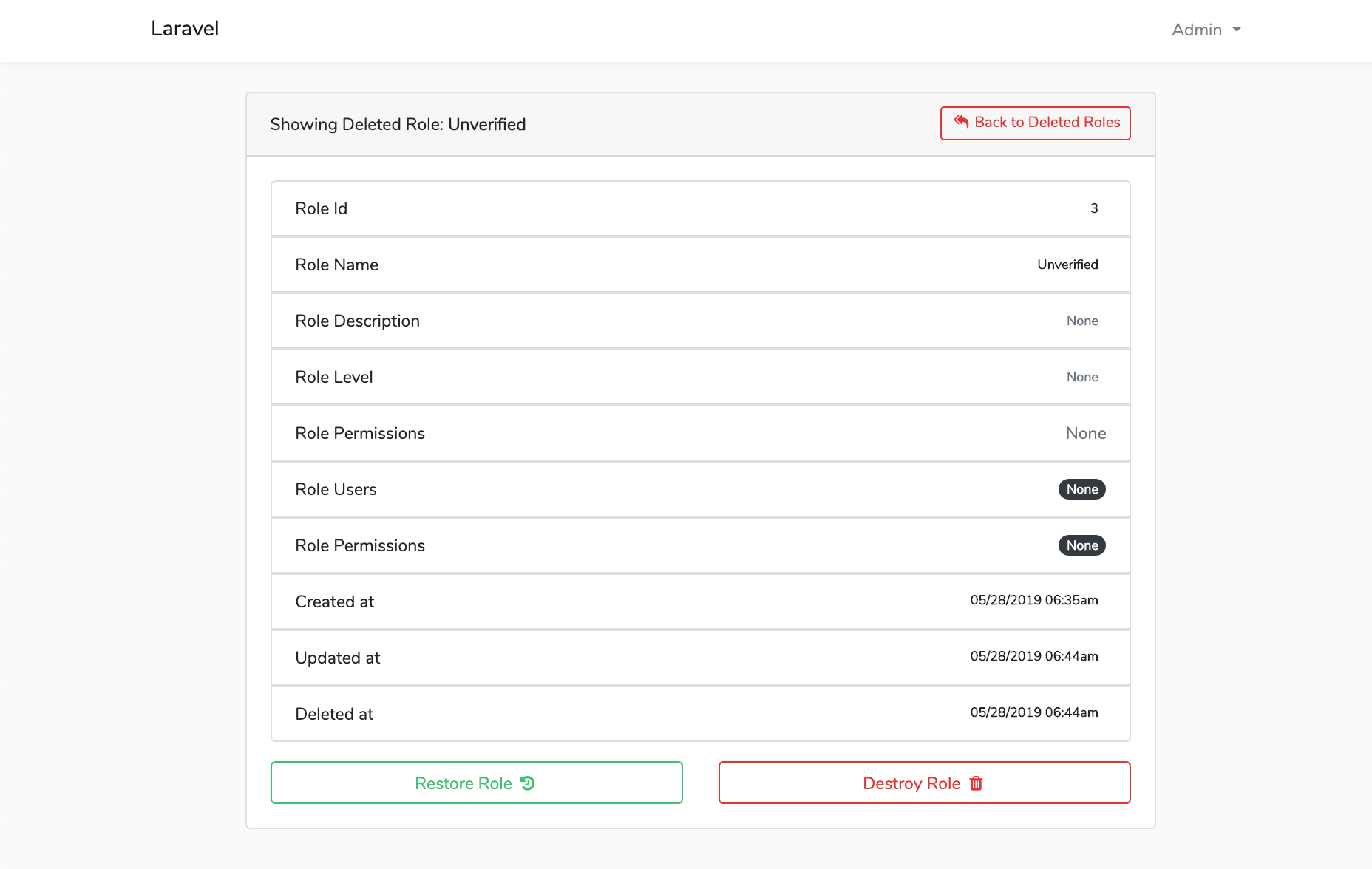
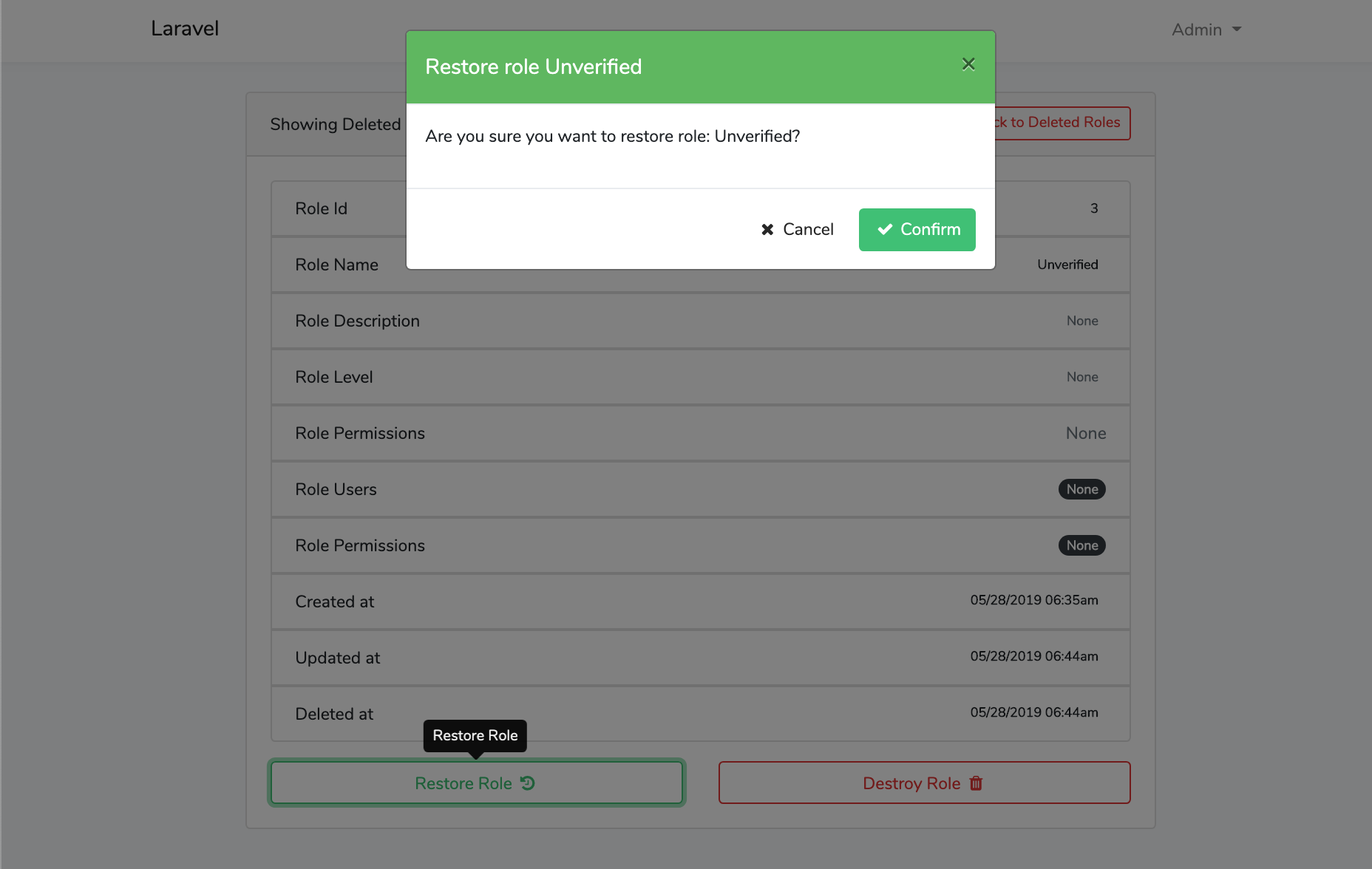
Laravel Roles GUI Deleted Role ShowLaravel Roles GUI Restore Role
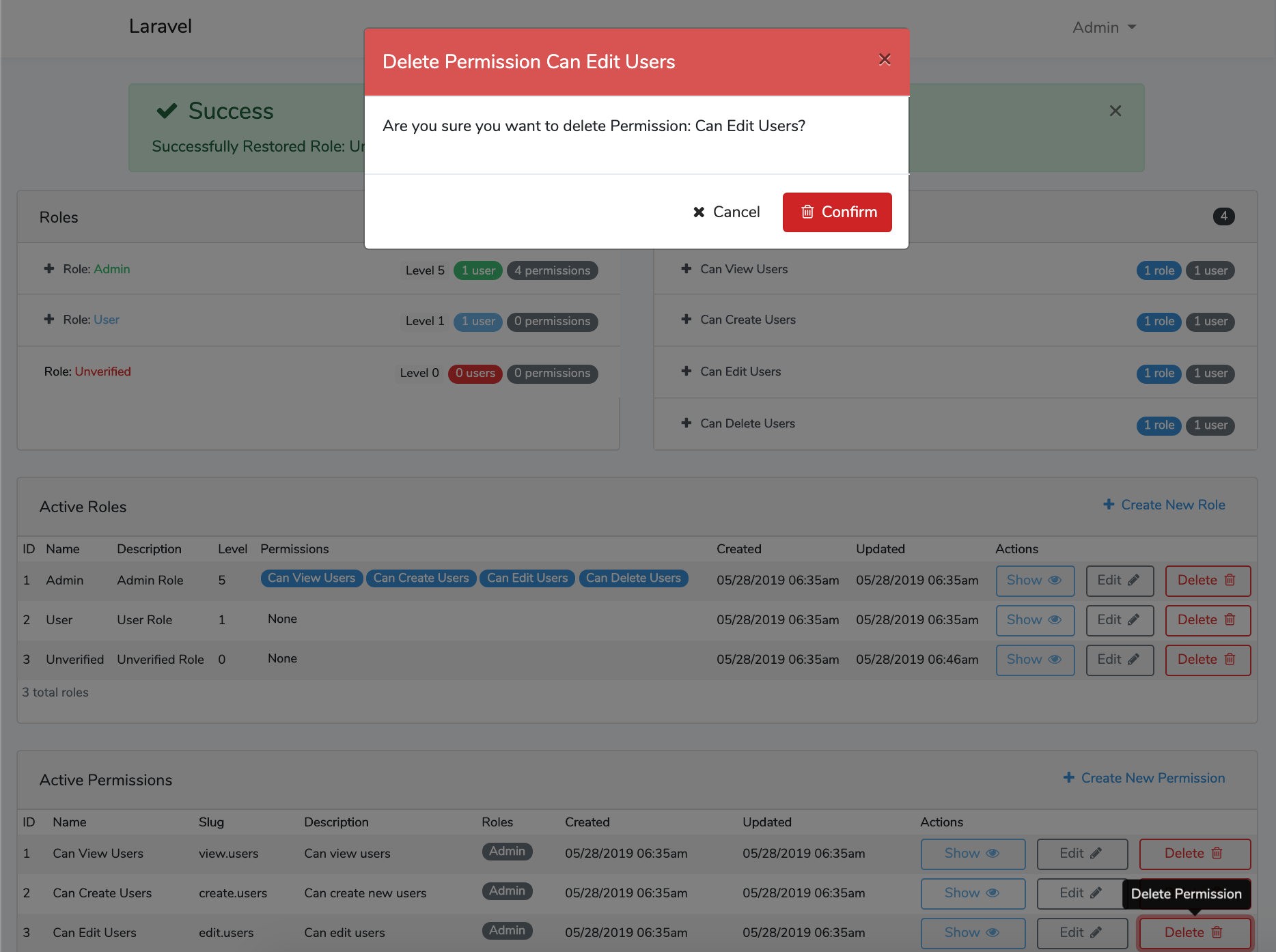
Laravel Roles GUI Delete PermissionLaravel Roles GUI Show Permission
Laravel Roles GUI Permissions DashboardLaravel Roles GUI Create New Permission
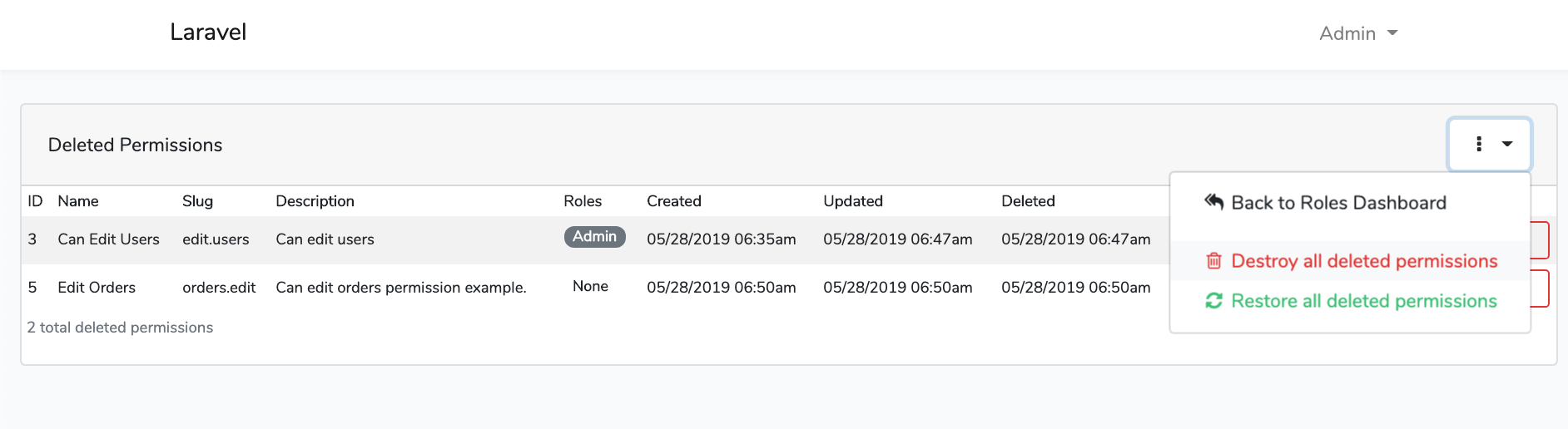
Laravel Roles GUI Roles Soft Deletes DashboardLaravel Roles GUI Permissions Soft Deletes Dashboard
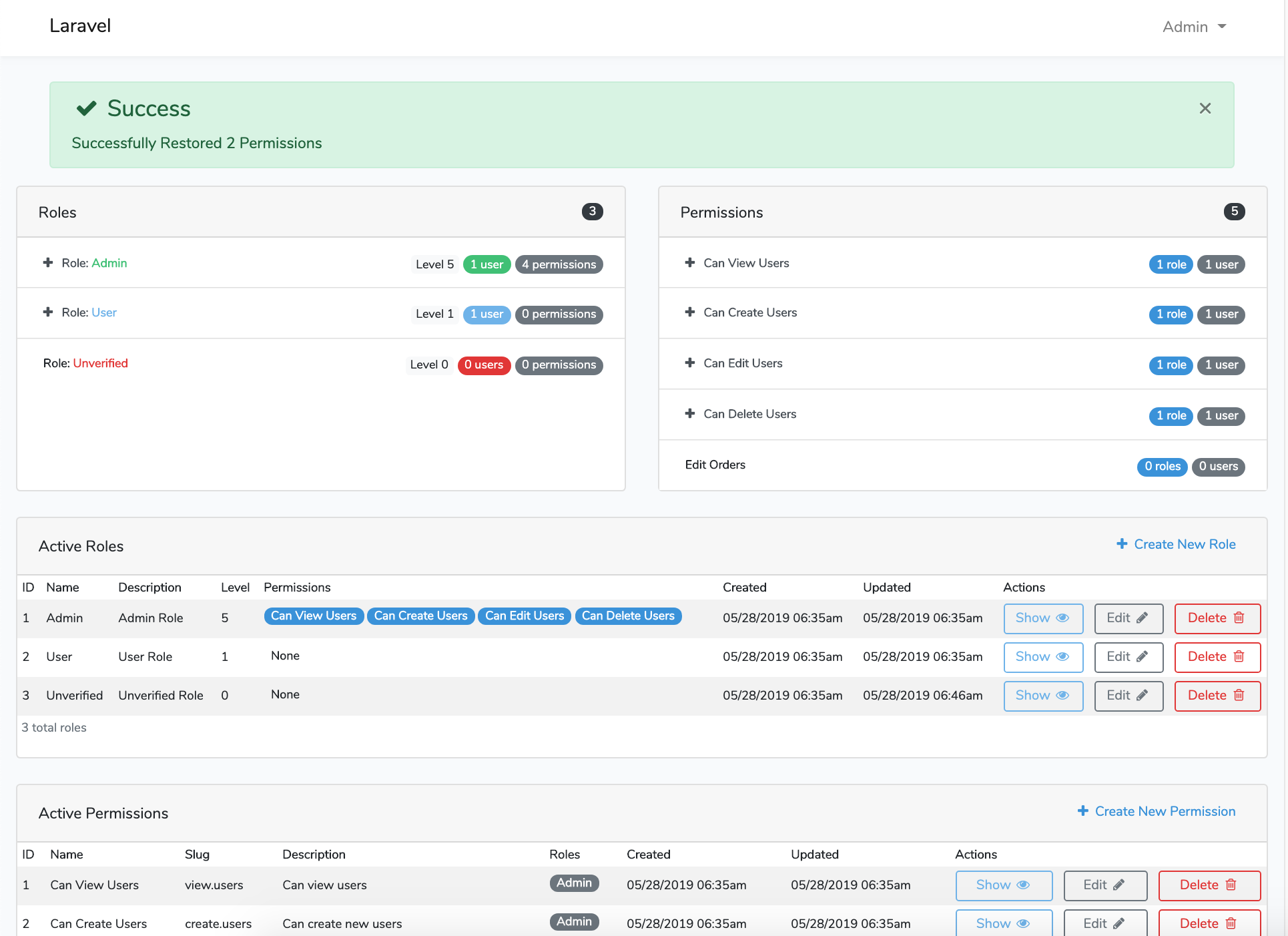
Laravel Roles GUI Success Restore

File Tree

See docs/file-tree.md.

Opening an Issue

Before opening an issue there are a couple of considerations:

  • You are all awesome!
  • Please Read the instructions and make sure all steps were followed correctly.
  • Please Check that the issue is not specific to the development environment setup.
  • Please Provide duplication steps.
  • Please Attempt to look into the issue, and if you have a solution, make a pull request.
  • Please Show that you have made an attempt to look into the issue.
  • Please Check to see if the issue you are reporting is a duplicate of a previous reported issue.

License

This package is open-sourced software licensed under the MIT license.

Contributors

  • Thanks goes to these wonderful people:
  • Please feel free to contribute and make pull requests!
authentication
dropzonejs
google-maps
gravatar-api
laravel
laravel-framework
localization
php
registration
roles
social-authentication
socialite
socialite-logins
two-step-authentication
user-management
user-profile
users

jeremykenedy/laravel-auth

A complete Laravel 13 application foundation: email verification, social sign in, roles and permissions, user profiles, and admin user management.

JavaScript

3,041

818 commits

updated Oct 8, 2026

See the code

README

Laravel Auth

Laravel Auth is a Complete Build of Laravel 13 with Email Registration Verification, Social Authentication, User Roles and Permissions, User Profiles, and Admin restricted user management system. Built on Bootstrap 4.

Tests StyleCI GitGuardian scan Quality Gate Status CodeFactor Codacy Badge Scrutinizer Build Status Scrutinizer Code Quality Code Intelligence Status All Contributors MadeWithLaravel.com shield License: MIT

Secured by Aikido

Follow on GitHub GitHub Stars Sponsor me on GitHub

Note

If you like this, you will love Laravel Auth Spa with configurable providers from an admin panel.

Table of contents

About

Laravel 13 with user authentication, registration with email confirmation, social media authentication, password recovery, and captcha protection. Uses official Bootstrap 4. This also makes full use of Controllers for the routes, templates for the views, and makes use of middleware for routing. Project can be stood up in minutes.

Features

A Laravel 13 with Bootstrap 4.x project

Installation Instructions

  1. Run git clone https://github.com/jeremykenedy/laravel-auth.git laravel-auth
  2. Create a MySQL database for the project
    • mysql -u root -p, if using Vagrant: mysql -u homestead -psecret
    • create database laravelAuth;
    • \q
  3. From the projects root run cp .env.example .env
  4. Configure your .env file
  5. Install composer, php-mysql, php-ext and php-dom (dependent on your distrubtion, For Debian run apt install composer php-mysql php-ext php-dom)
  6. Run composer update from the projects root folder
  7. From the projects root folder run:
php artisan vendor:publish --tag=laravelroles &&
php artisan vendor:publish --tag=laravel2step &&
php artisan vendor:publish --tag=laravel-email-database-log-migration
  1. From the projects root folder run sudo chmod -R 755 ../laravel-auth
  2. From the projects root folder run php artisan key:generate
  3. From the projects root folder run php artisan migrate
  4. From the projects root folder run composer dump-autoload
  5. From the projects root folder run php artisan db:seed
  6. Compile the front end assets with npm steps or yarn steps.

Build the Front End Assets with Vite

Using Yarn
  1. Install yarn (dependent on your distribution)
  2. From the projects root folder run yarn install
  3. From the projects root folder run yarn run dev or yarn run build
Using NPM
  1. From the projects root folder run npm install
  2. From the projects root folder run npm run dev or npm run build

Optionally Build Cache

  1. From the projects root folder run php artisan config:cache

Seeds

Seeded roles, permissions, users, themes, and blocker lists: see docs/seeds.md.

Routes

Full route list: see docs/routes.md.

Socialite

Socialite API key setup and adding more providers: see docs/socialite.md.

Environment File

Full example .env file and Laravel documentation references: see docs/environment.md.

Updates

Changelog: see docs/updates.md.

Screenshots

LoginRegister
Registration ConfirmationRegistration Email
Registration CompleteIntial User Profile
Edit User ProfileFind Location Using Google Maps API v3
Profile UpdatedProfile Semi-completed
Admin Panel Users ListAdmin Panel Delete User
Admin Panel Flash ErrorAdmin Panel Show User
Admin Panel Edit UserAdmin Panel Save Edits
Admin Panel Create User
dashboarddrilldown
confirm-clearlog-cleared-msg
cleared-logconfirm-restore
confirm-destroysuccess-destroy
success-restoredcleared-drilldown
Verification PageResent Email Modal
Lock Warning ModalLocked Page
Verification Email
Laravel Blocker DashboardLaravel Blocker Search
Laravel Blocker CreateLaravel Blocker View
Laravel Blocker EditLaravel Blocker Delete Modal
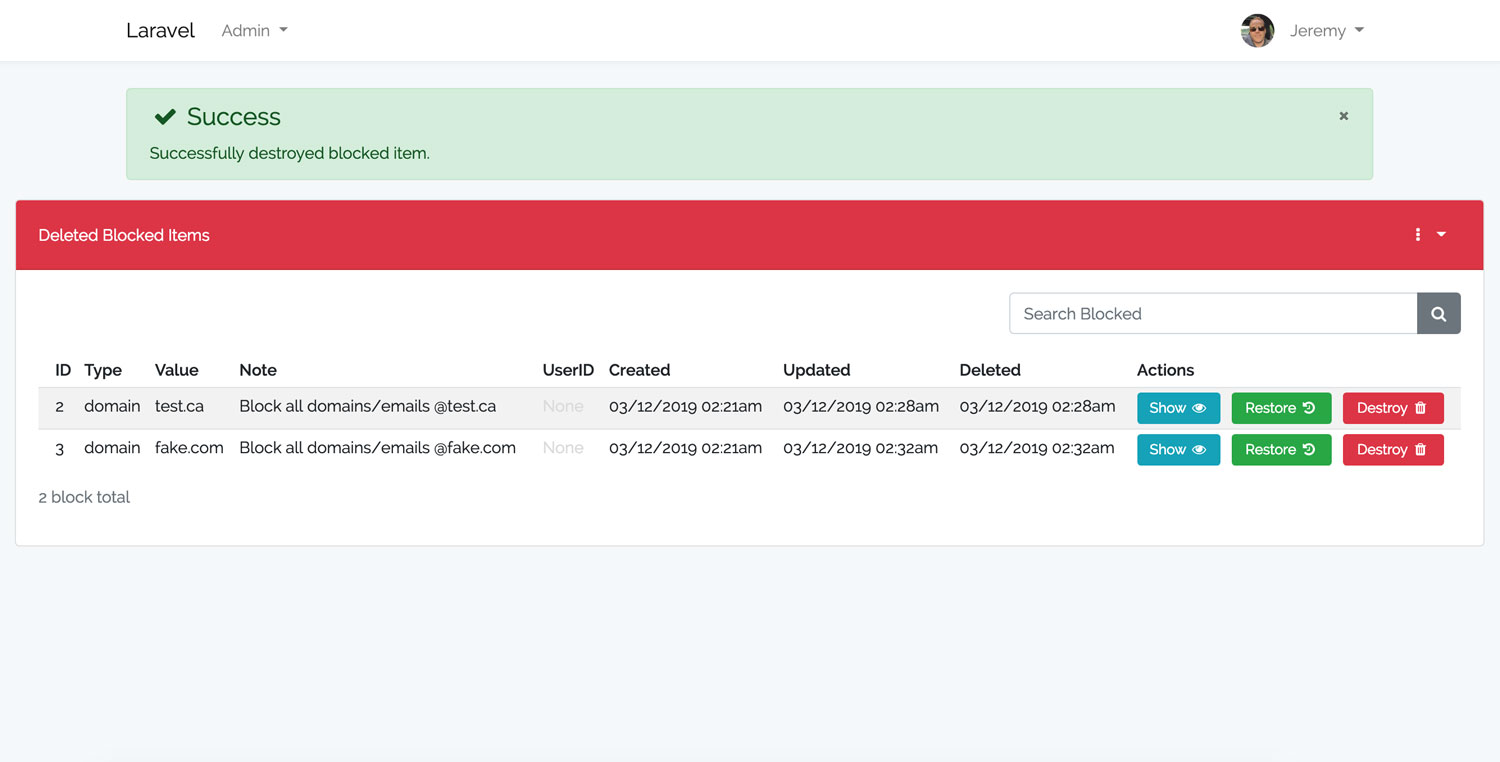
Laravel Blocker Deleted DashboardLaravel Blocker Destroy Modal
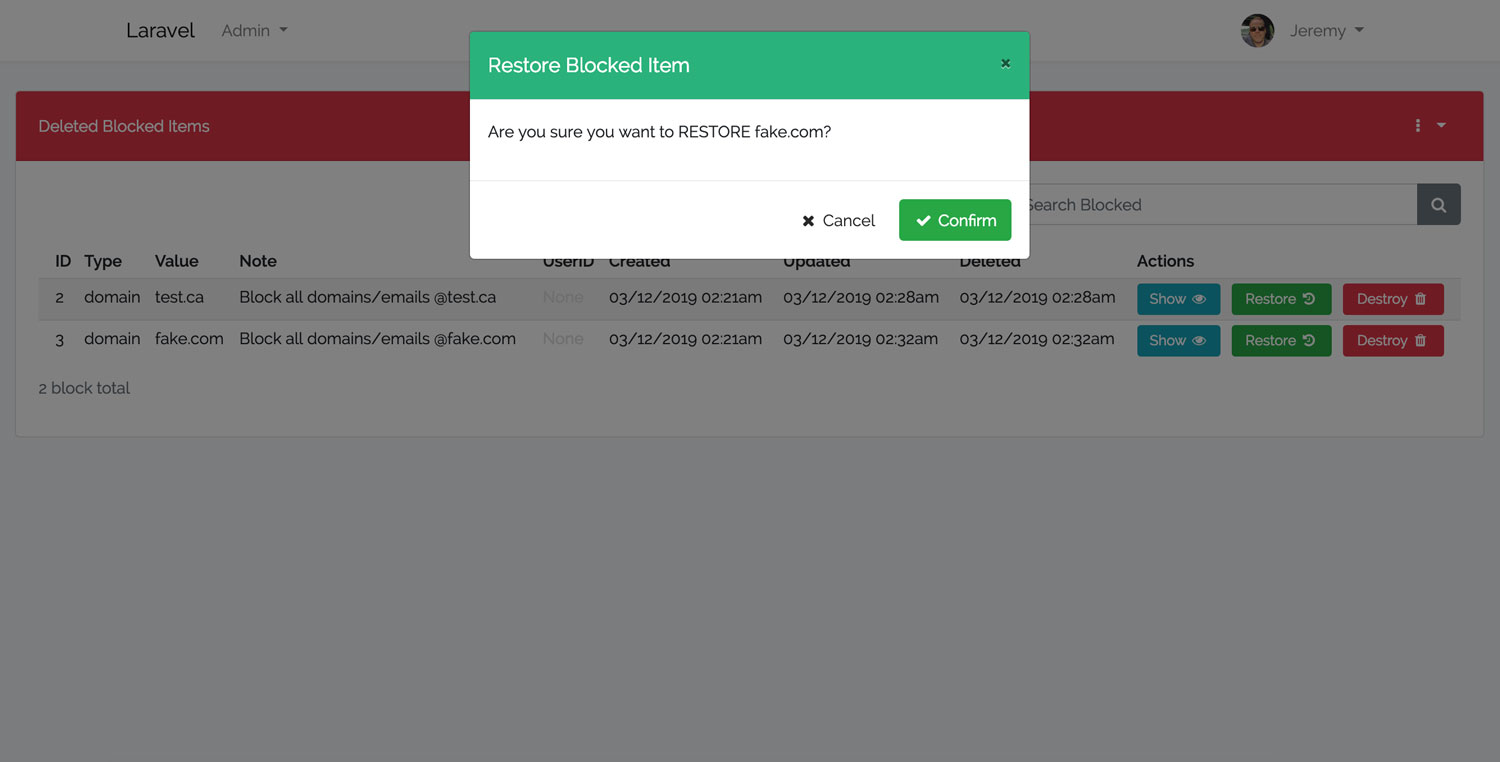
Laravel Blocker Flash MessageLaravel Blocker Restore Modal
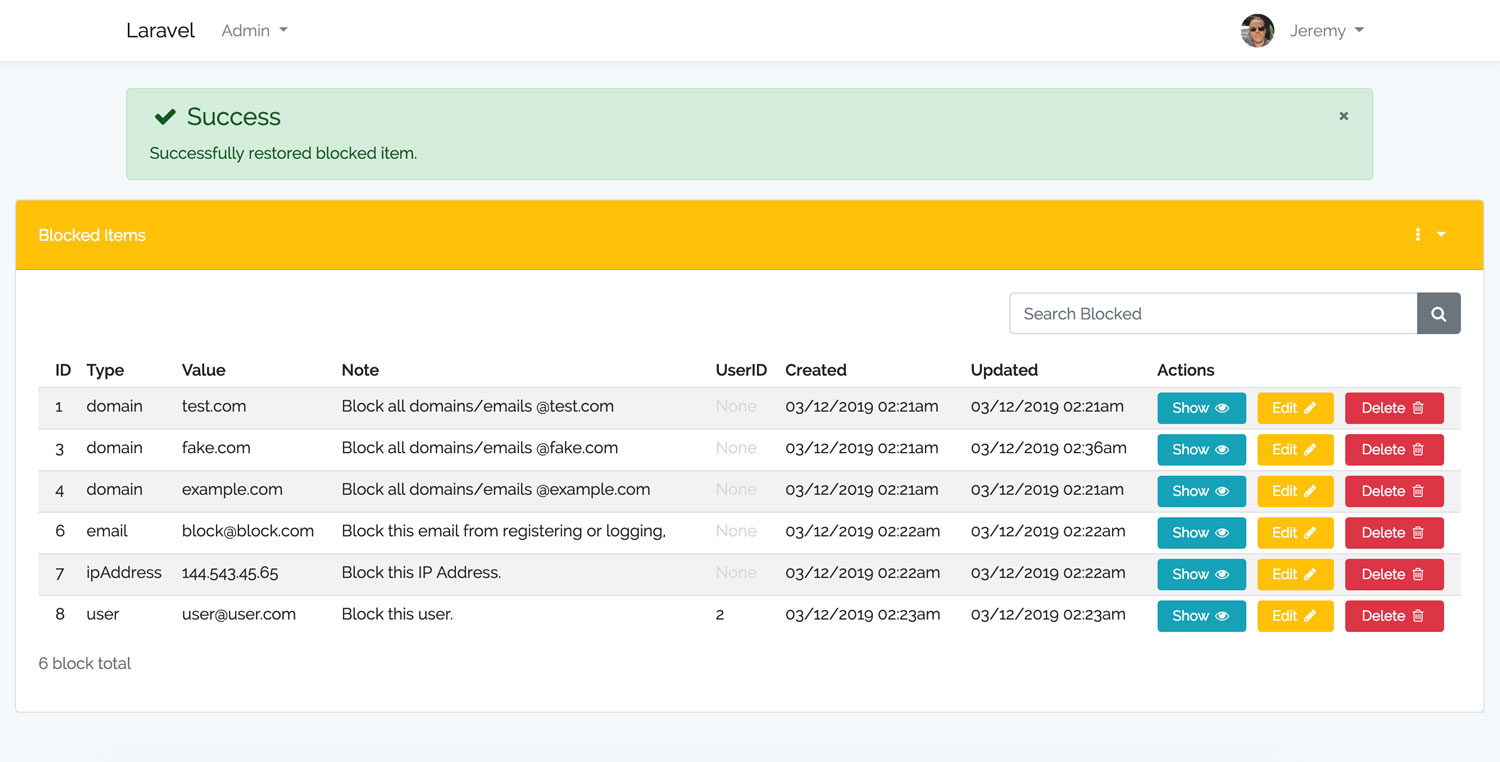
Laravel Blocker Restore Flash Message
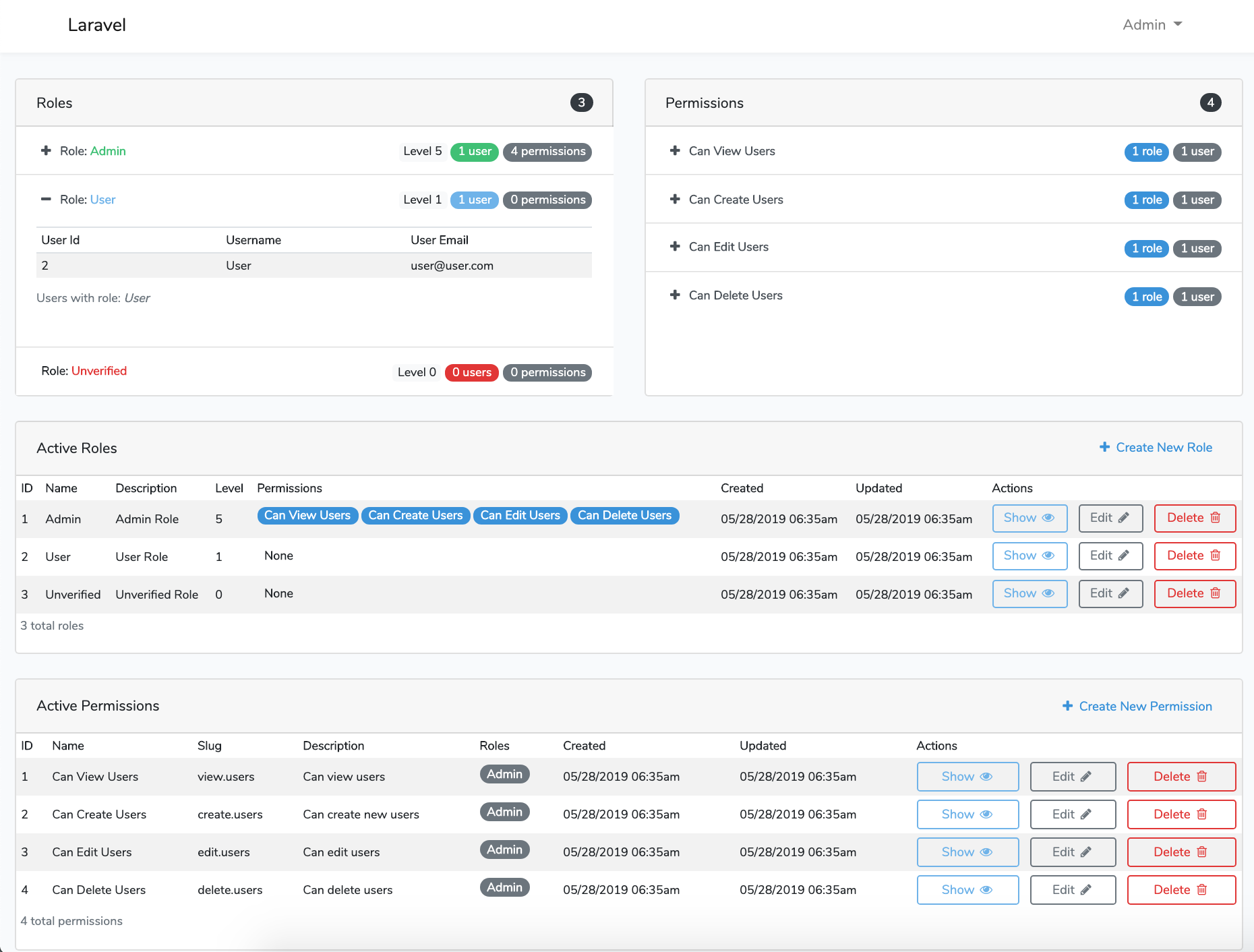
Laravel Roles GUI DashboardLaravel Roles GUI Create New Role
Laravel Roles GUI Edit RoleLaravel Roles GUI Show Role
Laravel Roles GUI Delete RoleLaravel Roles GUI Success Deleted
Laravel Roles GUI Deleted Role ShowLaravel Roles GUI Restore Role
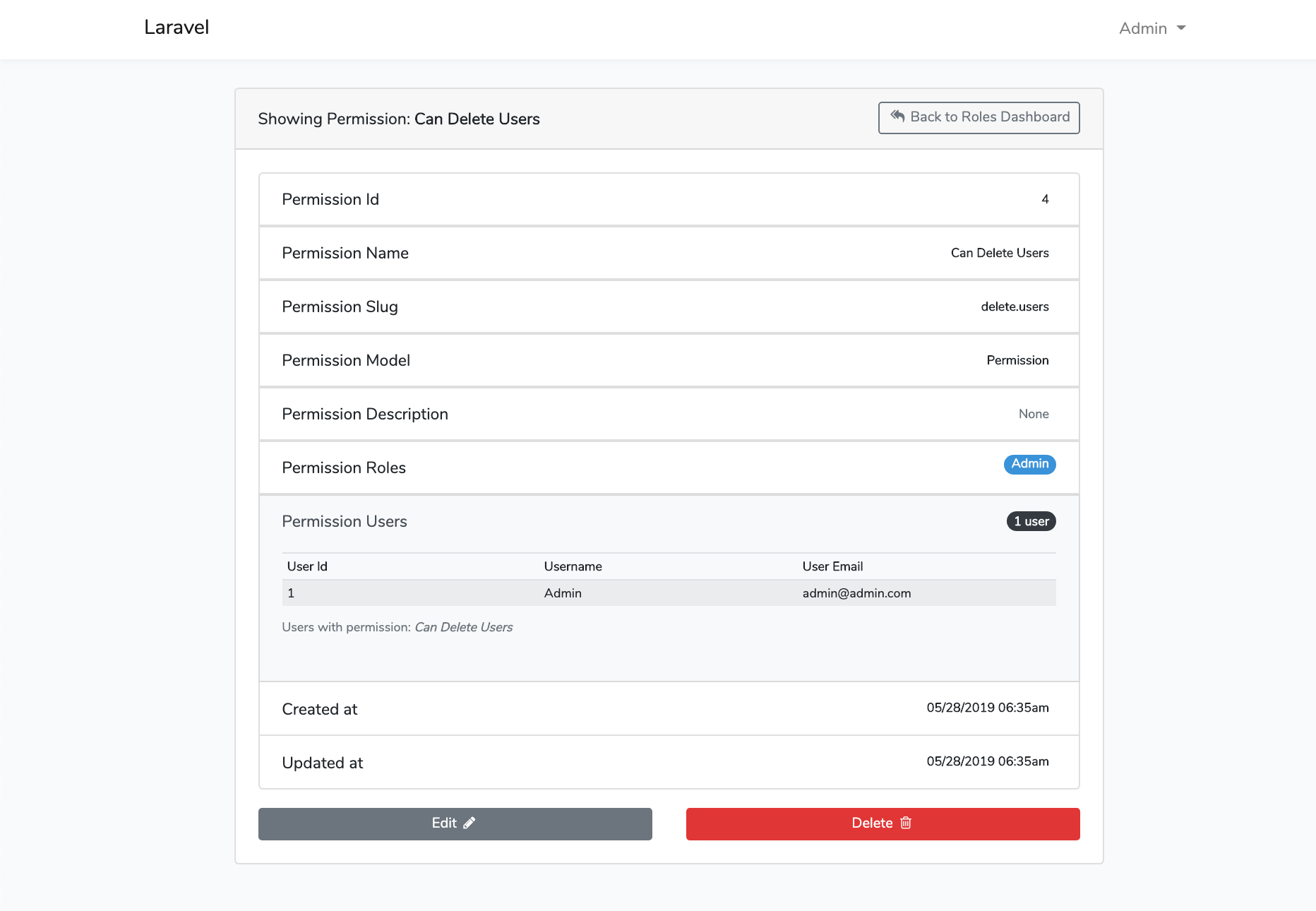
Laravel Roles GUI Delete PermissionLaravel Roles GUI Show Permission
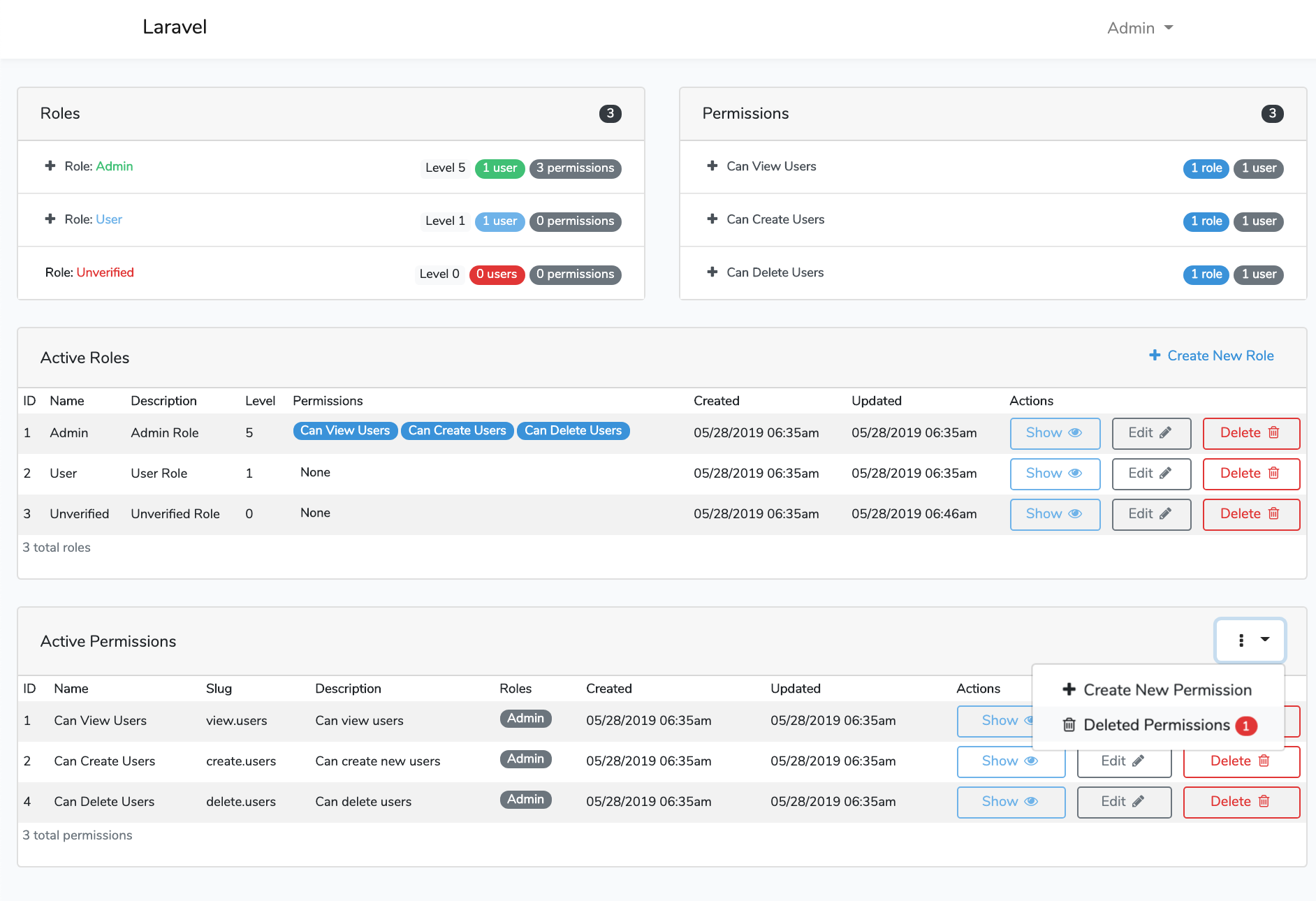
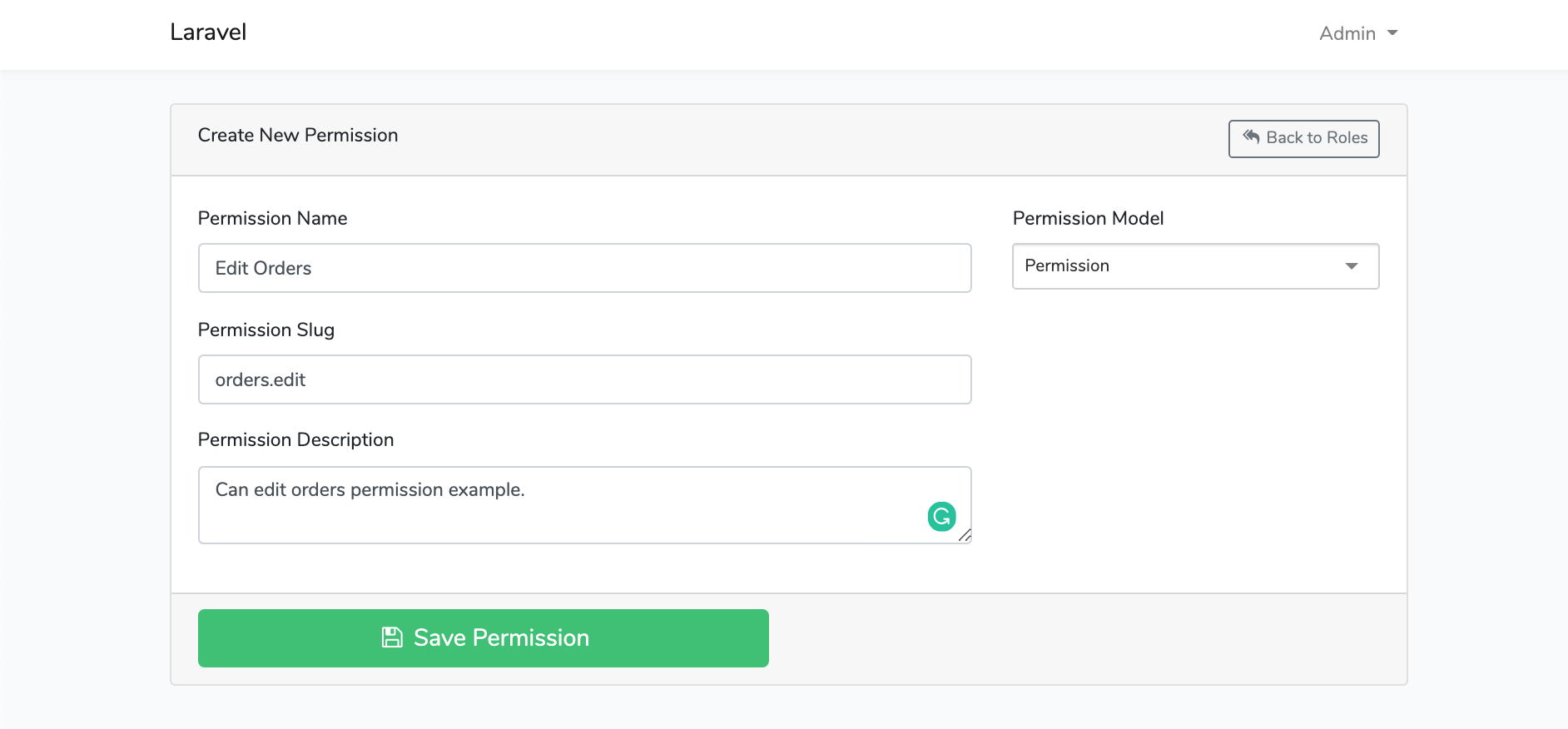
Laravel Roles GUI Permissions DashboardLaravel Roles GUI Create New Permission
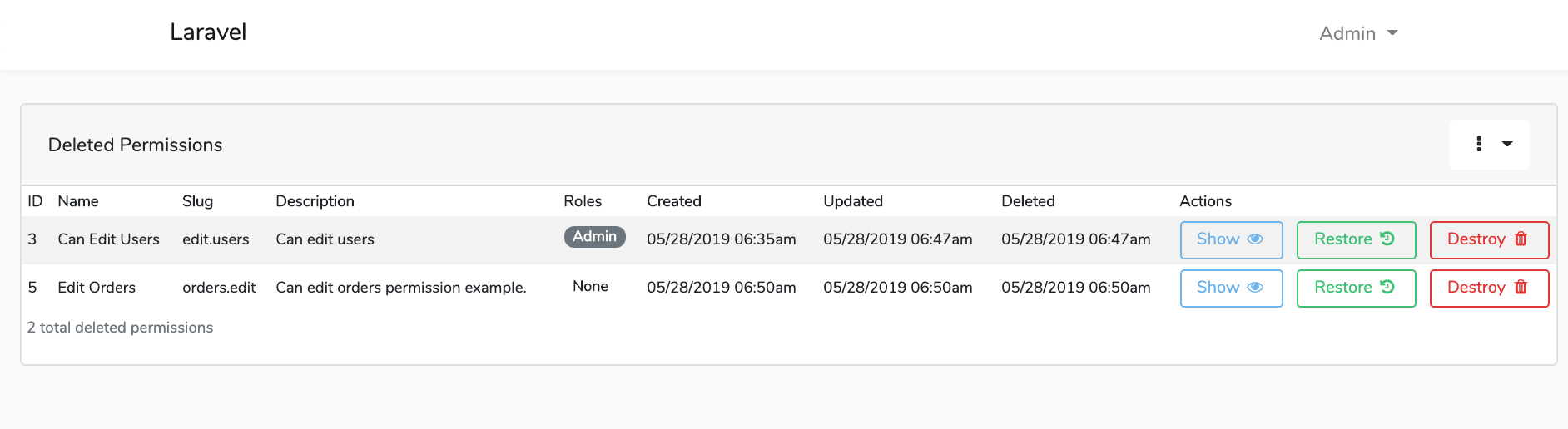
Laravel Roles GUI Roles Soft Deletes DashboardLaravel Roles GUI Permissions Soft Deletes Dashboard
Laravel Roles GUI Success Restore

File Tree

See docs/file-tree.md.

Opening an Issue

Before opening an issue there are a couple of considerations:

  • You are all awesome!
  • Please Read the instructions and make sure all steps were followed correctly.
  • Please Check that the issue is not specific to the development environment setup.
  • Please Provide duplication steps.
  • Please Attempt to look into the issue, and if you have a solution, make a pull request.
  • Please Show that you have made an attempt to look into the issue.
  • Please Check to see if the issue you are reporting is a duplicate of a previous reported issue.

License

This package is open-sourced software licensed under the MIT license.

Contributors

  • Thanks goes to these wonderful people:
  • Please feel free to contribute and make pull requests!
authentication
dropzonejs
google-maps
gravatar-api
laravel
laravel-framework
localization
php
registration
roles
social-authentication
socialite
socialite-logins
two-step-authentication
user-management
user-profile
users

Project health

Overall

4.7/10

Maintained

10/10

Code review

0/10
OpenSSF Scorecard

Significant stargazers

Dave Morin

97 followers · starred Sep 2022

lorvent

23 followers · starred Oct 2024