
AI-powered workout tracker for iOS & Android — React Native app with AI fitness scoring, workout logging, gamification and an offline demo mode. Public, sanitized fork (no embedded secrets).
TypeScript
269
3 commits
updated Jul 16, 2026
README
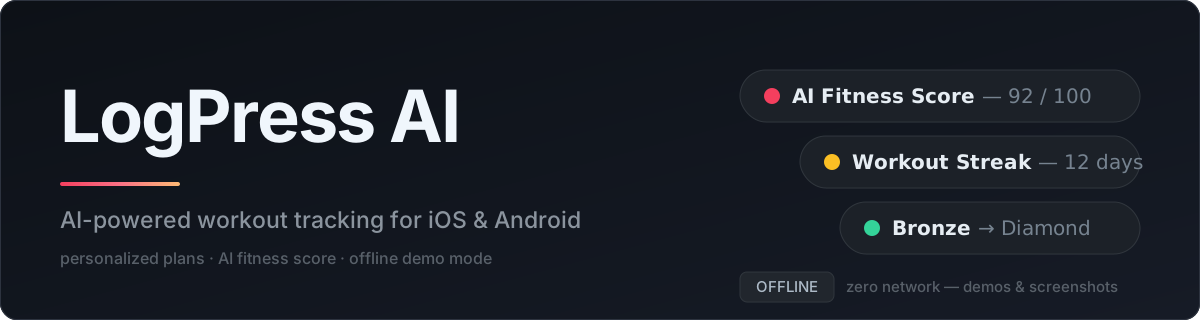




A React Native fitness app that plans workouts, logs sets and reps, and turns your training history into an AI-generated fitness score. This is the public, sanitized version of the app — no embedded API keys or Firebase config, ready to run with your own.
Screenshots
Onboarding — a short flow that personalizes the setup:
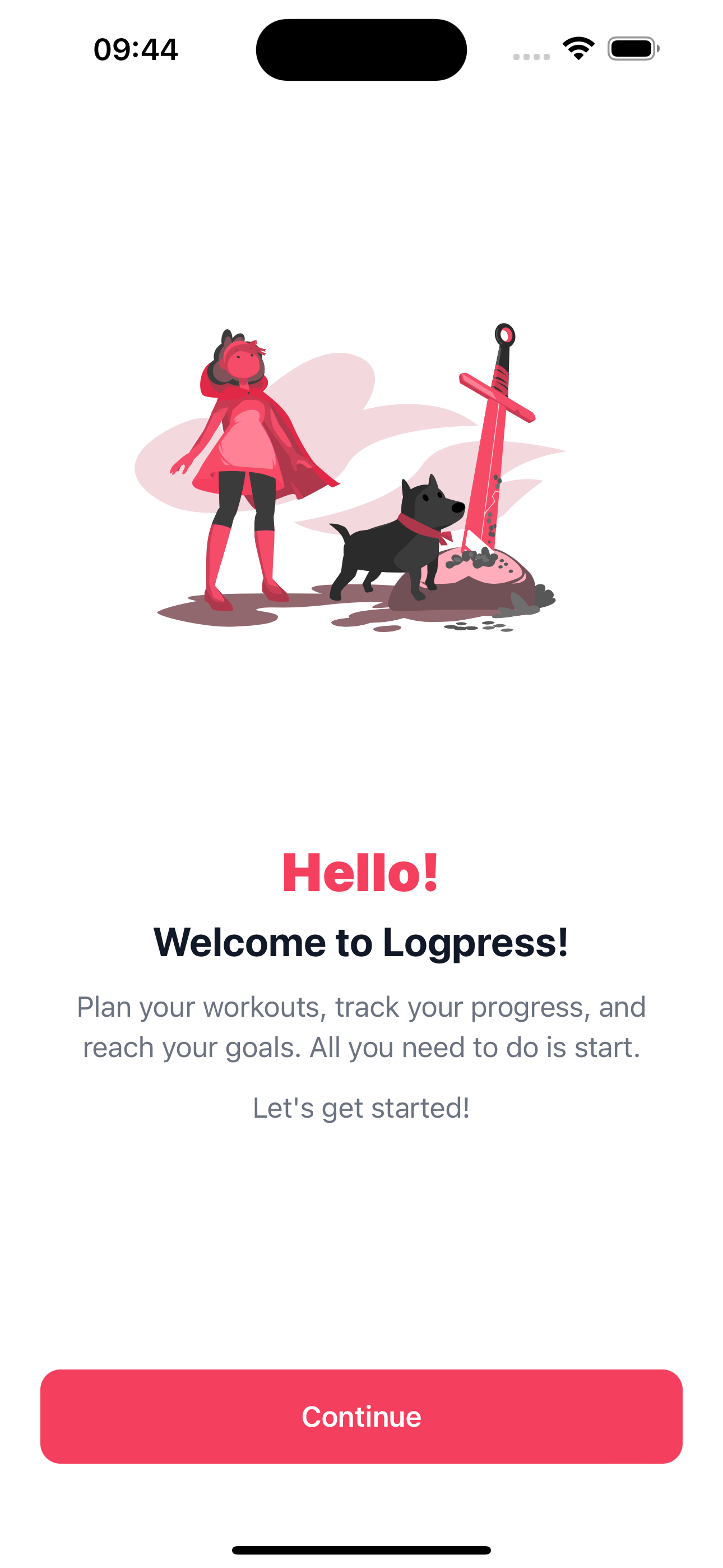 Welcome | 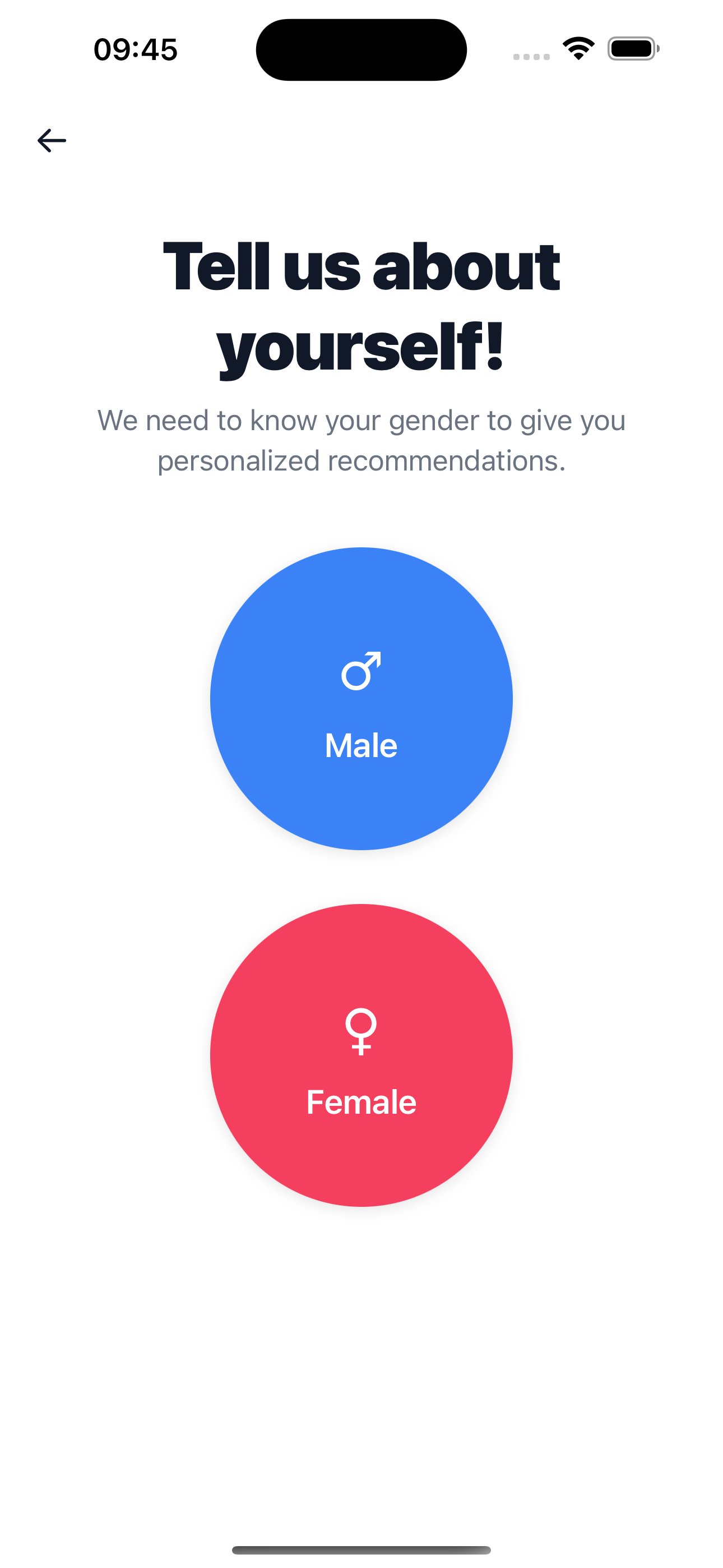 Gender | 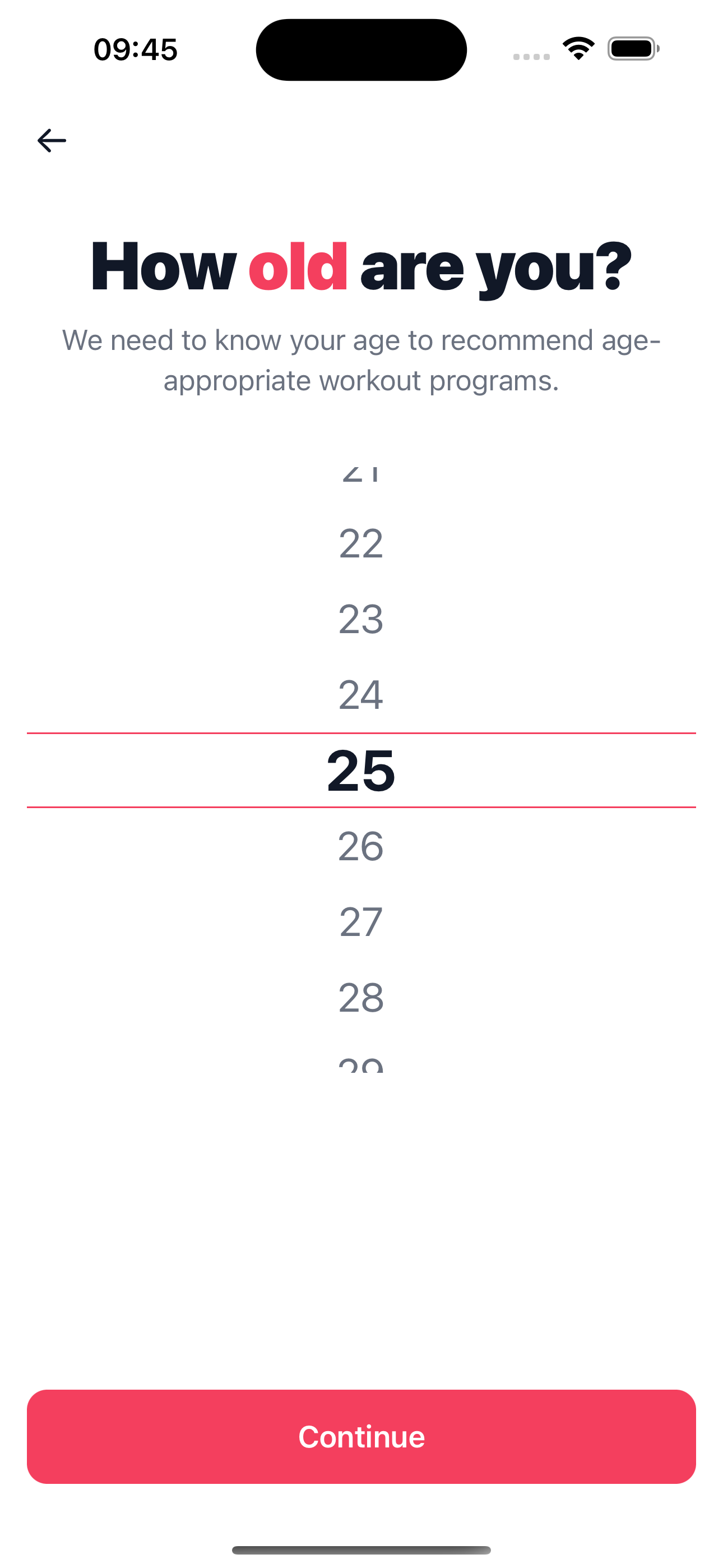 Age | 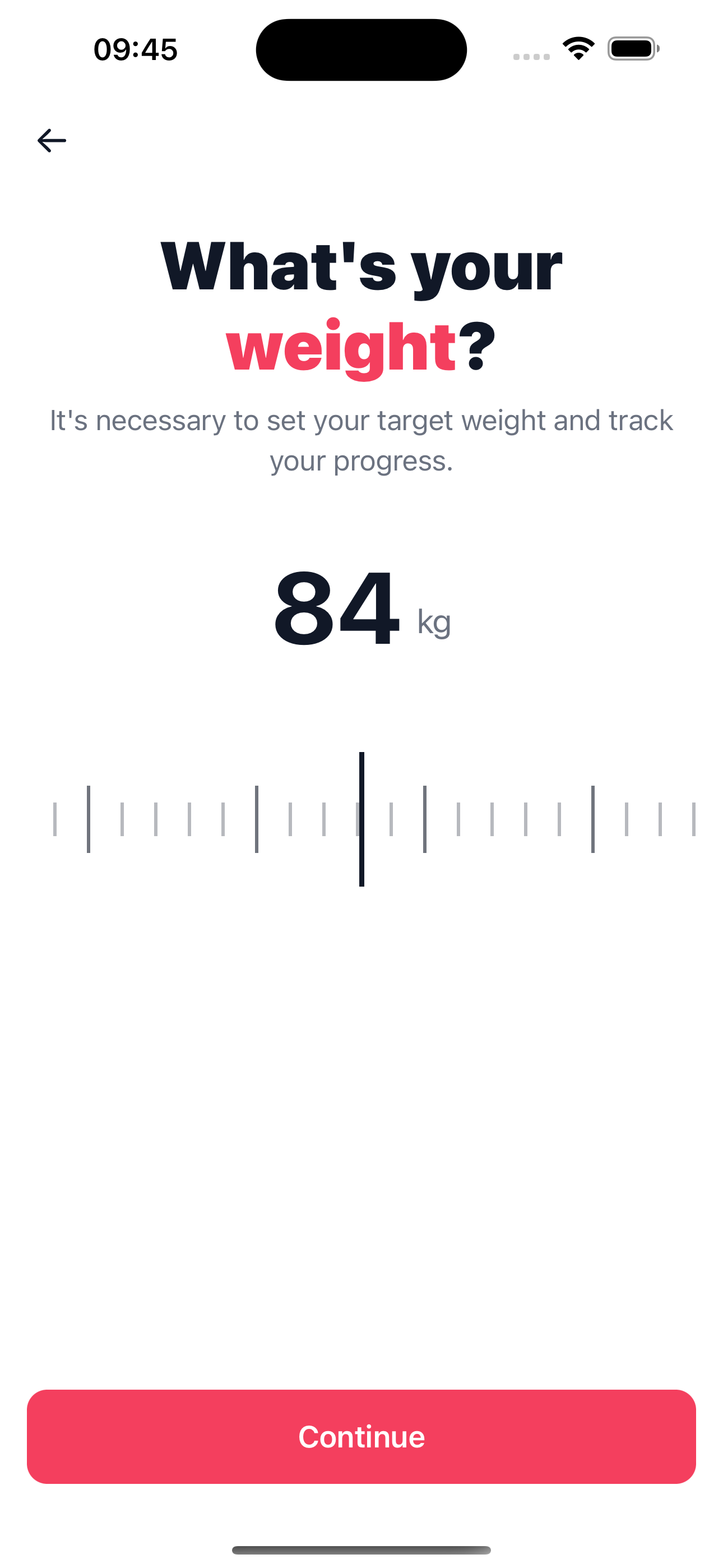 Weight | 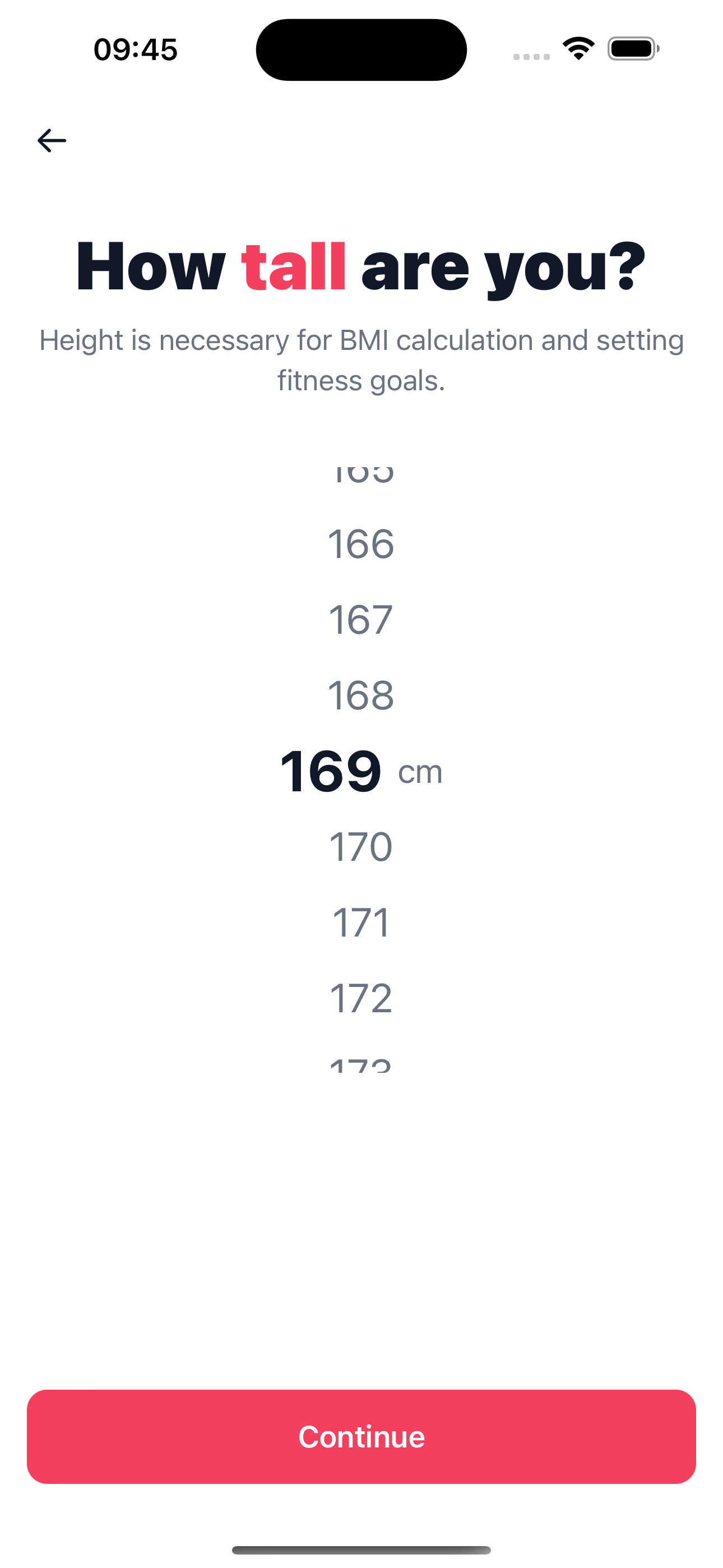 Height |
In the app — workout logging and statistics, dark theme:
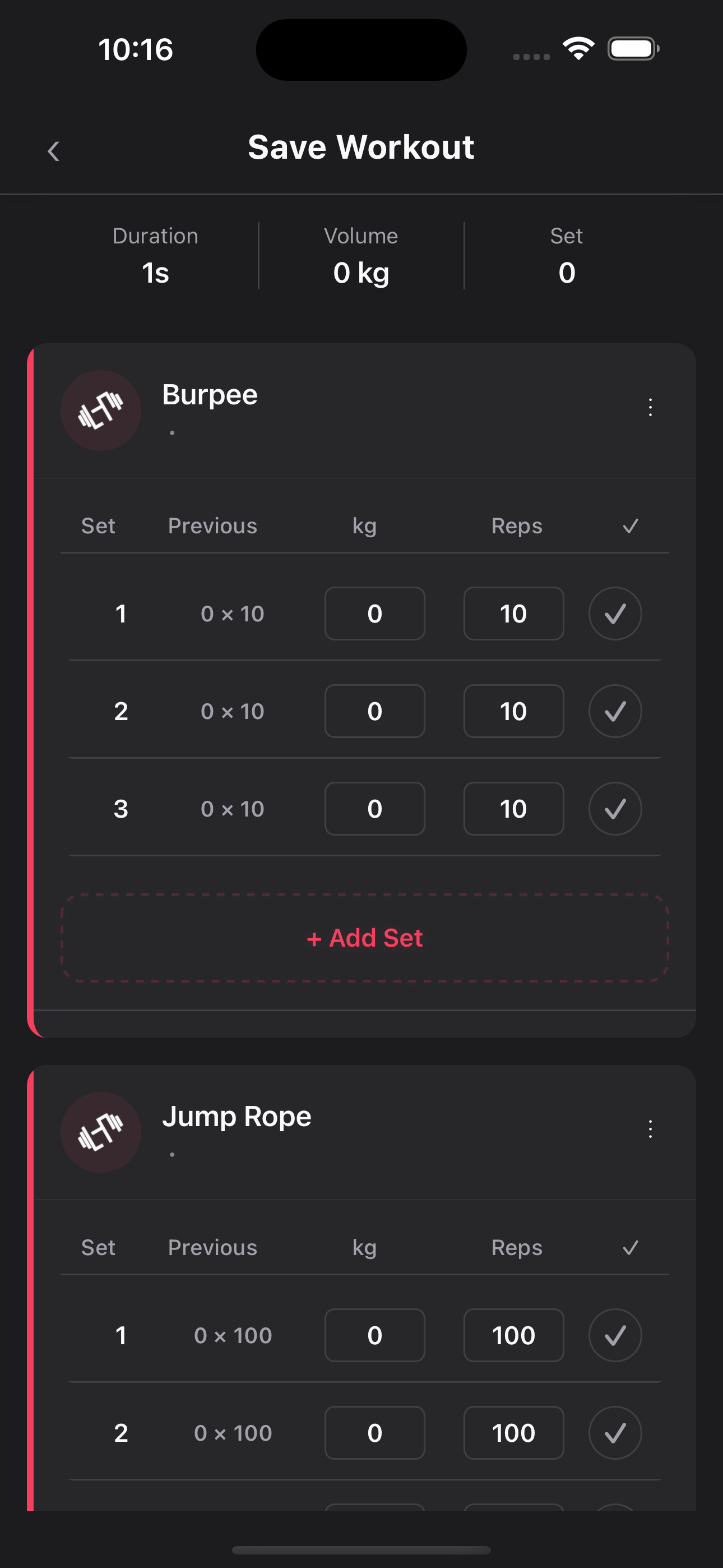 Log a Workout | 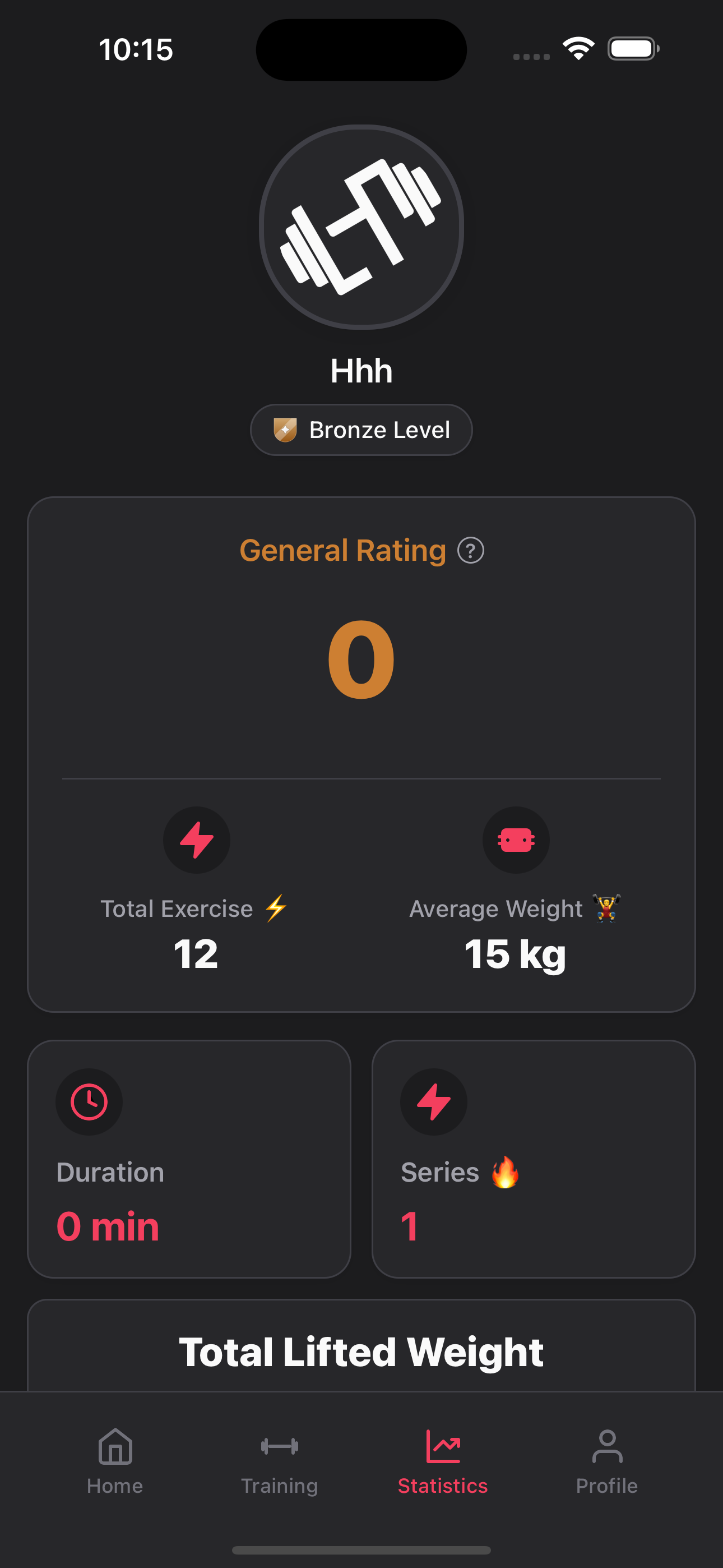 Statistics |
Features
- Personalized onboarding — gender, age, weight & height feed a tailored setup.
- AI fitness score — workout history analyzed by OpenAI into a score and a progress plan.
- Workout logging — build routines, track sets, reps and weight, keep full history.
- Statistics — general rating, total volume, weekly activity and progress charts.
- Gamification — points, badges and a leaderboard from Bronze up.
- Premium / paywall — subscription management via Adapty.
- Localization — multi-language support with i18next.
- Light & dark themes.
Tech Stack
| Layer | Technology |
|---|---|
| Framework | React Native 0.80 · React 19 · TypeScript |
| State | Redux Toolkit · React Redux |
| Navigation | React Navigation 7 (native-stack) |
| Backend / Auth | Supabase |
| AI | OpenAI API |
| Subscriptions | Adapty |
| Analytics | Firebase Analytics |
| UI | styled-components · Lottie · react-native-svg · react-native-video |
| i18n | i18next · react-i18next |
Getting Started
This is the public / sanitized version of the app. It ships without real API keys or Firebase config — bring your own to run it.
1. Install dependencies
npm install
cd ios && bundle install && bundle exec pod install && cd ..
2. Configure environment
cp .env.example .env
Fill in .env with your own keys:
| Variable | Where to get it |
|---|---|
OPENAI_API_KEY | https://platform.openai.com/api-keys |
ADAPTY_API_KEY | https://app.adapty.io (starts with public_live_) |
SUPABASE_URL | https://supabase.com → Project Settings → API |
SUPABASE_ANON_KEY | https://supabase.com → Project Settings → API |
3. Firebase (analytics)
- iOS — create an iOS app in your Firebase project, download
GoogleService-Info.plist, drop it intoios/. (Template:ios/GoogleService-Info.plist.example) - Android — download
google-services.jsonintoandroid/app/.
4. iOS signing
- Open
ios/logpressai.xcworkspacein Xcode → Targets → logpressai → Signing & Capabilities → select your Apple Developer Team. - Change the Bundle Identifier to your own (current:
com.logpress.app).
5. Run
npm start          # Metro bundler
npm run ios        # or
npm run android
Offline / Demo Mode
Run the app with no backend and no internet — demos, App Store screenshots, offline use. Flip a single switch:
// src/config/offline.ts
export const OFFLINE_MODE = true;
When enabled, the app makes zero network requests: Supabase (auth + all queries), Adapty, Firebase Analytics and OpenAI calls are all short-circuited. Paywall screens show mock products, and "Buy Premium" succeeds instantly (no real payment). Set it back to false and rebuild to go online.
Troubleshooting
fmt/constevalbuild error on iOS (Xcode 16.3+ / 26) — thepost_installhook inios/Podfileauto-patchesPods/fmt/include/fmt/base.h(FMT_USE_CONSTEVAL=0). Re-runbundle exec pod installand build again.- General React Native issues: https://reactnative.dev/docs/troubleshooting
Contributing
Issues and pull requests are welcome.
License
Released under the MIT License.
Similar repos


Languages
TypeScript
99.4%
AI-powered workout tracker for iOS & Android — React Native app with AI fitness scoring, workout logging, gamification and an offline demo mode. Public, sanitized fork (no embedded secrets).
TypeScript
269
3 commits
updated Jul 16, 2026
README
A React Native fitness app that plans workouts, logs sets and reps, and turns your training history into an AI-generated fitness score. This is the public, sanitized version of the app — no embedded API keys or Firebase config, ready to run with your own.
Screenshots
Onboarding — a short flow that personalizes the setup:
Welcome | Gender | Age | Weight | Height |
In the app — workout logging and statistics, dark theme:
Log a Workout | Statistics |
Features
- Personalized onboarding — gender, age, weight & height feed a tailored setup.
- AI fitness score — workout history analyzed by OpenAI into a score and a progress plan.
- Workout logging — build routines, track sets, reps and weight, keep full history.
- Statistics — general rating, total volume, weekly activity and progress charts.
- Gamification — points, badges and a leaderboard from Bronze up.
- Premium / paywall — subscription management via Adapty.
- Localization — multi-language support with i18next.
- Light & dark themes.
Tech Stack
| Layer | Technology |
|---|---|
| Framework | React Native 0.80 · React 19 · TypeScript |
| State | Redux Toolkit · React Redux |
| Navigation | React Navigation 7 (native-stack) |
| Backend / Auth | Supabase |
| AI | OpenAI API |
| Subscriptions | Adapty |
| Analytics | Firebase Analytics |
| UI | styled-components · Lottie · react-native-svg · react-native-video |
| i18n | i18next · react-i18next |
Getting Started
This is the public / sanitized version of the app. It ships without real API keys or Firebase config — bring your own to run it.
1. Install dependencies
npm install
cd ios && bundle install && bundle exec pod install && cd ..
2. Configure environment
cp .env.example .env
Fill in .env with your own keys:
| Variable | Where to get it |
|---|---|
OPENAI_API_KEY | https://platform.openai.com/api-keys |
ADAPTY_API_KEY | https://app.adapty.io (starts with public_live_) |
SUPABASE_URL | https://supabase.com → Project Settings → API |
SUPABASE_ANON_KEY | https://supabase.com → Project Settings → API |
3. Firebase (analytics)
- iOS — create an iOS app in your Firebase project, download
GoogleService-Info.plist, drop it intoios/. (Template:ios/GoogleService-Info.plist.example) - Android — download
google-services.jsonintoandroid/app/.
4. iOS signing
- Open
ios/logpressai.xcworkspacein Xcode → Targets → logpressai → Signing & Capabilities → select your Apple Developer Team. - Change the Bundle Identifier to your own (current:
com.logpress.app).
5. Run
npm start          # Metro bundler
npm run ios        # or
npm run android
Offline / Demo Mode
Run the app with no backend and no internet — demos, App Store screenshots, offline use. Flip a single switch:
// src/config/offline.ts
export const OFFLINE_MODE = true;
When enabled, the app makes zero network requests: Supabase (auth + all queries), Adapty, Firebase Analytics and OpenAI calls are all short-circuited. Paywall screens show mock products, and "Buy Premium" succeeds instantly (no real payment). Set it back to false and rebuild to go online.
Troubleshooting
fmt/constevalbuild error on iOS (Xcode 16.3+ / 26) — thepost_installhook inios/Podfileauto-patchesPods/fmt/include/fmt/base.h(FMT_USE_CONSTEVAL=0). Re-runbundle exec pod installand build again.- General React Native issues: https://reactnative.dev/docs/troubleshooting
Contributing
Issues and pull requests are welcome.
License
Released under the MIT License.
Similar repos
Languages
TypeScript
99.4%