
README
Slydst
Create simple static slides with Typst.
Slydst allows the creation of slides using Typst headings. This simplicity comes at the expense of dynamic content such as subslide animations. For more complete and complex slides functionalities, see other tools such as Polylux.
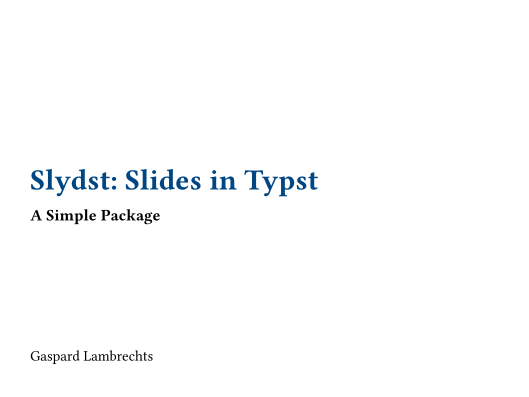
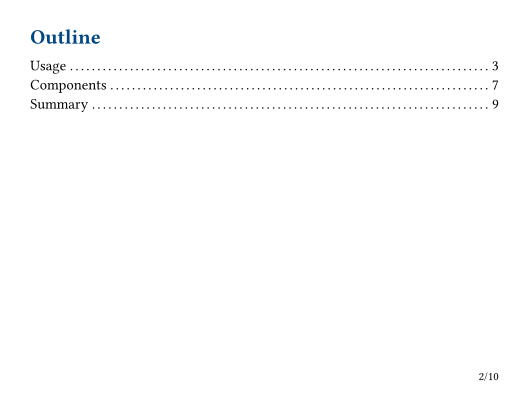
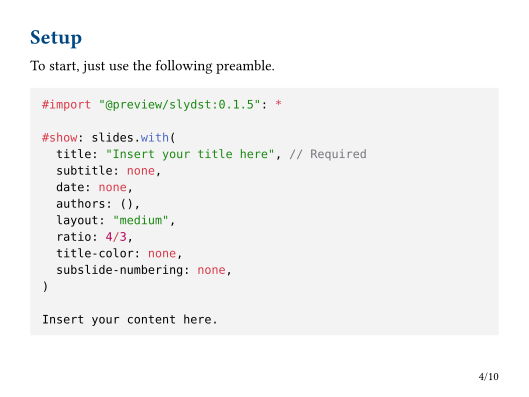
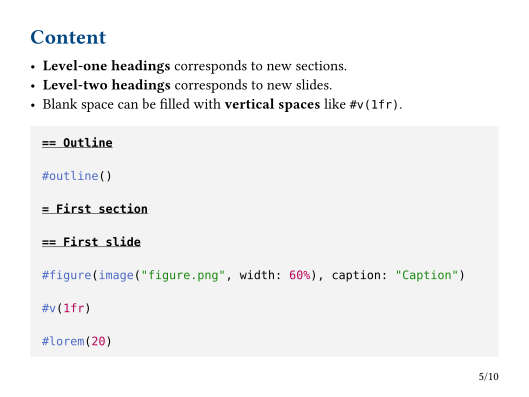
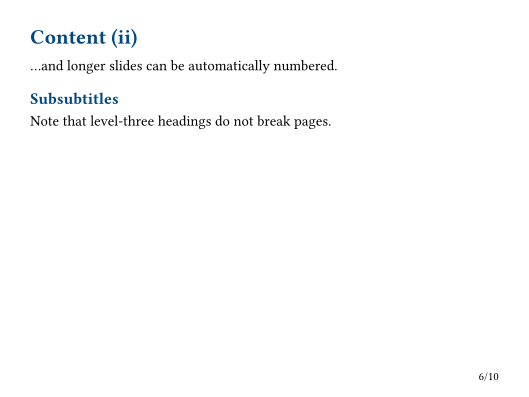
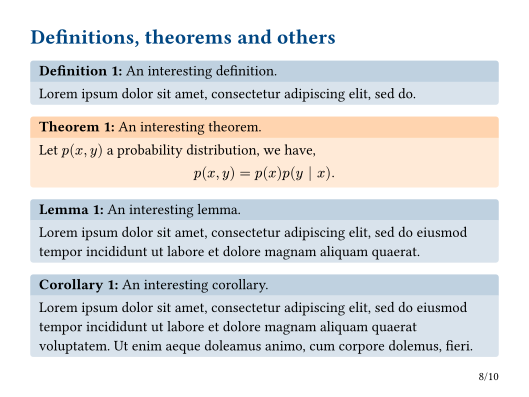
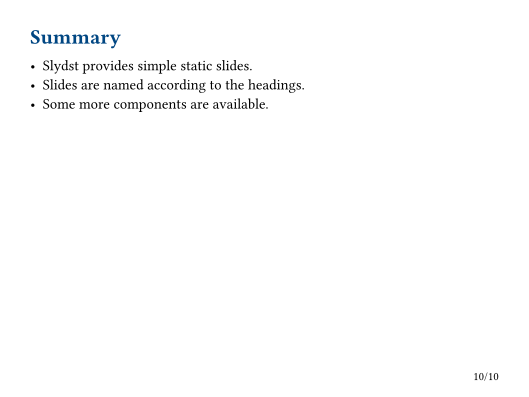
See the preview below.
Quick start
Just use the following command.
typst init @preview/slydst directory
Or select the Slydst template in the Typst app.
Usage
To start, just use the following preamble (only the title is required).
#import "@preview/slydst:0.1.5": *

#show: slides.with(
  title: "Slydst: Slides with Typst",
  subtitle: none,
  date: none,
  authors: ("Gaspard Lambrechts",),
  layout: "medium",
  ratio: 4/3,
  title-color: none,
  subslide-numbering: none,
)

Insert your content here.
Then, insert your content.
- Level-one headings corresponds to new sections.
- Level-two headings corresponds to new slides.
- Blank space can be filled with vertical spaces like
#v(1fr).
== Outline

#outline()

= First section

== First slide

#figure(image("figure.png", width: 60%), caption: "Caption")

#v(1fr)

#lorem(20)
Title page
Alternatively, you can omit the title argument and write your own title page. Note that the subtitle, date and authors arguments will be ignored in that case.
#show: slides.with(
  layout: "medium",
)

#align(center + horizon)[
  #text(2em, default-color)[*Slydst: Slides in Typst*]
]

Insert your content here.
We advise the use of the title-slide function that ensures a proper centering and no page numbering.
#show: slides

#title-slide[
  #text(2em, default-color)[*Slydst: Slides in Typst*]
]

Insert your content here.
Components
Definitions, theorems, lemmas, corollaries and algorithms boxes are also available.
#definition(title: "An interesting definition")[
  #lorem(20)
]
Documentation
slides
content:content- content of the presentationtitle:str- title (required)subtitle:str- subtitledate:str- dateauthors:arrayofcontentorcontent- list of authors or author contentlayout:str in ("small", "medium", "large")- layout selectionratio:floatorratioorint- width to height ratiotitle-color:colororgradient- color of title and headingssubslide-numbering::noneorstr- numbering of subslides,
title-slide
content:content- content of the slide
definition, theorem, lemma, corollary, algorithm
content:content- content of the blocktitle:str- title of the blockfill-header:color- color of the header (inferred if onlyfill-bodyis specified)fill-body:color- color of the body (inferred if onlyfill-headeris specified)radius:length- radius of the corners of the block
Example


Contributors


Similar repos


Languages
Typst
100.0%
README
Slydst
Create simple static slides with Typst.
Slydst allows the creation of slides using Typst headings. This simplicity comes at the expense of dynamic content such as subslide animations. For more complete and complex slides functionalities, see other tools such as Polylux.
See the preview below.
Quick start
Just use the following command.
typst init @preview/slydst directory
Or select the Slydst template in the Typst app.
Usage
To start, just use the following preamble (only the title is required).
#import "@preview/slydst:0.1.5": *

#show: slides.with(
  title: "Slydst: Slides with Typst",
  subtitle: none,
  date: none,
  authors: ("Gaspard Lambrechts",),
  layout: "medium",
  ratio: 4/3,
  title-color: none,
  subslide-numbering: none,
)

Insert your content here.
Then, insert your content.
- Level-one headings corresponds to new sections.
- Level-two headings corresponds to new slides.
- Blank space can be filled with vertical spaces like
#v(1fr).
== Outline

#outline()

= First section

== First slide

#figure(image("figure.png", width: 60%), caption: "Caption")

#v(1fr)

#lorem(20)
Title page
Alternatively, you can omit the title argument and write your own title page. Note that the subtitle, date and authors arguments will be ignored in that case.
#show: slides.with(
  layout: "medium",
)

#align(center + horizon)[
  #text(2em, default-color)[*Slydst: Slides in Typst*]
]

Insert your content here.
We advise the use of the title-slide function that ensures a proper centering and no page numbering.
#show: slides

#title-slide[
  #text(2em, default-color)[*Slydst: Slides in Typst*]
]

Insert your content here.
Components
Definitions, theorems, lemmas, corollaries and algorithms boxes are also available.
#definition(title: "An interesting definition")[
  #lorem(20)
]
Documentation
slides
content:content- content of the presentationtitle:str- title (required)subtitle:str- subtitledate:str- dateauthors:arrayofcontentorcontent- list of authors or author contentlayout:str in ("small", "medium", "large")- layout selectionratio:floatorratioorint- width to height ratiotitle-color:colororgradient- color of title and headingssubslide-numbering::noneorstr- numbering of subslides,
title-slide
content:content- content of the slide
definition, theorem, lemma, corollary, algorithm
content:content- content of the blocktitle:str- title of the blockfill-header:color- color of the header (inferred if onlyfill-bodyis specified)fill-body:color- color of the body (inferred if onlyfill-headeris specified)radius:length- radius of the corners of the block
Example
Similar repos
Contributors
Languages
Typst
100.0%