
Console is a Admin UI for MinIO® Object Storage Server :desktop_computer:
See the codeSee what people are saying (1)
README
Console




Console is a graphical admin management browser user interface for MinIO® Server
[!NOTE] Console is a fork of the old MinIO Console for my own personal educational purposes, and therefore it incorporates MinIO® source code. You may also want to look for other maintained forks.
[!IMPORTANT] MINIO is a registered trademark of the MinIO Corporation. Consequently, this project is not affiliated with or endorsed by the MinIO Corporation.
| Login | Metrics | Object Browser |
|---|---|---|
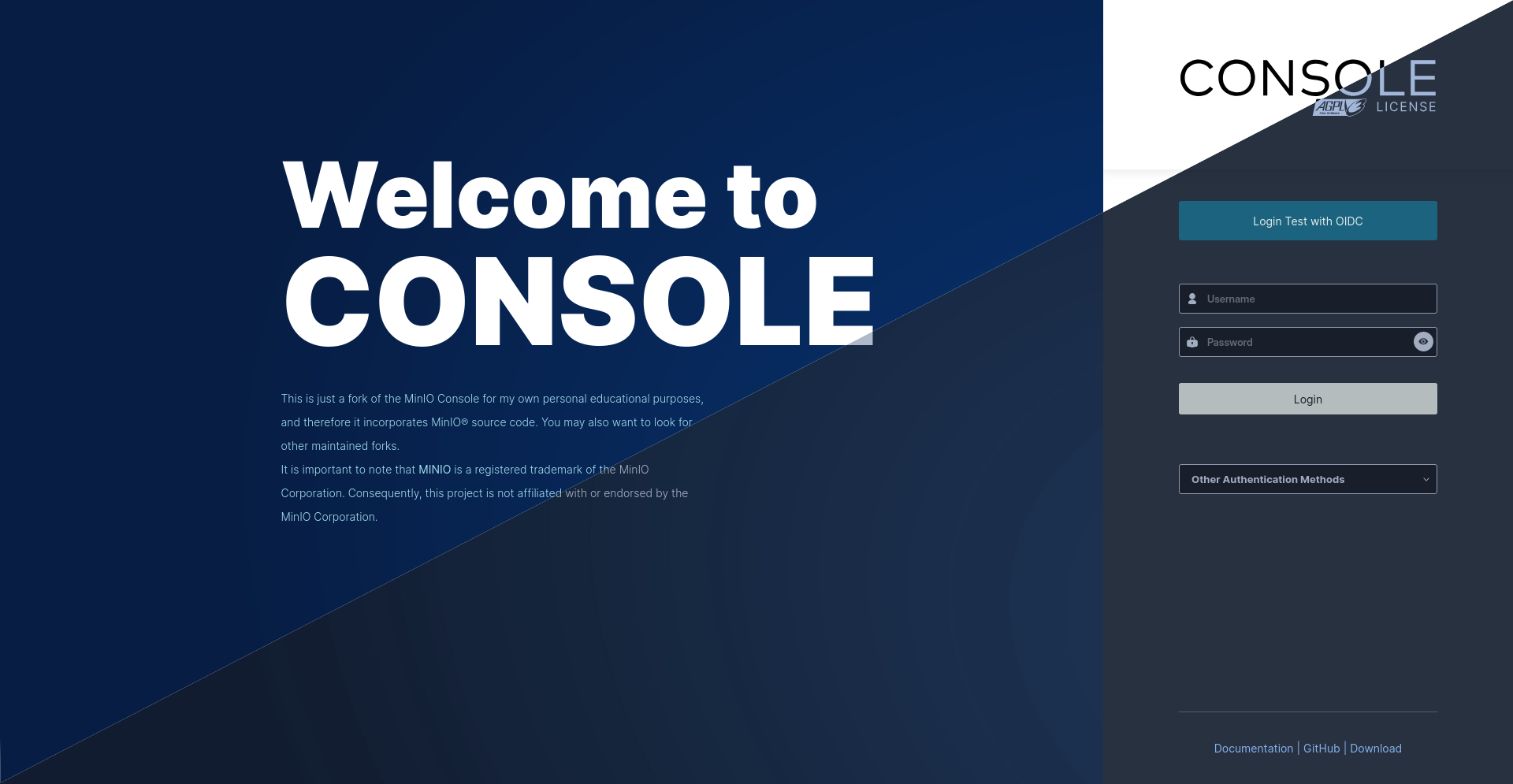 | 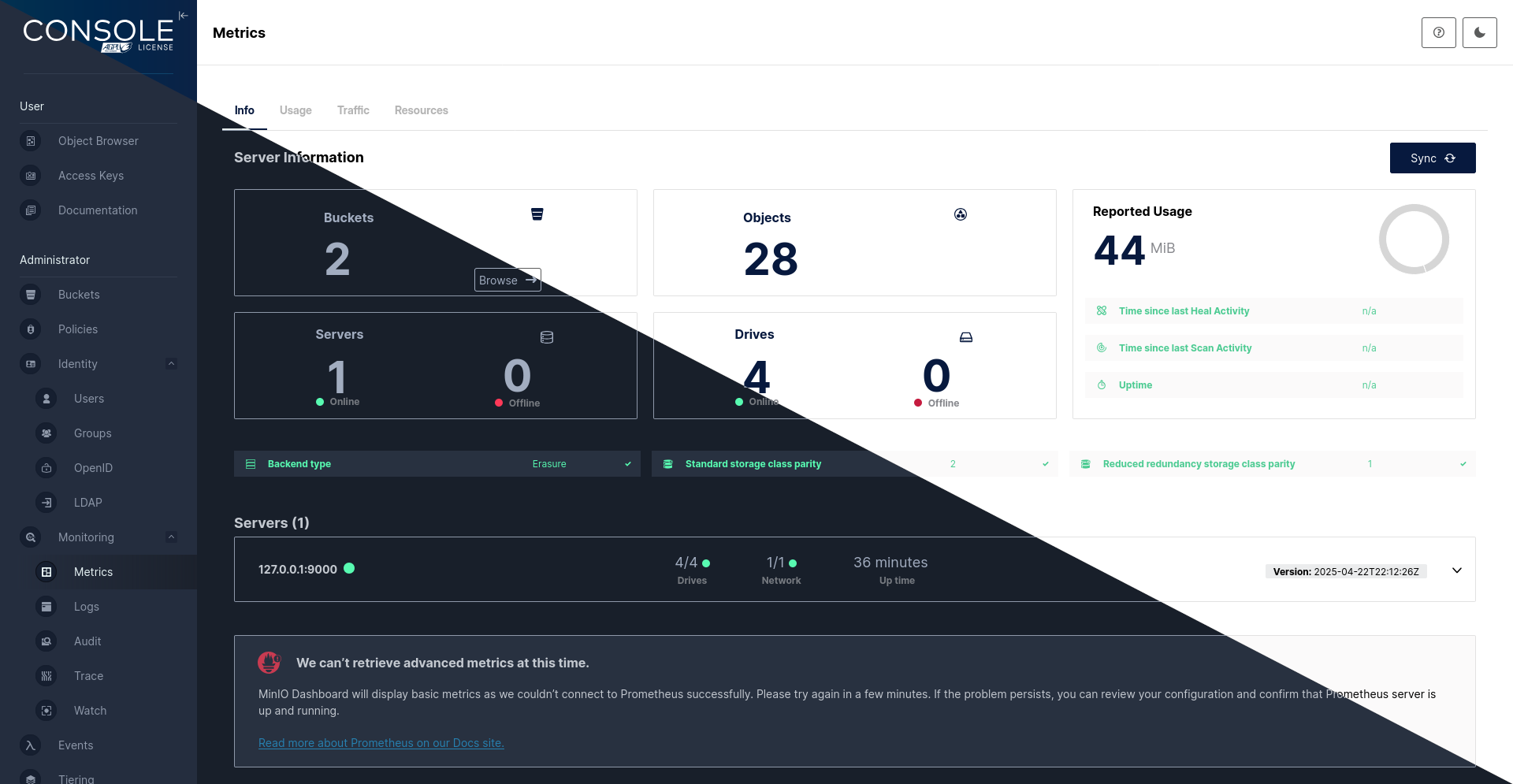 | 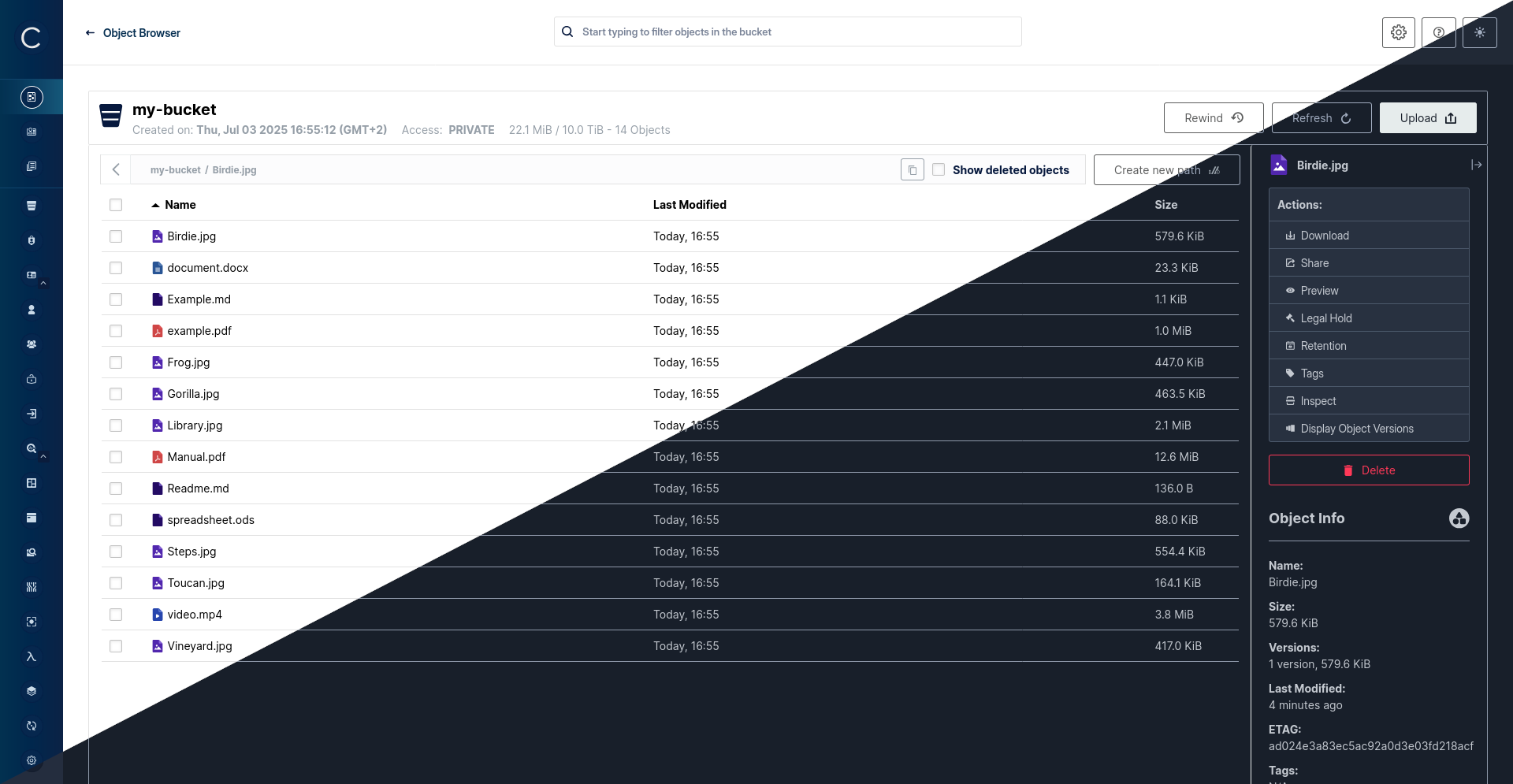 |
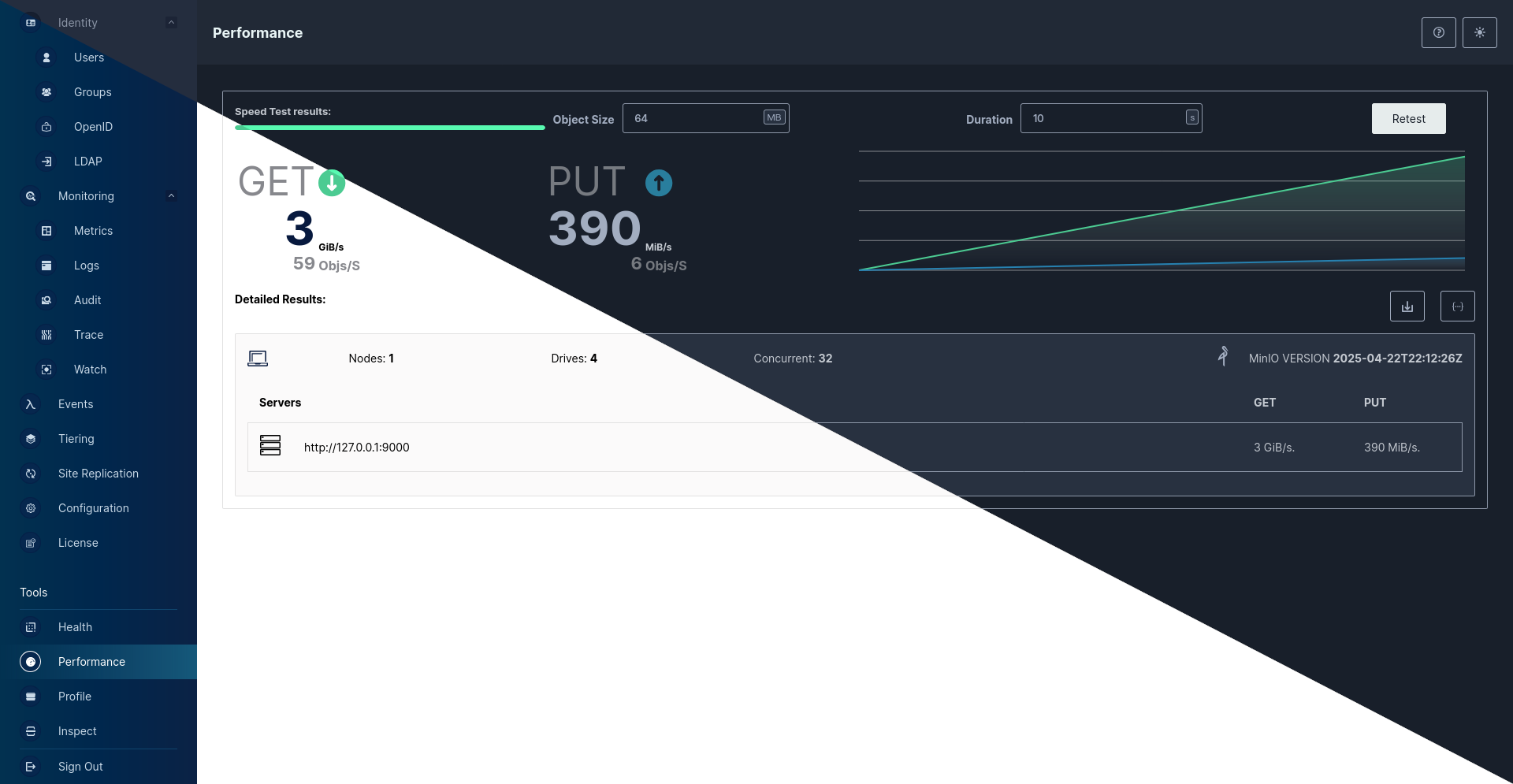 | 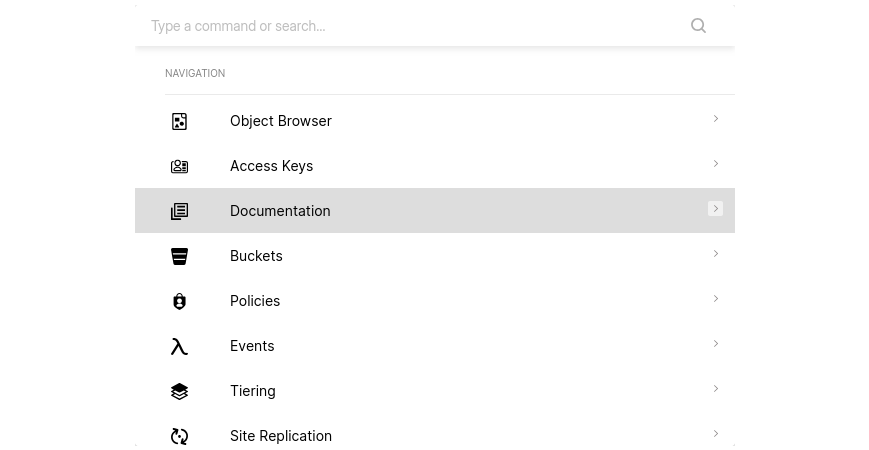 | |
| Performance/ Speedtest | Ctrl/Strg + k |
Table of Contents
Install
Binary Releases 
| OS | ARCH | Binary |
|---|---|---|
| Linux | amd64 | linux-amd64 |
| Linux | arm64 | linux-arm64 |
| Linux | arm | linux-arm |
| Apple | amd64 | darwin-amd64 |
| Apple | arm64 | darwin-amd64 |
| Windows | amd64 | windows-amd64 |
For Checksums, DEB and RPM Packages visit latest Release Page.
Docker
Pull the latest release via: Github Packages
docker pull ghcr.io/georgmangold/console
Run it with and replace YOUR_MINIO_SERVER_URL with your own MinIO Server URL
docker run -p 127.0.0.1:9090:9090 -e CONSOLE_MINIO_SERVER=https://YOUR_MINIO_SERVER_URL ghcr.io/georgmangold/console
[!NOTE] If you have changed the region on your MinIO Server from the default
us-east-1you need to set the Environment VariableCONSOLE_MINIO_REGION=as well.
Build from source
[!NOTE] You will need a working Go environment. Therefore, please follow How to install Go. Minimum version required is

go install github.com/georgmangold/console/cmd/console@latest
Refer to DEVELOPMENT.md and CONTRIBUTING.md for more Information on how to build this project.
Setup
All console needs is a MinIO user with admin privileges and URL pointing to your MinIO deployment.
[!NOTE] We don't recommend using MinIO's Root Admin Credentials
1. Create a user console using mc
mc admin user add myminio/
Enter Access Key: console
Enter Secret Key: xxxxxxxx
2. Create a policy for console with admin access to all resources (for testing)
cat > admin.json << EOF
{
	"Version": "2012-10-17",
	"Statement": [{
			"Action": [
				"admin:*"
			],
			"Effect": "Allow",
			"Sid": ""
		},
		{
			"Action": [
                "s3:*"
			],
			"Effect": "Allow",
			"Resource": [
				"arn:aws:s3:::*"
			],
			"Sid": ""
		}
	]
}
EOF
mc admin policy create myminio/ consoleAdmin admin.json
3. Set the policy for the new console user
mc admin policy attach myminio consoleAdmin --user=console
[!NOTE] Additionally, you can create policies to limit the privileges for other
consoleusers, for example, if you want the user to only have access to dashboard, buckets, notifications and watch page, the policy should look like this:{ "Version": "2012-10-17", "Statement": [ { "Action": [ "admin:ServerInfo" ], "Effect": "Allow", "Sid": "" }, { "Action": [ "s3:ListenBucketNotification", "s3:PutBucketNotification", "s3:GetBucketNotification", "s3:ListMultipartUploadParts", "s3:ListBucketMultipartUploads", "s3:ListBucket", "s3:HeadBucket", "s3:GetObject", "s3:GetBucketLocation", "s3:AbortMultipartUpload", "s3:CreateBucket", "s3:PutObject", "s3:DeleteObject", "s3:DeleteBucket", "s3:PutBucketPolicy", "s3:DeleteBucketPolicy", "s3:GetBucketPolicy" ], "Effect": "Allow", "Resource": [ "arn:aws:s3:::*" ], "Sid": "" } ] }
Start Console service:
Before running console service, following environment settings must be supplied
# MinIO Endpoint
export CONSOLE_MINIO_SERVER=http://localhost:9000
Now start the console service.
./console server
2021-01-19 02:36:08.893735 I | 2021/01/19 02:36:08 server.go:129: Serving console at http://localhost:9090
By default console runs on port 9090 this can be changed with --port of your choice.
[!NOTE] If you have changed the region on your MinIO Server from the default
us-east-1you need to set the Environment VariableCONSOLE_MINIO_REGION=as well.
Documentation
See documentation and FAQ for more information.
Contribute to console Project
Please follow console Contributor's Guide
License
Console is licensed under the GNU AGPLv3.
Star History


Similar repos


Languages
TypeScript
40.2%
JavaScript
36.1%
Go
22.9%
Console is a Admin UI for MinIO® Object Storage Server :desktop_computer:
See the codeSee what people are saying (1)
README
Console
Console is a graphical admin management browser user interface for MinIO® Server
[!NOTE] Console is a fork of the old MinIO Console for my own personal educational purposes, and therefore it incorporates MinIO® source code. You may also want to look for other maintained forks.
[!IMPORTANT] MINIO is a registered trademark of the MinIO Corporation. Consequently, this project is not affiliated with or endorsed by the MinIO Corporation.
| Login | Metrics | Object Browser |
|---|---|---|
| | |
| | |
| Performance/ Speedtest | Ctrl/Strg + k |
Table of Contents
Install
Binary Releases
| OS | ARCH | Binary |
|---|---|---|
| Linux | amd64 | linux-amd64 |
| Linux | arm64 | linux-arm64 |
| Linux | arm | linux-arm |
| Apple | amd64 | darwin-amd64 |
| Apple | arm64 | darwin-amd64 |
| Windows | amd64 | windows-amd64 |
For Checksums, DEB and RPM Packages visit latest Release Page.
Docker
Pull the latest release via: Github Packages
docker pull ghcr.io/georgmangold/console
Run it with and replace YOUR_MINIO_SERVER_URL with your own MinIO Server URL
docker run -p 127.0.0.1:9090:9090 -e CONSOLE_MINIO_SERVER=https://YOUR_MINIO_SERVER_URL ghcr.io/georgmangold/console
[!NOTE] If you have changed the region on your MinIO Server from the default
us-east-1you need to set the Environment VariableCONSOLE_MINIO_REGION=as well.
Build from source
[!NOTE] You will need a working Go environment. Therefore, please follow How to install Go. Minimum version required is
go install github.com/georgmangold/console/cmd/console@latest
Refer to DEVELOPMENT.md and CONTRIBUTING.md for more Information on how to build this project.
Setup
All console needs is a MinIO user with admin privileges and URL pointing to your MinIO deployment.
[!NOTE] We don't recommend using MinIO's Root Admin Credentials
1. Create a user console using mc
mc admin user add myminio/
Enter Access Key: console
Enter Secret Key: xxxxxxxx
2. Create a policy for console with admin access to all resources (for testing)
cat > admin.json << EOF
{
	"Version": "2012-10-17",
	"Statement": [{
			"Action": [
				"admin:*"
			],
			"Effect": "Allow",
			"Sid": ""
		},
		{
			"Action": [
                "s3:*"
			],
			"Effect": "Allow",
			"Resource": [
				"arn:aws:s3:::*"
			],
			"Sid": ""
		}
	]
}
EOF
mc admin policy create myminio/ consoleAdmin admin.json
3. Set the policy for the new console user
mc admin policy attach myminio consoleAdmin --user=console
[!NOTE] Additionally, you can create policies to limit the privileges for other
consoleusers, for example, if you want the user to only have access to dashboard, buckets, notifications and watch page, the policy should look like this:{ "Version": "2012-10-17", "Statement": [ { "Action": [ "admin:ServerInfo" ], "Effect": "Allow", "Sid": "" }, { "Action": [ "s3:ListenBucketNotification", "s3:PutBucketNotification", "s3:GetBucketNotification", "s3:ListMultipartUploadParts", "s3:ListBucketMultipartUploads", "s3:ListBucket", "s3:HeadBucket", "s3:GetObject", "s3:GetBucketLocation", "s3:AbortMultipartUpload", "s3:CreateBucket", "s3:PutObject", "s3:DeleteObject", "s3:DeleteBucket", "s3:PutBucketPolicy", "s3:DeleteBucketPolicy", "s3:GetBucketPolicy" ], "Effect": "Allow", "Resource": [ "arn:aws:s3:::*" ], "Sid": "" } ] }
Start Console service:
Before running console service, following environment settings must be supplied
# MinIO Endpoint
export CONSOLE_MINIO_SERVER=http://localhost:9000
Now start the console service.
./console server
2021-01-19 02:36:08.893735 I | 2021/01/19 02:36:08 server.go:129: Serving console at http://localhost:9090
By default console runs on port 9090 this can be changed with --port of your choice.
[!NOTE] If you have changed the region on your MinIO Server from the default
us-east-1you need to set the Environment VariableCONSOLE_MINIO_REGION=as well.
Documentation
See documentation and FAQ for more information.
Contribute to console Project
Please follow console Contributor's Guide
License
Console is licensed under the GNU AGPLv3.
Star History
Similar repos
Languages
TypeScript
40.2%
JavaScript
36.1%
Go
22.9%