English | 中文
Lightning-Speed Lidar Localization and Mapping
Lightning-LM is a complete laser mapping and localization module.
Features of Lightning-LM:
ba, grav, offset_R, offset_t no longer need to be
estimated online, reducing the state vector to 12 dimensions (previously 23).std::vector<bool> in parallelization.try_self_extrap configuration in the localization module (disabled by default). When disabled, the
localization module does not use its own extrapolated pose for localization (since the localization interval is large
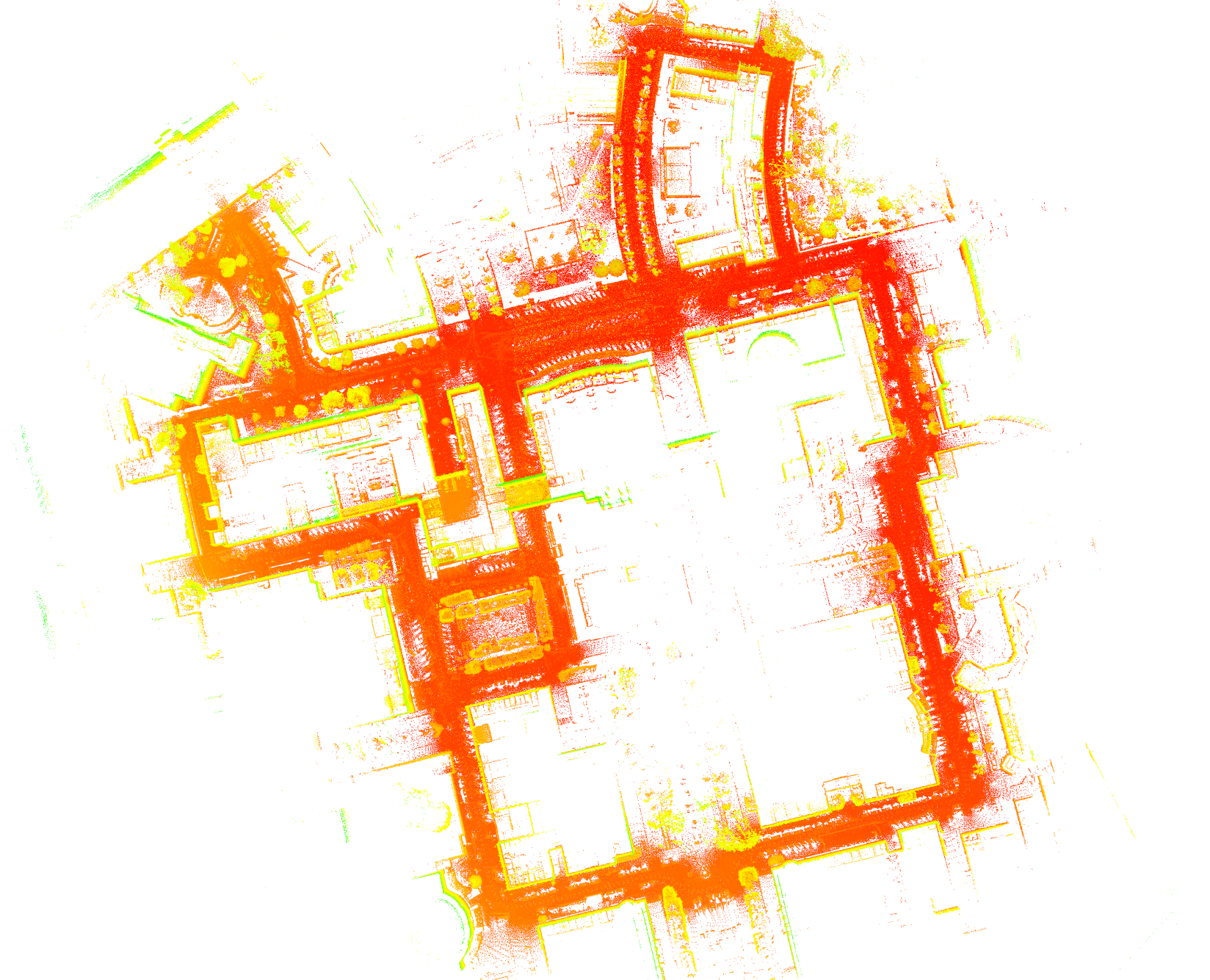
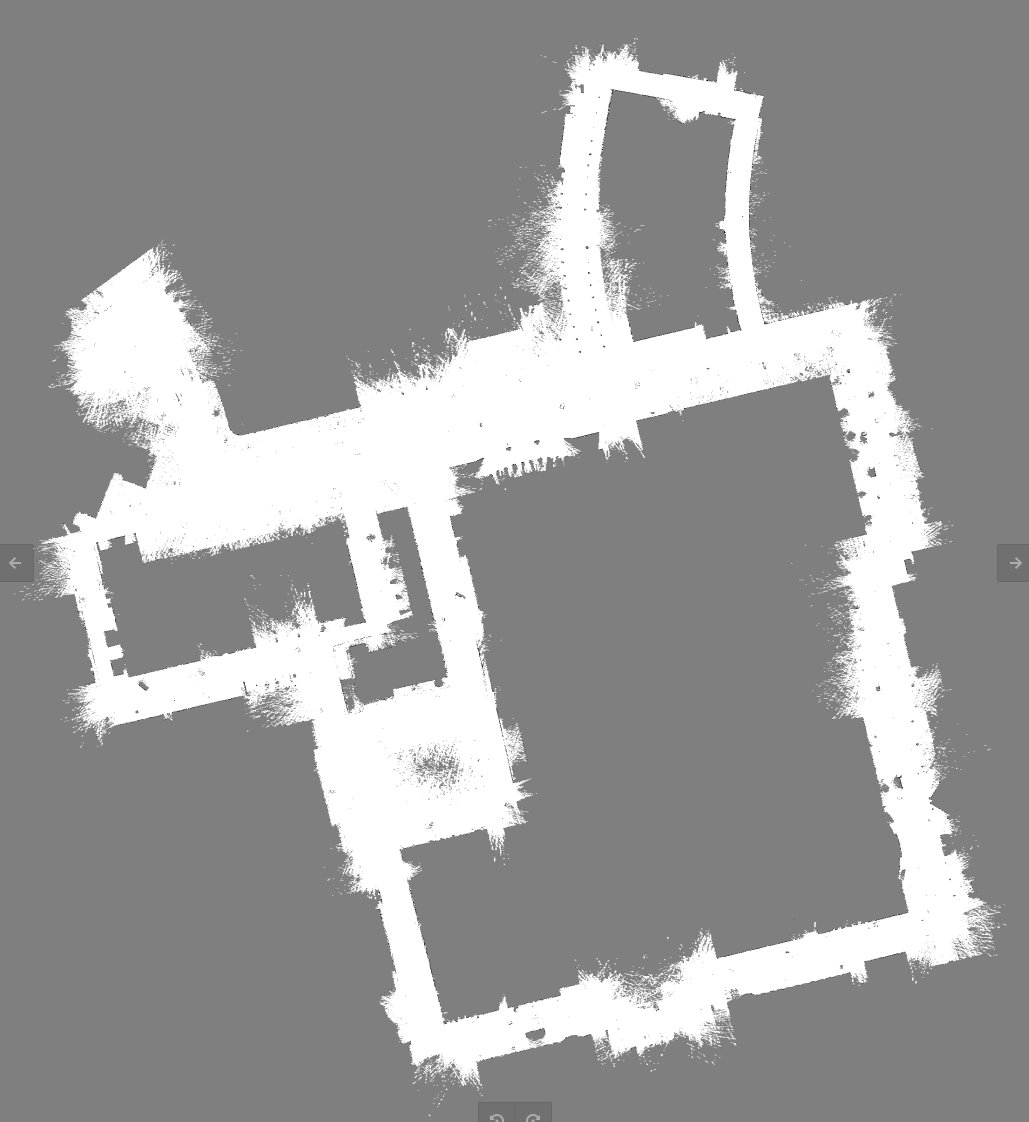
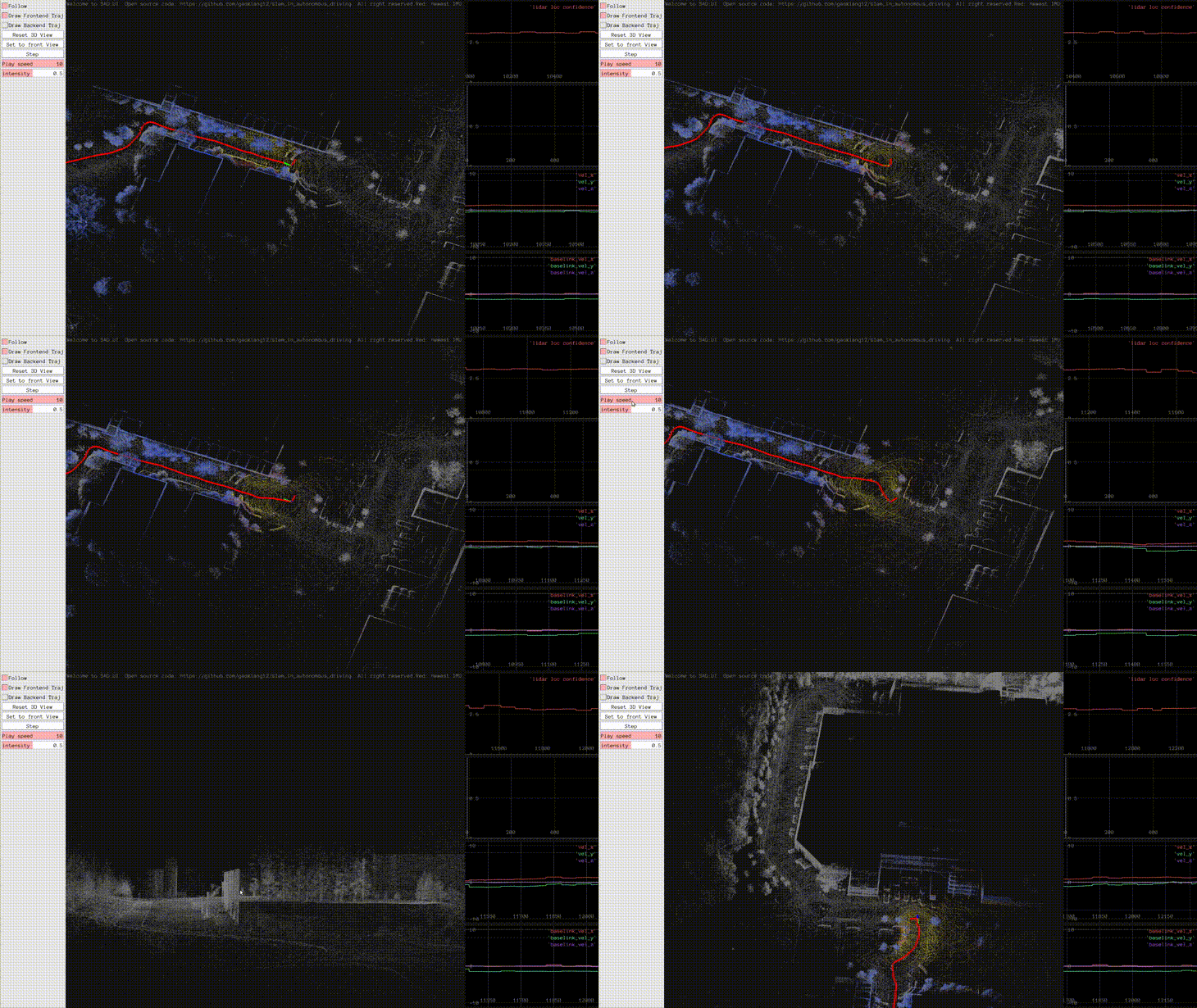
and can be inaccurate when the vehicle moves significantly).Mapping on the VBR campus dataset:
Localization on VBR
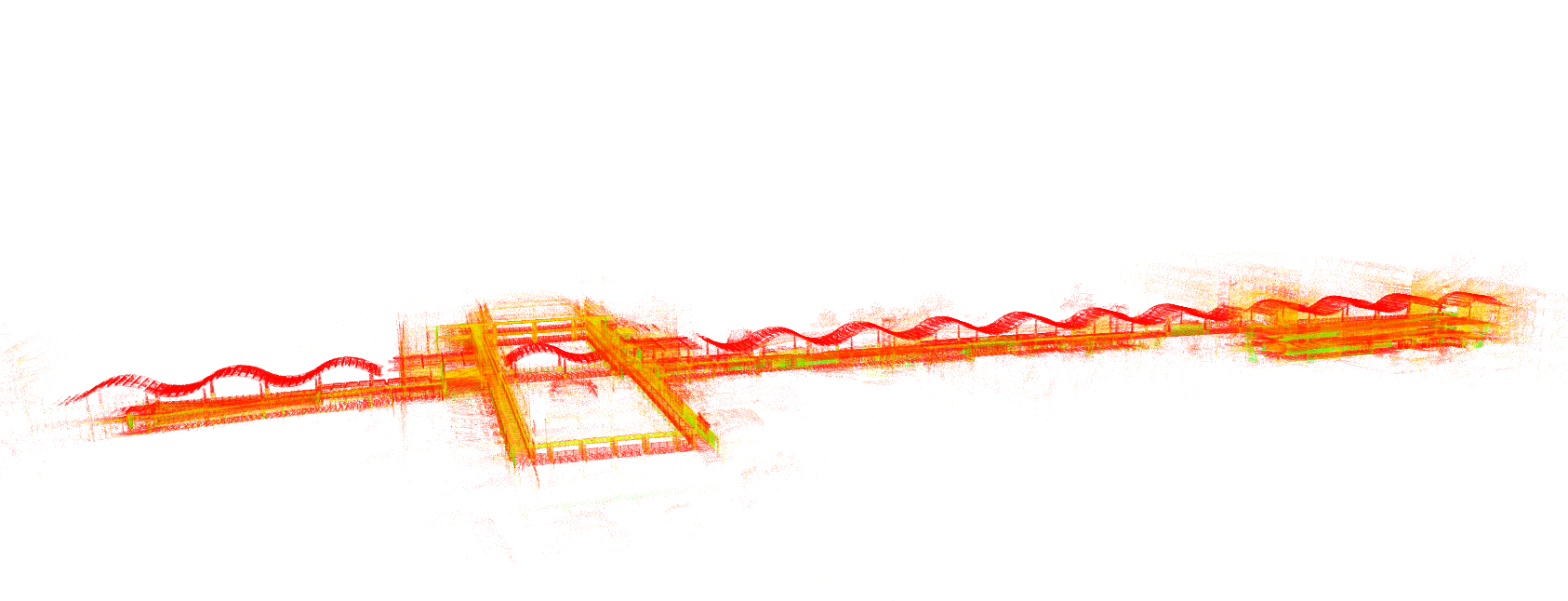
Map on VBR
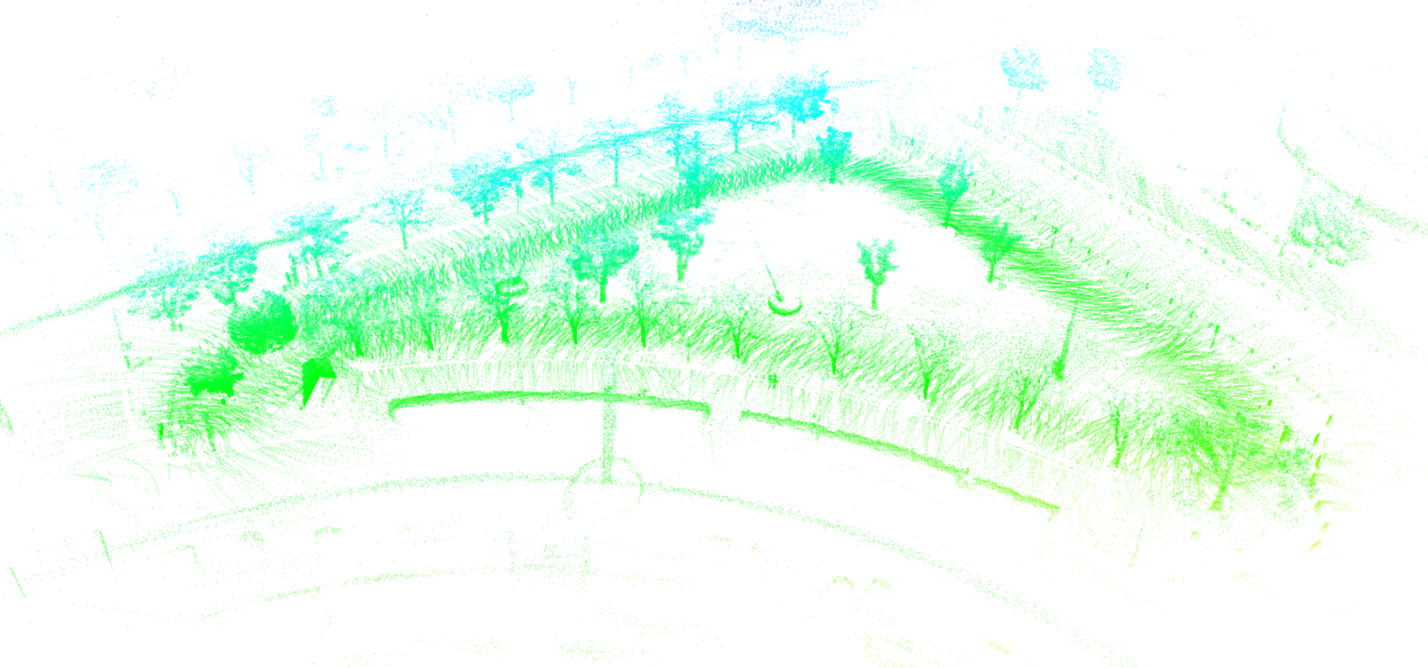
Localization on the NCLT dataset

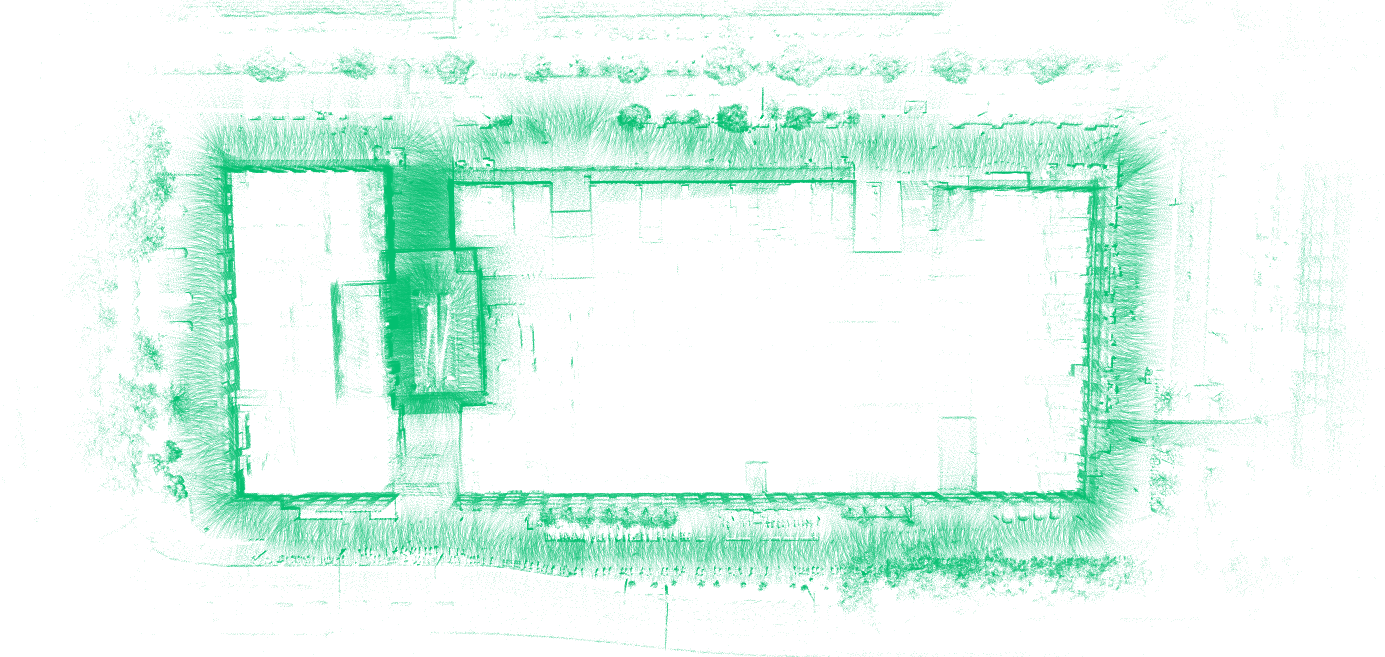
Tilted mounting demo
Ubuntu 22.04 or higher.
Ubuntu 20.04 should also work, but not tested.
On Ubuntu 22.04, run: bash ./scripts/install_dep.sh.
Build this package with colcon build.
Then source install/setup.bash to use it.
After building, you will get the corresponding online/offline mapping and localization programs for this package. The offline programs are suitable for scenarios with offline data packets to quickly obtain mapping/localization results, while the online programs are suitable for scenarios with actual sensors to obtain real-time results.
For example, calling the offline mapping program on the NCLT dataset:
ros2 run lightning run_slam_offline --input_bag ~/data/NCLT/20130110/20130110.db3 --config ./config/default_nclt.yaml
If you want to call the online version, just change the offline part to online.
You can directly use our converted datasets. If you need the original datasets, you need to convert them to the ros2 db3 format.
Converted dataset addresses:
Original dataset addresses:
ros2 run lightning run_slam_online --config ./config/default_nclt.yamlros2 service call /lightning/save_map lightning/srv/SaveMap "{map_id: new_map}"ros2 run lightning run_slam_offline --config ./config/default_nclt.yaml --input_bag [bag_file]pcl_viewer ./data/new_map/global.pcdsystem.map_path in the yaml file, default is new_map (consistent with the mapping
default).ros2 run lightning run_loc_online --config ./config/default_nclt.yamlros2 run lightning run_loc_offline --config ./config/default_nclt.yaml --input_bag [bag_file]First, you need to know your LiDAR type and set the corresponding fasterlio.lidar_type. Set it to 1 for Livox series,
2 for Velodyne, 3 for Ouster.
If it's not one of the above types, you can refer to the Velodyne setup method.
A simpler way is to first record a ros2 bag, get offline mapping and localization working, and then debug the online situation.
You usually need to modify common.lidar_topic and common.imu_topic to set the LiDAR and IMU topics.
The IMU and LiDAR extrinsic parameters can default to zero; we are not sensitive to them.
The fasterlio.time_scale related to timestamps is sensitive. You should pay attention to whether the LiDAR point cloud
has timestamps for each point and if they are calculated correctly. This code is in core/lio/pointcloud_preprocess.
Refer to the next section for other parameter adjustments.
Repo: https://github.com/DeepRoboticsLab/lightning-lm-deep-robotics
Video: [Embodied Intelligence Episode 3 | [Lynx M20] [SLAM] M20 RoboSense LiDAR Usage and Secondary Development, Using lightning-lm as an Example] https://www.bilibili.com/video/BV12YQZBqE1b?vd_source=57f46145c37bfb96f7583c9e02081590
You can fine-tune Lightning by modifying the configuration file, turning some features on or off. Common configuration items include:
system.with_loop_closing Whether loop closure detection is neededsystem.with_ui Whether 3D UI is neededsystem.with_2dui Whether 2D UI is neededsystem.with_g2p5 Whether grid map is neededsystem.map_path Storage path for the mapfasterlio.point_filter_num Point sampling number. Increasing this results in fewer points, faster computation, but
not recommended to set above 10.g2p5.esti_floor Whether g2p5 needs to dynamically estimate ground parameters. If the LiDAR rotates horizontally and
the height is constant, you can turn this option off.g2p5.grid_map_resolution Resolution of the grid mapConverting ros1 data to ros2
Install pip install -i https://pypi.tuna.tsinghua.edu.cn/simple rosbags
Convert: rosbags-convert --src [your_ROS1_bag_file.bag] --dst [output_ROS2_bag_directory]
267 followers · starred Nov 2025
116 followers · starred Jan 2026
English | 中文
Lightning-Speed Lidar Localization and Mapping
Lightning-LM is a complete laser mapping and localization module.
Features of Lightning-LM:
ba, grav, offset_R, offset_t no longer need to be
estimated online, reducing the state vector to 12 dimensions (previously 23).std::vector<bool> in parallelization.try_self_extrap configuration in the localization module (disabled by default). When disabled, the
localization module does not use its own extrapolated pose for localization (since the localization interval is large
and can be inaccurate when the vehicle moves significantly).Mapping on the VBR campus dataset:
Localization on VBR
Map on VBR
Localization on the NCLT dataset
Tilted mounting demo
Ubuntu 22.04 or higher.
Ubuntu 20.04 should also work, but not tested.
On Ubuntu 22.04, run: bash ./scripts/install_dep.sh.
Build this package with colcon build.
Then source install/setup.bash to use it.
After building, you will get the corresponding online/offline mapping and localization programs for this package. The offline programs are suitable for scenarios with offline data packets to quickly obtain mapping/localization results, while the online programs are suitable for scenarios with actual sensors to obtain real-time results.
For example, calling the offline mapping program on the NCLT dataset:
ros2 run lightning run_slam_offline --input_bag ~/data/NCLT/20130110/20130110.db3 --config ./config/default_nclt.yaml
If you want to call the online version, just change the offline part to online.
You can directly use our converted datasets. If you need the original datasets, you need to convert them to the ros2 db3 format.
Converted dataset addresses:
Original dataset addresses:
ros2 run lightning run_slam_online --config ./config/default_nclt.yamlros2 service call /lightning/save_map lightning/srv/SaveMap "{map_id: new_map}"ros2 run lightning run_slam_offline --config ./config/default_nclt.yaml --input_bag [bag_file]pcl_viewer ./data/new_map/global.pcdsystem.map_path in the yaml file, default is new_map (consistent with the mapping
default).ros2 run lightning run_loc_online --config ./config/default_nclt.yamlros2 run lightning run_loc_offline --config ./config/default_nclt.yaml --input_bag [bag_file]First, you need to know your LiDAR type and set the corresponding fasterlio.lidar_type. Set it to 1 for Livox series,
2 for Velodyne, 3 for Ouster.
If it's not one of the above types, you can refer to the Velodyne setup method.
A simpler way is to first record a ros2 bag, get offline mapping and localization working, and then debug the online situation.
You usually need to modify common.lidar_topic and common.imu_topic to set the LiDAR and IMU topics.
The IMU and LiDAR extrinsic parameters can default to zero; we are not sensitive to them.
The fasterlio.time_scale related to timestamps is sensitive. You should pay attention to whether the LiDAR point cloud
has timestamps for each point and if they are calculated correctly. This code is in core/lio/pointcloud_preprocess.
Refer to the next section for other parameter adjustments.
Repo: https://github.com/DeepRoboticsLab/lightning-lm-deep-robotics
Video: [Embodied Intelligence Episode 3 | [Lynx M20] [SLAM] M20 RoboSense LiDAR Usage and Secondary Development, Using lightning-lm as an Example] https://www.bilibili.com/video/BV12YQZBqE1b?vd_source=57f46145c37bfb96f7583c9e02081590
You can fine-tune Lightning by modifying the configuration file, turning some features on or off. Common configuration items include:
system.with_loop_closing Whether loop closure detection is neededsystem.with_ui Whether 3D UI is neededsystem.with_2dui Whether 2D UI is neededsystem.with_g2p5 Whether grid map is neededsystem.map_path Storage path for the mapfasterlio.point_filter_num Point sampling number. Increasing this results in fewer points, faster computation, but
not recommended to set above 10.g2p5.esti_floor Whether g2p5 needs to dynamically estimate ground parameters. If the LiDAR rotates horizontally and
the height is constant, you can turn this option off.g2p5.grid_map_resolution Resolution of the grid mapConverting ros1 data to ros2
Install pip install -i https://pypi.tuna.tsinghua.edu.cn/simple rosbags
Convert: rosbags-convert --src [your_ROS1_bag_file.bag] --dst [output_ROS2_bag_directory]
267 followers · starred Nov 2025
116 followers · starred Jan 2026



