felixfbecker/svg-screenshots

📸🧩 Browser extension to take scalable, semantic, accessible screenshots of websites in SVG format.

TypeScript

930

160 commits

updated Oct 13, 2026

See the code

README

SVG Screenshots Browser Extension

Chrome Web Store Firefox Add-on main build status release build status license: MIT semantic-release

Browser extension to take semantic, scalable, accessible screenshots of websites, as SVG - as simple as taking a PNG screenshot.

Why use this?

SVG screenshots offer various benefits over normal PNG screenshots, while keeping the good parts:

  • 🖼 Flexible: Freely select the region of the website you want to capture or capture the whole page.
  • 💢 Scalable graphics: Screenshots never get pixelated when zooming in.
  • 📝 Semantic: Text can still be selected and copied to clipboard.
  • 🦻 Accessible: SVG is annotated with ARIA attributes and can be read by screen readers.
  • 🖥 Paste into design tools: SVGs will work in design tools like Illustrator, Figma, Sketch etc.
  • 🔗 Interactive: Links are still clickable.
  • 📦 Self-contained: Inlines external resources like images, fonts, etc.
  • 📸 Static: Styles and layout are recorded at the time of snapshot and will not change.
  • 🗜 Small: Depending on the content, SVGs can be magnitudes smaller than PNGs and compress loslessly.
  • 🛡 Secure: The SVG will not run any JavaScript.

Install

Install from the official extension stores:

Examples

These full-page SVG screenshots were taken with the browser extension:

Google

Hacker News

accessible
browser-extension
chrome
chrome-extension
firefox-addon
semantic
svg

felixfbecker/svg-screenshots

📸🧩 Browser extension to take scalable, semantic, accessible screenshots of websites in SVG format.

TypeScript

930

160 commits

updated Oct 13, 2026

See the code

README

SVG Screenshots Browser Extension

Chrome Web Store Firefox Add-on main build status release build status license: MIT semantic-release

Browser extension to take semantic, scalable, accessible screenshots of websites, as SVG - as simple as taking a PNG screenshot.

Why use this?

SVG screenshots offer various benefits over normal PNG screenshots, while keeping the good parts:

  • 🖼 Flexible: Freely select the region of the website you want to capture or capture the whole page.
  • 💢 Scalable graphics: Screenshots never get pixelated when zooming in.
  • 📝 Semantic: Text can still be selected and copied to clipboard.
  • 🦻 Accessible: SVG is annotated with ARIA attributes and can be read by screen readers.
  • 🖥 Paste into design tools: SVGs will work in design tools like Illustrator, Figma, Sketch etc.
  • 🔗 Interactive: Links are still clickable.
  • 📦 Self-contained: Inlines external resources like images, fonts, etc.
  • 📸 Static: Styles and layout are recorded at the time of snapshot and will not change.
  • 🗜 Small: Depending on the content, SVGs can be magnitudes smaller than PNGs and compress loslessly.
  • 🛡 Secure: The SVG will not run any JavaScript.

Install

Install from the official extension stores:

Examples

These full-page SVG screenshots were taken with the browser extension:
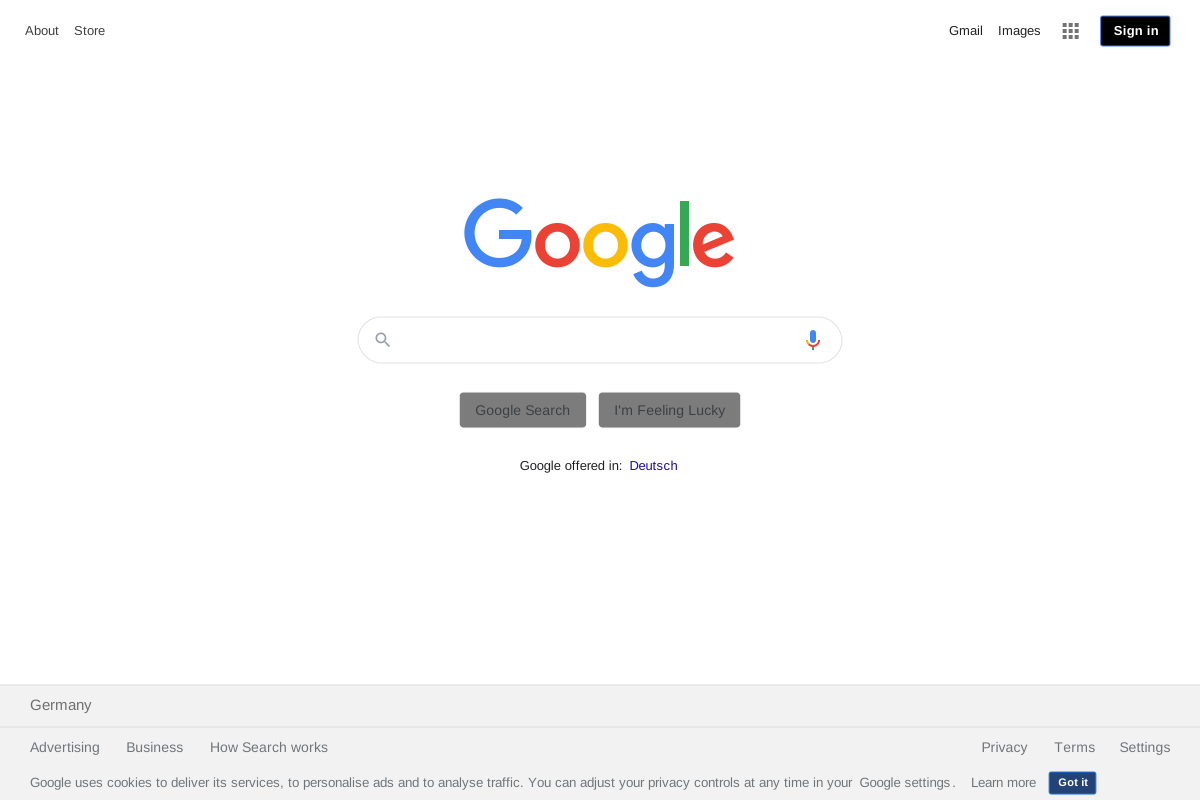
Google

Hacker News

accessible
browser-extension
chrome
chrome-extension
firefox-addon
semantic
svg

Significant stargazers

(top 24 of 33)

Vincent Bernat

1,272 followers · starred Dec 2020

Tim Perry

790 followers · starred Dec 2020

zhenghaoz

288 followers · starred Dec 2025