
README
Event Query Language



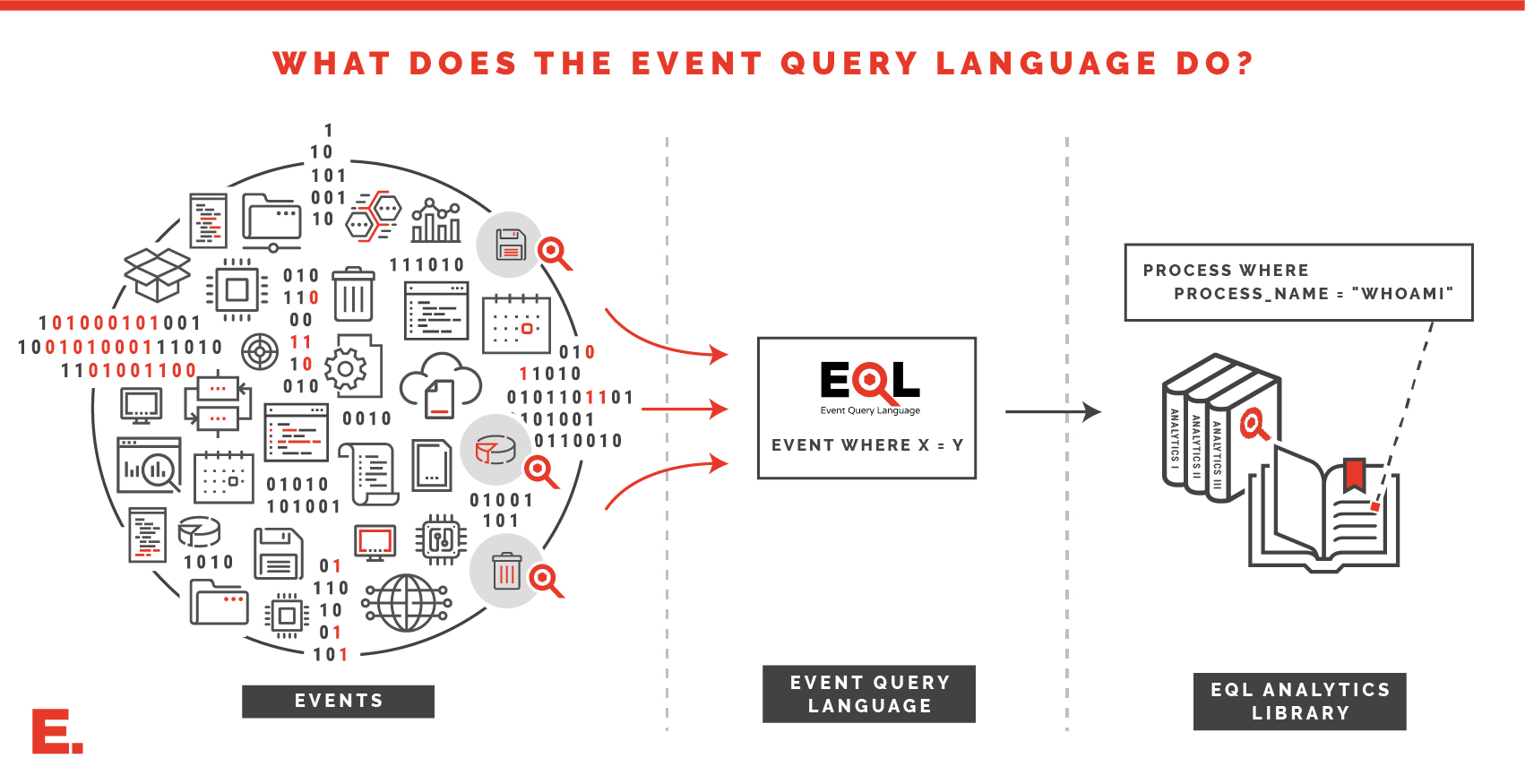 Browse a library of EQL analytics
Now in Elasticsearch!
Since Endgame joined forced with Elastic, EQL is now natively integrated in Elasticsearch! See the Elasticsearch EQL documentation for more information. Also, please note that we have made a few changes to EQL in Elasticsearch to accomodate non-security users. Those are best summarized here.
Getting Started
The EQL module requires Python 3.8 or higher. Assuming a supported Python version is installed, run the command:
$ pip install eql
If Python is configured and already in the PATH, then eql will be readily available, and can be checked by running the command:
$ eql --version
eql 0.9.20
From there, try a sample json file and test it with EQL.
$ eql query -f example.json "process where process_name == 'explorer.exe'"
{"command_line": "C:\\Windows\\Explorer.EXE", "event_type": "process", "md5": "ac4c51eb24aa95b77f705ab159189e24", "pid": 2460, "ppid": 3052, "process_name": "explorer.exe", "process_path": "C:\\Windows\\explorer.exe", "subtype": "create", "timestamp": 131485997150000000, "user": "research\\researcher", "user_domain": "research", "user_name": "researcher"}
Next Steps
- Browse a library of EQL analytics
- Check out the query guide for a crash course on writing EQL queries
- View usage for interactive shell
- Explore the API for advanced usage or incorporating EQL into other projects
Significant stargazers

223 followers · starred Aug 2020
Similar repos


Languages
Python
98.8%
README
Event Query Language
Browse a library of EQL analytics
Now in Elasticsearch!
Since Endgame joined forced with Elastic, EQL is now natively integrated in Elasticsearch! See the Elasticsearch EQL documentation for more information. Also, please note that we have made a few changes to EQL in Elasticsearch to accomodate non-security users. Those are best summarized here.
Getting Started
The EQL module requires Python 3.8 or higher. Assuming a supported Python version is installed, run the command:
$ pip install eql
If Python is configured and already in the PATH, then eql will be readily available, and can be checked by running the command:
$ eql --version
eql 0.9.20
From there, try a sample json file and test it with EQL.
$ eql query -f example.json "process where process_name == 'explorer.exe'"
{"command_line": "C:\\Windows\\Explorer.EXE", "event_type": "process", "md5": "ac4c51eb24aa95b77f705ab159189e24", "pid": 2460, "ppid": 3052, "process_name": "explorer.exe", "process_path": "C:\\Windows\\explorer.exe", "subtype": "create", "timestamp": 131485997150000000, "user": "research\\researcher", "user_domain": "research", "user_name": "researcher"}
Next Steps
- Browse a library of EQL analytics
- Check out the query guide for a crash course on writing EQL queries
- View usage for interactive shell
- Explore the API for advanced usage or incorporating EQL into other projects
Similar repos
Significant stargazers
223 followers · starred Aug 2020
Languages
Python
98.8%