📁 JavaScript image uploader and editor, no backend required
See the code
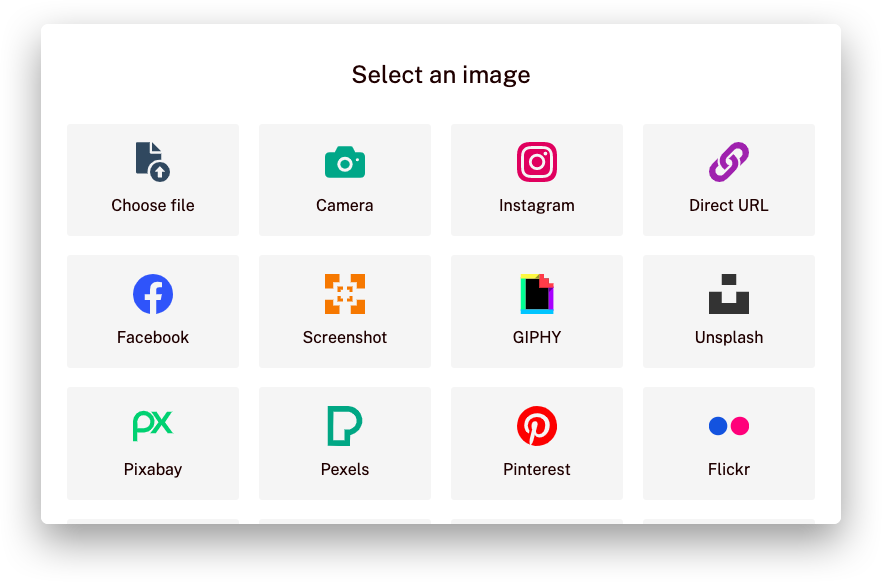
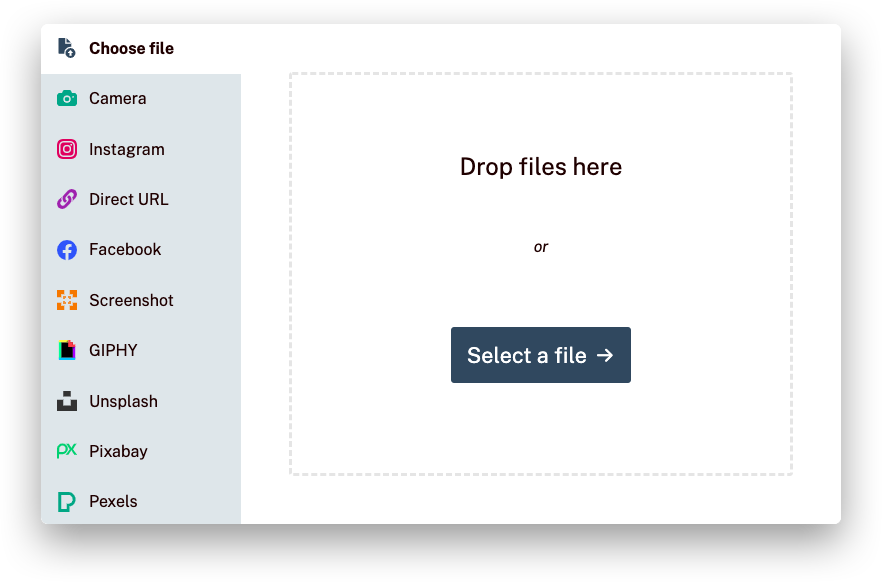
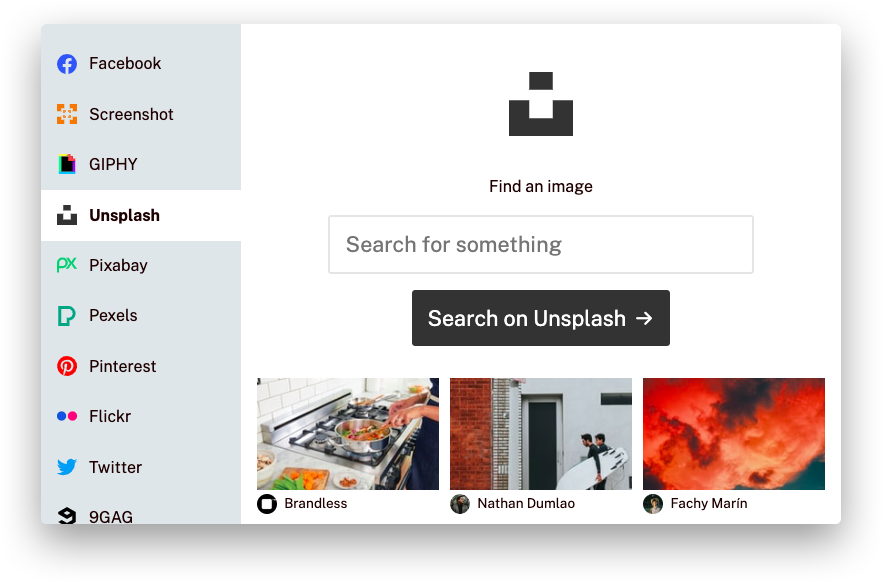
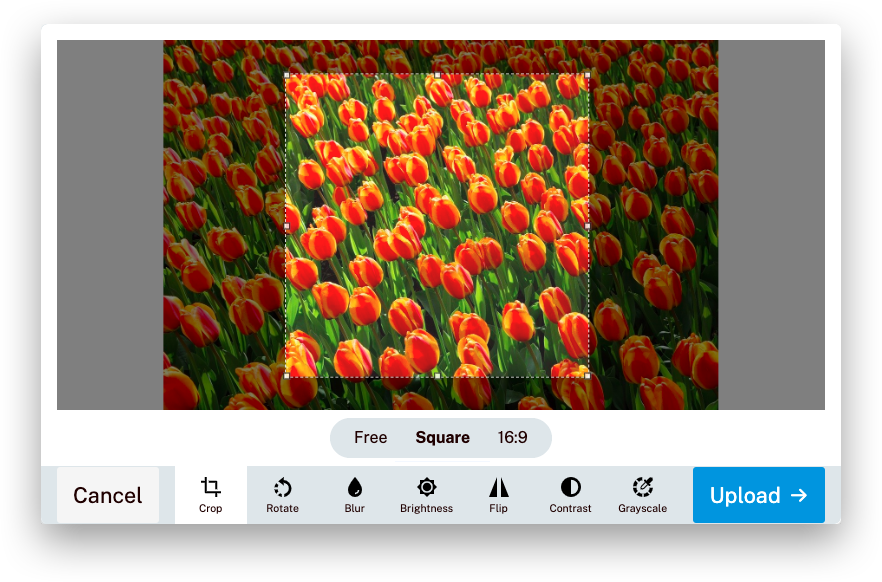
Uppload is a better JavaScript image uploader. It's highly customizable with 30+ plugins, completely free and open-source, and can be used with any file uploading backend.
“This might just be the easiest way to let your users upload content to your site ☁️✨” — Product Hunt
| Status | |
|---|---|
| Build |   |
| Dependencies |     |
| Documentation |      |
| Community |     |
| Package |      |
 |  |
 |  |
 |  |
First, install Uppload using your package manager:
npm install uppload
Then, add styles, import Uppload and an uploader along with your language of choice and initialize the class:
import { Uppload, en, xhrUploader } from "uppload";
import "uppload/dist/uppload.css";
import "uppload/dist/themes/light.css";

const profilePicture = new Uppload({
  value: "https://via.placeholder.com/150",
  bind: ".uppload-image",
  call: ".uppload-button",
  lang: en,
  uploader: xhrUploader({
    endpoint: "https://example.com/upload"
  });
});
Finally, choose which services (ways to select a file), effects (ways to manipulate a file), and uploaders (ways to send the file to a server) you want. Then, import these classes and use the Uppload.use() function to create your package:
import { Uppload, en, Local, Unsplash, Crop, Brightness } from "uppload";

profilePicture.use([
  new Local(), // Select file from computer
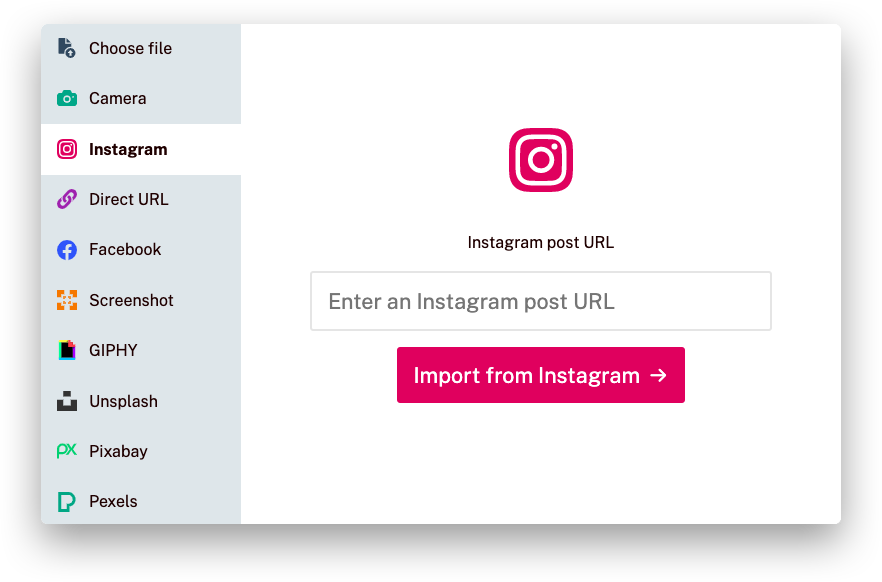
  new Unsplash("your API key"), // Search and import from Unsplash
  new Crop({ aspectRatio: 16 / 9 }), // Let users crop image to 16:9
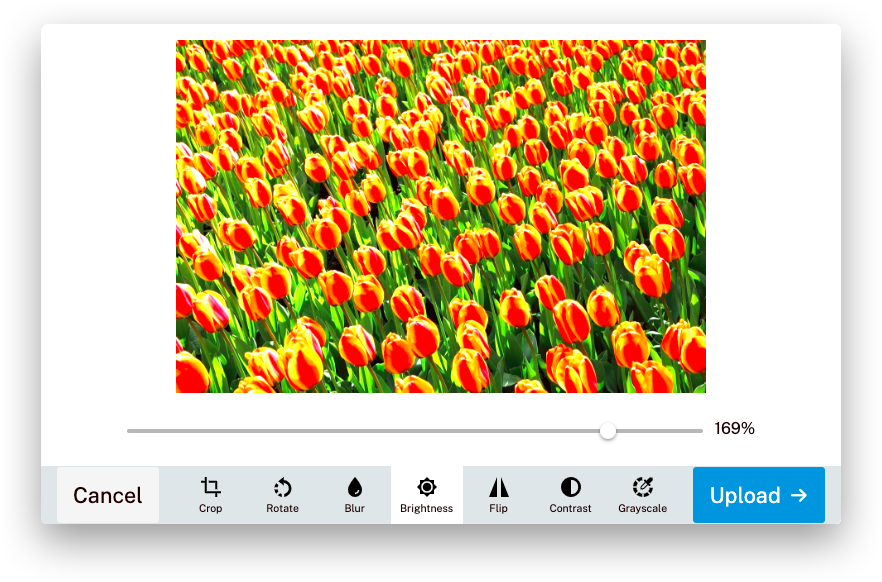
  new Brightness(), // Let users apply image filters
]);
If you need help with using Uppload, check out the Getting started guide and the documentation. If you found a bug or have a feature request, open an issue. If you want to contribute to Uppload, read our Contributing guide.
Your organization can also request a custom build or get professional support. Request a quote for free →
Uppload is built by El Niño, a digital development studio in Enschede, the Netherlands, that builds custom web and mobile apps, webstores, and more, backed by 14+ years of experience.
We'd like to thank these wonderful people and teams for contributing (emoji key):
This project follows the all-contributors specification. Contributions of any kind welcome!
Overall
Maintained
Code review
npm
Latest release
Releases this year
282 followers · starred Nov 2021
431 followers · starred Feb 2020
5,137 followers · starred Dec 2020
288 followers · starred Apr 2020
📁 JavaScript image uploader and editor, no backend required
See the code
Uppload is a better JavaScript image uploader. It's highly customizable with 30+ plugins, completely free and open-source, and can be used with any file uploading backend.
“This might just be the easiest way to let your users upload content to your site ☁️✨” — Product Hunt
| Status | |
|---|---|
| Build | |
| Dependencies | |
| Documentation | |
| Community | |
| Package | |
| |
| |
| |
First, install Uppload using your package manager:
npm install uppload
Then, add styles, import Uppload and an uploader along with your language of choice and initialize the class:
import { Uppload, en, xhrUploader } from "uppload";
import "uppload/dist/uppload.css";
import "uppload/dist/themes/light.css";

const profilePicture = new Uppload({
  value: "https://via.placeholder.com/150",
  bind: ".uppload-image",
  call: ".uppload-button",
  lang: en,
  uploader: xhrUploader({
    endpoint: "https://example.com/upload"
  });
});
Finally, choose which services (ways to select a file), effects (ways to manipulate a file), and uploaders (ways to send the file to a server) you want. Then, import these classes and use the Uppload.use() function to create your package:
import { Uppload, en, Local, Unsplash, Crop, Brightness } from "uppload";

profilePicture.use([
  new Local(), // Select file from computer
  new Unsplash("your API key"), // Search and import from Unsplash
  new Crop({ aspectRatio: 16 / 9 }), // Let users crop image to 16:9
  new Brightness(), // Let users apply image filters
]);
If you need help with using Uppload, check out the Getting started guide and the documentation. If you found a bug or have a feature request, open an issue. If you want to contribute to Uppload, read our Contributing guide.
Your organization can also request a custom build or get professional support. Request a quote for free →
Uppload is built by El Niño, a digital development studio in Enschede, the Netherlands, that builds custom web and mobile apps, webstores, and more, backed by 14+ years of experience.
We'd like to thank these wonderful people and teams for contributing (emoji key):
This project follows the all-contributors specification. Contributions of any kind welcome!
Overall
Maintained
Code review
npm
Latest release
Releases this year
282 followers · starred Nov 2021
431 followers · starred Feb 2020
5,137 followers · starred Dec 2020
288 followers · starred Apr 2020