A browser extension for custom keyboard shortcuts
See the code

Custom keyboard shortcuts for your browser
A cross-browser extension for Chrome, Firefox, Edge, and Opera with 200,000+ Chrome users.
Chrome Web Store · Firefox Add-ons · Website · Issues
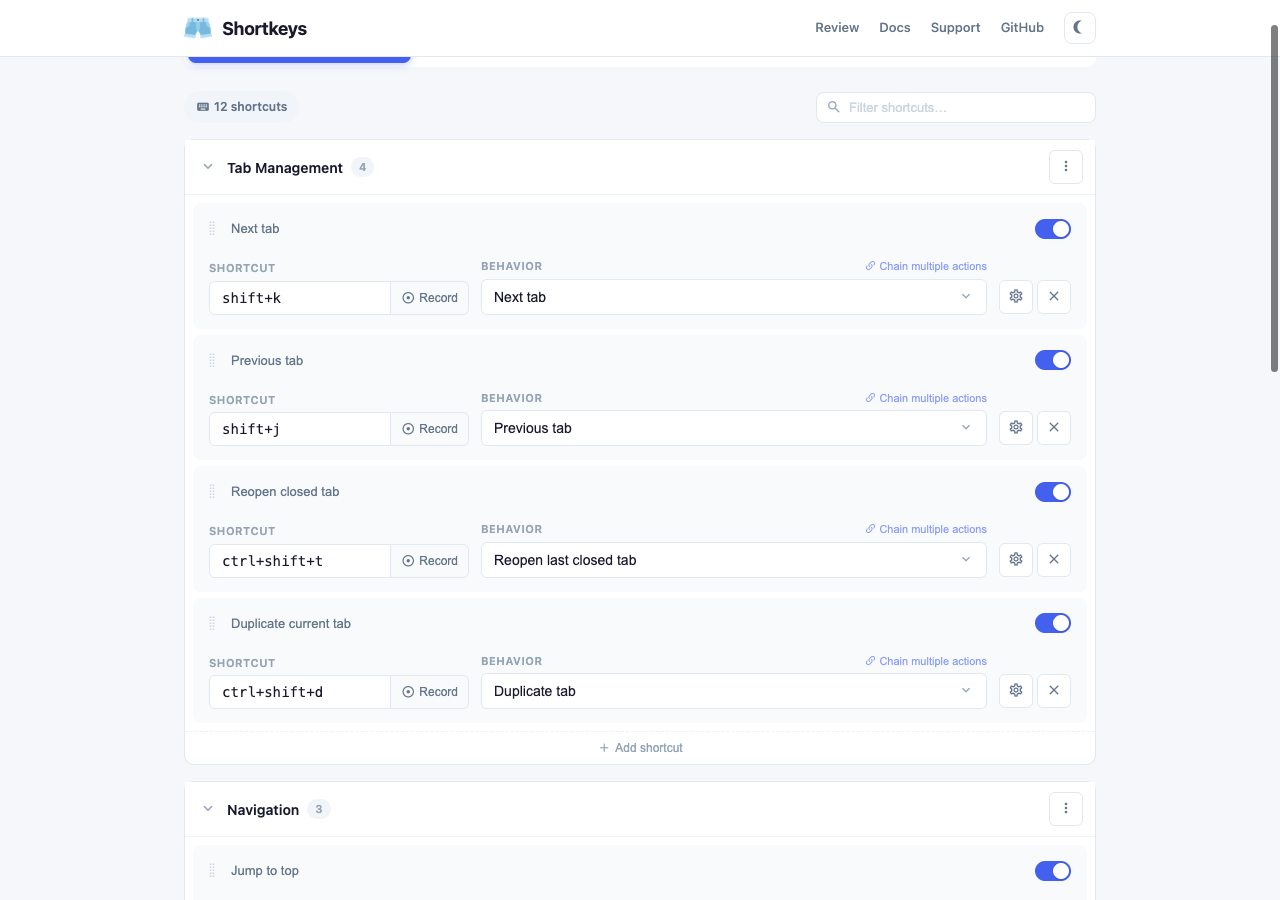
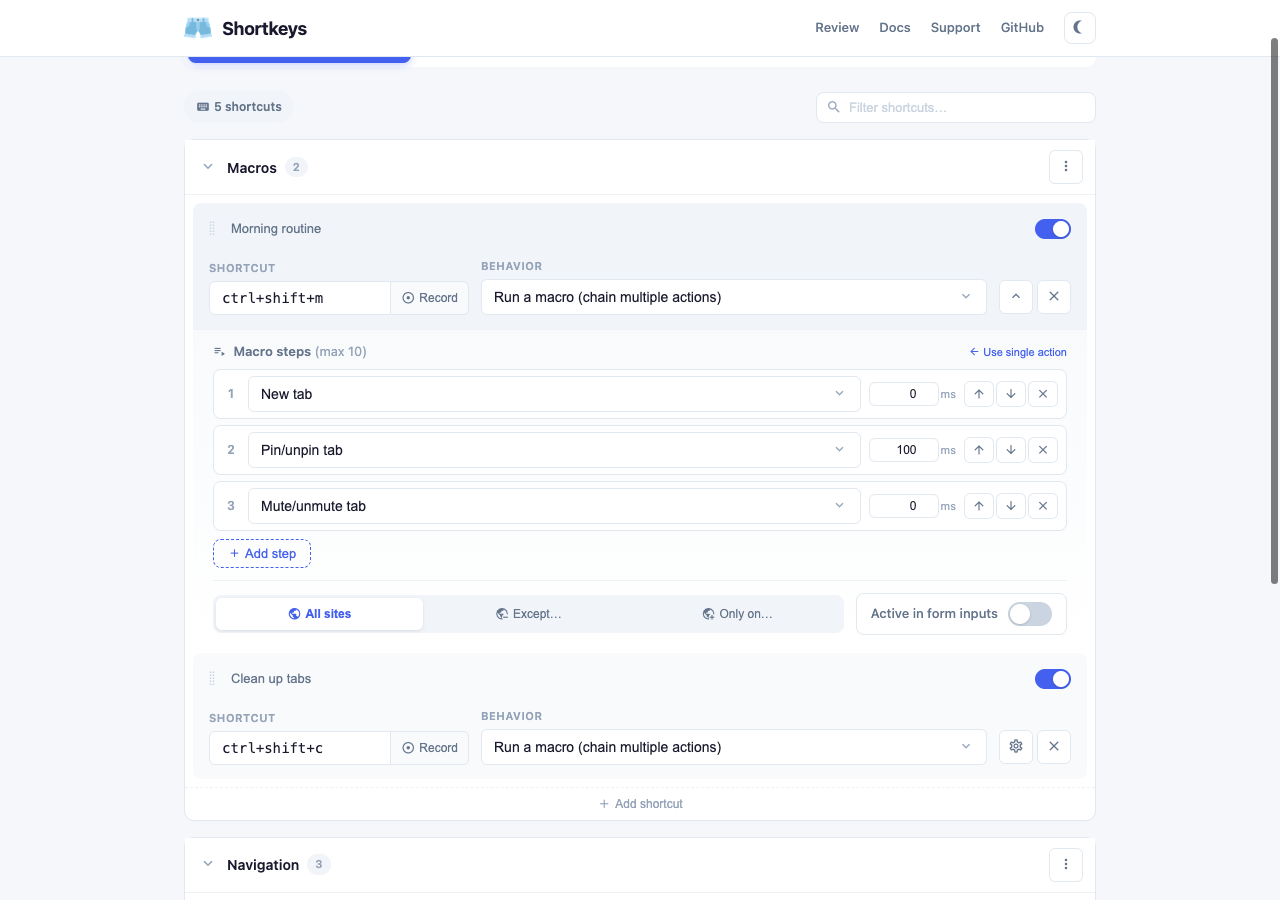
g i, g h)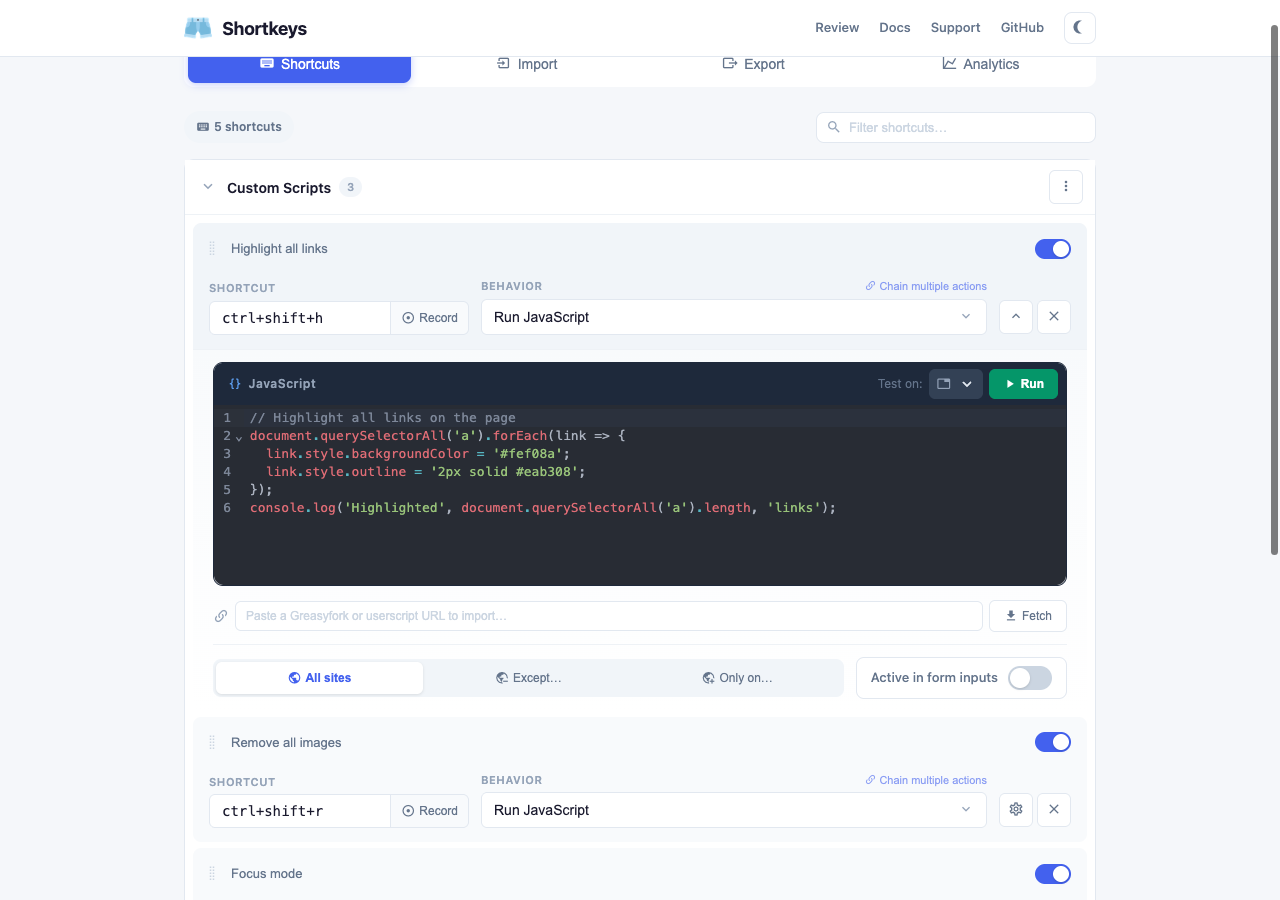
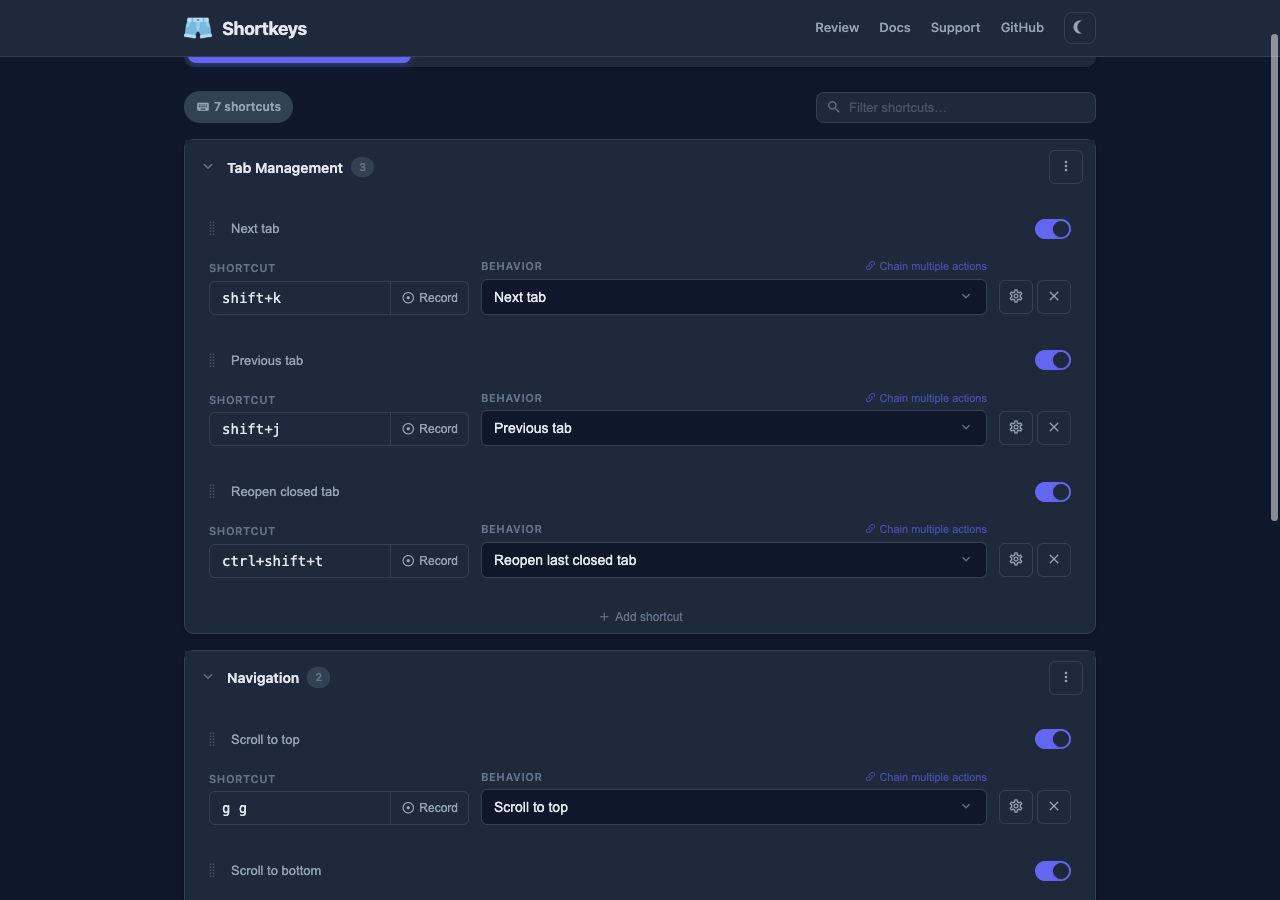
Or build from source:
npm install
npm run build          # Chrome → .output/chrome-mv3/
npm run build:firefox  # Firefox → .output/firefox-mv2/
npm run dev            # Chrome dev mode with hot reload
npm run dev:firefox    # Firefox dev mode
npm test               # Run all tests (722 tests across 25 files)
npm run test:watch     # Watch mode
npm run test:coverage  # With coverage report
src/
├── entrypoints/
│   ├── background.ts        # Service worker: messaging, action dispatch, storage sync
│   ├── content.ts           # Content script: Mousetrap key bindings, cheat sheet, dark mode
│   ├── options/             # Options page (Vue 3 SPA)
│   └── popup/               # Command palette popup
├── actions/                 # Action handlers and helpers
├── components/              # Vue components (CodeEditor, SearchSelect, ShortcutRecorder)
├── composables/             # Vue composables (useShortcuts)
├── packs/                   # 9 curated shortcut pack collections
└── utils/                   # Storage, URL matching, conflict detection, JS snippets

site/                        # shortkeys.app (Astro SSG, deployed to Netlify)
tests/                       # 722 tests across 25 files
marketing/                   # Store listing copy, screenshot plans, promo assets
<script setup>Pull requests are welcome. Please ensure all tests pass (npm test) before submitting. For bugs and feature requests, open a GitHub issue.
Shortkeys is free and open source. If you find it useful, consider supporting development:
Icon by Freepik from Flaticon.
Licensed under the MIT License.
6,510 followers · starred Dec 2017
528 followers · starred Mar 2020
132 followers · starred Mar 2023
295 followers · starred Apr 2020
A browser extension for custom keyboard shortcuts
See the code
Custom keyboard shortcuts for your browser
A cross-browser extension for Chrome, Firefox, Edge, and Opera with 200,000+ Chrome users.
Chrome Web Store · Firefox Add-ons · Website · Issues
g i, g h)
Or build from source:
npm install
npm run build          # Chrome → .output/chrome-mv3/
npm run build:firefox  # Firefox → .output/firefox-mv2/
npm run dev            # Chrome dev mode with hot reload
npm run dev:firefox    # Firefox dev mode
npm test               # Run all tests (722 tests across 25 files)
npm run test:watch     # Watch mode
npm run test:coverage  # With coverage report
src/
├── entrypoints/
│   ├── background.ts        # Service worker: messaging, action dispatch, storage sync
│   ├── content.ts           # Content script: Mousetrap key bindings, cheat sheet, dark mode
│   ├── options/             # Options page (Vue 3 SPA)
│   └── popup/               # Command palette popup
├── actions/                 # Action handlers and helpers
├── components/              # Vue components (CodeEditor, SearchSelect, ShortcutRecorder)
├── composables/             # Vue composables (useShortcuts)
├── packs/                   # 9 curated shortcut pack collections
└── utils/                   # Storage, URL matching, conflict detection, JS snippets

site/                        # shortkeys.app (Astro SSG, deployed to Netlify)
tests/                       # 722 tests across 25 files
marketing/                   # Store listing copy, screenshot plans, promo assets
<script setup>Pull requests are welcome. Please ensure all tests pass (npm test) before submitting. For bugs and feature requests, open a GitHub issue.
Shortkeys is free and open source. If you find it useful, consider supporting development:
Icon by Freepik from Flaticon.
Licensed under the MIT License.
6,510 followers · starred Dec 2017
528 followers · starred Mar 2020
132 followers · starred Mar 2023
295 followers · starred Apr 2020