Fast file explorer written with Tauri and React.
Rust
1,766
413 commits
updated Sep 17, 2025


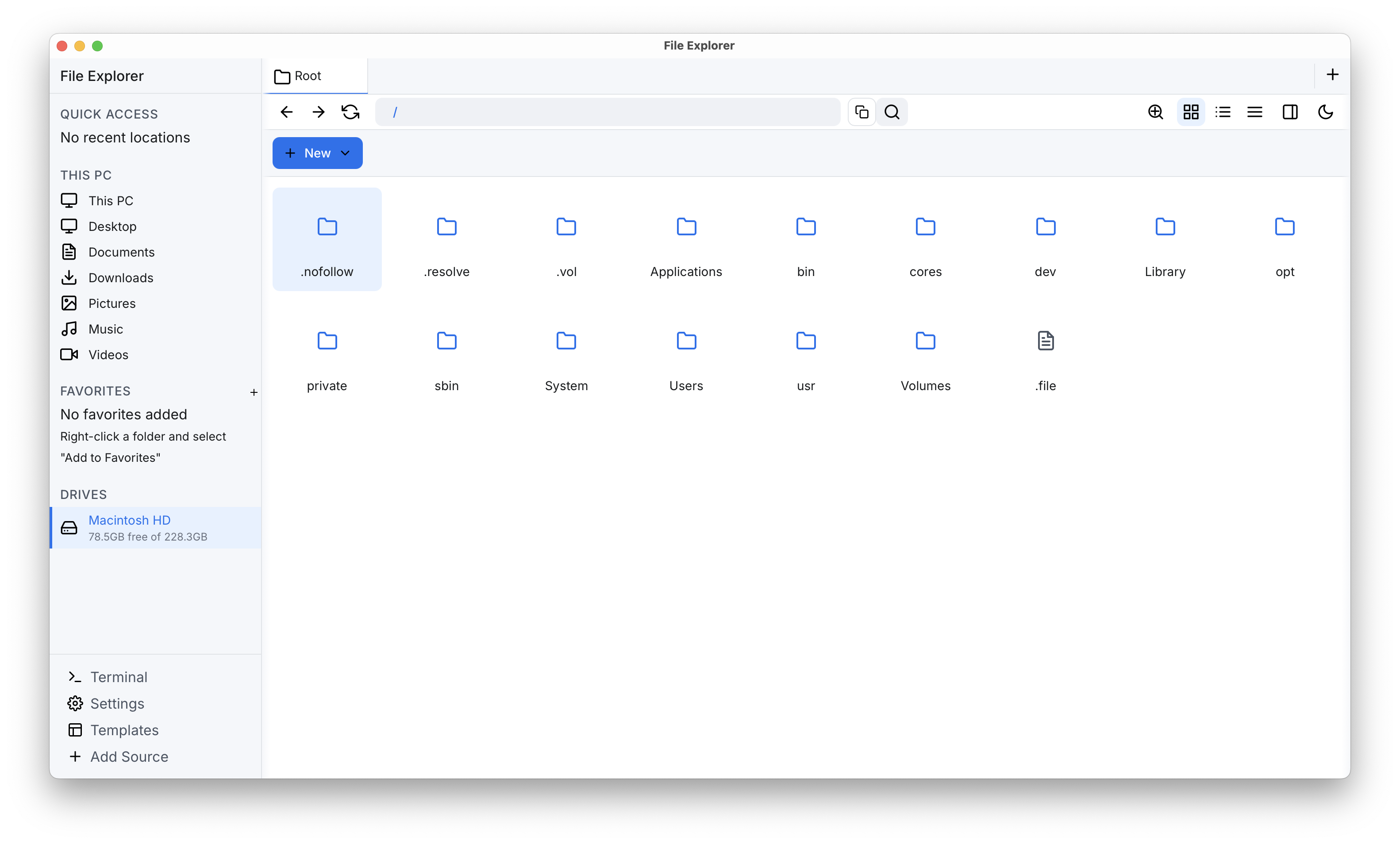
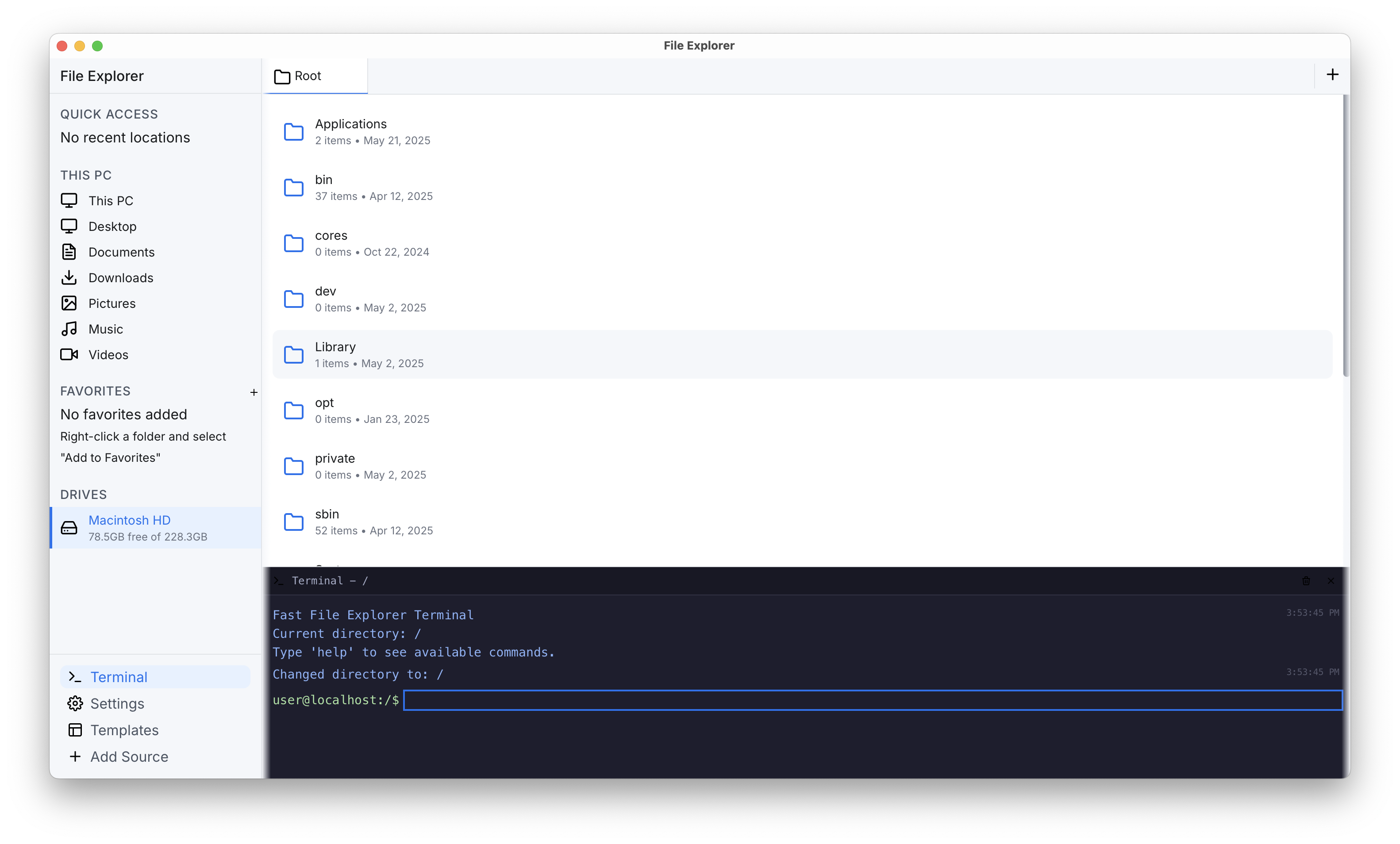
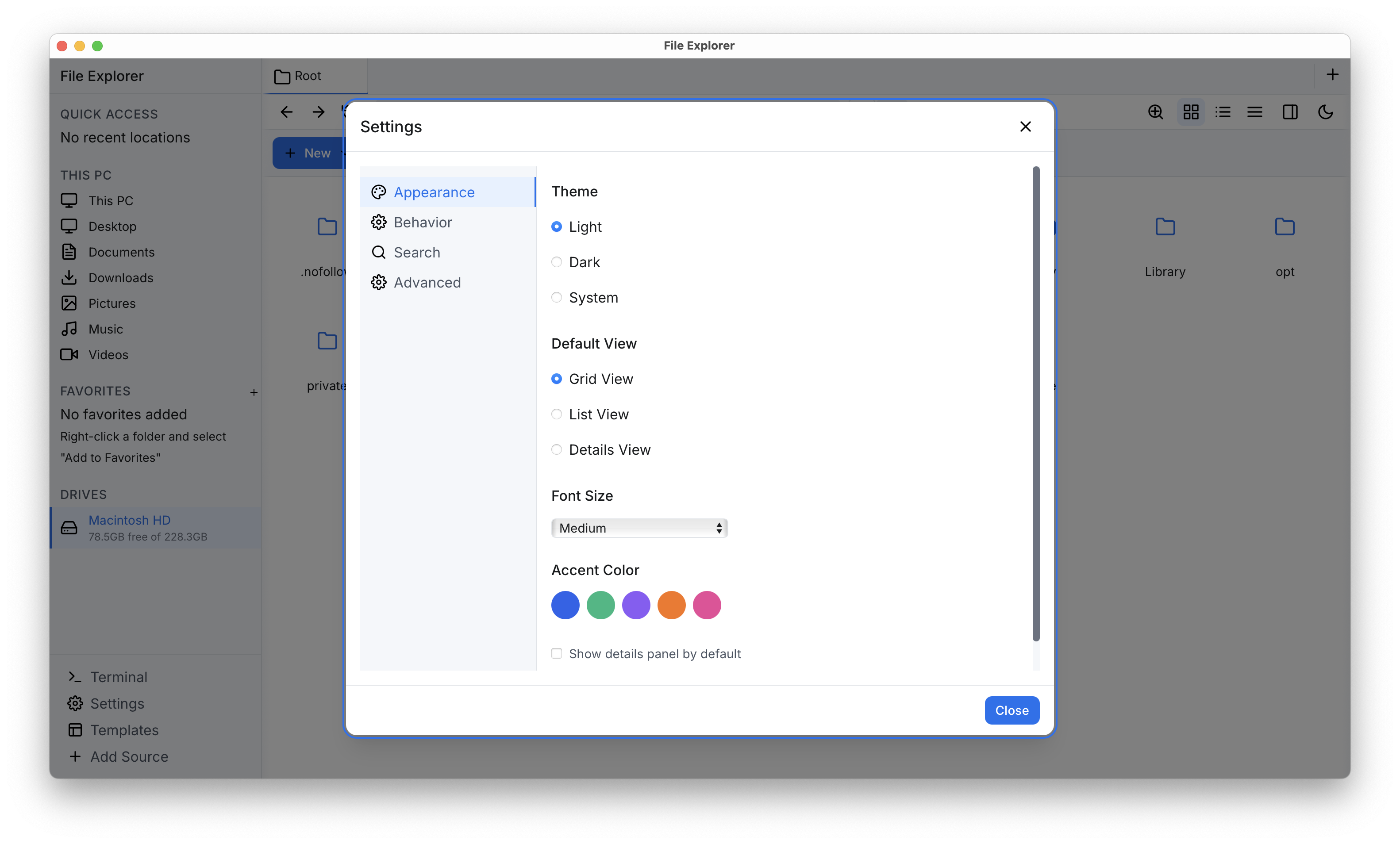
A fast file explorer built with Rust and Tauri
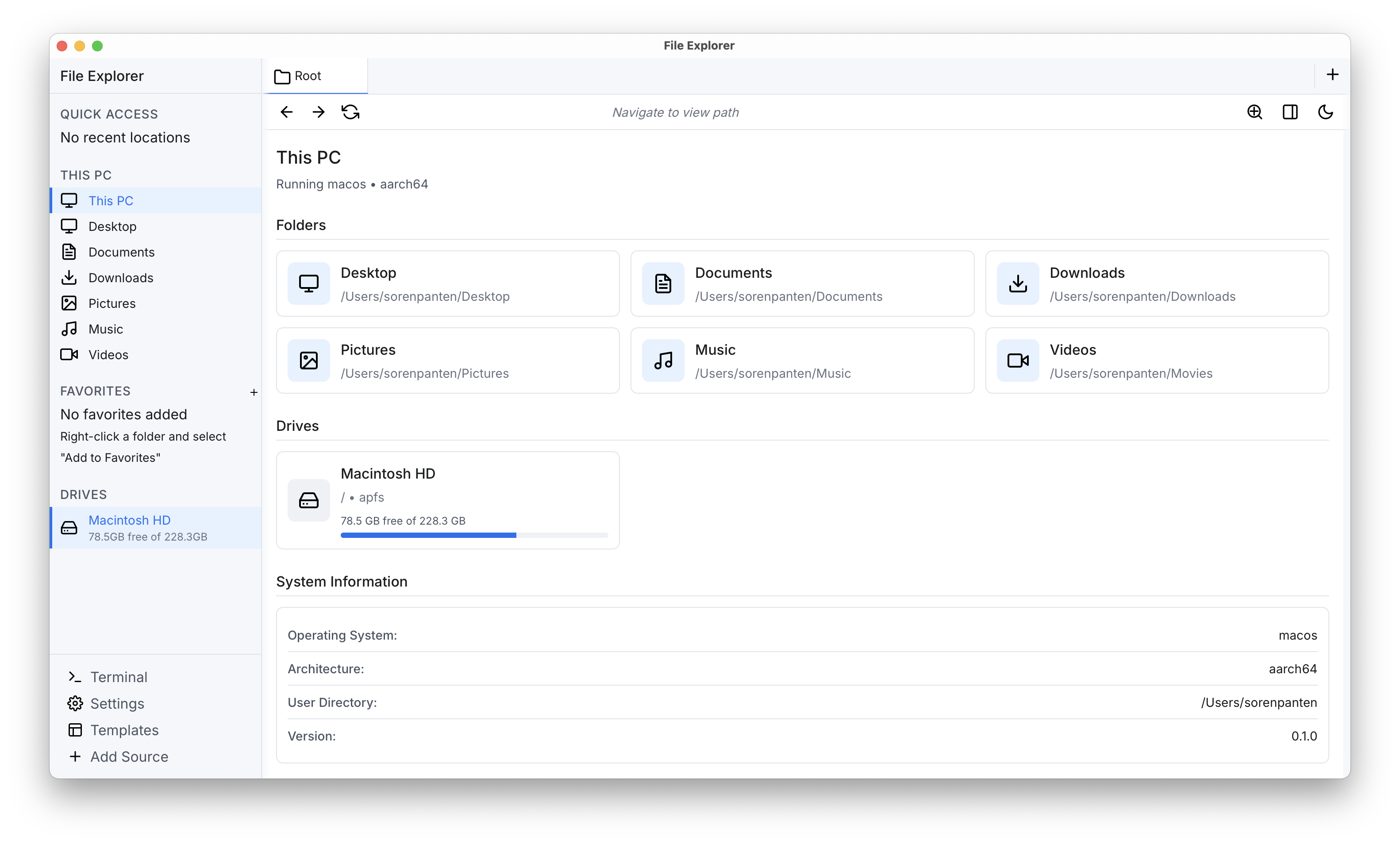
Cross platform compatibility is given and it supports all common Linux distros, macOS, and Windows which are supported by Tauri. If there is an interest in contributing feel free to join the discord channel from Connaticus or message me or my team.
This is a Tauri-based application with a Rust backend and React frontend:
Our plan is to provide installers for the supported operating systems or common package installers.
Unfortunately we have serious Problems with Tauri and creating installers. There are some installers
for linux under dist-builds. In the future there will be ready to go packages for macOS, Linux and
Windows until then please refer to the compilation from source for your computer.
Other required dependencies are installed automatically by the Tauri CLI. If they are not please contact us.
Note that on macOS you need XCode installed with the build tools.
# Install Tauri CLI
cargo install tauri-cli # The version should be >2.4.0 if not already installed

# Build for production
cargo tauri build
Go into the build directory and run the created binary. The binary is located in
FileExplorer/src-tauri/target/release/bundle/. The name of the binary is file-explorer or
Under Linux the given command generates an .deb, .rpm, AppImage in the
FileExplorer/src-tauri/target/release/bundle folder. Select the one which fits your distribution.
Either run the AppImage, Binary or install the .deb or .rpm package.
AppImage#Make sure the image is runnable
chmod +x yourapp-x.y.z.AppImage
#Run the image. After that it should behaving like a native application
./yourapp-x.y.z.AppImage
Recommended is to use the binary created in FileExplorer/src-tauri/target/release/src-tauri. Give
it executable permissions and then run it from the terminal. You can also put it into your user
binaries folder, e.g. ~/bin, and add it to your PATH variable.
# Install Tauri CLI
cargo install tauri-cli # The version should be >2.4.0 if not already installed

# Build for production
cargo tauri build
Tauri creates an .dmg or .app bundle under the folder
FileExplorer/src-tauri/target/release/bundle/macos/. Recommended is to use the binary created in
FileExplorer/src-tauri/target/release/src-tauri. Give it executable permissions and then run it
from the terminal. You can also put it into your user binaries folder, e.g. ~/bin, and add it to
your PATH variable.
This generates an installer for your system, which lays in
FileExplorer/src-tauri/target/release/bundle/msi/. There should be an .exe or .msi which is
called file-explorer. To install it you need to double click the file and install like any other
application. Then you can completely remove the FileExplorer folder.
# Install Tauri CLI
cargo install tauri-cli # The version should be >2.4.0

# Build for production
cargo tauri build

# Run the development server
cargo tauri dev
The project uses feature flags for different configurations:
# Run all tests including long-running ones
cargo test --features full

# Run with benchmark features
cargo test --features benchmarks

# Enable all logging during tests
cargo test --features log-all
Available feature combinations:
full - All features including long tests, benchmarks, and file openinglog-search - Enable search progress and error logginglog-index - Enable indexing progress and error logging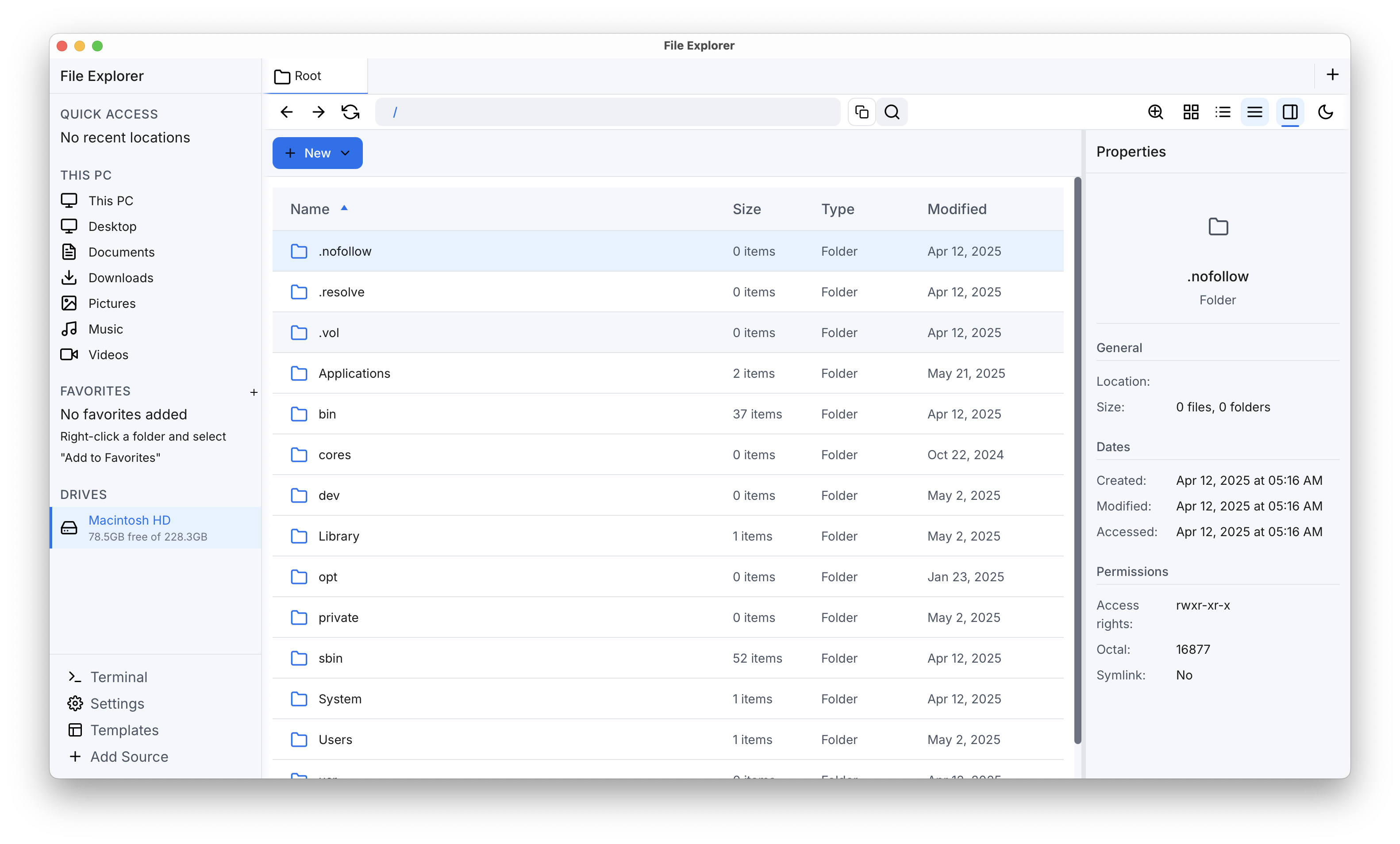
The Explorer was started as a project from the youtuber Connaticus. He documented parts of his development journey online in two Videos: I Made a FAST File Explorer and How I RUINED My Rust Project.
Lots of changes were made in the course of the InformatiCup from the year 2025. It is a competition in Germany. The given task was to contribute to existing open source projects. The team members were Marco Brandt, Daniel Schatz, Lauritz Wiebusch, Sören Panten. The repo can be found under FileExplorer.
This file explorer emphasizes extreme performance with benchmarks showing significant improvements over native solutions (tested on 170,000 paths):
| Operation | Fast File Explorer | Windows Explorer |
|---|---|---|
| File search | ~15ms | 3min 45sec |
The application uses several configuration files:
src-tauri/config/settings.json - Application settingssrc-tauri/config/meta_data.json - Metadata configurationsrc-tauri/tauri.conf.json - Tauri application configurationpackage.json - Frontend dependencies and scriptsContributions are welcome! Before contributing, please read our contributing guidelines.
This project is licensed under the GNU General Public License v3.0 – see the LICENSE file for details.
Have questions or feedback? Open an issue on our GitHub repository!
269 followers · starred Feb 2026
416 followers · starred Jul 2023
12 followers · starred Jul 2026
192 followers · starred Feb 2026
Fast file explorer written with Tauri and React.
Rust
1,766
413 commits
updated Sep 17, 2025
A fast file explorer built with Rust and Tauri
Cross platform compatibility is given and it supports all common Linux distros, macOS, and Windows which are supported by Tauri. If there is an interest in contributing feel free to join the discord channel from Connaticus or message me or my team.
This is a Tauri-based application with a Rust backend and React frontend:
Our plan is to provide installers for the supported operating systems or common package installers.
Unfortunately we have serious Problems with Tauri and creating installers. There are some installers
for linux under dist-builds. In the future there will be ready to go packages for macOS, Linux and
Windows until then please refer to the compilation from source for your computer.
Other required dependencies are installed automatically by the Tauri CLI. If they are not please contact us.
Note that on macOS you need XCode installed with the build tools.
# Install Tauri CLI
cargo install tauri-cli # The version should be >2.4.0 if not already installed

# Build for production
cargo tauri build
Go into the build directory and run the created binary. The binary is located in
FileExplorer/src-tauri/target/release/bundle/. The name of the binary is file-explorer or
Under Linux the given command generates an .deb, .rpm, AppImage in the
FileExplorer/src-tauri/target/release/bundle folder. Select the one which fits your distribution.
Either run the AppImage, Binary or install the .deb or .rpm package.
AppImage#Make sure the image is runnable
chmod +x yourapp-x.y.z.AppImage
#Run the image. After that it should behaving like a native application
./yourapp-x.y.z.AppImage
Recommended is to use the binary created in FileExplorer/src-tauri/target/release/src-tauri. Give
it executable permissions and then run it from the terminal. You can also put it into your user
binaries folder, e.g. ~/bin, and add it to your PATH variable.
# Install Tauri CLI
cargo install tauri-cli # The version should be >2.4.0 if not already installed

# Build for production
cargo tauri build
Tauri creates an .dmg or .app bundle under the folder
FileExplorer/src-tauri/target/release/bundle/macos/. Recommended is to use the binary created in
FileExplorer/src-tauri/target/release/src-tauri. Give it executable permissions and then run it
from the terminal. You can also put it into your user binaries folder, e.g. ~/bin, and add it to
your PATH variable.
This generates an installer for your system, which lays in
FileExplorer/src-tauri/target/release/bundle/msi/. There should be an .exe or .msi which is
called file-explorer. To install it you need to double click the file and install like any other
application. Then you can completely remove the FileExplorer folder.
# Install Tauri CLI
cargo install tauri-cli # The version should be >2.4.0

# Build for production
cargo tauri build

# Run the development server
cargo tauri dev
The project uses feature flags for different configurations:
# Run all tests including long-running ones
cargo test --features full

# Run with benchmark features
cargo test --features benchmarks

# Enable all logging during tests
cargo test --features log-all
Available feature combinations:
full - All features including long tests, benchmarks, and file openinglog-search - Enable search progress and error logginglog-index - Enable indexing progress and error logging
The Explorer was started as a project from the youtuber Connaticus. He documented parts of his development journey online in two Videos: I Made a FAST File Explorer and How I RUINED My Rust Project.
Lots of changes were made in the course of the InformatiCup from the year 2025. It is a competition in Germany. The given task was to contribute to existing open source projects. The team members were Marco Brandt, Daniel Schatz, Lauritz Wiebusch, Sören Panten. The repo can be found under FileExplorer.
This file explorer emphasizes extreme performance with benchmarks showing significant improvements over native solutions (tested on 170,000 paths):
| Operation | Fast File Explorer | Windows Explorer |
|---|---|---|
| File search | ~15ms | 3min 45sec |
The application uses several configuration files:
src-tauri/config/settings.json - Application settingssrc-tauri/config/meta_data.json - Metadata configurationsrc-tauri/tauri.conf.json - Tauri application configurationpackage.json - Frontend dependencies and scriptsContributions are welcome! Before contributing, please read our contributing guidelines.
This project is licensed under the GNU General Public License v3.0 – see the LICENSE file for details.
Have questions or feedback? Open an issue on our GitHub repository!
269 followers · starred Feb 2026
416 followers · starred Jul 2023
12 followers · starred Jul 2026
192 followers · starred Feb 2026



