A tiny software renderer implemented from scratch without the use of graphics API, used to understand how GPUs work.
C
1,132
125 commits
updated Jul 31, 2022
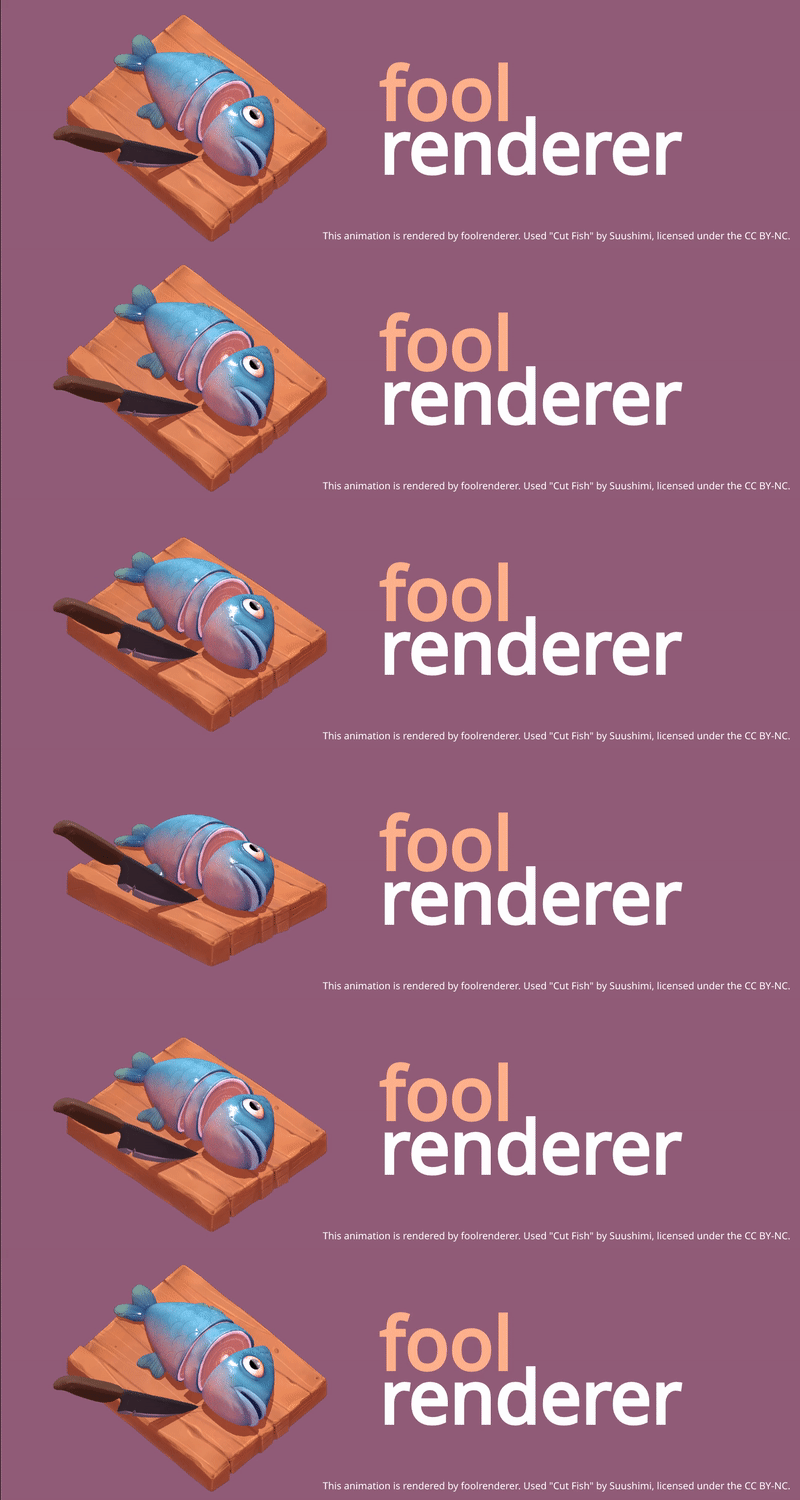
foolrenderer is a tiny software renderer implemented from scratch without the use of graphics API, used to understand how GPUs work. The primary goal for foolrenderer is to demonstrate some real-time rendering techniques for video games.
To build foolrenderer, you must first install the following tools:
Make sure your Visual Studio has Clang compiler tools installed. If you don't already have the tools, you can install them by opening the Visual Studio Installer and choosing C++ Clang tools for Windows under Desktop development with C++ optional components.
After installing Xcode you need to make sure the command line tools are set up by running:
$ xcode-select --install
The following shows how to build and run foolrenderer from the command line.
Some editors and IDEs (like VSCode, CLion, Visual Studio) support editing, building and debugging CMake projects. Please refer to related documents for usage.
First, create a build folder in the project root directory. Then use CMake
commands to build the project:
$ cd foolrenderer
$ mkdir build
$ cd build
$ cmake ..
$ cmake --build .
If the build is successful, you can run the generated executable in the build
directory. foolrenderer will store the rendering result in a TGA format
image.
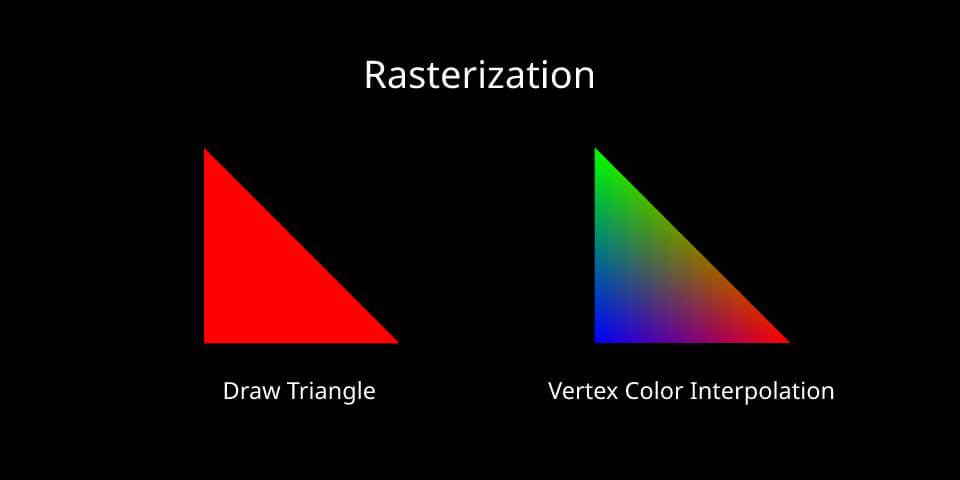
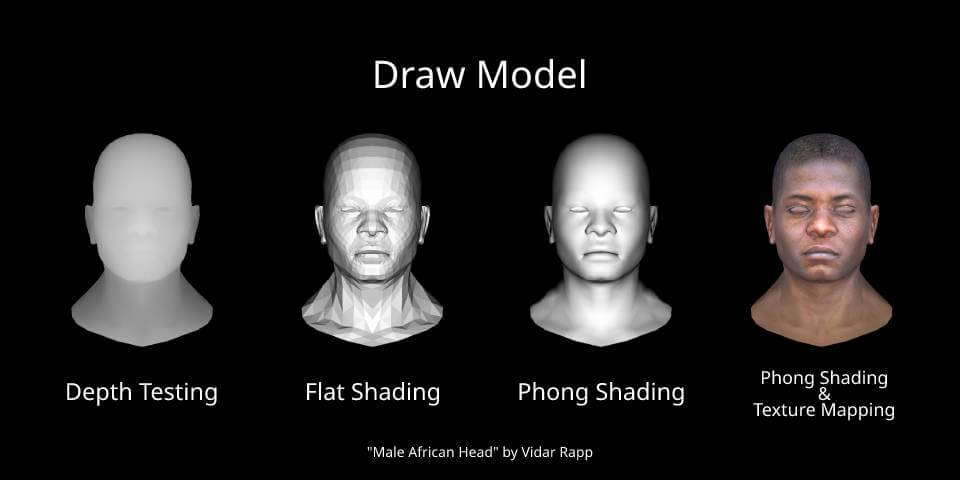
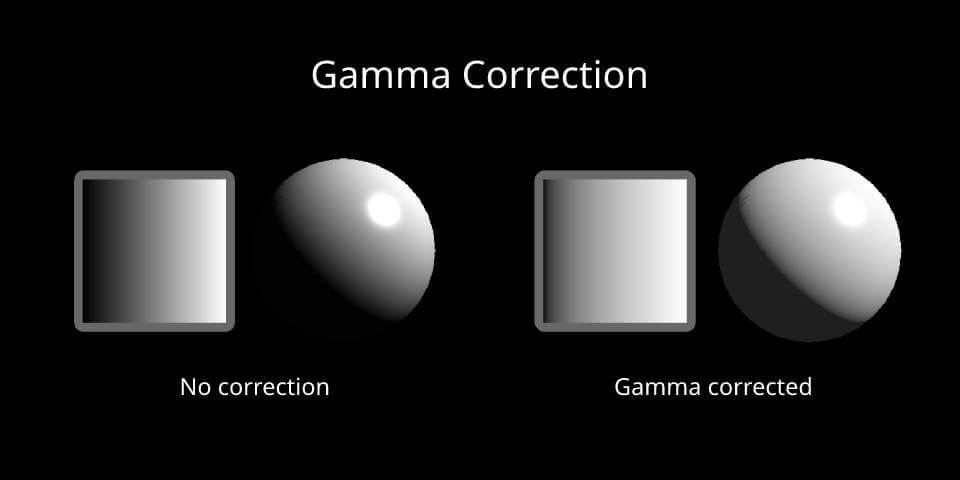
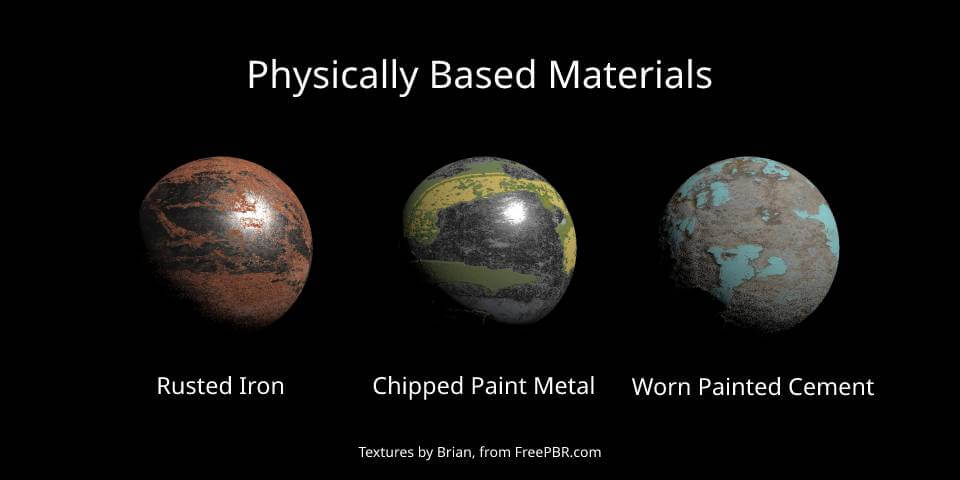
Here are some useful tutorials for self-study computer graphics. You can also find links to the corresponding literature at each algorithm in the source code.
Copyright (c) Caden Ji. All rights reserved.
Licensed under the MIT license.
331 followers · starred Sep 2022
90 followers · starred Aug 2022
18 followers · starred Jul 2022
A tiny software renderer implemented from scratch without the use of graphics API, used to understand how GPUs work.
C
1,132
125 commits
updated Jul 31, 2022
foolrenderer is a tiny software renderer implemented from scratch without the use of graphics API, used to understand how GPUs work. The primary goal for foolrenderer is to demonstrate some real-time rendering techniques for video games.
To build foolrenderer, you must first install the following tools:
Make sure your Visual Studio has Clang compiler tools installed. If you don't already have the tools, you can install them by opening the Visual Studio Installer and choosing C++ Clang tools for Windows under Desktop development with C++ optional components.
After installing Xcode you need to make sure the command line tools are set up by running:
$ xcode-select --install
The following shows how to build and run foolrenderer from the command line.
Some editors and IDEs (like VSCode, CLion, Visual Studio) support editing, building and debugging CMake projects. Please refer to related documents for usage.
First, create a build folder in the project root directory. Then use CMake
commands to build the project:
$ cd foolrenderer
$ mkdir build
$ cd build
$ cmake ..
$ cmake --build .
If the build is successful, you can run the generated executable in the build
directory. foolrenderer will store the rendering result in a TGA format
image.
Here are some useful tutorials for self-study computer graphics. You can also find links to the corresponding literature at each algorithm in the source code.
Copyright (c) Caden Ji. All rights reserved.
Licensed under the MIT license.
331 followers · starred Sep 2022
90 followers · starred Aug 2022
18 followers · starred Jul 2022



