conda create -n spcr python=3.9.5
conda activate spcr
Install libraries
pip install -r requirements.txt
Download the following vocab and weights file
Set up folder data as follow
.
├── ...
├── models
├── data
│   ├── binhvq
│       └── binhvq.vocab.pkl
│   ├── checkpoints
│       └── tfmwtr
│           └── binhvq.weights.pth
├── utils
└── ...
And then start the Flask server
python server.py
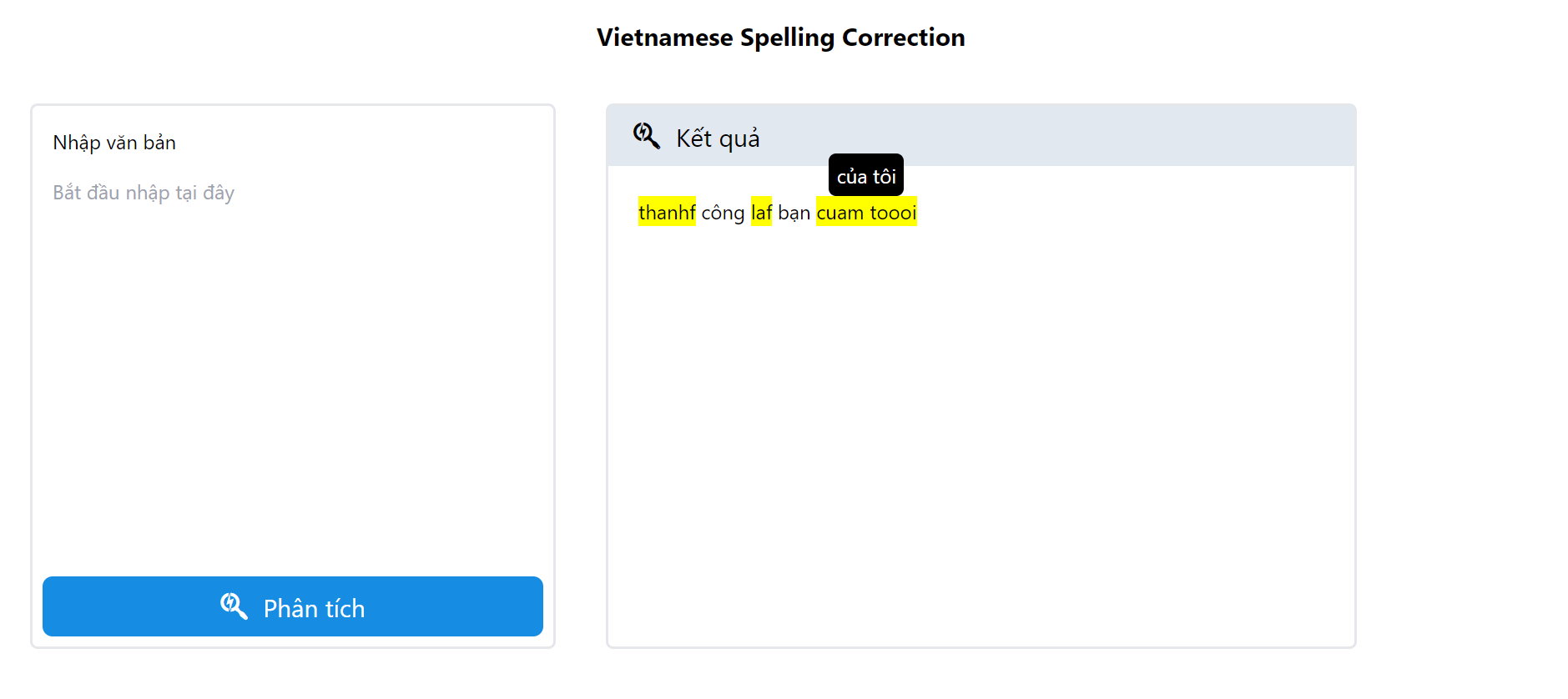
Go to localhost:8000 to use the website
Prepare a corpus file corpus.txt and put as folowing structure. Sample file in the folder sample.
.
├── ...
├── models
├── data
│   ├── binhvq
│       └── corpus.txt
├── utils
└── ...
Start prepare data by
cd dataset
python prepare_dataset.py --corpus binhvq --file corpus.txt
cleandata.sh binhvq
Start training by
python train.py
Evaluate on generated dataset.
python correct.py
Evaluate on VSEC public dataset. First need to download VSEC.jsonl at https://github.com/VSEC2021/VSEC and setup folder as follow
.
├── ...
├── models
├── data
│   ├── vsec
│       └── VSEC.jsonl
├── utils
└── ...
Start prepare VSEC data.
cd dataset
python prepare_vsec.py
python correct.py --test_data vsec
conda create -n spcr python=3.9.5
conda activate spcr
Install libraries
pip install -r requirements.txt
Download the following vocab and weights file
Set up folder data as follow
.
├── ...
├── models
├── data
│   ├── binhvq
│       └── binhvq.vocab.pkl
│   ├── checkpoints
│       └── tfmwtr
│           └── binhvq.weights.pth
├── utils
└── ...
And then start the Flask server
python server.py
Go to localhost:8000 to use the website
Prepare a corpus file corpus.txt and put as folowing structure. Sample file in the folder sample.
.
├── ...
├── models
├── data
│   ├── binhvq
│       └── corpus.txt
├── utils
└── ...
Start prepare data by
cd dataset
python prepare_dataset.py --corpus binhvq --file corpus.txt
cleandata.sh binhvq
Start training by
python train.py
Evaluate on generated dataset.
python correct.py
Evaluate on VSEC public dataset. First need to download VSEC.jsonl at https://github.com/VSEC2021/VSEC and setup folder as follow
.
├── ...
├── models
├── data
│   ├── vsec
│       └── VSEC.jsonl
├── utils
└── ...
Start prepare VSEC data.
cd dataset
python prepare_vsec.py
python correct.py --test_data vsec



