A desktop application for Penpot, an open-source design tool.
JavaScript
1,179
636 commits
updated Oct 9, 2026
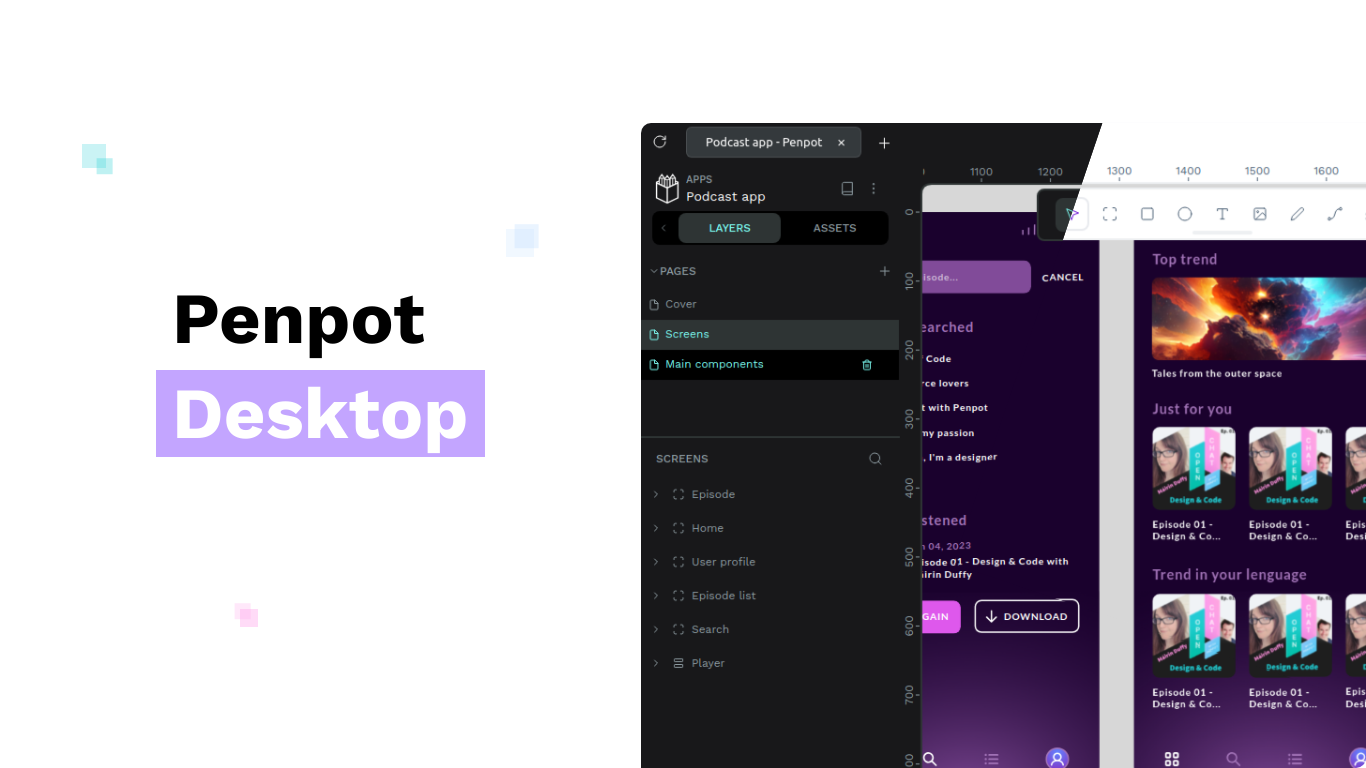
Penpot Desktop is an unofficial desktop application for the open-source design tool, Penpot.
It provides you with access to the functionality of the browser version of Penpot with an experience of a desktop application. It comes with
📡 Penpot Desktop loads the Penpot web application like a browser does. For offline use, the built-in local instance creator can set up and run a local Penpot instance via Docker (per the official self‑hosting guide).
Ensure the environment meets the following requirements:
For the detailed list of requirements, see the prerequisites in Electron documentation.
Clone the repository or download the source code.
Navigate to the project's directory.
Run npm ci to install packages.
Other package managers such as Yarn or pnpm should work as well.
(Optional) Run npm run setup to prepare development environment.
(Optional) Run npm run dev to start the application in development mode. This will open a new window with the application running.
Note: Penpot Desktop is using ES Modules. Make sure to read the ES Modules (ESM) in Electron guide.
Run npm run build to build the application. By default, it will build for the current OS and architecture, but you can pass flags to build for other platforms. See the Electron Builder documentation for more information.
21 followers · starred Dec 2024
197 followers · starred Nov 2025
3 followers · starred Sep 2026
64 followers · starred Jul 2026
A desktop application for Penpot, an open-source design tool.
JavaScript
1,179
636 commits
updated Oct 9, 2026
Penpot Desktop is an unofficial desktop application for the open-source design tool, Penpot.
It provides you with access to the functionality of the browser version of Penpot with an experience of a desktop application. It comes with
📡 Penpot Desktop loads the Penpot web application like a browser does. For offline use, the built-in local instance creator can set up and run a local Penpot instance via Docker (per the official self‑hosting guide).
Ensure the environment meets the following requirements:
For the detailed list of requirements, see the prerequisites in Electron documentation.
Clone the repository or download the source code.
Navigate to the project's directory.
Run npm ci to install packages.
Other package managers such as Yarn or pnpm should work as well.
(Optional) Run npm run setup to prepare development environment.
(Optional) Run npm run dev to start the application in development mode. This will open a new window with the application running.
Note: Penpot Desktop is using ES Modules. Make sure to read the ES Modules (ESM) in Electron guide.
Run npm run build to build the application. By default, it will build for the current OS and architecture, but you can pass flags to build for other platforms. See the Electron Builder documentation for more information.
21 followers · starred Dec 2024
197 followers · starred Nov 2025
3 followers · starred Sep 2026
64 followers · starred Jul 2026



