🏄 A rich interaction, lightweight, high performance UI library based on Weex.
See the code








A rich interactive, lightweight, high performance UI library based on Weex.
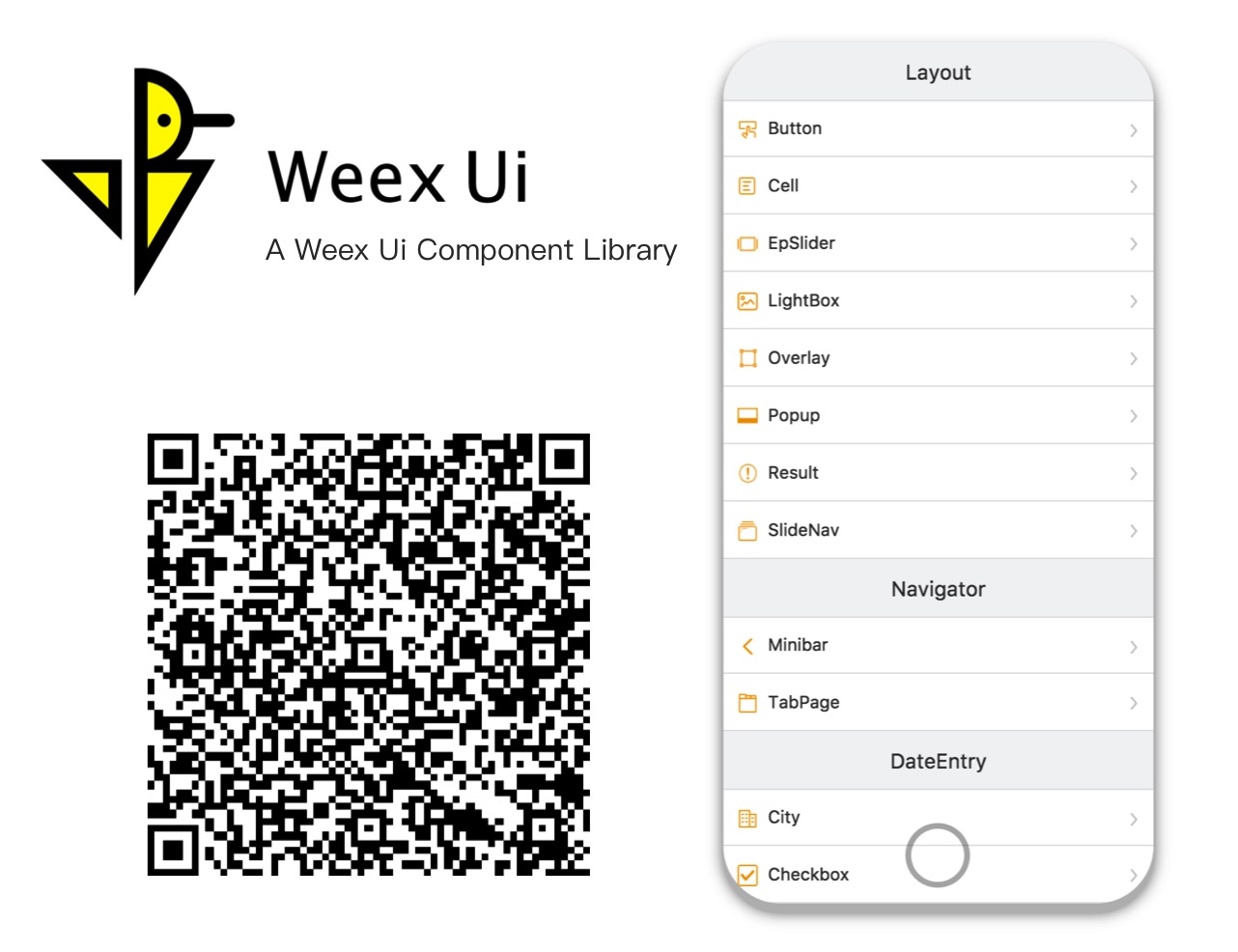
Try it with Fliggy, Taobao, Tmall, Weex Playground or any browsers now!
npm i weex-ui -S
<template>
  <div>
    <wxc-button text="Open Popup"
                @wxcButtonClicked="buttonClicked">
    </wxc-button>
    <wxc-popup width="500"
               pos="left"
               :show="isShow"
               @wxcPopupOverlayClicked="overlayClicked">
    </wxc-popup>
  </div>
</template>

<script>
  import { WxcButton, WxcPopup } from 'weex-ui';
  // or
  // import WxcButton from 'weex-ui/packages/wxc-button';
  // import WxcPopup from 'weex-ui/packages/wxc-popup';
  module.exports = {
    components: { WxcButton, WxcPopup },
    data: () => ({
      isShow: false
    }),
    methods: {
      buttonClicked () {
        this.isShow = true;
      },
      overlayClicked () {
        this.isShow = false;
      }
    }
  };
</script>
In order to not pack all the components, you need to use babel-plugin-component to import the specified component.
At the same time, if you haven't installed babel-preset-stage-0, it's necessary to install it.
npm i babel-preset-stage-0 babel-plugin-component -D
{
    "presets": ["es2015", "stage-0"],
    "plugins": [
        [
            "component",
            {
                "libraryName": "weex-ui",
                "libDir": "packages",
                "style": false
            }
        ]
    ]
}
webpack.config.js has a exclude for node_modules, please turn on for weex-ui as exclude: /node_modules(?!(\/|\\).*(weex).*)/.weex-ui to the latest.npm i
npm run start
Once it has been compiled, a browser window will be opened automatically. You can switch to developer mode to see the demo. And there will be a QR code that you can use to try the demo on your phone in the console.
 |  |  |
Want to file a bug, contribute some code, or improve documentation? Excellent! Read up on our Contributing Guide before making a pull request.
Thank you to all the people who already contributed to Weex Ui!
111,801 followers · starred Oct 2017
8,063 followers · starred Mar 2018
113 followers · starred Feb 2018
81 followers · starred Mar 2018
🏄 A rich interaction, lightweight, high performance UI library based on Weex.
See the code
A rich interactive, lightweight, high performance UI library based on Weex.
Try it with Fliggy, Taobao, Tmall, Weex Playground or any browsers now!
npm i weex-ui -S
<template>
  <div>
    <wxc-button text="Open Popup"
                @wxcButtonClicked="buttonClicked">
    </wxc-button>
    <wxc-popup width="500"
               pos="left"
               :show="isShow"
               @wxcPopupOverlayClicked="overlayClicked">
    </wxc-popup>
  </div>
</template>

<script>
  import { WxcButton, WxcPopup } from 'weex-ui';
  // or
  // import WxcButton from 'weex-ui/packages/wxc-button';
  // import WxcPopup from 'weex-ui/packages/wxc-popup';
  module.exports = {
    components: { WxcButton, WxcPopup },
    data: () => ({
      isShow: false
    }),
    methods: {
      buttonClicked () {
        this.isShow = true;
      },
      overlayClicked () {
        this.isShow = false;
      }
    }
  };
</script>
In order to not pack all the components, you need to use babel-plugin-component to import the specified component.
At the same time, if you haven't installed babel-preset-stage-0, it's necessary to install it.
npm i babel-preset-stage-0 babel-plugin-component -D
{
    "presets": ["es2015", "stage-0"],
    "plugins": [
        [
            "component",
            {
                "libraryName": "weex-ui",
                "libDir": "packages",
                "style": false
            }
        ]
    ]
}
webpack.config.js has a exclude for node_modules, please turn on for weex-ui as exclude: /node_modules(?!(\/|\\).*(weex).*)/.weex-ui to the latest.npm i
npm run start
Once it has been compiled, a browser window will be opened automatically. You can switch to developer mode to see the demo. And there will be a QR code that you can use to try the demo on your phone in the console.
| | |
Want to file a bug, contribute some code, or improve documentation? Excellent! Read up on our Contributing Guide before making a pull request.
Thank you to all the people who already contributed to Weex Ui!
111,801 followers · starred Oct 2017
8,063 followers · starred Mar 2018
113 followers · starred Feb 2018
81 followers · starred Mar 2018