A simple but highly customizable UICollectionViewLayout for UICollectionView -- Simple SwiftUI views that let you make page-view effects.
Swift
2,796
256 commits
updated Apr 2, 2023





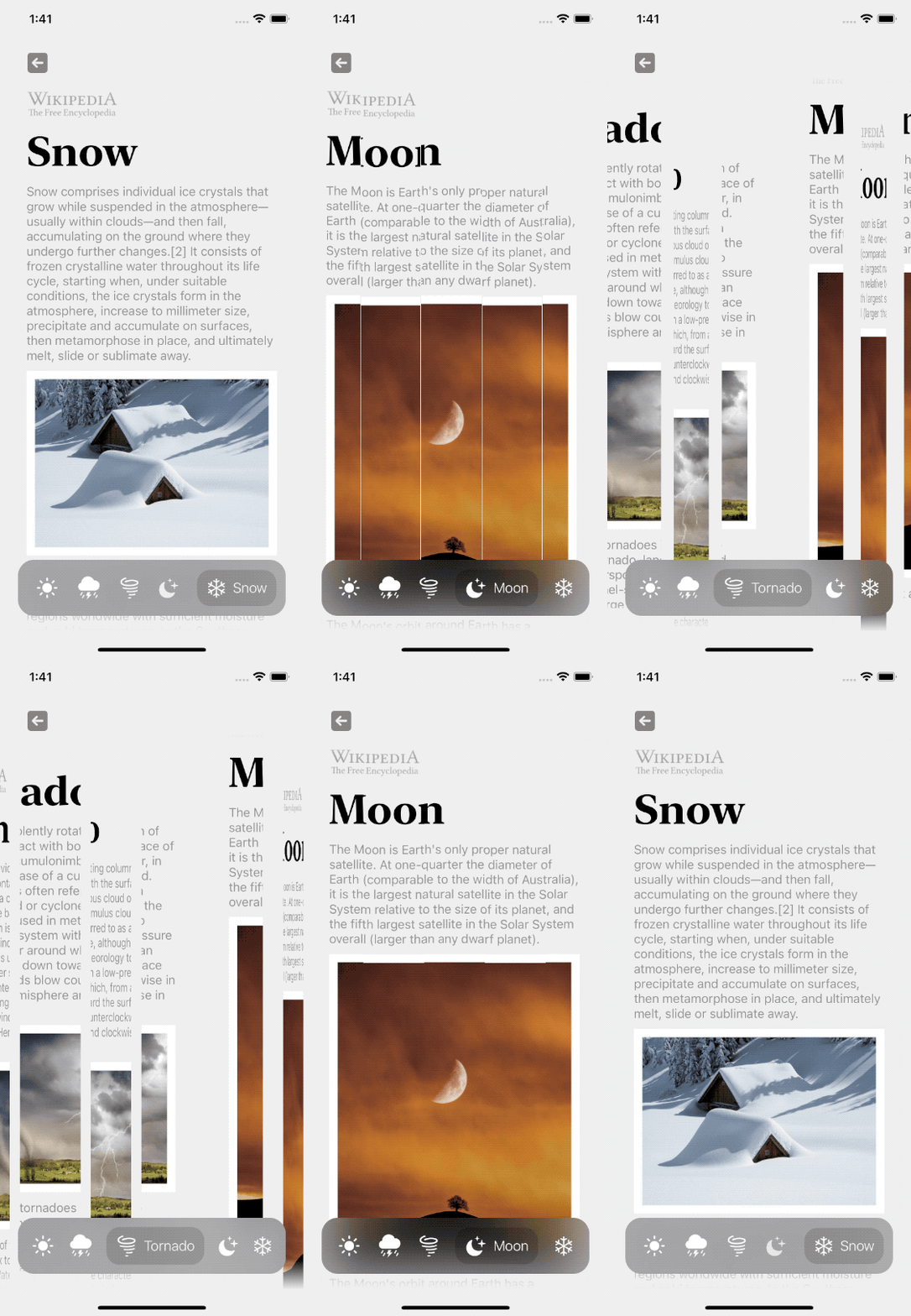
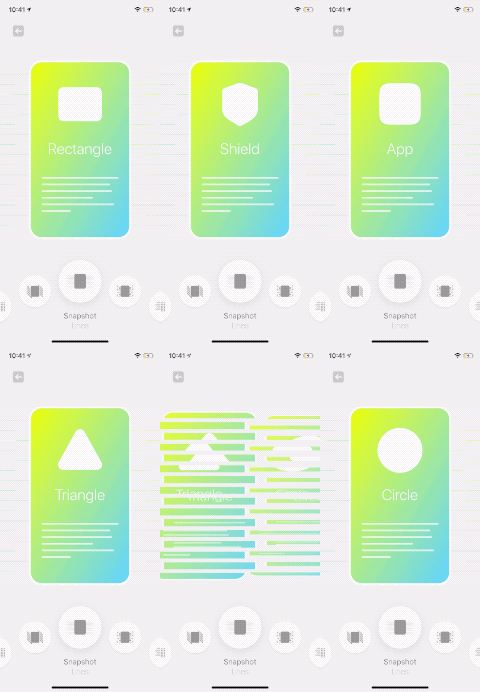
TransformableView, SwiftUI: TransformPageViewClick on image to see the code




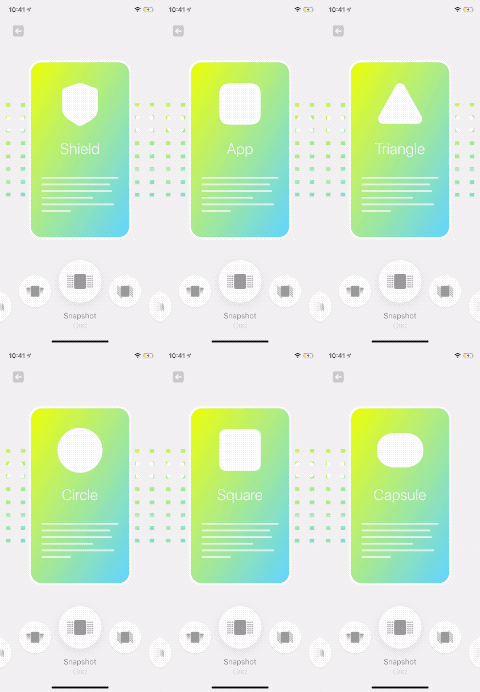
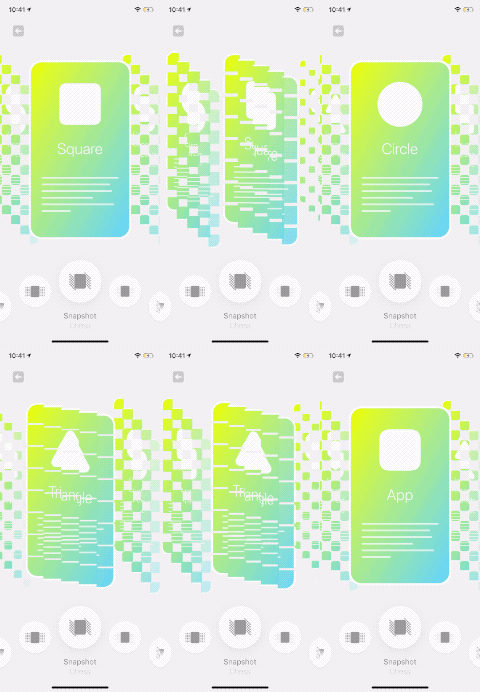
SnapshotTransformView, SwiftUI: SnapshotPageView



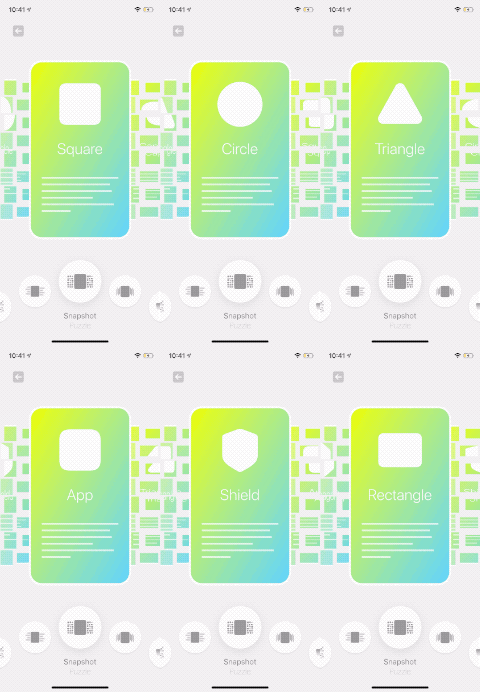
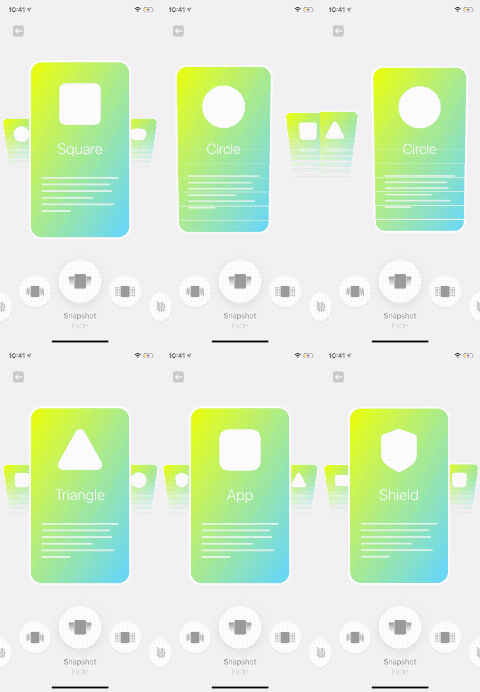
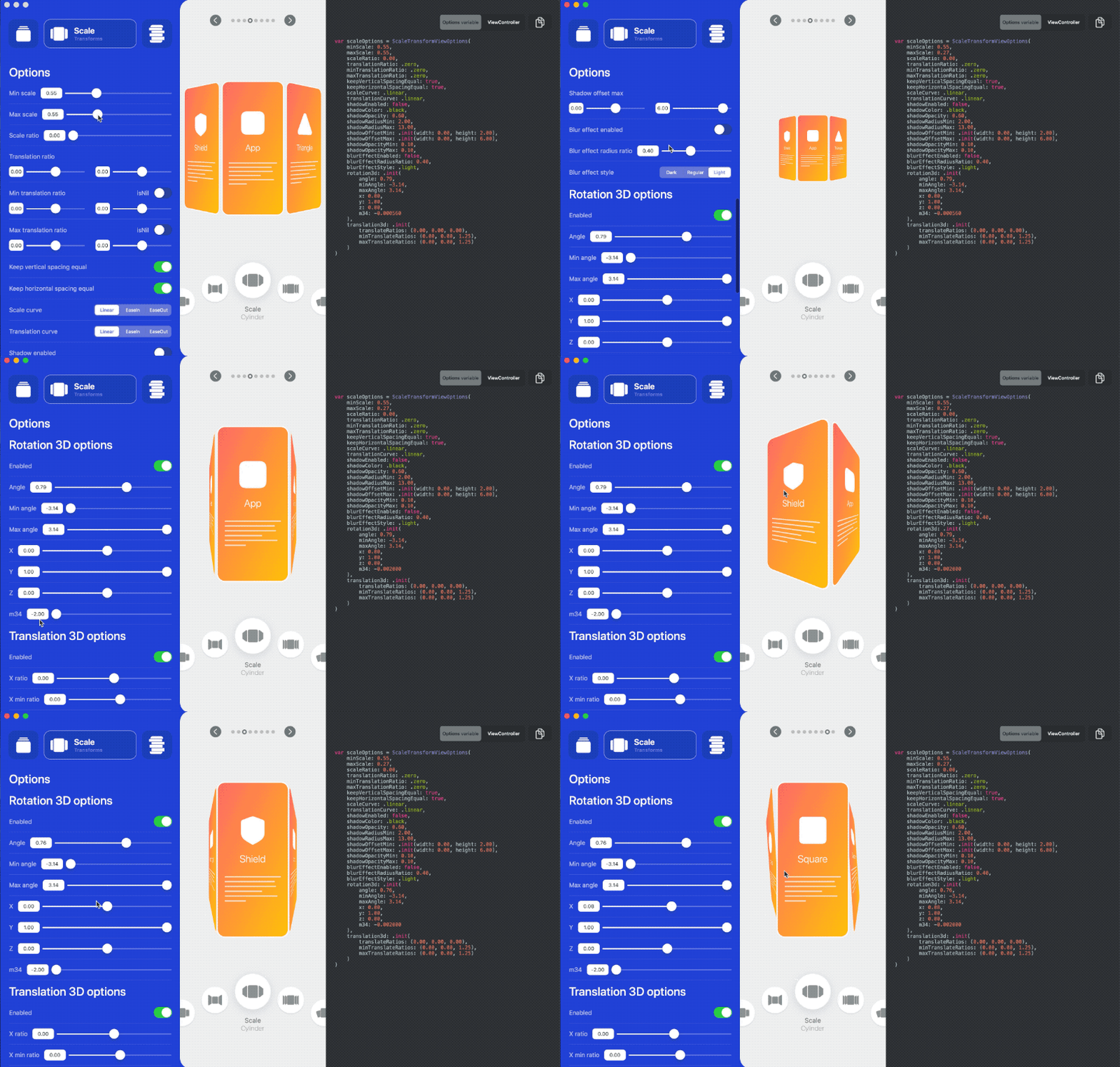
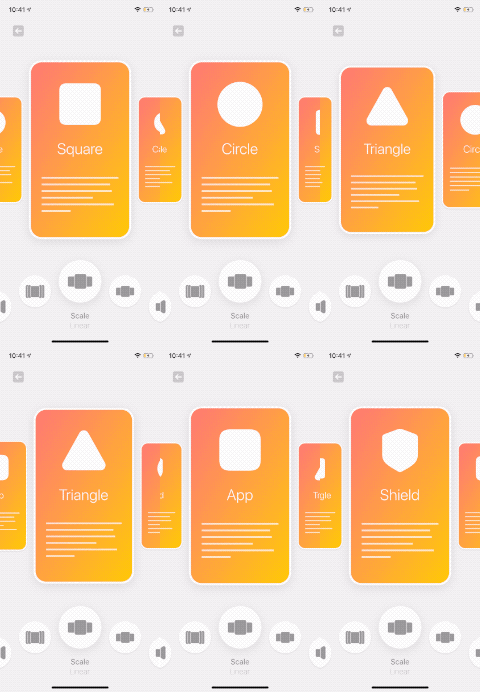
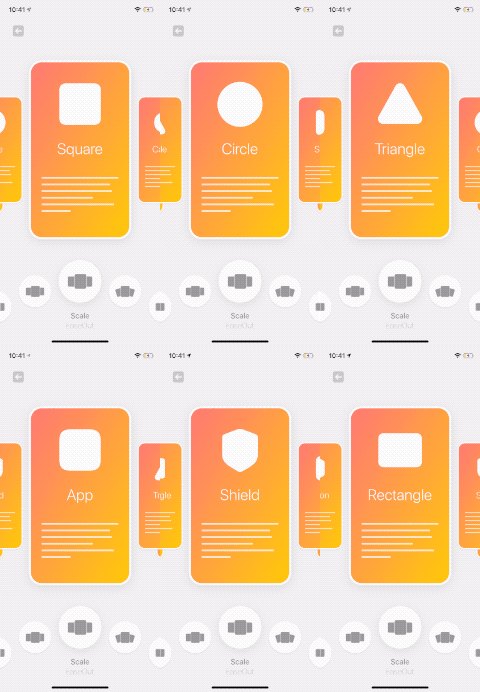
ScaleTransformView, SwiftUI: ScalePageView
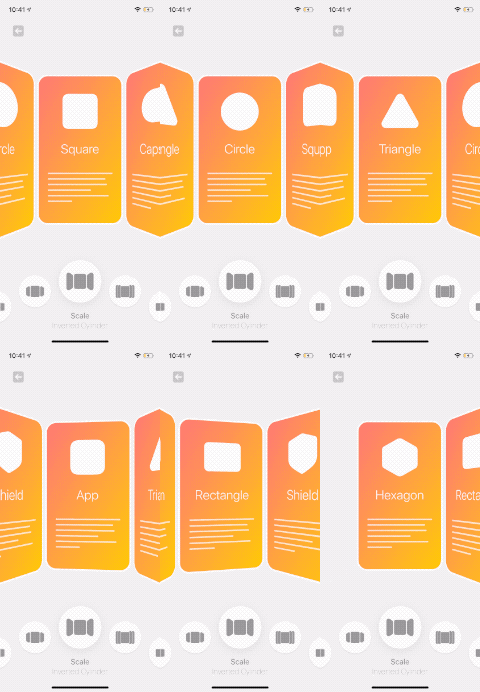





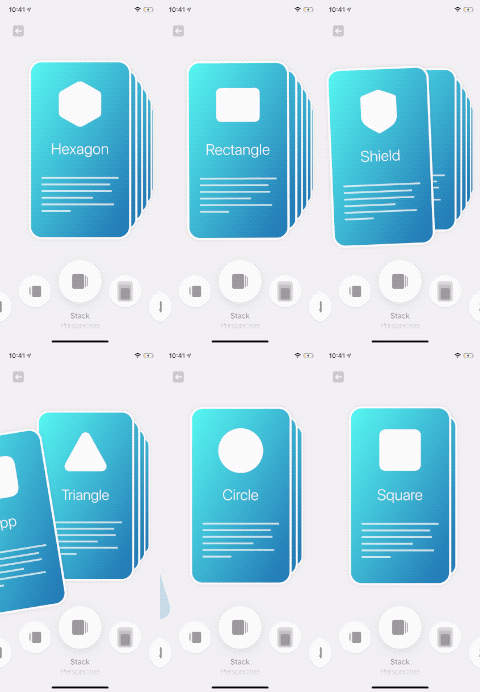
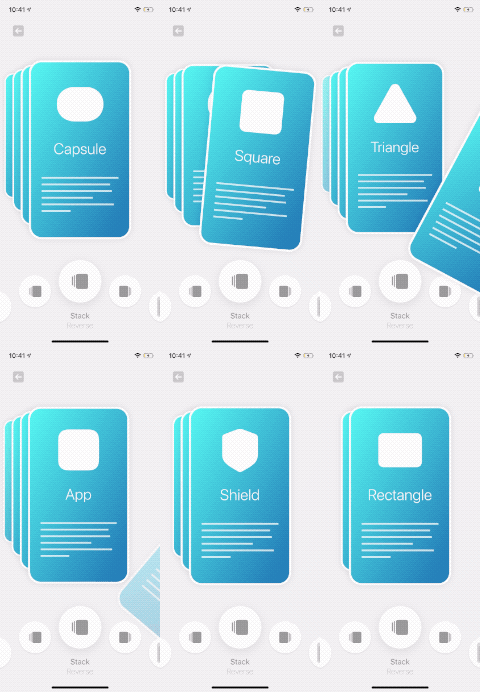
StackTransformView, SwiftUI: StackPageView



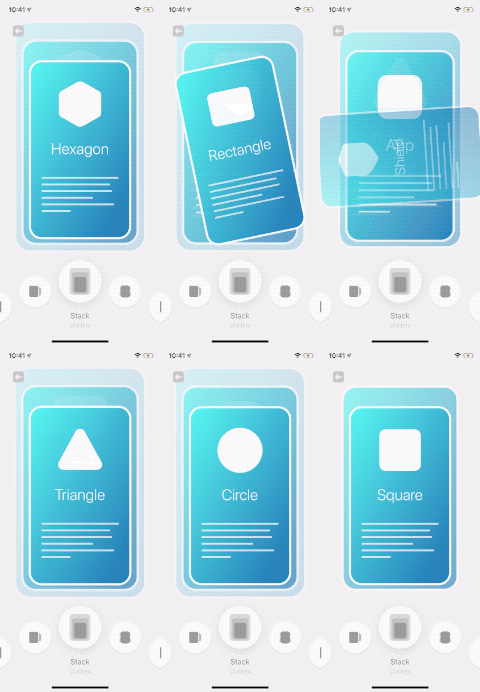
UIKit:
A simple but powerful framework that lets you make complex layouts for your UICollectionView.
The implementation is quite simple. Just a custom UICollectionViewLayout that gives you the ability to apply transforms to the cells.
No UICollectionView inheritance or anything like that.
SwiftUI:
A simple View that lets you make page-view effects.
Powered by UICollectionView
For more details, see How to use
This framework doesn't contain any external dependencies.
# Podfile
use_frameworks!

target 'YOUR_TARGET_NAME' do
    pod 'CollectionViewPagingLayout'
end
Replace YOUR_TARGET_NAME and then, in the Podfile directory, type:
$ pod install
Add this to Cartfile
github "CollectionViewPagingLayout"
and then, in the Cartfile directory, type:
$ carthage update
using Xcode:
File > Swift Packages > Add Package Dependency
Just add all the files under Lib directory to your project
There is a macOS app to make it even easier for you to build your custom layout.
It allows you to tweak many options and see the result in real-time.
It also generates the code for you. So, you can copy it to your project.
You can purchase the app from App Store and support this repository,
or you can build it yourself from the source.
Yes, the macOS app is open-source too!.
Specify the number of visible items:
You need to specify the number of visible items.
Since this layout gives you the flexibility to show the next and previous cells,
By default, it loads all of the cells in the collectionview's frame, which means iOS keeps all of them in the memory.
Based on your design, you can specify the number of items that you need to show.
It doesn't support RTL layouts:
however, you can achieve a similar result by tweaking options, for instance try StackTransformViewOptions.Layout.reverse
CollectionViewPagingLayout is available under the MIT license. See LICENSE file for more info.
3,226 followers · starred Dec 2020
1,013 followers · starred Oct 2020
180 followers · starred Jan 2022
590 followers · starred Oct 2020
A simple but highly customizable UICollectionViewLayout for UICollectionView -- Simple SwiftUI views that let you make page-view effects.
Swift
2,796
256 commits
updated Apr 2, 2023
TransformableView, SwiftUI: TransformPageViewClick on image to see the code
SnapshotTransformView, SwiftUI: SnapshotPageView
ScaleTransformView, SwiftUI: ScalePageView
StackTransformView, SwiftUI: StackPageView
UIKit:
A simple but powerful framework that lets you make complex layouts for your UICollectionView.
The implementation is quite simple. Just a custom UICollectionViewLayout that gives you the ability to apply transforms to the cells.
No UICollectionView inheritance or anything like that.
SwiftUI:
A simple View that lets you make page-view effects.
Powered by UICollectionView
For more details, see How to use
This framework doesn't contain any external dependencies.
# Podfile
use_frameworks!

target 'YOUR_TARGET_NAME' do
    pod 'CollectionViewPagingLayout'
end
Replace YOUR_TARGET_NAME and then, in the Podfile directory, type:
$ pod install
Add this to Cartfile
github "CollectionViewPagingLayout"
and then, in the Cartfile directory, type:
$ carthage update
using Xcode:
File > Swift Packages > Add Package Dependency
Just add all the files under Lib directory to your project
There is a macOS app to make it even easier for you to build your custom layout.
It allows you to tweak many options and see the result in real-time.
It also generates the code for you. So, you can copy it to your project.
You can purchase the app from App Store and support this repository,
or you can build it yourself from the source.
Yes, the macOS app is open-source too!.
Specify the number of visible items:
You need to specify the number of visible items.
Since this layout gives you the flexibility to show the next and previous cells,
By default, it loads all of the cells in the collectionview's frame, which means iOS keeps all of them in the memory.
Based on your design, you can specify the number of items that you need to show.
It doesn't support RTL layouts:
however, you can achieve a similar result by tweaking options, for instance try StackTransformViewOptions.Layout.reverse
CollectionViewPagingLayout is available under the MIT license. See LICENSE file for more info.
3,226 followers · starred Dec 2020
1,013 followers · starred Oct 2020
180 followers · starred Jan 2022
590 followers · starred Oct 2020



