
Open-source, self-hosted search and AI chat for your website, grounded in your own data
See the codeREADME





Open-source, self-hosted search and AI chat for your website, grounded in your own data.
Website · Documentation · API Reference · Integrations · Discussions
What is Interakt?
Interakt puts a search box and a chat window in front of your users without you assembling the pieces yourself. Point it at your data, decide how it should behave in the admin dashboard, and paste a snippet into your site.
Underneath is a curated stack: a search engine, an AI provider, a chat pipeline, a versioned prompt library and an analytics database. You see one dashboard, one API and two widgets.
- Search that understands intent. Keyword, semantic or hybrid, with facets, synonyms, autocomplete and AI query understanding.
- Chat that knows your data. Answers are grounded in your indexes through tools, streamed, with optional citations, and kept on topic by guardrails.
- Analytics that show what works. Search events, chat sessions and execution traces land in a separate analytics database, with dashboards and an analytics assistant.
See it in action
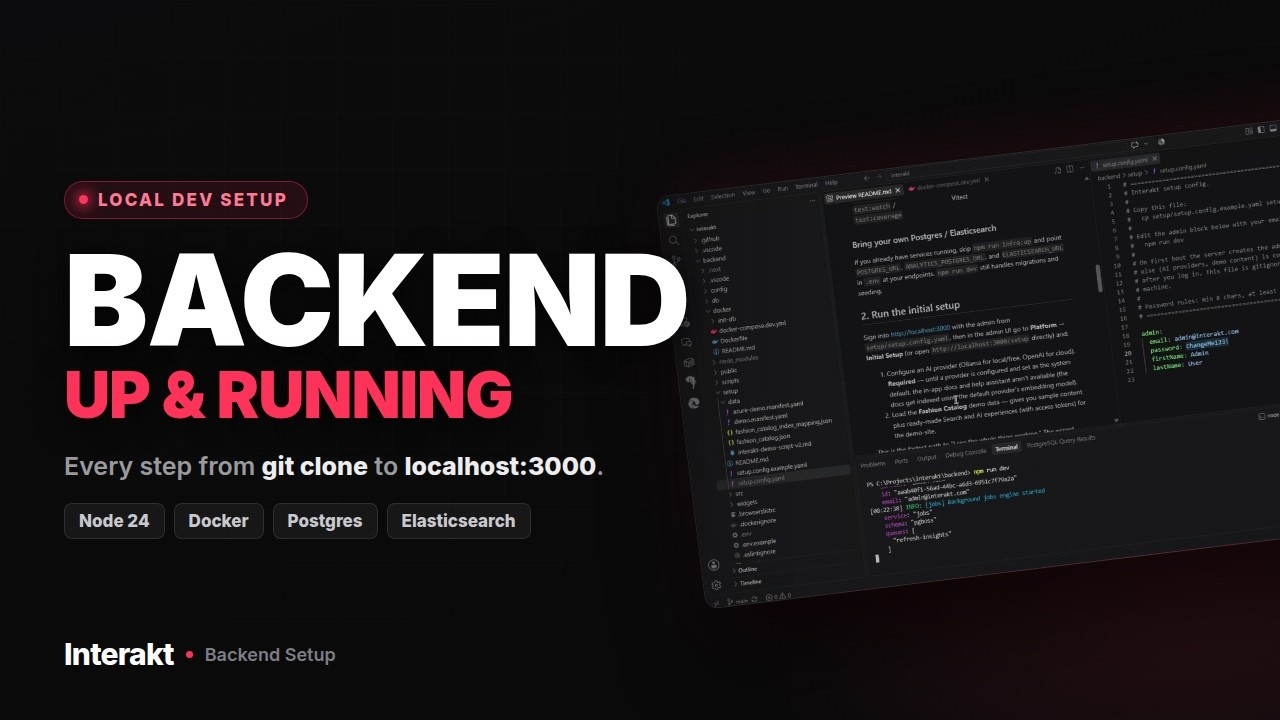 Backend setup From git clone to localhost:3000 |  AI search and a sales assistant Interakt on a Medusa storefront |  Managing the integration The admin side of the Medusa setup |
Highlights
| 🔍 Hybrid search Keyword and vector results fused with reciprocal rank fusion, on Elasticsearch 9 or Azure AI Search. Facets, sorting, synonyms and stop words per index. | 💬 Grounded chat A deterministic pipeline (plan → retrieve → synthesize) or an agentic loop, chosen per experience. Streaming responses, with optional inline or footnote citations. |
| 🧩 Tools and MCP Every index ships with search, lookup, inspect and enumerate tools. Add custom HTTP tools, or connect MCP servers over Streamable HTTP or SSE. | 🧠 Bring your own model OpenAI, OpenAI-compatible endpoints through a custom base URL, or Ollama for fully local inference. Choose the provider per experience. |
| 📦 Drop-in widgets Preact and Shadow DOM, loaded from a single script bundle. Search and chat widgets that work on any site, no framework required. | 📝 Versioned prompts Every pipeline step is an editable template with history and rollback. Tune behaviour without redeploying. |
| 🛡️ Guardrails and credentials Topic gating and greeting detection. Read-only public access tokens, server-side ingestion keys, and an encrypted secrets vault. | 🏠 Self-hosted One Docker image, Postgres with pgvector, and Elasticsearch or Azure AI Search. Runs wherever Docker runs; Alpha Solutions runs it on Azure Container Apps. MIT licensed. |
How it fits together
flowchart LR
  D["Your data<br/>catalog · docs · CMS · files"] --> IX["Search index"]
  IX --> SE["Search experience"]
  IX -- "tools" --> AE["AI chat experience"]
  T["Custom HTTP tools · MCP servers"] --> AE
  SE --> W["Widgets · REST API"]
  AE --> W
  W --> Y["Your website"]
  IX -.-> ES[("Elasticsearch or<br/>Azure AI Search")]
  AE -.-> LLM[("OpenAI · Ollama")]
You connect a data source, populate a search index, then build one or more experiences on top of it. The chat experience calls the search tools to answer from your data. The architecture overview has the full picture.
Quick start
Needs Node.js 24 and Docker. Prefer to watch? The backend setup video walks through these steps.
git clone https://github.com/alphasolutionsrepo/interakt.git
cd interakt/backend

cp .env.example .env                                         # fill in the three generated secrets at the top
cp setup/setup.config.example.yaml setup/setup.config.yaml   # set your admin email and password

npm install
npm run infra:up     # Postgres (pgvector) and Elasticsearch in Docker
npm run dev          # migrates, seeds, creates the admin user → http://localhost:3000
Sign in and open Platform → Initial Setup. Connect an AI provider (Ollama is free and local), then load the Fashion Catalog demo: a populated index plus ready-made search and chat experiences with access tokens. Point the reference app in demo-site/ at it, or embed the widget below.
The full walkthrough, scripts and bring-your-own-database notes are in CONTRIBUTING.md. Hosting notes are in backend/docker/.
Embed it
<div id="chat"></div>
<script src="https://your-interakt-host/embed/v1/widgets.js"></script>
<script>
  window.ChatDropinUI.init({
    containerId: 'chat',
    accessToken: '<access token from the admin UI>',
  });
</script>
Use SearchDropinUI for the search widget. The admin UI generates the exact snippet for each experience, and the widget docs cover launcher modes, placement and theming.
Or call the API
# Search through a search experience
curl -X POST https://your-interakt-host/api/v1/search/<experience-slug>/search \
  -H "Authorization: Bearer <access token>" \
  -H "Content-Type: application/json" \
  -d '{ "query": "waterproof trail shoes" }'

# Chat through an AI experience (streams server-sent events)
curl -N -X POST https://your-interakt-host/api/v1/ai-experiences/<experience-slug>/chat \
  -H "Authorization: Bearer <access token>" \
  -H "Content-Type: application/json" \
  -d '{ "message": "Which of these run true to size?" }'
Access tokens are issued per experience and are public and read-only by design. Writing documents into an index uses a server-side ingestion key instead. See the search, chat and ingestion guides, or the full API reference.
Integrations
Step-by-step guides for Medusa, Storyblok and React / Next.js. The Interakt-Medusa repository is the demo storefront that guide is built on.
Repository layout
interakt/
├── backend/               Admin dashboard + REST APIs · Next.js 16, Drizzle, Postgres + pgvector
│   ├── widgets/           Embeddable search and chat widgets · Preact, built to public/embed/v1/widgets.js
│   ├── docker/            Production Dockerfile + local docker-compose (Postgres, pgAdmin, Elasticsearch)
│   └── src/content/docs/  The documentation, served in-app at /docs and published to docs.interakt.app
├── demo-site/             Reference consumer app on port 3001
└── docs-site/             Docusaurus + Redocusaurus shell for docs.interakt.app
Contributing
Contributions are welcome. CONTRIBUTING.md covers local setup, conventions and how review works here. Found a bug or want a feature? Open an issue. Have a question? Start a discussion. For security issues, follow SECURITY.md and never open a public issue.
This project follows the Contributor Covenant code of conduct.
License


See what people are saying
Similar repos


Languages
TypeScript
99.0%
Open-source, self-hosted search and AI chat for your website, grounded in your own data
See the codeREADME
Open-source, self-hosted search and AI chat for your website, grounded in your own data.
Website · Documentation · API Reference · Integrations · Discussions
What is Interakt?
Interakt puts a search box and a chat window in front of your users without you assembling the pieces yourself. Point it at your data, decide how it should behave in the admin dashboard, and paste a snippet into your site.
Underneath is a curated stack: a search engine, an AI provider, a chat pipeline, a versioned prompt library and an analytics database. You see one dashboard, one API and two widgets.
- Search that understands intent. Keyword, semantic or hybrid, with facets, synonyms, autocomplete and AI query understanding.
- Chat that knows your data. Answers are grounded in your indexes through tools, streamed, with optional citations, and kept on topic by guardrails.
- Analytics that show what works. Search events, chat sessions and execution traces land in a separate analytics database, with dashboards and an analytics assistant.
See it in action
Backend setup From git clone to localhost:3000 | AI search and a sales assistant Interakt on a Medusa storefront | Managing the integration The admin side of the Medusa setup |
Highlights
| 🔍 Hybrid search Keyword and vector results fused with reciprocal rank fusion, on Elasticsearch 9 or Azure AI Search. Facets, sorting, synonyms and stop words per index. | 💬 Grounded chat A deterministic pipeline (plan → retrieve → synthesize) or an agentic loop, chosen per experience. Streaming responses, with optional inline or footnote citations. |
| 🧩 Tools and MCP Every index ships with search, lookup, inspect and enumerate tools. Add custom HTTP tools, or connect MCP servers over Streamable HTTP or SSE. | 🧠 Bring your own model OpenAI, OpenAI-compatible endpoints through a custom base URL, or Ollama for fully local inference. Choose the provider per experience. |
| 📦 Drop-in widgets Preact and Shadow DOM, loaded from a single script bundle. Search and chat widgets that work on any site, no framework required. | 📝 Versioned prompts Every pipeline step is an editable template with history and rollback. Tune behaviour without redeploying. |
| 🛡️ Guardrails and credentials Topic gating and greeting detection. Read-only public access tokens, server-side ingestion keys, and an encrypted secrets vault. | 🏠 Self-hosted One Docker image, Postgres with pgvector, and Elasticsearch or Azure AI Search. Runs wherever Docker runs; Alpha Solutions runs it on Azure Container Apps. MIT licensed. |
How it fits together
flowchart LR
  D["Your data<br/>catalog · docs · CMS · files"] --> IX["Search index"]
  IX --> SE["Search experience"]
  IX -- "tools" --> AE["AI chat experience"]
  T["Custom HTTP tools · MCP servers"] --> AE
  SE --> W["Widgets · REST API"]
  AE --> W
  W --> Y["Your website"]
  IX -.-> ES[("Elasticsearch or<br/>Azure AI Search")]
  AE -.-> LLM[("OpenAI · Ollama")]
You connect a data source, populate a search index, then build one or more experiences on top of it. The chat experience calls the search tools to answer from your data. The architecture overview has the full picture.
Quick start
Needs Node.js 24 and Docker. Prefer to watch? The backend setup video walks through these steps.
git clone https://github.com/alphasolutionsrepo/interakt.git
cd interakt/backend

cp .env.example .env                                         # fill in the three generated secrets at the top
cp setup/setup.config.example.yaml setup/setup.config.yaml   # set your admin email and password

npm install
npm run infra:up     # Postgres (pgvector) and Elasticsearch in Docker
npm run dev          # migrates, seeds, creates the admin user → http://localhost:3000
Sign in and open Platform → Initial Setup. Connect an AI provider (Ollama is free and local), then load the Fashion Catalog demo: a populated index plus ready-made search and chat experiences with access tokens. Point the reference app in demo-site/ at it, or embed the widget below.
The full walkthrough, scripts and bring-your-own-database notes are in CONTRIBUTING.md. Hosting notes are in backend/docker/.
Embed it
<div id="chat"></div>
<script src="https://your-interakt-host/embed/v1/widgets.js"></script>
<script>
  window.ChatDropinUI.init({
    containerId: 'chat',
    accessToken: '<access token from the admin UI>',
  });
</script>
Use SearchDropinUI for the search widget. The admin UI generates the exact snippet for each experience, and the widget docs cover launcher modes, placement and theming.
Or call the API
# Search through a search experience
curl -X POST https://your-interakt-host/api/v1/search/<experience-slug>/search \
  -H "Authorization: Bearer <access token>" \
  -H "Content-Type: application/json" \
  -d '{ "query": "waterproof trail shoes" }'

# Chat through an AI experience (streams server-sent events)
curl -N -X POST https://your-interakt-host/api/v1/ai-experiences/<experience-slug>/chat \
  -H "Authorization: Bearer <access token>" \
  -H "Content-Type: application/json" \
  -d '{ "message": "Which of these run true to size?" }'
Access tokens are issued per experience and are public and read-only by design. Writing documents into an index uses a server-side ingestion key instead. See the search, chat and ingestion guides, or the full API reference.
Integrations
Step-by-step guides for Medusa, Storyblok and React / Next.js. The Interakt-Medusa repository is the demo storefront that guide is built on.
Repository layout
interakt/
├── backend/               Admin dashboard + REST APIs · Next.js 16, Drizzle, Postgres + pgvector
│   ├── widgets/           Embeddable search and chat widgets · Preact, built to public/embed/v1/widgets.js
│   ├── docker/            Production Dockerfile + local docker-compose (Postgres, pgAdmin, Elasticsearch)
│   └── src/content/docs/  The documentation, served in-app at /docs and published to docs.interakt.app
├── demo-site/             Reference consumer app on port 3001
└── docs-site/             Docusaurus + Redocusaurus shell for docs.interakt.app
Contributing
Contributions are welcome. CONTRIBUTING.md covers local setup, conventions and how review works here. Found a bug or want a feature? Open an issue. Have a question? Start a discussion. For security issues, follow SECURITY.md and never open a public issue.
This project follows the Contributor Covenant code of conduct.
License
See what people are saying
Similar repos
Languages
TypeScript
99.0%