
Painless 2D vector graphics, animations, and simulations powered by GLFW (Fork of gloss)
See the codeREADME
Brillo
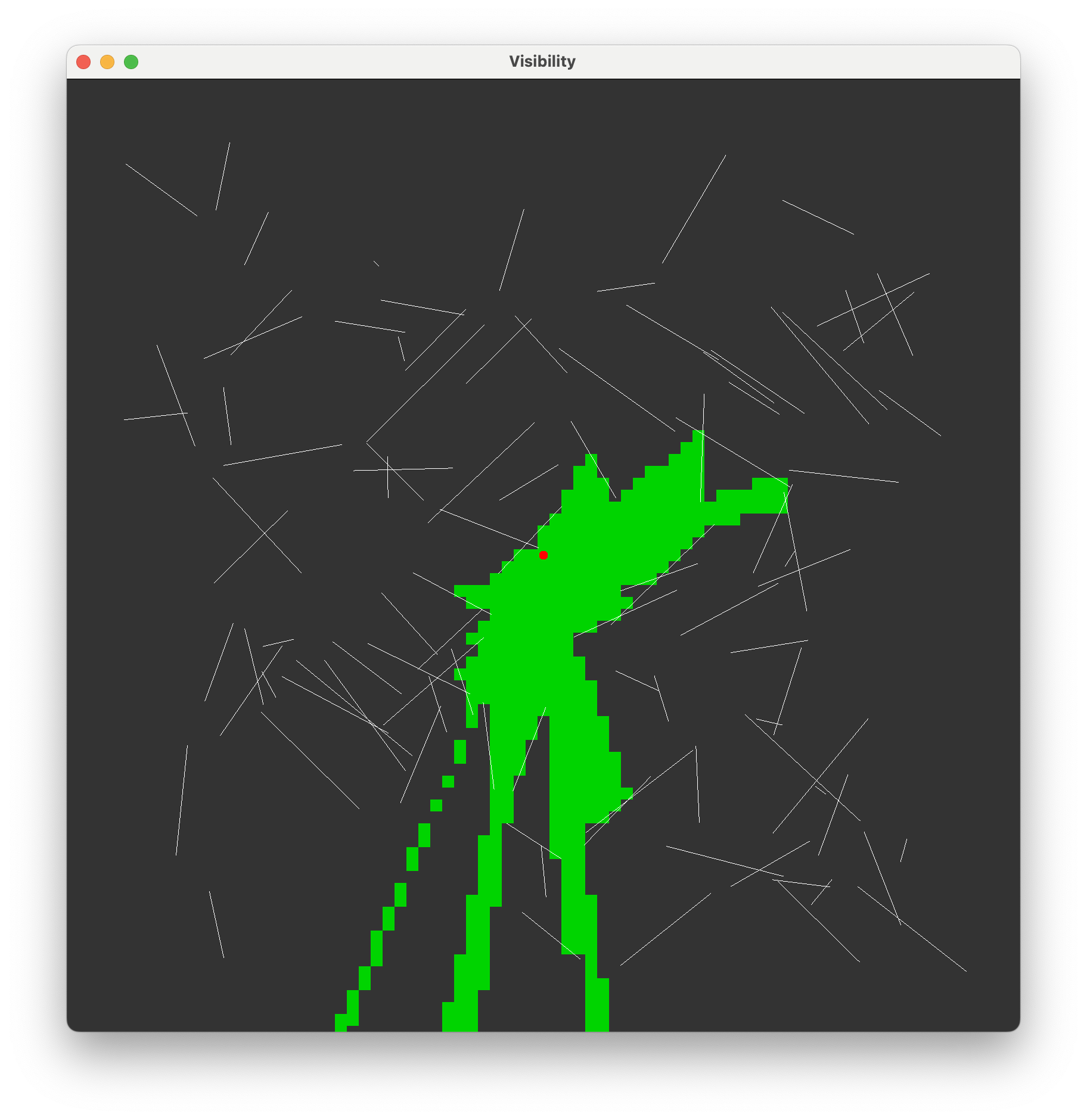
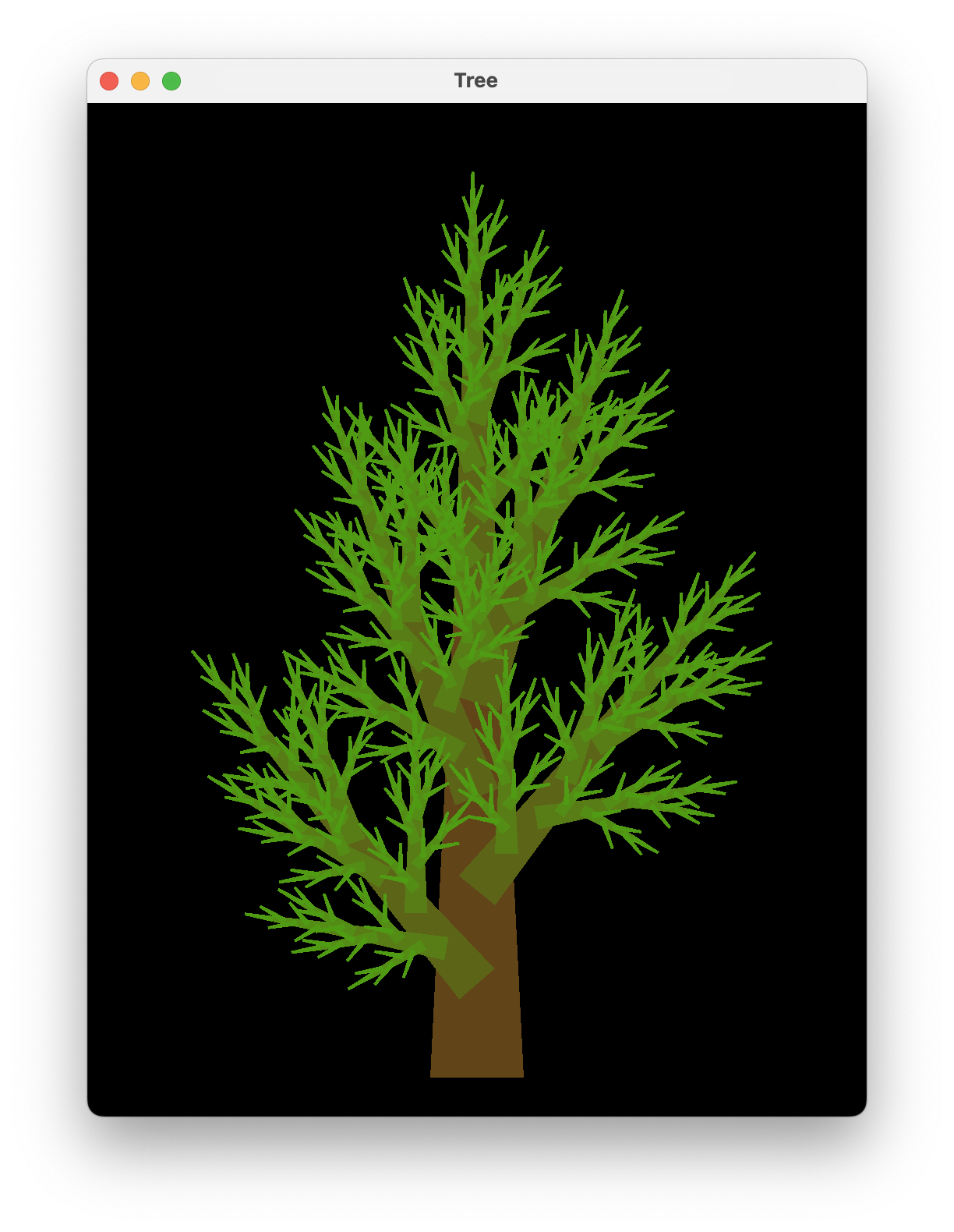
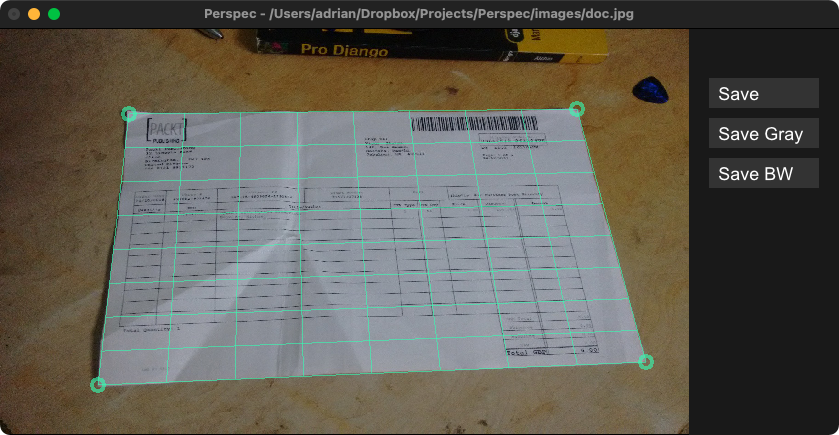
Brillo hides the pain of drawing simple vector graphics and raster images behind a nice data type and a few display functions.
|
|
|
Example
Getting something on the screen is as easy as:
import Brillo

main = display
  (InWindow "Nice Window" (200, 200) (10, 10))
  white
  (Circle 80)
Explore and run the example projects with stack:
stack run brillo-boids
Usage
Once the window is open you can use the following:
- Quit
- esc-key
- Move Viewport
- arrow keys
- left-click drag
- Zoom Viewport
- page up/down-keys
- control-left-click drag
- right-click drag
- mouse wheel
- Rotate Viewport
- home/end-keys
- alt-left-click drag
- Reset Viewport
- 'r'-key
More
- Animations and simulations can be constructed similarly
using the
animateandsimulatefunctions - Games with user input can be constructed with the
playfunction. - See the brillo-examples directory for more.
Installation
Running pre-built binaries
If you're running a pre-built binary on Linux, install the required runtime libraries:
Debian / Ubuntu
sudo apt-get install libglu1-mesa libglfw3 libwebp7 \
  libxcursor1 libxi6 libxinerama1 libxrandr2 libxxf86vm1
Fedora
sudo dnf install mesa-libGLU glfw libwebp \
  libXcursor libXi libXinerama libXrandr libXxf86vm
Arch
sudo pacman -S glu glfw libwebp libxcursor libxi libxinerama libxrandr libxxf86vm
Building from source
Install the development dependencies:
Debian / Ubuntu
sudo apt-get install libglfw3-dev libglu1-mesa-dev libwebp-dev \
  libxcursor-dev libxi-dev libxinerama-dev libxrandr-dev libxxf86vm-dev
Fedora
sudo dnf install glfw-devel libXxf86vm-devel
Arch
sudo pacman -S glfw libxxf86vm
Contributing
Contributions are very welcome!
Please test that all the brillo-examples still work
before submitting your pull request.
History
This library is a fork of gloss and improves upon it in several ways. Check out the CHANGELOG for more details.


Similar repos


Languages
Haskell
99.6%
Painless 2D vector graphics, animations, and simulations powered by GLFW (Fork of gloss)
See the codeREADME
Brillo
Brillo hides the pain of drawing simple vector graphics and raster images behind a nice data type and a few display functions.
|
|
|
|
Example
Getting something on the screen is as easy as:
import Brillo

main = display
  (InWindow "Nice Window" (200, 200) (10, 10))
  white
  (Circle 80)
Explore and run the example projects with stack:
stack run brillo-boids
Usage
Once the window is open you can use the following:
- Quit
- esc-key
- Move Viewport
- arrow keys
- left-click drag
- Zoom Viewport
- page up/down-keys
- control-left-click drag
- right-click drag
- mouse wheel
- Rotate Viewport
- home/end-keys
- alt-left-click drag
- Reset Viewport
- 'r'-key
More
- Animations and simulations can be constructed similarly
using the
animateandsimulatefunctions - Games with user input can be constructed with the
playfunction. - See the brillo-examples directory for more.
Installation
Running pre-built binaries
If you're running a pre-built binary on Linux, install the required runtime libraries:
Debian / Ubuntu
sudo apt-get install libglu1-mesa libglfw3 libwebp7 \
  libxcursor1 libxi6 libxinerama1 libxrandr2 libxxf86vm1
Fedora
sudo dnf install mesa-libGLU glfw libwebp \
  libXcursor libXi libXinerama libXrandr libXxf86vm
Arch
sudo pacman -S glu glfw libwebp libxcursor libxi libxinerama libxrandr libxxf86vm
Building from source
Install the development dependencies:
Debian / Ubuntu
sudo apt-get install libglfw3-dev libglu1-mesa-dev libwebp-dev \
  libxcursor-dev libxi-dev libxinerama-dev libxrandr-dev libxxf86vm-dev
Fedora
sudo dnf install glfw-devel libXxf86vm-devel
Arch
sudo pacman -S glfw libxxf86vm
Contributing
Contributions are very welcome!
Please test that all the brillo-examples still work
before submitting your pull request.
History
This library is a fork of gloss and improves upon it in several ways. Check out the CHANGELOG for more details.
Similar repos
Languages
Haskell
99.6%