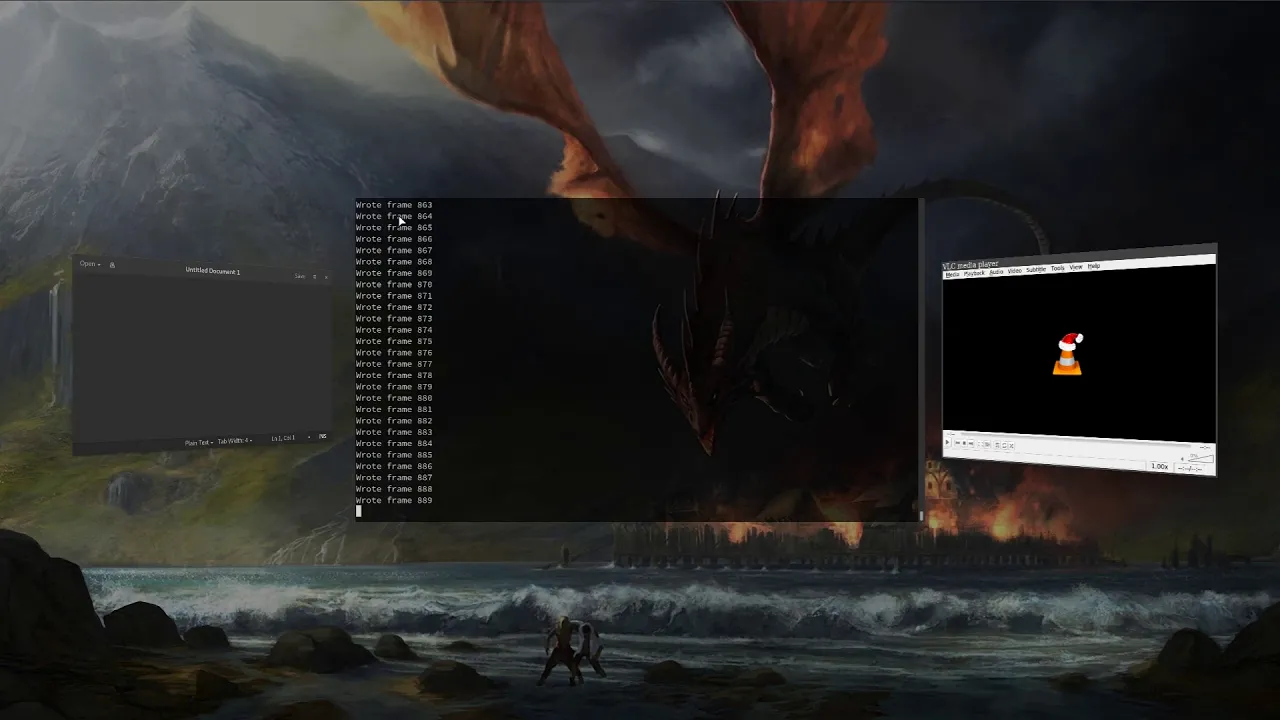
A modular and extensible wayland compositor
See the code





Wayfire is a 3D Wayland compositor, inspired by Compiz and based on wlroots.
It aims to create a customizable, extendable and lightweight environment without sacrificing its appearance.
These are the dependencies needed for building Wayfire.
These are the dependencies needed for building wlroots, and should be installed before building it. They are relevant for cases when the system doesn't have a version of wlroots installed.
The easiest way to install Wayfire, wf-shell and WCM to get a functional desktop is to use the install scripts.
Alternatively, you can build from source:
meson build
ninja -C build
sudo ninja -C build install
Note: wf-config and wlroots can be built as submodules, by specifying
-Duse_system_wfconfig=disabled and -Duse_system_wlroots=disabled options to meson.
This is the default if they are not present on your system.
Installing wf-shell is recommended for a complete experience.
External plugins can be installed either manually or with wayfire-plugin, for example:
wayfire-plugin install https://github.com/soreau/pixdecor
See Managing External Plugins for more information.
wayfire and wayfire-git are available in the AUR.
yay -S wayfire
cave resolve -x wayfire
dnf install wayfire
Install the latest release and recommended addons with
pkg install wayfire wayfire-plugins-extra wf-shell wcm
Install the latest release with
emerge --ask --verbose wayfire
and to use the live version
emerge --ask --verbose "=gui-wm/wayfire-9999"
Enable Wayfire in your NixOS configuration:
programs.wayfire = {
  enable = true;
  plugins = with pkgs.wayfirePlugins; [
    wcm
    wf-shell
    wayfire-plugins-extra
  ];
};
apt install wayfire
xbps-install -S wayfire
Copy wayfire.ini to ~/.config/wayfire.ini or ~/.config/wayfire/wayfire.ini.
Before running Wayfire, you may want to change the command to start a terminal.
See the Configuration document for information on the options.
Run wayfire from a TTY, or via a Wayland-compatible login manager.
(top 24 of 44)
828 followers · starred Mar 2018
95 followers · starred Apr 2021
54 followers · starred Jan 2019
148 followers · starred Jun 2020
A modular and extensible wayland compositor
See the code
Wayfire is a 3D Wayland compositor, inspired by Compiz and based on wlroots.
It aims to create a customizable, extendable and lightweight environment without sacrificing its appearance.
These are the dependencies needed for building Wayfire.
These are the dependencies needed for building wlroots, and should be installed before building it. They are relevant for cases when the system doesn't have a version of wlroots installed.
The easiest way to install Wayfire, wf-shell and WCM to get a functional desktop is to use the install scripts.
Alternatively, you can build from source:
meson build
ninja -C build
sudo ninja -C build install
Note: wf-config and wlroots can be built as submodules, by specifying
-Duse_system_wfconfig=disabled and -Duse_system_wlroots=disabled options to meson.
This is the default if they are not present on your system.
Installing wf-shell is recommended for a complete experience.
External plugins can be installed either manually or with wayfire-plugin, for example:
wayfire-plugin install https://github.com/soreau/pixdecor
See Managing External Plugins for more information.
wayfire and wayfire-git are available in the AUR.
yay -S wayfire
cave resolve -x wayfire
dnf install wayfire
Install the latest release and recommended addons with
pkg install wayfire wayfire-plugins-extra wf-shell wcm
Install the latest release with
emerge --ask --verbose wayfire
and to use the live version
emerge --ask --verbose "=gui-wm/wayfire-9999"
Enable Wayfire in your NixOS configuration:
programs.wayfire = {
  enable = true;
  plugins = with pkgs.wayfirePlugins; [
    wcm
    wf-shell
    wayfire-plugins-extra
  ];
};
apt install wayfire
xbps-install -S wayfire
Copy wayfire.ini to ~/.config/wayfire.ini or ~/.config/wayfire/wayfire.ini.
Before running Wayfire, you may want to change the command to start a terminal.
See the Configuration document for information on the options.
Run wayfire from a TTY, or via a Wayland-compatible login manager.
(top 24 of 44)
828 followers · starred Mar 2018
95 followers · starred Apr 2021
54 followers · starred Jan 2019
148 followers · starred Jun 2020