
Theme/color-scheme for different tools, created by love for Brutalism and Azulejo tilework.
Lua
3
20 commits
updated Sep 28, 2026
See what people are saying
README
Azulejo Brutalism
Color scheme/theme for different tools, created by love for Brutalism and Azulejo tilework.
Install
./install.sh                 # all tools
./install.sh nvim ghostty    # only some: noteplan, ghostty, herdr, nvim, zed, fastfetch, xcode, vscode, jetbrains
Re-run after editing a theme. Edited configs are backed up as *.bak.
- NotePlan: choose the Light and Dark themes in Settings → Themes.
- Ghostty: reload the config with ⌘⇧,
- Herdr: the script reloads it for you.
- Neovim: becomes LazyVim's colorscheme on the next start.
- Zed: switches right away and follows the system appearance.
- Fastfetch: run
fastfetch; the tile uses the terminal's blue and yellow. - Xcode: set automatically if Xcode is closed; otherwise pick them in Settings → Themes.
- VS Code / Cursor: restart, then choose Azulejo Brutalism Light/Dark as the preferred light and dark themes.
- Android Studio / JetBrains: restart, then pick the scheme in Settings → Editor → Color Scheme (or import the
.iclsfromjetbrains/).
NotePlan
| Light | Dark |
|---|---|
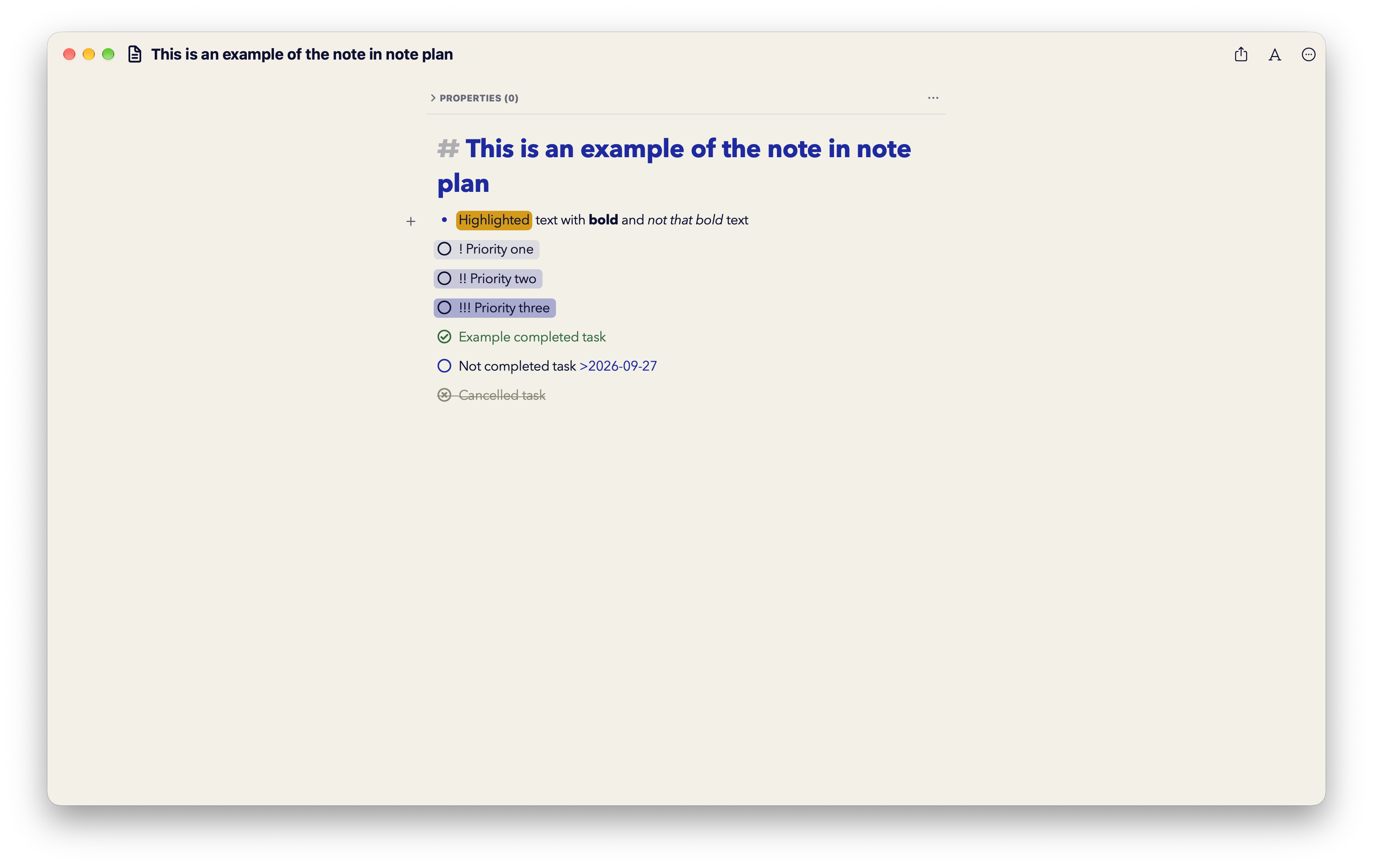 | 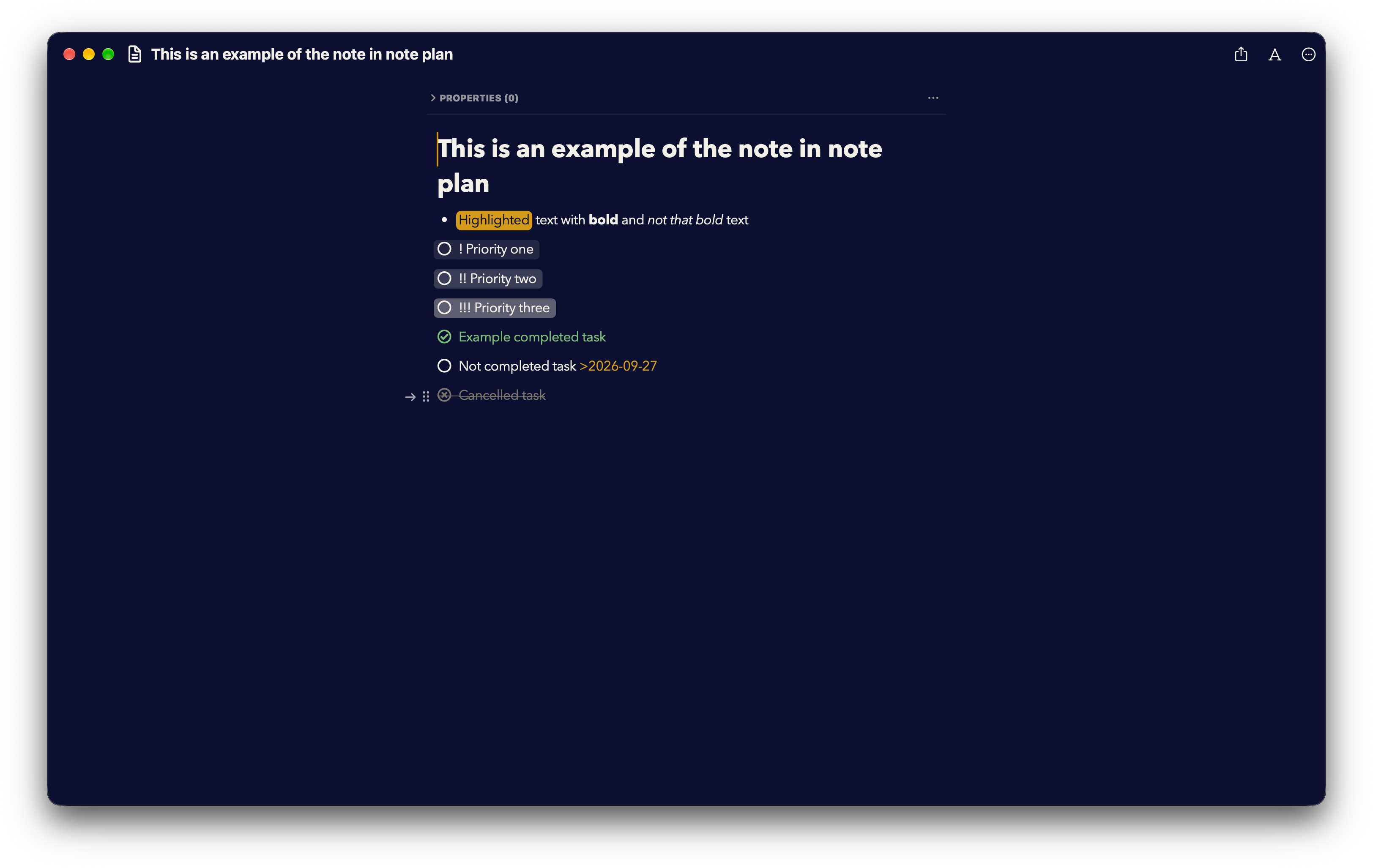 |
Ghostty + Herdr
| Light | Dark |
|---|---|
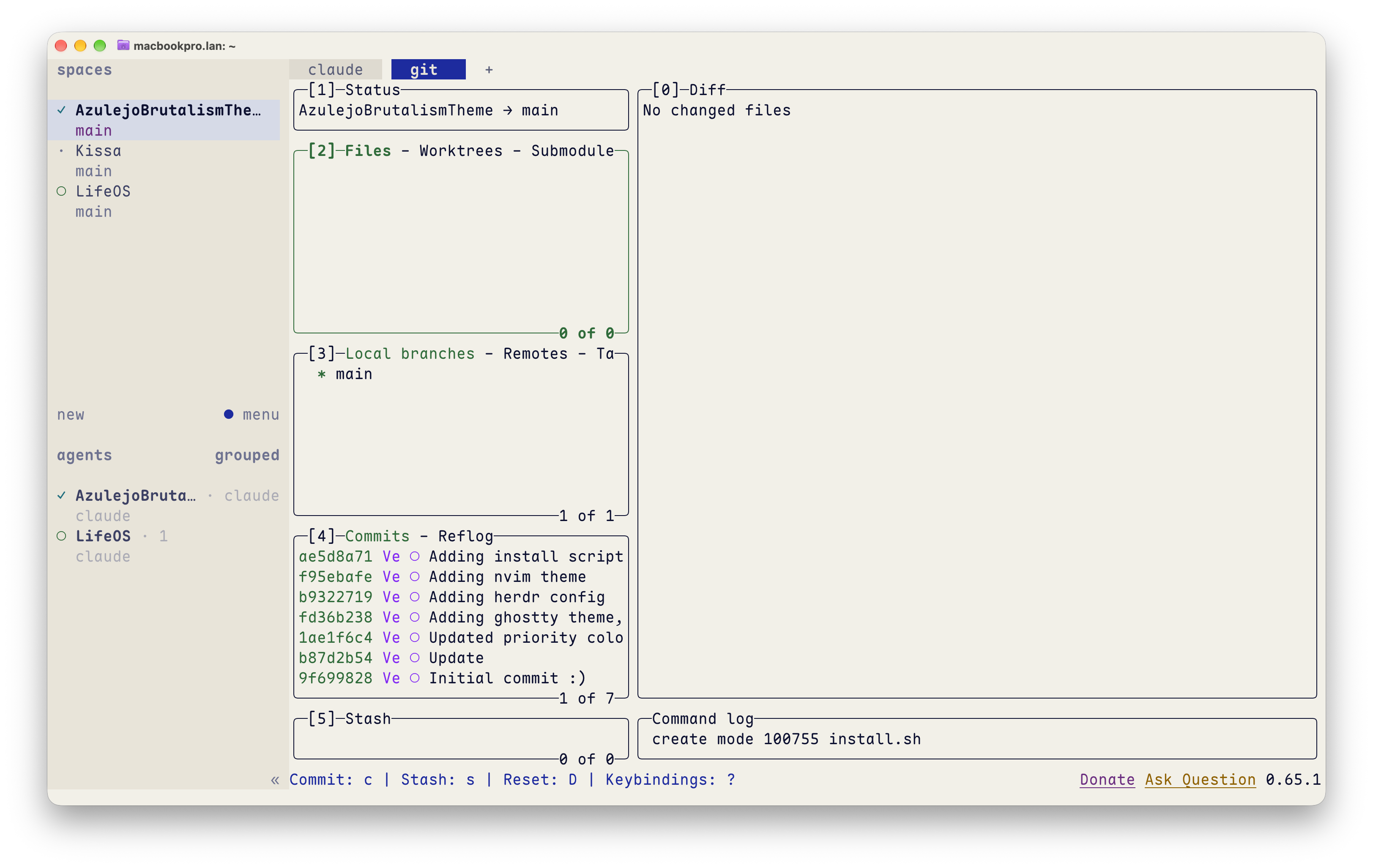 | 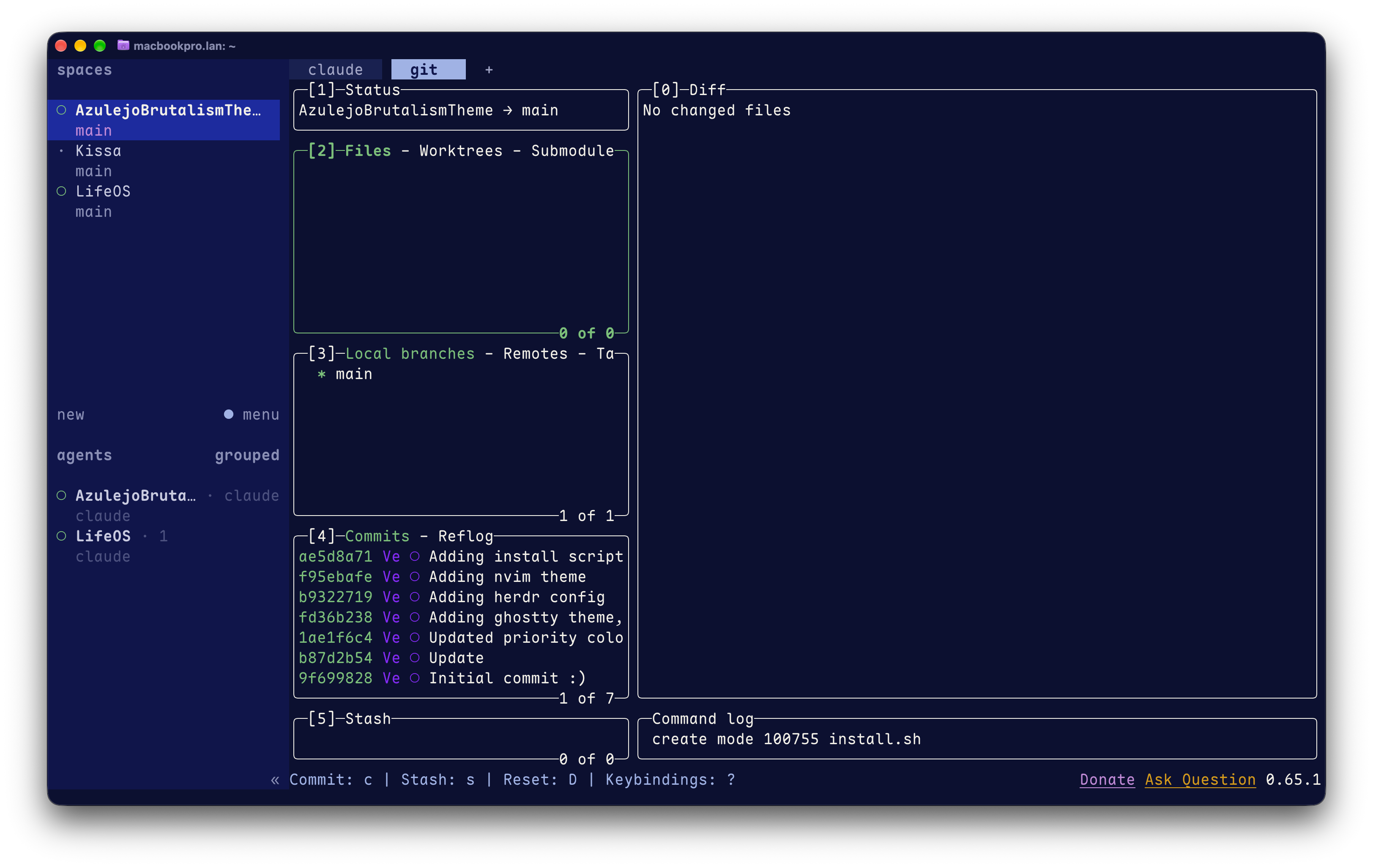 |
Neovim
| Light | Dark |
|---|---|
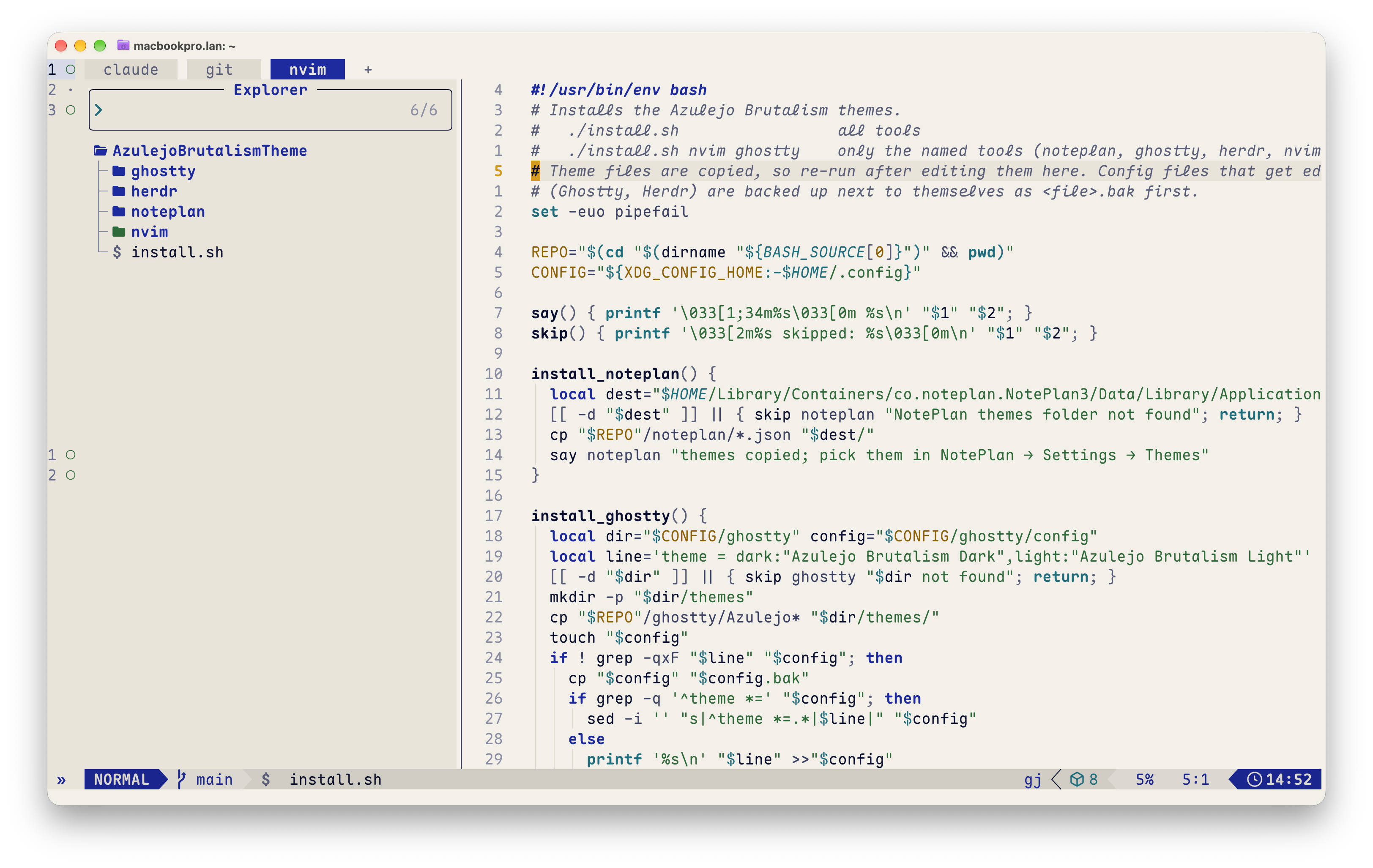 | 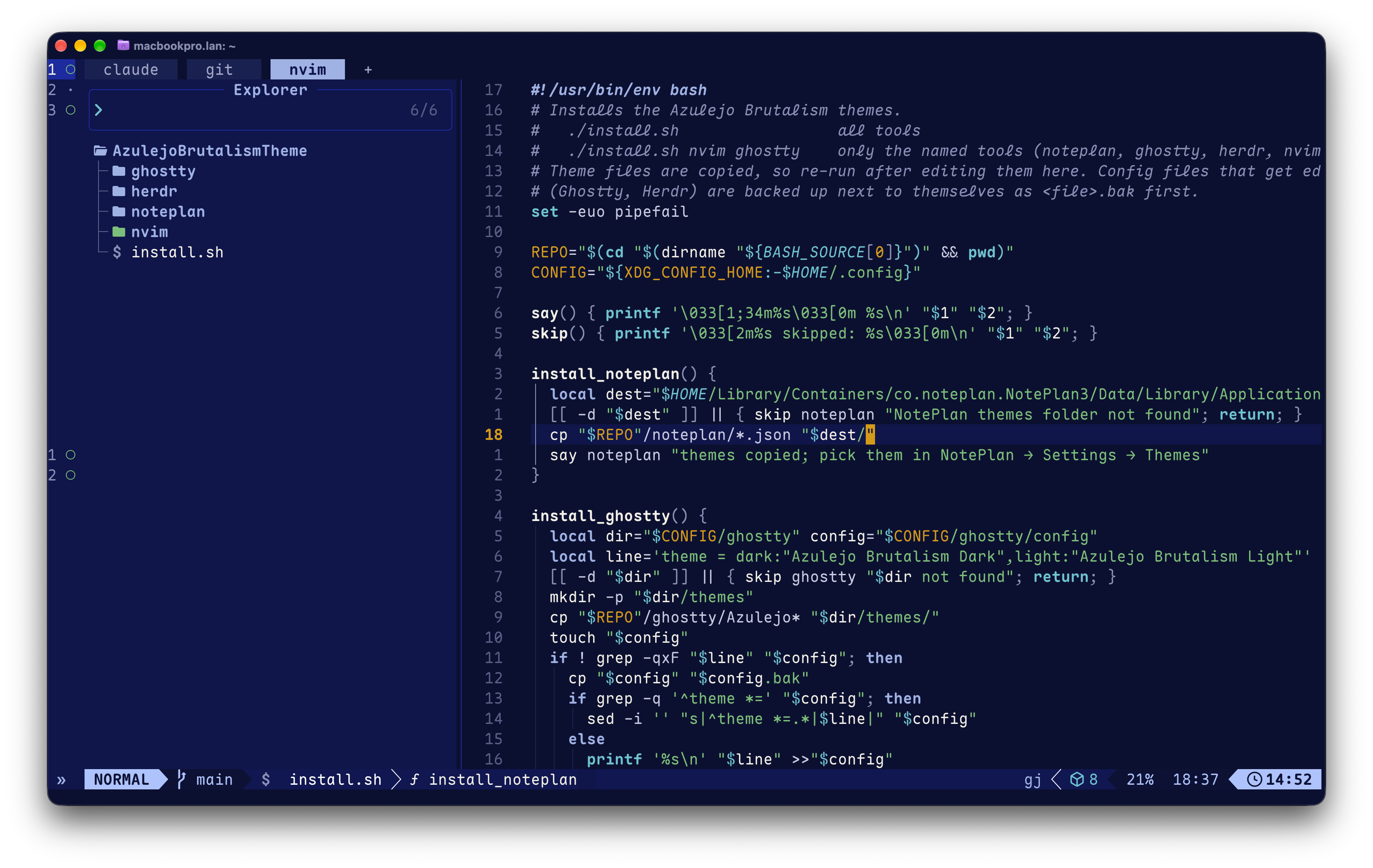 |
Zed
| Light | Dark |
|---|---|
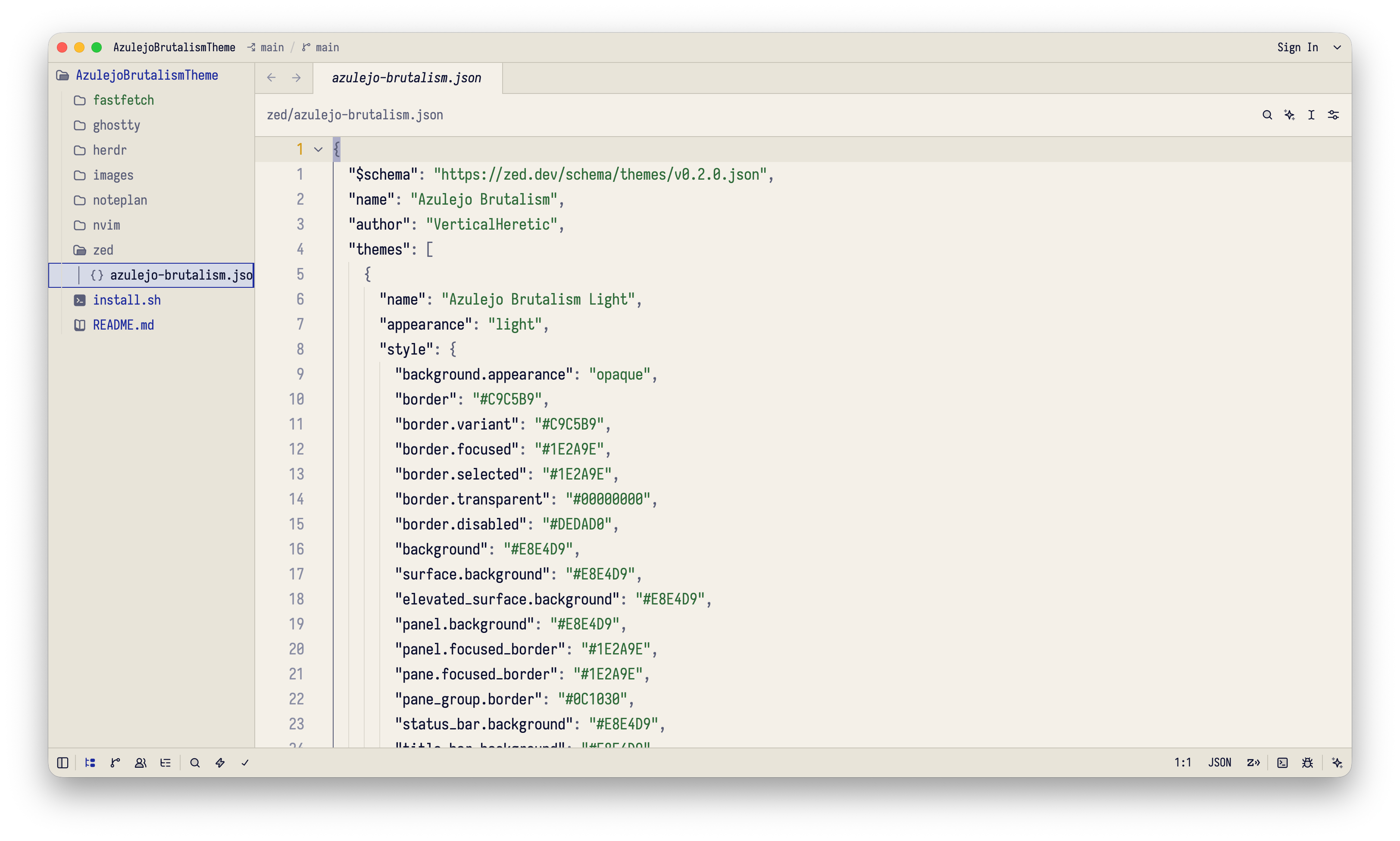 | 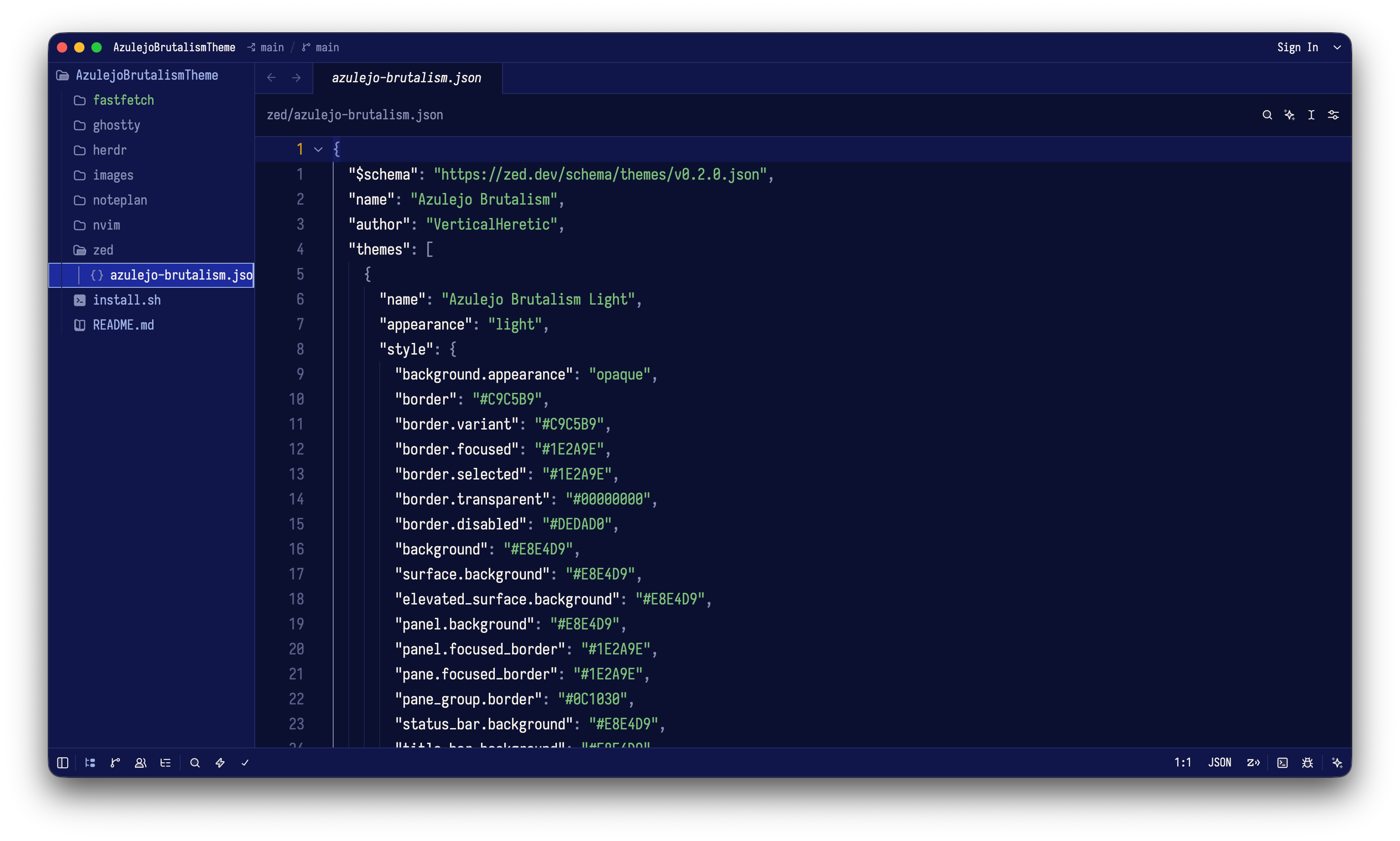 |
Fastfetch
| Light | Dark |
|---|---|
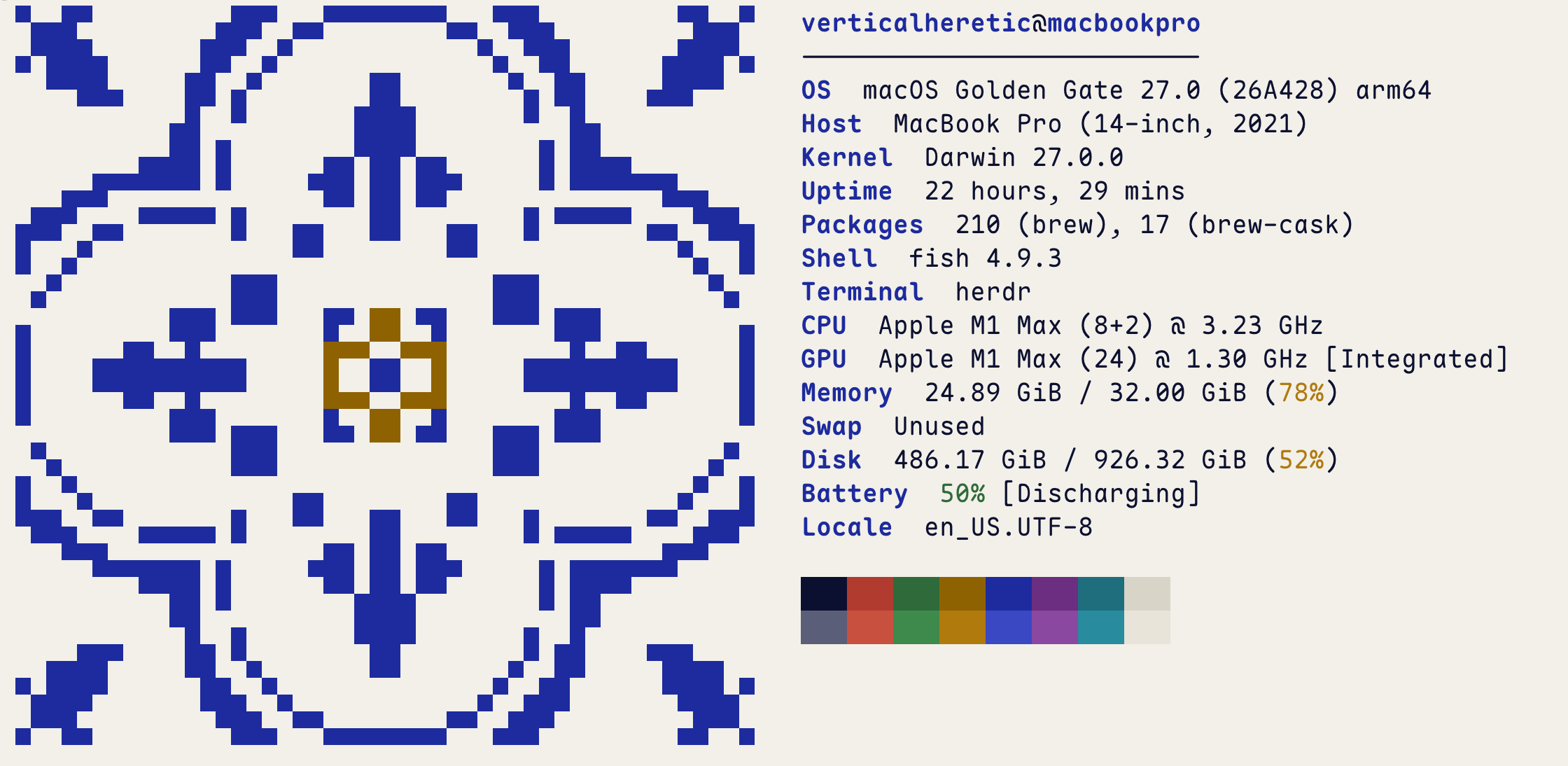 | 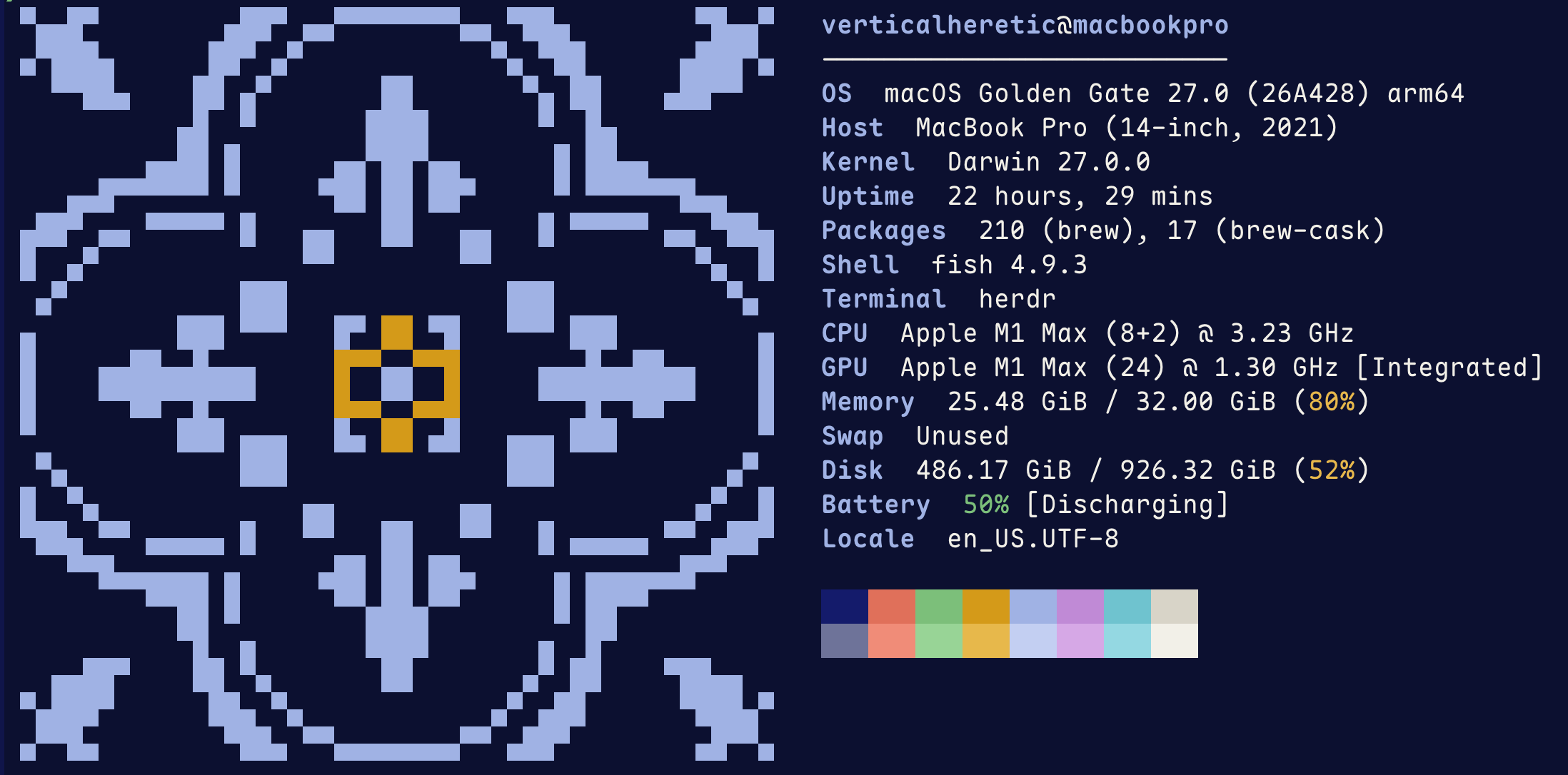 |
Xcode
| Light | Dark |
|---|---|
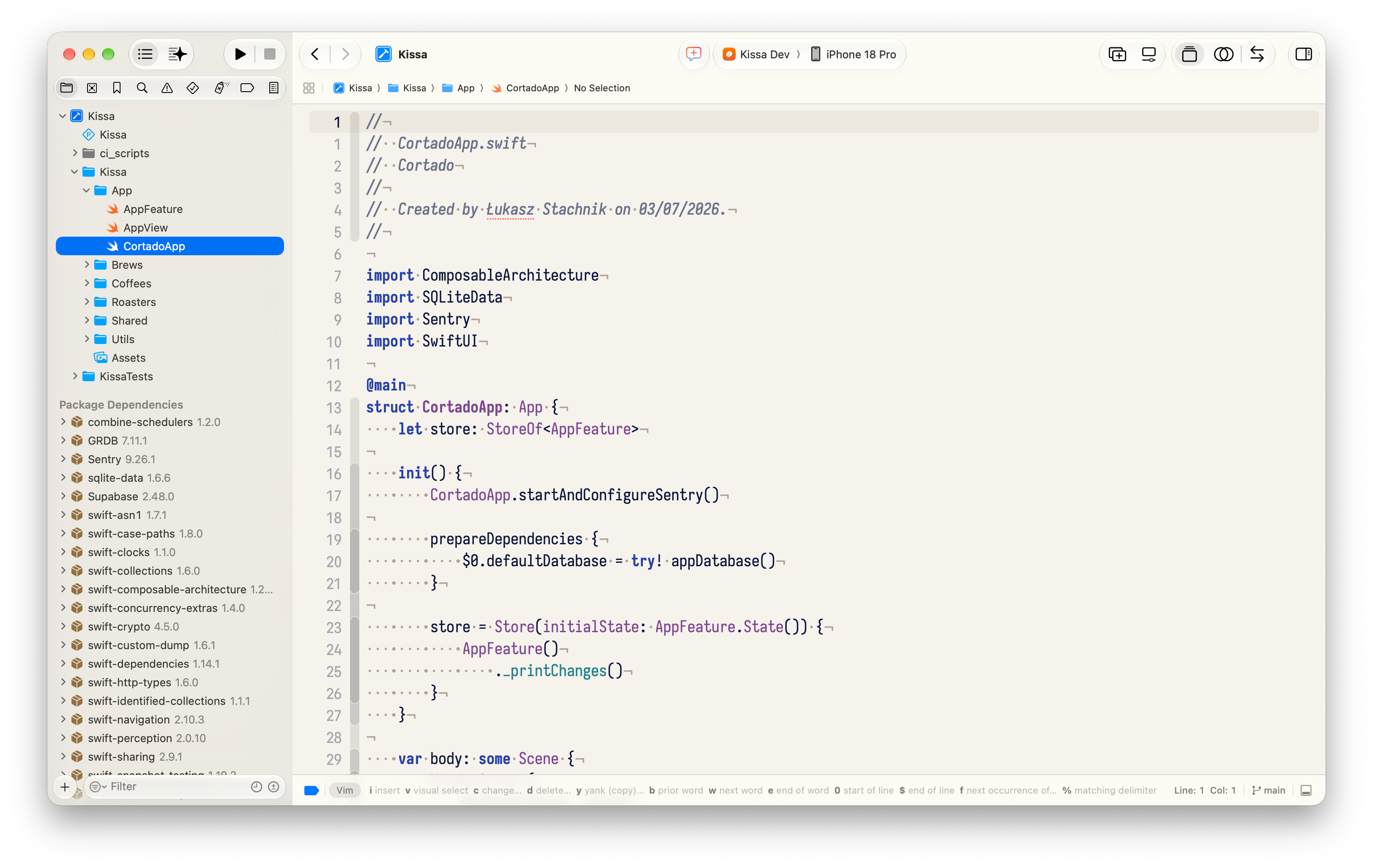 | 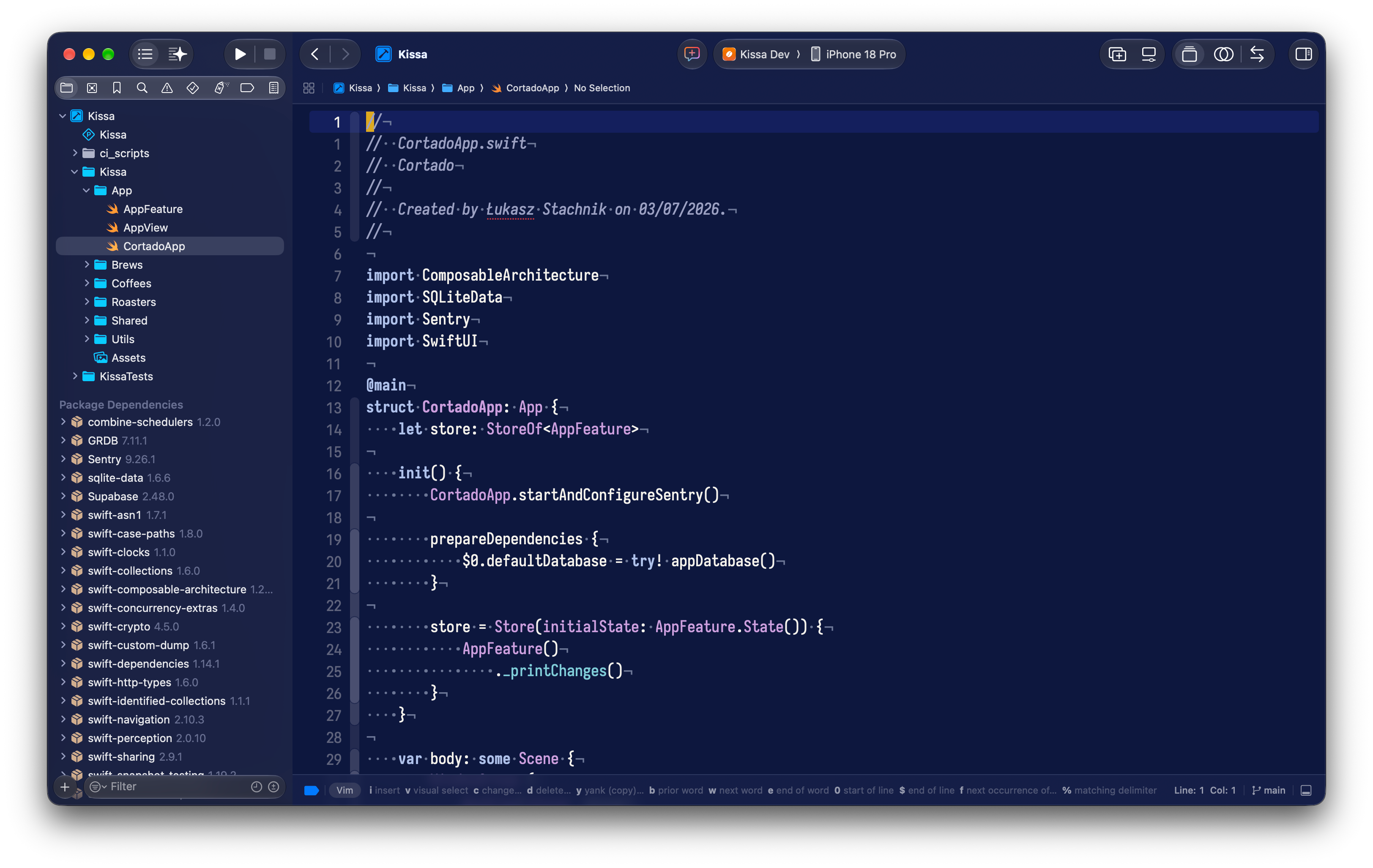 |
Similar repos


Languages
Lua
64.5%
Shell
35.5%
Theme/color-scheme for different tools, created by love for Brutalism and Azulejo tilework.
Lua
3
20 commits
updated Sep 28, 2026
See what people are saying
README
Azulejo Brutalism
Color scheme/theme for different tools, created by love for Brutalism and Azulejo tilework.
Install
./install.sh                 # all tools
./install.sh nvim ghostty    # only some: noteplan, ghostty, herdr, nvim, zed, fastfetch, xcode, vscode, jetbrains
Re-run after editing a theme. Edited configs are backed up as *.bak.
- NotePlan: choose the Light and Dark themes in Settings → Themes.
- Ghostty: reload the config with ⌘⇧,
- Herdr: the script reloads it for you.
- Neovim: becomes LazyVim's colorscheme on the next start.
- Zed: switches right away and follows the system appearance.
- Fastfetch: run
fastfetch; the tile uses the terminal's blue and yellow. - Xcode: set automatically if Xcode is closed; otherwise pick them in Settings → Themes.
- VS Code / Cursor: restart, then choose Azulejo Brutalism Light/Dark as the preferred light and dark themes.
- Android Studio / JetBrains: restart, then pick the scheme in Settings → Editor → Color Scheme (or import the
.iclsfromjetbrains/).
NotePlan
| Light | Dark |
|---|---|
| |
Ghostty + Herdr
| Light | Dark |
|---|---|
| |
Neovim
| Light | Dark |
|---|---|
| |
Zed
| Light | Dark |
|---|---|
| |
Fastfetch
| Light | Dark |
|---|---|
| |
Xcode
| Light | Dark |
|---|---|
| |
Similar repos
Languages
Lua
64.5%
Shell
35.5%