An easy to use app for installing and updating 3DS homebrew
See the code

An easy to use app for installing and updating 3DS homebrew




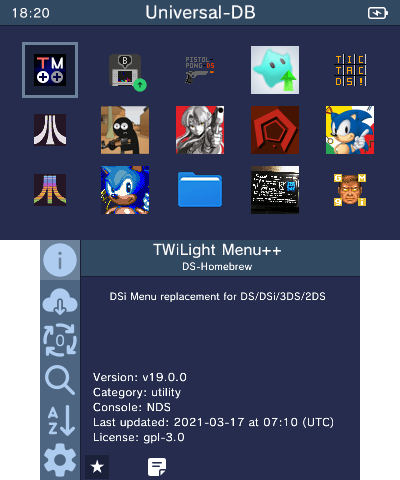
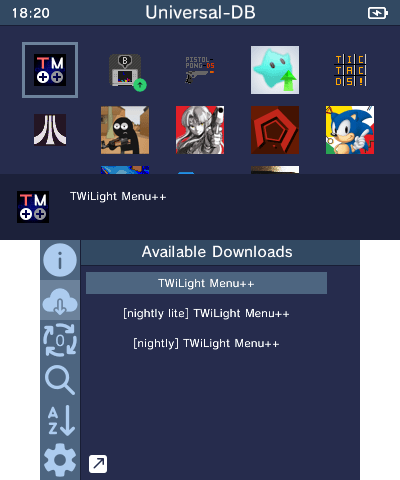
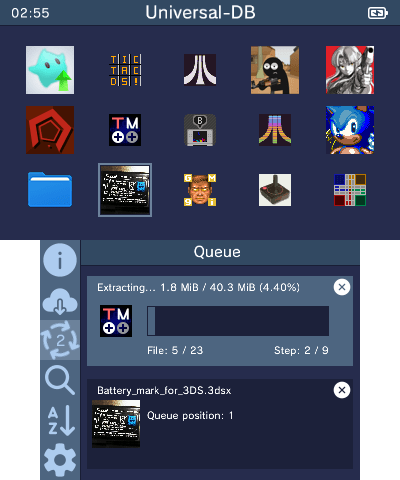
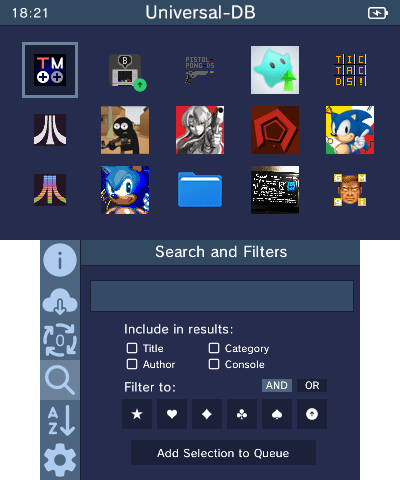
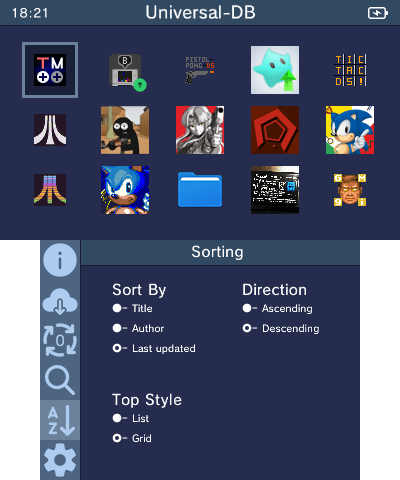
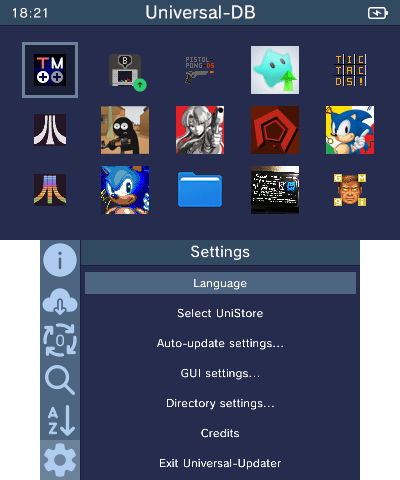
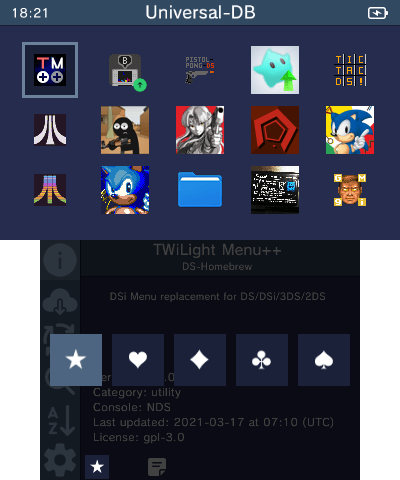
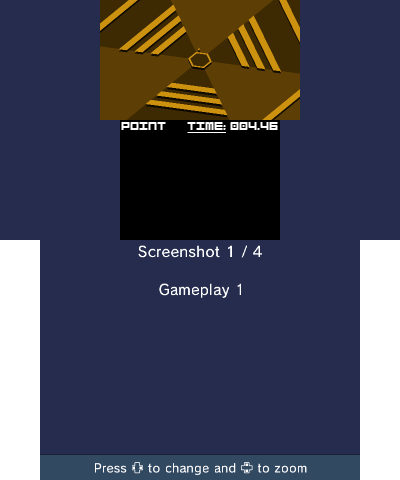
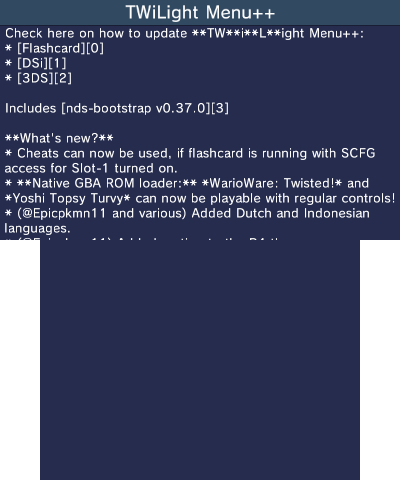
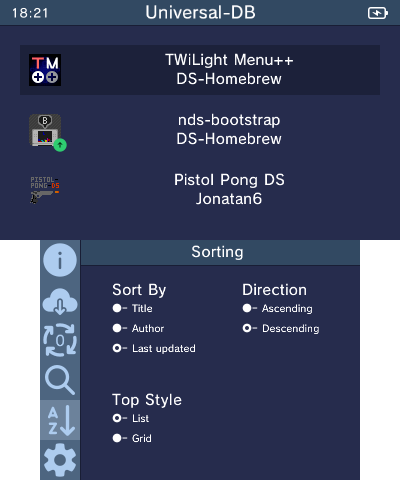
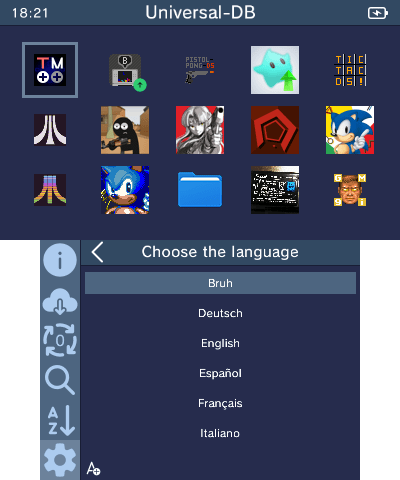
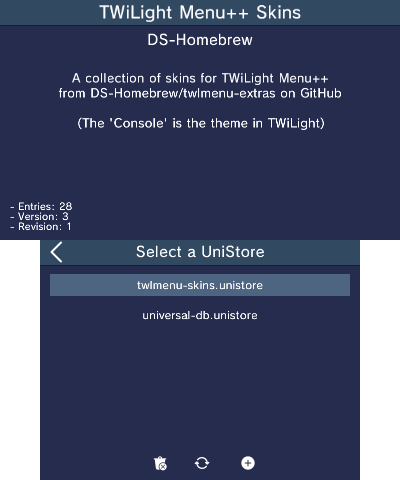
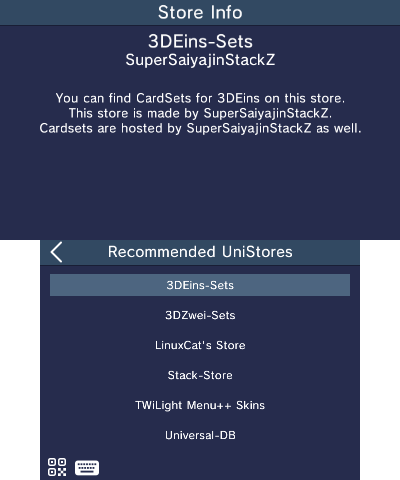
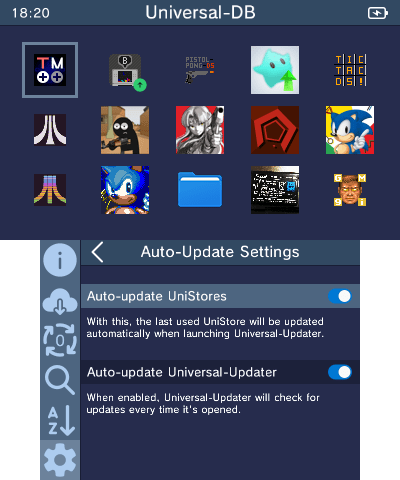
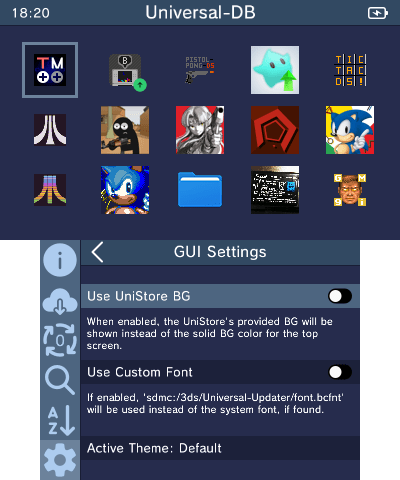
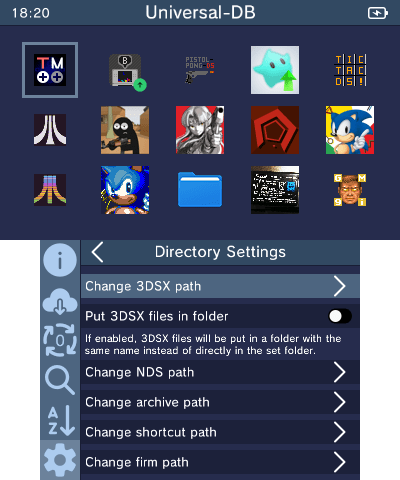
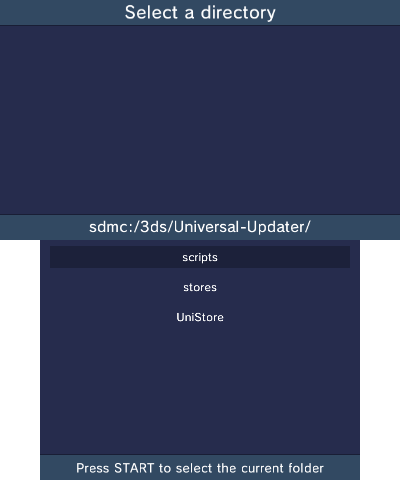
Universal-Updater is a homebrew application for the Nintendo 3DS with the intention to make downloading other homebrew simple and easy. No need to manually copy files or go through installation processes, as it does that all for you.
To build Universal-Updater from source, you will need to install devkitARM and some libraries. Follow devkitPro's Getting Started page to install pacman, then run the following command to install everything you need:
(sudo dkp-)pacman -S 3ds-dev 3ds-curl 3ds-bzip2 3ds-libarchive 3ds-liblzma 3ds-libzstd
(The sudo dkp- may not be needed depending on your OS)
You will also need bannertool and makerom in your PATH.
To download the source you will need to clone the repository with submodules, this can be done by running:
git clone --recursive https://github.com/Universal-Team/Universal-Updater.git
If you've already cloned it, you can use the following command to update all of the submodules:
git submodule update --init --recursive
Once you've cloned the repository (with submodules), simply run make in the root of the repository.
1,153 followers · starred May 2024
51 followers · starred Dec 2020
40 followers · starred Aug 2026
35 followers · starred May 2024
An easy to use app for installing and updating 3DS homebrew
See the code
An easy to use app for installing and updating 3DS homebrew
Universal-Updater is a homebrew application for the Nintendo 3DS with the intention to make downloading other homebrew simple and easy. No need to manually copy files or go through installation processes, as it does that all for you.
To build Universal-Updater from source, you will need to install devkitARM and some libraries. Follow devkitPro's Getting Started page to install pacman, then run the following command to install everything you need:
(sudo dkp-)pacman -S 3ds-dev 3ds-curl 3ds-bzip2 3ds-libarchive 3ds-liblzma 3ds-libzstd
(The sudo dkp- may not be needed depending on your OS)
You will also need bannertool and makerom in your PATH.
To download the source you will need to clone the repository with submodules, this can be done by running:
git clone --recursive https://github.com/Universal-Team/Universal-Updater.git
If you've already cloned it, you can use the following command to update all of the submodules:
git submodule update --init --recursive
Once you've cloned the repository (with submodules), simply run make in the root of the repository.
1,153 followers · starred May 2024
51 followers · starred Dec 2020
40 followers · starred Aug 2026
35 followers · starred May 2024