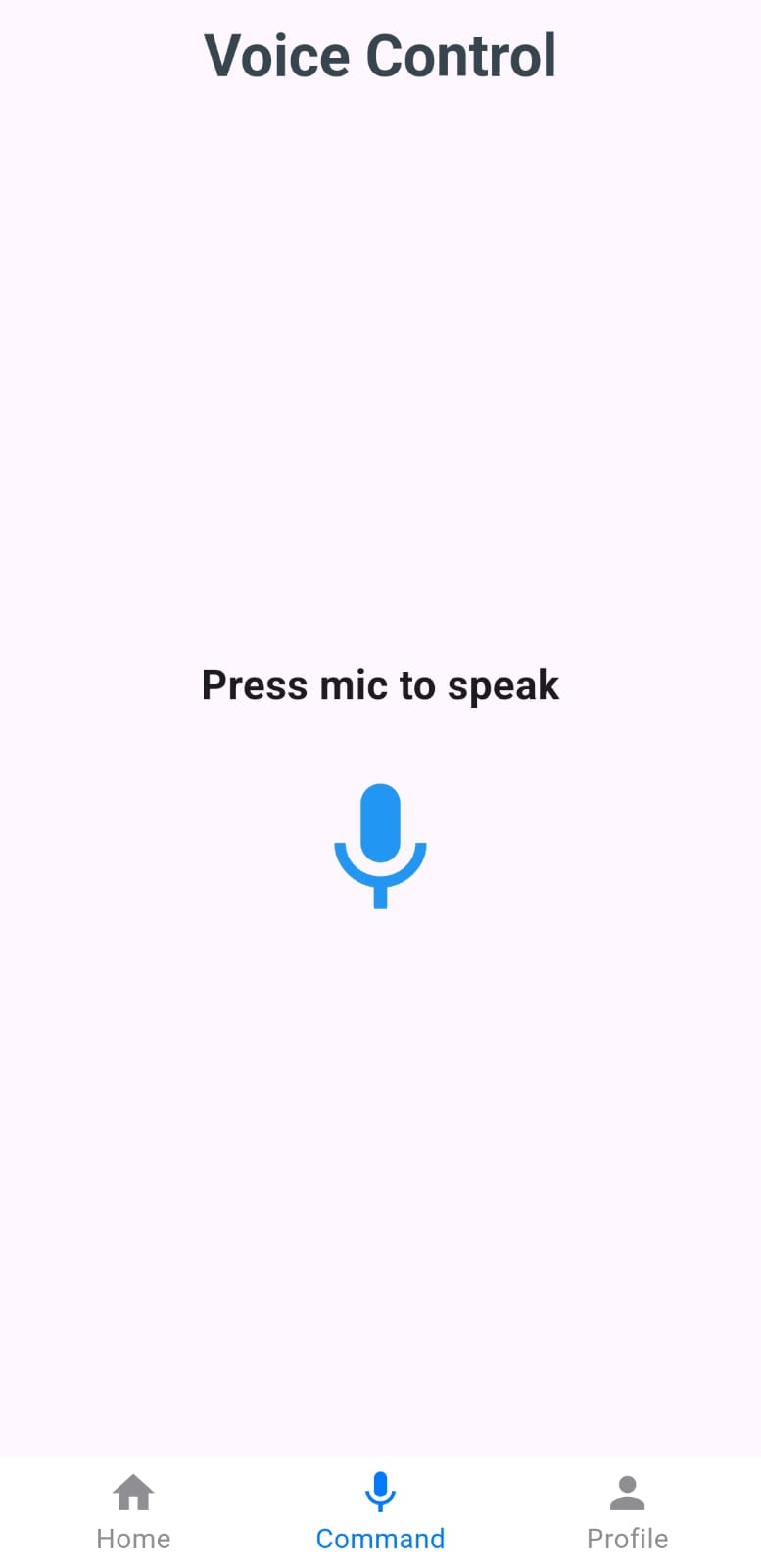
A smart home mobile application that allows users to control their home devices using voice commands (English & Arabic).
Dart
0
6 commits
updated Jun 5, 2025
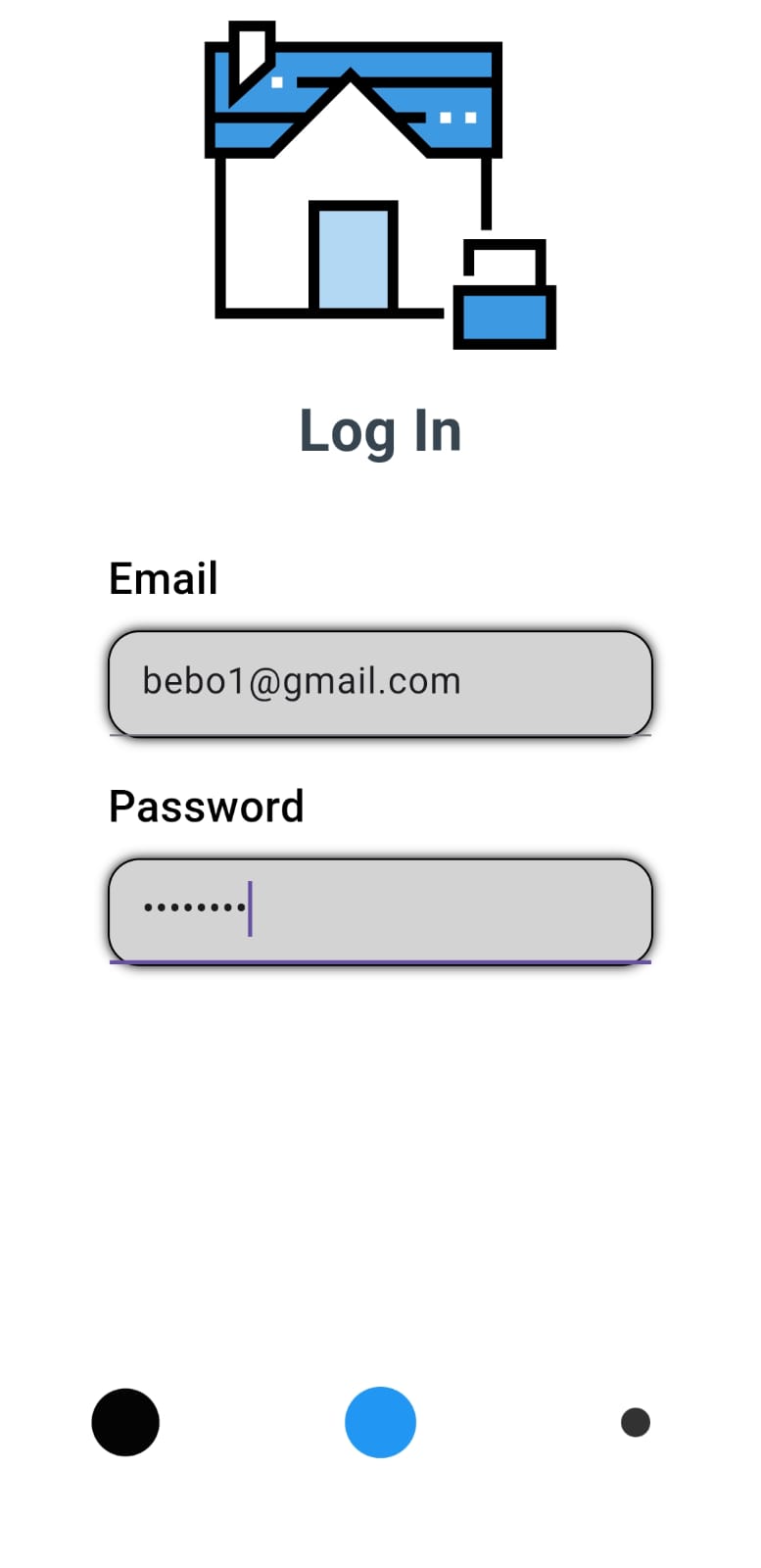
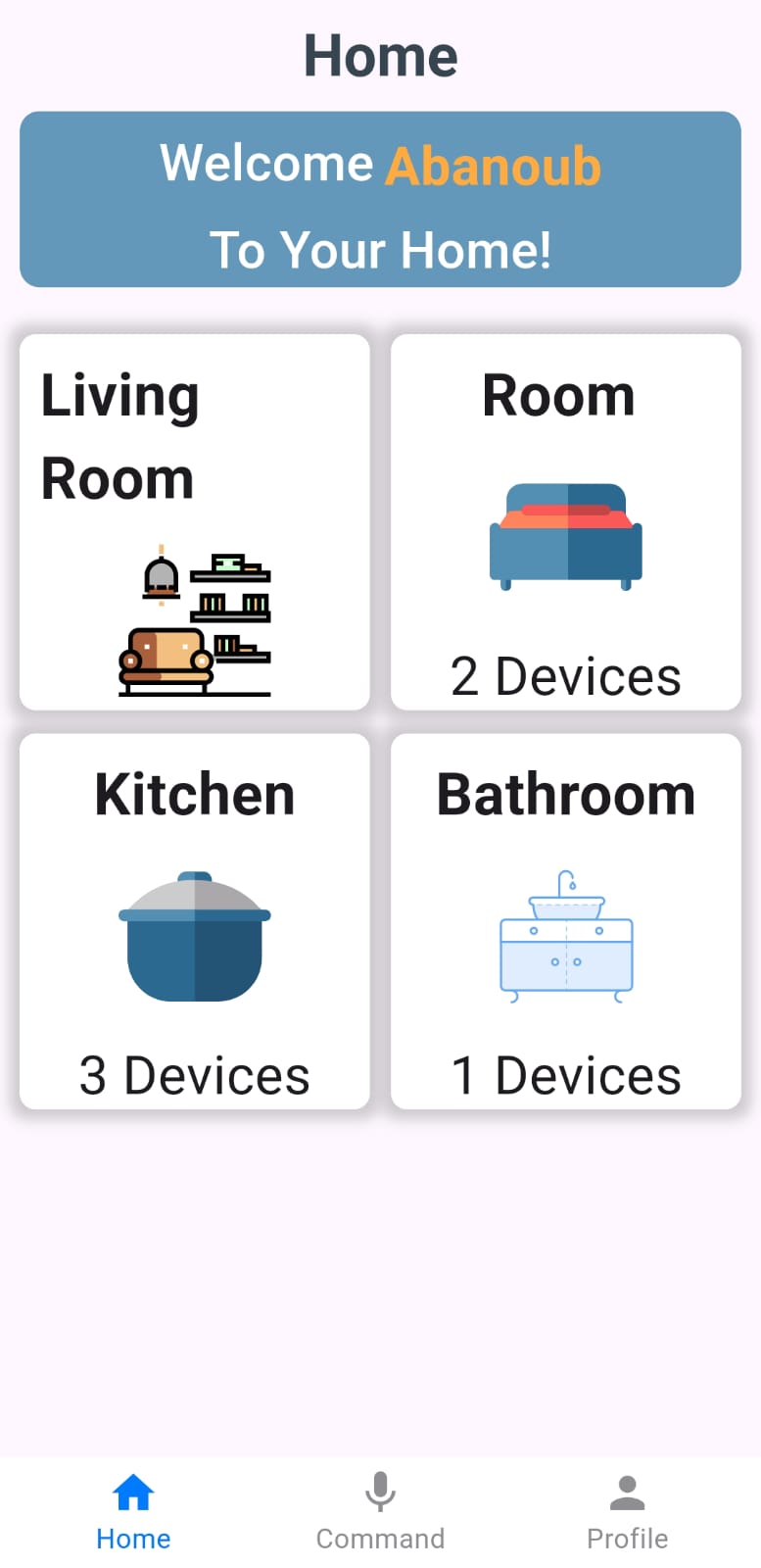
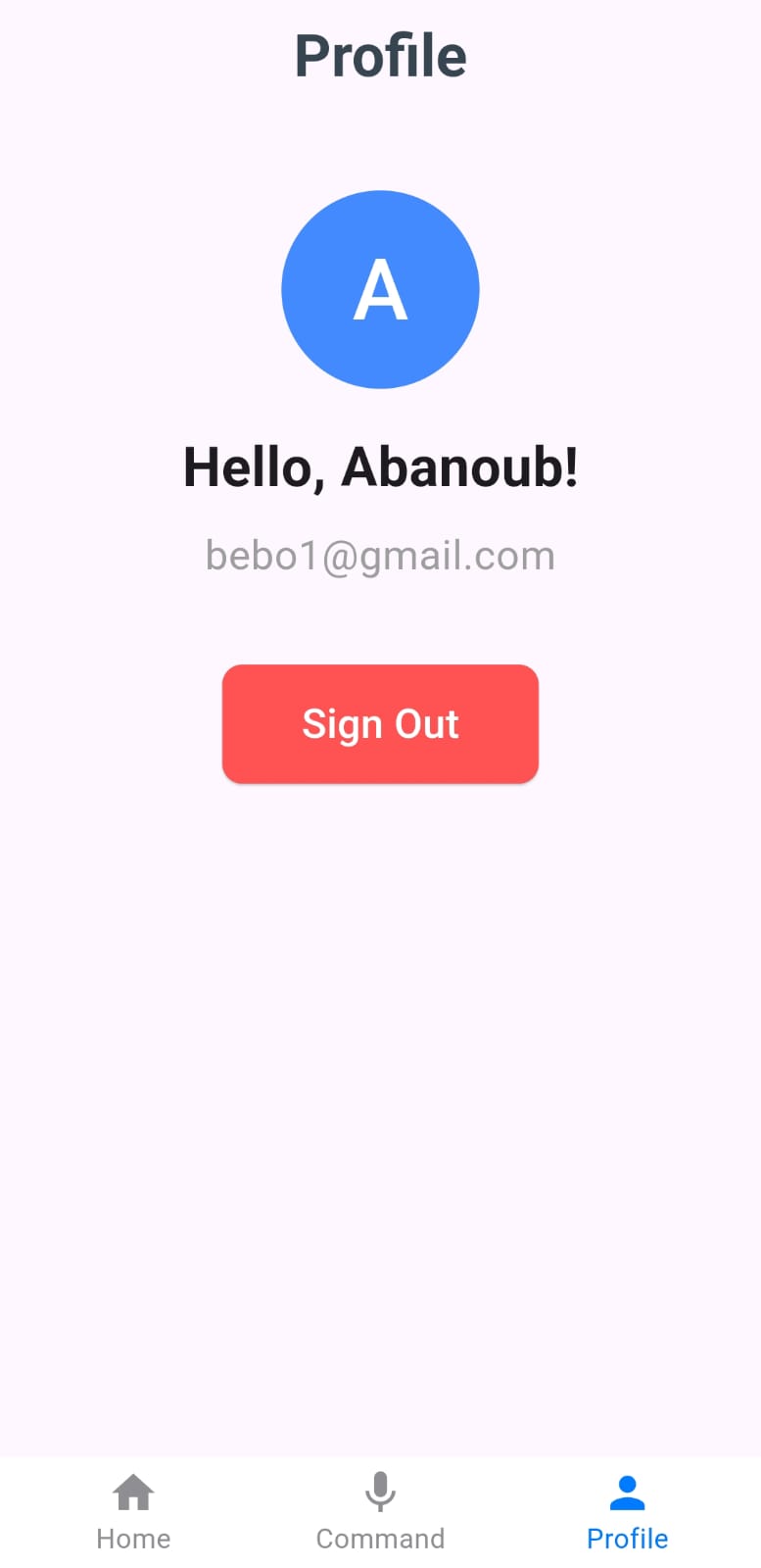
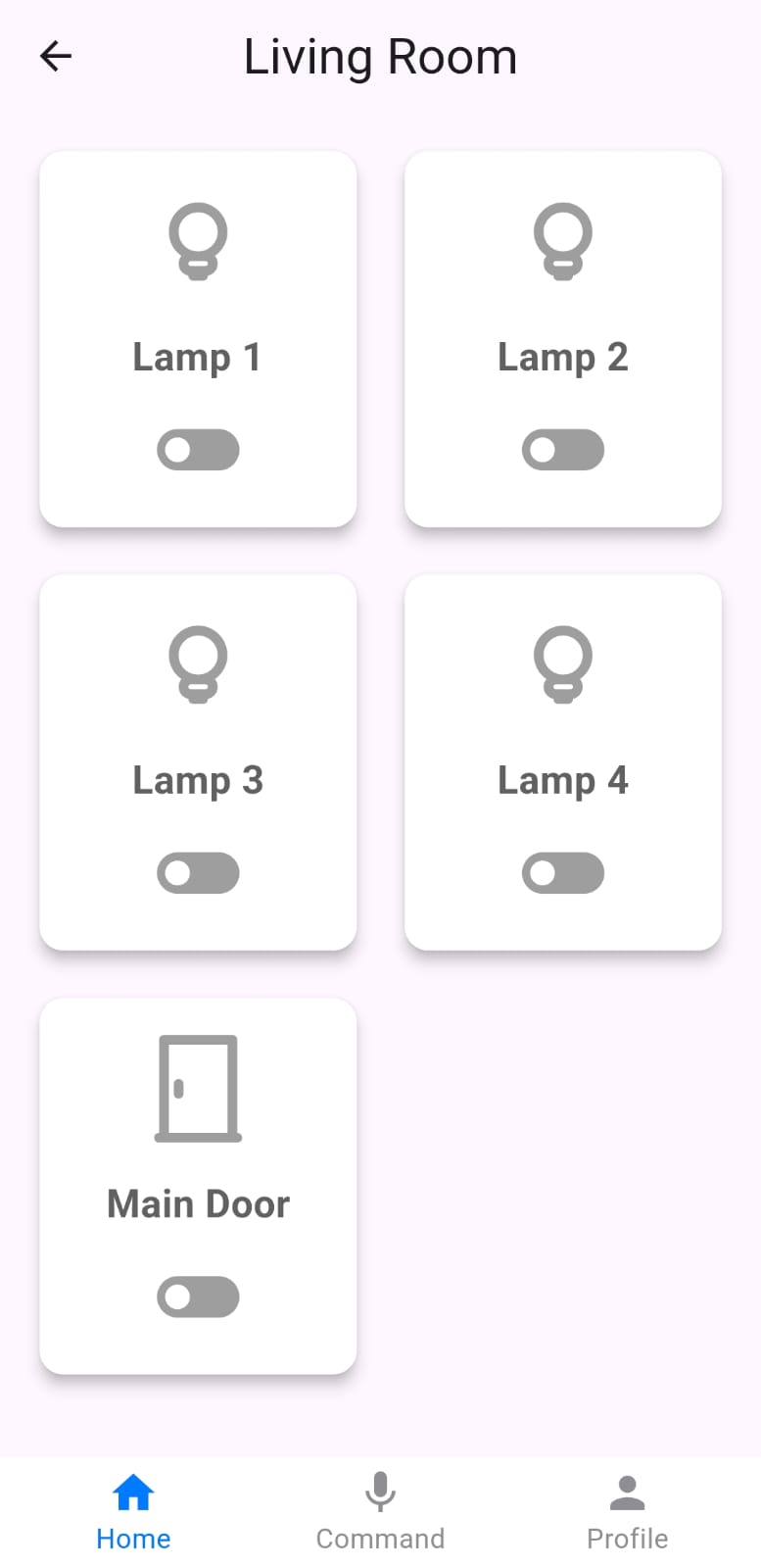
A smart home mobile app that allows users to control home devices using voice commands in both English and Arabic. The system integrates AI-powered speech recognition, IoT microcontrollers, and real-time communication.
| Layer | Technologies |
|---|---|
| Mobile App | Flutter (Dart) |
| Backend | Python Flask |
| AI | OpenAI Whisper |
| Microcontroller | ESP32 |
| Communication | HTTP & WebSocket |
| Authentication | Firebase |
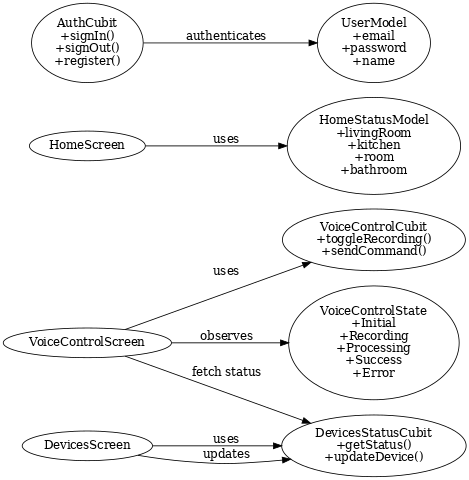
| State Management | Bloc (Cubit) |
User → Mobile App → Flask Backend → Whisper AI → ESP32 → WebSocket Updates → Mobile App
git clone https://github.com/your-username/your-repo-name.git
cd your-repo-name
Make sure Flutter SDK is installed:
flutter --version
flutter pub get
flutter run
Install requirements:
cd backend/
pip install -r requirements.txt
Make sure Whisper model is downloaded properly (since it's large).
Start Flask server:
python app.py
Flash the ESP32 firmware to handle device control.
Ensure ESP32 is connected via WebSocket + HTTP to match mobile & backend.
Create Firebase project.
Enable Authentication → Email/Password.
Download google-services.json and place inside:
/android/app/google-services.json
This project is for educational and portfolio purposes.
A smart home mobile application that allows users to control their home devices using voice commands (English & Arabic).
Dart
0
6 commits
updated Jun 5, 2025
A smart home mobile app that allows users to control home devices using voice commands in both English and Arabic. The system integrates AI-powered speech recognition, IoT microcontrollers, and real-time communication.
| Layer | Technologies |
|---|---|
| Mobile App | Flutter (Dart) |
| Backend | Python Flask |
| AI | OpenAI Whisper |
| Microcontroller | ESP32 |
| Communication | HTTP & WebSocket |
| Authentication | Firebase |
| State Management | Bloc (Cubit) |
User → Mobile App → Flask Backend → Whisper AI → ESP32 → WebSocket Updates → Mobile App
git clone https://github.com/your-username/your-repo-name.git
cd your-repo-name
Make sure Flutter SDK is installed:
flutter --version
flutter pub get
flutter run
Install requirements:
cd backend/
pip install -r requirements.txt
Make sure Whisper model is downloaded properly (since it's large).
Start Flask server:
python app.py
Flash the ESP32 firmware to handle device control.
Ensure ESP32 is connected via WebSocket + HTTP to match mobile & backend.
Create Firebase project.
Enable Authentication → Email/Password.
Download google-services.json and place inside:
/android/app/google-services.json
This project is for educational and portfolio purposes.



