Life is too short to google for dependencies and versions
See the coderefreshVersions helps Gradle users with the tedious manual work usually involved in adding and updating dependencies and their versions.
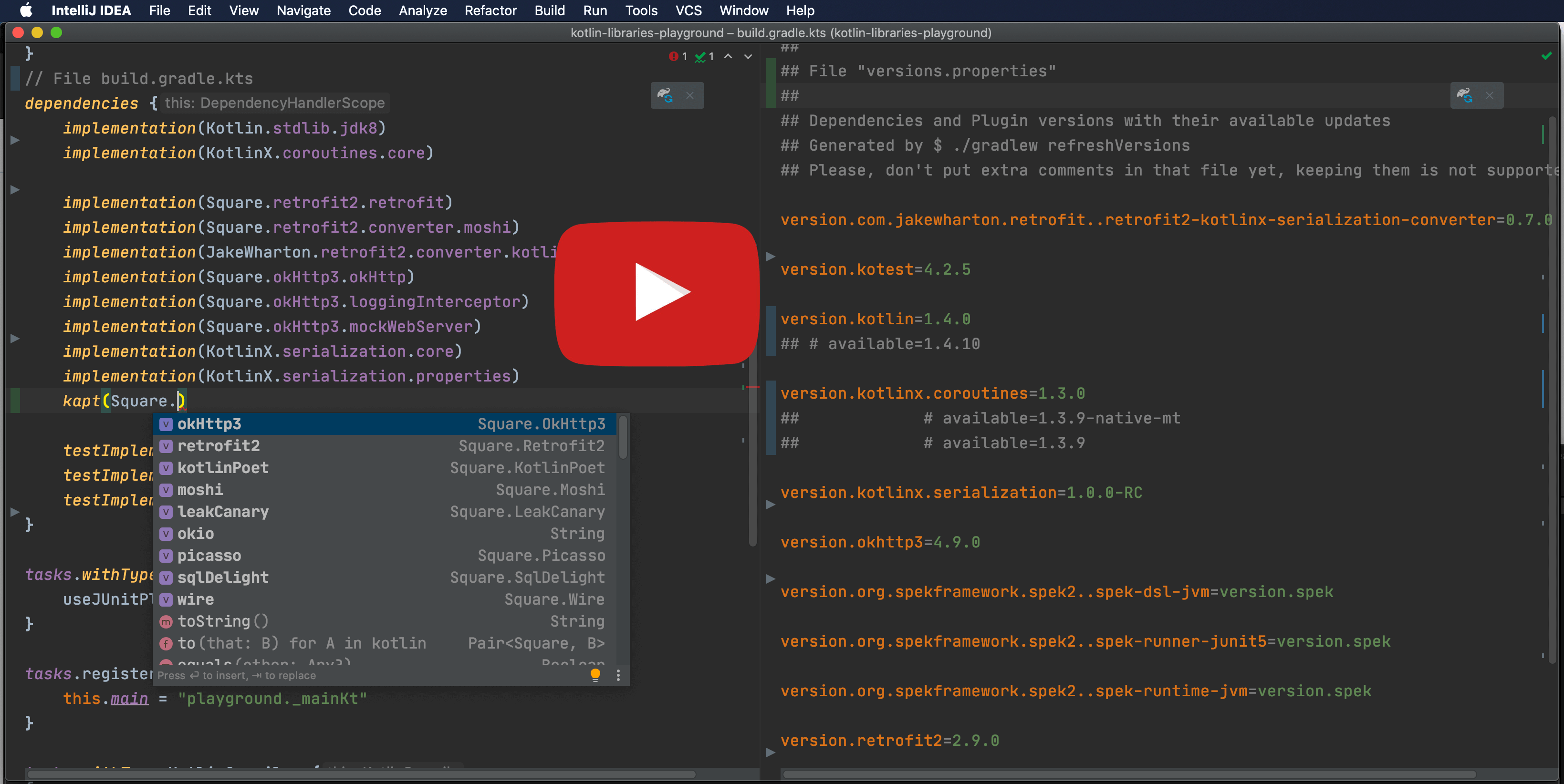
See documentation at https://splitties.github.io/refreshVersions
// settings.gradle(.kts)
plugins {
    // See https://splitties.github.io/refreshVersions
    id("de.fayard.refreshVersions") version "0.60.6"
}

refreshVersions { // Optional: configure the plugin
    // ...
}
Read the friendly documentation
Make sure the project is correctly set up (see just above).
Migrate project:
The refreshVersionsMigrate task can help you migrate your project in a few minutes, or less.
In version 0.50.0, support for Gradle's Versions Catalogs was added (see discussion thread here), so a --mode option is now required.
Run it without it to see the complete list and the full description of each mode:
./gradlew refreshVersionsMigrate
If you want to use only versions.properties and the built-in dependencies notations, run:
./gradlew refreshVersionsMigrate --mode=VersionsPropertiesOnly
To also use a versions catalog for non-built-in dependency notations, run:
./gradlew refreshVersionsMigrate --mode=VersionCatalogAndVersionProperties
Find available updates in versions.properties and the default versions catalog, if any:
./gradlew refreshVersions
Cleanup versions availability comments:
./gradlew refreshVersionsCleanup
Latest release
Releases this year
293 followers · starred Nov 2022
893 followers · starred Aug 2020
503 followers · starred Jul 2020
1,151 followers · starred Sep 2019
Life is too short to google for dependencies and versions
See the coderefreshVersions helps Gradle users with the tedious manual work usually involved in adding and updating dependencies and their versions.
See documentation at https://splitties.github.io/refreshVersions
// settings.gradle(.kts)
plugins {
    // See https://splitties.github.io/refreshVersions
    id("de.fayard.refreshVersions") version "0.60.6"
}

refreshVersions { // Optional: configure the plugin
    // ...
}
Read the friendly documentation
Make sure the project is correctly set up (see just above).
Migrate project:
The refreshVersionsMigrate task can help you migrate your project in a few minutes, or less.
In version 0.50.0, support for Gradle's Versions Catalogs was added (see discussion thread here), so a --mode option is now required.
Run it without it to see the complete list and the full description of each mode:
./gradlew refreshVersionsMigrate
If you want to use only versions.properties and the built-in dependencies notations, run:
./gradlew refreshVersionsMigrate --mode=VersionsPropertiesOnly
To also use a versions catalog for non-built-in dependency notations, run:
./gradlew refreshVersionsMigrate --mode=VersionCatalogAndVersionProperties
Find available updates in versions.properties and the default versions catalog, if any:
./gradlew refreshVersions
Cleanup versions availability comments:
./gradlew refreshVersionsCleanup
Latest release
Releases this year
293 followers · starred Nov 2022
893 followers · starred Aug 2020
503 followers · starred Jul 2020
1,151 followers · starred Sep 2019