
README
Nvy
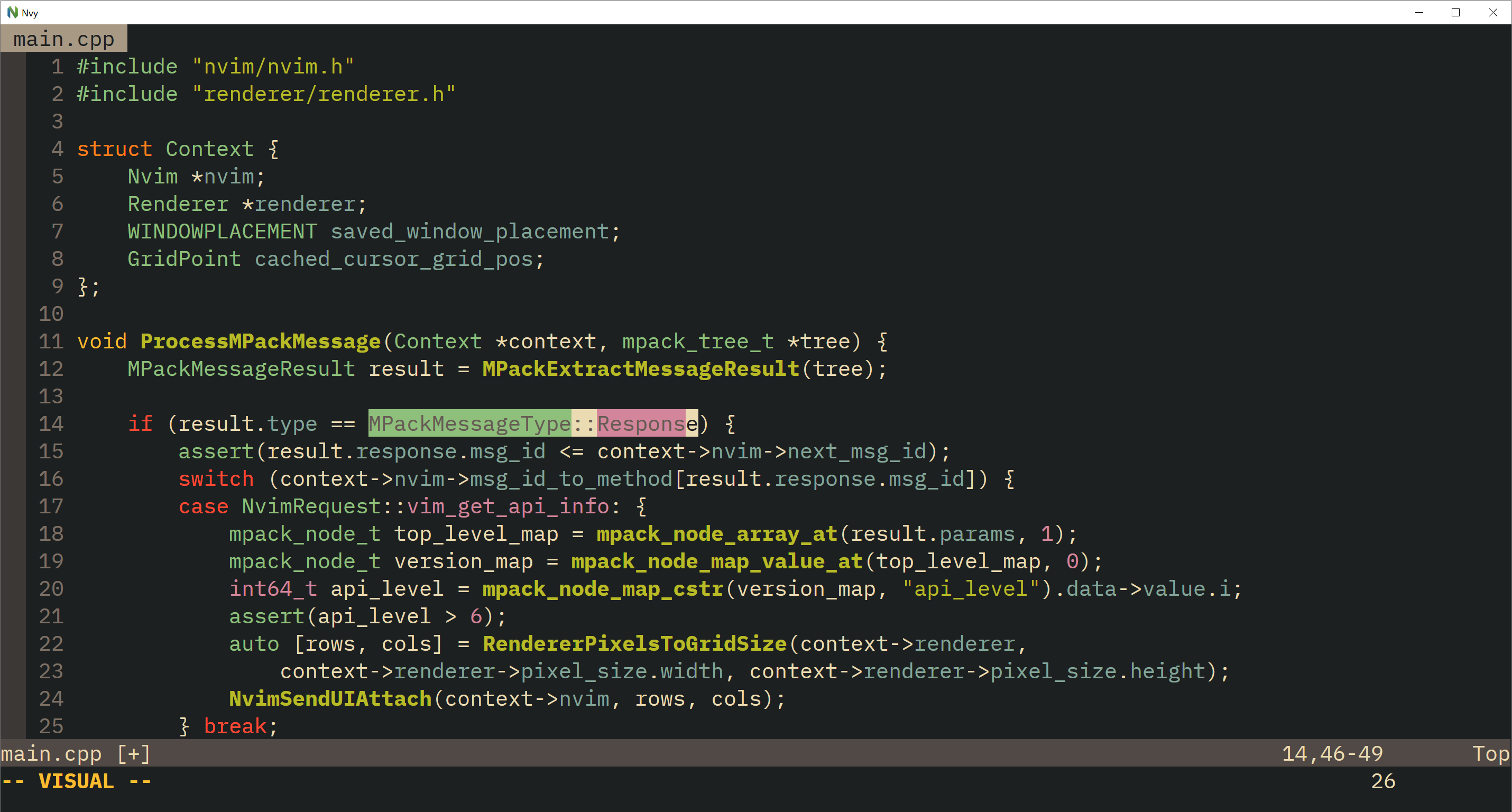
Nvy is a minimal Neovim client for Windows written in C++.
It uses DirectWrite to shape and render the grid cells and text.
Since Nvy is just a front-end for Neovim, installing Neovim is required to use Nvy, preferably the
latest nightly version from here.
Configuration
Nvy sets the global vim variable g:nvy = 1 in case you want to specialize your init.vim while using Nvy.
Fonts can be changed by setting the guifont in init.vim, for example:
set guifont=Fira\ Code:h24.
Note: you have to specify the font size, e.g. set guifont=Fira\ Code won't work.
A fallback font can be specified by appending it, e.g. set guifont=Fira\ Code:h24:Consolas to set Consolas as the fallback font.
Nvy can be started with the following flags:
--maximizeto start in maximized--fullscreento start in fullscreen--position=<x>,<y>to start with a given position, e.g.--position=500,200--geometry=<cols>x<rows>to start with a given number of rows and columns, e.g.--geometry=80x25--disable-ligaturesto disable font ligatures--disable-fullscreento disable toggling fullscreen with Alt+Enter--linespace-factor=<float>to scale the line spacing by a floating point factor, e.g.--linespace-factor=1.2--cursor-timeout=<int>to hide the cursor after some time (in ms) of being idle, e.g.--cursor-timeout=2000--neovim-bin=<path>to provide path to nvim.exe, e.g.--neovim-bin="C:\neovim\nvim-win64\bin\nvim.exe"
Extra Features
- You can use Alt+Enter to toggle fullscreen
- You can use Ctrl+Mousewheel to zoom
- You can drag files onto Nvy to open them (:e)
- Dragging files while holding Ctrl opens them in a new window (:new)
Releases
Releases can be found here
Build
Requirements
- A compiler supporting
C++20 - The latest Windows SDK
Apart from the Windows SDK, the only dependency Nvy uses is the excellent MPack library which is compiled alongside the client itself.
Build example with Ninja
git clone https://github.com/RMichelsen/Nvy.git
cd Nvy
mkdir build
cd build
cmake .. -GNinja
ninja
Contributors


Similar repos


Languages
C++
91.7%
C
5.3%
CMake
3.0%
README
Nvy
Nvy is a minimal Neovim client for Windows written in C++.
It uses DirectWrite to shape and render the grid cells and text.
Since Nvy is just a front-end for Neovim, installing Neovim is required to use Nvy, preferably the
latest nightly version from here.
Configuration
Nvy sets the global vim variable g:nvy = 1 in case you want to specialize your init.vim while using Nvy.
Fonts can be changed by setting the guifont in init.vim, for example:
set guifont=Fira\ Code:h24.
Note: you have to specify the font size, e.g. set guifont=Fira\ Code won't work.
A fallback font can be specified by appending it, e.g. set guifont=Fira\ Code:h24:Consolas to set Consolas as the fallback font.
Nvy can be started with the following flags:
--maximizeto start in maximized--fullscreento start in fullscreen--position=<x>,<y>to start with a given position, e.g.--position=500,200--geometry=<cols>x<rows>to start with a given number of rows and columns, e.g.--geometry=80x25--disable-ligaturesto disable font ligatures--disable-fullscreento disable toggling fullscreen with Alt+Enter--linespace-factor=<float>to scale the line spacing by a floating point factor, e.g.--linespace-factor=1.2--cursor-timeout=<int>to hide the cursor after some time (in ms) of being idle, e.g.--cursor-timeout=2000--neovim-bin=<path>to provide path to nvim.exe, e.g.--neovim-bin="C:\neovim\nvim-win64\bin\nvim.exe"
Extra Features
- You can use Alt+Enter to toggle fullscreen
- You can use Ctrl+Mousewheel to zoom
- You can drag files onto Nvy to open them (:e)
- Dragging files while holding Ctrl opens them in a new window (:new)
Releases
Releases can be found here
Build
Requirements
- A compiler supporting
C++20 - The latest Windows SDK
Apart from the Windows SDK, the only dependency Nvy uses is the excellent MPack library which is compiled alongside the client itself.
Build example with Ninja
git clone https://github.com/RMichelsen/Nvy.git
cd Nvy
mkdir build
cd build
cmake .. -GNinja
ninja
Similar repos
Contributors
Languages
C++
91.7%
C
5.3%
CMake
3.0%