Your personal AI research assistant that serves you a daily dose of arXiv papers, tailored to your interests from Zotero or the pdfs from your local folder.
Python
149
16 commits
updated Jul 23, 2025

English | 中文


Your personal AI research assistant that serves you a daily dose of arXiv papers, tailored to your interests from Zotero or the pdfs from your local folder.
config.yaml file.Clone the repository:
git clone https://github.com/Marverlises/Paper-Agent-Zotero.git
cd Paper-Agent-Zotero
Play with:
uv run main.py
If it doesn't exist, create a src/config.yaml file. You can use the following as a template:
Open src/config.yaml and configure the following:
preference_source: Set this to "zotero" or "local" to define your source of interest papers.
zotero (if preference_source: "zotero"):
id: Your Zotero user ID.key: Your Zotero API key.recency_months: How recent the papers from your Zotero library should be to be considered for interest calculation.local (if preference_source: "local"):
path: The file path to your local directory of preferred papers in this folder.arxiv:
query: The arXiv categories you want to follow (e.g., cs.AI+cs.CV).llm:
openai_api_key: Your OpenAI-compatible API key.openai_api_base: The base URL for your LLM API.model_name: The model you want to use for summarization (e.g., gpt-4o).For more details, see the comments in the config.yaml file.
To run the agent and generate your daily paper digest, simply run:
uv run main.py
The daily digest will be saved as a Markdown file in the year-month-day-hour directory.
[YYYY-MM-DD-HH]/
│   └── (Example output)
├── Daily_Report.md
│   └── (A quick look of the Top-N most relevant papers)
├── assets_dir/
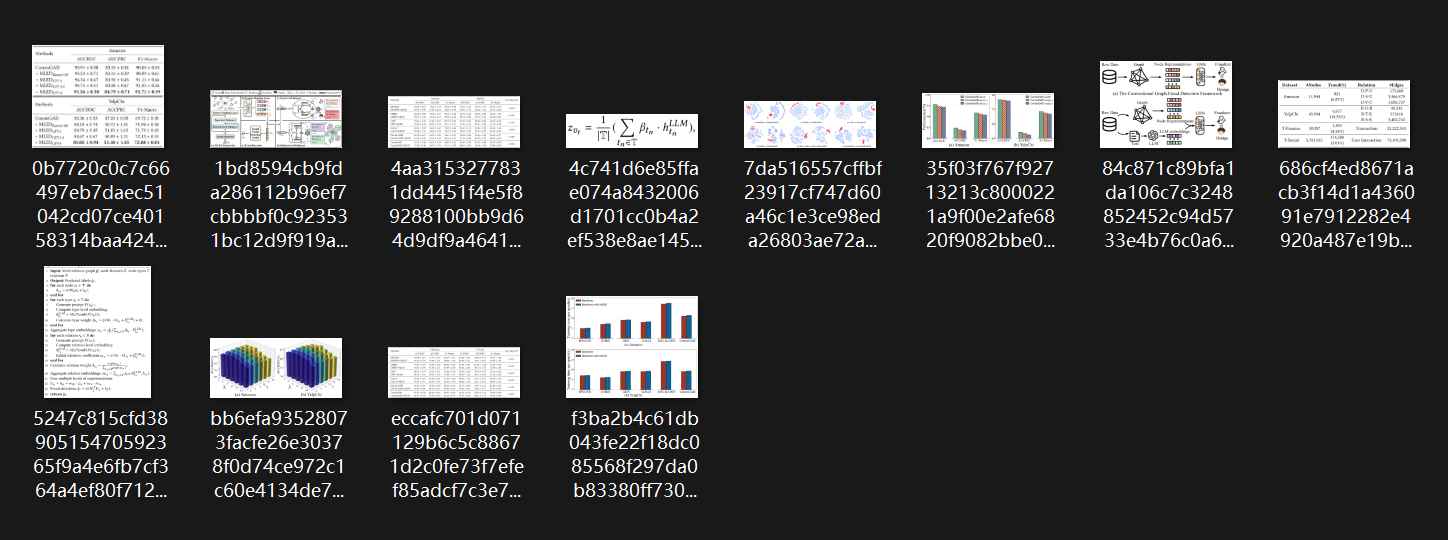
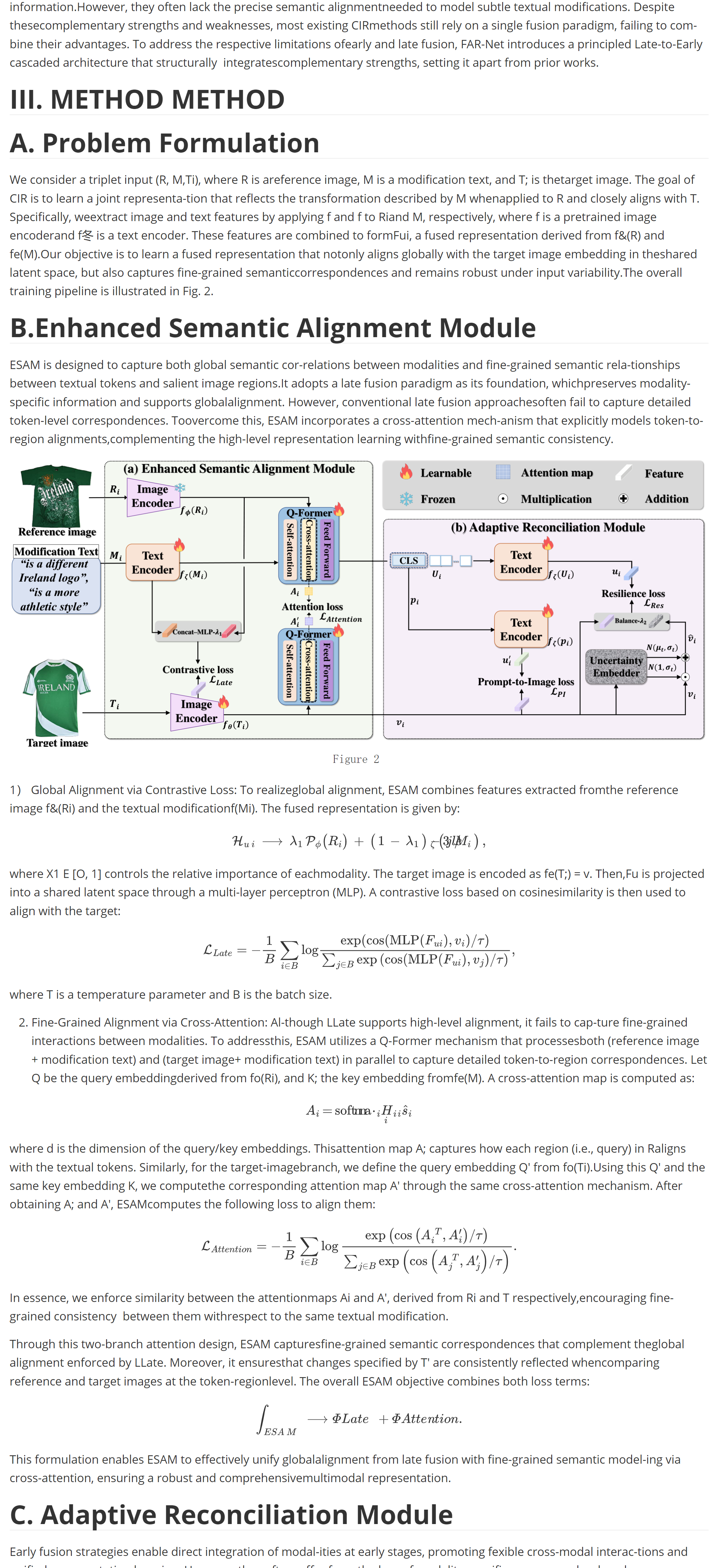
│   └── (Each paper's detailed report with images)
├── [arXiv_ID]v[version].[Paper_Title].pdf
├── [arXiv_ID]v[version].[Paper_Title].pdf
└── ...
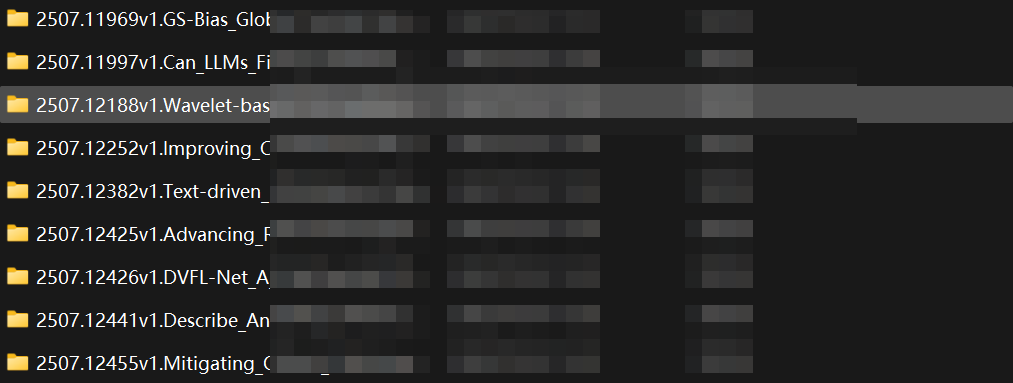
In each folder, the result is like this:

In each paper's assets_dir:
In each paper's detailed info markdown file (Part of the result):
Contributions are welcome! Please feel free to submit a pull request or open an issue.
Please see the LICENSE file for details.
Your personal AI research assistant that serves you a daily dose of arXiv papers, tailored to your interests from Zotero or the pdfs from your local folder.
Python
149
16 commits
updated Jul 23, 2025
English | 中文
Your personal AI research assistant that serves you a daily dose of arXiv papers, tailored to your interests from Zotero or the pdfs from your local folder.
config.yaml file.Clone the repository:
git clone https://github.com/Marverlises/Paper-Agent-Zotero.git
cd Paper-Agent-Zotero
Play with:
uv run main.py
If it doesn't exist, create a src/config.yaml file. You can use the following as a template:
Open src/config.yaml and configure the following:
preference_source: Set this to "zotero" or "local" to define your source of interest papers.
zotero (if preference_source: "zotero"):
id: Your Zotero user ID.key: Your Zotero API key.recency_months: How recent the papers from your Zotero library should be to be considered for interest calculation.local (if preference_source: "local"):
path: The file path to your local directory of preferred papers in this folder.arxiv:
query: The arXiv categories you want to follow (e.g., cs.AI+cs.CV).llm:
openai_api_key: Your OpenAI-compatible API key.openai_api_base: The base URL for your LLM API.model_name: The model you want to use for summarization (e.g., gpt-4o).For more details, see the comments in the config.yaml file.
To run the agent and generate your daily paper digest, simply run:
uv run main.py
The daily digest will be saved as a Markdown file in the year-month-day-hour directory.
[YYYY-MM-DD-HH]/
│   └── (Example output)
├── Daily_Report.md
│   └── (A quick look of the Top-N most relevant papers)
├── assets_dir/
│   └── (Each paper's detailed report with images)
├── [arXiv_ID]v[version].[Paper_Title].pdf
├── [arXiv_ID]v[version].[Paper_Title].pdf
└── ...
In each folder, the result is like this:
In each paper's assets_dir:
In each paper's detailed info markdown file (Part of the result):
Contributions are welcome! Please feel free to submit a pull request or open an issue.
Please see the LICENSE file for details.



