The fastest React Native calendar 📆⚡
See the code


This is the monorepo for Flash Calendar, an incredibly fast and flexible library to build calendars in React Native.
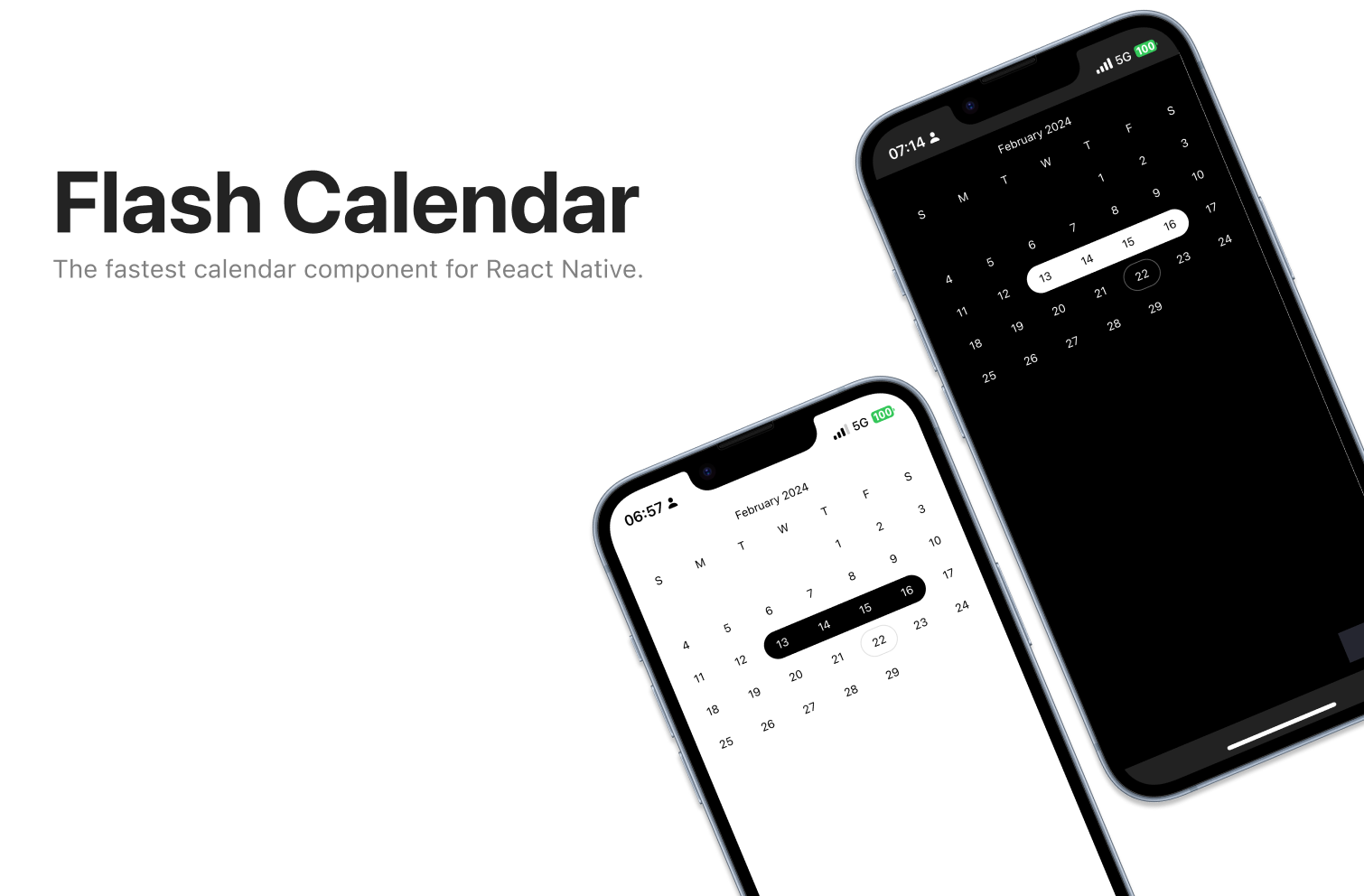
You can find the Flash Calendar documentation on the website.
This project uses Bun as its package manager. The first thing you'll need is to install Bun.
To install dependencies, run at the root:
bun install
To build (required for a fresh install)
bun run build
To develop or run the example app:
bun dev
To run the documentation website:
bun docs
Ensure your changes are unit-tested. To improve DX, run the tests in watch mode with bun test --watch. You can also run the tests for a specific file with bun test --watch {filename}.
/apps/example: Storybook host for Flash Calendar, runs with the latest uncompiled code./apps/docs: The documentation website for Flash Calendar.A place to test the published Flash Calendar in a real environment.
/kitchen-sink/expo: Scaffolded expo project to test the flash calendar in a real environment.The actual src code for Flash Calendar:
/packages/flash-calendar: The flash calendar package itself./packages/eslint-config: Shared eslint config for the project./packages/tsconfig: Shared tsconfig for the project.Flash Calendar is MIT licensed.
1,270 followers · starred Jul 2024
243 followers · starred Feb 2024
233 followers · starred Feb 2024
174 followers · starred May 2025
The fastest React Native calendar 📆⚡
See the code
This is the monorepo for Flash Calendar, an incredibly fast and flexible library to build calendars in React Native.
You can find the Flash Calendar documentation on the website.
This project uses Bun as its package manager. The first thing you'll need is to install Bun.
To install dependencies, run at the root:
bun install
To build (required for a fresh install)
bun run build
To develop or run the example app:
bun dev
To run the documentation website:
bun docs
Ensure your changes are unit-tested. To improve DX, run the tests in watch mode with bun test --watch. You can also run the tests for a specific file with bun test --watch {filename}.
/apps/example: Storybook host for Flash Calendar, runs with the latest uncompiled code./apps/docs: The documentation website for Flash Calendar.A place to test the published Flash Calendar in a real environment.
/kitchen-sink/expo: Scaffolded expo project to test the flash calendar in a real environment.The actual src code for Flash Calendar:
/packages/flash-calendar: The flash calendar package itself./packages/eslint-config: Shared eslint config for the project./packages/tsconfig: Shared tsconfig for the project.Flash Calendar is MIT licensed.
1,270 followers · starred Jul 2024
243 followers · starred Feb 2024
233 followers · starred Feb 2024
174 followers · starred May 2025