A framework that allows developers to cobble together a better UI for their own WPF applications with minimal effort.
See the code
A toolkit for creating awesome WPF applications. Lots of goodness out-of-the box.
Supporting .NET Framework 4.6.2 and greater, .NET 6 and .NET 8 (on Windows)












MahApps.Metro is a UI toolkit for WPF. It takes the standard WPF controls, the ones you already use, gives them a clean and modern look, and adds the pieces WPF never shipped: a proper window chrome, a theming engine, dialogs that do not block, and a set of navigation controls.
The project started on 29 January 2011, is MIT licensed, and has been part of the .NET Foundation since 2020. More than 160 people have contributed to it.
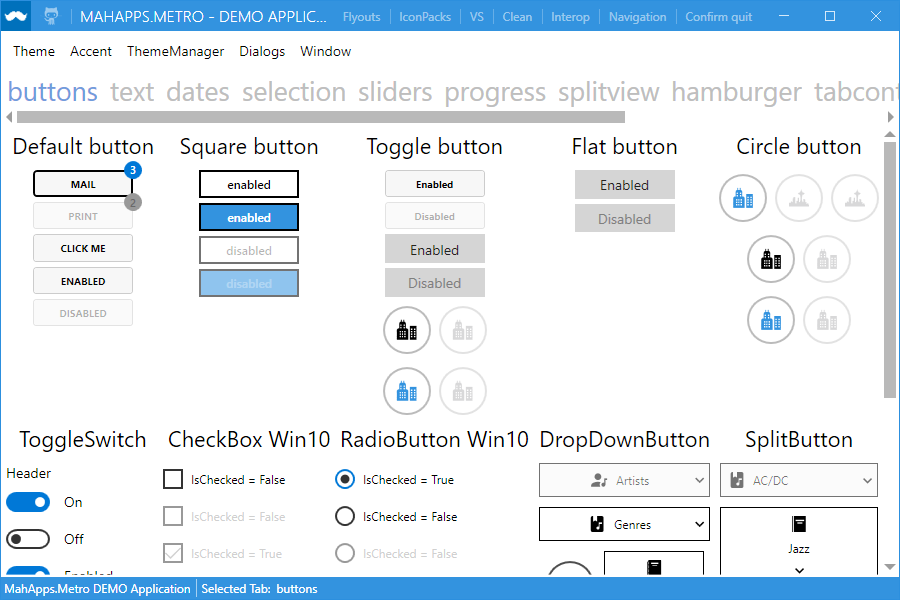
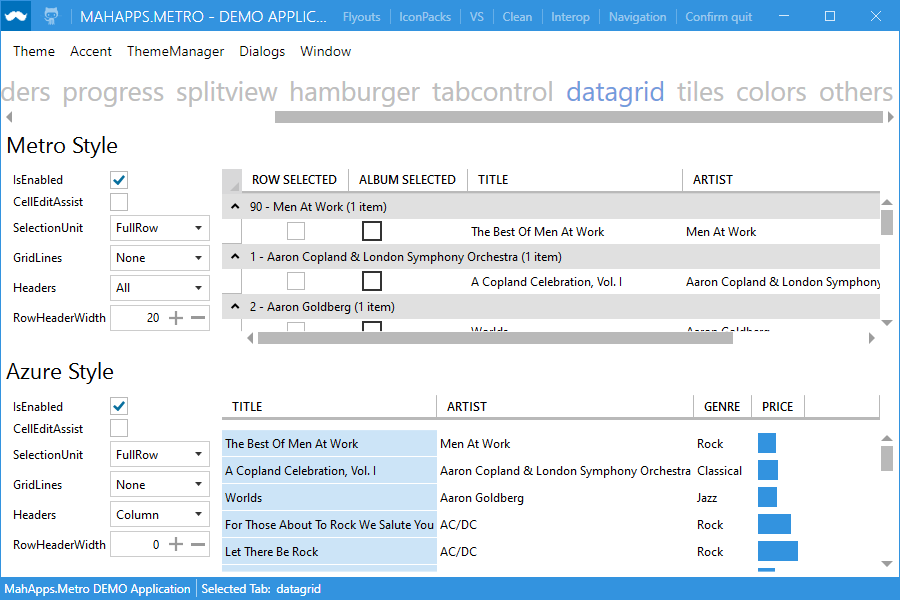
It restyles what you already have. Most UI libraries ask you to swap your controls for theirs. MahApps.Metro does the opposite: reference it, merge two resource dictionaries, and your existing Button, TextBox, DataGrid and TreeView are restyled in place. No rewrite, no new control names, no vendor lock-in on your XAML.
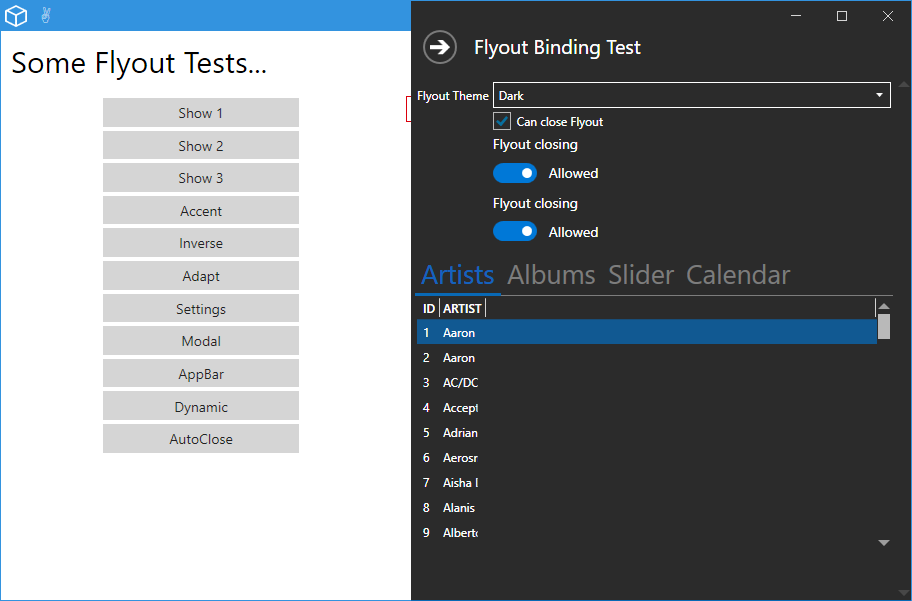
A window that looks like an app. MetroWindow replaces the Windows title bar with one you control: your own commands to the left and right of the title, a coloured glow border, an overlay for dialogs, and flyouts that slide in from any edge.
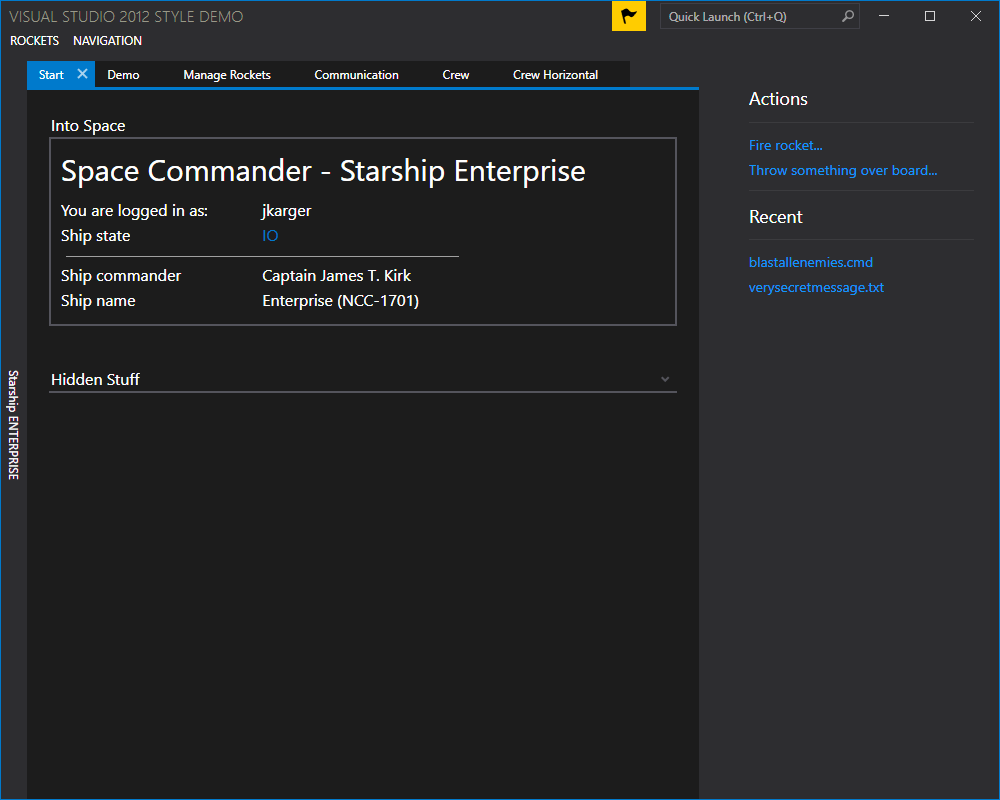
Theming is a first-class feature. A theme is a base theme (Light or Dark) plus an accent colour, switchable at runtime, and ThemeManager can follow the Windows accent colour and the system light/dark setting. You can generate your own themes from the same scheme the built-in ones use.
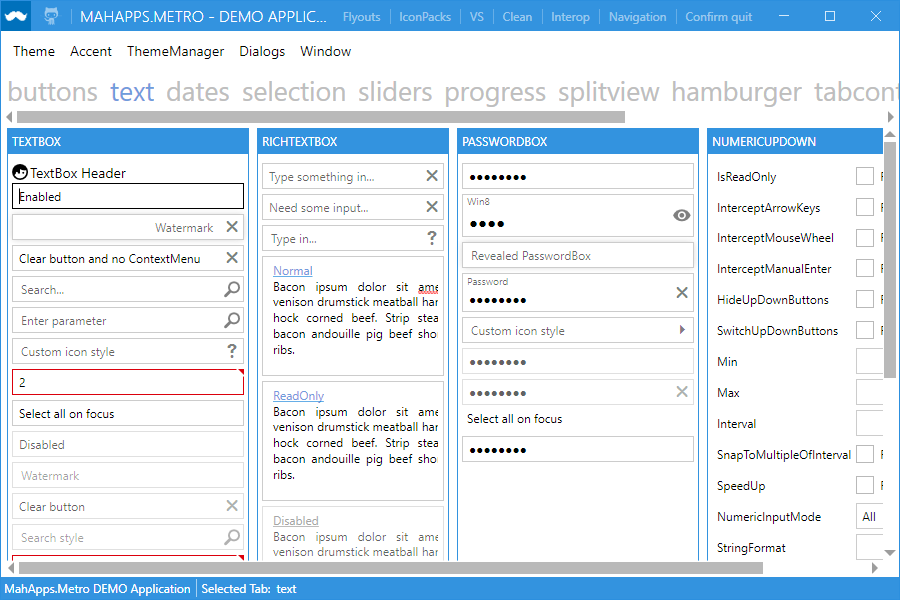
Helpers instead of subclasses. Watermarks, clear buttons, per-control corner radii, spell-check styling and selected-item brushes arrive as attached properties such as TextBoxHelper.Watermark, so you attach behaviour to a stock control instead of inheriting from a special one.
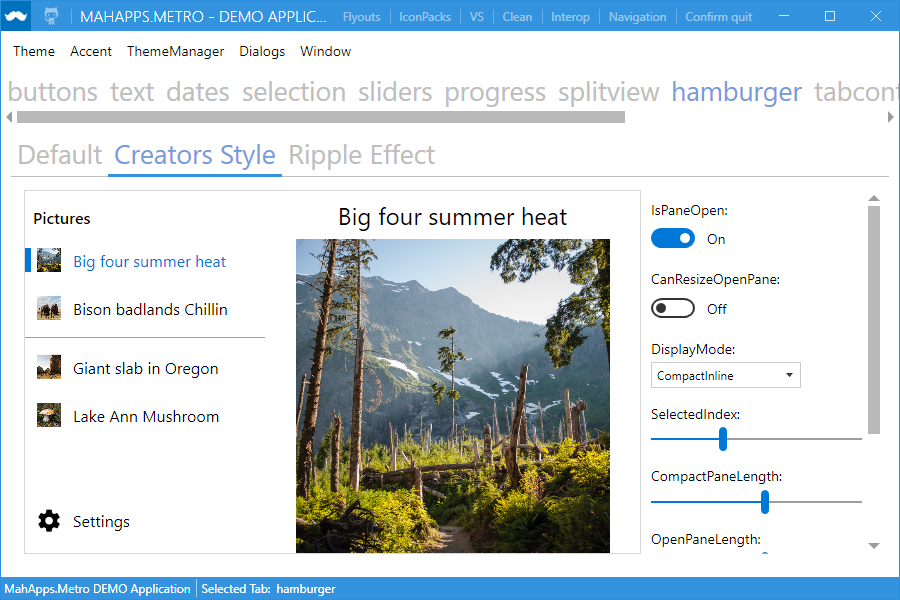
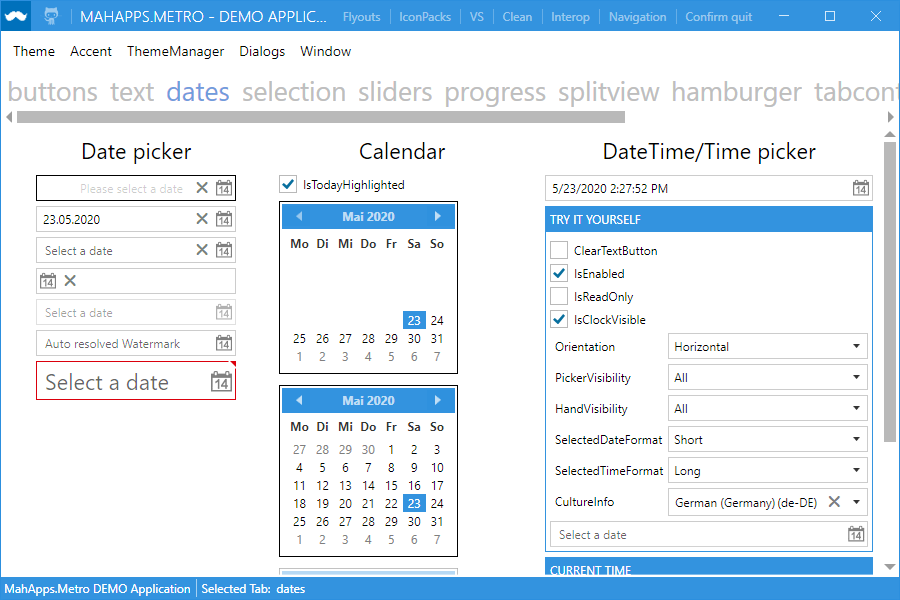
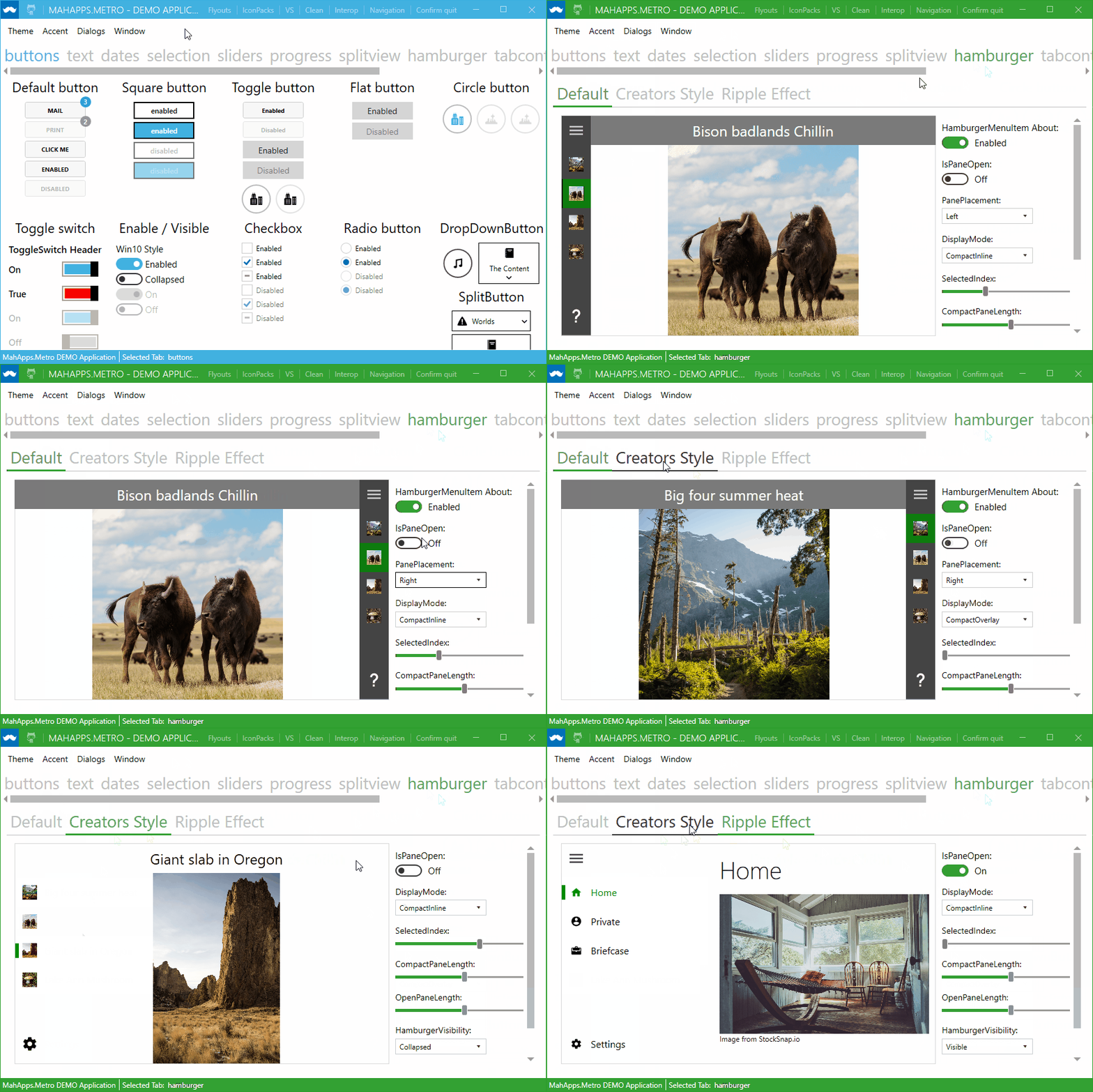
MetroWindow with custom title-bar commands and glow borders, MetroNavigationWindow for page-based navigation.HamburgerMenu for the side-bar pattern, a SplitView underneath it, flyouts from any edge, and animated tab controls.ColorPicker, DateTimePicker, NumericUpDown, MultiSelectionComboBox, HotKeyBox and a restyled DataGrid.Version 2.4 runs on .NET Framework 4.5.2 and newer as well as .NET Core 3.x. Version 3.0, on NuGet as a release candidate, targets .NET Framework 4.6.2, .NET 6 and .NET 8, and brings the window chrome up to date with Windows 11: the caption buttons are registered as non-client controls, so the maximise button takes part in snap layouts, and the window can use the newer backdrop materials.
dotnet new and the Visual Studio New Project dialog

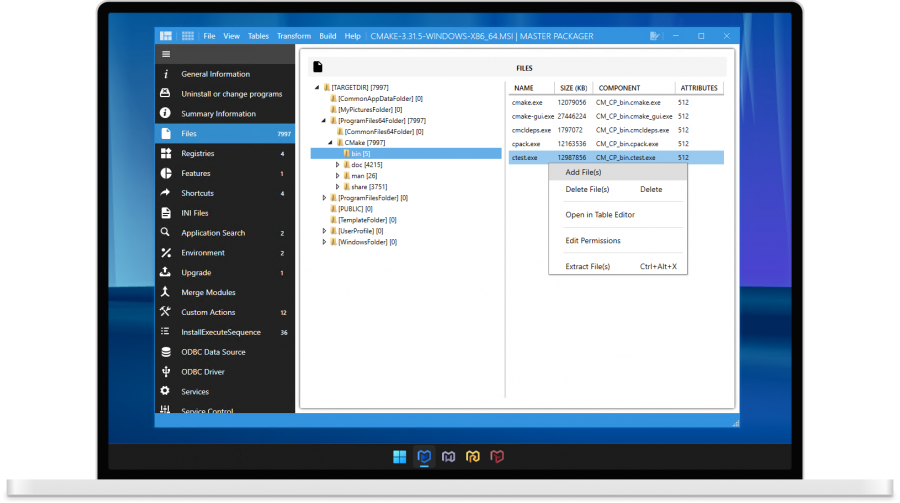
Software to view, create and edit Microsoft Windows Installer (MSI)/MST files for free
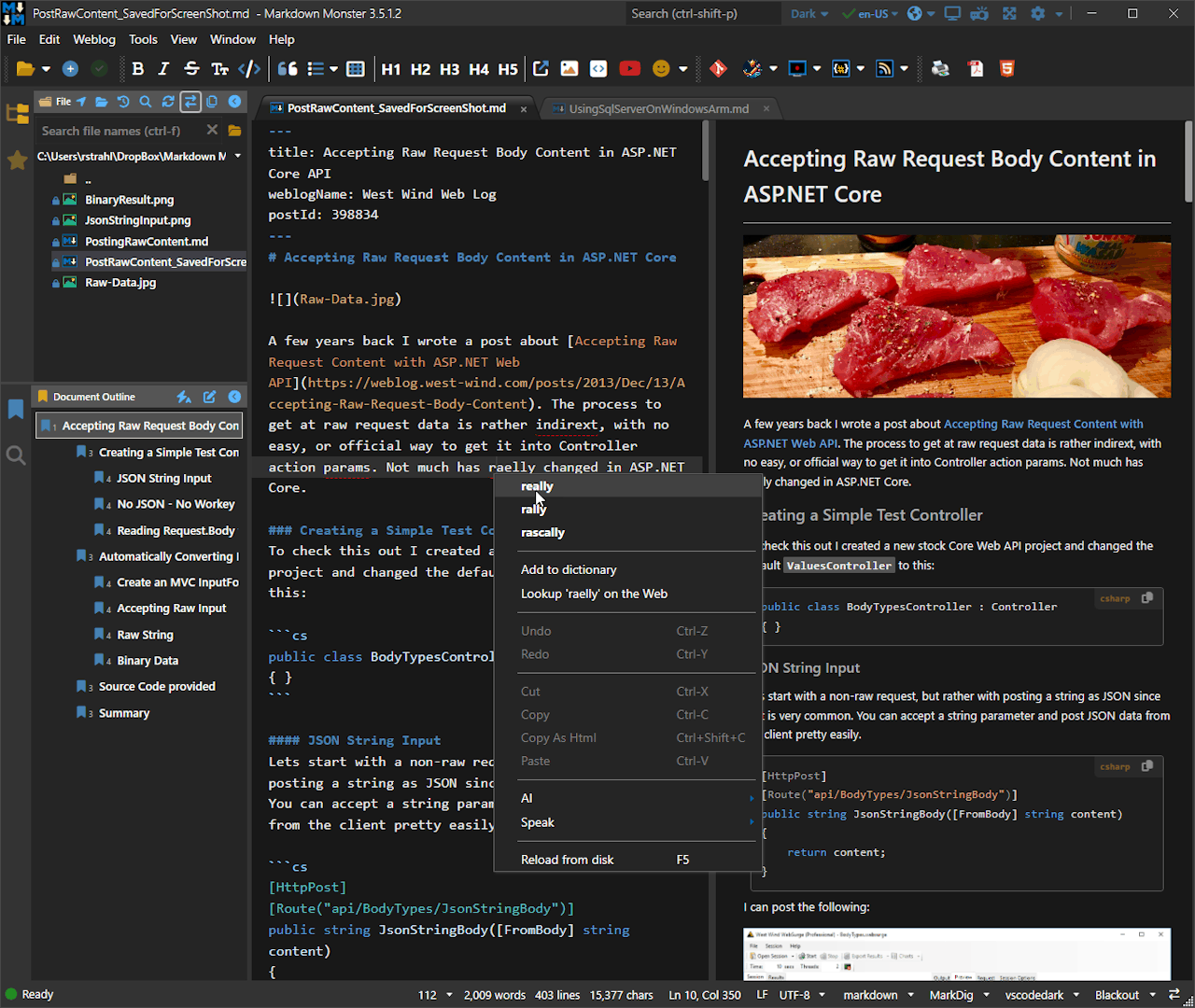
An extensible Markdown Editor, Viewer and Weblog Publisher for Windows by @RickStrahl
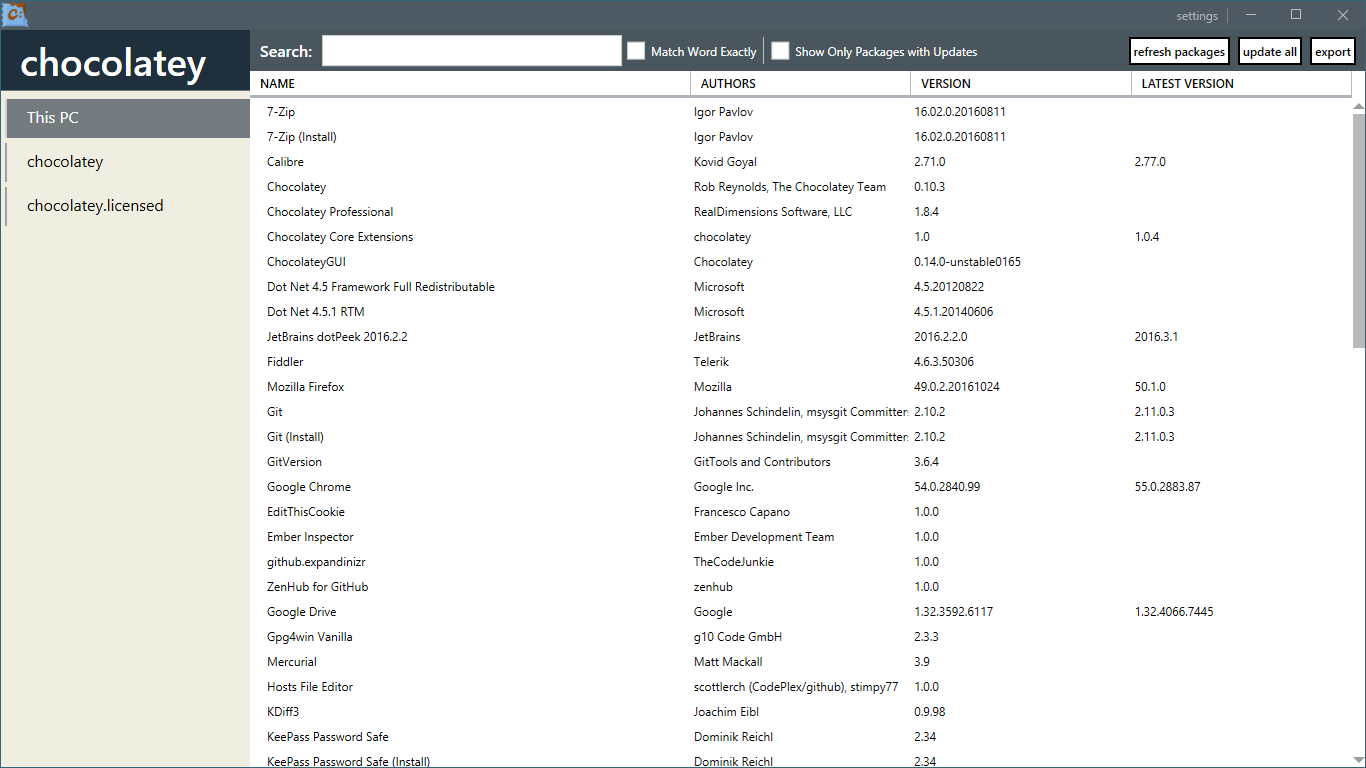
A user interface for Chocolatey (a Machine Package Manager for Windows)
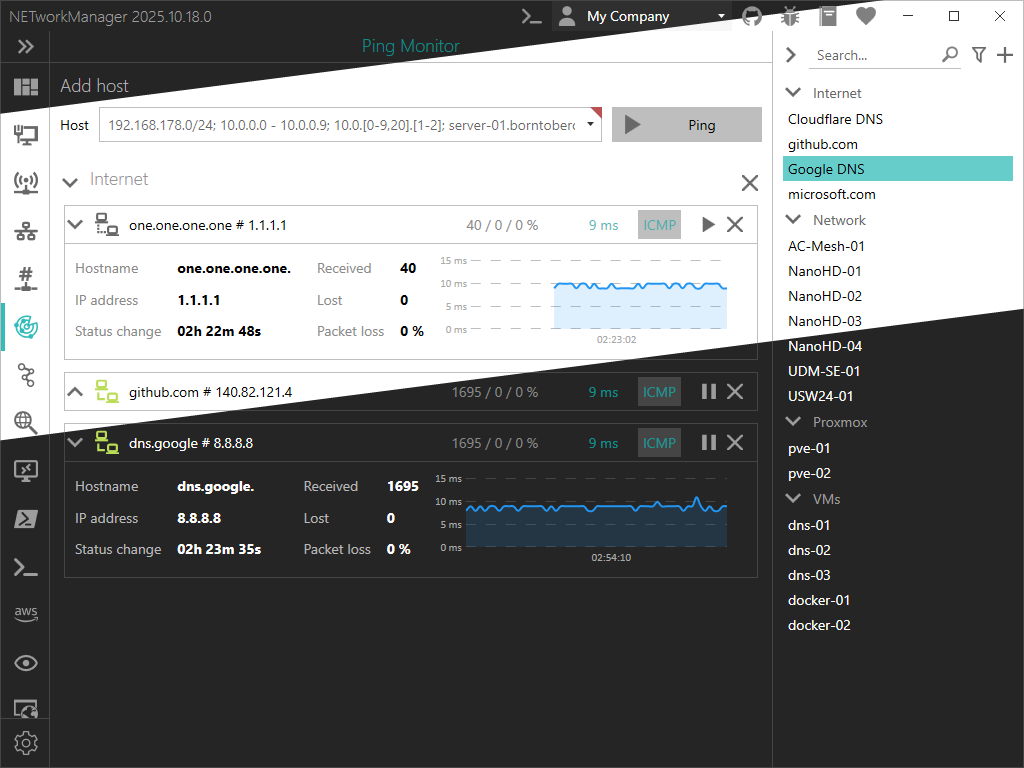
A powerful tool for managing networks and troubleshoot network problems by @BornToBeRoot
Copyright © .NET Foundation, Jan Karger, Brendan Forster, Dennis Daume, Alex Mitchell, Paul Jenkins and contributors.
MahApps.Metro is provided as-is under the MIT license. For more information see LICENSE.
This project has adopted the code of conduct defined by the Contributor Covenant to clarify expected behavior in our community. For more information see the .NET Foundation Code of Conduct.
By signing the CLA, the community is free to use your contribution to .NET Foundation projects.
This project is supported by the .NET Foundation.
We want to give some ❤️ to this dev tools which makes the work a little bit easier!
A big thank goes to JetBrains who provide an Open Source License for ReSharper and Rider.
A big virtual hug 🤗 goes to all the great people around the world who contributed to this project!

If you're looking for other awesome libraries which are compatible with MahApps, check them out:
This framework is free and can be used for free, open source and commercial applications. MahApps.Metro (all code, NuGets and binaries) are under the MIT License (MIT). It's tested, used and contributed by many awesome people. So hit the magic ⭐ button, we appreciate it!!! 🙏
The core team member(s), MahApps.Metro contributors and contributors in the ecosystem do this open source work in their free time. If you use MahApps.Metro a serious task, and you'd like us to invest more time on it, please donate. This project increases your income/productivity/usability too.
Become a sponsor and show your support to this open source project.

Overall
Maintained
Code review
NuGet
Latest release
Releases this year
11,435 followers · starred Jul 2013
116 followers · starred Oct 2020
390 followers · starred Oct 2011
648 followers · starred Apr 2018
A framework that allows developers to cobble together a better UI for their own WPF applications with minimal effort.
See the code
A toolkit for creating awesome WPF applications. Lots of goodness out-of-the box.
Supporting .NET Framework 4.6.2 and greater, .NET 6 and .NET 8 (on Windows)
MahApps.Metro is a UI toolkit for WPF. It takes the standard WPF controls, the ones you already use, gives them a clean and modern look, and adds the pieces WPF never shipped: a proper window chrome, a theming engine, dialogs that do not block, and a set of navigation controls.
The project started on 29 January 2011, is MIT licensed, and has been part of the .NET Foundation since 2020. More than 160 people have contributed to it.
It restyles what you already have. Most UI libraries ask you to swap your controls for theirs. MahApps.Metro does the opposite: reference it, merge two resource dictionaries, and your existing Button, TextBox, DataGrid and TreeView are restyled in place. No rewrite, no new control names, no vendor lock-in on your XAML.
A window that looks like an app. MetroWindow replaces the Windows title bar with one you control: your own commands to the left and right of the title, a coloured glow border, an overlay for dialogs, and flyouts that slide in from any edge.
Theming is a first-class feature. A theme is a base theme (Light or Dark) plus an accent colour, switchable at runtime, and ThemeManager can follow the Windows accent colour and the system light/dark setting. You can generate your own themes from the same scheme the built-in ones use.
Helpers instead of subclasses. Watermarks, clear buttons, per-control corner radii, spell-check styling and selected-item brushes arrive as attached properties such as TextBoxHelper.Watermark, so you attach behaviour to a stock control instead of inheriting from a special one.
MetroWindow with custom title-bar commands and glow borders, MetroNavigationWindow for page-based navigation.HamburgerMenu for the side-bar pattern, a SplitView underneath it, flyouts from any edge, and animated tab controls.ColorPicker, DateTimePicker, NumericUpDown, MultiSelectionComboBox, HotKeyBox and a restyled DataGrid.Version 2.4 runs on .NET Framework 4.5.2 and newer as well as .NET Core 3.x. Version 3.0, on NuGet as a release candidate, targets .NET Framework 4.6.2, .NET 6 and .NET 8, and brings the window chrome up to date with Windows 11: the caption buttons are registered as non-client controls, so the maximise button takes part in snap layouts, and the window can use the newer backdrop materials.
dotnet new and the Visual Studio New Project dialog
Software to view, create and edit Microsoft Windows Installer (MSI)/MST files for free
An extensible Markdown Editor, Viewer and Weblog Publisher for Windows by @RickStrahl
A user interface for Chocolatey (a Machine Package Manager for Windows)
A powerful tool for managing networks and troubleshoot network problems by @BornToBeRoot
Copyright © .NET Foundation, Jan Karger, Brendan Forster, Dennis Daume, Alex Mitchell, Paul Jenkins and contributors.
MahApps.Metro is provided as-is under the MIT license. For more information see LICENSE.
This project has adopted the code of conduct defined by the Contributor Covenant to clarify expected behavior in our community. For more information see the .NET Foundation Code of Conduct.
By signing the CLA, the community is free to use your contribution to .NET Foundation projects.
This project is supported by the .NET Foundation.
We want to give some ❤️ to this dev tools which makes the work a little bit easier!
A big thank goes to JetBrains who provide an Open Source License for ReSharper and Rider.
A big virtual hug 🤗 goes to all the great people around the world who contributed to this project!
If you're looking for other awesome libraries which are compatible with MahApps, check them out:
This framework is free and can be used for free, open source and commercial applications. MahApps.Metro (all code, NuGets and binaries) are under the MIT License (MIT). It's tested, used and contributed by many awesome people. So hit the magic ⭐ button, we appreciate it!!! 🙏
The core team member(s), MahApps.Metro contributors and contributors in the ecosystem do this open source work in their free time. If you use MahApps.Metro a serious task, and you'd like us to invest more time on it, please donate. This project increases your income/productivity/usability too.
Become a sponsor and show your support to this open source project.
Overall
Maintained
Code review
NuGet
Latest release
Releases this year
11,435 followers · starred Jul 2013
116 followers · starred Oct 2020
390 followers · starred Oct 2011
648 followers · starred Apr 2018