🌏 同步github的hosts工具,支持多平台的图形化和命令行,内置客户端和服务端两种模式~ | Synchronize GitHub hosts tool, support multi-platform graphical and command line, built-in client and server modes
See the code
fetch-github-hosts 是主要为解决研究及学习人员访问 Github 过慢或其他问题而提供的 Github Hosts 同步工具


前往 Releases 下载对应平台安装包:
| 平台 | 文件类型 | 架构 |
|---|---|---|
| macOS | .dmg | Universal (Intel + Apple Silicon) |
| Windows | .msi / .exe | x86_64 |
| Linux | .deb / .AppImage | x86_64 |
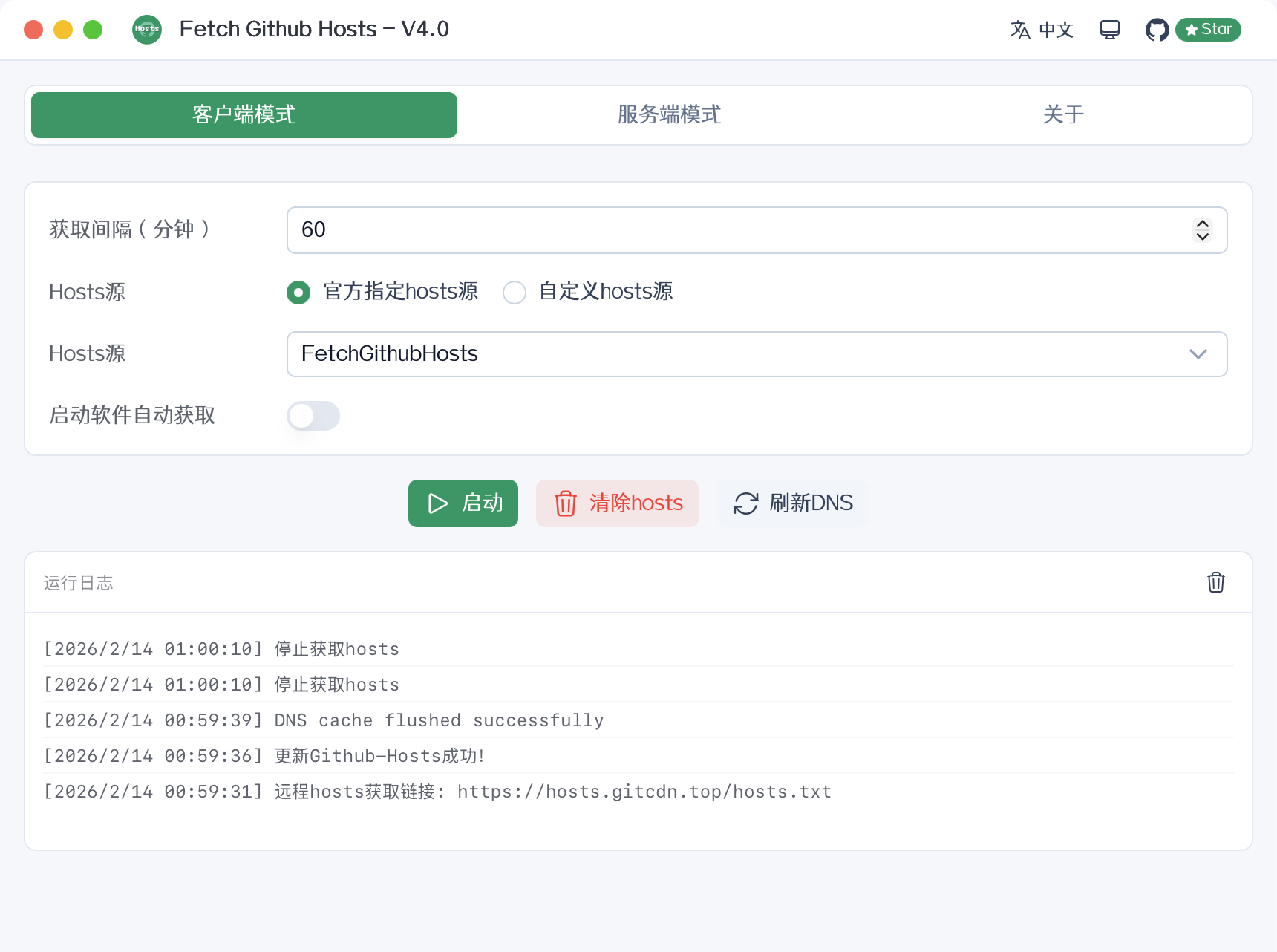
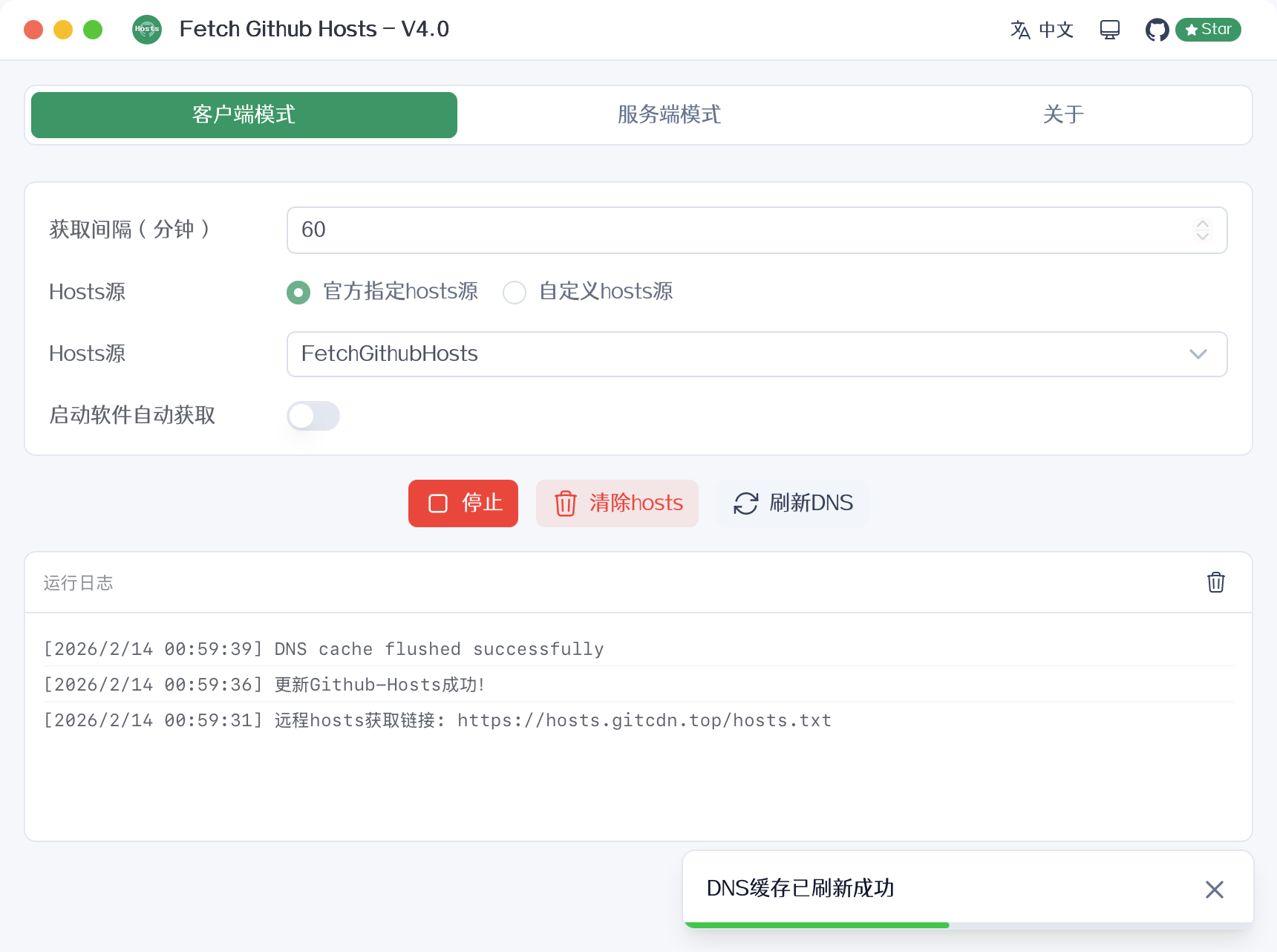
下载安装后直接运行即可,提供图形化界面操作。
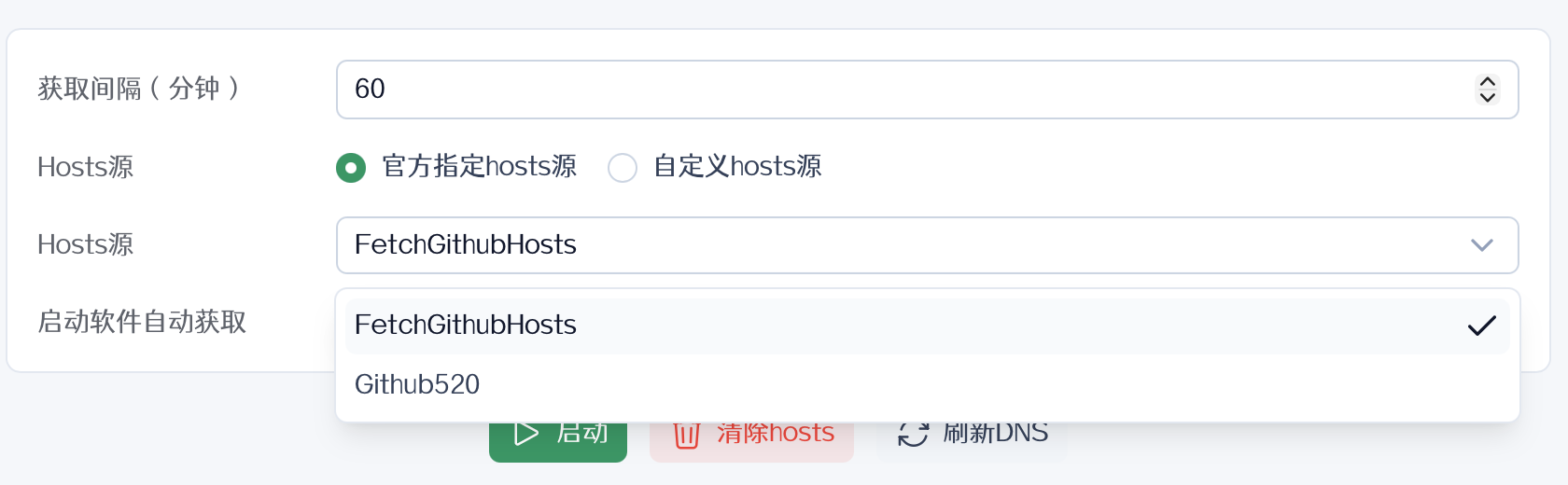
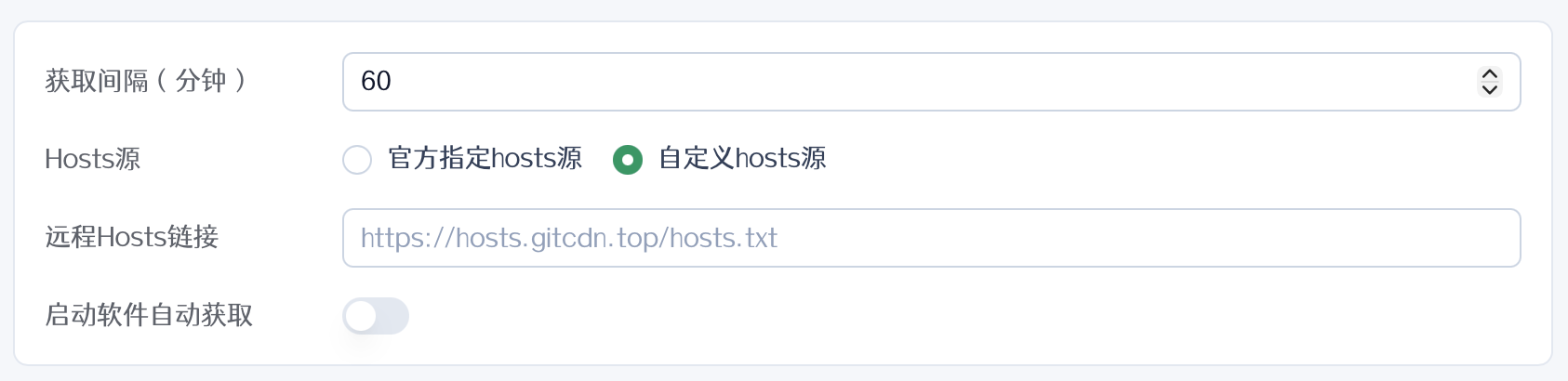
从远程 Hosts 源获取最新的 GitHub 相关 DNS 记录,自动写入系统 hosts 文件。
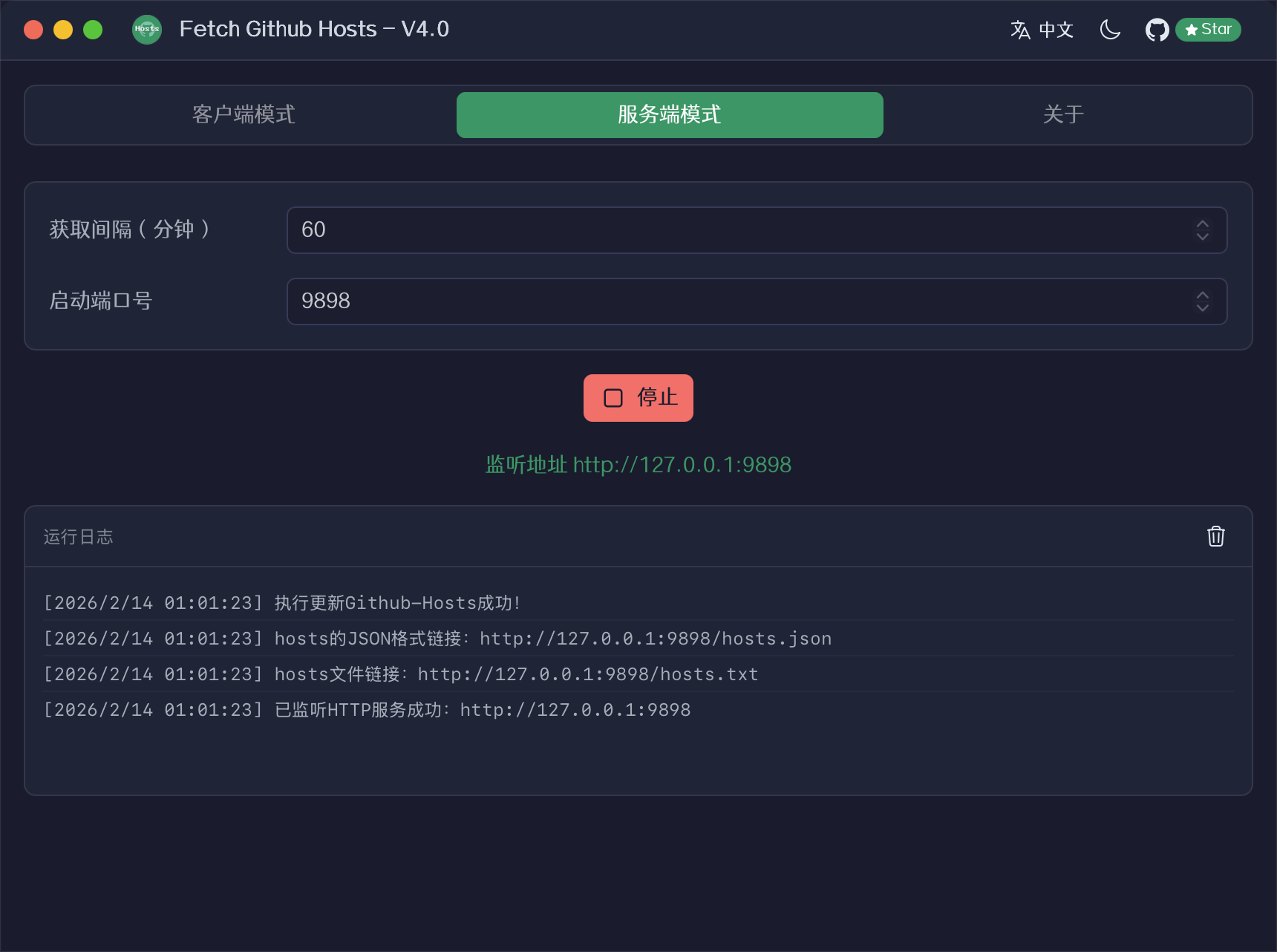
在本地启动 HTTP 服务,自动解析 GitHub 域名并提供 hosts 文件下载。
9898hosts.txt(纯文本)和 hosts.json(JSON)两种格式到 Releases 中下载您的系统版本,可以直接通过命令行使用。
| 参数名 | 缩写 | 默认值 | 描述 |
|---|---|---|---|
--mode | -m | 无(启动 GUI) | 启动模式:client(客户端)/ server(服务端) |
--interval | -i | 60 | 获取 hosts 的间隔时间(分钟) |
--port | -p | 9898 | 服务端模式监听端口 |
--url | -u | https://hosts.gitcdn.top/hosts.txt | 客户端模式远程 hosts 获取链接 |
--template | -t | 无(使用内置模板) | 服务端模式自定义 HTML 模板文件路径 |
--lang | -l | 自动检测 | 界面语言(zh-CN、en-US、ja-JP) |
# Linux/macOS
sudo ./fetch-github-hosts -m client

# Windows
fetch-github-hosts.exe -m client

# 自定义获取间隔(10分钟)
sudo ./fetch-github-hosts -m client -i 10

# 自定义获取链接
sudo ./fetch-github-hosts -m client -u http://127.0.0.1:9898/hosts.json
# Linux/macOS
./fetch-github-hosts -m server

# Windows
fetch-github-hosts.exe -m server

# 自定义端口
./fetch-github-hosts -m server -p 6666

# 自定义 HTML 模板文件
./fetch-github-hosts -m server -t /path/to/template.html
💡 自定义模板支持
{{FGH_VERSION}}(版本号)和{{FGH_UPDATE_TIME}}(最近更新时间)两个模板变量
💡 不指定
-m参数时将启动图形化界面
访问 https://hosts.gitcdn.top/hosts.txt,将全部内容粘贴到系统 hosts 文件中。
/etc/hostsC:\Windows\System32\drivers\etc\hosts# macOS
sudo dscacheutil -flushcache && sudo killall -HUP mDNSResponder
# Windows
ipconfig /flushdns
# Linux
sudo systemd-resolve --flush-caches
sed -i "/# fetch-github-hosts begin/Q" /etc/hosts && curl https://hosts.gitcdn.top/hosts.txt >> /etc/hosts
💡 可配合 crontab 定时任务实现自动更新
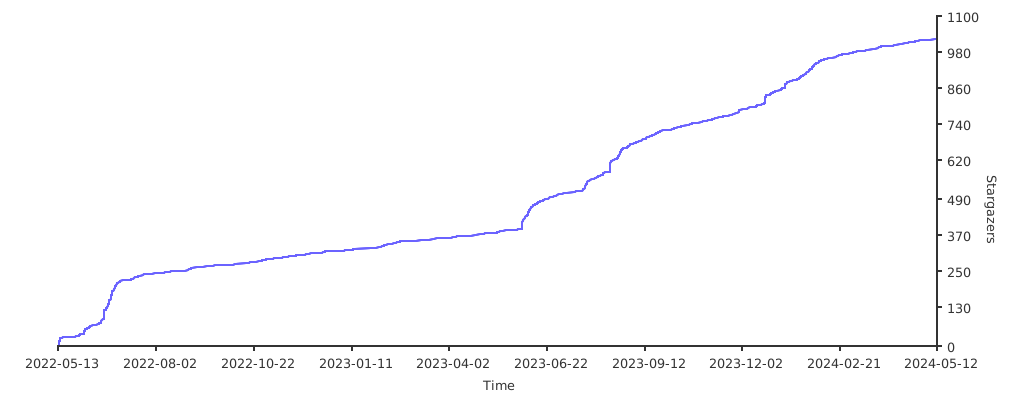
37 followers · starred Jan 2024
29 followers · starred Aug 2023
8 followers · starred Sep 2023
🌏 同步github的hosts工具,支持多平台的图形化和命令行,内置客户端和服务端两种模式~ | Synchronize GitHub hosts tool, support multi-platform graphical and command line, built-in client and server modes
See the code
fetch-github-hosts 是主要为解决研究及学习人员访问 Github 过慢或其他问题而提供的 Github Hosts 同步工具
前往 Releases 下载对应平台安装包:
| 平台 | 文件类型 | 架构 |
|---|---|---|
| macOS | .dmg | Universal (Intel + Apple Silicon) |
| Windows | .msi / .exe | x86_64 |
| Linux | .deb / .AppImage | x86_64 |
下载安装后直接运行即可,提供图形化界面操作。
从远程 Hosts 源获取最新的 GitHub 相关 DNS 记录,自动写入系统 hosts 文件。
在本地启动 HTTP 服务,自动解析 GitHub 域名并提供 hosts 文件下载。
9898hosts.txt(纯文本)和 hosts.json(JSON)两种格式到 Releases 中下载您的系统版本,可以直接通过命令行使用。
| 参数名 | 缩写 | 默认值 | 描述 |
|---|---|---|---|
--mode | -m | 无(启动 GUI) | 启动模式:client(客户端)/ server(服务端) |
--interval | -i | 60 | 获取 hosts 的间隔时间(分钟) |
--port | -p | 9898 | 服务端模式监听端口 |
--url | -u | https://hosts.gitcdn.top/hosts.txt | 客户端模式远程 hosts 获取链接 |
--template | -t | 无(使用内置模板) | 服务端模式自定义 HTML 模板文件路径 |
--lang | -l | 自动检测 | 界面语言(zh-CN、en-US、ja-JP) |
# Linux/macOS
sudo ./fetch-github-hosts -m client

# Windows
fetch-github-hosts.exe -m client

# 自定义获取间隔(10分钟)
sudo ./fetch-github-hosts -m client -i 10

# 自定义获取链接
sudo ./fetch-github-hosts -m client -u http://127.0.0.1:9898/hosts.json
# Linux/macOS
./fetch-github-hosts -m server

# Windows
fetch-github-hosts.exe -m server

# 自定义端口
./fetch-github-hosts -m server -p 6666

# 自定义 HTML 模板文件
./fetch-github-hosts -m server -t /path/to/template.html
💡 自定义模板支持
{{FGH_VERSION}}(版本号)和{{FGH_UPDATE_TIME}}(最近更新时间)两个模板变量
💡 不指定
-m参数时将启动图形化界面
访问 https://hosts.gitcdn.top/hosts.txt,将全部内容粘贴到系统 hosts 文件中。
/etc/hostsC:\Windows\System32\drivers\etc\hosts# macOS
sudo dscacheutil -flushcache && sudo killall -HUP mDNSResponder
# Windows
ipconfig /flushdns
# Linux
sudo systemd-resolve --flush-caches
sed -i "/# fetch-github-hosts begin/Q" /etc/hosts && curl https://hosts.gitcdn.top/hosts.txt >> /etc/hosts
💡 可配合 crontab 定时任务实现自动更新
37 followers · starred Jan 2024
29 followers · starred Aug 2023
8 followers · starred Sep 2023





