A free collaborative writing, editing, and commenting platform
See the codeCreate or upload an HTML, Markdown, Typst, LaTeX or Quarto project in the browser, share a link to it, and collect comments and highlights in real time.
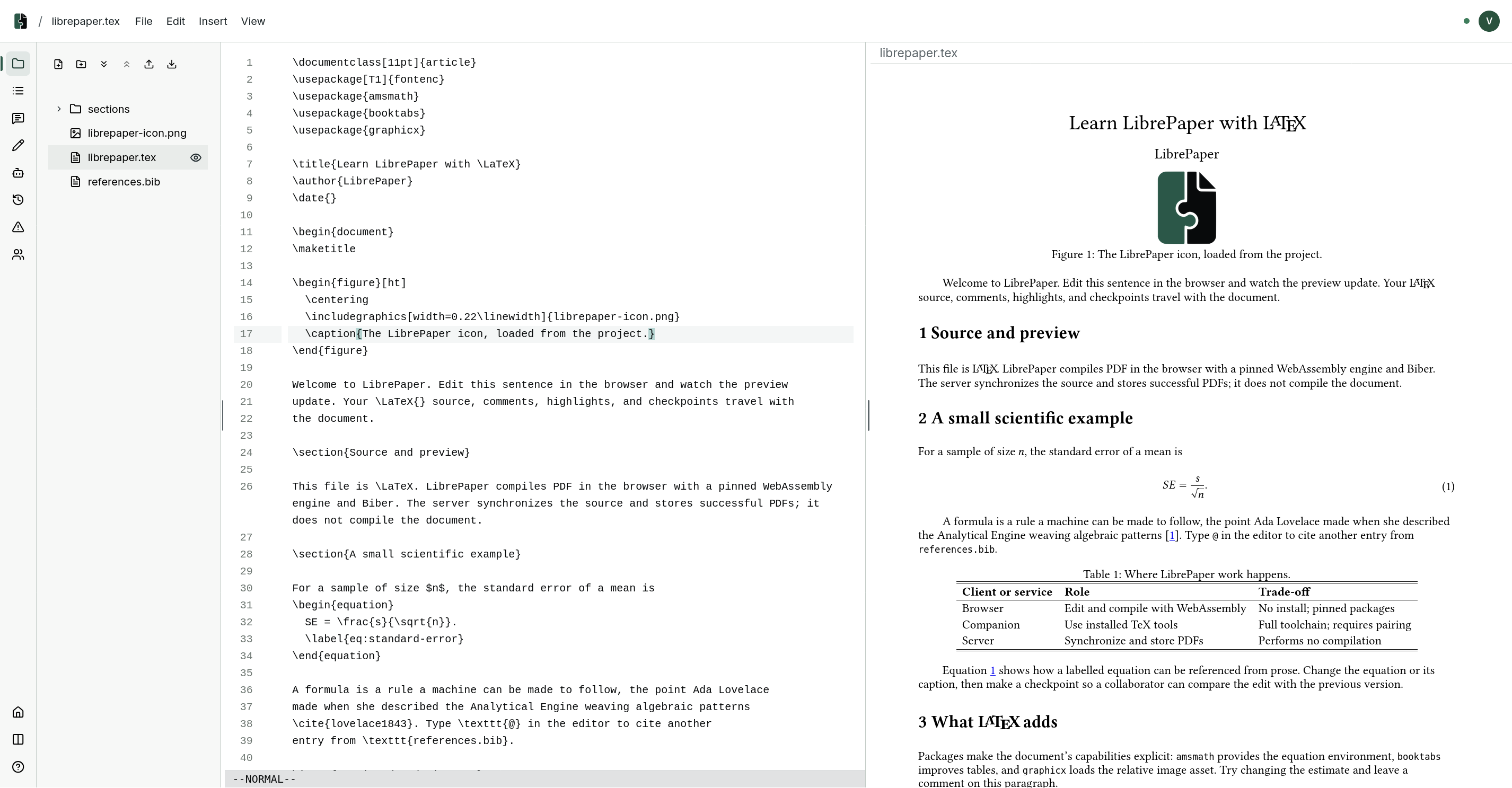
Sign in with GitHub or Google and your account starts with five tutorials, the same walkthrough in Markdown, Typst, HTML, LaTeX and Quarto. Open one and drag across a sentence: a comment box opens where you released.
Follow the desktop app page.
The manual lives at librepaper.org: notebooks,
sharing and review, agents, the CLI, and self-hosting.
Its source is in docs/, and make site builds it.
The ordinary CLI covers login, logout, list, and one-shot export.
admin operates a deployment, and mcp serves a document's tools to an agent.
The desktop app can also keep scheduled ZIP copies of every project available to your signed-in account, including shared projects. See the local backups guide.
librepaper export DOCUMENT ./paper-copy
An exported project is a snapshot copy. Editing it does not update the hosted document.
The typewriter photograph on the landing page is by Annie Spratt, from Pixabay.
LibrePaper is distributed under the MIT License.
A free collaborative writing, editing, and commenting platform
See the codeCreate or upload an HTML, Markdown, Typst, LaTeX or Quarto project in the browser, share a link to it, and collect comments and highlights in real time.
Sign in with GitHub or Google and your account starts with five tutorials, the same walkthrough in Markdown, Typst, HTML, LaTeX and Quarto. Open one and drag across a sentence: a comment box opens where you released.
Follow the desktop app page.
The manual lives at librepaper.org: notebooks,
sharing and review, agents, the CLI, and self-hosting.
Its source is in docs/, and make site builds it.
The ordinary CLI covers login, logout, list, and one-shot export.
admin operates a deployment, and mcp serves a document's tools to an agent.
The desktop app can also keep scheduled ZIP copies of every project available to your signed-in account, including shared projects. See the local backups guide.
librepaper export DOCUMENT ./paper-copy
An exported project is a snapshot copy. Editing it does not update the hosted document.
The typewriter photograph on the landing page is by Annie Spratt, from Pixabay.
LibrePaper is distributed under the MIT License.



