Simply add icons to anything you want in Obsidian.
See the code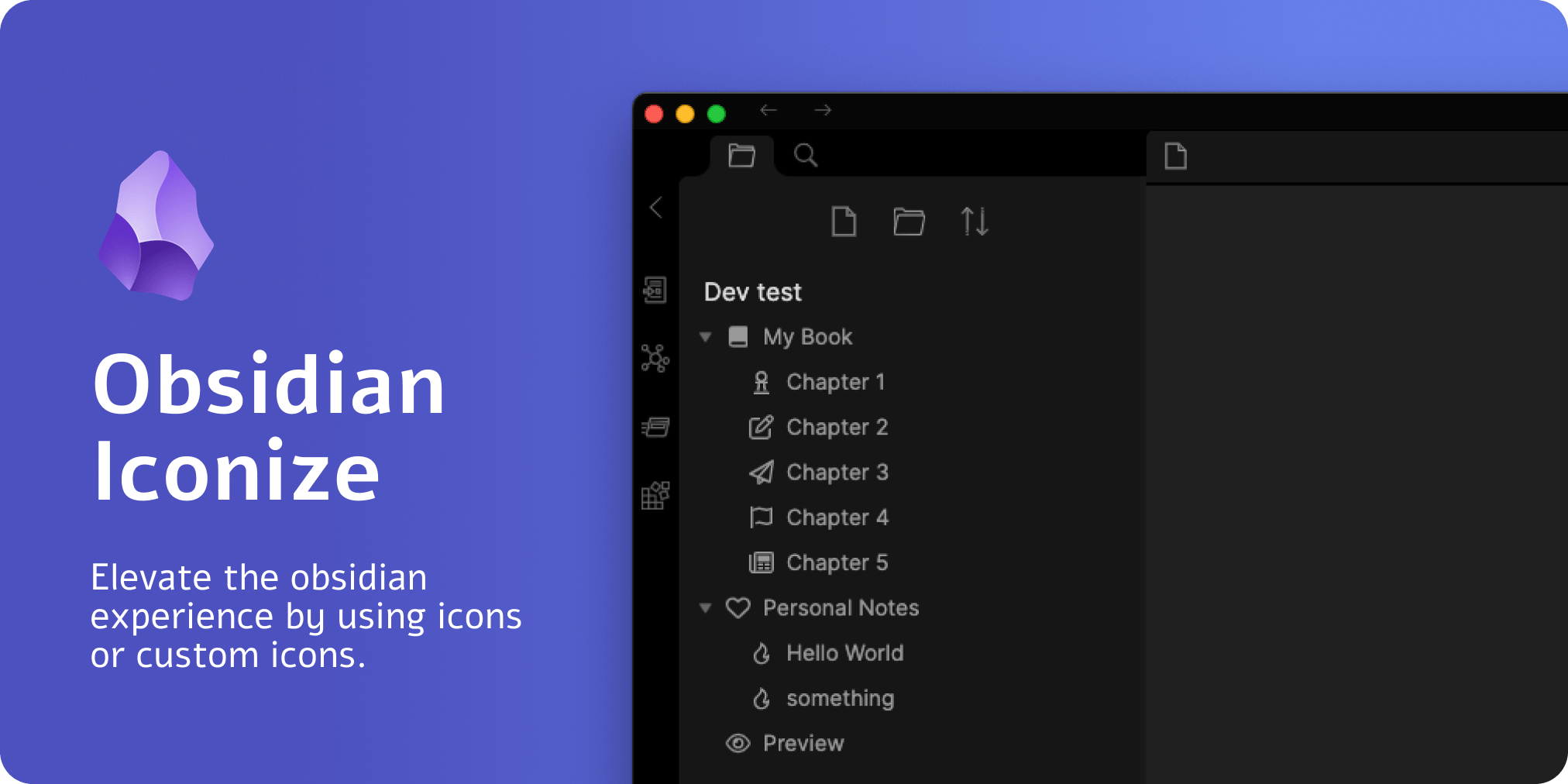
Project Deprecation and End of Maintenance: read more
This obsidian plugin allows you to add any custom icon (of type .svg) or from an icon pack to anything you want.
Refer to the official documentation for more information: https://florianwoelki.github.io/obsidian-iconize/ about the plugin and its functionalities.
Icons before file/folder name, Icons in notes, Icon above title, Predefined icon packs, Icons in tabs, Customizable settings, Custom rules, Frontmatter integration, Change color of an individual icon,
To customize this project for your needs, you can clone it and then install all dependencies:
$ git clone https://github.com/FlorianWoelki/obsidian-iconize
$ cd obsidian-iconize
$ pnpm i
After the installation, you need to create a env.js file in the root directory. Fill the file with the following content:
export const obsidianExportPath =
  '<path-to-obsidian-vault>/.obsidian/plugins/obsidian-iconize/';
Make sure you create the directory specified in that variable if it does not exist yet.
Afterwards, you can start the rollup dev server by using:
$ pnpm dev
This command will automatically build the neccesary files for testing and developing on every change. Furthermore, it does copy all the necessary files to the plugin directory you specified.
Finally, you can customize the plugin and add it to your plugins.
3,496 followers · starred May 2026
564 followers · starred Jun 2024
671 followers · starred Jan 2025
2,240 followers · starred Sep 2021
Simply add icons to anything you want in Obsidian.
See the code
Project Deprecation and End of Maintenance: read more
This obsidian plugin allows you to add any custom icon (of type .svg) or from an icon pack to anything you want.
Refer to the official documentation for more information: https://florianwoelki.github.io/obsidian-iconize/ about the plugin and its functionalities.
Icons before file/folder name, Icons in notes, Icon above title, Predefined icon packs, Icons in tabs, Customizable settings, Custom rules, Frontmatter integration, Change color of an individual icon,
To customize this project for your needs, you can clone it and then install all dependencies:
$ git clone https://github.com/FlorianWoelki/obsidian-iconize
$ cd obsidian-iconize
$ pnpm i
After the installation, you need to create a env.js file in the root directory. Fill the file with the following content:
export const obsidianExportPath =
  '<path-to-obsidian-vault>/.obsidian/plugins/obsidian-iconize/';
Make sure you create the directory specified in that variable if it does not exist yet.
Afterwards, you can start the rollup dev server by using:
$ pnpm dev
This command will automatically build the neccesary files for testing and developing on every change. Furthermore, it does copy all the necessary files to the plugin directory you specified.
Finally, you can customize the plugin and add it to your plugins.
3,496 followers · starred May 2026
564 followers · starred Jun 2024
671 followers · starred Jan 2025
2,240 followers · starred Sep 2021



