A better way to operate QRCode in Swift, support iOS, macOS, watchOS, tvOS, and/or visionOS.
See the code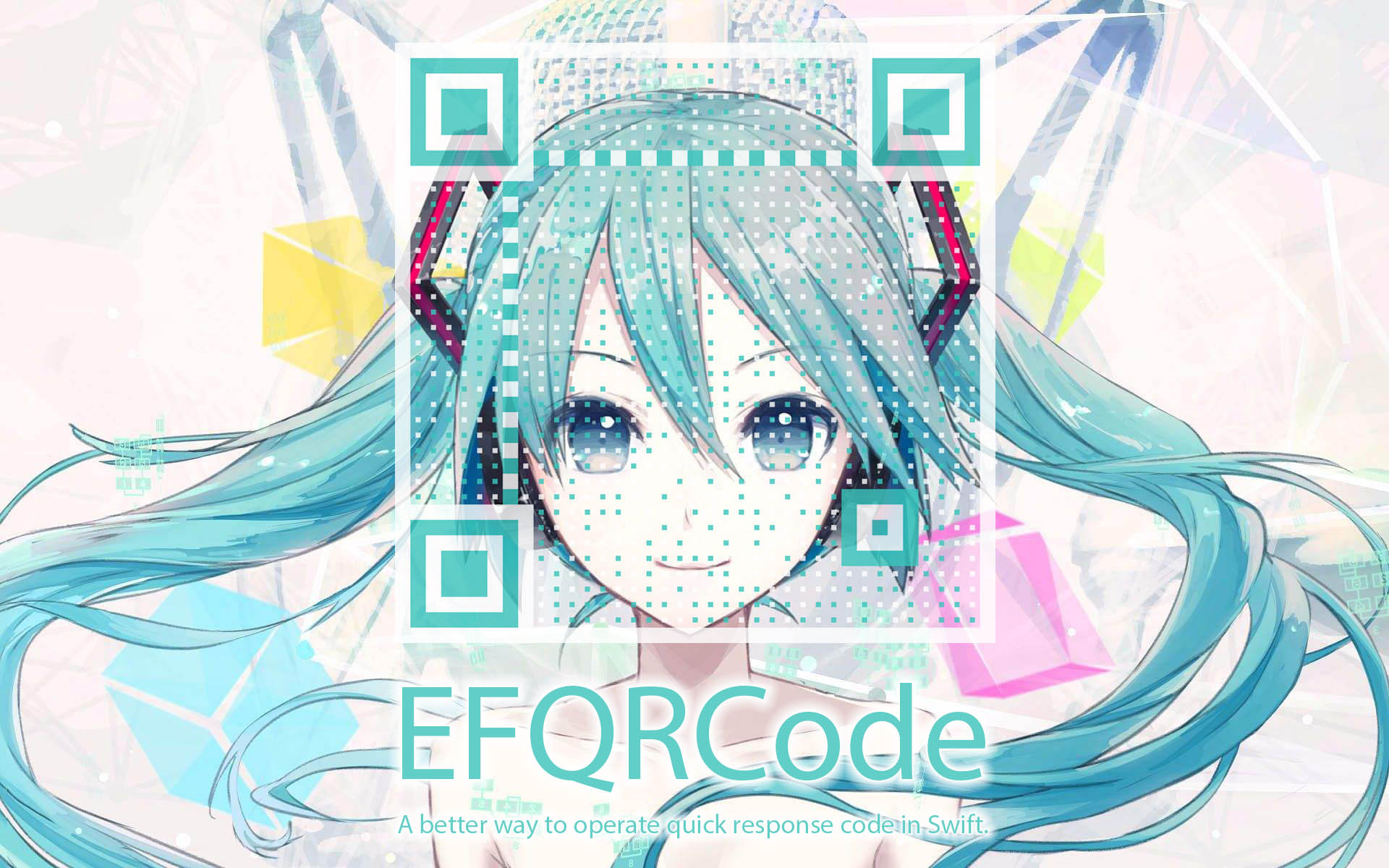



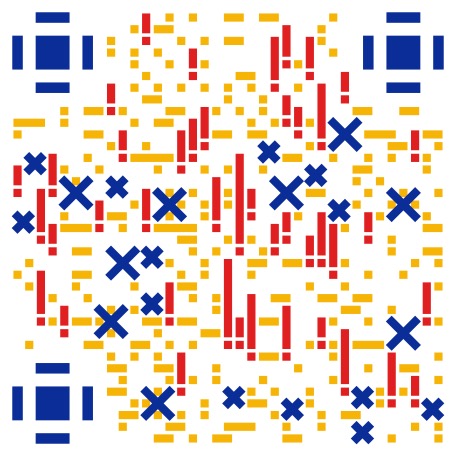
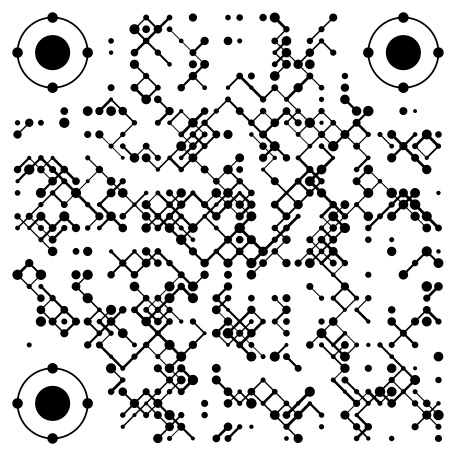
EFQRCode is a lightweight, pure-Swift library for generating stylized QRCode images with watermark or icon, and for recognizing QRCode from images, inspired by qrcode and react-qrbtf. Based on CoreGraphics, CoreImage, and ImageIO, EFQRCode provides you a better way to handle QRCode in your app, no matter if it is on iOS, macOS, watchOS, tvOS, and/or visionOS. You can integrate EFQRCode through CocoaPods, Carthage, and/or Swift Package Manager.
 |  |  |  |
|---|---|---|---|
 |  |  |  |
 |  |  |  |
You can click the App Store button below to download demo, support iOS, tvOS and watchOS:

You can also click the Mac App Store button below to download demo for macOS:

To run the example project manually, clone the repo, demos are in the 'Examples' folder, then open EFQRCode.xcworkspace with Xcode and select the target you want, run.
Or you can run the following command in terminal:
git clone git@github.com:EFPrefix/EFQRCode.git; cd EFQRCode; open 'EFQRCode.xcworkspace'
iOS 13.0+ / macOS 10.15+ / tvOS 13.0+ / watchOS 6.0+ / visionOS 1.0+
EFQRCode is available through CocoaPods. To install it, simply add the following line to your Podfile:
pod 'EFQRCode', '~> 7.0.3'
Then, run the following command:
$ pod install
Carthage is a decentralized dependency manager that builds your dependencies and provides you with binary frameworks.
You can install Carthage with Homebrew using the following command:
$ brew update
$ brew install carthage
To integrate EFQRCode into your Xcode project using Carthage, specify it in your Cartfile:
github "EFPrefix/EFQRCode" ~> 7.0.3
Run carthage update to build the framework and drag the built EFQRCode.framework into your Xcode project.
The Swift Package Manager is a tool for automating the distribution of Swift code and is integrated into the Swift compiler.
Once you have your Swift package set up, adding EFQRCode as a dependency is as easy as adding it to the dependencies value of your Package.swift.
dependencies: [
    .package(url: "https://github.com/EFPrefix/EFQRCode.git", .upToNextMinor(from: "7.0.3"))
]
Import EFQRCode module where you want to use it:
import EFQRCode
A String Array is returned as there might be several QR Codes in a single CGImage:
if let testImage = UIImage(named: "test.png")?.cgImage {
    let codes = EFQRCode.Recognizer(image: testImage).recognize()
    if !codes.isEmpty {
        print("There are \(codes.count) codes")
        for (index, code) in codes.enumerated() {
            print("The content of QR Code \(index) is \(code).")
        }
    } else {
        print("There is no QR Codes in testImage.")
    }
}
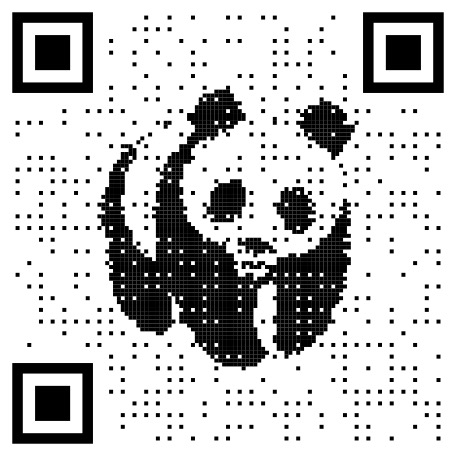
let generator = try? EFQRCode.Generator("https://github.com/EFPrefix/EFQRCode", style: .image(
    params: .init(image: .init(image: .static(image: UIImage(named: "WWF")?.cgImage!), allowTransparent: true)))
)
if let image = try? generator?.toImage(width: 180).cgImage {
    print("Create QRCode image success \(image)")
} else {
    print("Create QRCode image failed!")
}
Result:

You can create a dynamic QR code by passing in a sequence of animated images. The usage method is as follows:
let generator = try? EFQRCode.Generator("https://github.com/EFPrefix/EFQRCode", style: .image(
    params: .init(image: .init(image: .animated(images: cgImages, imageDelays: cgImageDelays))))
)
if let imageData = try? generator?.toGIFData(width: 512) {
    print("Create QRCode image success \(imageData)")
} else {
    print("Create QRCode image failed!")
}
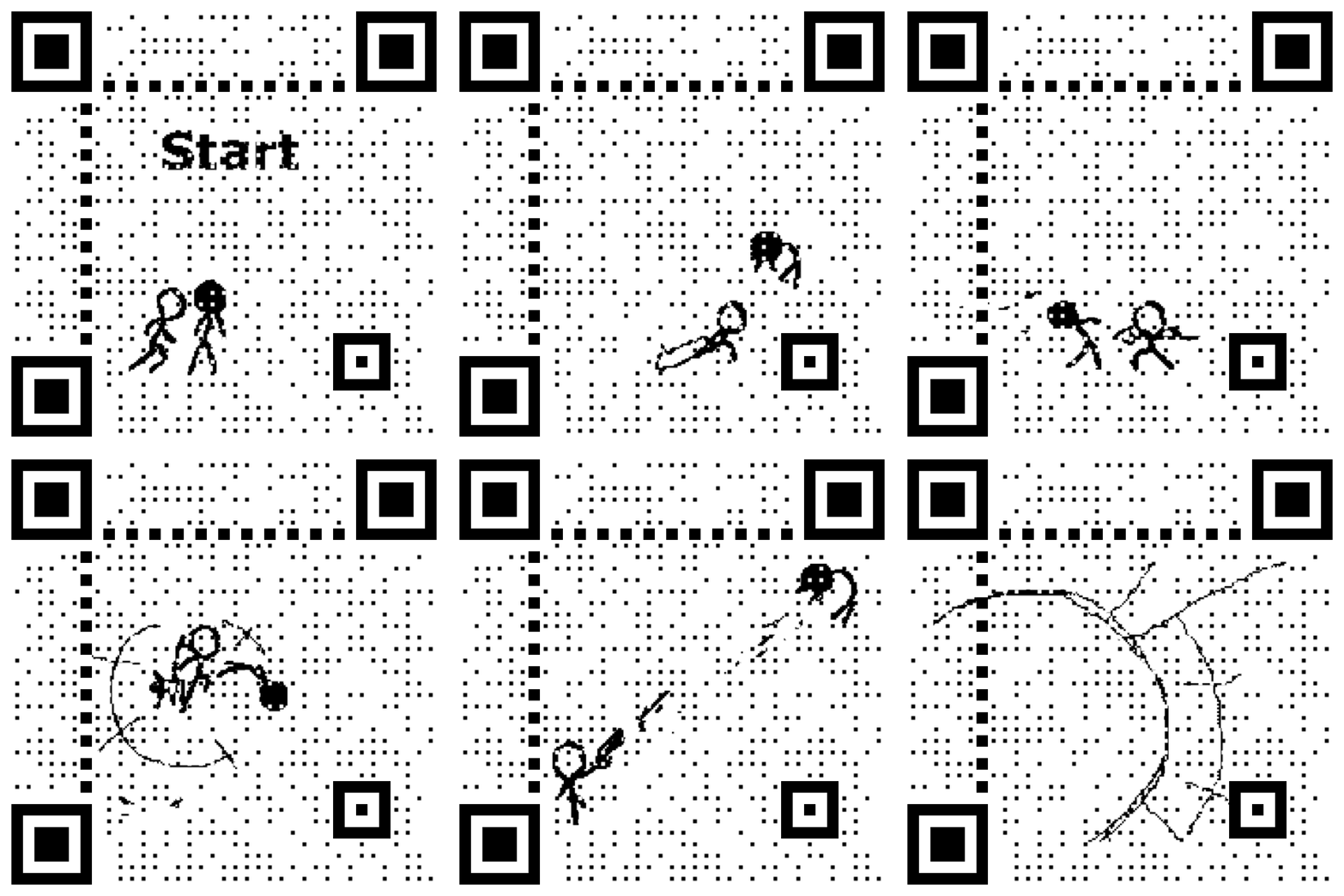
You can get more information from the demo, result will like this:
Learn more from DeepWiki.
size;



Twitter: @EyreFree777
Weibo: @EyreFree
Email: eyrefree@eyrefree.org

EFQRCode is available under the MIT license. See the LICENSE file for more info.
26 followers · starred Sep 2019
1,338 followers · starred Apr 2017
62 followers · starred Jul 2024
270 followers · starred Jun 2026
A better way to operate QRCode in Swift, support iOS, macOS, watchOS, tvOS, and/or visionOS.
See the code
EFQRCode is a lightweight, pure-Swift library for generating stylized QRCode images with watermark or icon, and for recognizing QRCode from images, inspired by qrcode and react-qrbtf. Based on CoreGraphics, CoreImage, and ImageIO, EFQRCode provides you a better way to handle QRCode in your app, no matter if it is on iOS, macOS, watchOS, tvOS, and/or visionOS. You can integrate EFQRCode through CocoaPods, Carthage, and/or Swift Package Manager.
| | | |
|---|---|---|---|
| | | |
| | | |
You can click the App Store button below to download demo, support iOS, tvOS and watchOS:
You can also click the Mac App Store button below to download demo for macOS:
To run the example project manually, clone the repo, demos are in the 'Examples' folder, then open EFQRCode.xcworkspace with Xcode and select the target you want, run.
Or you can run the following command in terminal:
git clone git@github.com:EFPrefix/EFQRCode.git; cd EFQRCode; open 'EFQRCode.xcworkspace'
iOS 13.0+ / macOS 10.15+ / tvOS 13.0+ / watchOS 6.0+ / visionOS 1.0+
EFQRCode is available through CocoaPods. To install it, simply add the following line to your Podfile:
pod 'EFQRCode', '~> 7.0.3'
Then, run the following command:
$ pod install
Carthage is a decentralized dependency manager that builds your dependencies and provides you with binary frameworks.
You can install Carthage with Homebrew using the following command:
$ brew update
$ brew install carthage
To integrate EFQRCode into your Xcode project using Carthage, specify it in your Cartfile:
github "EFPrefix/EFQRCode" ~> 7.0.3
Run carthage update to build the framework and drag the built EFQRCode.framework into your Xcode project.
The Swift Package Manager is a tool for automating the distribution of Swift code and is integrated into the Swift compiler.
Once you have your Swift package set up, adding EFQRCode as a dependency is as easy as adding it to the dependencies value of your Package.swift.
dependencies: [
    .package(url: "https://github.com/EFPrefix/EFQRCode.git", .upToNextMinor(from: "7.0.3"))
]
Import EFQRCode module where you want to use it:
import EFQRCode
A String Array is returned as there might be several QR Codes in a single CGImage:
if let testImage = UIImage(named: "test.png")?.cgImage {
    let codes = EFQRCode.Recognizer(image: testImage).recognize()
    if !codes.isEmpty {
        print("There are \(codes.count) codes")
        for (index, code) in codes.enumerated() {
            print("The content of QR Code \(index) is \(code).")
        }
    } else {
        print("There is no QR Codes in testImage.")
    }
}
let generator = try? EFQRCode.Generator("https://github.com/EFPrefix/EFQRCode", style: .image(
    params: .init(image: .init(image: .static(image: UIImage(named: "WWF")?.cgImage!), allowTransparent: true)))
)
if let image = try? generator?.toImage(width: 180).cgImage {
    print("Create QRCode image success \(image)")
} else {
    print("Create QRCode image failed!")
}
Result:
You can create a dynamic QR code by passing in a sequence of animated images. The usage method is as follows:
let generator = try? EFQRCode.Generator("https://github.com/EFPrefix/EFQRCode", style: .image(
    params: .init(image: .init(image: .animated(images: cgImages, imageDelays: cgImageDelays))))
)
if let imageData = try? generator?.toGIFData(width: 512) {
    print("Create QRCode image success \(imageData)")
} else {
    print("Create QRCode image failed!")
}
You can get more information from the demo, result will like this:
Learn more from DeepWiki.
size;
Twitter: @EyreFree777
Weibo: @EyreFree
Email: eyrefree@eyrefree.org
EFQRCode is available under the MIT license. See the LICENSE file for more info.
26 followers · starred Sep 2019
1,338 followers · starred Apr 2017
62 followers · starred Jul 2024
270 followers · starred Jun 2026



