
[TPAMI 2025] ViewCrafter: Taming Video Diffusion Models for High-fidelity Novel View Synthesis
See the codeREADME
ViewCrafter: Taming Video Diffusion Models for High-fidelity Novel View Synthesis




Wangbo Yu*, Jinbo Xing*, Li Yuan†, Wenbo Hu†, Xiaoyu Li, Zhipeng Huang,
Xiangjun Gao, Tien-Tsin Wong, Ying Shan, Yonghong Tian†
Transactions on Pattern Analysis and Machine Intelligence (TPAMI) 2025
🤗 If you find ViewCrafter useful, please help ⭐ this repo, which is important to Open-Source projects. Thanks!
🔆 Introduction
- [2024-11-6]: Add a simple evaluation script for single-view novel view synthesis.
- [2024-10-15]: 🔥🔥 Release the code for sparse-view novel view synthesis.
- [2024-09-01]: Launch the project page and update the arXiv preprint.
- [2024-09-01]: Release pretrained models and the code for single-view novel view synthesis.
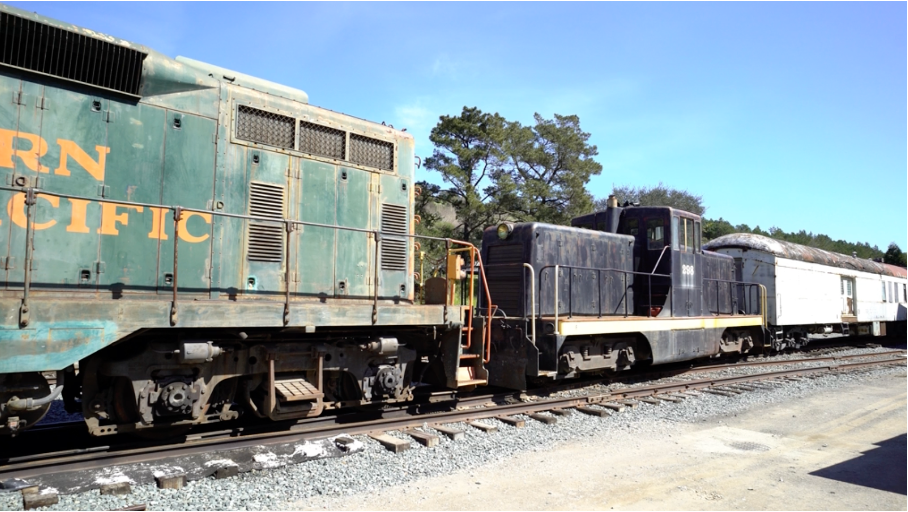
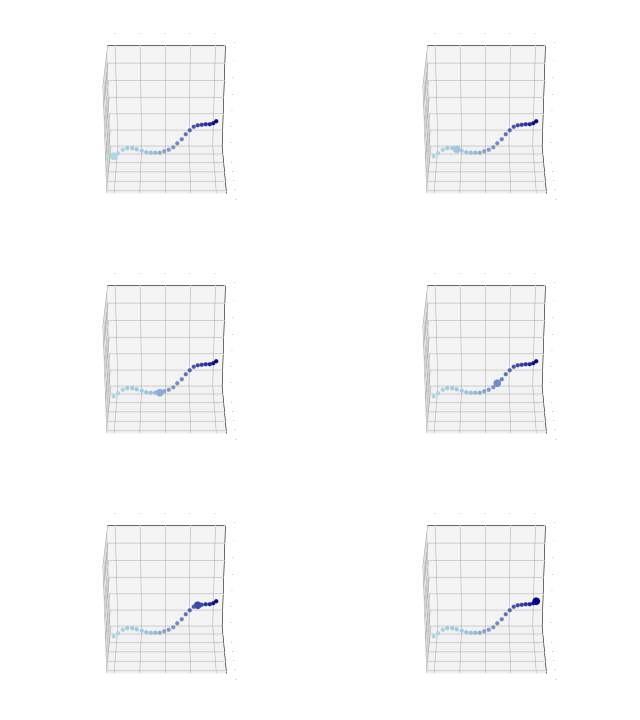
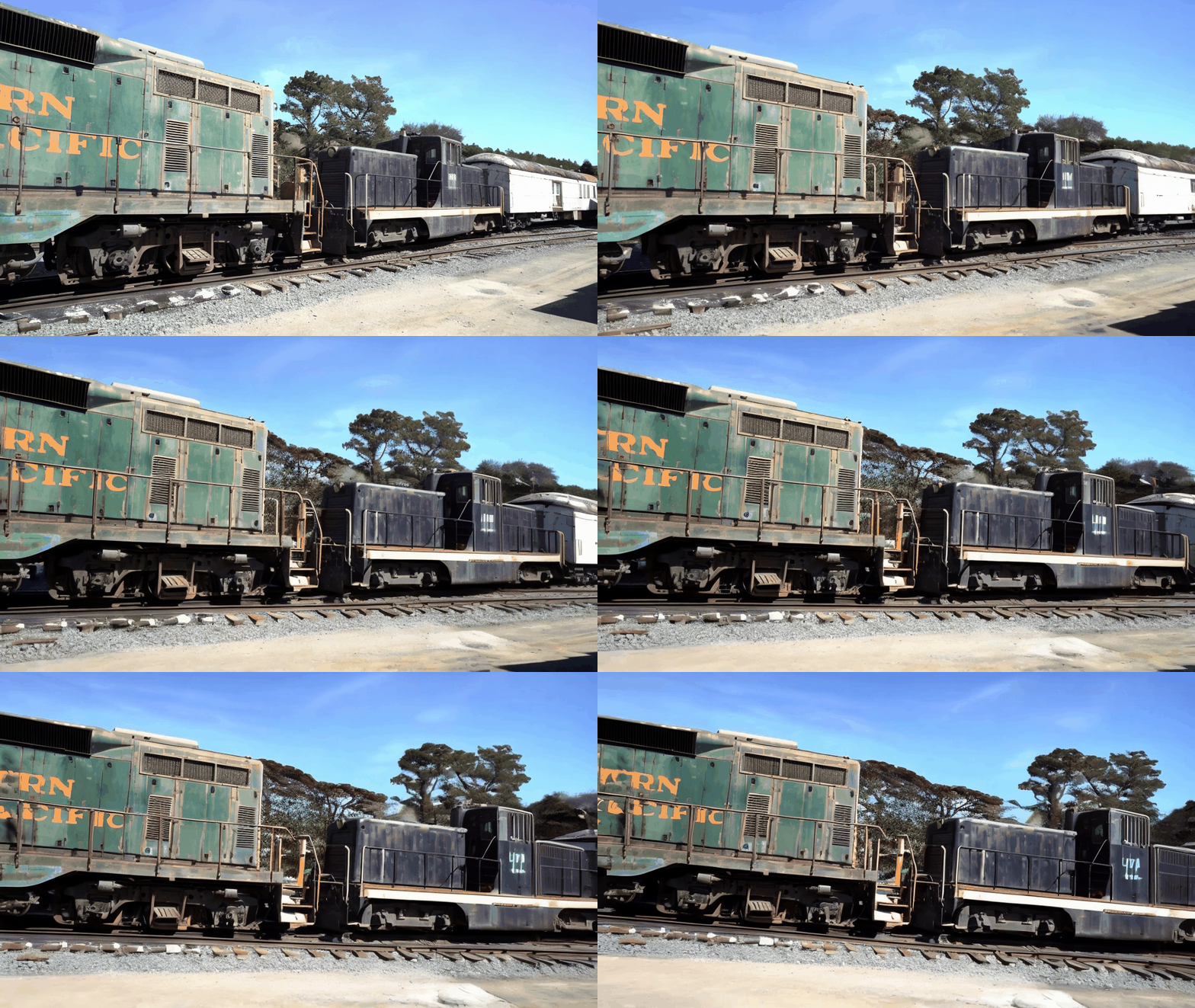
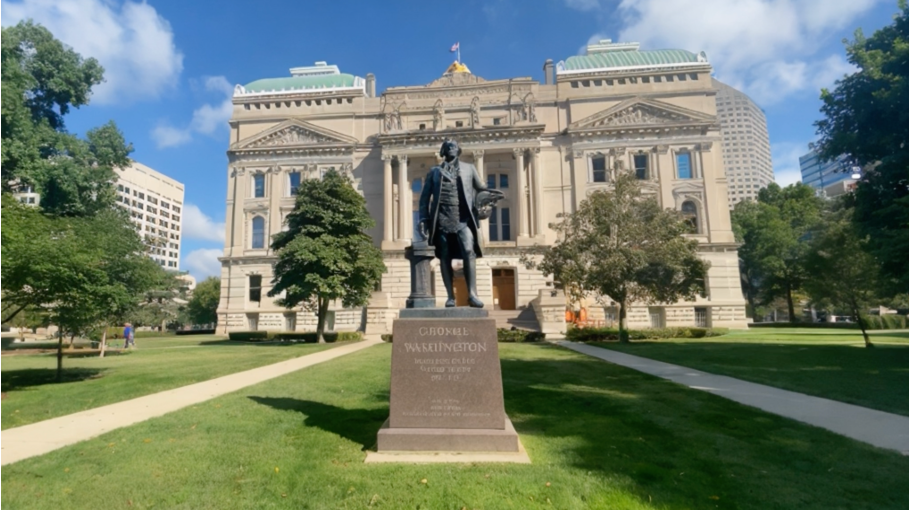
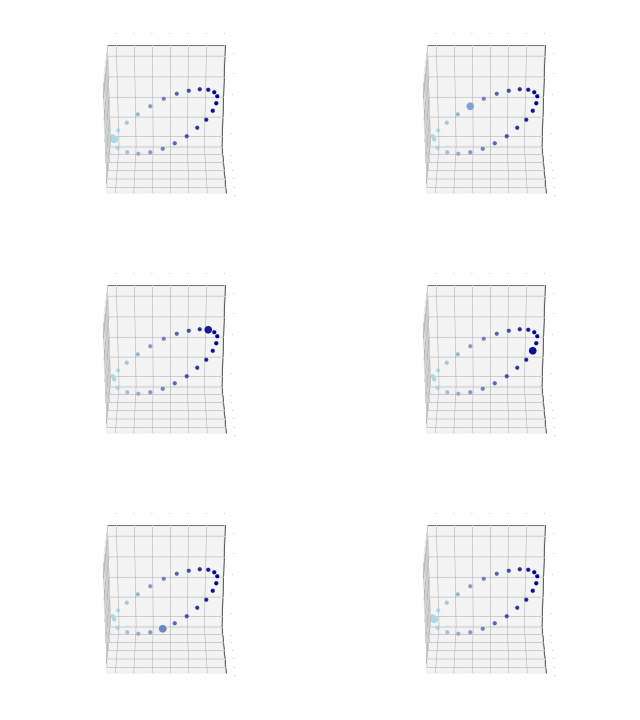
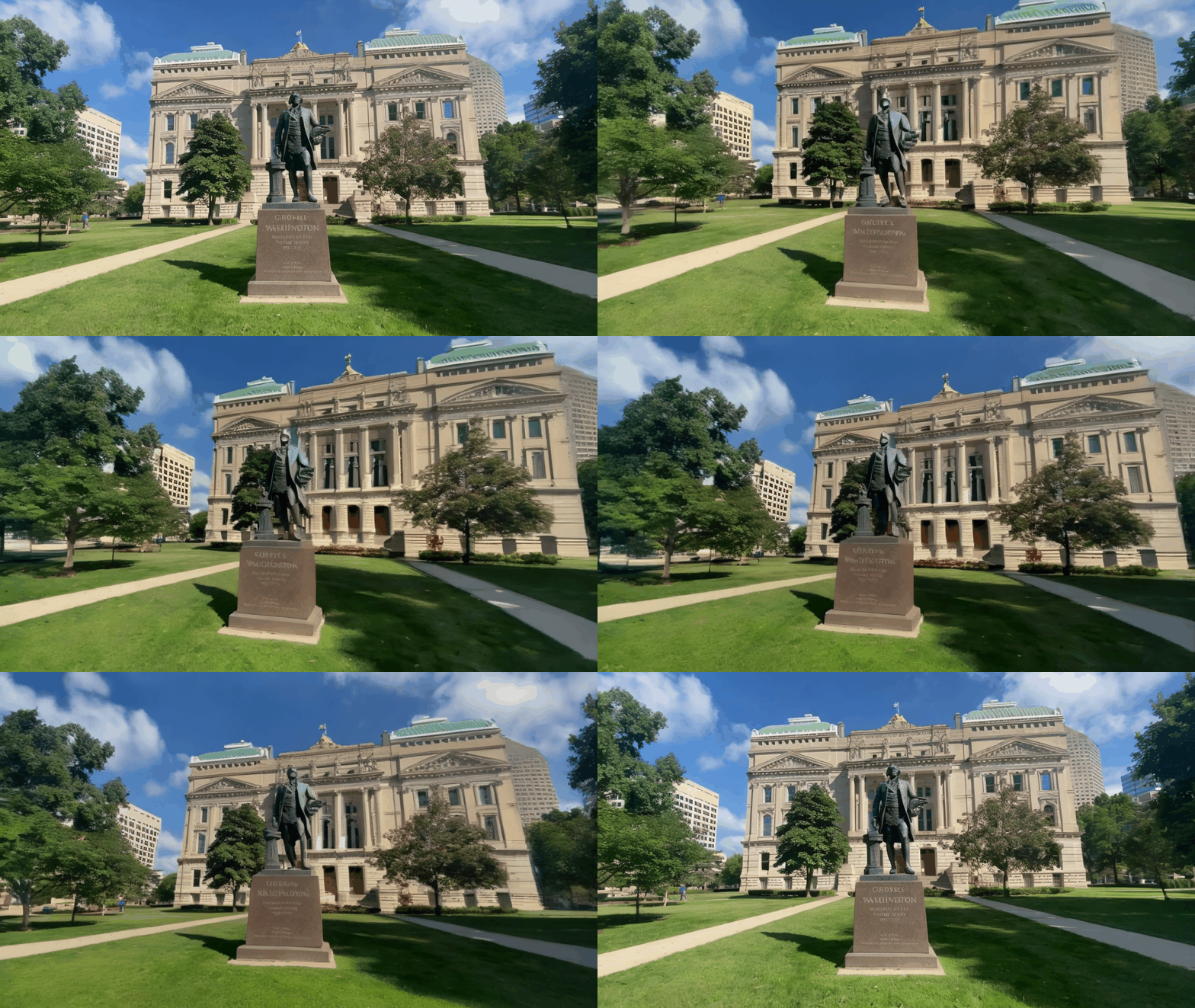
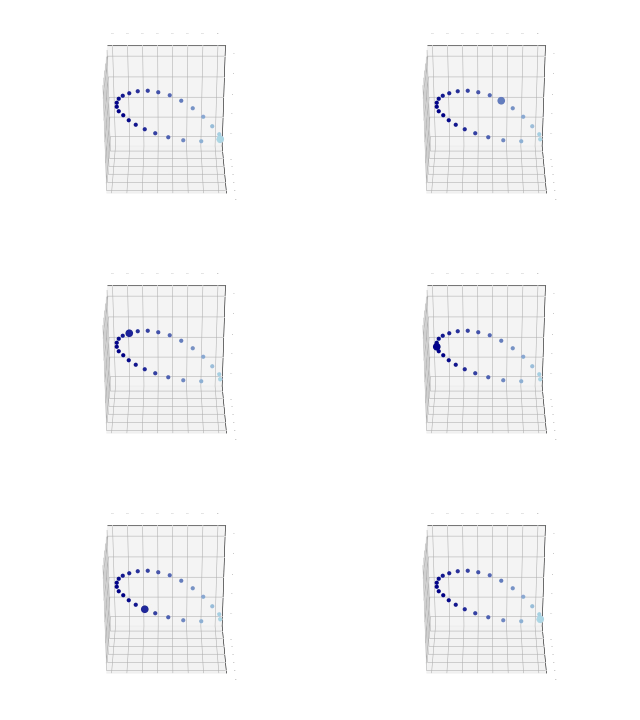
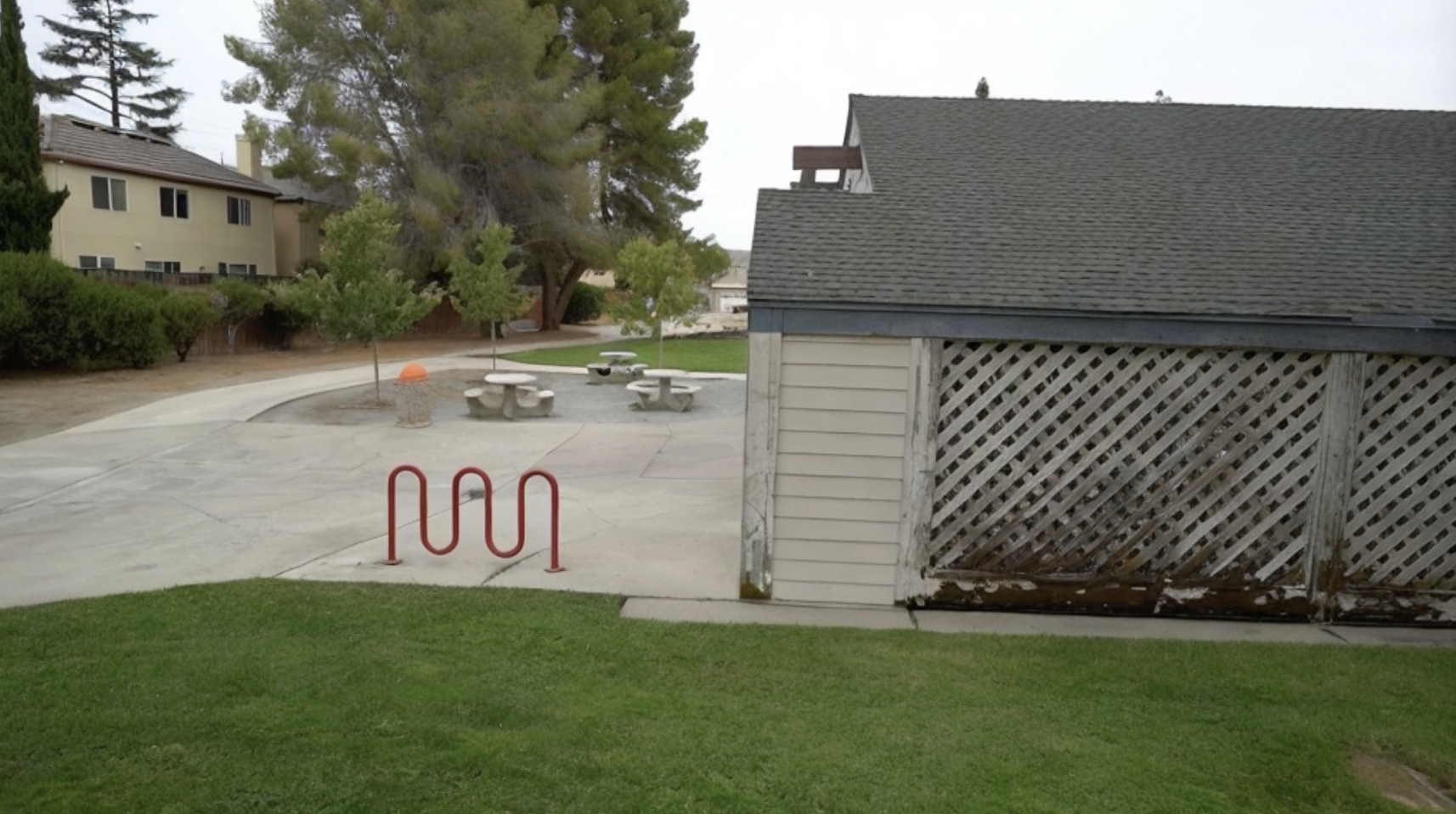
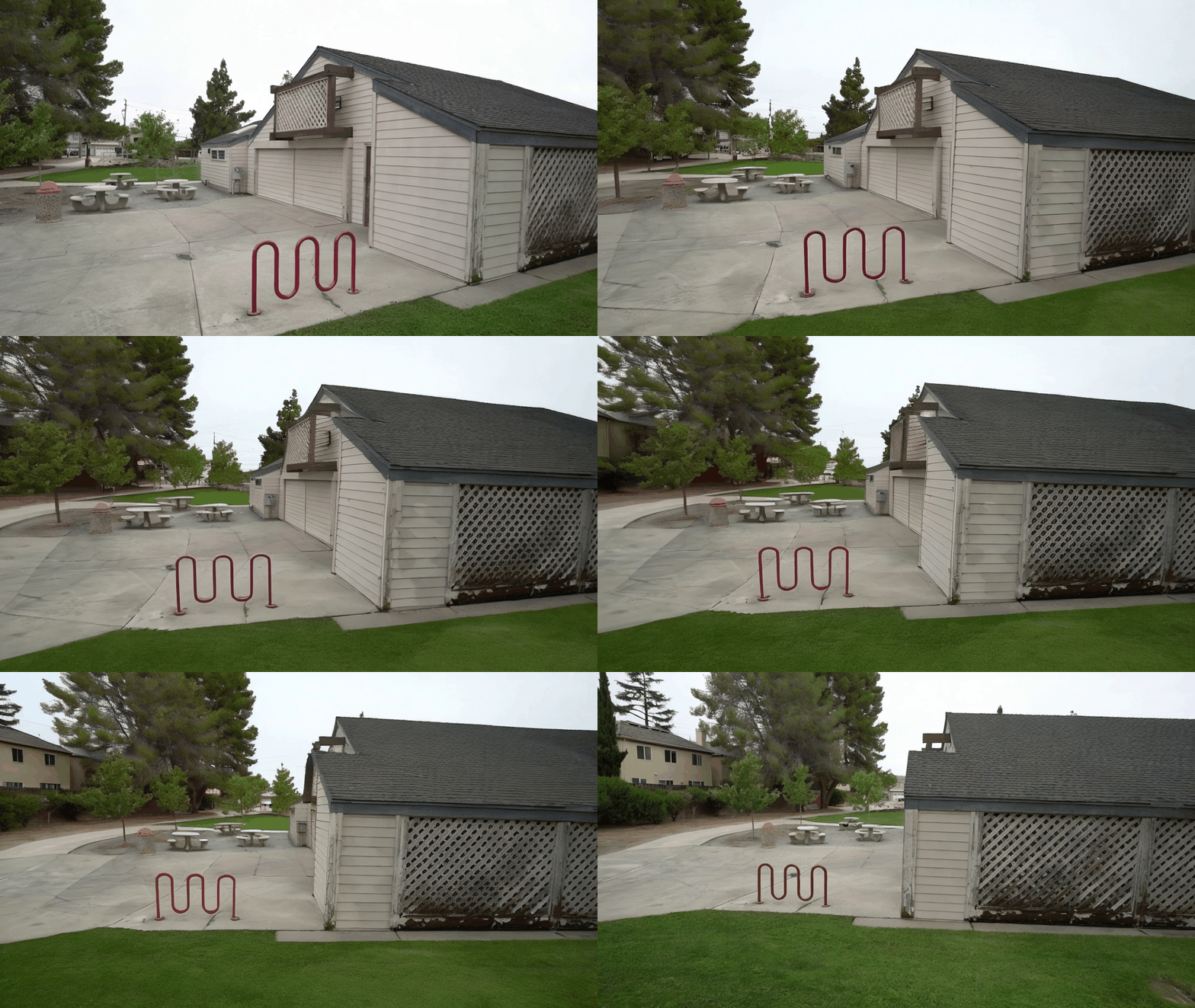
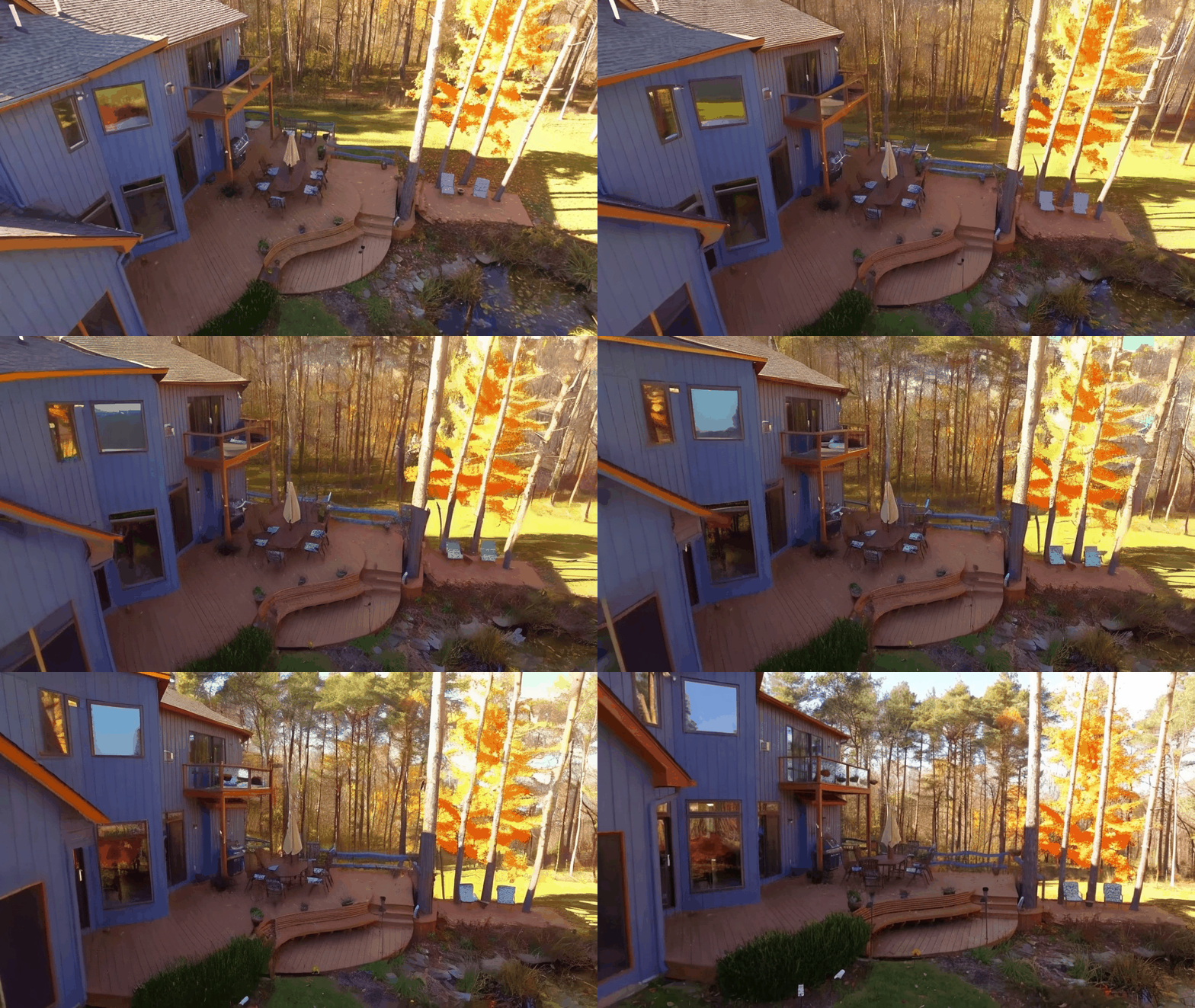
ViewCrafter can generate high-fidelity novel views from a single or sparse reference image, while also supporting highly precise pose control. Below shows some examples:
Zero-shot novel view synthesis (single view)
| Reference image | Camera trajecotry | Generated novel view video |
|
|
|
|
|
|

|
|

|
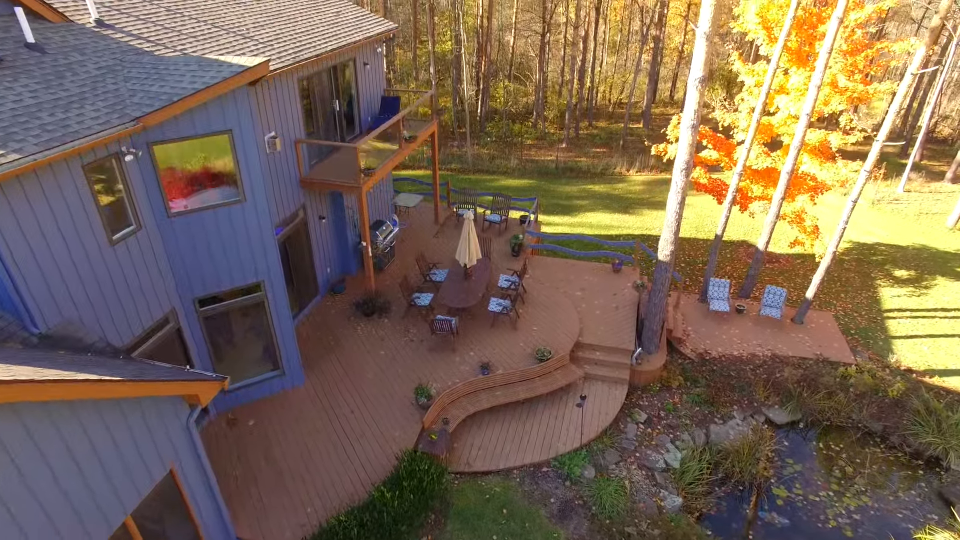
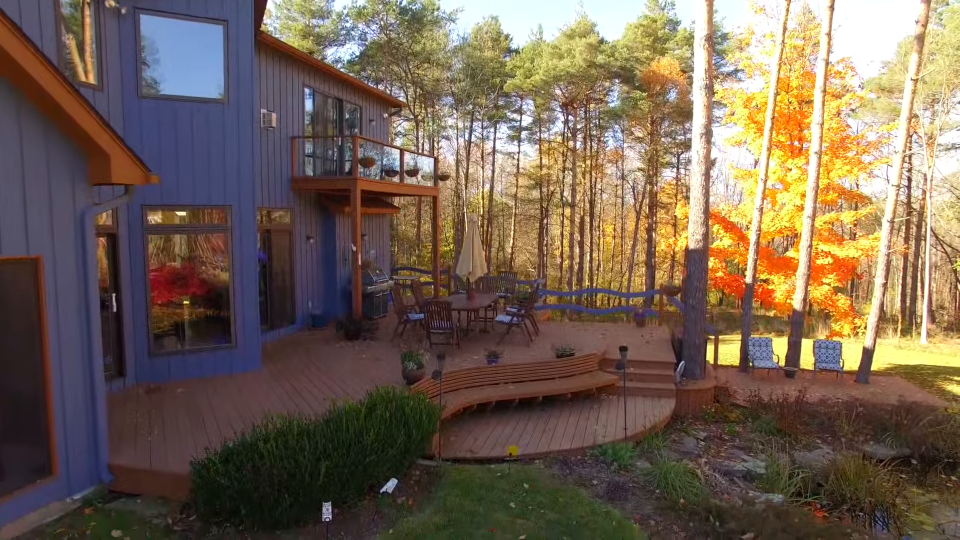
Zero-shot novel view synthesis (two views)
| Reference image 1 | Reference image 2 | Generated novel view video |
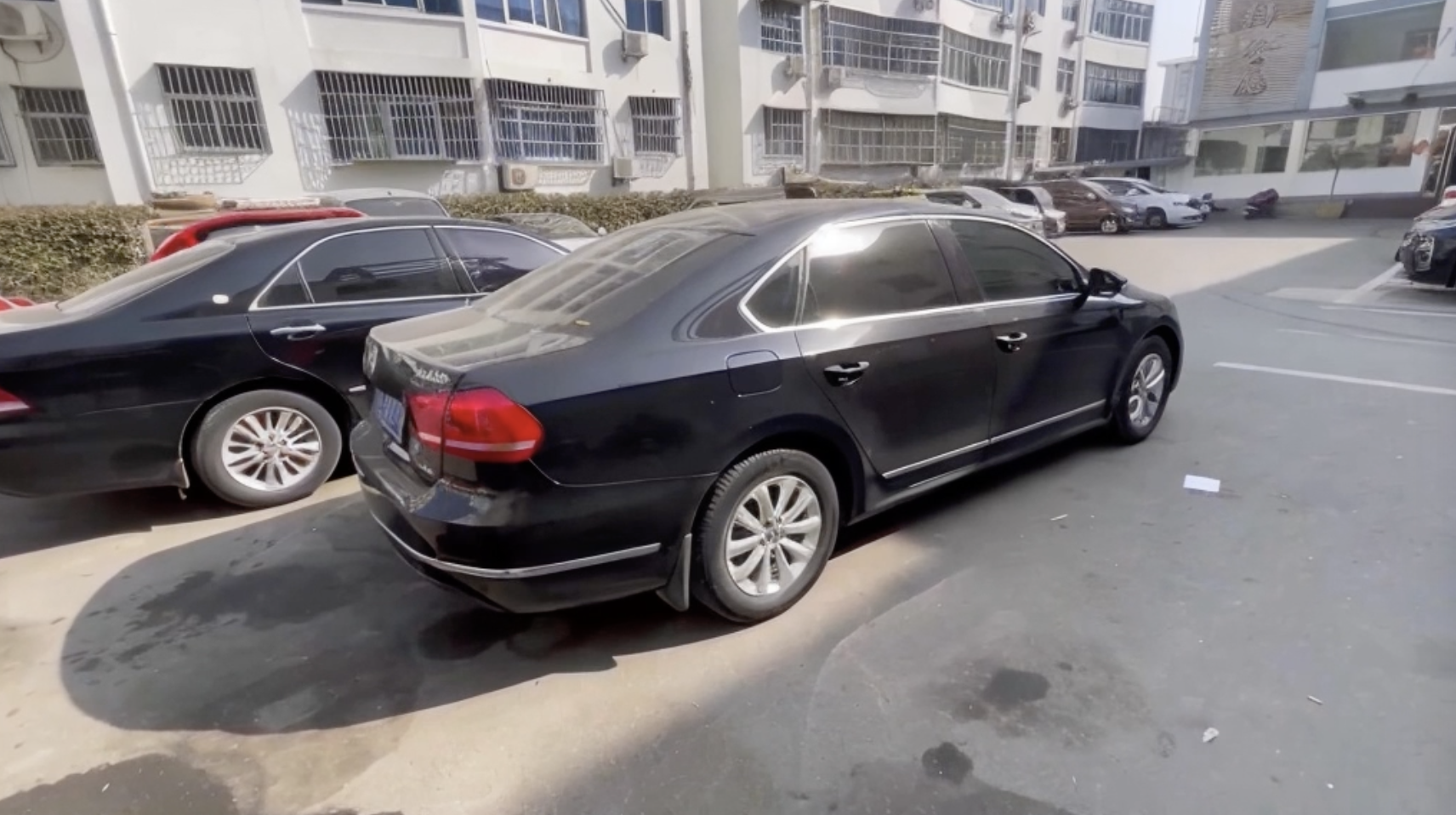
|
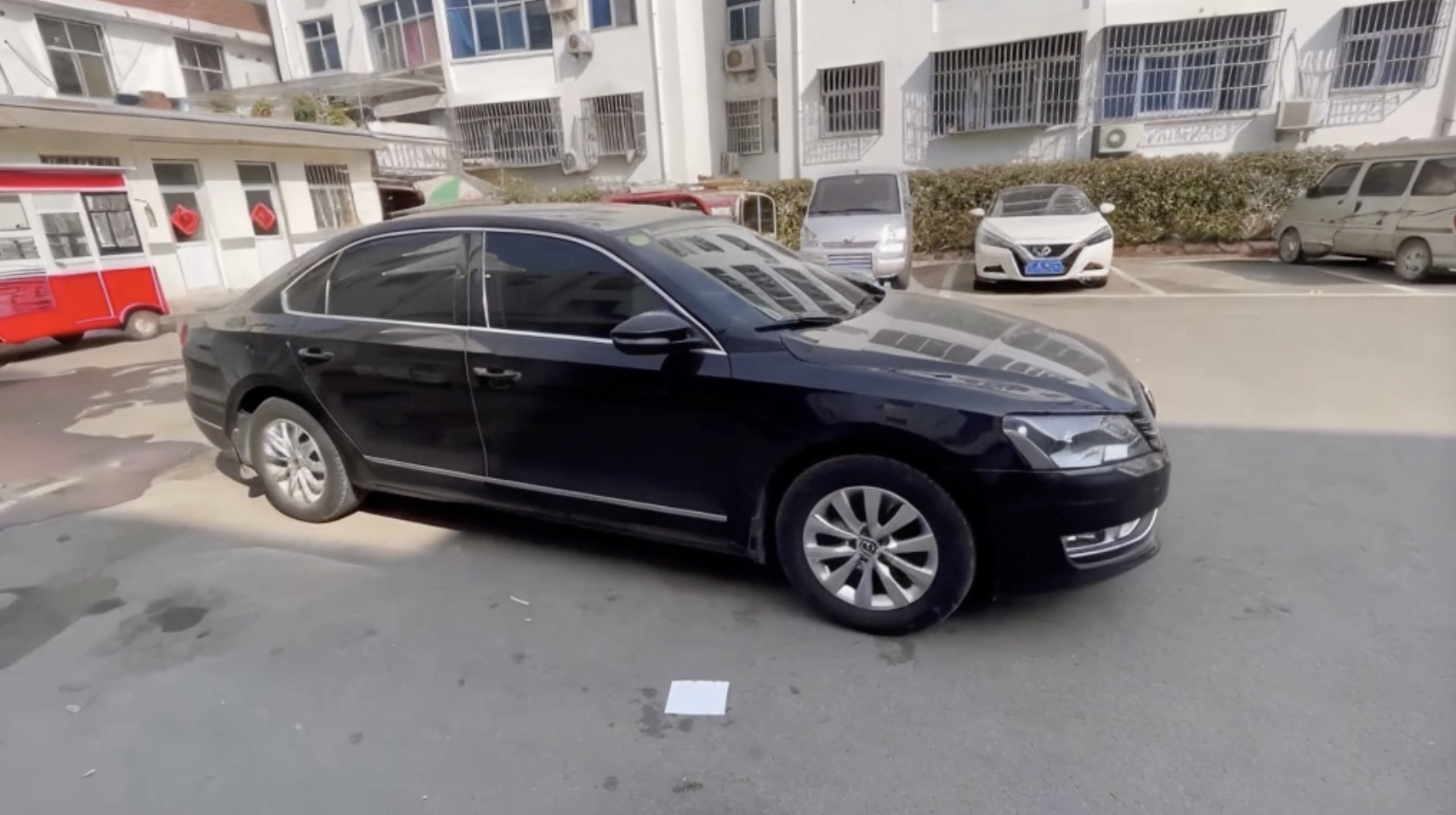
|
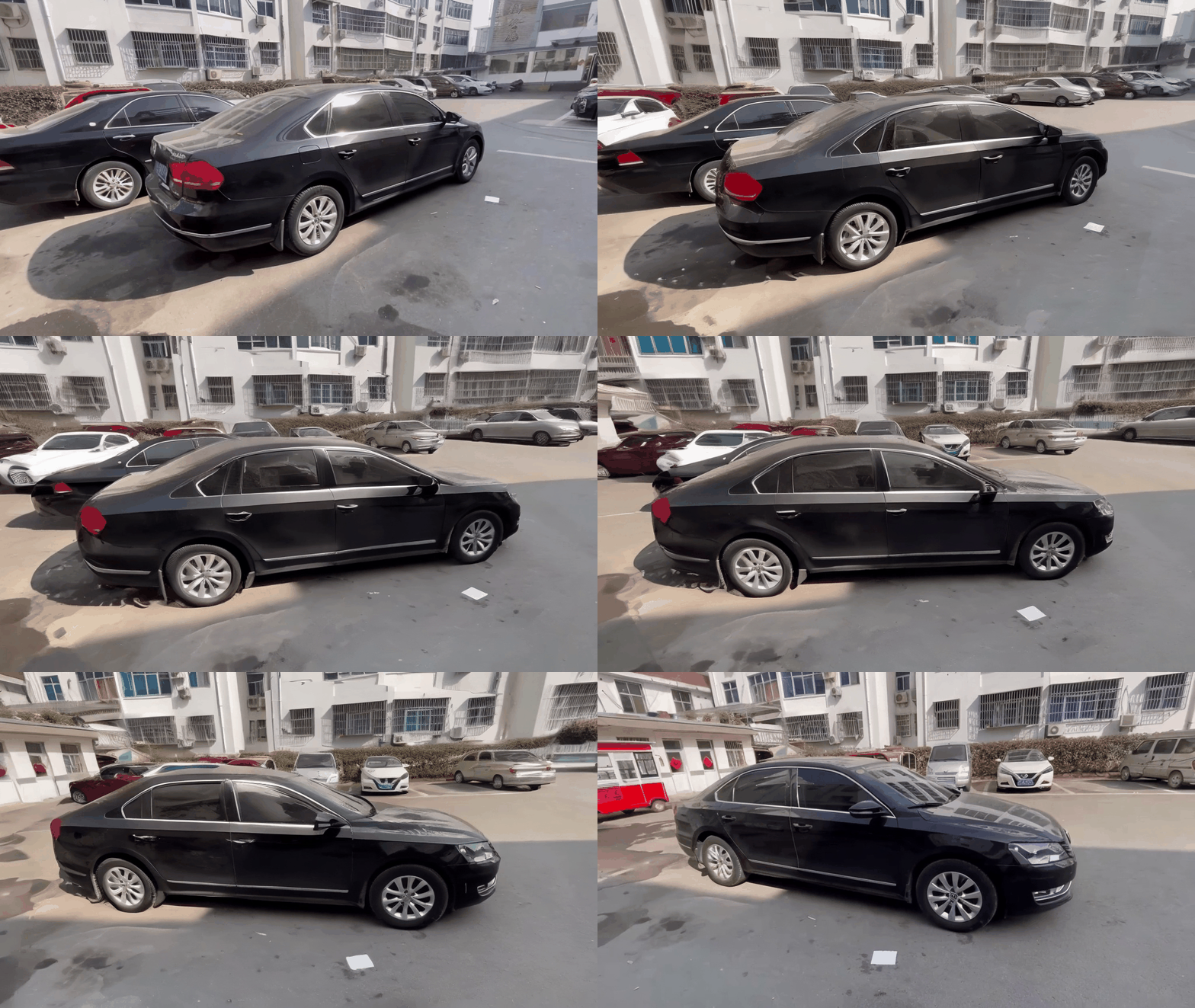
|
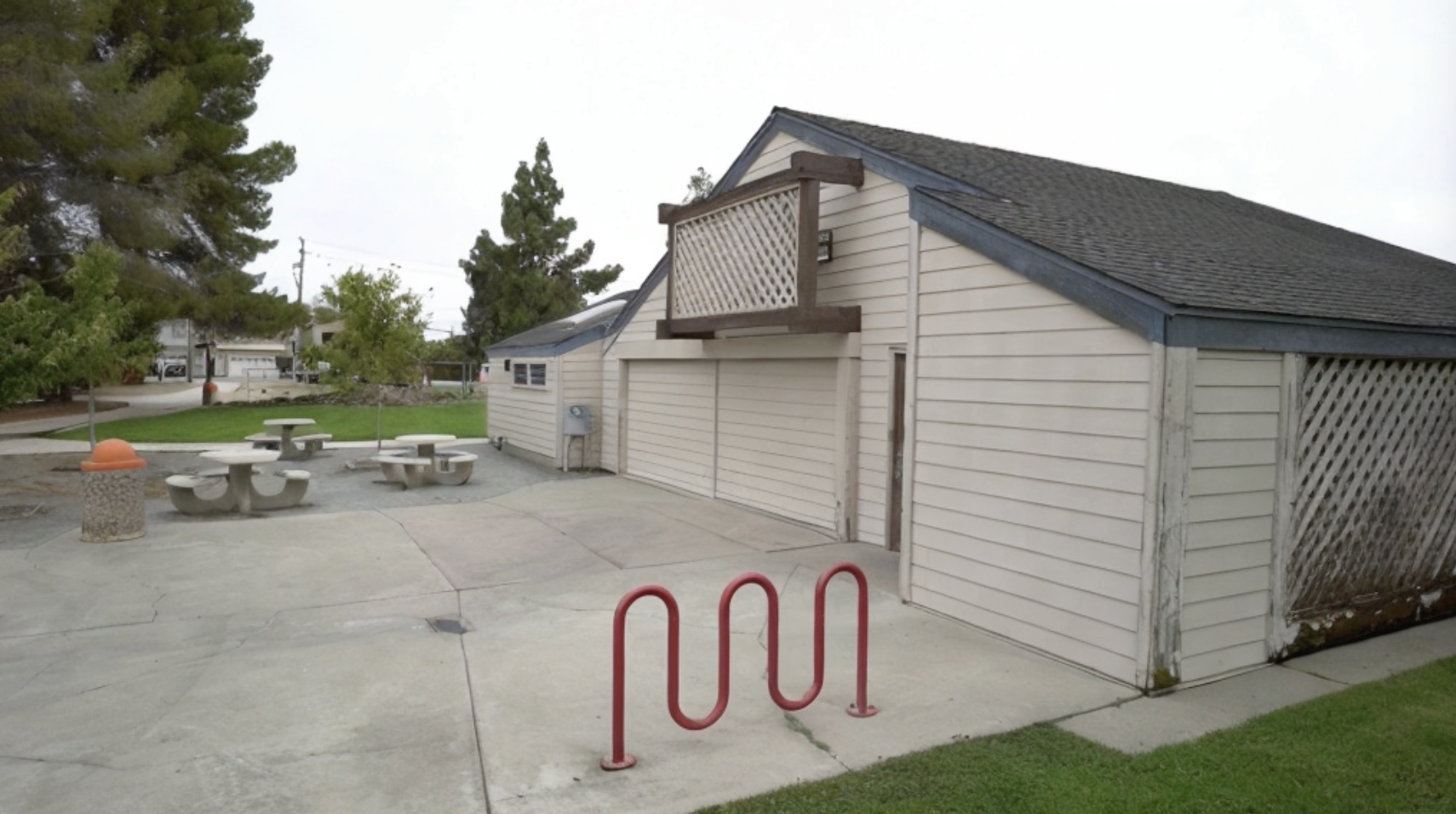
|
|
|
|
|
|
🧰 Models
| Model | Resolution | Frames | GPU Mem. & Inference Time (tested on a 40G A100, ddim 50 steps) | Checkpoint | Description |
|---|---|---|---|---|---|
| ViewCrafter_25 | 576x1024 | 25 | 23.5GB & 120s (perframe_ae=True) | Hugging Face | Used for single view NVS, can also adapt to sparse view NVS |
| ViewCrafter_25_sparse | 576x1024 | 25 | 23.5GB & 120s (perframe_ae=True) | Hugging Face | Used for sparse view NVS |
| ViewCrafter_16 | 576x1024 | 16 | 18.3GB & 75s (perframe_ae=True) | Hugging Face | 16 frames model, used for ablation |
| ViewCrafter_25_512 | 320x512 | 25 | 13.8GB & 50s (perframe_ae=True) | Hugging Face | 512 resolution model, used for ablation |
⚙️ Setup
1. Clone ViewCrafter
git clone https://github.com/Drexubery/ViewCrafter.git
cd ViewCrafter
2. Installation
# Create conda environment
conda create -n viewcrafter python=3.9.16
conda activate viewcrafter
pip install -r requirements.txt

# Install PyTorch3D
conda install https://anaconda.org/pytorch3d/pytorch3d/0.7.5/download/linux-64/pytorch3d-0.7.5-py39_cu117_pyt1131.tar.bz2

# Download pretrained DUSt3R model
mkdir -p checkpoints/
wget https://download.europe.naverlabs.com/ComputerVision/DUSt3R/DUSt3R_ViTLarge_BaseDecoder_512_dpt.pth -P checkpoints/
[!NOTE] If you use a high PyTorch version (like torch 2.4), it may cause CUDA OOM error. Please refer to these issues for solutions.
💫 Inference
1. Command line
Single view novel view synthesis
(1) Download pretrained ViewCrafter_25 and put the model.ckpt in checkpoints/model.ckpt.
(2) Run inference.py using the following script. Please refer to the configuration document and render document to set up inference parameters and camera trajectory.
sh run.sh
Sparse view novel view synthesis
(1) Download pretrained ViewCrafter_25_sparse and put the model_sparse.ckpt in checkpoints/model_sparse.ckpt. (ViewCrafter_25_sparse is specifically trained for the sparse view NVS task and performs better than ViewCrafter_25 on this task)
(2) Run inference.py using the following script. Adjust the --bg_trd parameter to clean the point cloud; higher values will produce a cleaner point cloud but may create holes in the background.
sh run_sparse.sh
2. Local Gradio demo
Download pretrained ViewCrafter_25 and put the model.ckpt in checkpoints/model.ckpt, then run:
python gradio_app.py
3. Local Gradio demo with Docker
If you struggle with ⚙️ Setup, you can also start Local Gradio demo with the following command. You need to install Docker with CUDA support in advance.
docker compose up --remove-orphans
If you want to change the port number, please modify compose.yml.
📈 Evaluation
We provide a demo script to evaluate single-view novel view synthesis:
sh run_eval.sh
The input should be a folder containing frames from your test video. We use the first frame as the reference image and the subsequent frames as target novel views.
😉 Citation
Please consider citing our paper if our code is useful:
  @article{yu2024viewcrafter,
    title={ViewCrafter: Taming Video Diffusion Models for High-fidelity Novel View Synthesis},
    author={Yu, Wangbo and Xing, Jinbo and Yuan, Li and Hu, Wenbo and Li, Xiaoyu and Huang, Zhipeng and Gao, Xiangjun and Wong, Tien-Tsin and Shan, Ying and Tian, Yonghong},
    journal={arXiv preprint arXiv:2409.02048},
    year={2024}
  }
📢 Disclaimer
⚠️This is an open-source research exploration rather than a commercial product, so it may not meet all your expectations. Due to the variability of the video diffusion model, you may encounter failure cases. Try using different seeds and adjusting the render configs if the results are not desirable. Users are free to create videos using this tool, but they must comply with local laws and use it responsibly. The developers do not assume any responsibility for potential misuse.
Significant stargazers

158 followers · starred Mar 2025
Similar repos


Languages
Python
99.2%
[TPAMI 2025] ViewCrafter: Taming Video Diffusion Models for High-fidelity Novel View Synthesis
See the codeREADME
ViewCrafter: Taming Video Diffusion Models for High-fidelity Novel View Synthesis
Wangbo Yu*, Jinbo Xing*, Li Yuan†, Wenbo Hu†, Xiaoyu Li, Zhipeng Huang,
Xiangjun Gao, Tien-Tsin Wong, Ying Shan, Yonghong Tian†
Transactions on Pattern Analysis and Machine Intelligence (TPAMI) 2025
🤗 If you find ViewCrafter useful, please help ⭐ this repo, which is important to Open-Source projects. Thanks!
🔆 Introduction
- [2024-11-6]: Add a simple evaluation script for single-view novel view synthesis.
- [2024-10-15]: 🔥🔥 Release the code for sparse-view novel view synthesis.
- [2024-09-01]: Launch the project page and update the arXiv preprint.
- [2024-09-01]: Release pretrained models and the code for single-view novel view synthesis.
ViewCrafter can generate high-fidelity novel views from a single or sparse reference image, while also supporting highly precise pose control. Below shows some examples:
Zero-shot novel view synthesis (single view)
| Reference image | Camera trajecotry | Generated novel view video |
|
|
|
|
|
|
|
|
|
|
|
|
Zero-shot novel view synthesis (two views)
| Reference image 1 | Reference image 2 | Generated novel view video |
|
|
|
|
|
|
|
|
|
|
|
|
🧰 Models
| Model | Resolution | Frames | GPU Mem. & Inference Time (tested on a 40G A100, ddim 50 steps) | Checkpoint | Description |
|---|---|---|---|---|---|
| ViewCrafter_25 | 576x1024 | 25 | 23.5GB & 120s (perframe_ae=True) | Hugging Face | Used for single view NVS, can also adapt to sparse view NVS |
| ViewCrafter_25_sparse | 576x1024 | 25 | 23.5GB & 120s (perframe_ae=True) | Hugging Face | Used for sparse view NVS |
| ViewCrafter_16 | 576x1024 | 16 | 18.3GB & 75s (perframe_ae=True) | Hugging Face | 16 frames model, used for ablation |
| ViewCrafter_25_512 | 320x512 | 25 | 13.8GB & 50s (perframe_ae=True) | Hugging Face | 512 resolution model, used for ablation |
⚙️ Setup
1. Clone ViewCrafter
git clone https://github.com/Drexubery/ViewCrafter.git
cd ViewCrafter
2. Installation
# Create conda environment
conda create -n viewcrafter python=3.9.16
conda activate viewcrafter
pip install -r requirements.txt

# Install PyTorch3D
conda install https://anaconda.org/pytorch3d/pytorch3d/0.7.5/download/linux-64/pytorch3d-0.7.5-py39_cu117_pyt1131.tar.bz2

# Download pretrained DUSt3R model
mkdir -p checkpoints/
wget https://download.europe.naverlabs.com/ComputerVision/DUSt3R/DUSt3R_ViTLarge_BaseDecoder_512_dpt.pth -P checkpoints/
[!NOTE] If you use a high PyTorch version (like torch 2.4), it may cause CUDA OOM error. Please refer to these issues for solutions.
💫 Inference
1. Command line
Single view novel view synthesis
(1) Download pretrained ViewCrafter_25 and put the model.ckpt in checkpoints/model.ckpt.
(2) Run inference.py using the following script. Please refer to the configuration document and render document to set up inference parameters and camera trajectory.
sh run.sh
Sparse view novel view synthesis
(1) Download pretrained ViewCrafter_25_sparse and put the model_sparse.ckpt in checkpoints/model_sparse.ckpt. (ViewCrafter_25_sparse is specifically trained for the sparse view NVS task and performs better than ViewCrafter_25 on this task)
(2) Run inference.py using the following script. Adjust the --bg_trd parameter to clean the point cloud; higher values will produce a cleaner point cloud but may create holes in the background.
sh run_sparse.sh
2. Local Gradio demo
Download pretrained ViewCrafter_25 and put the model.ckpt in checkpoints/model.ckpt, then run:
python gradio_app.py
3. Local Gradio demo with Docker
If you struggle with ⚙️ Setup, you can also start Local Gradio demo with the following command. You need to install Docker with CUDA support in advance.
docker compose up --remove-orphans
If you want to change the port number, please modify compose.yml.
📈 Evaluation
We provide a demo script to evaluate single-view novel view synthesis:
sh run_eval.sh
The input should be a folder containing frames from your test video. We use the first frame as the reference image and the subsequent frames as target novel views.
😉 Citation
Please consider citing our paper if our code is useful:
  @article{yu2024viewcrafter,
    title={ViewCrafter: Taming Video Diffusion Models for High-fidelity Novel View Synthesis},
    author={Yu, Wangbo and Xing, Jinbo and Yuan, Li and Hu, Wenbo and Li, Xiaoyu and Huang, Zhipeng and Gao, Xiangjun and Wong, Tien-Tsin and Shan, Ying and Tian, Yonghong},
    journal={arXiv preprint arXiv:2409.02048},
    year={2024}
  }
📢 Disclaimer
⚠️This is an open-source research exploration rather than a commercial product, so it may not meet all your expectations. Due to the variability of the video diffusion model, you may encounter failure cases. Try using different seeds and adjusting the render configs if the results are not desirable. Users are free to create videos using this tool, but they must comply with local laws and use it responsibly. The developers do not assume any responsibility for potential misuse.
Similar repos
Significant stargazers
158 followers · starred Mar 2025
Languages
Python
99.2%