My custom made engine based on the great Raylib Framework. Main focus is being performant and only using draw functions instead of textures.
C#
626
2,604 commits
updated Oct 9, 2026
My custom-made engine based on the great Raylib Framework. The Main focus is being performant and only using draw functions instead of textures.
When using Shape Engine everything from Raylib is available as well. (Raylib Examples, Raylib Cheatsheet)
Shape Engine´s examples are available on Itch as well and it is a great way to support me ;)
More examples are available in the ShapeEngineDemos repository. Most of the bigger examples will be available here, like a small asteroids game.
You are free to use Shape Engine or any part of Shape Engine for your own projects, but keep in mind that Shape Engine was designed to help me with my specific game dev needs. Nevertheless I am looking forward to creations that Shape Engine made possible :)
Release Trailer 5.0 Release Trailer 3.0 Release Trailer 2.0 Release Trailer 1.0
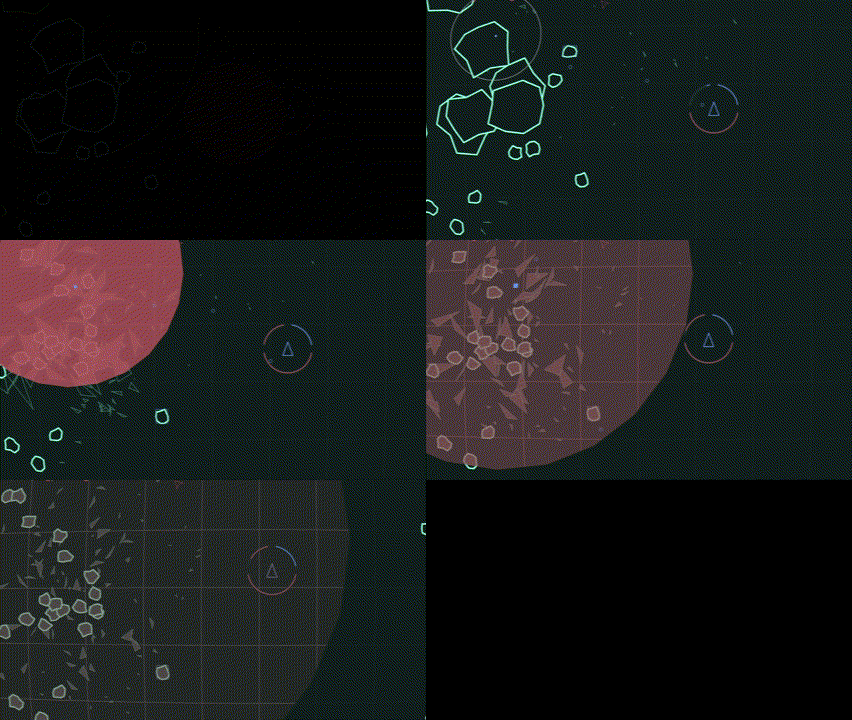

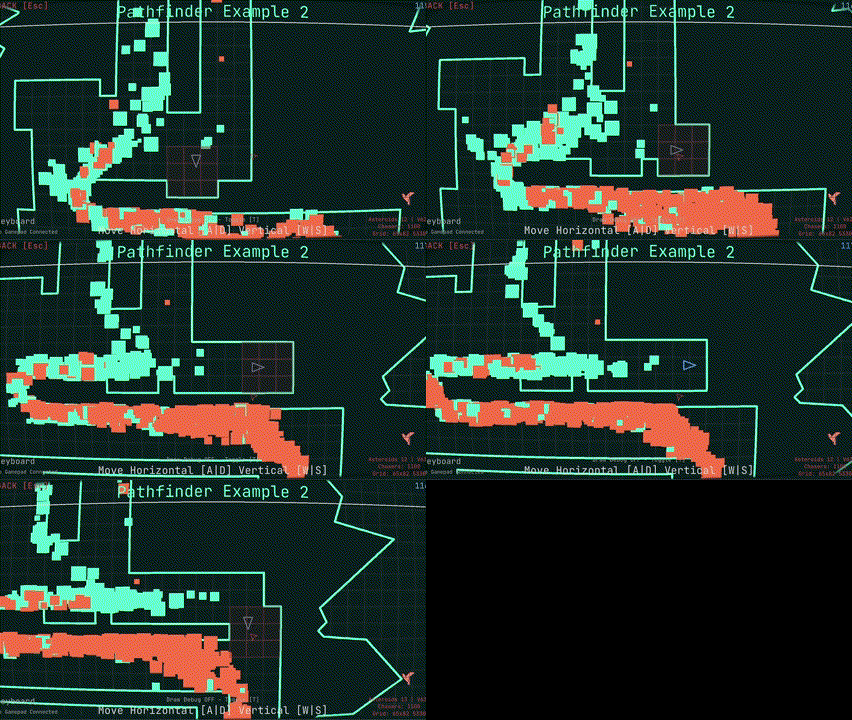
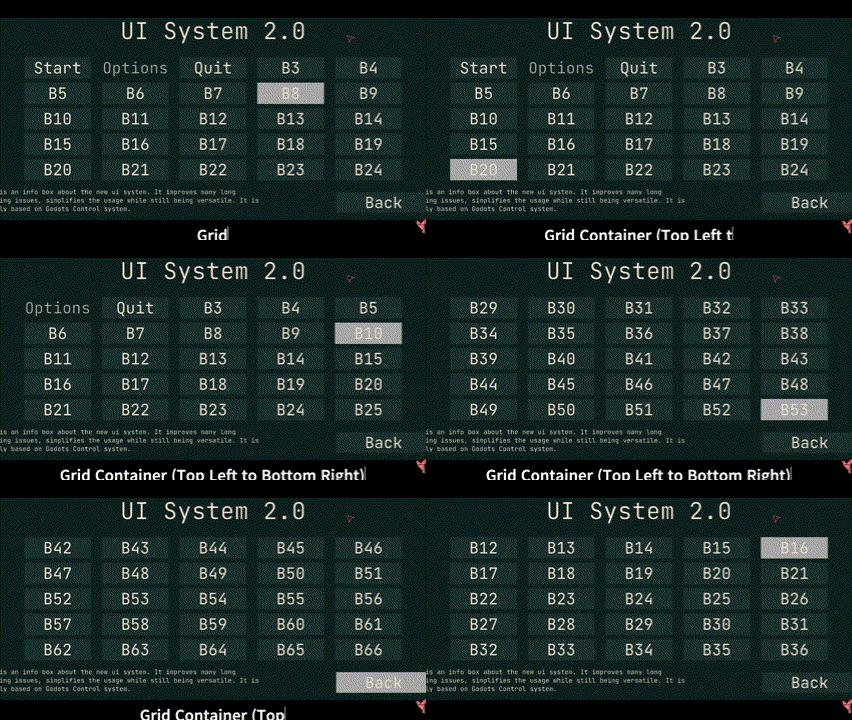

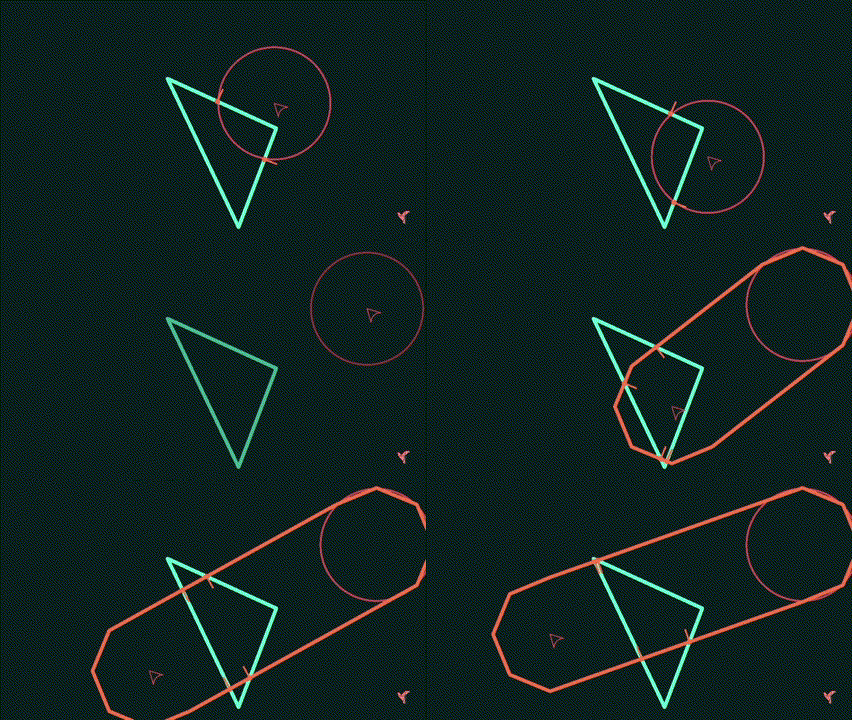
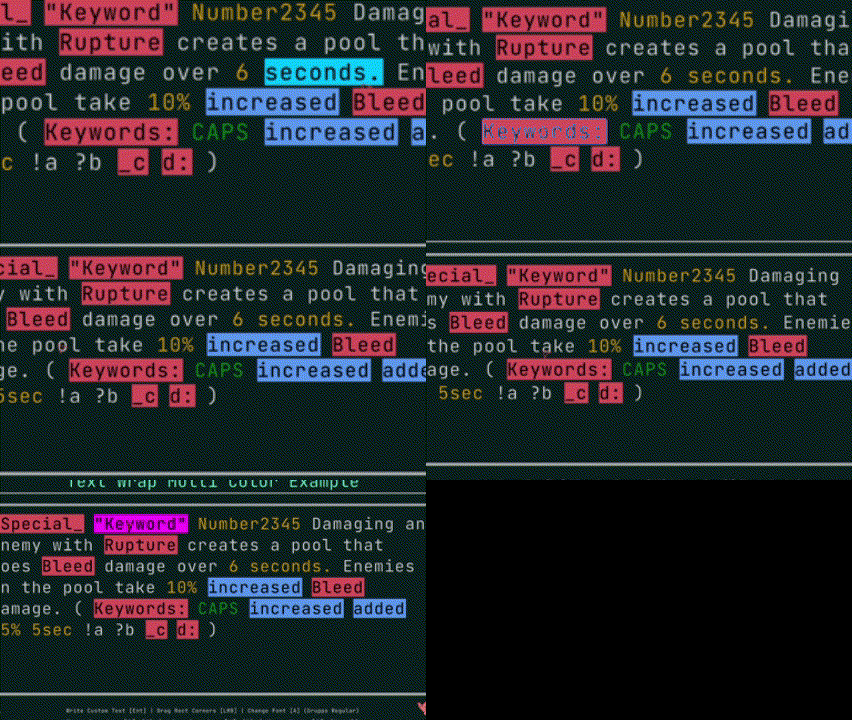
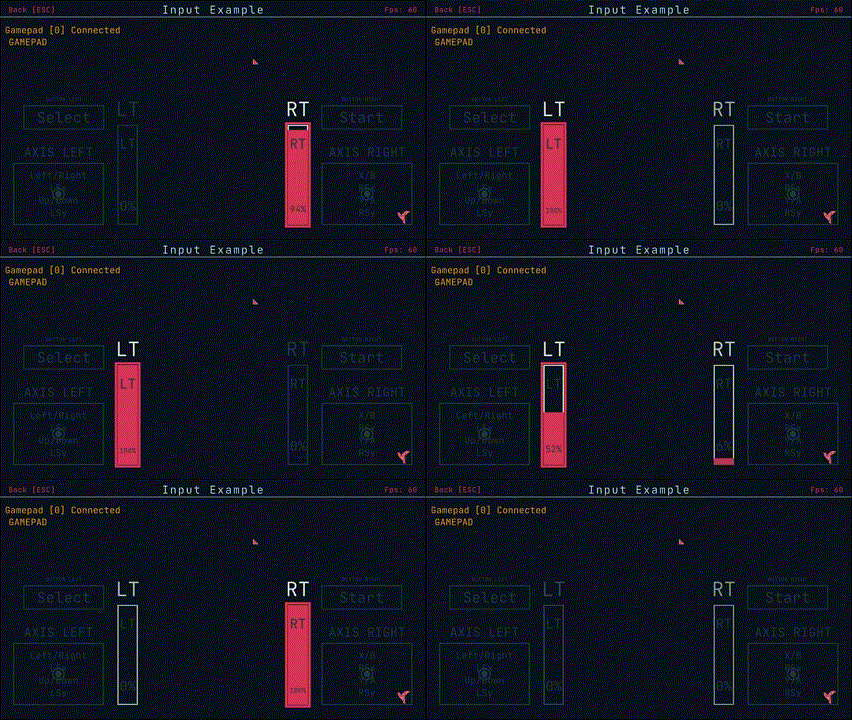
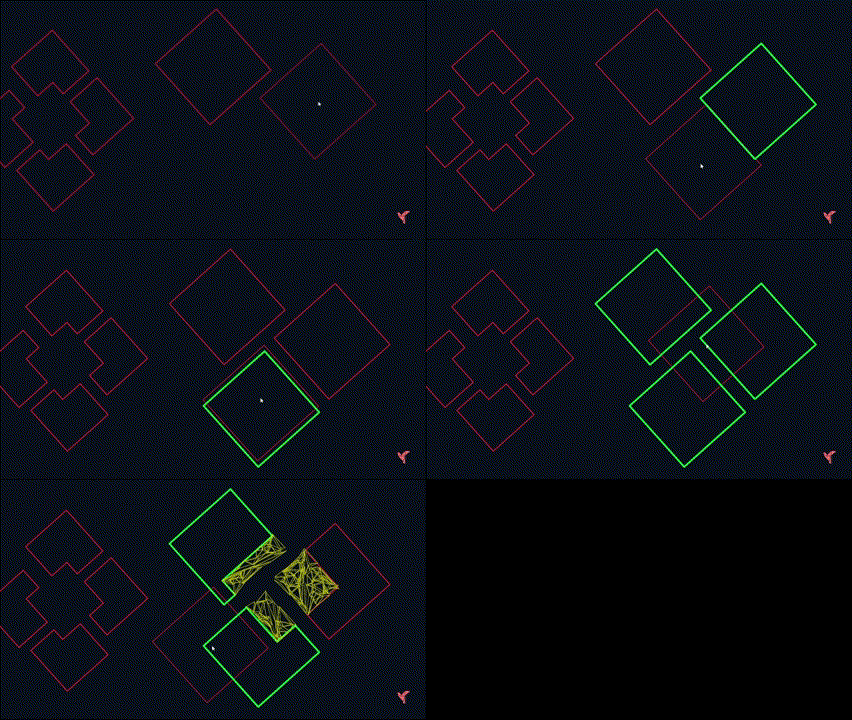
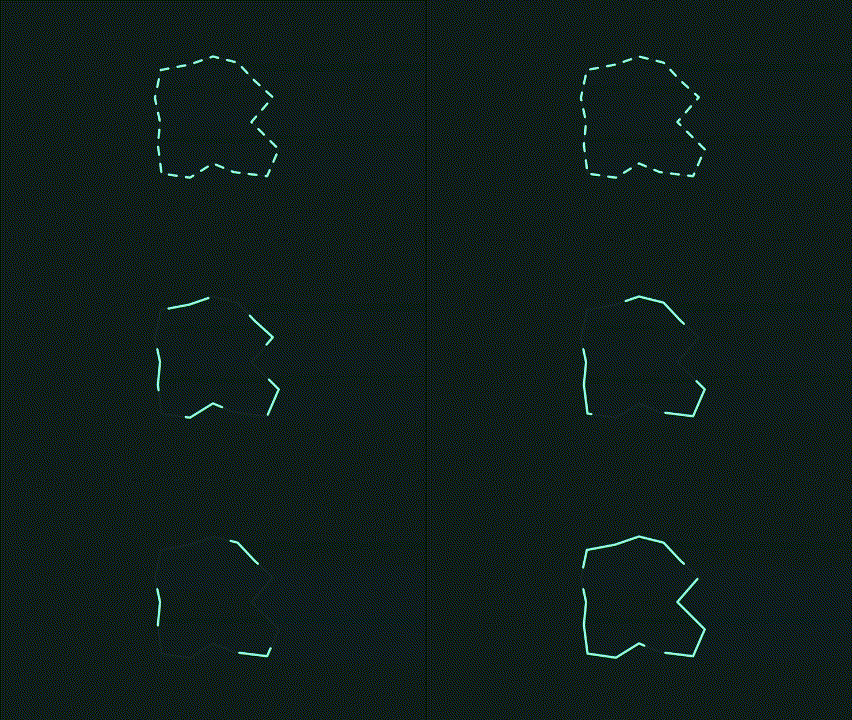
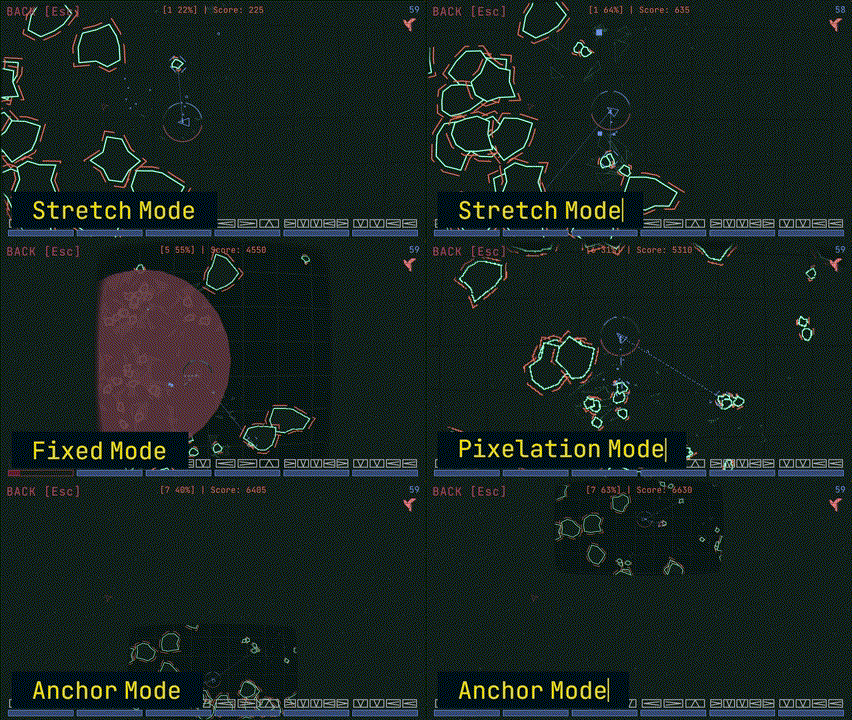
There are multiple ways to use Shape Engine:
dotnet add package DaveGreen.ShapeEngine
using System.Drawing;
using ShapeEngine.Color;
using ShapeEngine.Core;
using ShapeEngine.Core.Structs;
using ShapeEngine.Geometry;
using ShapeEngine.Geometry.RectDef;

namespace ShapeEngineProject;

public static class Program
{
    public static void Main(string[] args)
    {
	    var game = new MyGameClass
		(
			GameSettings.StretchMode("Shape Engine Game"),
			WindowSettings.Default,
			FramerateSettings.Default,
			InputSettings.Default
		);
	    game.Run();
    }
}

public class MyGameClass : Game
{
    //Gives you static access to the instance of MyGameClass - If you do not need/want this, you can remove it.
    public new static MyGameClass Instance  => myInstance?? throw new NullReferenceException("Instance is not initialized! You need to create a MyGameClass instance before accessing this property!");
    private static MyGameClass? myInstance;

    public MyGameClass(
		GameSettings gameSettings, WindowSettings windowSettings,
		FramerateSettings framerateSettings, InputSettings inputSettings)
		: base(gameSettings, windowSettings, framerateSettings, inputSettings)
    {
        //Game.Instance is already checked to never be instantiated twice, so this is safe
        myInstance = GetInstanceAs<MyGameClass>();
    }

    protected override void DrawGame(ScreenInfo game)
    {
        game.Area.Draw(new ColorRgba(Color.DarkOliveGreen));
        game.Area.DrawLines(12f, new ColorRgba(Color.AntiqueWhite));
        game.MousePos.Draw(24f, new ColorRgba(Color.Lime), 36);
    }
}
This repository includes an Examples Project to showcase the capabilities of ShapeEngine and help you get started quickly. Explore the examples to see what’s possible and how to implement different features.
Documentation:
Documentation is available here.
Documentation Source:
You can find the documentation repository here.
For any issues, suggestions, or questions about the docs, please open an issue in the ShapeEngineDocs repository.
The Main Branch contains the current development stage. You can follow the development process here:
You can download the newest builds of the Example Project on Itch io. You can clone the repo and inspect the example projects there as well.
In general my goal is to provide the most relevant system a game dev needs without adding a solution for every possible problem.
I am just using the Raylib Cs c# bindings and the Cipper2 library for polygon clipping.
If you use the nuget manager to download Shape Engine as a nuget package you don't have to take care of any dependencies, because they will be downloaded automatically.
There is no physics system because I don´t need one and would´t know how to make one. There is complete collision system but the collision response is up to you. You can also use raylibs physics system.
I made Shape Engine because I wanted to help myself make games with a specific art style and certain limitations. At first, it started out with some helper scripts but now it is a relatively sophisticated system to make games with raylib. Certain parts of the basic game loop are inspired by Bytepath and other things I already used in games that I made myself (especially Fracture Hell). Feel free to use any single part if you don´t want to use the whole package.
If you have an issue, or a suggestion for a new feature GitHub is the best way to get in contact with me.
On these platforms you can follow the development process of Shape Engine, get in contact with me and always stay up date.
5,700 followers · starred Aug 2022
691 followers · starred May 2025
1,319 followers · starred Jul 2025
42 followers · starred Jul 2023
My custom made engine based on the great Raylib Framework. Main focus is being performant and only using draw functions instead of textures.
C#
626
2,604 commits
updated Oct 9, 2026
My custom-made engine based on the great Raylib Framework. The Main focus is being performant and only using draw functions instead of textures.
When using Shape Engine everything from Raylib is available as well. (Raylib Examples, Raylib Cheatsheet)
Shape Engine´s examples are available on Itch as well and it is a great way to support me ;)
More examples are available in the ShapeEngineDemos repository. Most of the bigger examples will be available here, like a small asteroids game.
You are free to use Shape Engine or any part of Shape Engine for your own projects, but keep in mind that Shape Engine was designed to help me with my specific game dev needs. Nevertheless I am looking forward to creations that Shape Engine made possible :)
Release Trailer 5.0 Release Trailer 3.0 Release Trailer 2.0 Release Trailer 1.0
There are multiple ways to use Shape Engine:
dotnet add package DaveGreen.ShapeEngine
using System.Drawing;
using ShapeEngine.Color;
using ShapeEngine.Core;
using ShapeEngine.Core.Structs;
using ShapeEngine.Geometry;
using ShapeEngine.Geometry.RectDef;

namespace ShapeEngineProject;

public static class Program
{
    public static void Main(string[] args)
    {
	    var game = new MyGameClass
		(
			GameSettings.StretchMode("Shape Engine Game"),
			WindowSettings.Default,
			FramerateSettings.Default,
			InputSettings.Default
		);
	    game.Run();
    }
}

public class MyGameClass : Game
{
    //Gives you static access to the instance of MyGameClass - If you do not need/want this, you can remove it.
    public new static MyGameClass Instance  => myInstance?? throw new NullReferenceException("Instance is not initialized! You need to create a MyGameClass instance before accessing this property!");
    private static MyGameClass? myInstance;

    public MyGameClass(
		GameSettings gameSettings, WindowSettings windowSettings,
		FramerateSettings framerateSettings, InputSettings inputSettings)
		: base(gameSettings, windowSettings, framerateSettings, inputSettings)
    {
        //Game.Instance is already checked to never be instantiated twice, so this is safe
        myInstance = GetInstanceAs<MyGameClass>();
    }

    protected override void DrawGame(ScreenInfo game)
    {
        game.Area.Draw(new ColorRgba(Color.DarkOliveGreen));
        game.Area.DrawLines(12f, new ColorRgba(Color.AntiqueWhite));
        game.MousePos.Draw(24f, new ColorRgba(Color.Lime), 36);
    }
}
This repository includes an Examples Project to showcase the capabilities of ShapeEngine and help you get started quickly. Explore the examples to see what’s possible and how to implement different features.
Documentation:
Documentation is available here.
Documentation Source:
You can find the documentation repository here.
For any issues, suggestions, or questions about the docs, please open an issue in the ShapeEngineDocs repository.
The Main Branch contains the current development stage. You can follow the development process here:
You can download the newest builds of the Example Project on Itch io. You can clone the repo and inspect the example projects there as well.
In general my goal is to provide the most relevant system a game dev needs without adding a solution for every possible problem.
I am just using the Raylib Cs c# bindings and the Cipper2 library for polygon clipping.
If you use the nuget manager to download Shape Engine as a nuget package you don't have to take care of any dependencies, because they will be downloaded automatically.
There is no physics system because I don´t need one and would´t know how to make one. There is complete collision system but the collision response is up to you. You can also use raylibs physics system.
I made Shape Engine because I wanted to help myself make games with a specific art style and certain limitations. At first, it started out with some helper scripts but now it is a relatively sophisticated system to make games with raylib. Certain parts of the basic game loop are inspired by Bytepath and other things I already used in games that I made myself (especially Fracture Hell). Feel free to use any single part if you don´t want to use the whole package.
If you have an issue, or a suggestion for a new feature GitHub is the best way to get in contact with me.
On these platforms you can follow the development process of Shape Engine, get in contact with me and always stay up date.
5,700 followers · starred Aug 2022
691 followers · starred May 2025
1,319 followers · starred Jul 2025
42 followers · starred Jul 2023



