An open-source general-purpose runtime tweak system for macOS Apple Silicon.
[!WARNING] System Integrity Protection (SIP) must be partially disabled —
csrutil enable --without debug— this allows us to access toinitproc, as well as set hardware breakpoints on other processes. SIP only needs to allow debugging, not fully off.
Plugin Playground provides a framework for intercepting and modifying the behavior of running processes. It's the foundation for building runtime plugins, introspection tools, and behavior-modification tweaks on modern macOS.
The fangs tracer must run as arm64e (the system ABI for Apple Silicon) to attach to launchd. If arm64e is not available on your system, toggle Disable arm64e (PAC) in the configurator — this strips PAC signing from spawned processes so injection works without the native arm64e ABI.
The configuration app is installed to /Applications/Plugin Playground.app.
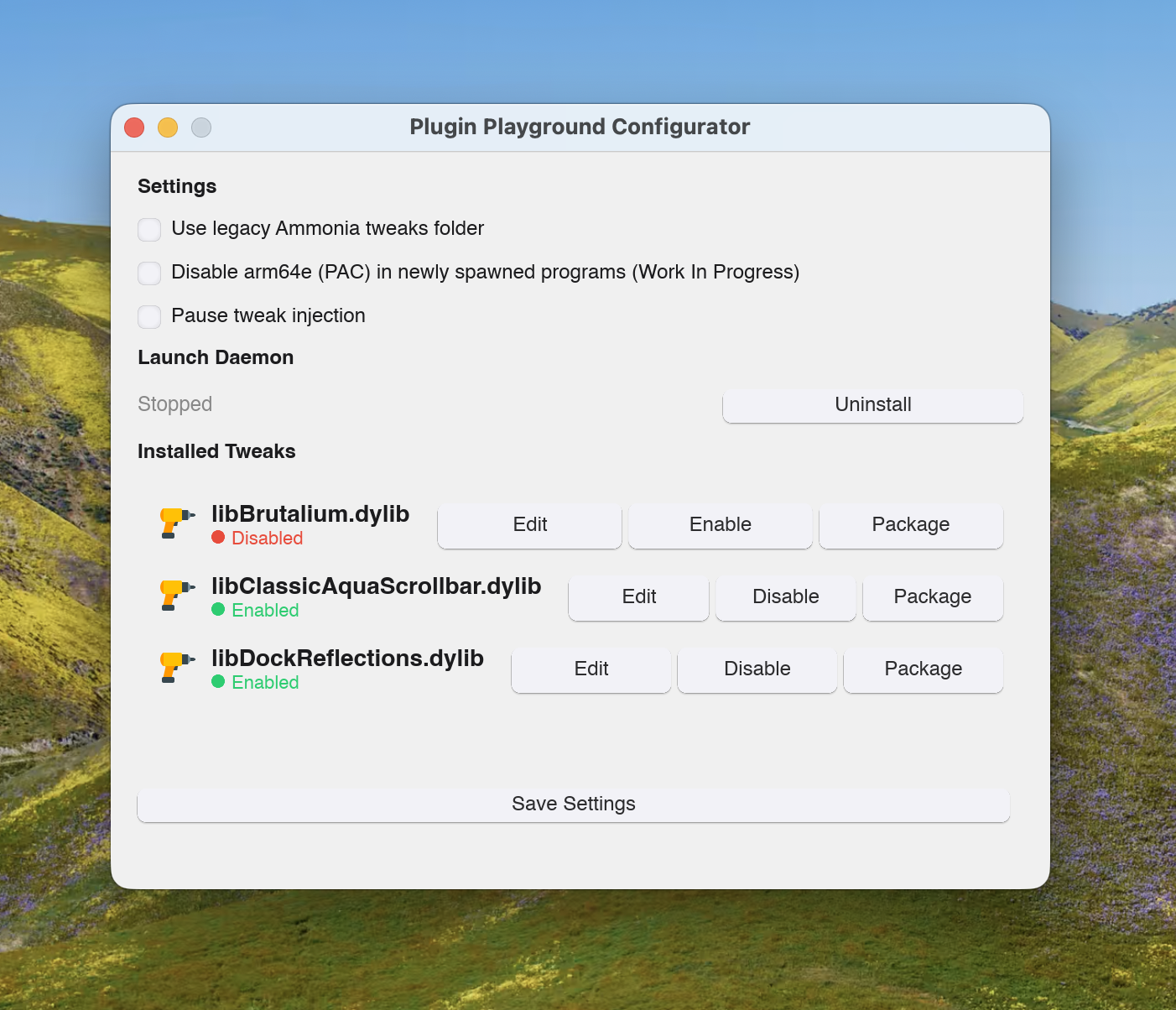
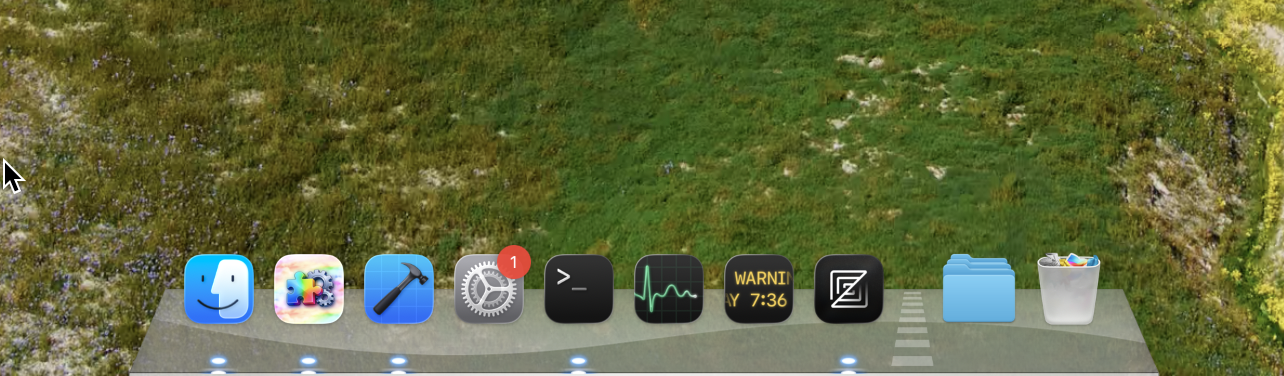
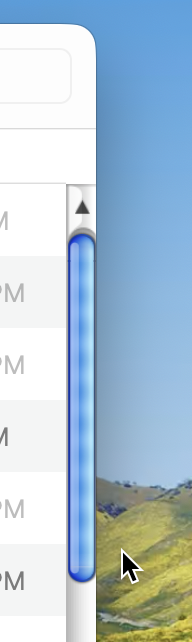
Tweaks are .dylib libraries injected into macOS processes at spawn time, before main() runs. They can modify any aspect of a running app — change UI rendering, alter window management, change system controls, or override literally any framework behavior. The injection is transparent and requires no modification to the target application. Below are two private examples a developer had created with the runtime.
The configurator's Use legacy Ammonia tweaks folder option lets Plugin Playground load tweaks from the old Ammonia path /private/var/ammonia/core/tweaks/ instead of /opt/pluginplayground/tweaks/. This is useful if you're migrating from an existing Ammonia setup.
If you use this option, the Ammonia daemon binary at /private/var/ammonia/core/ammonia must be disabled or removed first — otherwise Ammonia and Plugin Playground will conflict over injection control. Removing/adding tweaks via the legacy folder often requires a reboot to take full effect.
xcode-select --install)sh ./install.sh
This builds everything and produces PluginPlayground-1.1.3.pkg. Run the .pkg to install.
Uninstallation is as simple as ./uninstall.sh.
237 followers · starred Jul 2026
An open-source general-purpose runtime tweak system for macOS Apple Silicon.
[!WARNING] System Integrity Protection (SIP) must be partially disabled —
csrutil enable --without debug— this allows us to access toinitproc, as well as set hardware breakpoints on other processes. SIP only needs to allow debugging, not fully off.
Plugin Playground provides a framework for intercepting and modifying the behavior of running processes. It's the foundation for building runtime plugins, introspection tools, and behavior-modification tweaks on modern macOS.
The fangs tracer must run as arm64e (the system ABI for Apple Silicon) to attach to launchd. If arm64e is not available on your system, toggle Disable arm64e (PAC) in the configurator — this strips PAC signing from spawned processes so injection works without the native arm64e ABI.
The configuration app is installed to /Applications/Plugin Playground.app.
Tweaks are .dylib libraries injected into macOS processes at spawn time, before main() runs. They can modify any aspect of a running app — change UI rendering, alter window management, change system controls, or override literally any framework behavior. The injection is transparent and requires no modification to the target application. Below are two private examples a developer had created with the runtime.
The configurator's Use legacy Ammonia tweaks folder option lets Plugin Playground load tweaks from the old Ammonia path /private/var/ammonia/core/tweaks/ instead of /opt/pluginplayground/tweaks/. This is useful if you're migrating from an existing Ammonia setup.
If you use this option, the Ammonia daemon binary at /private/var/ammonia/core/ammonia must be disabled or removed first — otherwise Ammonia and Plugin Playground will conflict over injection control. Removing/adding tweaks via the legacy folder often requires a reboot to take full effect.
xcode-select --install)sh ./install.sh
This builds everything and produces PluginPlayground-1.1.3.pkg. Run the .pkg to install.
Uninstallation is as simple as ./uninstall.sh.
237 followers · starred Jul 2026



