
My version of Tabliss that I will be maintaining in the future. A beautiful, customisable New Tab page for Firefox, Chrome, and Edge.
See the codeSee what people are saying (1)
README

A beautiful, customisable New Tab page for Firefox and Chrome.
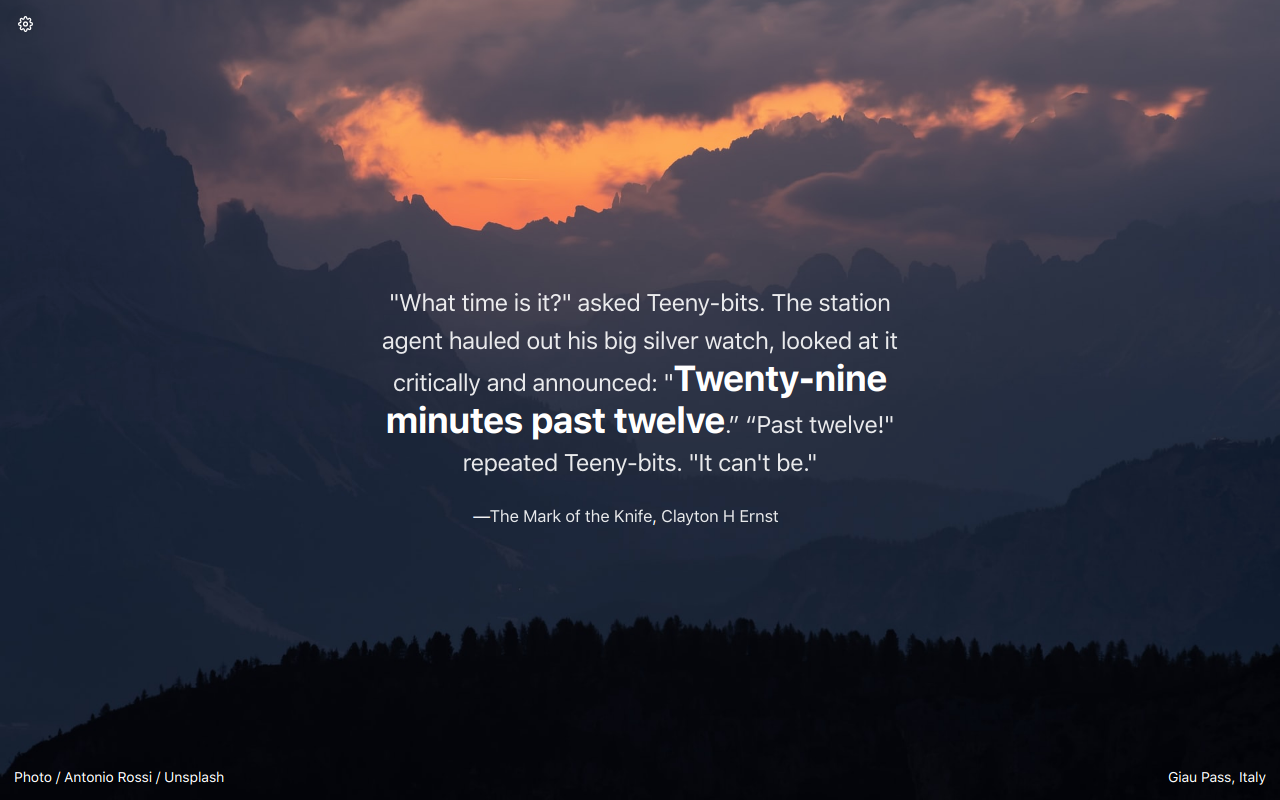
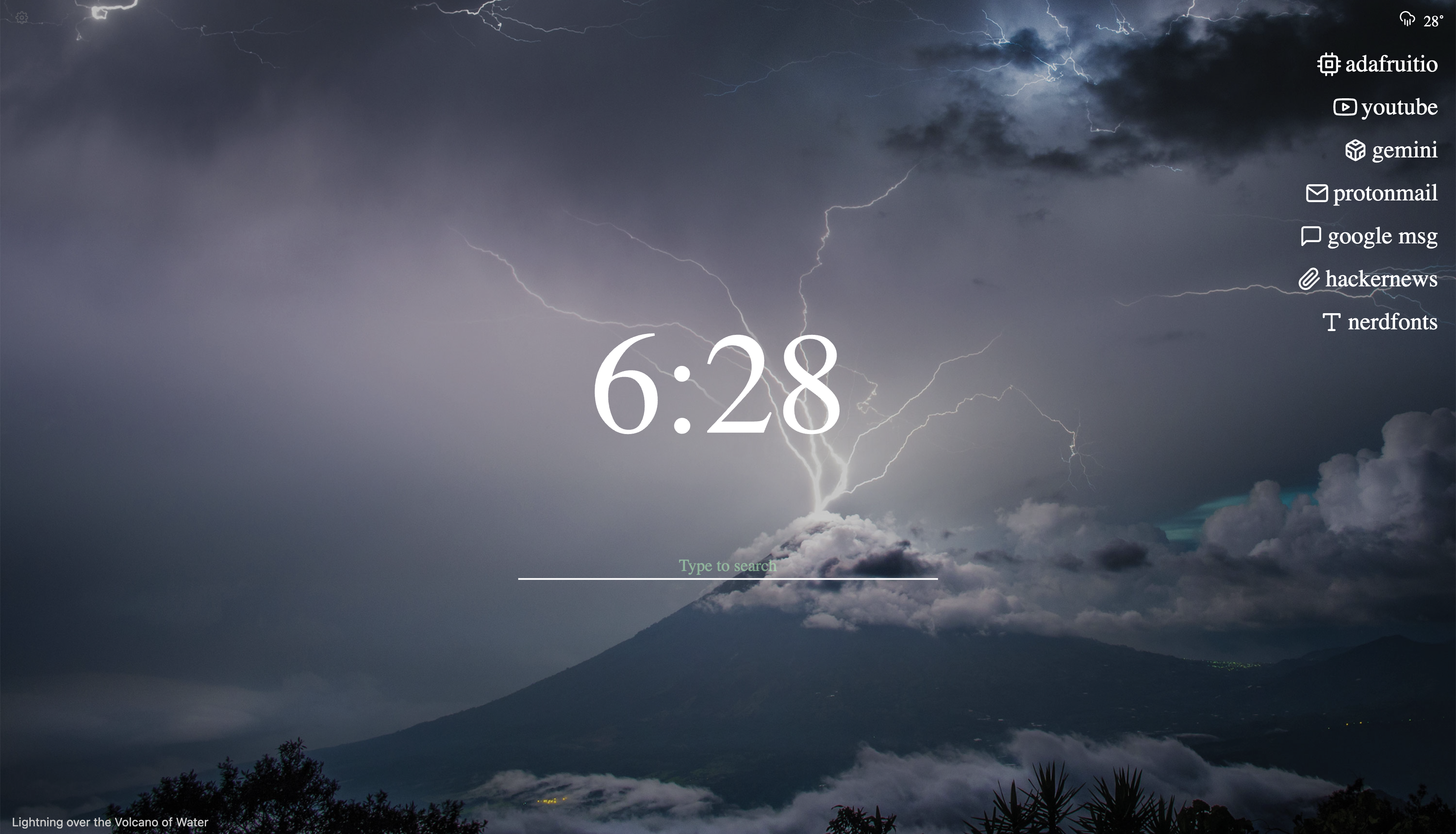
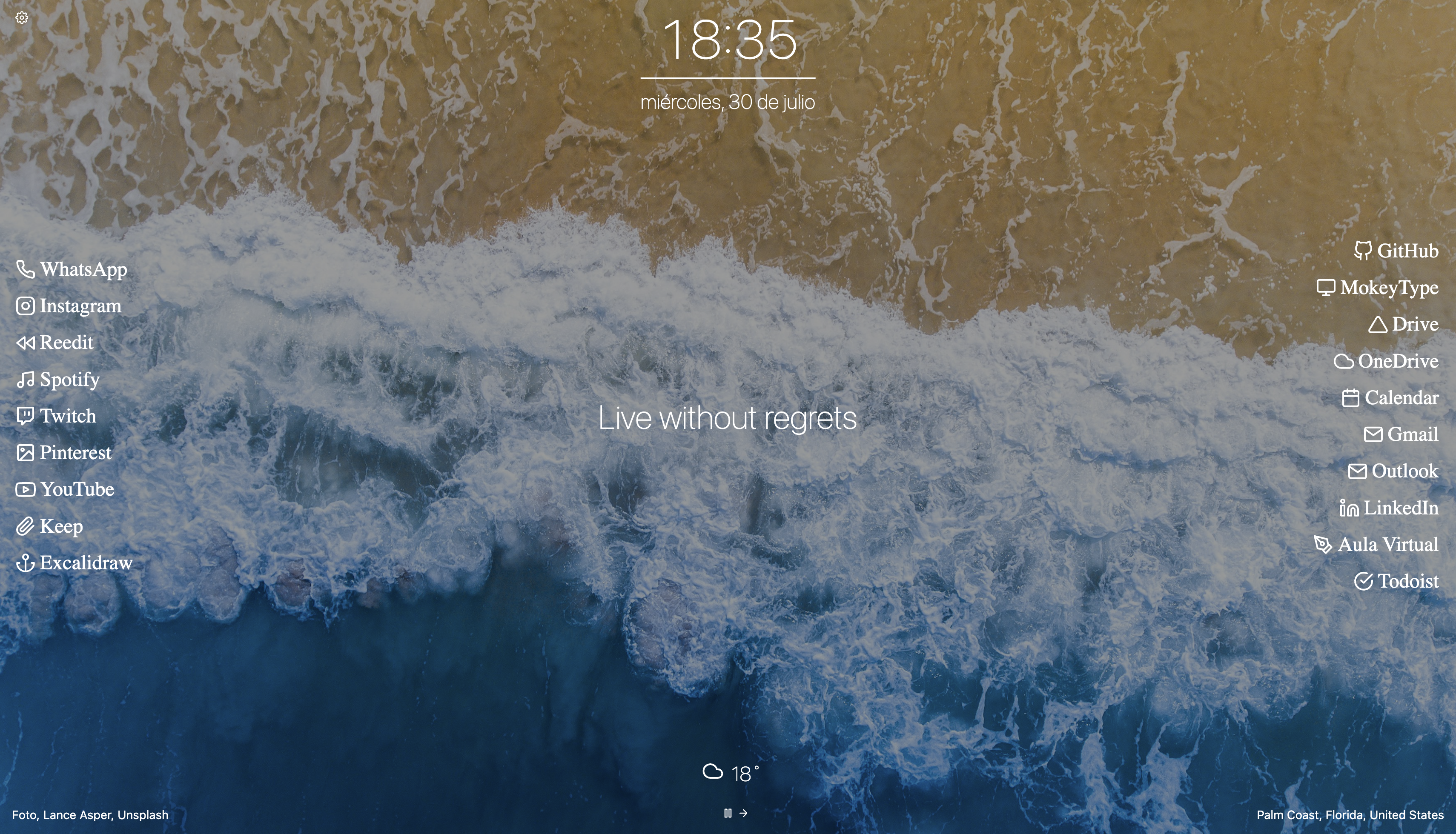
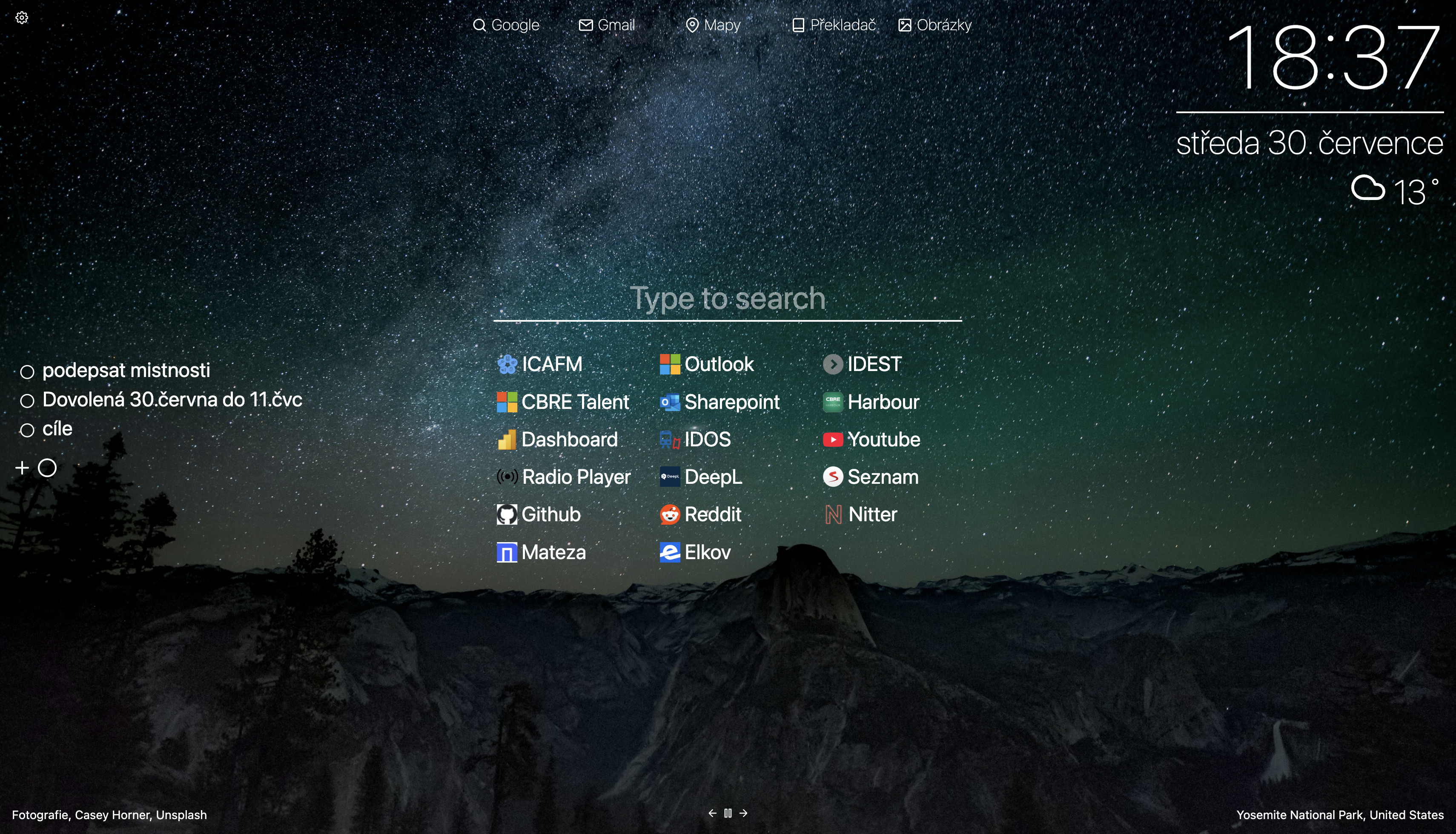
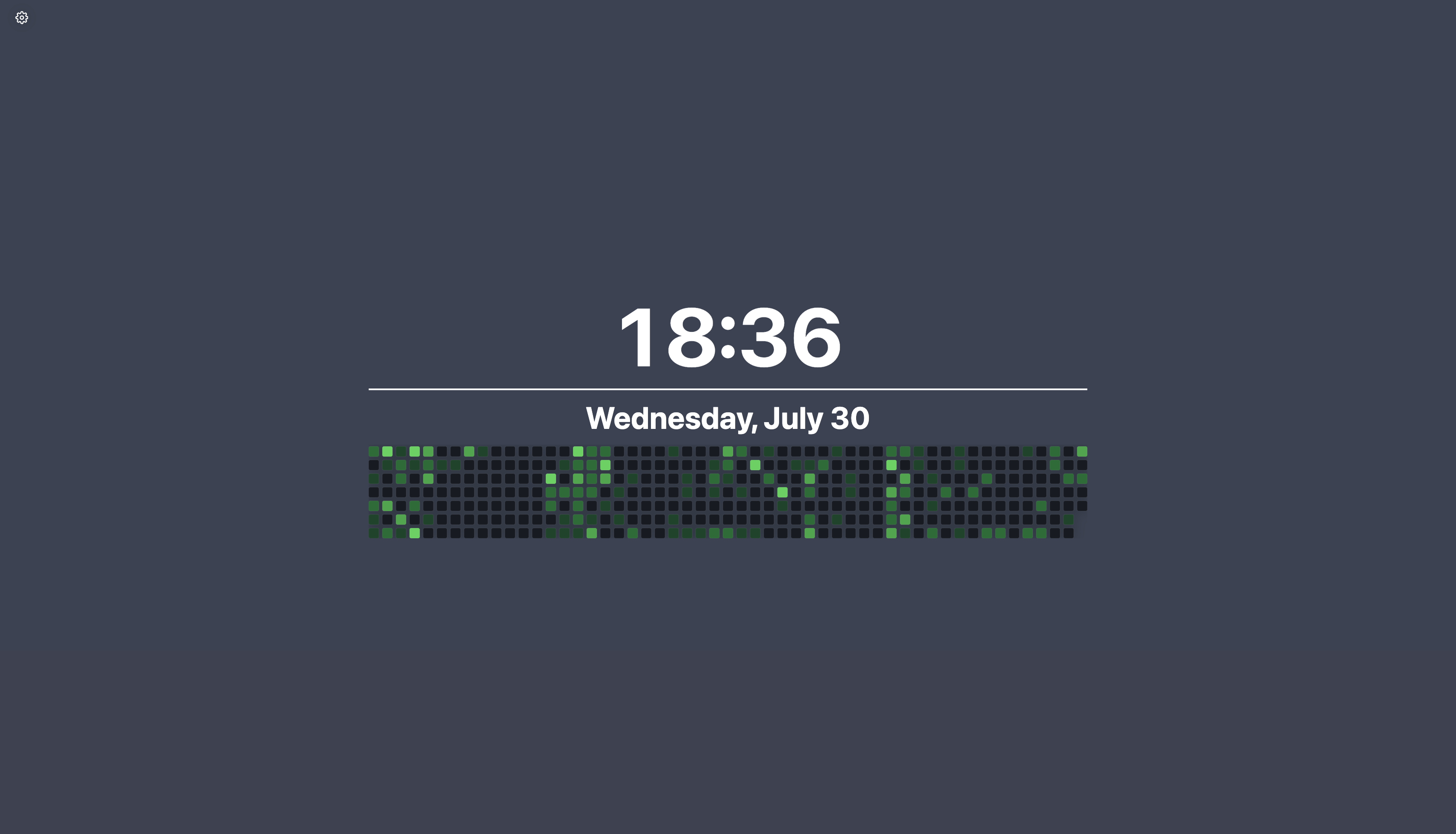
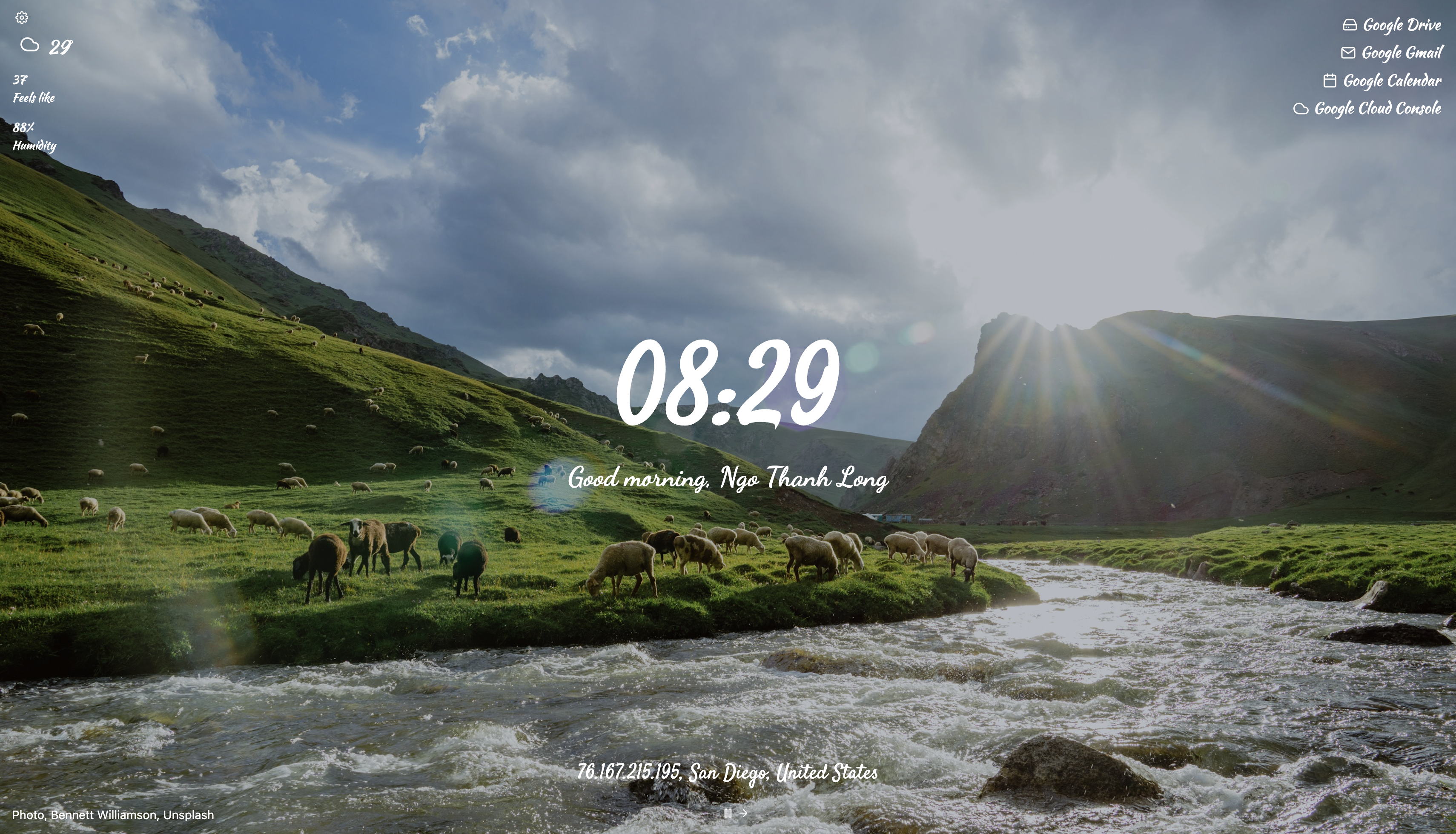

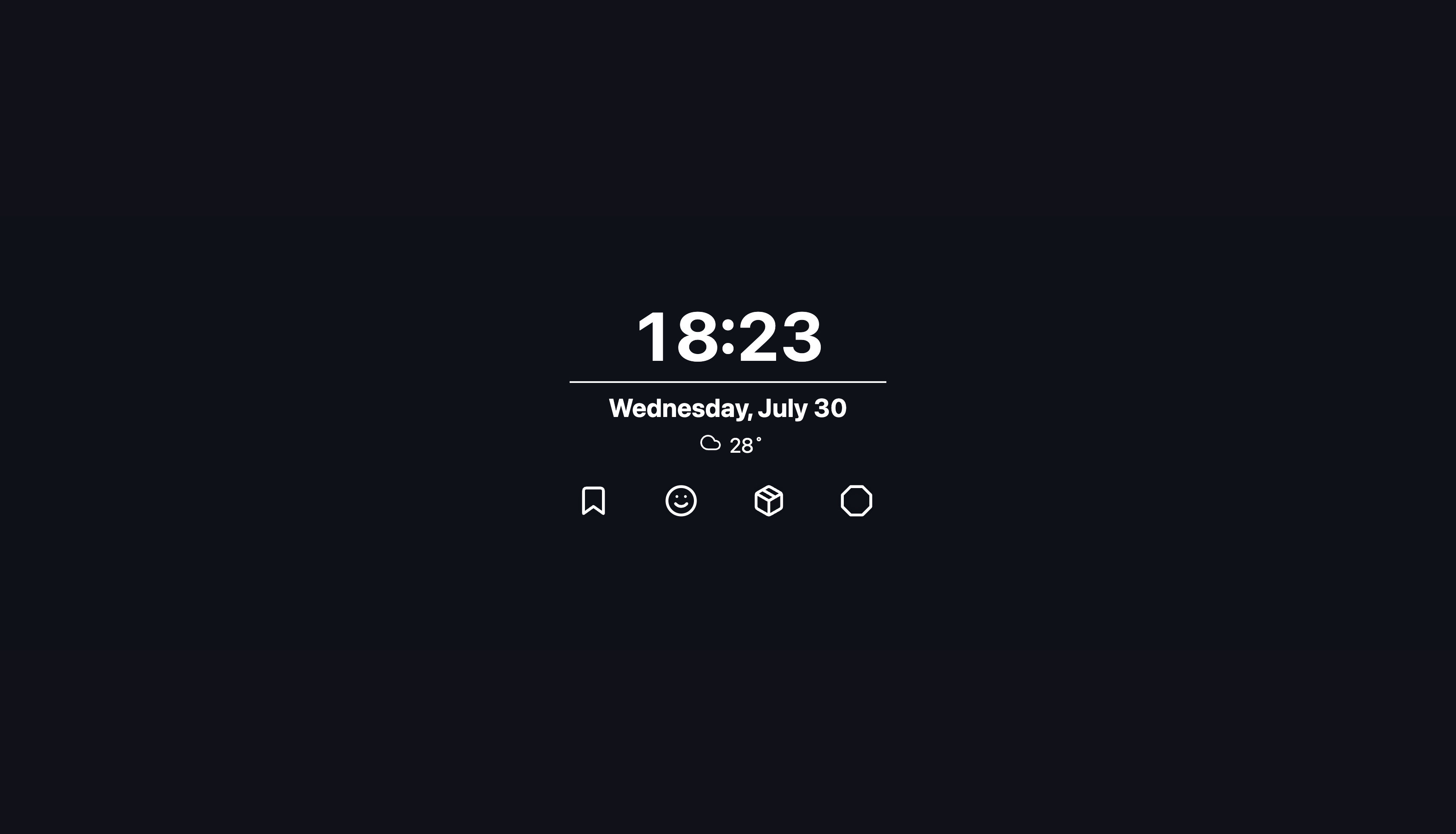




Maintained Fork of Tabliss
This repository is a maintained fork of Tabliss, originally a customizable new tab page for Firefox and Chrome. The original project has been abandoned, with no updates for over a year and numerous unmerged pull requests. I cloned the repository and merged most pending pull requests to bring in improvements and bug fixes. Moving forward, I will actively maintain and update this fork to keep Tabliss functional and up to date.
What's Next?
- Continued updates and bug fixes
- Adding new features from community contributions
- Keeping dependencies up to date
If you were a contributor to the original repo or have ideas for improvements, feel free to open an issue or submit a pull request. Let’s keep Tabliss alive!
Looking for contribution ideas?
Check out the github project for a list of features that are wanted, but not yet implemented. Anything not in in progress is most likely free for you to work on!
Brief Overview of a Few Improvements Over Tabliss
This list is by no means exhaustive. TablissNG includes many other tweaks, quality-of-life improvements, and features not detailed here.
-
Customization
- Support for custom search engines and browser defaults
- Many more style options in display/font settings (eg. scale, underline, text outline, custom css class)
-
Widgets
- Time Tracker, Bitcoin Mempool, Top Sites, Binary Clock, Bookmarks, Custom HTML.
- Enhancements: Daily Routine for Todos, Bible verses in Quotes, Markdown in Notes
- "Free Move" mode for dragging widgets
-
Backgrounds & Visuals
- Wikimedia Image of the Day, NASA APOD, Giphy Image of the Day
- Support for Videos, GIFs, and online image URLs
- Automatic night dimming and random gradients
-
Interface & Accessibility
- Full dark mode
- Complete translation support for all settings
Installation

The extension is available in the Firefox Add-ons Store, in the Chrome Web Store, and in the Edge Add-ons Store. If you want to use Safari, see INSTALL.md.
Nightly Builds (Firefox):
- Nightly (v1.6.5.0): Install Nightly
If you want to install the extension manually, or want nightly builds, see INSTALL.md.
Running Locally
For local development, you'll need Node.js and pnpm installed. Latest versions should work.
First, clone the repo:
git clone https://github.com/BookCatKid/TablissNG.git
cd TablissNG
Then install the dependencies:
pnpm install
Available Commands
pnpm run dev— Start a local development serverpnpm run build— Build the projectpnpm run test— Run testspnpm run translations— Extract and sync translation files (see TRANSLATING.md for details)pnpm run translations status— Show translation status (pass language, e.g.pnpm run translations status fr)pnpm run translations create— Create a new locale file (pass language, e.g.pnpm run translations create de-AT)pnpm run translations migrate— Migrate renamed translation keys (e.g.pnpm run translations migrate --map old.id=new.id)pnpm run lint:fix— Run ESLint with --fix (or justpnpm run lintfor checking)pnpm run prettier— Run Prettier with --write (orpnpm run prettier:checkfor checking)pnpm run deps:update— Run interactive dependency update tool (orpnpm run deps:checkto just check for updates and unused dependencies)
By default, build and dev will target the web version. To specify a platform (Chromium or Firefox), append :chromium or :firefox to the command. For example:
pnpm run dev:chromium
pnpm run build:firefox
To test extension locally
Find the extension in dist folder.
For Chrome, go to chrome://extensions, turn on devoloper mode and click on "Load unpacked".
For Firefox, go to about:debugging#/runtime/this-firefox and click on "Load Temporary Add-on".
Environment variables
To develop with external services, you'll need to sign up for API keys and enter them into your .env file. Start by copying the example:
cp .env.example .env
Then, fill in your API keys:
GIPHY_API_KEY=your_key_here
UNSPLASH_API_KEY=your_key_here
NASA_API_KEY=your_key_here
TRELLO_API_KEY=your_key_here # this requires the correct redirect URI to be set up in your Trello app settings: https://53dad6be72180770ccc08f0a6e2fc8a64dcf7b42.extensions.allizom.org and https://dlaogejjiafeobgofajdlkkhjlignalk.chromiumapp.org should work for firefox and chromium respectively.
Credits
Special thanks to joelshepherd for originally creating and maintaining this project. Also, huge appreciation to everyone who contributed, especially those whose pull requests I merged!
Contributing
Take a look at the guide to contributing before starting.
Translations
Check out the guide to adding translations.
Contributors
(top 30 of 118)


Similar repos


Languages
TypeScript
90.4%
JavaScript
5.0%
Sass
4.6%
My version of Tabliss that I will be maintaining in the future. A beautiful, customisable New Tab page for Firefox, Chrome, and Edge.
See the codeSee what people are saying (1)
README
A beautiful, customisable New Tab page for Firefox and Chrome.
Maintained Fork of Tabliss
This repository is a maintained fork of Tabliss, originally a customizable new tab page for Firefox and Chrome. The original project has been abandoned, with no updates for over a year and numerous unmerged pull requests. I cloned the repository and merged most pending pull requests to bring in improvements and bug fixes. Moving forward, I will actively maintain and update this fork to keep Tabliss functional and up to date.
What's Next?
- Continued updates and bug fixes
- Adding new features from community contributions
- Keeping dependencies up to date
If you were a contributor to the original repo or have ideas for improvements, feel free to open an issue or submit a pull request. Let’s keep Tabliss alive!
Looking for contribution ideas?
Check out the github project for a list of features that are wanted, but not yet implemented. Anything not in in progress is most likely free for you to work on!
Brief Overview of a Few Improvements Over Tabliss
This list is by no means exhaustive. TablissNG includes many other tweaks, quality-of-life improvements, and features not detailed here.
-
Customization
- Support for custom search engines and browser defaults
- Many more style options in display/font settings (eg. scale, underline, text outline, custom css class)
-
Widgets
- Time Tracker, Bitcoin Mempool, Top Sites, Binary Clock, Bookmarks, Custom HTML.
- Enhancements: Daily Routine for Todos, Bible verses in Quotes, Markdown in Notes
- "Free Move" mode for dragging widgets
-
Backgrounds & Visuals
- Wikimedia Image of the Day, NASA APOD, Giphy Image of the Day
- Support for Videos, GIFs, and online image URLs
- Automatic night dimming and random gradients
-
Interface & Accessibility
- Full dark mode
- Complete translation support for all settings
Installation
The extension is available in the Firefox Add-ons Store, in the Chrome Web Store, and in the Edge Add-ons Store. If you want to use Safari, see INSTALL.md.
Nightly Builds (Firefox):
- Nightly (v1.6.5.0): Install Nightly
If you want to install the extension manually, or want nightly builds, see INSTALL.md.
Running Locally
For local development, you'll need Node.js and pnpm installed. Latest versions should work.
First, clone the repo:
git clone https://github.com/BookCatKid/TablissNG.git
cd TablissNG
Then install the dependencies:
pnpm install
Available Commands
pnpm run dev— Start a local development serverpnpm run build— Build the projectpnpm run test— Run testspnpm run translations— Extract and sync translation files (see TRANSLATING.md for details)pnpm run translations status— Show translation status (pass language, e.g.pnpm run translations status fr)pnpm run translations create— Create a new locale file (pass language, e.g.pnpm run translations create de-AT)pnpm run translations migrate— Migrate renamed translation keys (e.g.pnpm run translations migrate --map old.id=new.id)pnpm run lint:fix— Run ESLint with --fix (or justpnpm run lintfor checking)pnpm run prettier— Run Prettier with --write (orpnpm run prettier:checkfor checking)pnpm run deps:update— Run interactive dependency update tool (orpnpm run deps:checkto just check for updates and unused dependencies)
By default, build and dev will target the web version. To specify a platform (Chromium or Firefox), append :chromium or :firefox to the command. For example:
pnpm run dev:chromium
pnpm run build:firefox
To test extension locally
Find the extension in dist folder.
For Chrome, go to chrome://extensions, turn on devoloper mode and click on "Load unpacked".
For Firefox, go to about:debugging#/runtime/this-firefox and click on "Load Temporary Add-on".
Environment variables
To develop with external services, you'll need to sign up for API keys and enter them into your .env file. Start by copying the example:
cp .env.example .env
Then, fill in your API keys:
GIPHY_API_KEY=your_key_here
UNSPLASH_API_KEY=your_key_here
NASA_API_KEY=your_key_here
TRELLO_API_KEY=your_key_here # this requires the correct redirect URI to be set up in your Trello app settings: https://53dad6be72180770ccc08f0a6e2fc8a64dcf7b42.extensions.allizom.org and https://dlaogejjiafeobgofajdlkkhjlignalk.chromiumapp.org should work for firefox and chromium respectively.
Credits
Special thanks to joelshepherd for originally creating and maintaining this project. Also, huge appreciation to everyone who contributed, especially those whose pull requests I merged!
Contributing
Take a look at the guide to contributing before starting.
Translations
Check out the guide to adding translations.
Similar repos
Contributors
(top 30 of 118)
Languages
TypeScript
90.4%
JavaScript
5.0%
Sass
4.6%