


[!WARNING] It is recommended to use the pre-release tags. While you can use the master branch, unexpected API breaking changes may occur until the first official release is published.
To build R3D, you must have:
To use R3D, the required specifications are:
GL_ARB_texture_cube_map_array)Here is a list with all the ports available:
| Name | R3D Version | Language | License |
|---|---|---|---|
| r3d-cs | 0.11.0 | C# | Zlib |
| ray4laz_r3d | 0.11.0 | FreePascal | MIT |
| r3d-odin | 0.11.0 | Odin | Zlib |
Feel free to send a PR if you know of any binding/wrapper not in this list.
If you don't know how to start and want to try it quickly:
git clone --depth 1 --recurse-submodules https://github.com/Bigfoot71/r3d
cd r3d
mkdir build && cd build
cmake .. -DR3D_RAYLIB_VENDORED=ON -DR3D_ASSIMP_VENDORED=ON
cmake --build .
Or you can use r3dStarter made by Jens Roth.
#include <r3d/r3d.h>
#include <raymath.h>

int main(void)
{
    InitWindow(800, 600, "R3D Example");
    SetTargetFPS(60);

    R3D_Init(800, 600);

    // Create scene objects
    R3D_Mesh mesh = R3D_GenMeshSphere(1.0f, 16, 32);
    R3D_Material material = R3D_GetDefaultMaterial();

    // Setup lighting
    R3D_Light light = R3D_CreateDirLight((Vector3) {-1, -1, -1}, WHITE, 1.0f);

    // Camera setup
    Camera3D camera = {
        .position = {3, 3, 3},
        .target = {0, 0, 0},
        .up = {0, 1, 0},
        .fovy = 60.0f,
        .projection = CAMERA_PERSPECTIVE
    };

    // Main loop
    while (!WindowShouldClose()) {
        UpdateCamera(&camera, CAMERA_ORBITAL);
        BeginDrawing();
          R3D_Begin(camera);
            R3D_PushLight(light);
            R3D_DrawMesh(mesh, material, Vector3Zero(), 1.0f);
          R3D_End();
        EndDrawing();
    }

    R3D_UnloadMesh(mesh);
    R3D_Close();
    CloseWindow();
    return 0;
}
Licensed under the Zlib License - see LICENSE for details.
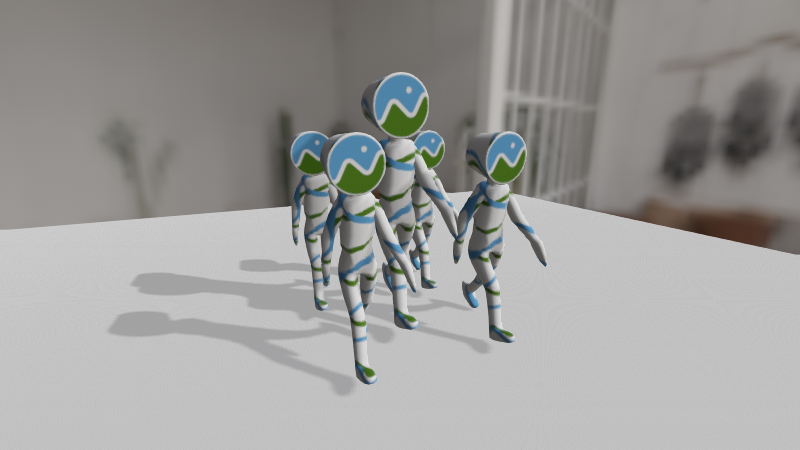 | 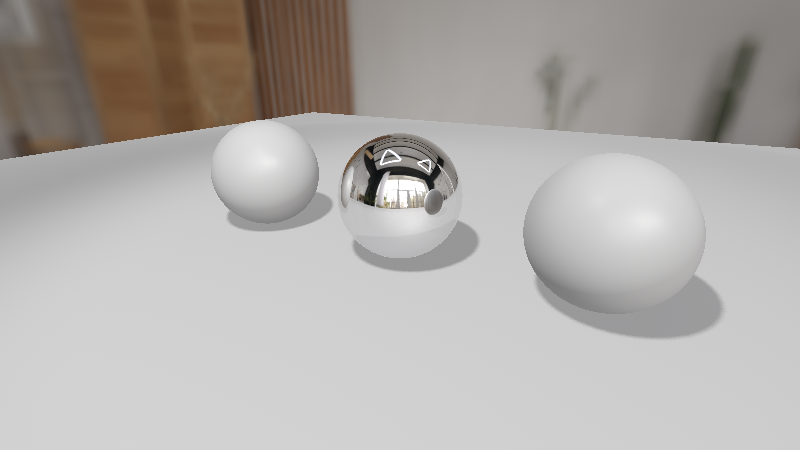 |
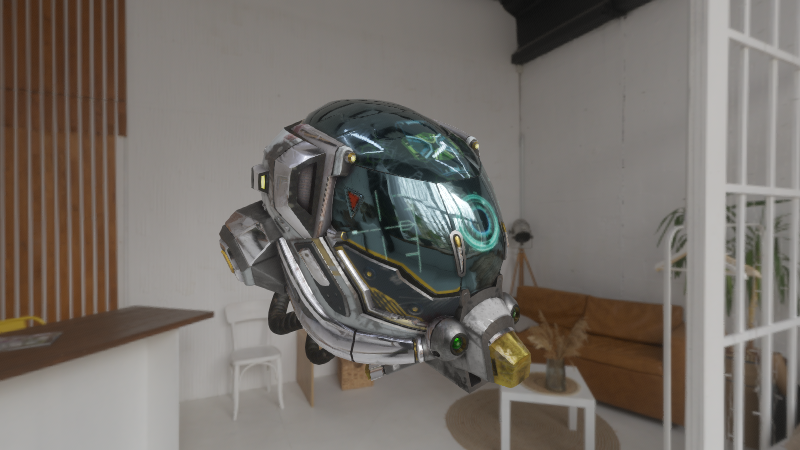 | 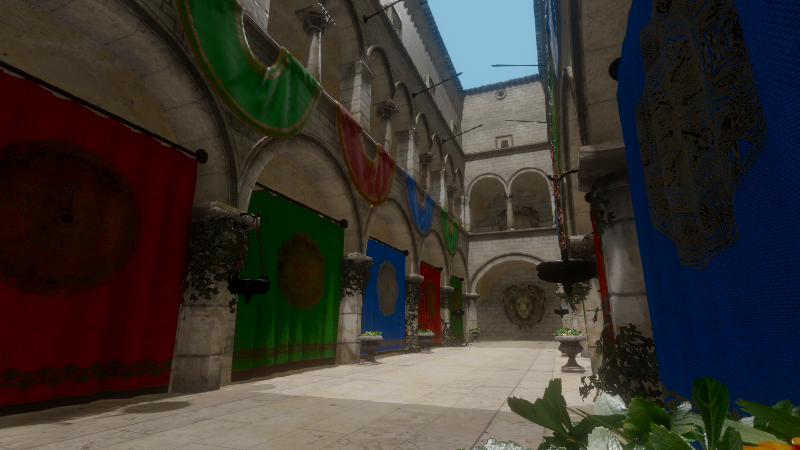 |
5,700 followers · starred Jun 2026
529 followers · starred May 2026
172 followers · starred Feb 2025
81 followers · starred Aug 2025
[!WARNING] It is recommended to use the pre-release tags. While you can use the master branch, unexpected API breaking changes may occur until the first official release is published.
To build R3D, you must have:
To use R3D, the required specifications are:
GL_ARB_texture_cube_map_array)Here is a list with all the ports available:
| Name | R3D Version | Language | License |
|---|---|---|---|
| r3d-cs | 0.11.0 | C# | Zlib |
| ray4laz_r3d | 0.11.0 | FreePascal | MIT |
| r3d-odin | 0.11.0 | Odin | Zlib |
Feel free to send a PR if you know of any binding/wrapper not in this list.
If you don't know how to start and want to try it quickly:
git clone --depth 1 --recurse-submodules https://github.com/Bigfoot71/r3d
cd r3d
mkdir build && cd build
cmake .. -DR3D_RAYLIB_VENDORED=ON -DR3D_ASSIMP_VENDORED=ON
cmake --build .
Or you can use r3dStarter made by Jens Roth.
#include <r3d/r3d.h>
#include <raymath.h>

int main(void)
{
    InitWindow(800, 600, "R3D Example");
    SetTargetFPS(60);

    R3D_Init(800, 600);

    // Create scene objects
    R3D_Mesh mesh = R3D_GenMeshSphere(1.0f, 16, 32);
    R3D_Material material = R3D_GetDefaultMaterial();

    // Setup lighting
    R3D_Light light = R3D_CreateDirLight((Vector3) {-1, -1, -1}, WHITE, 1.0f);

    // Camera setup
    Camera3D camera = {
        .position = {3, 3, 3},
        .target = {0, 0, 0},
        .up = {0, 1, 0},
        .fovy = 60.0f,
        .projection = CAMERA_PERSPECTIVE
    };

    // Main loop
    while (!WindowShouldClose()) {
        UpdateCamera(&camera, CAMERA_ORBITAL);
        BeginDrawing();
          R3D_Begin(camera);
            R3D_PushLight(light);
            R3D_DrawMesh(mesh, material, Vector3Zero(), 1.0f);
          R3D_End();
        EndDrawing();
    }

    R3D_UnloadMesh(mesh);
    R3D_Close();
    CloseWindow();
    return 0;
}
Licensed under the Zlib License - see LICENSE for details.
| |
| |
5,700 followers · starred Jun 2026
529 followers · starred May 2026
172 followers · starred Feb 2025
81 followers · starred Aug 2025



