
See what people are saying (1)
README
Jevvy
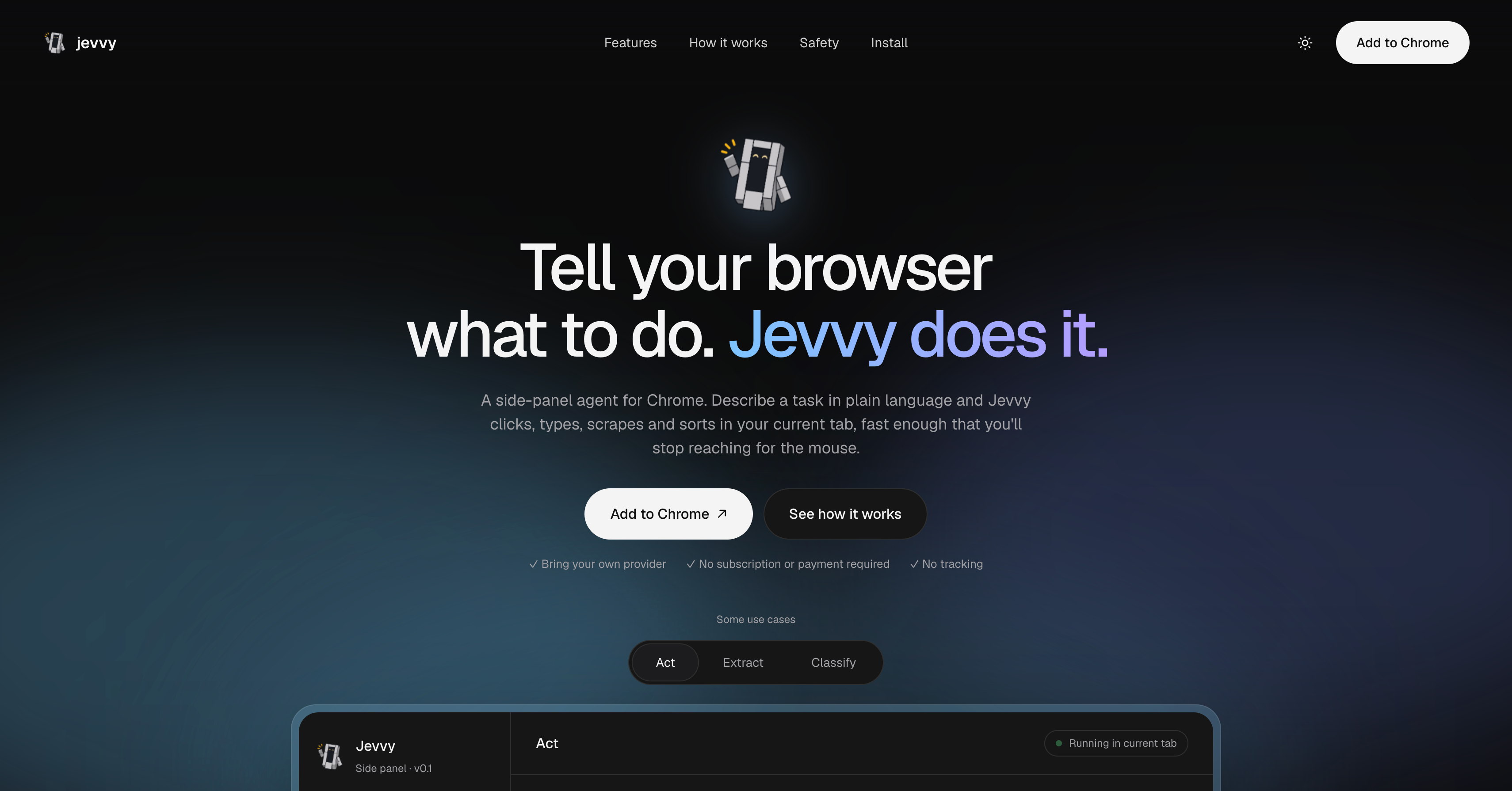
A Chrome side-panel extension: describe a browser task in plain language and Jevvy does it in your current tab.
- Jev (TypeSafe System One,
typesafe-ai/jev) makes the fast per-step decisions: which element to click, whether the goal is met, whether it's stuck, whether an action is risky, and how to classify each item in a list. - An LLM planner (Vercel AI Gateway, OpenAI or Anthropic, your choice) breaks the task into steps and supplies text Jev can't generate (search terms, form values, extracted fields). Jev hands off to it whenever it is unsure.
Jevvy is not on the Chrome Web Store yet. Install it manually with the steps below (about 2 minutes).
Install
Works on Chrome 116+ and other Chromium browsers (Edge, Brave, Arc, Opera, Vivaldi).
Option A: Download the zip (easiest, no build needed)
- Download jevvy.zip. (Or open
jevvy.zipin the repo's file list and click the download icon.) - Unzip it somewhere permanent (for example
~/Extensions/jevvy). Don't move or delete the folder afterwards; Chrome loads the extension from it. - Open
chrome://extensions(Edge:edge://extensions, Brave:brave://extensions). - Turn on Developer mode (top-right toggle).
- Click Load unpacked and select the unzipped folder (the one that contains
manifest.json). - Click the puzzle-piece icon in the toolbar and pin Jevvy, then click it to open the side panel.
Option B: Build from source
You need Node.js 20 or newer.
git clone https://github.com/Atominac/jevvy.git
cd jevvy
npm install
npm run build
Then follow steps 3-6 above, selecting the dist/ folder.
Set up your API keys
On first launch the panel opens Settings:
- Planning LLM: pick a provider (Vercel AI Gateway, OpenAI or Anthropic), paste its API key and choose a model (or Custom… to type any model ID).
- Automation LLM: choose Jev (TypeSafe API) with a TypeSafe key, or Vercel AI Gateway with a Vercel AI Gateway key (routes
typesafe-ai/jevviahttps://ai-gateway.vercel.sh/typesafe; needs paid credits). - Save, then open a normal website tab, type a task and press Run. The first run asks for site access; allow it.
Keys are stored only in chrome.storage.local in your browser. Use keys with spend limits.
Updating
Download the new jevvy.zip and replace the folder's contents (or, if built from source, git pull && npm install && npm run build). Then click the reload icon on the Jevvy card in chrome://extensions and reopen the side panel.
Troubleshooting
| Problem | Fix |
|---|---|
| "Manifest file is missing or unreadable" | You picked the wrong folder. Select the folder that directly contains manifest.json (dist/ if built from source). |
| Clicking the icon does nothing | Chrome is older than 116. Update it. |
| "Connection lost" in the panel | The extension was reloaded. Close and reopen the panel. |
| "Can't control this page" | Use a normal http(s) tab, not chrome:// or the Web Store. |
| Old UI after an update | Reload the extension on chrome://extensions, then reopen the panel. |
| "Disable developer mode extensions" prompt | Chrome shows this for unpacked extensions. Keep them enabled. |
Usage
| Kind | Example | How it works |
|---|---|---|
| act | "Find the cheapest one-way SFO→JFK flight next Friday" | snapshot → Jev picks from a menu of real page elements → execute → verify, looped |
| extract | "Scrape name and price of every product" | finds the repeated list, scrolls to load more, planner maps rows to your fields → table + CSV |
| classify | "Sort my inbox into urgent / newsletter / receipt" | finds the list, Jev classifies each item (8 in parallel) → table + CSV |
| ask | missing dates, names | asks you in the panel |
- After a task, keep going with a follow-up ("now pick the cheapest"); it continues in the same tab.
- New chat starts fresh, optionally in a new tab. History lists saved conversations (last 50, in
chrome.storage.local).
Safety
- Never types into password or card fields; bookings stop at the payment page.
- Click targets that look like purchase/send/delete/submit go through a Jev risk check and need your approval.
- Step limits, loop detection, a Stop button, and closing the panel stops the run.
- Page text is passed to the planner as untrusted data.
- Keys only go to the providers you chose (api.typesafe.ai, ai-gateway.vercel.sh, api.openai.com, api.anthropic.com).
Development
npm run watch      # rebuild on change (reload the extension after)
npm run typecheck
npm run package    # builds and writes jevvy.zip from dist/
Layout: src/content.ts page snapshot/actions/list detection · src/agent.ts the loop · src/jev.ts Jev calls · src/planner.ts LLM planner · src/background.ts service worker · src/sidepanel.tsx + src/components/ UI (React, Tailwind v4, shadcn/ui; add components with npx shadcn@latest add <name>).
To add a provider, add an entry to PROVIDERS in src/shared.ts and a matching method in src/planner.ts.
Known limits: main frame only (no iframes or shadow DOM), viewport-only element menus, one tab at a time.
Contributing
Issues and pull requests are welcome.
License
Contributors

2 commits
Similar repos


Languages
TypeScript
96.7%
CSS
2.1%
See what people are saying (1)
README
Jevvy
A Chrome side-panel extension: describe a browser task in plain language and Jevvy does it in your current tab.
- Jev (TypeSafe System One,
typesafe-ai/jev) makes the fast per-step decisions: which element to click, whether the goal is met, whether it's stuck, whether an action is risky, and how to classify each item in a list. - An LLM planner (Vercel AI Gateway, OpenAI or Anthropic, your choice) breaks the task into steps and supplies text Jev can't generate (search terms, form values, extracted fields). Jev hands off to it whenever it is unsure.
Jevvy is not on the Chrome Web Store yet. Install it manually with the steps below (about 2 minutes).
Install
Works on Chrome 116+ and other Chromium browsers (Edge, Brave, Arc, Opera, Vivaldi).
Option A: Download the zip (easiest, no build needed)
- Download jevvy.zip. (Or open
jevvy.zipin the repo's file list and click the download icon.) - Unzip it somewhere permanent (for example
~/Extensions/jevvy). Don't move or delete the folder afterwards; Chrome loads the extension from it. - Open
chrome://extensions(Edge:edge://extensions, Brave:brave://extensions). - Turn on Developer mode (top-right toggle).
- Click Load unpacked and select the unzipped folder (the one that contains
manifest.json). - Click the puzzle-piece icon in the toolbar and pin Jevvy, then click it to open the side panel.
Option B: Build from source
You need Node.js 20 or newer.
git clone https://github.com/Atominac/jevvy.git
cd jevvy
npm install
npm run build
Then follow steps 3-6 above, selecting the dist/ folder.
Set up your API keys
On first launch the panel opens Settings:
- Planning LLM: pick a provider (Vercel AI Gateway, OpenAI or Anthropic), paste its API key and choose a model (or Custom… to type any model ID).
- Automation LLM: choose Jev (TypeSafe API) with a TypeSafe key, or Vercel AI Gateway with a Vercel AI Gateway key (routes
typesafe-ai/jevviahttps://ai-gateway.vercel.sh/typesafe; needs paid credits). - Save, then open a normal website tab, type a task and press Run. The first run asks for site access; allow it.
Keys are stored only in chrome.storage.local in your browser. Use keys with spend limits.
Updating
Download the new jevvy.zip and replace the folder's contents (or, if built from source, git pull && npm install && npm run build). Then click the reload icon on the Jevvy card in chrome://extensions and reopen the side panel.
Troubleshooting
| Problem | Fix |
|---|---|
| "Manifest file is missing or unreadable" | You picked the wrong folder. Select the folder that directly contains manifest.json (dist/ if built from source). |
| Clicking the icon does nothing | Chrome is older than 116. Update it. |
| "Connection lost" in the panel | The extension was reloaded. Close and reopen the panel. |
| "Can't control this page" | Use a normal http(s) tab, not chrome:// or the Web Store. |
| Old UI after an update | Reload the extension on chrome://extensions, then reopen the panel. |
| "Disable developer mode extensions" prompt | Chrome shows this for unpacked extensions. Keep them enabled. |
Usage
| Kind | Example | How it works |
|---|---|---|
| act | "Find the cheapest one-way SFO→JFK flight next Friday" | snapshot → Jev picks from a menu of real page elements → execute → verify, looped |
| extract | "Scrape name and price of every product" | finds the repeated list, scrolls to load more, planner maps rows to your fields → table + CSV |
| classify | "Sort my inbox into urgent / newsletter / receipt" | finds the list, Jev classifies each item (8 in parallel) → table + CSV |
| ask | missing dates, names | asks you in the panel |
- After a task, keep going with a follow-up ("now pick the cheapest"); it continues in the same tab.
- New chat starts fresh, optionally in a new tab. History lists saved conversations (last 50, in
chrome.storage.local).
Safety
- Never types into password or card fields; bookings stop at the payment page.
- Click targets that look like purchase/send/delete/submit go through a Jev risk check and need your approval.
- Step limits, loop detection, a Stop button, and closing the panel stops the run.
- Page text is passed to the planner as untrusted data.
- Keys only go to the providers you chose (api.typesafe.ai, ai-gateway.vercel.sh, api.openai.com, api.anthropic.com).
Development
npm run watch      # rebuild on change (reload the extension after)
npm run typecheck
npm run package    # builds and writes jevvy.zip from dist/
Layout: src/content.ts page snapshot/actions/list detection · src/agent.ts the loop · src/jev.ts Jev calls · src/planner.ts LLM planner · src/background.ts service worker · src/sidepanel.tsx + src/components/ UI (React, Tailwind v4, shadcn/ui; add components with npx shadcn@latest add <name>).
To add a provider, add an entry to PROVIDERS in src/shared.ts and a matching method in src/planner.ts.
Known limits: main frame only (no iframes or shadow DOM), viewport-only element menus, one tab at a time.
Contributing
Issues and pull requests are welcome.
License
Similar repos
Contributors
2 commits
Languages
TypeScript
96.7%
CSS
2.1%